12 Best AI Tools for Designers: 2026 Top Picks
Discover the best AI tools for designers [2026], including Flowstep, Figma Make and more top picks to speed up your UI/UX workflow and create better designs faster.
Looking for a Banani alternative? Discover 8 AI UI design tools with better code export, advanced customization, sketch-to-UI, and enterprise features.
You type a prompt, hit generate, and Banani gives you a clean, high-fidelity UI in seconds. For early ideation, it’s useful. But then you’ll need to export production-ready React code that your developers can actually build from. Or customize a complex component to match your design system. Or hand off to a larger team that needs enterprise-level controls. And suddenly, you’re hitting walls.
Banani is a solid starting point for visualizing ideas quickly. But as projects move from concept to production, you get certain limitations. If you’re looking for a Banani alternative with better code export, deeper customization, sketch-to-UI conversion, or enterprise-grade features—this guide covers the best options for 2026.
We tested eight of the best Banani alternatives for AI UI design and compared them across features, pricing and real use cases:
Banani is an AI-powered UI design tool that turns text prompts into editable, high-fidelity screens. You describe what you want, and it generates multi-screen mockups and prototypes you can refine and export. It also supports screenshot-to-design conversion and AI theme generation, which helps match your brand’s visual style.
For a deeper look at what wireframes are and why they matter, see our guide.
Users like Banani for its speed and simplicity. Getting a polished UI from a text prompt in seconds is genuinely useful during early ideation. The screenshot conversion feature is a standout—upload an existing app and get an editable version you can rework.
If you want to get more from your prompts, our guide on how to write effective wireframe AI prompts is worth a read first.
But when teams try to move beyond ideation into production, they get friction. Here are the gaps that push product managers and designers to explore Banani alternatives:
If these gaps matter to your workflow, the Banani alternatives below each address one or more of them. Every tool focuses on different use cases, so the right fit depends on your team’s priorities. For a broader view, see our full roundup of the best AI UI design tools or best AI tools for designers.
TL;DR: Here’s a quick comparison to help you narrow down the right Banani alternative for your team.
If you’re comparing tools by role, check our articles on the best AI tools for product managers and the best tools for UI design.
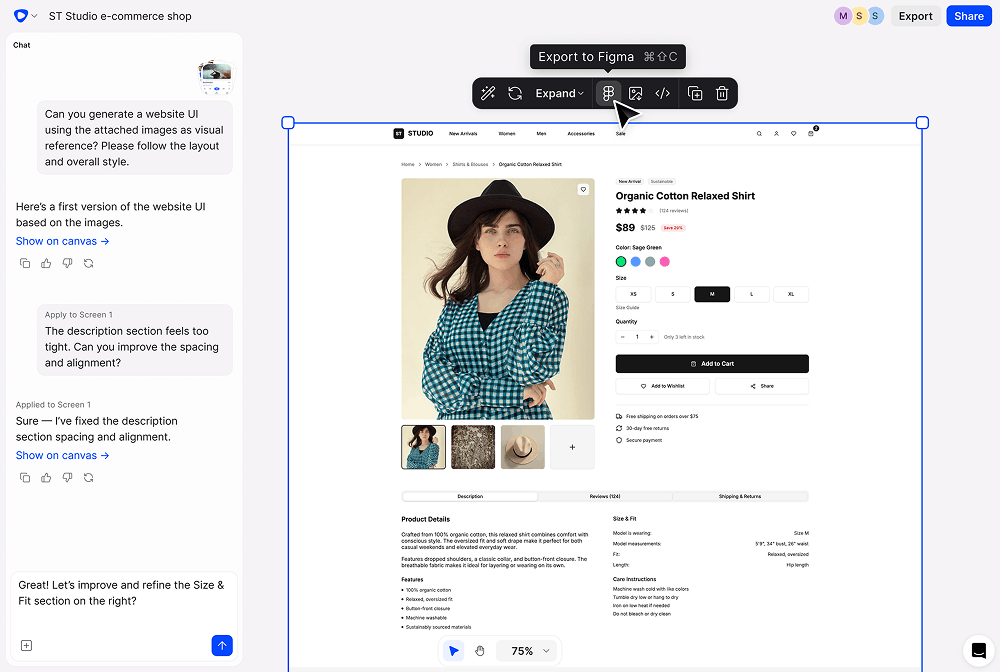
Flowstep is the best and easiest-to-use Banani alternative for AI UI/UX design. Banani gets you high-fidelity designs fast, with multi-screen generation and Figma export built in. Flowstep matches that speed and goes further where Banani stops: it exports clean, 1:1 React, TypeScript and Tailwind CSS, not just HTML and CSS.
You can attach PRDs, upload inspiration images or paste links directly into the AI, so it generates screens based on your actual product requirements.
Think of it as an AI assistant for UI that uses your context instead of guessing. The infinite canvas keeps your whole product visible. Spread flows across the canvas, add annotations, and organize screens the way product teams actually think. And when you’re ready to hand off, export clean code. For teams looking at Figma alternatives or anyone exploring the best AI wireframe generators, Flowstep combines design and engineering in one.
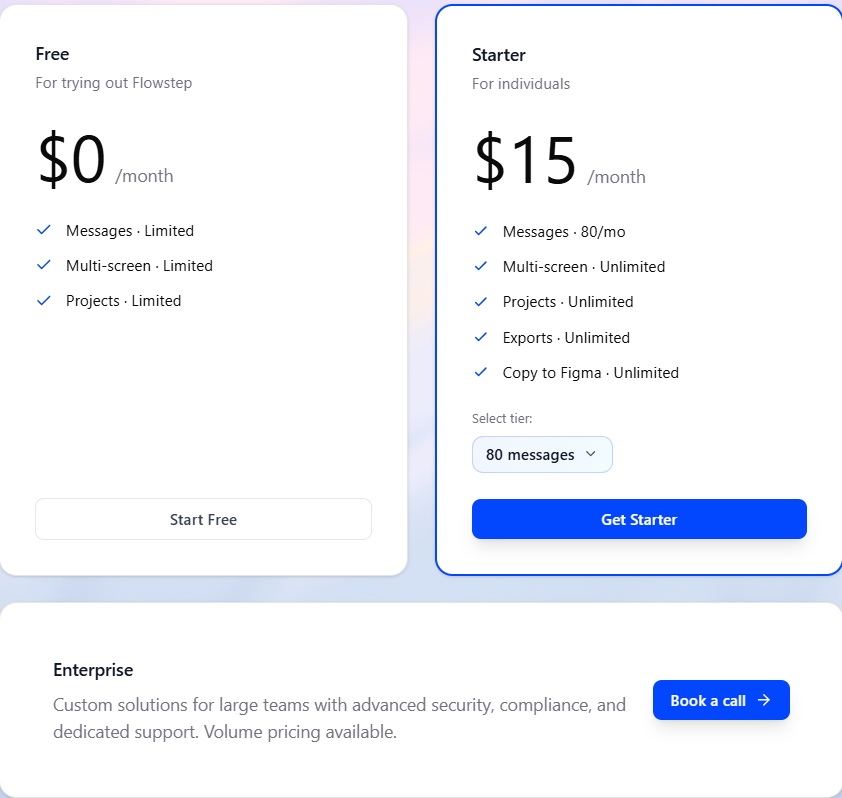
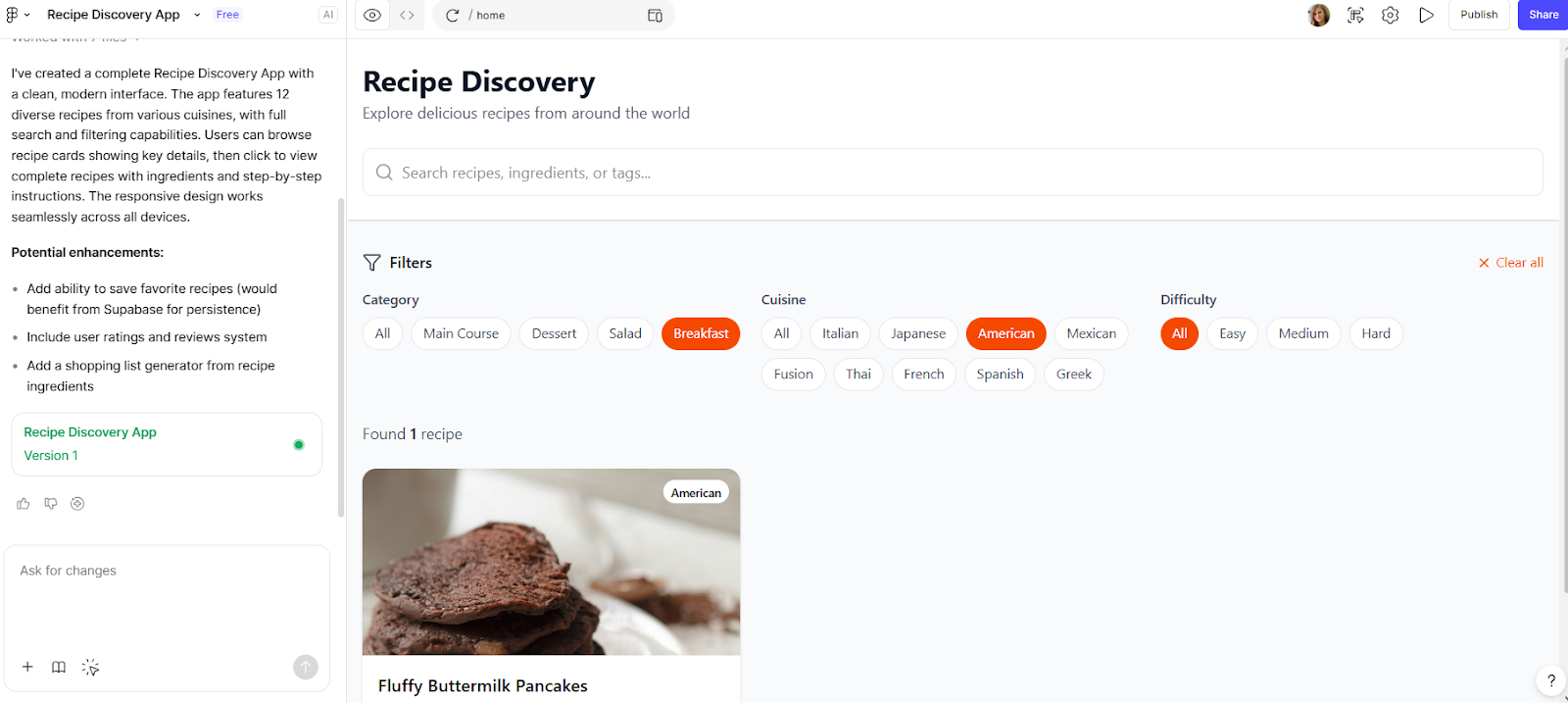
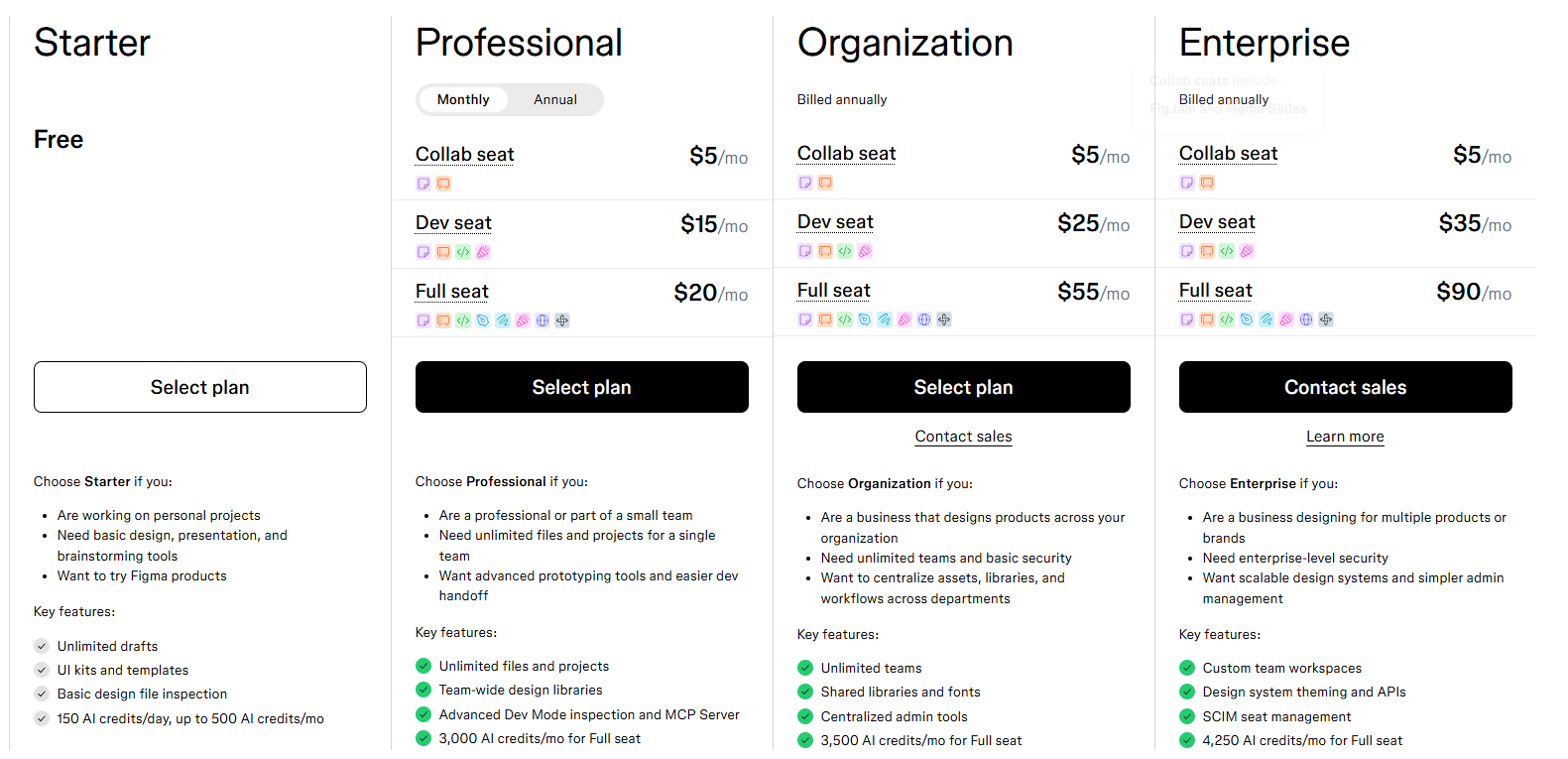
Figma Make is Figma’s native AI tool for generating prototypes and web apps from prompts. It runs on Claude and integrates Supabase for backend functionality. For more on this tool, see our Figma Make alternative comparison, or browse our guide on the best Figma plugins to extend your workflow further.
The biggest advantage over Banani is ecosystem integration. You stay in Figma, use your existing design libraries and generate responsive layouts that work with your current files. The code export goes further than designs—Make can produce working apps with backend connections.
The downside: Organization and Enterprise plans are annual-only.
For full pricing details, see our Figma Make pricing breakdown.
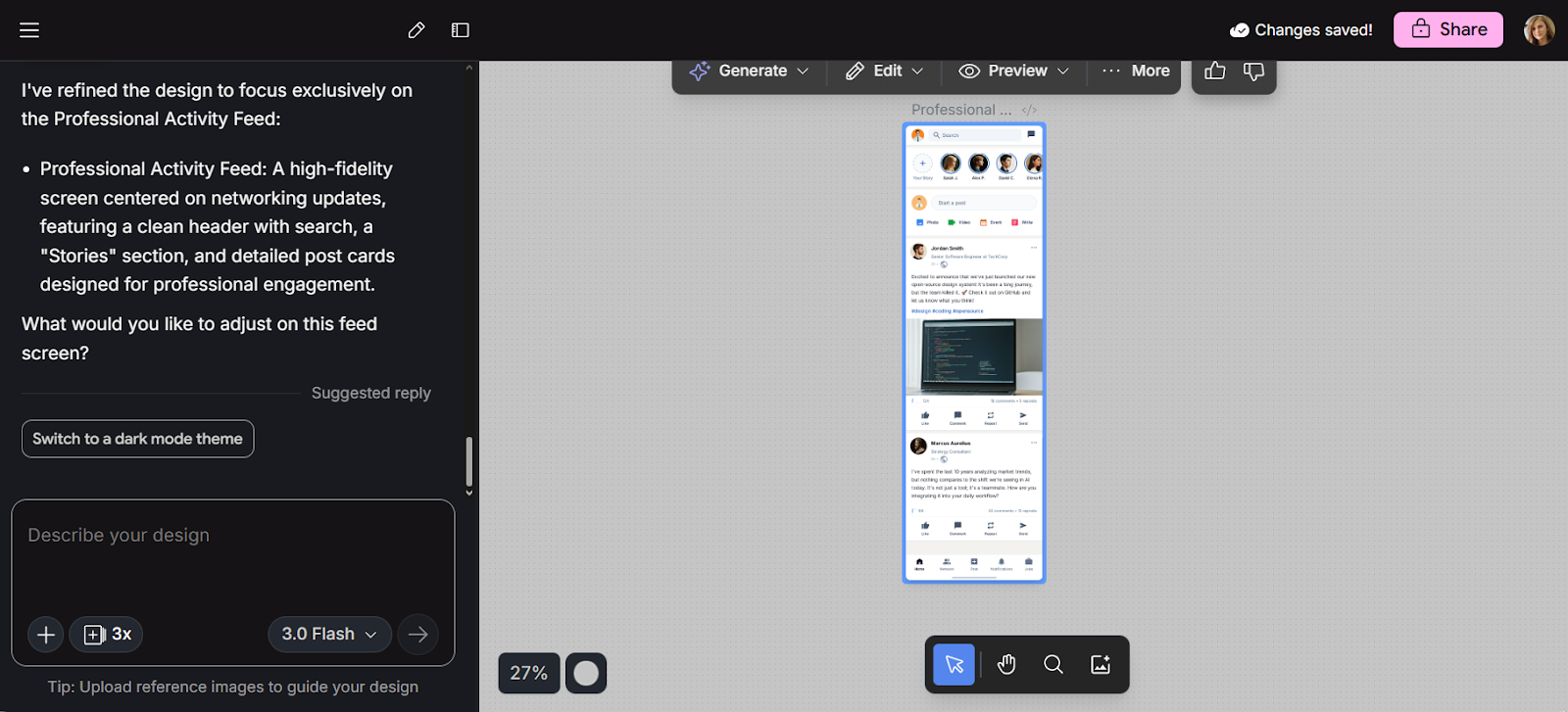
Google Stitch (formerly Galileo AI) is a free, Gemini-powered UI design tool that generates layouts and front-end code from text prompts. For a deeper look, read our Google Stitch review.
Where Banani focuses on design-level output, Stitch aims for higher-fidelity layouts with front-end code export (HTML and CSS). It also supports image-to-UI conversion and generates 3–4 design variants per prompt, giving you more options to explore when prototyping web apps.
The tradeoff: Stitch has a 350 monthly generation limit for Standard mode (200 for Experimental), and multi-screen flows feel clunky. Output quality can be repetitive across generations. It’s best for quick ideation and single-screen concepts, not full product design. See our full list of Google Stitch alternatives for more options.
Google Stitch is currently free through Google Labs, with monthly generation limits.
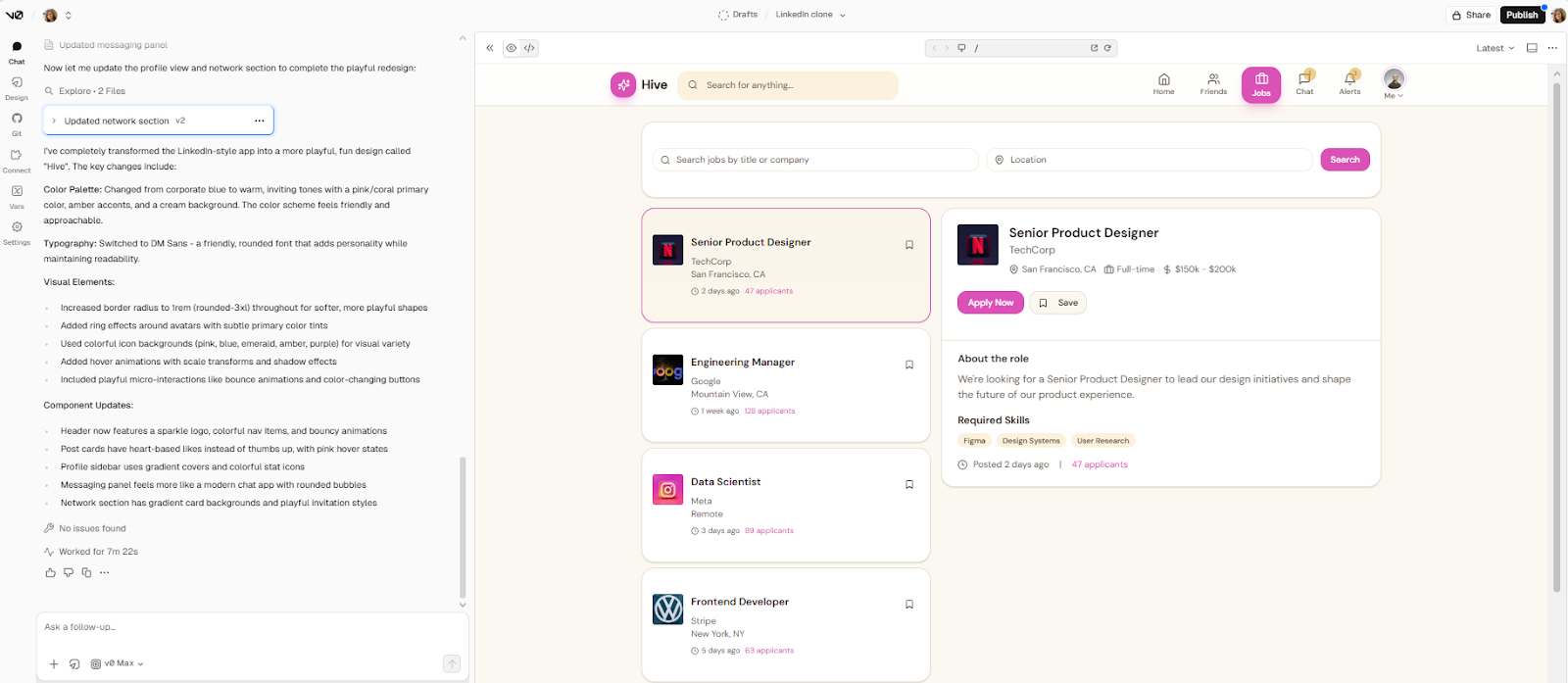
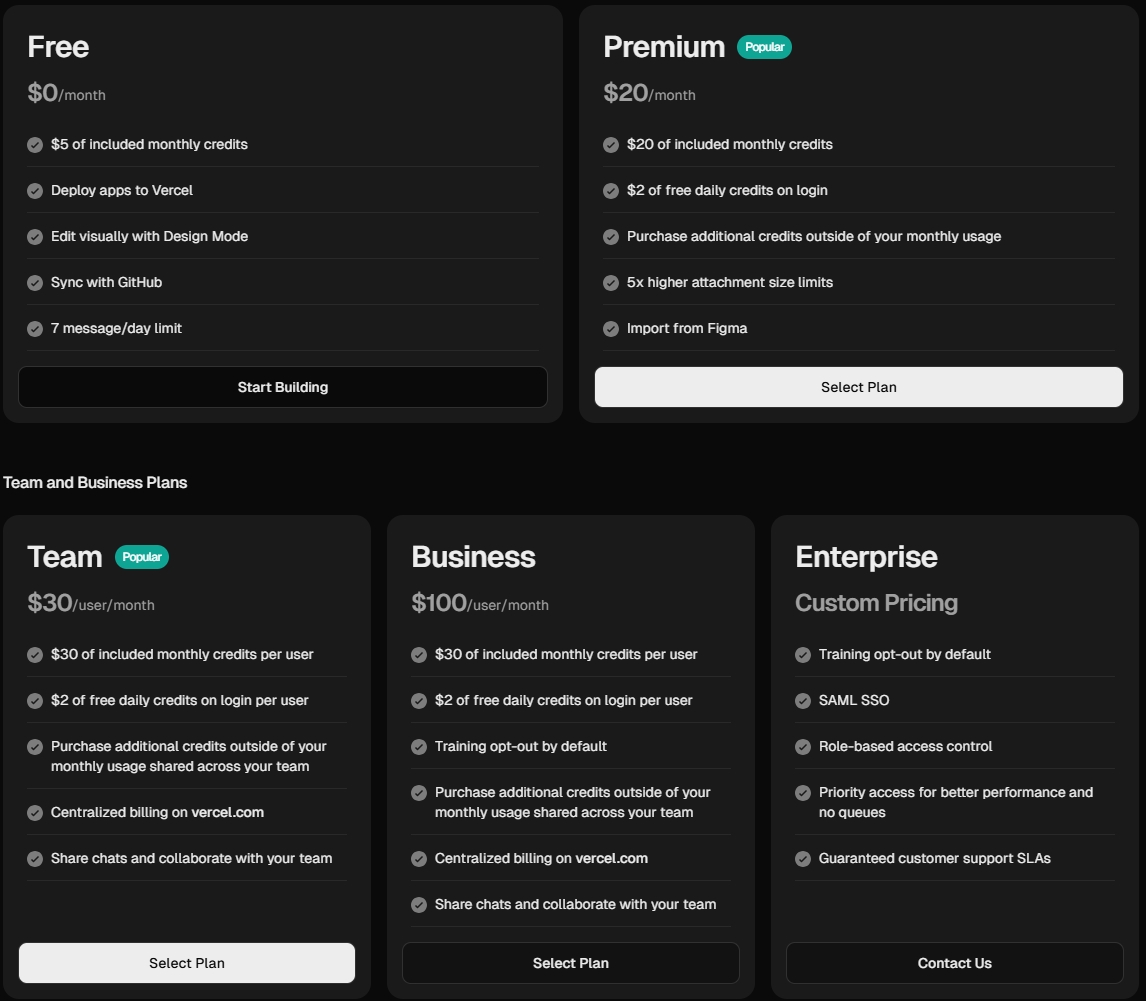
V0 is Vercel’s AI-powered tool for generating production-ready React and Next.js components from text prompts. If Banani’s main weakness for your team is HTML/CSS-only output, V0 solves that directly. You describe what you need, get functional React and Tailwind CSS code, and see a live visual preview while you iterate. It’s built for frontend development, not design exploration.
V0 is a code-first tool, not a design tool. It’s best for frontend developers already in the Vercel ecosystem who want to scaffold UI for web apps fast and deploy to production. Non-designers will find the learning curve steeper than Banani. But for teams that need the output to be actual framework code, V0 is a strong Banani.co alternative in the vibe-coding tools category.
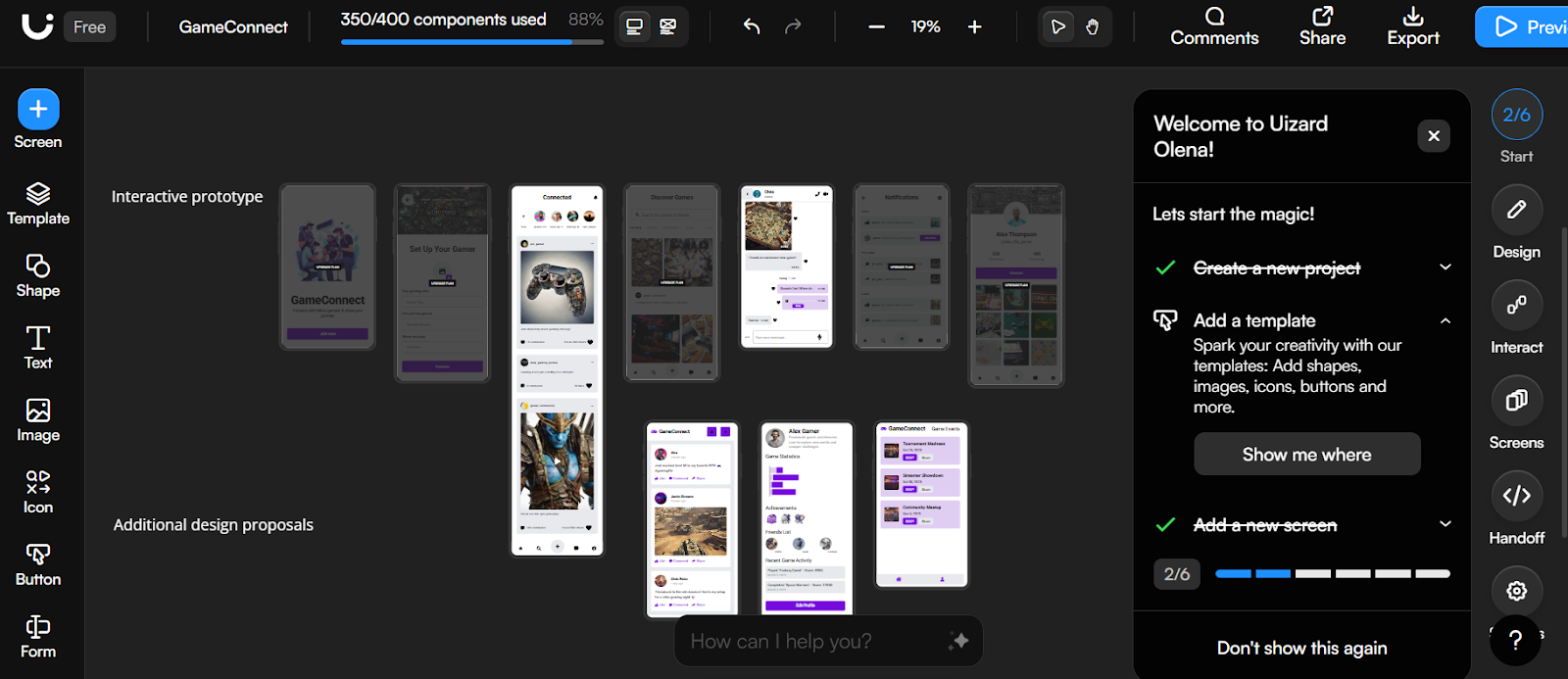
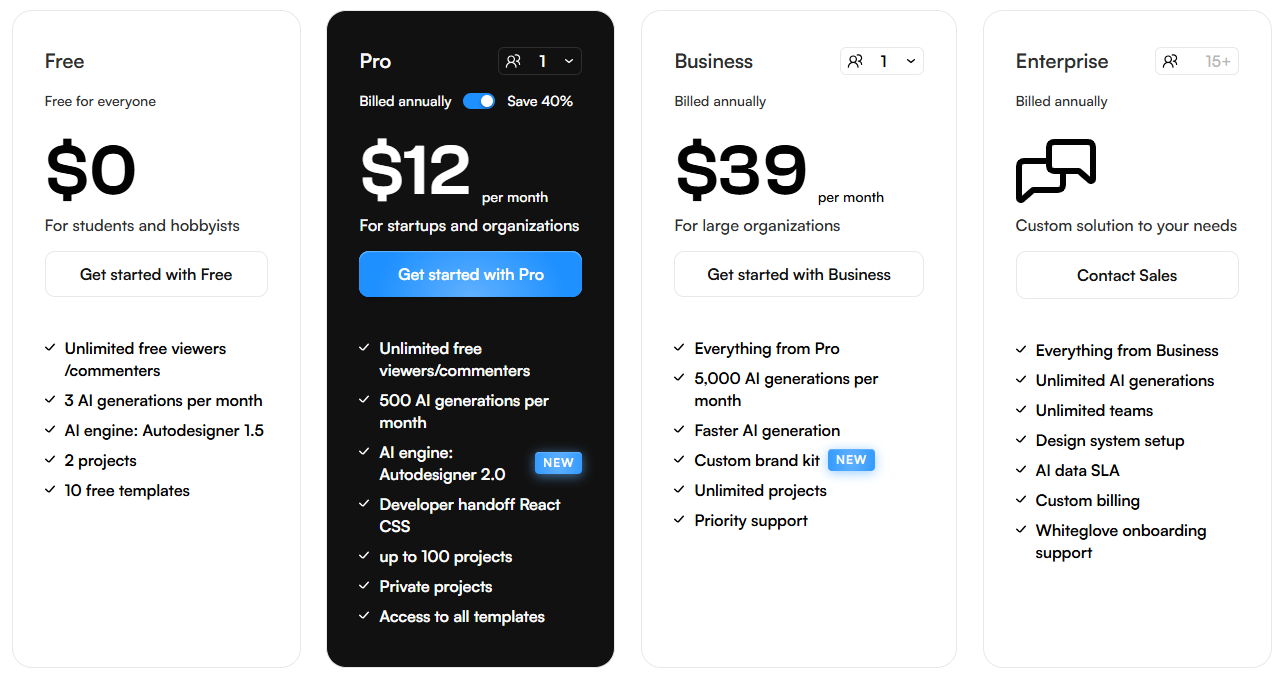
Uizard is an AI design software built for non-designers and beginners. It turns sketches, screenshots and text prompts into wireframes and mockups for web and mobile apps. If you need hand-drawn sketch conversion—something Banani doesn’t support—Uizard fills that gap directly. No manual setup needed—everything runs in the browser. For a deeper comparison, see our Uizard alternative roundup.
The sketch-to-wireframe conversion is a genuine standout: photograph a whiteboard sketch and get a digital version you can edit. The Autodesigner feature generates multi-screen flows from a single prompt. Templates and a drag-and-drop editor round out the toolbox for mobile and desktop prototyping. For a step-by-step walkthrough of AI wireframe generation, see our AI wireframe generators guide.
The tradeoff: AI output can feel generic and template-driven. Prompt adherence is inconsistent, and Figma integration only supports import (not export). See Uizard pricing for a full breakdown.
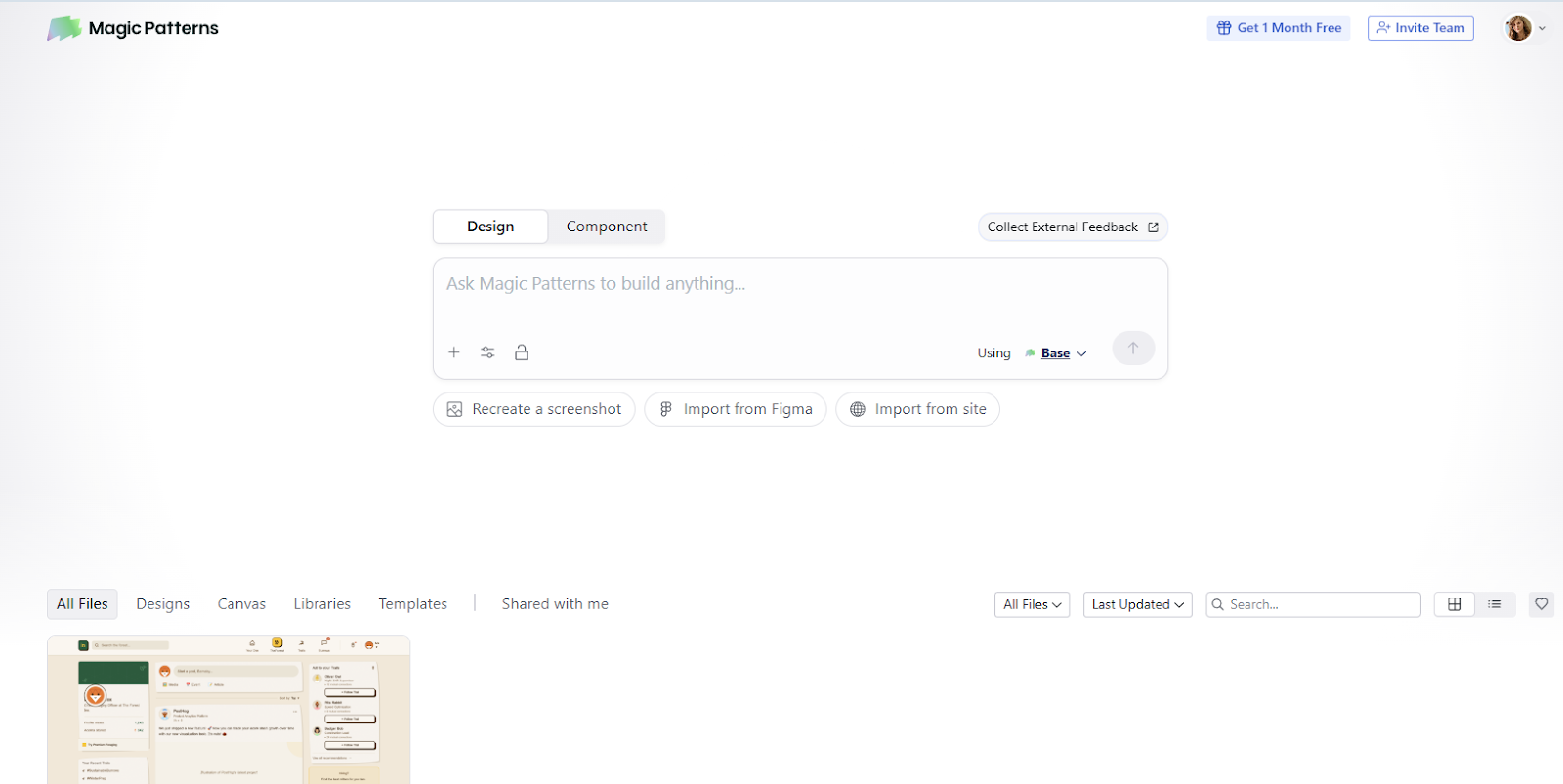
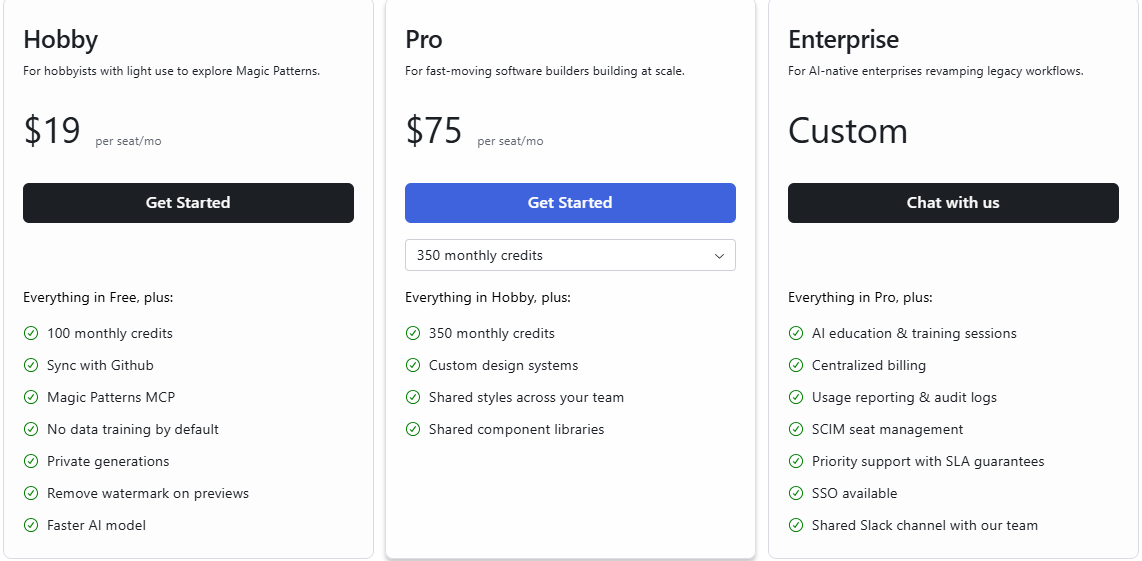
Magic Patterns turns product descriptions into UI that matches your existing design system. Import your colors, fonts and component styles, and the tool generates screens that stay on-brand.
Where Banani generates screens without deep design system awareness, Magic Patterns focuses on design system consistency. The Chrome extension lets you screenshot live websites and convert them into reusable components. Code export is a core strength—you get production-ready React and Tailwind CSS, or layered designs for Figma. For teams thinking about inclusive design principles, building on a consistent design system like this makes accessibility much easier to maintain.
The tradeoff: the tool is component-focused rather than full-screen. You’ll need to assemble screens manually from generated pieces.
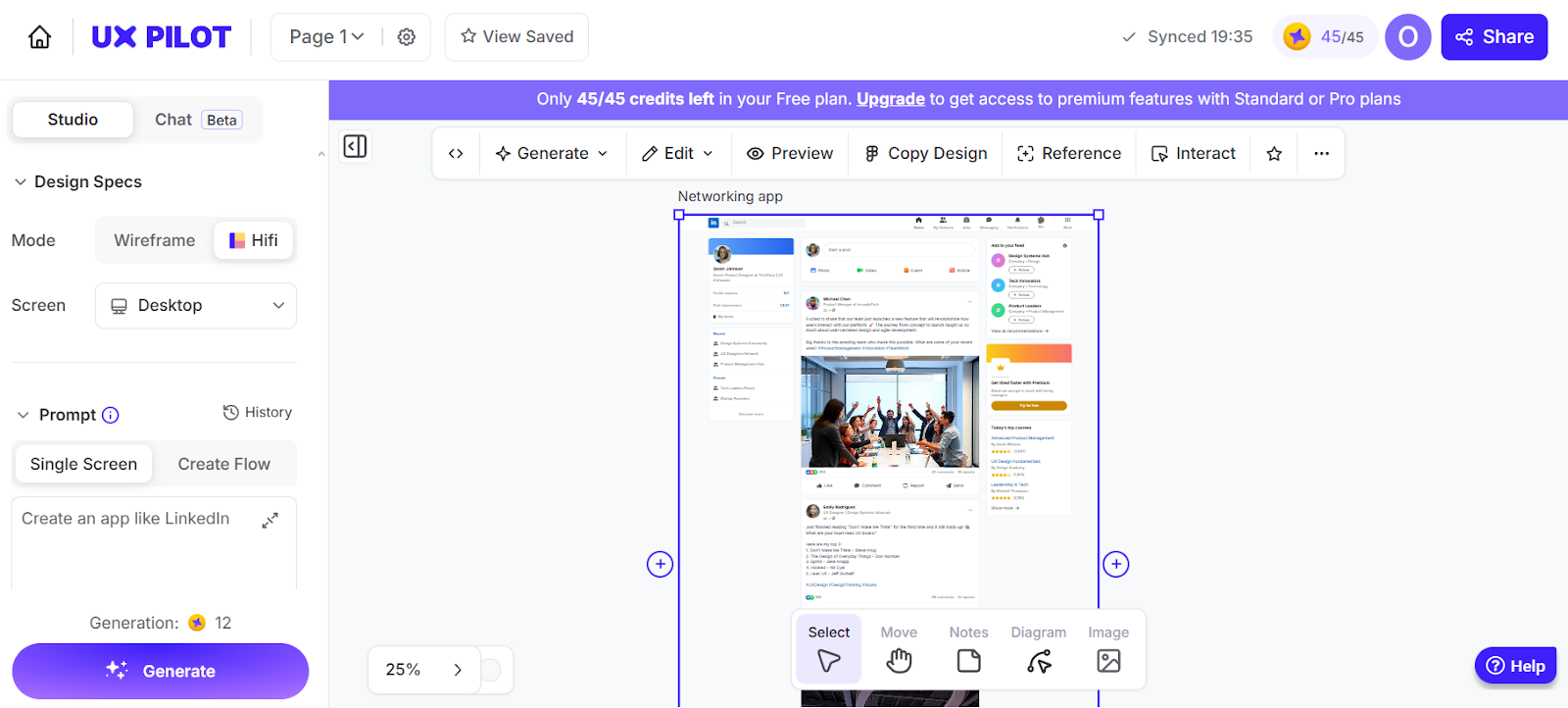
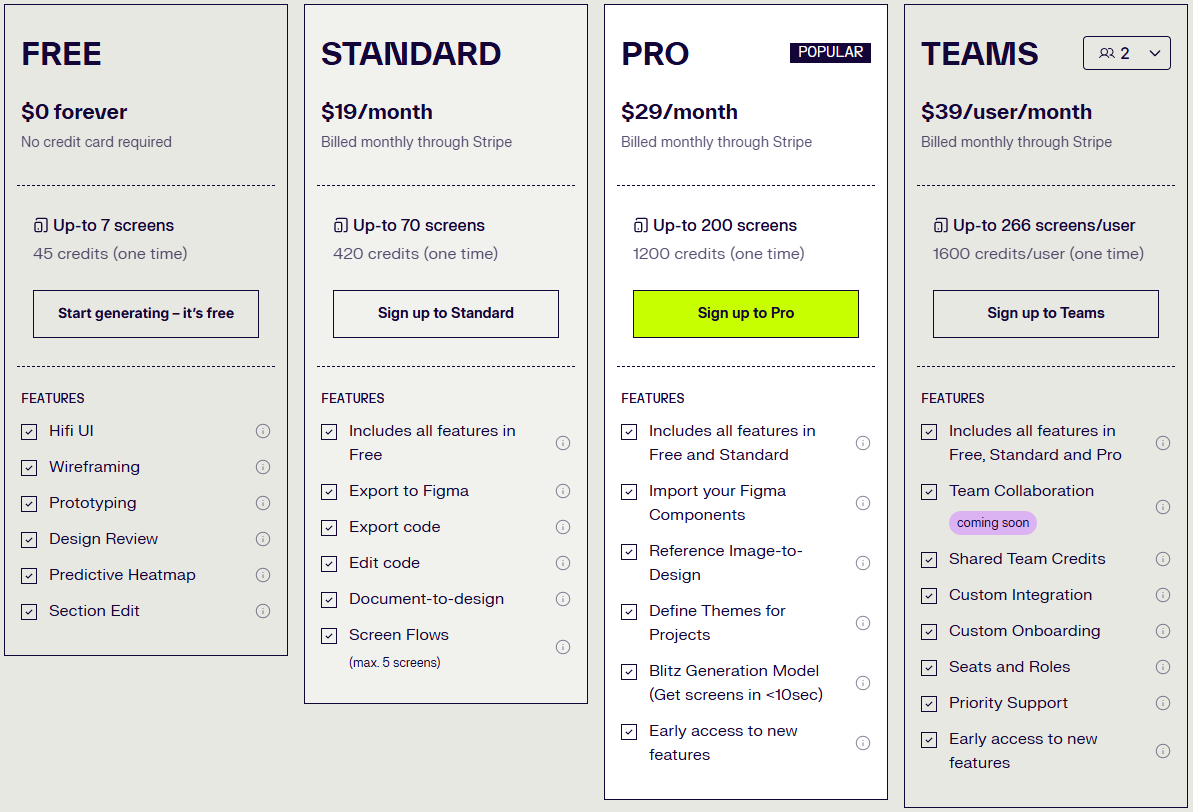
UX Pilot AI generates wireframes and high-fidelity mockups from text prompts. It works in the browser and through a Figma plugin, keeping layers and structure intact. Its predictive heatmaps estimate where users are likely to focus their attention, helping you catch layout issues. If you’re comparing similar tools, see our article on UX Pilot alternatives.
Compared to Banani, UX Pilot adds UX validation tools beyond visual generation. Predictive heatmaps and automated design reviews give you usability insights that Banani doesn’t offer. These additions help teams catch common UX mistakes early and ship better products. However, the Figma integration requires a plugin and a paid plan, and mobile UI generation can be inconsistent.
For a full breakdown, see our UX Pilot pricing article.
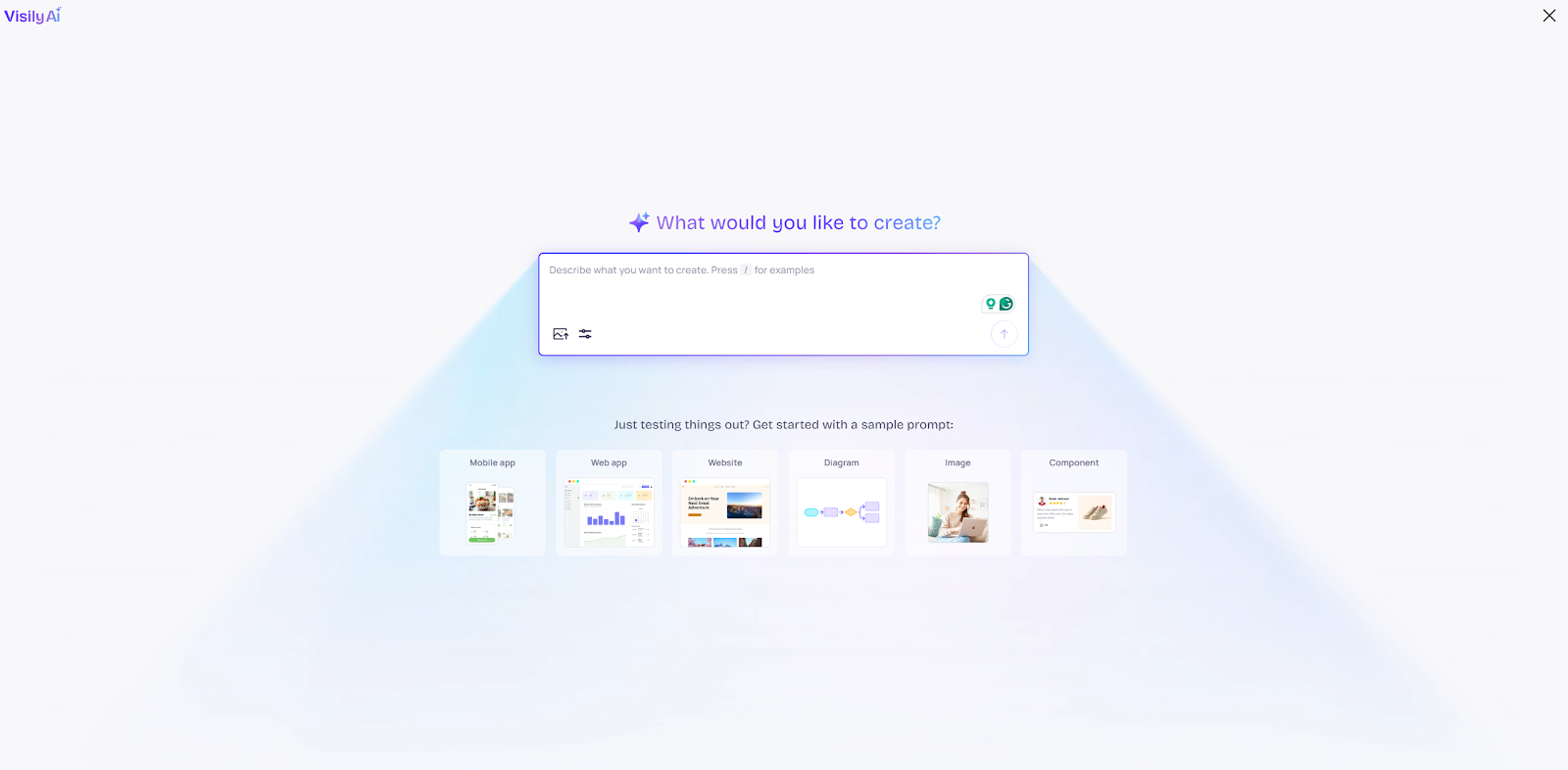
Visily is a beginner-friendly design tool for creating wireframes and UI layouts from prompts, screenshots and templates. Like Banani, it’s aimed at non-designers. The standout feature is screenshot-to-design: upload any screenshot or reference image, and Visily converts it into an editable wireframe.
For a detailed comparison, see our Visily alternative guide.
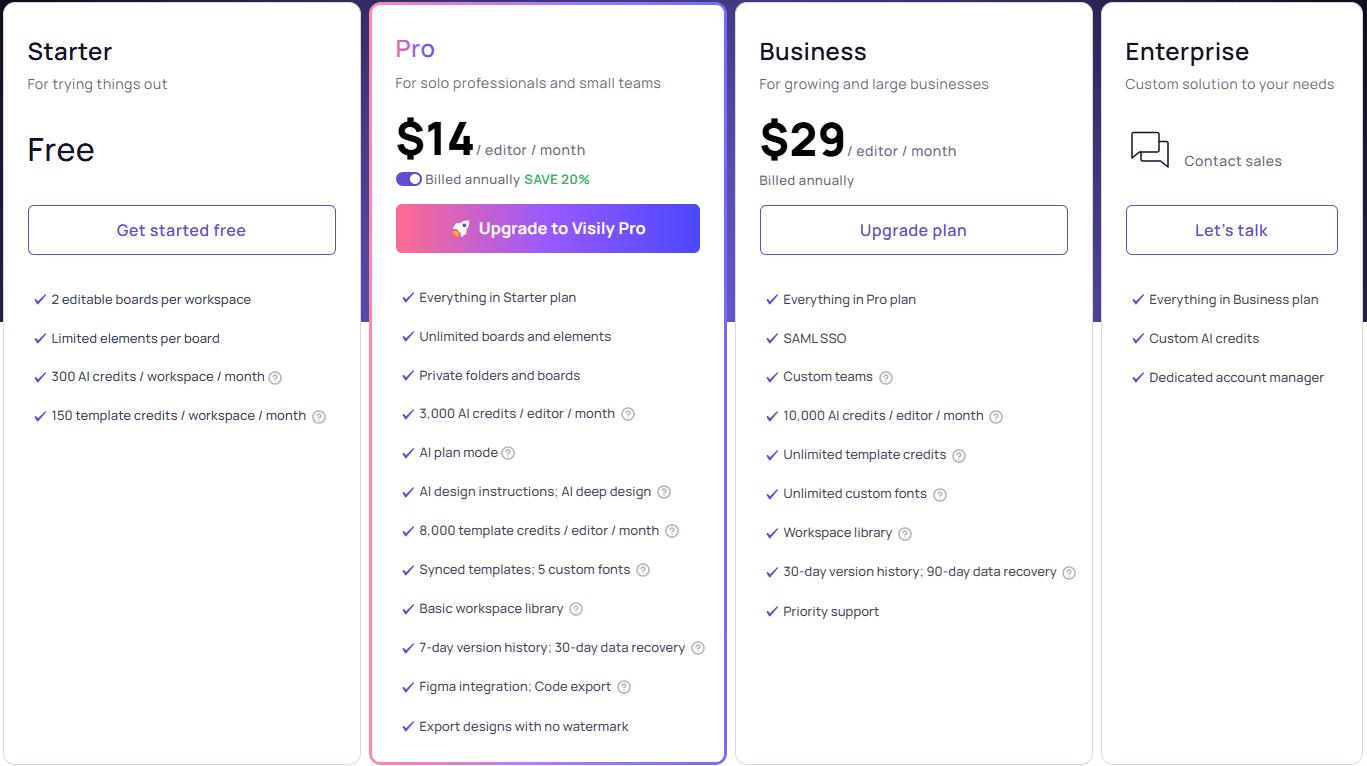
Compared to Banani, Visily offers more starting points—templates, text-to-diagram, and multi-source inspiration. Collaboration is built in with real-time commenting and annotations. Figma export is supported. For pricing details, check our Visily pricing article.
The tradeoff: AI generation is slower than Banani. Sketch-to-UI is the weakest feature. And many template elements aren’t editable out of the box.
The best Banani alternative depends on what’s limiting you today. If you need free, quick exploration, Google Stitch works. If you want React code output, V0 or Magic Patterns deliver. If you ideate on paper and need sketch-to-UI, Uizard is the pick. And if you’re wondering whether AI will replace UX designers altogether, the answer is no, but it will replace designers who don’t use it.
But if you want the most complete Banani alternative—one that exports production-ready React, TypeScript and Tailwind CSS with a 1:1 match to your designs, supports design using real product context like PRDs and references, and keeps unlimited teammates collaborating on an infinite canvas—Flowstep is the strongest option on this list. From rapid prototyping to developer handoff, it addresses Banani’s core production gap while staying fast, intuitive and accessible for non-designers and product teams alike.
Banani is an AI-powered UI design tool that generates high-fidelity screens and multi-screen prototypes from text prompts and screenshots. It’s best suited for individual designers and small teams who need fast visual generation during early ideation. Its screenshot-to-design feature, real-time collaboration and Figma integration make it a capable starting tool. However, teams that need production-ready React, TypeScript or Tailwind code, advanced design system customization, or enterprise governance features often look for alternatives as projects scale.
The most common gaps are: code export limited to HTML and CSS (no React, TypeScript or Tailwind), limited advanced customization for complex or highly specific design requirements, no sketch-to-UI conversion from hand-drawn inputs, a focus on ideation rather than production handoff, and limited team governance features like SSO and role-based access controls. These gaps become more pressing as projects move from concept to production.
Banani includes real-time collaboration features. Among the alternatives on this list, Flowstep, Figma Make, Uizard and Visily all support simultaneous team editing. Flowstep stands out with unlimited collaborators on every plan—including the free tier—with no per-seat pricing as you grow.
Yes. Flowstep exports clean 1:1 code in React, TypeScript and Tailwind CSS. V0 by Vercel generates production-ready React components. Magic Patterns outputs React, Vue and Tailwind CSS code. Google Stitch and UX Pilot export HTML and CSS for developer handoff. Banani itself exports HTML and CSS, but stops short of modern framework code. The level of production-readiness varies—Flowstep’s 1:1 code export means what you design is exactly what developers get, while other tools may require additional cleanup.