16 Best AI Tools for Designers: 2026 Top Picks
Discover the best AI tools for designers [2026], including Flowstep, Figma Make and more top picks to speed up your UI/UX workflow and create better designs faster.
Looking for a Google Stitch alternative? Discover 8 tools for better AI UI design, faster workflows, easier collaboration and more control over editing.
You type a “personal finance app to track spending, budgets and savings” and seconds later, a working app layout appears. That’s the promise of Google Stitch—turning rough concepts into usable screens in seconds. For quick exploration, it delivers.
But if you’ve ever used it, you may have noticed its limits. It’s fine for generating single screens, but once you try building a longer flow, it often stops after just a few layouts. Also, generic output and occasional bugs can slow down progress.
If Google Stitch isn’t quite meeting your needs, don’t worry. In this guide, you’ll discover eight of the best Google Stitch (Galileo AI) alternatives, each designed for different needs and use cases.
Use this guide to find the tool that best fits your workflow, design depth and product stage. Here are our top choices:
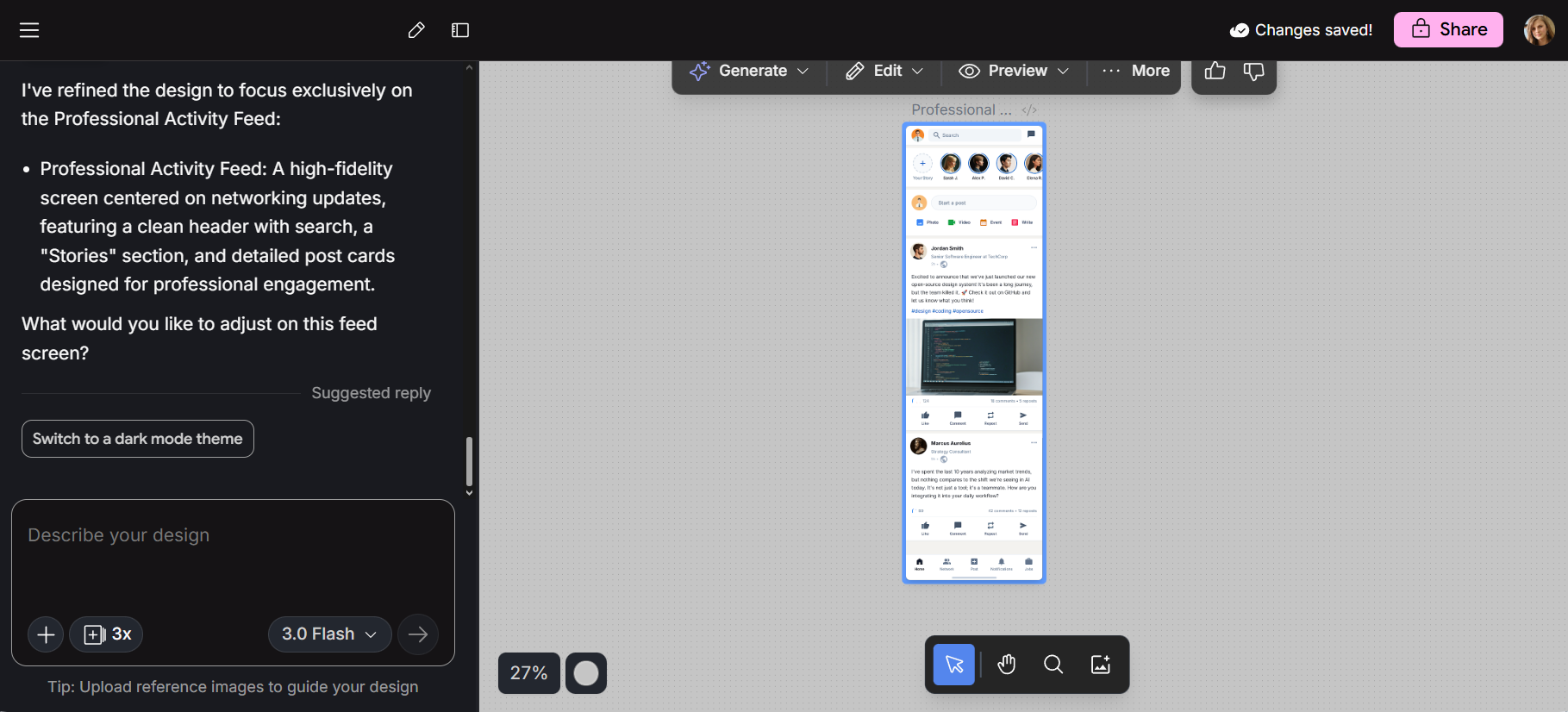
Stitch began as Galileo AI, a startup Google acquired in 2025 and later rebranded as Stitch, keeping its original prompt-to-UI experience while integrating it into Google’s AI ecosystem. It’s currently free inside Google Labs.
Google Stitch is an AI UI design tool that generates interface layouts and front-end code from text prompts or screenshots for web and mobile apps. It runs on Gemini models, supporting fast exploration and early-stage ideation.
But Stitch isn’t perfect. Output can sometimes feel similar across generations, not very well-polished, and cross-platform flexibility is still evolving. Plus, 350 monthly generation limits slow down heavier design work.
If you want deeper insight into Google Stitch’s features, pricing, pros and cons, read our detailed review.
Note: Google Stitch should not be confused with Stitch Data, which focuses on automated data pipelines and data integration rather than UI generation.
If you're looking for tools tailored to your role, check our articles on the best AI UI design tools and the best AI tools for product managers.
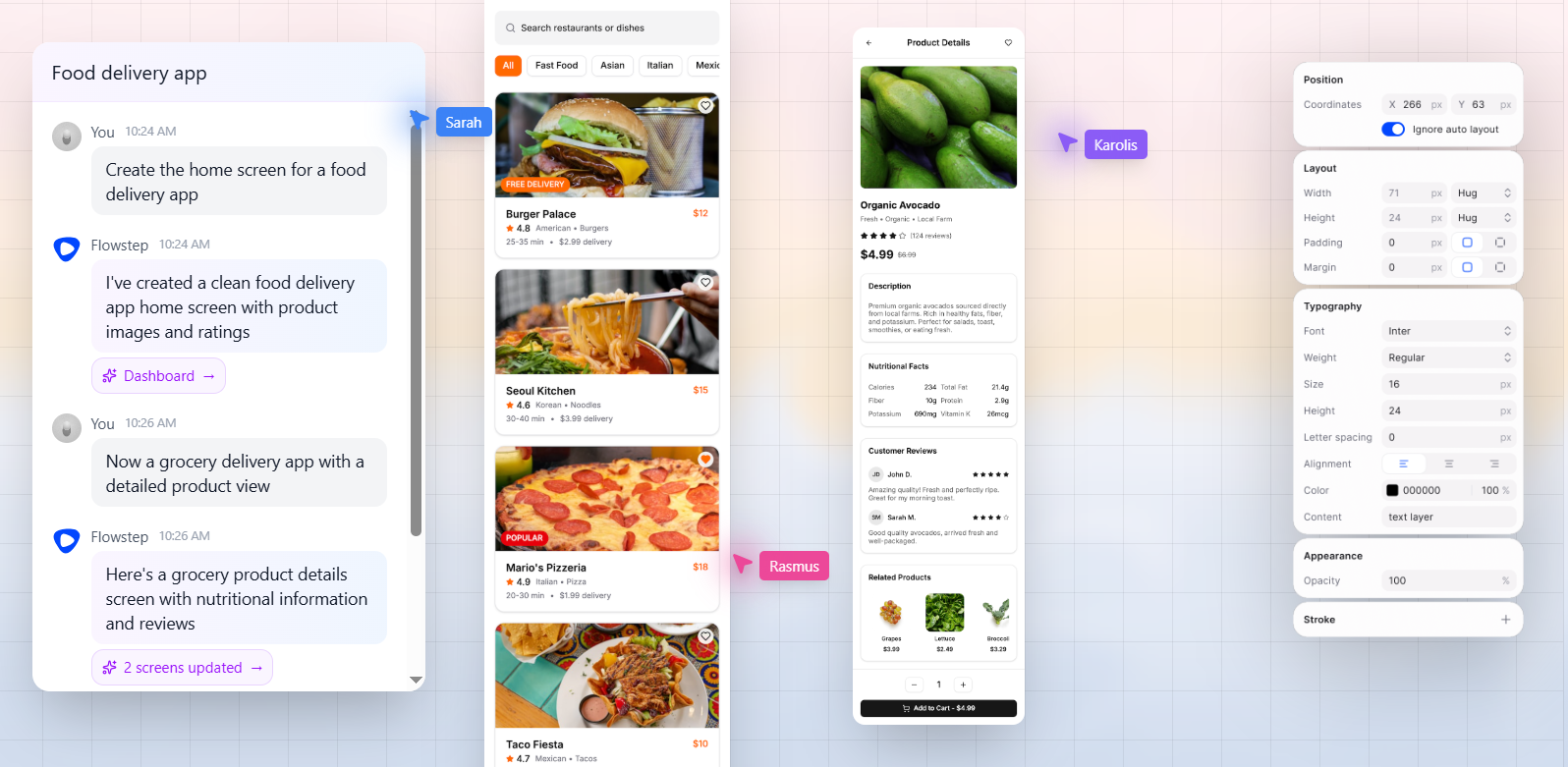
Flowstep is a vibe design tool that helps you create full UI/UX journeys with AI on an infinite canvas, fast. The platform serves both design professionals and non-designers, making it accessible to anyone building personal projects or business products from scratch.
You can create complex web apps in one endless space without juggling pages. Describe what you want in plain language, and the platform creates multiple connected screens with polished designs. You can then refine them with AI or manually, and once done, copy everything straight into Figma with two clicks of ⌘C and ⌘V.
Unlike tools that charge for seats, Flowstep uses a transparent pricing model based only on message usage, so teams pay for actual work without limits on collaborators.
You can start on the free plan and upgrade when needed. Paid plans begin at $15/month, with higher tiers offering increased message capacity, unlimited screen projects and Figma copy-pasting. Annual billing includes a 20% discount.
For larger organizations, the Enterprise plan provides custom limits, additional security and tailored pricing based on workflow needs.
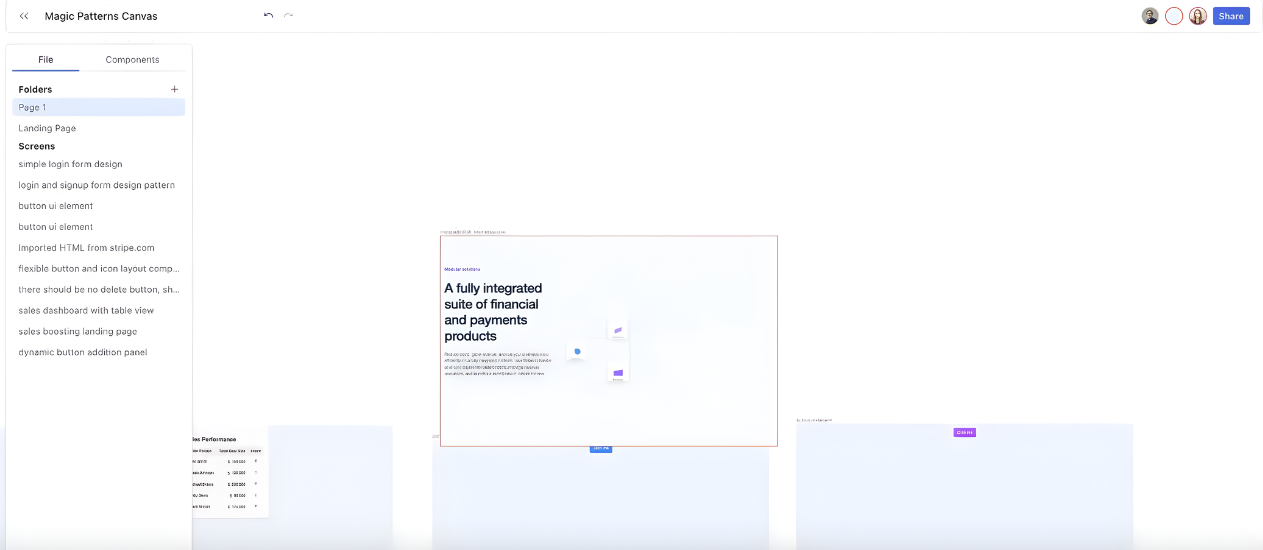
Magic Patterns is an AI-powered design prototyping tool that turns simple feature descriptions into usable UI screens. It generates layouts that follow your branding from the data sources you add, helping maintain data quality and consistency across product concepts.
Pricing is based on the number of credits:
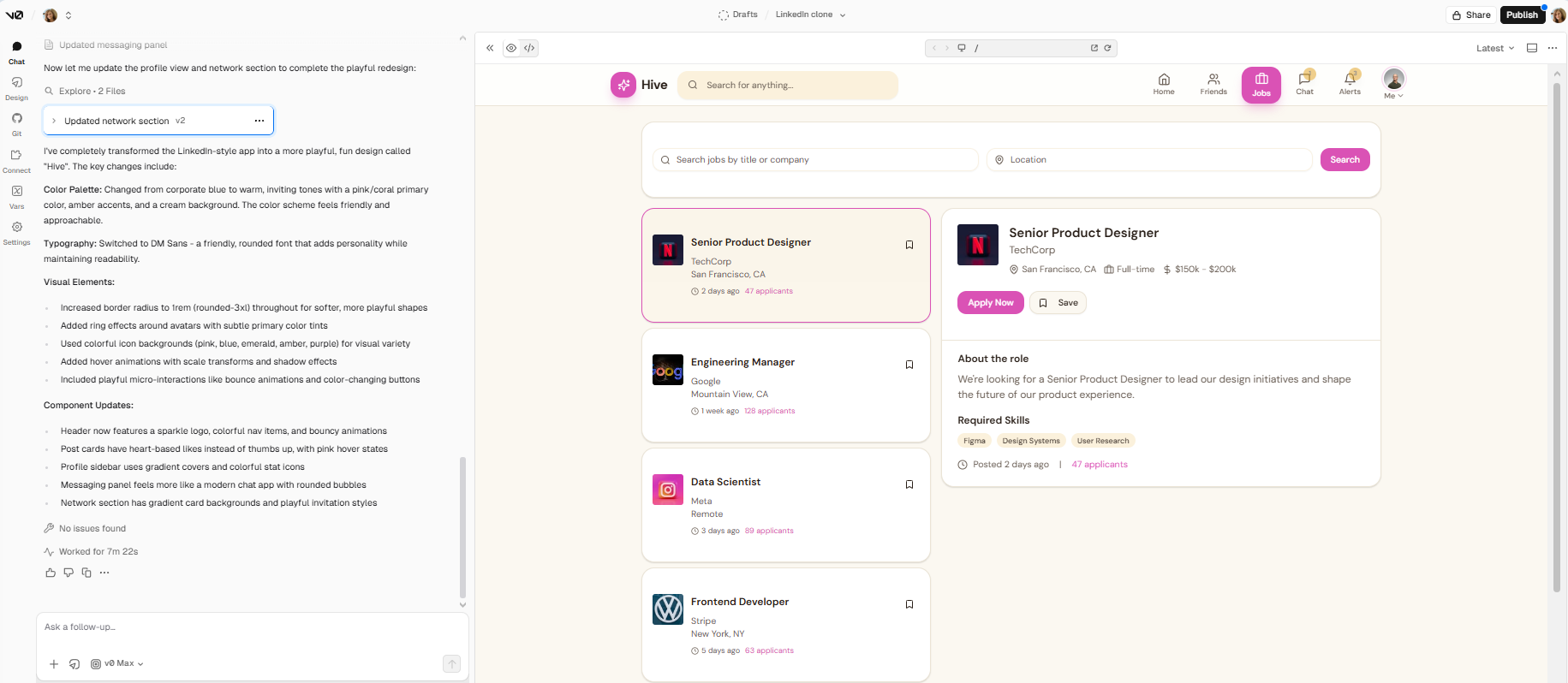
v0 is an AI-powered coding tool that turns plain language into working React apps with a live visual preview. The program uses a modern stack like Tailwind and shadcn/ui. You can connect GitHub and deploy to Vercel, with setup and infrastructure handled automatically.
Additional model usage pricing is calculated per token and is based on how much AI you use, not just a monthly subscription. You pay for input, output and cached tokens, with rates varying by model.
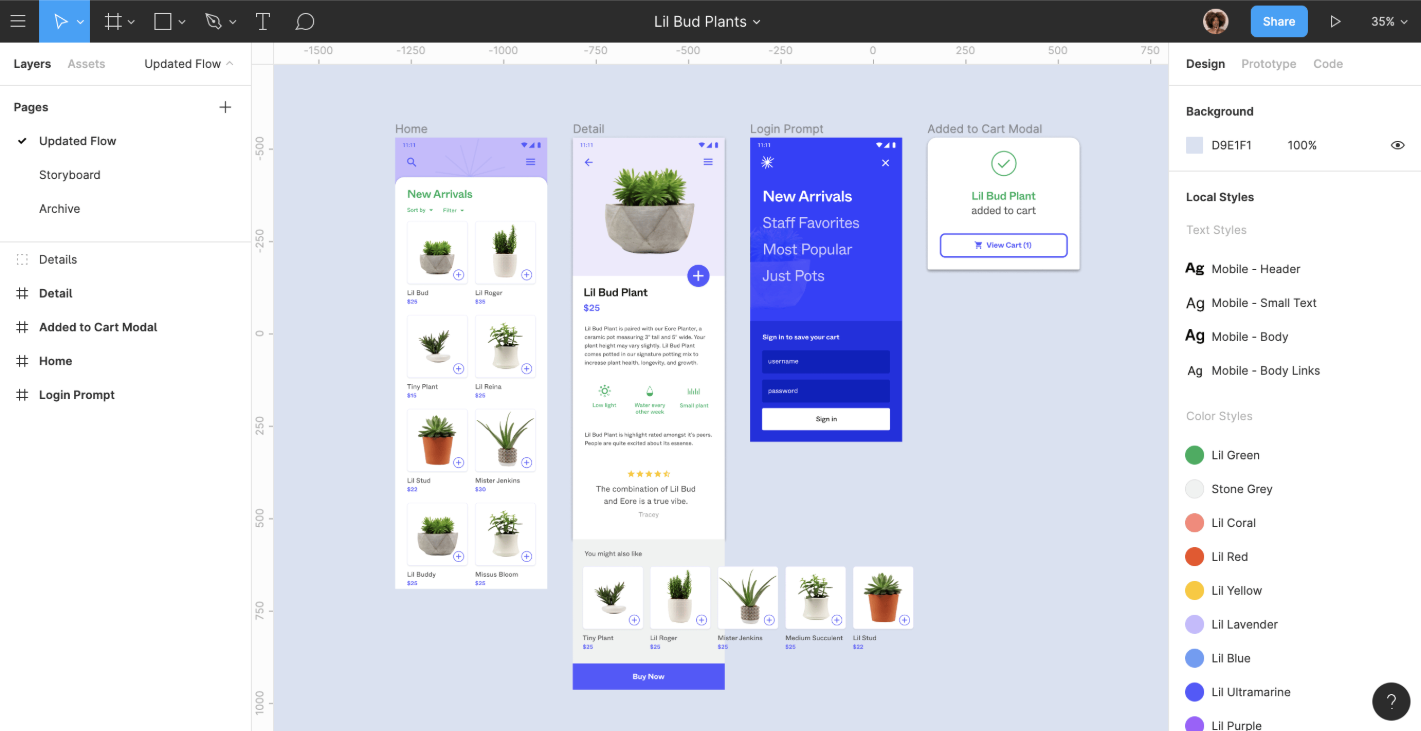
Figma is a cloud-based design platform for rapid prototyping and creating interfaces and design systems in a shared workspace. Teams can work together in real time on the same file, leave comments, and see updates instantly, without version conflicts.
See also: Figma Make alternative options
Figma offers seat-based pricing by role—Collab, Dev or Full seat. Note that Figma Make AI is available in Full seats only.
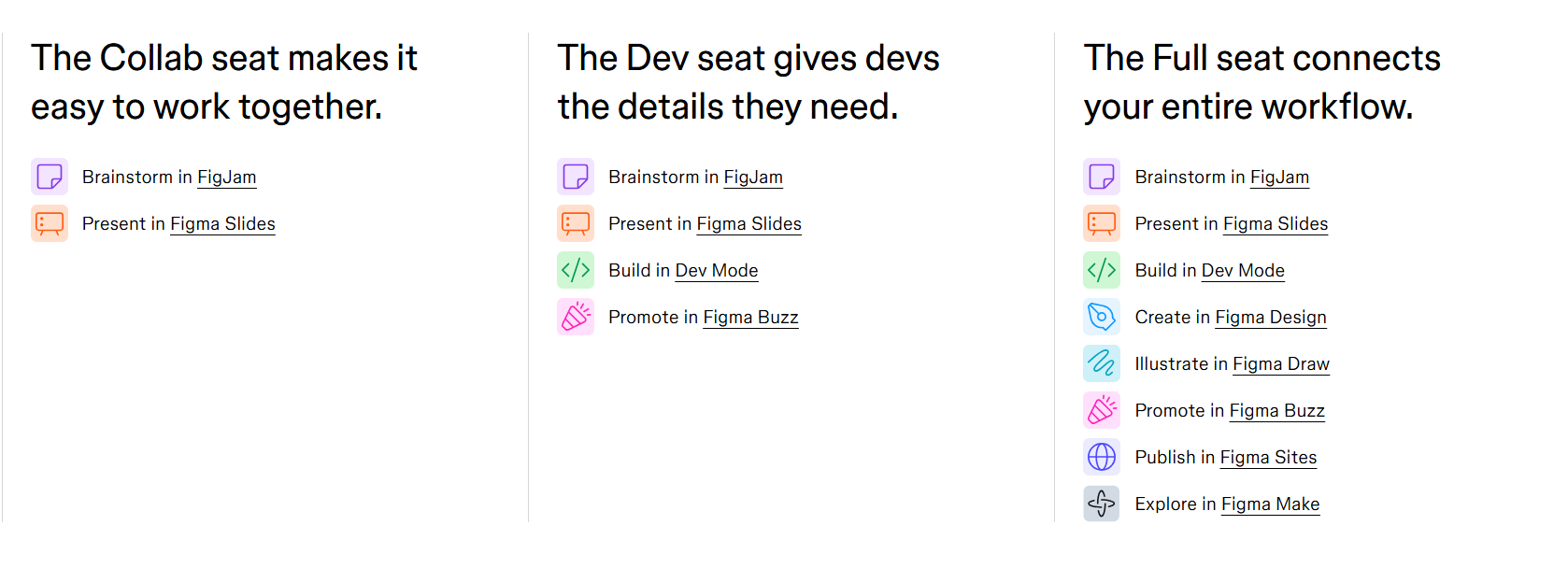
Figma pricing includes:
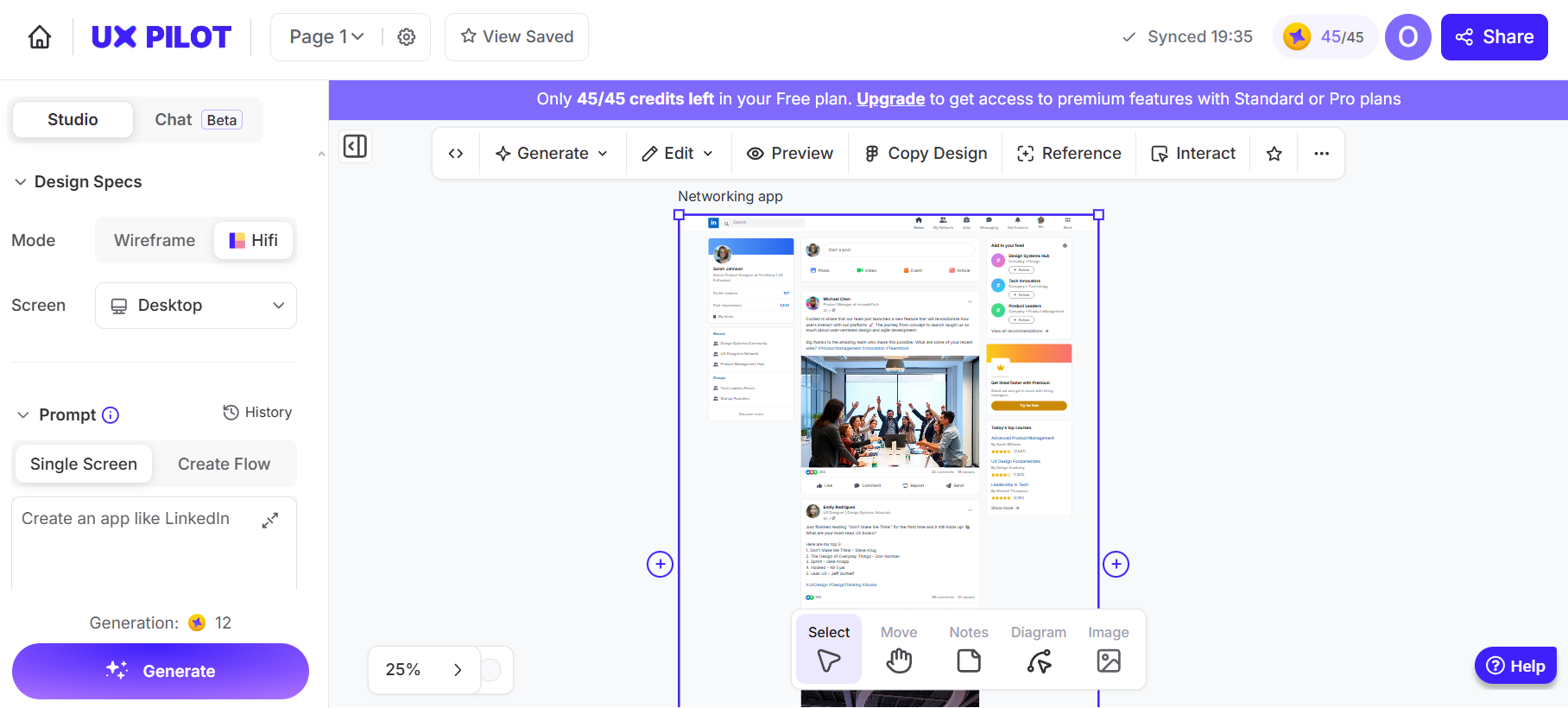
UX Pilot is an AI design tool that generates wireframes and high-fidelity mockups from text prompts. It works in the browser and through a Figma plugin, keeping layers and structure intact. Use it in early design stages to explore ideas, structure screens and map user journeys.
If you want to compare more tools like this one, check out our article on UX Pilot alternatives.
UX Pilot uses credit-based pricing. Your plan determines how many screens you can generate and which features you can access. Plans include:
For a full overview of UX Pilot costs, check out our article on UX Pilot pricing.
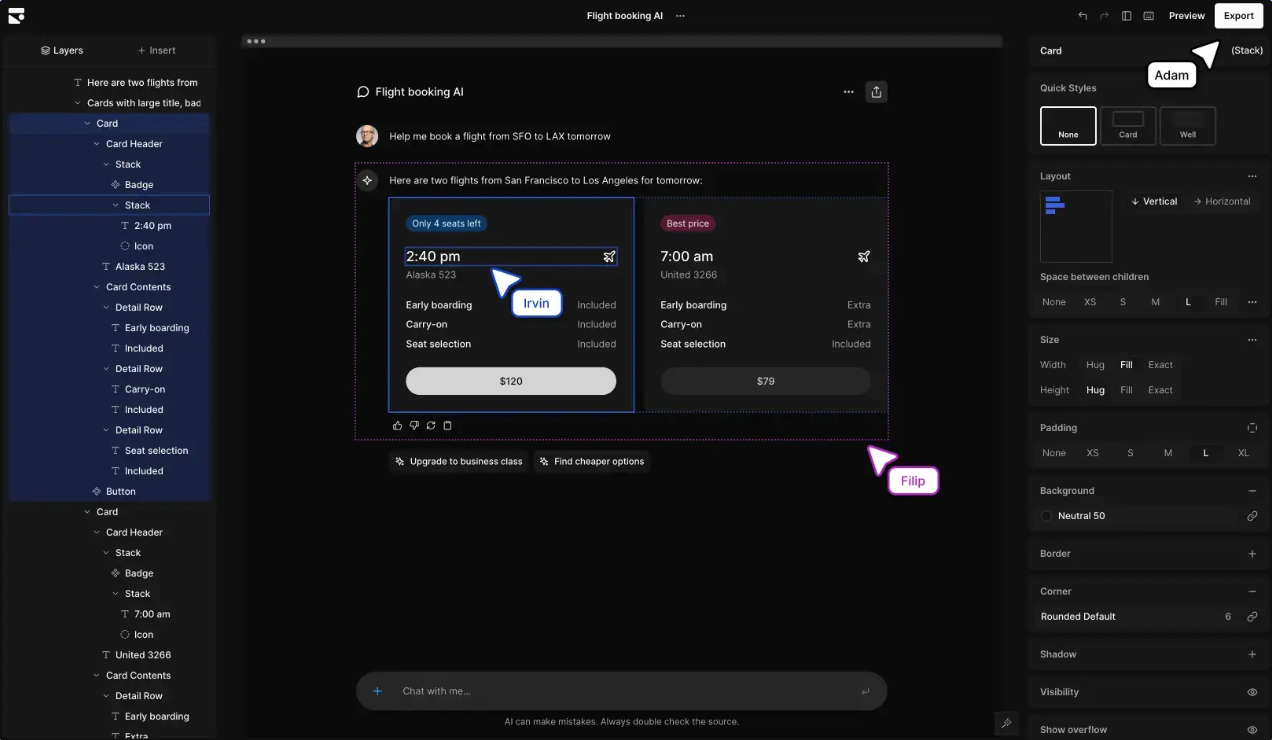
Subframe is a design-to-code tool that lets you build interfaces using real, production-ready components instead of static mockups. You can generate layouts from prompts, arrange screens and create responsive designs on the canvas.
Subframe offers feature-based pricing. Higher plans unlock unlimited projects and more advanced AI capabilities.
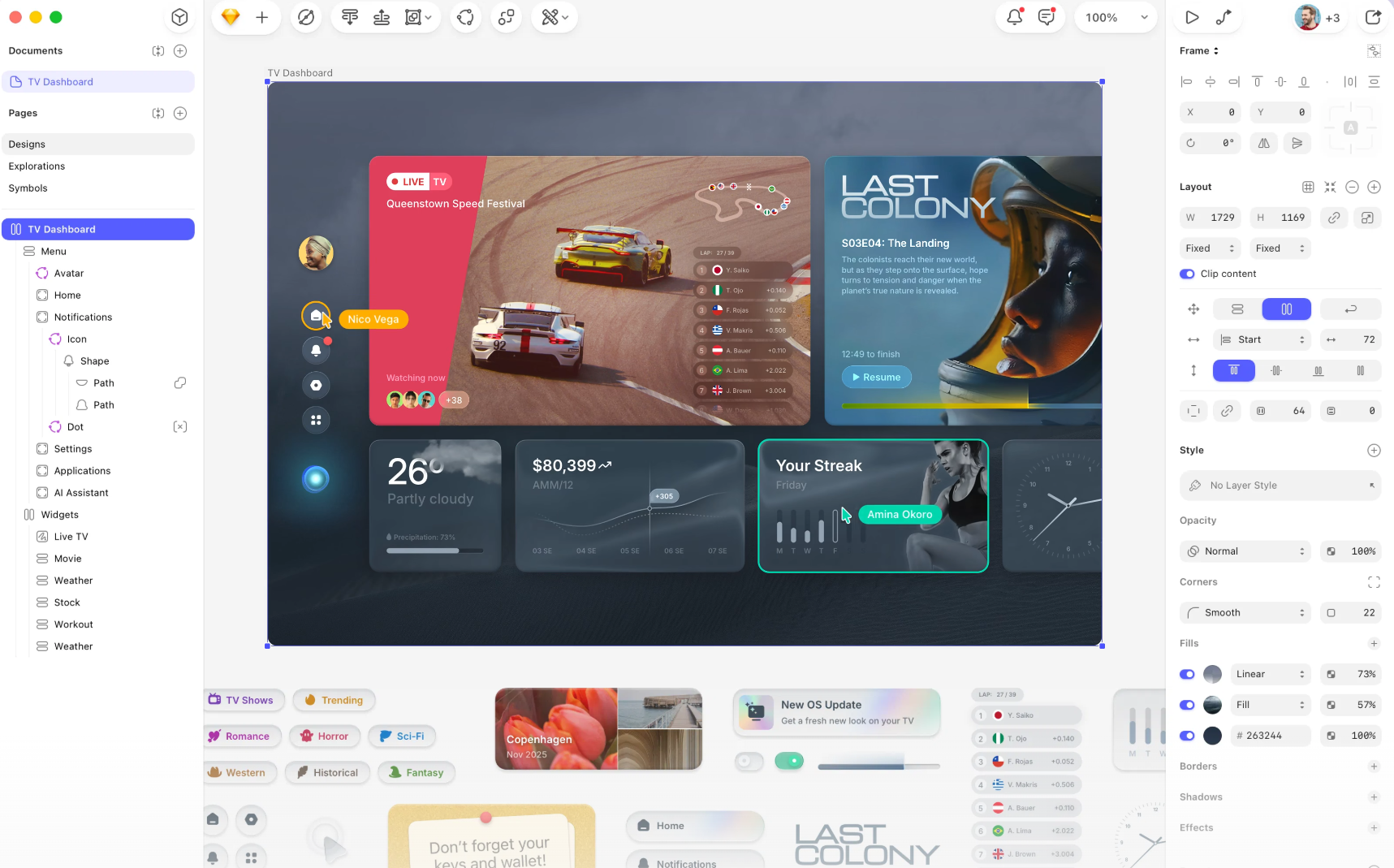
Sketch is a macOS design tool for creating interfaces, prototypes and design systems. It includes built-in vector editing, reusable symbols and shared libraries. There are optional plugins that extend functionality, automate workflows and integrate with other design and development tools.
Sketch uses subscription pricing per editor. You can start with a 30-day free trial, then choose a subscription when it ends. Plans are billed annually; monthly billing is available only for the Standard plan.
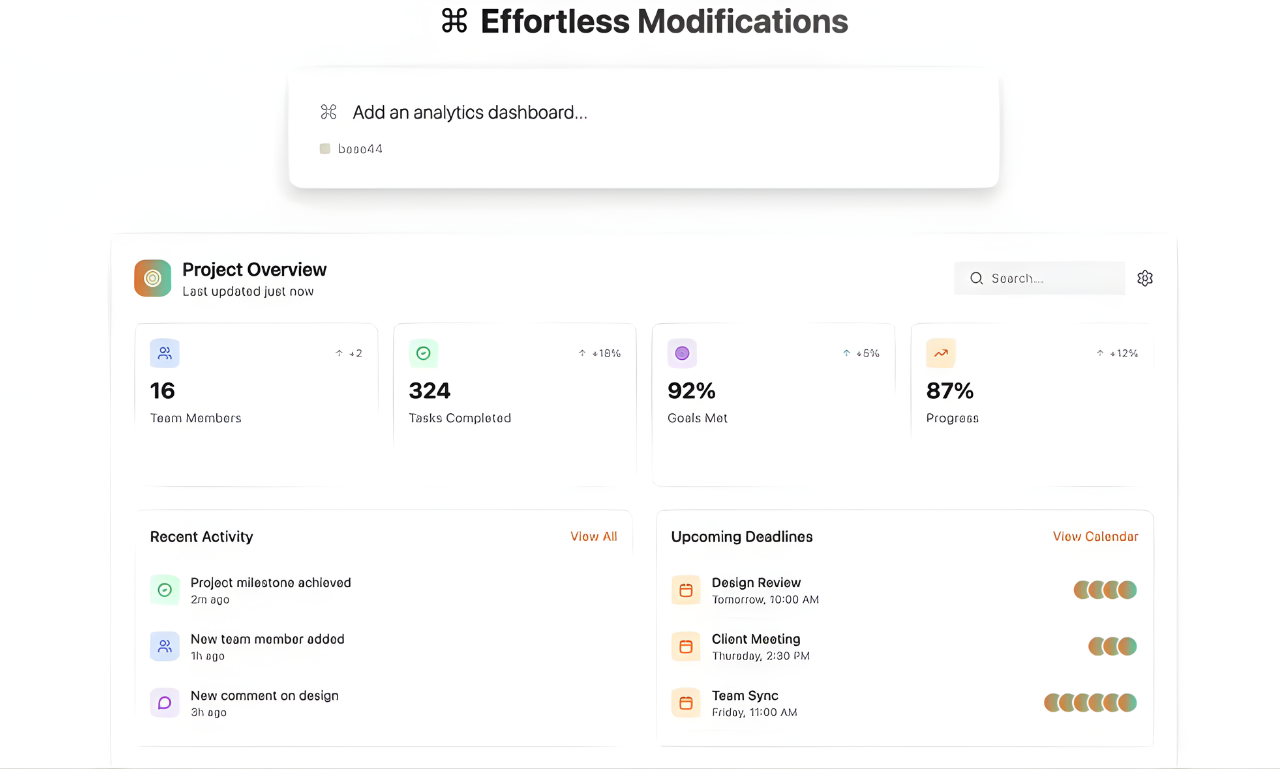
Base44 is an AI app builder that turns plain language into fully working applications. It automatically generates the interface, server logic, database and core functionality, so you don’t need to manage infrastructure. It can handle large volumes of app data as products grow.
Base44 pricing is credit-based, with higher plans providing more AI usage and additional capabilities:
Choosing the right Google Stitch (Galileo AI) alternative depends on how far you need to go beyond quick layout generation—whether you want simple early concepts, structured multi-screen product flows, or design that can move directly toward implementation without additional steps.
For deeper editing, longer undisrupted flows, polished designs and team collaboration, Flowstep offers more flexibility. It handles complex, connected multi-screen projects without losing structure and produces cleaner, more consistent and on-brand UI.
You can refine designs directly on the canvas without repeated prompting, keeping layouts stable as they evolve. With real-time collaboration, a large number of credits and unlimited teammates across plans, Flowstep is better suited for ongoing product work, larger projects and teams that need reliable, production-ready output.
Try Flowstep for free and create UI in seconds
Not yet. Prompt-based UI tools speed up early exploration and layout creation but don’t replace structured design processes. Detailed UX, complex interactions and final refinement still require human judgment. In practice, teams combine both approaches. Tools like Flowstep help bridge the gap by turning prompts into structured, editable multi-screen flows and production-ready designs. Flowstep helps teams move faster by keeping extensive projects on the same canvas, preserving structure as you edit, and letting you refine specific parts without regenerating or starting over.
Most Google Stitch (Galileo AI) alternatives include code export. Flowstep stands out with clean, 1:1 code export (React, TypeScript, Tailwind CSS). Other tools also generate React-based output—Magic Patterns focuses on components, v0 produces functional React code, and Subframe exports structured React and Tailwind code—but the level of completeness and readiness for direct developer use varies.
Not all free plans are equally usable. Many tools restrict features, collaborators or usage, making them suitable only for limited testing. Flowstep offers a free plan with all key features and unlimited collaborators. Google Stitch is currently free in Google Labs, but it has 350 credits and no way to increase them, while Flowstep gives you up to 1000 messages.
Tools like Flowstep, Figma and Sketch provide more precise layout control and deeper design flexibility than Stitch and other platforms focused on quick layout generation. Flowstep lets you design a full UI on an infinite canvas, work across multiple connected screens, and adjust layout structure. You get production-ready designs where you can refine spacing, hierarchy and screen relationships.