12 Best AI Tools for Designers: 2026 Top Picks
Discover the best AI tools for designers [2026], including Flowstep, Figma Make and more top picks to speed up your UI/UX workflow and create better designs faster.
Will AI replace UX designers? Short answer: no. But it's changing the design process fast—here's what matters, what doesn't, and how to use AI tools.
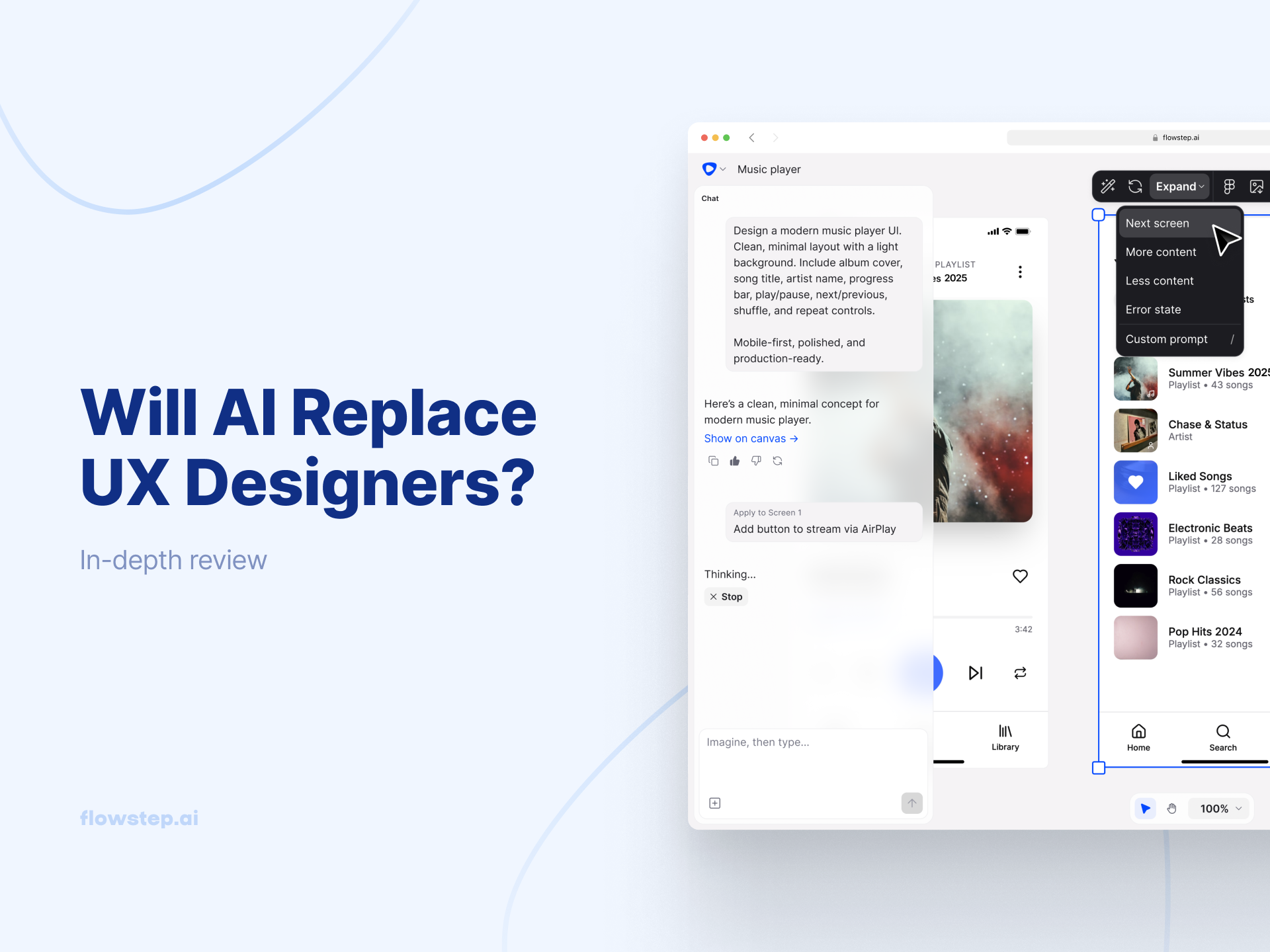
You open LinkedIn on a Monday morning, and within thirty seconds of scrolling, you've seen three posts about artificial intelligence wiping out design jobs. You close it, open Figma AI, stare at a blank canvas, and wonder if everyone's onto something you're not.
The short answer: no, AI will not replace UX designers. At least not those who actually understand what their job is.
This article covers what AI tools genuinely handle well in the UX design process, what they're still lacking, and how companies with smart product teams are already moving faster because of it. If you're a designer, PM, founder or engineer trying to figure out what this means for you—keep reading.
The anxiety is real.
UX designer job postings dropped 71% from their 2022 peak, and UX researcher postings fell 73%. When you pair that with headlines about AI generating wireframes and layouts in seconds, it's easy to read the whole thing as a before/after story where UX professionals are the "before."
But there's context that gets buried. The pandemic hiring frenzy trend between 2020 and 2022 turned out to be completely unsustainable—and if you compare UX research job openings in 2023 to those in 2018, you'll find a 53% increase over those five years. The crash looks catastrophic because it's measured from the wrong perspective.
The better framing isn't "Will AI replace UX designers?"; it's: which parts of the design process can be automated, and which parts matter more today?
AI tools handle routine tasks great, for example:
None of this eliminates the designer from the picture. It eliminates the friction that slows designers down before the creative work starts.
Before the AI world, going from idea to something visual and usable meant briefing a designer, waiting a day or two, reviewing static screens, giving notes, repeating. The feedback loops were slow enough that there wasn't enough time to brainstorm more (potentially better) ideas.
That's history. Now, anyone can describe an interface in plain English and have five drastically different interface ideas in minutes.
Flowstep makes it easy.
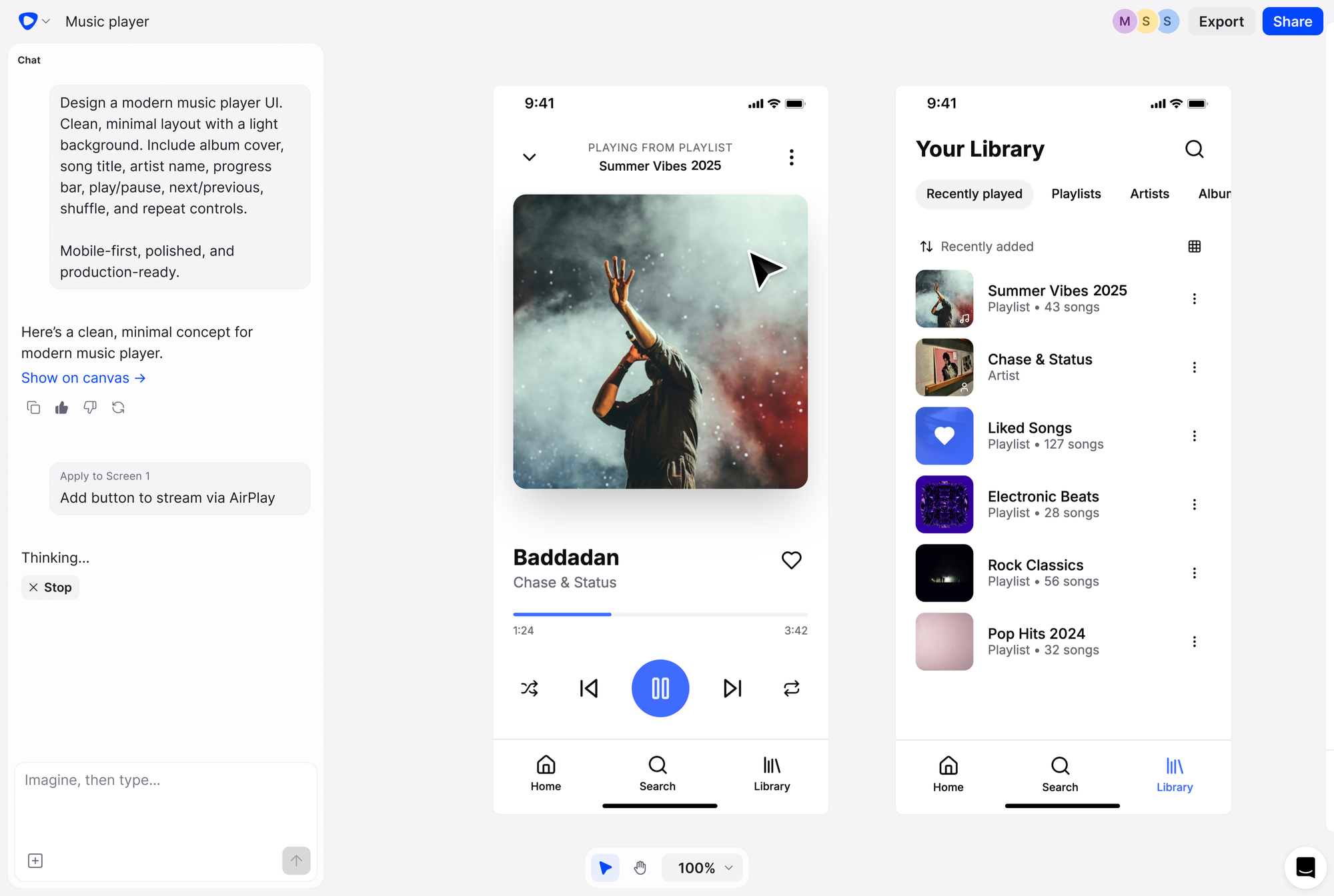
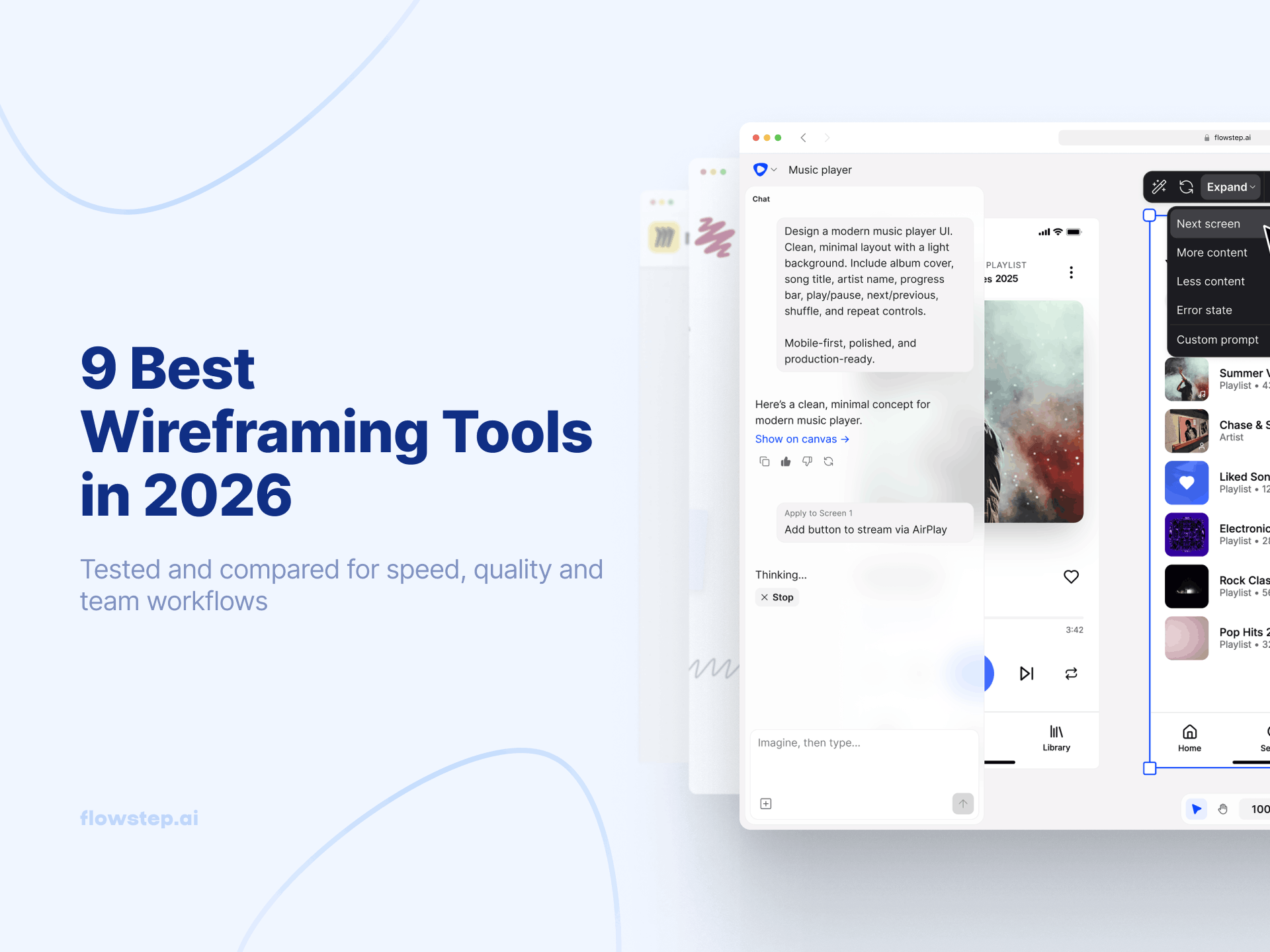
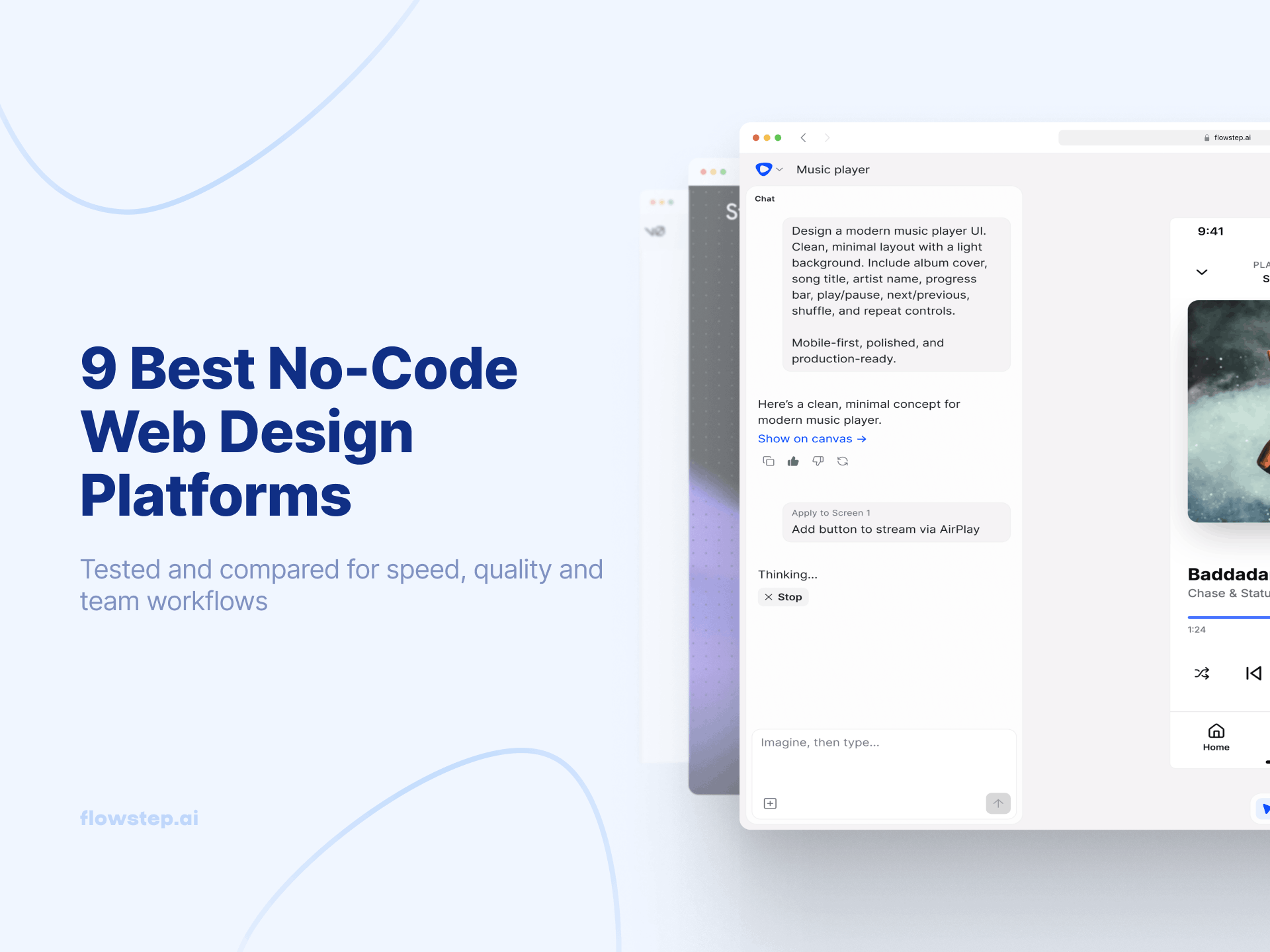
It's an AI design tool that generates real, editable UI from simple text prompts. You can also attach a PRD, upload a reference image or paste a link to get tailored results on an infinite, easily editable canvas. Generate multiple screens in one go (e.g., login, dashboard, profile, whatever you need), edit manually or with AI prompts, and copy designs straight into Figma with two clicks of ⌘C and ⌘V, forget integration setup.
Humans are still invaluable, for things such as these:
Automation and augmentation will continue to shape how UX work gets done—tools handling tedious design tasks will free people up for higher-value, strategic work, but they'll also raise the bar for what makes a UX professional indispensable. Demand is just shifting toward people who know how to work with new tools.
Here's what that looks like right now:
Prompt skills are taking over pixel skills in some situations. Knowing how to describe what you want—to AI, to a developer, to a stakeholder—is now a core design competency.
Jakob Nielsen, co-founder of Nielsen Norman Group, puts it bluntly: "You're not going to lose your job to AI, but you will lose your job to somebody who uses AI if you don't—because if you have two people, same talent, but one gets twice as much work done in a day, who are you going to hire?"
Strategic thinking compounds in value when AI handles the execution. The "what should we build and why?" and other questions that require understanding user behavior, business context and technical constraints simultaneously become more important. Understanding the psychology behind effective UX is still entirely a human discipline.
Cross-functional fluency matters more, too. Designers who can speak in business metrics, talk through privacy concerns, and anticipate how a decision affects the engineering sprint are harder to replace than designers who only speak in design rationale.
Taste and creative skills aren't going anywhere. The ability to look at AI output and immediately know what's wrong separates someone who produces quality work from someone who just produces volume. Human creativity isn't threatened by new tools that can generate ideas on demand; if anything, having more raw material for ideation makes the creative judgment more valuable.
Speed is the main benefit. AI-powered teams experiment fast. Designers who can sketch a concept, get it in front of users, analyze the feedback, and edit the same afternoon have a huge advantage over teams still running two-week design sprints.
Old workflow goes something like this: PM writes a requirements doc → hands it to a designer → designer returns static Figma screens a few days later → round of notes → repeat until everyone's too tired to care → you ship something that nobody's 100% happy with.
The new AI-elevated design workflow compresses that whole first phase. A PM or founder describes what they need, attaches the PRD or a reference image, and has real UI on screen in minutes using a tool like Flowstep. The design is intuitively editable. It can go straight into Figma or code. The designer's job shifts from building the first draft to guiding, questioning and improving tangible ideas and templates.
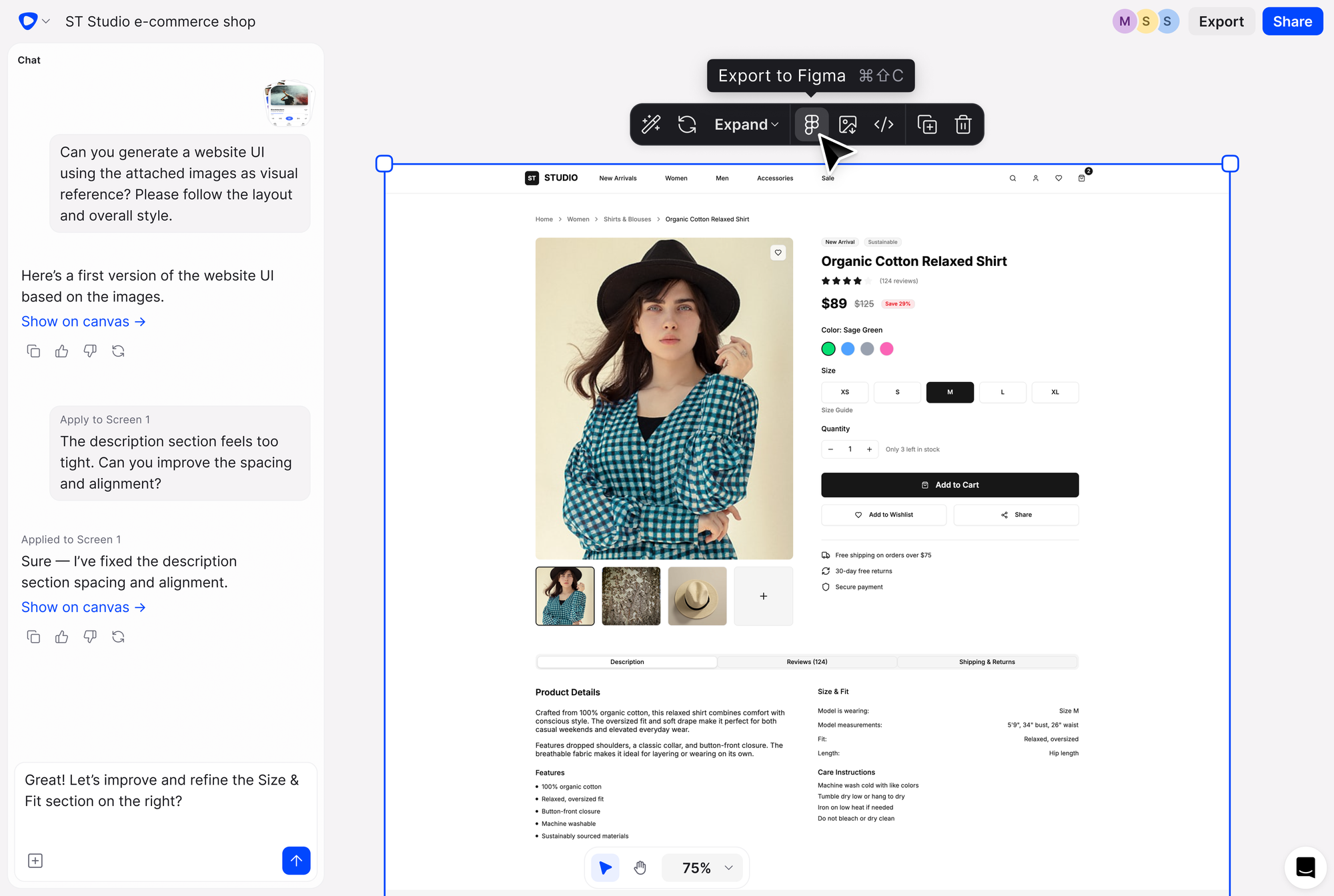
That's a better use of everyone's time, leaving more room for the work that creates real value, because you can brainstorm more ideas in less time.
Design collaboration used to mean async Figma comments with no context, feedback that arrived late, and engineers building from screenshots that were already out of date by the time they opened them.
Flowstep's real-time collaboration changes that. Live cursors, synced edits, instant sharing—everyone's looking at the same interface at the same time. PMs, designers and engineers can work on a living design together, which closes the communication gap.
The most effective design will always be grounded in human reality.
That means user testing still matters. What changes is how fast you can get there. Flowstep designs are editable and shareable immediately, which means you can put something real in front of users before writing a single line of code.
If you want to get better at writing prompts that produce useful UI quickly, writing effective wireframe AI prompts is worth reading. And if you're exploring your options more broadly, there's a solid breakdown of the best AI UI design tools available.
The most successful UX professionals don't ignore AI tools, nor do they delegate everything to technology. They know how to use artificial intelligence to move faster, test earlier and spend their creative energy on the human stuff—empathy, strategy, taste and judgment.
Flowstep is the practical way to start. Describe your idea, get real UI in seconds, iterate with your team, and ship faster with designs your developers can use from day one.
Start building with Flowstep for free
The routine tasks: generating initial wireframes and layouts from prompts, creating design variations, drafting microcopy, transcribing and coding research data, running heuristic checks, and exporting production-ready code. Anything that requires interpreting human behavior, exercising judgment, or making strategic decisions still needs a real person in the loop.
It's shifting the focus from production toward direction. Designers spend less time on manual iteration and more time guiding, questioning and refining. The role is becoming more editorial. AI UI design assistants and tools help speed up brainstorming.
Prompt fluency, strategic thinking, cross-functional communication, and a sharp eye for what's off in AI-generated output. The ability to identify the right user problem has become the most defensible skill in the field. Knowing common UX mistakes well enough to catch them in AI output is also part of it.
Flowstep is one of the strongest options for product teams that need editable UI designs fast and a clean path to Figma. It can give you a handful of different design options from one prompt on an infinite canvas, and you can edit manually or with AI. The code and Figma export are fast and clean. It also supports live collaboration.