16 Best AI Tools for Designers: 2026 Top Picks
Discover the best AI tools for designers [2026], including Flowstep, Figma Make and more top picks to speed up your UI/UX workflow and create better designs faster.
Looking for UX Pilot alternatives? We tested 8 of the best AI design tools for 2026, including Flowstep, Uizard and Figma Make, covering pricing and features.

Product teams move fast. But popular design tools don't always keep up.
UX Pilot promised to fix this by generating wireframes from prompts. For some teams, it delivers. For others, the Figma export issues requiring a plugin setup, limited screen generation and occasional context misunderstandings create more friction than they solve. Plus, if you've ever used it, you know that the generated visual designs often need significant refinement before they’re production-ready.
If UX Pilot isn't quite hitting the mark for your design process, you're in the right place. We tested eight UX Pilot alternatives that tackle the same problem—turning ideas into visual designs fast—but with slightly different approaches: some excel at AI UI design workflows, others focus on code export, or smooth collaboration.
Our top picks are:
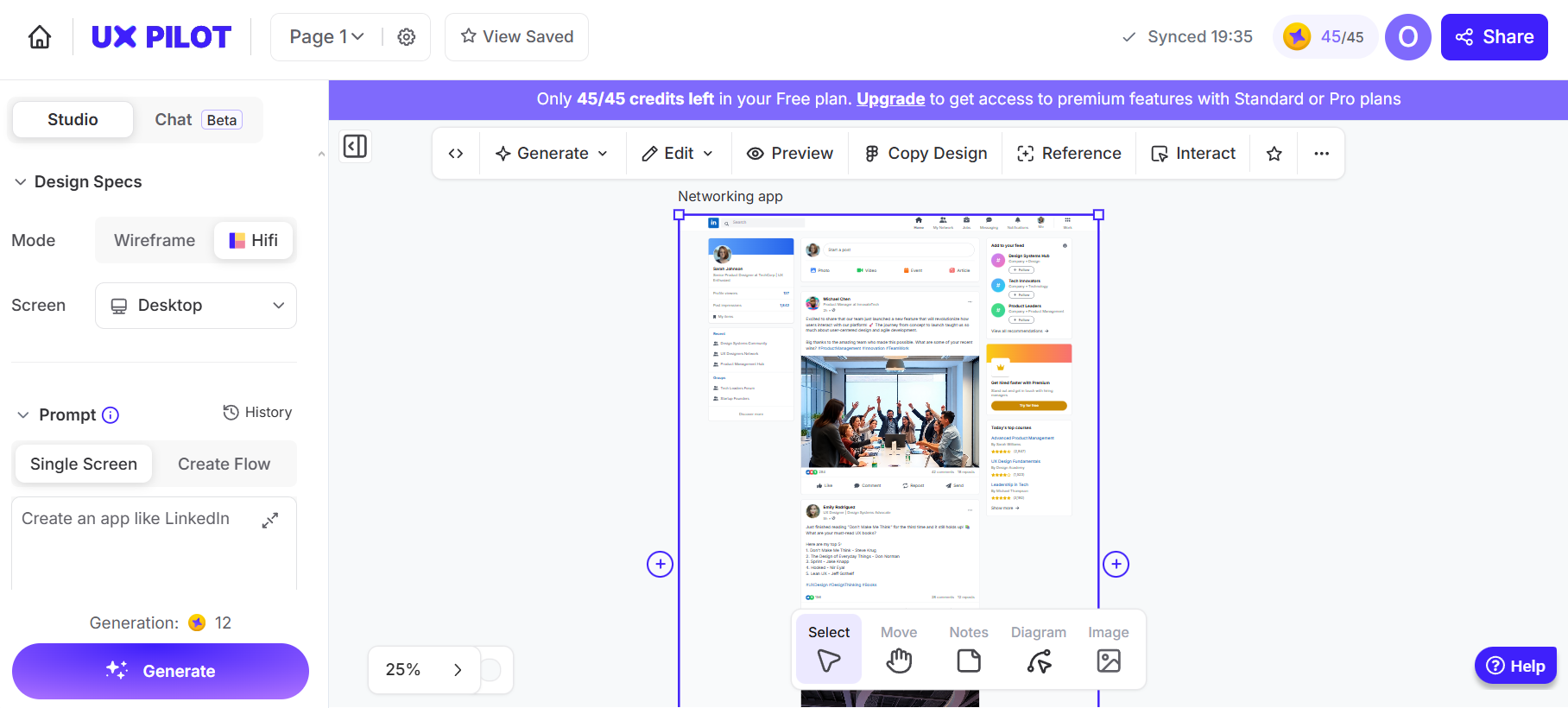
Before jumping into alternatives, here's a brief UX Pilot review of what it does well and where it falls short, based on real user reviews from software review sites and community discussions.
UX Pilot helps teams generate wireframes, high-fidelity UI designs and screen flows from text prompts, making it useful for early-stage ideation. It works in the browser and through a Figma plugin, letting you generate or transfer designs into Figma while preserving layers and structure.
The tool includes predictive heatmaps to estimate user attention and automated design reviews that flag common UX issues like low contrast or missing labels. Many users highlight its ease of use and fast concept generation during early design stages.
Performance can be inconsistent. While some users find generation fast, others report slow speeds that interrupt workflows, especially when errors occur after long waits.
Mobile UI generation is limited, often producing Android-style layouts and issues with iOS. The AI can also lose context during longer sessions, requiring restarts to maintain design quality.
The credit-based pricing model can be hard to predict at first, and running out of credits on the basic plan mid-project can disrupt work. Screen flow limits on lower plans and restricted design system imports can also make scaling difficult. Many users say the designs are strong starting points but still require manual work before production.
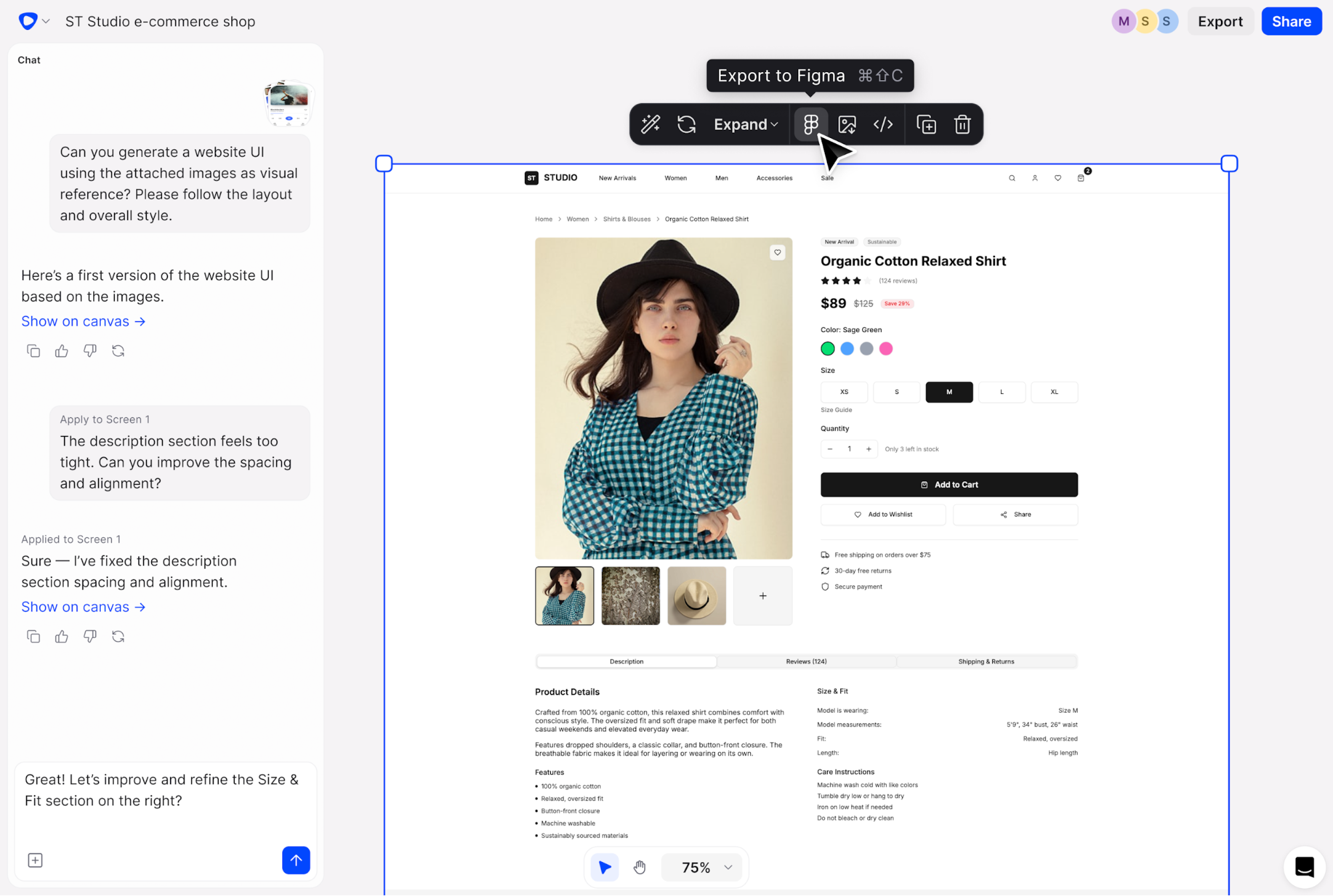
Flowstep is an AI design tool that generates complete UI designs from text prompts and lets you work on an infinite canvas with multiple screens in one view. Unlike some other tools that force you into rigid templates, Flowstep gives you space to explore, iterate and organize multiple screens at once, making it one of the most flexible UX tools for modern product teams.
How it compares to UX Pilot
Where UX Pilot requires a plugin to work with Figma, Flowstep integrates directly—just copy designs with ⌘C and ⌘V, no extension needed. You can generate full user experiences in one go, without UX Pilot's five-screen limit. Flowstep also doesn't limit the number of collaborators working on a project. Product requirements, images and links all work as references, giving the AI context that UX Pilot sometimes misses. It also lets you adjust individual elements without re-prompting or with AI, giving you full editing control. The designs you build with Flowstep can be exported as code and used as market-ready products.
Key features
Pricing
Start with a free tier, then switch to paid plans only when you need—from $15/month, scaling based on usage credits. Annual payments come with 20% off.
Start generating designs with Flowstep
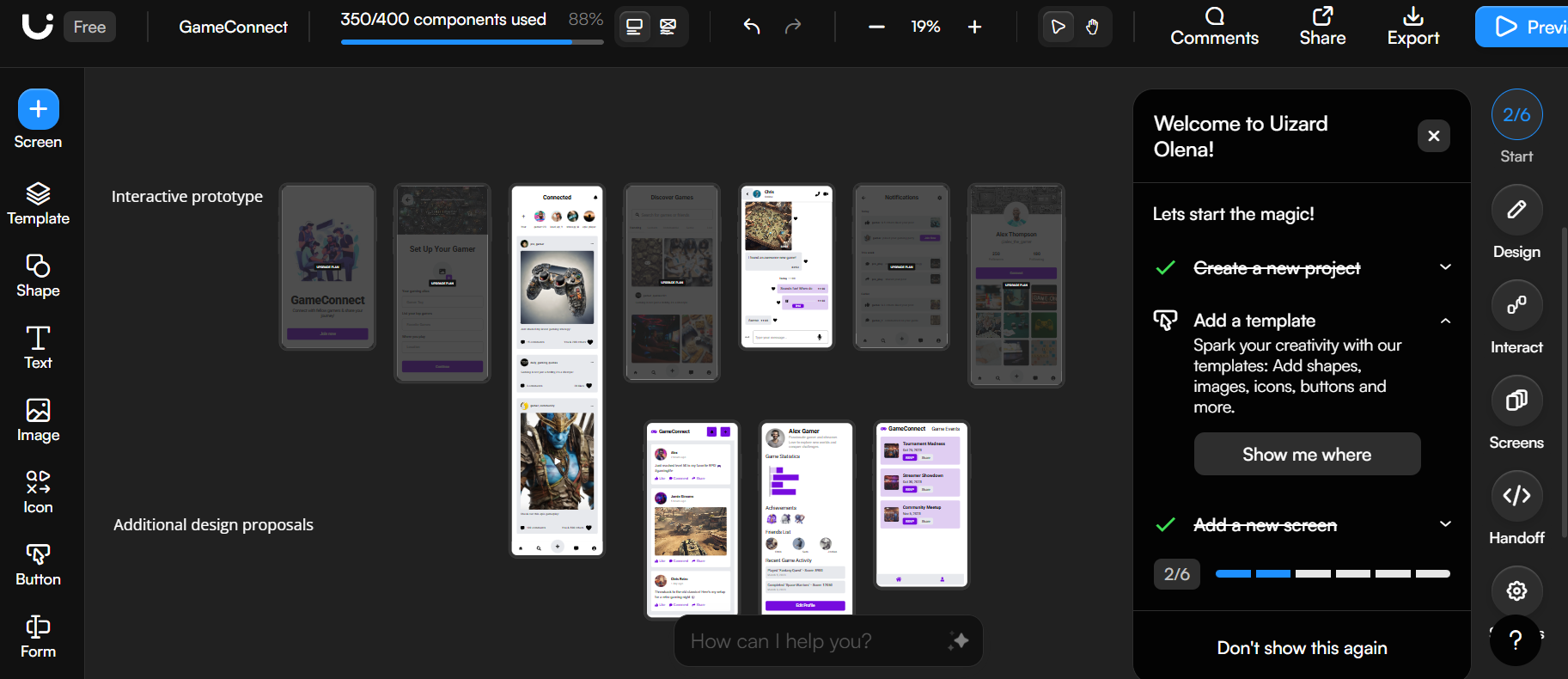
Uizard turns sketches and prompts into wireframes and mockups. It's designed for non-designers who need to visualize product ideas quickly—quite a beginner-friendly UX design tool.
How it compares to UX Pilot
Uizard has a smaller learning curve than UX Pilot. The sketch-to-design conversion works well for founders who think on paper first. But UX Pilot's Figma integration and code export give designers more control during handoff. However, Uizard's free plan is even more limited than UX Pilot's.
Key features
Pricing
Prices above are for single users and scale with more seats added.
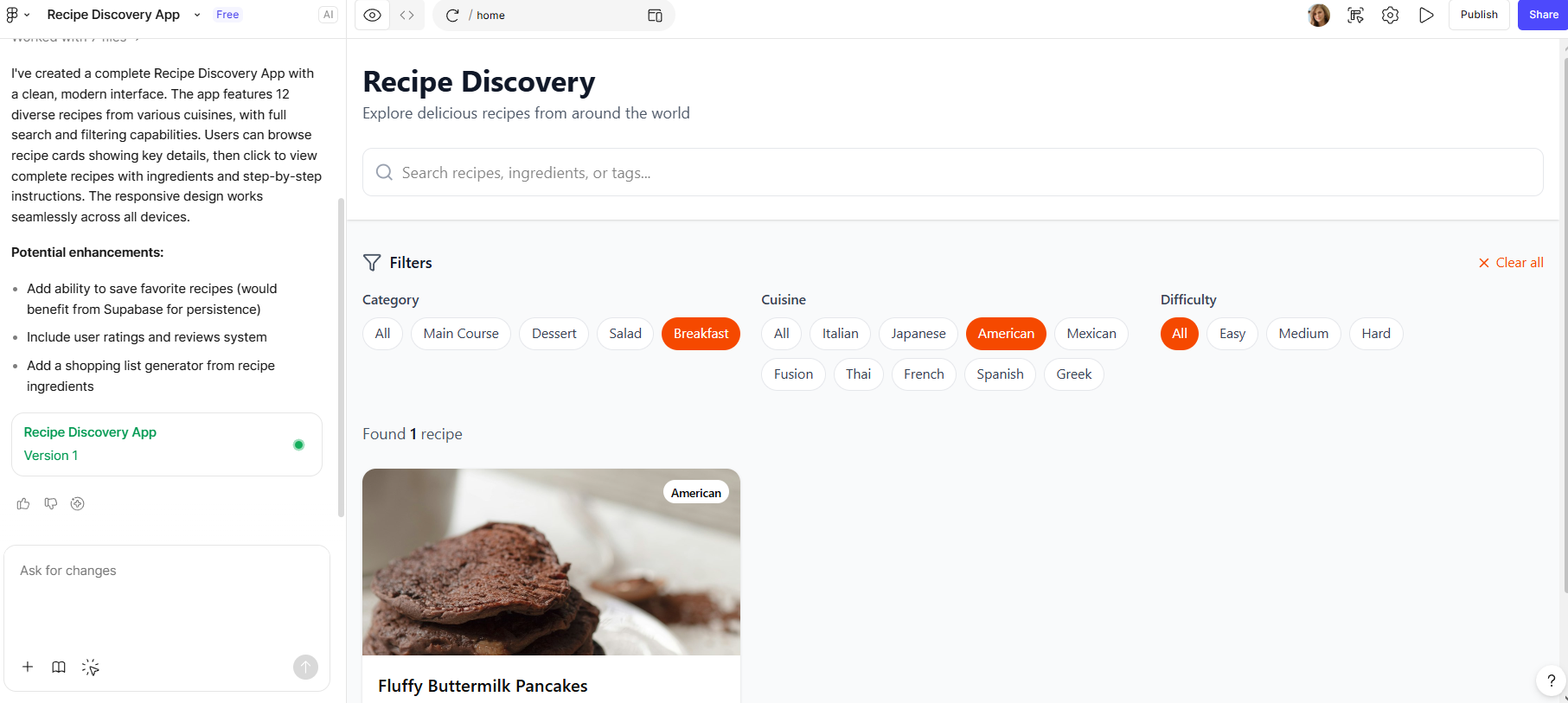
Figma Make is Figma's AI-powered tool for generating prototypes and web apps from prompts. It runs on Claude and integrates Supabase for backend functionality, good for fast prototyping.
How it compares to UX Pilot
Make lives inside Figma's ecosystem, while UX Pilot connects via plugin. The code export includes working prototypes with backend connections, going beyond UX Pilot's static HTML/CSS output. However, Figma Make pricing can add up with AI credit consumption.
Key features
Pricing
Figma Make is only included in the Full Figma package, which starts from $20/month and can reach $90 monthly per seat. Free users get limited credits.
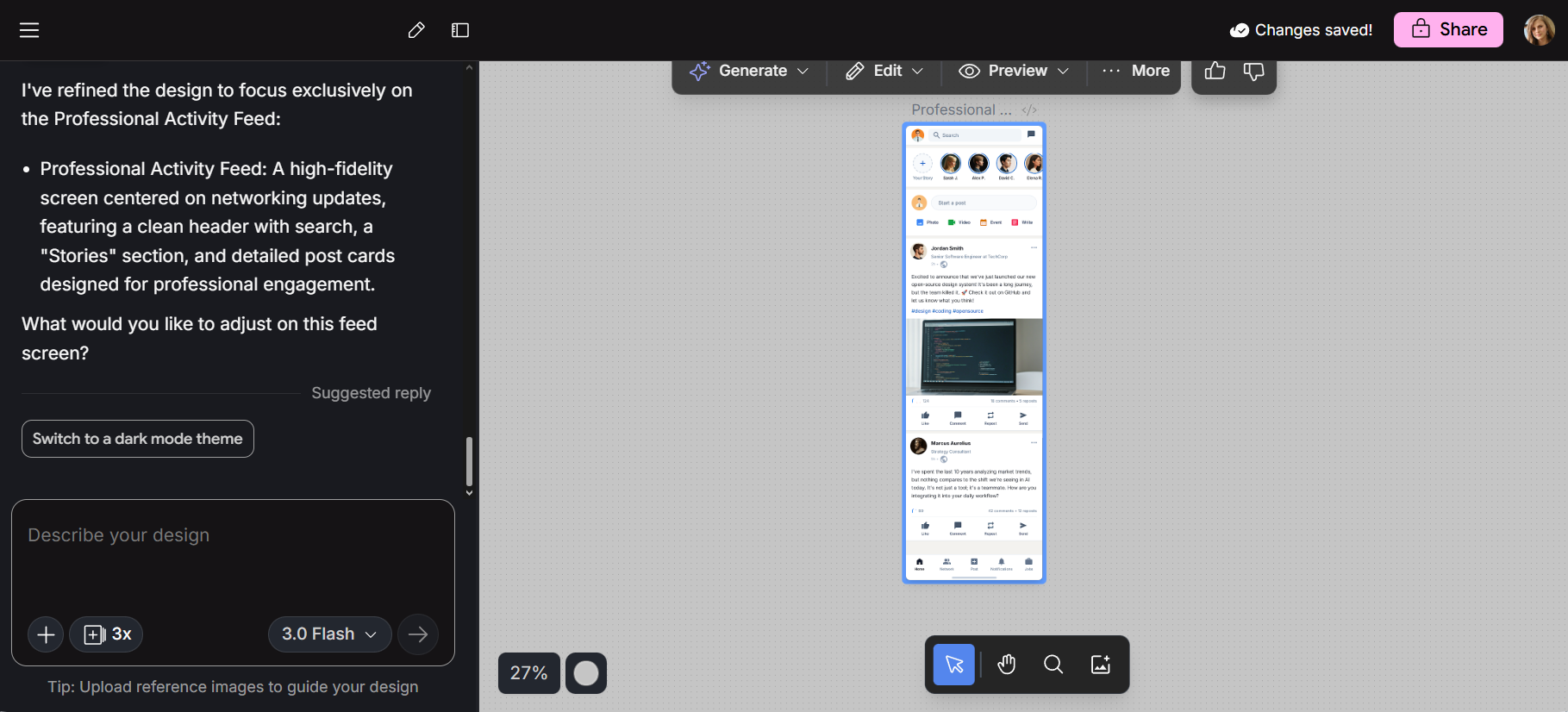
Galileo AI, rebranded as Google Stitch after Google's acquisition in 2025, generates UI designs from text prompts or uploaded sketches. It's part of Google Labs and free to use, but has usage limits that aren't clearly stated by the provider.
Check out our top picks for Google Stitch alternatives.
How it compares to UX Pilot
Stitch definitely beats UX Pilot on price—it's free. The Gemini-powered generation produces clean interface mockups for early concept validation. But using it feels intentionally limited: generating more than a few screens at once feels clunky, and the tool doesn't support complex projects. Think of Stitch for ideation, UX Pilot for wireframes. The minimalist design aesthetic works well for quick stakeholder presentations but may require further editing for production use. Both tools can leave you wanting more if you're looking for production-ready designs.
Key features
Pricing
Google Stitch is currently free. No paid plan exists yet, though unknown generation limits apply. For more details, read our Google Stitch review.
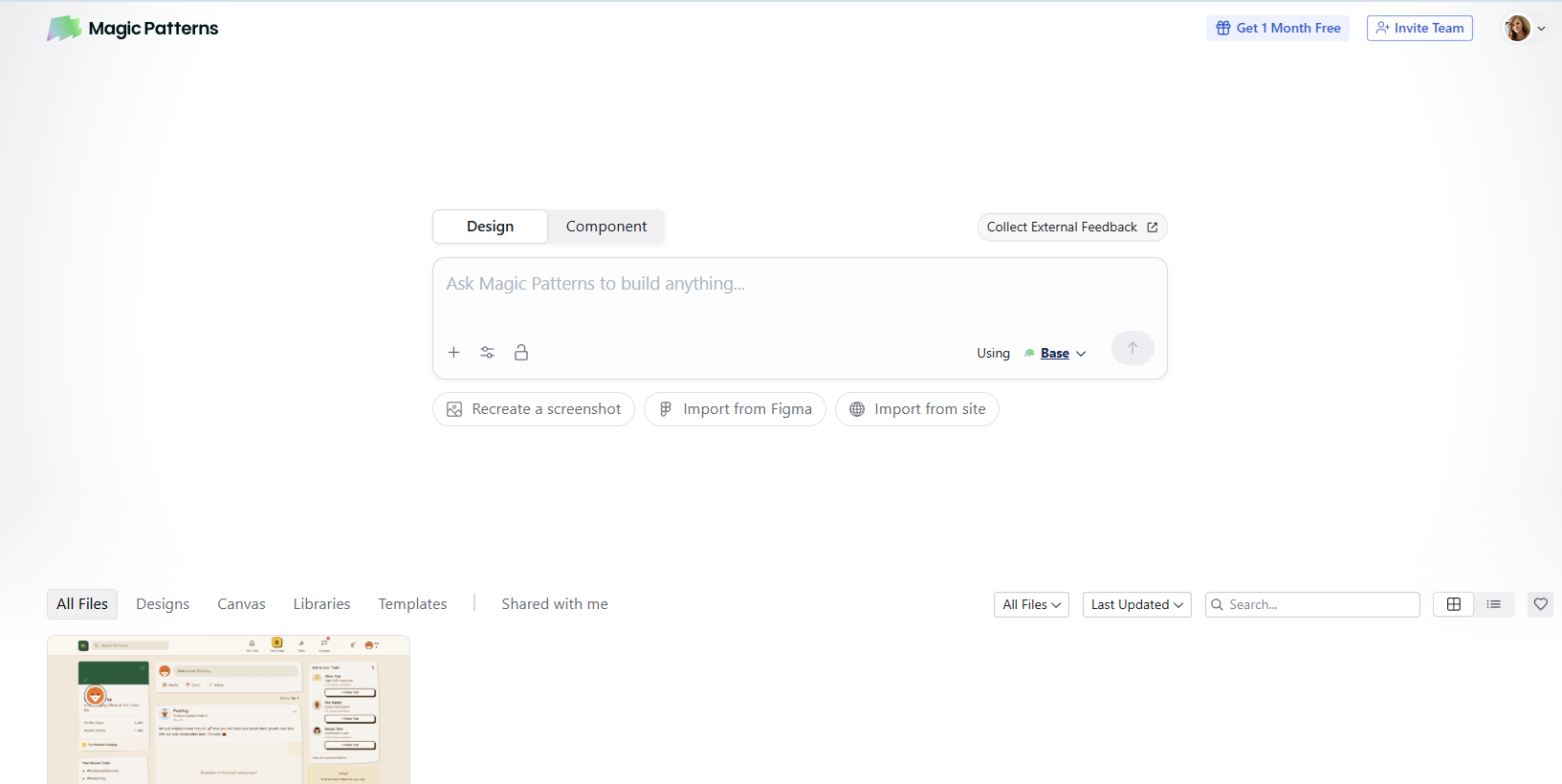
Magic Patterns creates UI components and prototypes that can match your existing design system. It's built for teams that already have established design patterns and need AI to respect them.
How it compares to UX Pilot
Magic Patterns prioritizes production-ready apps over wireframes. While UX Pilot generates designs you refine in Figma, Magic Patterns outputs components developers can use. The design system integration keeps new screens consistent with existing work—something UX Pilot requires some configuration to achieve.
Key features
Pricing
If you want more credits on the Pro plan, you need to pay extra (up to $999). Annual billing comes with 20% off.
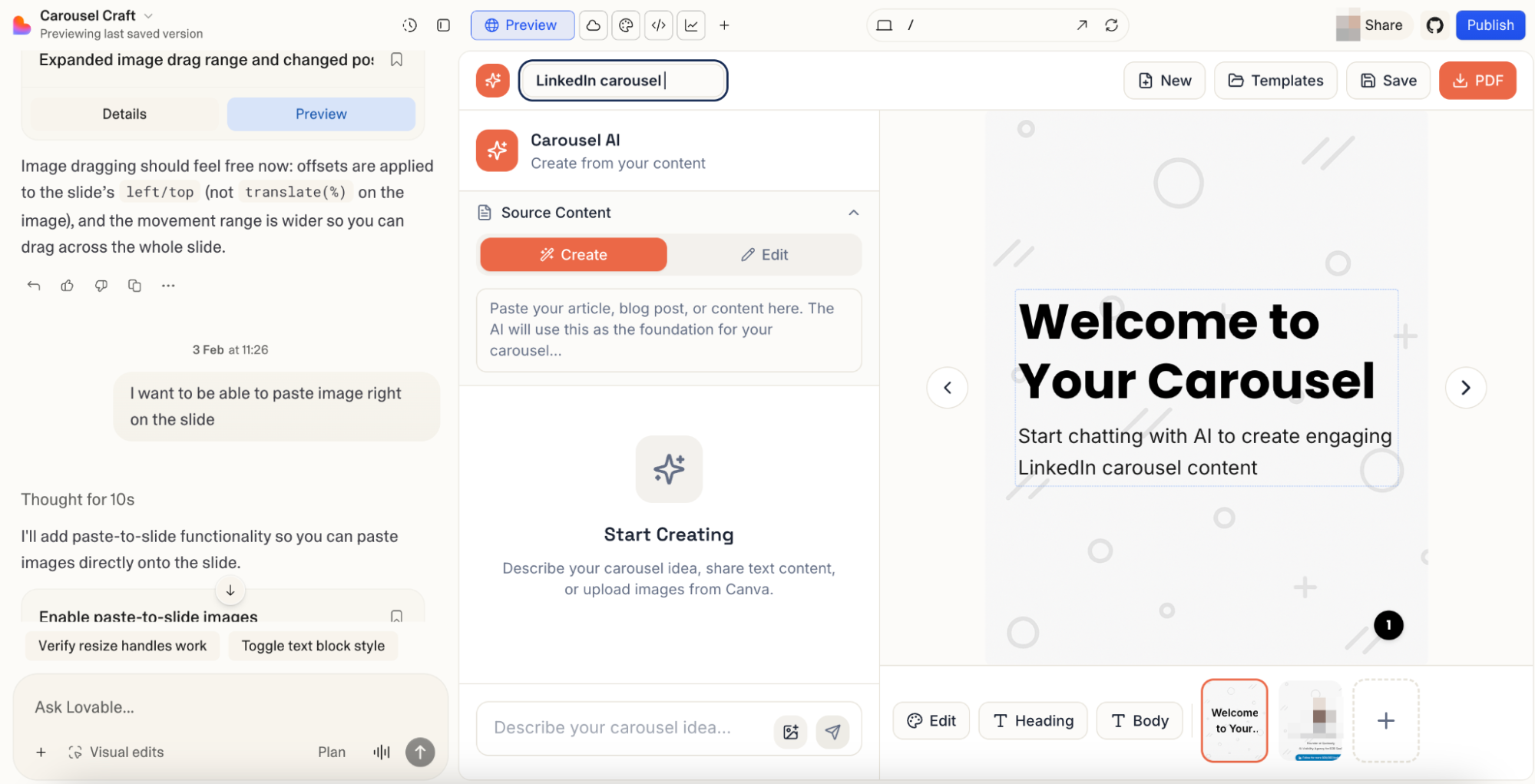
Lovable builds complete web applications from prompts. Unlike design-focused alternatives to UX Pilot, Lovable generates working apps with frontend, backend and database connections through chat.
How it compares to UX Pilot
UX Pilot stops at wireframes and designs. Lovable creates functional apps best for simple software and hobby projects. The GitHub integration means code lives in your repository.
Key features
Pricing
Additional credits are paid extra, around $25 per 100 credits. Annual discounts apply.
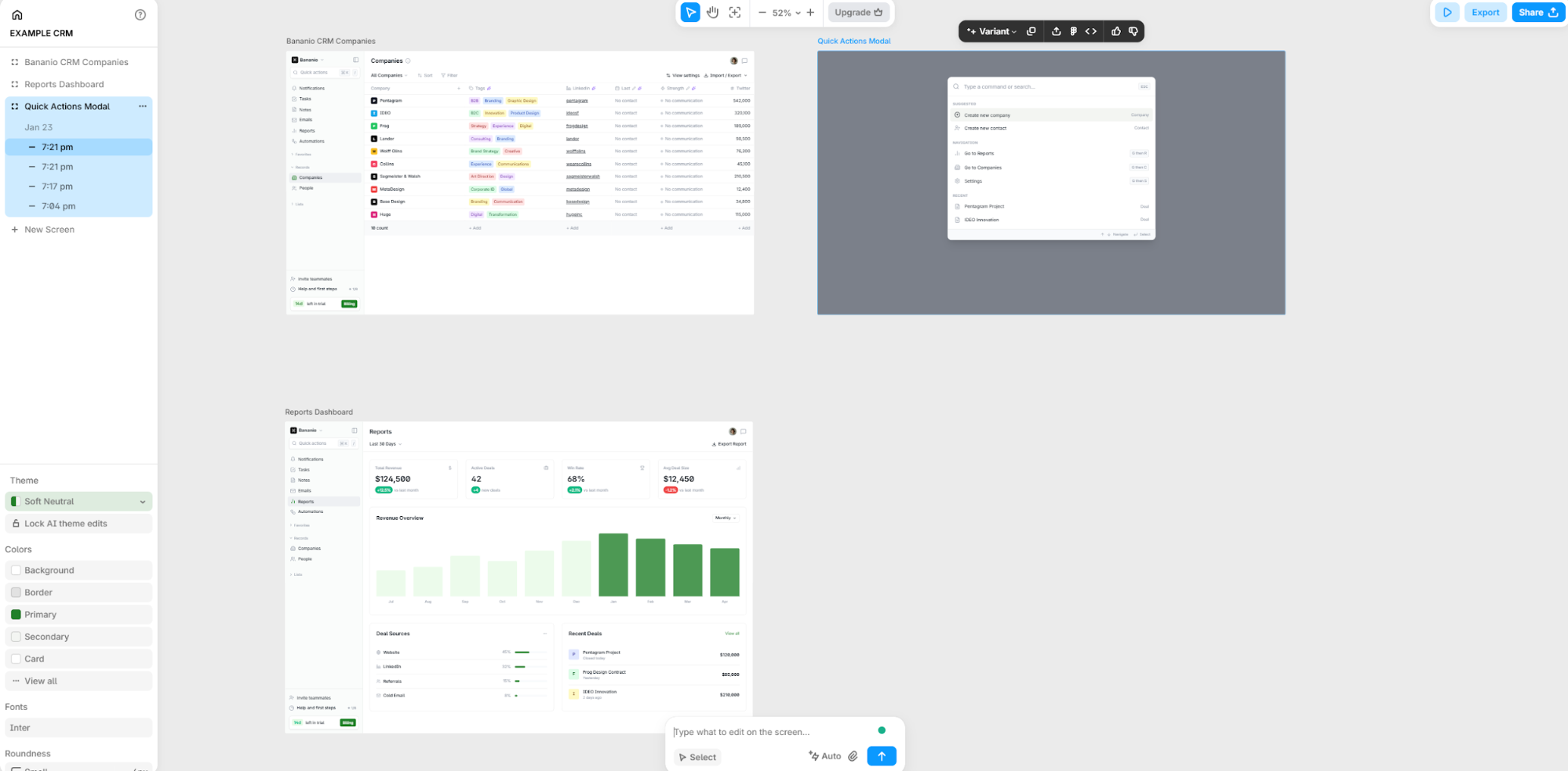
Banani generates UI designs from text prompts or screenshots. It supports multi-screen generation and offers Figma export, making it an option for UX designers exploring AI-assisted workflows.
How it compares to UX Pilot
While UX Pilot works best with individual screens, Banani can generate multiple screens from a single prompt. It connects with Figma, including on the free plan. Output quality varies depending on complexity, and designs typically need some manual adjustment before they're production-ready.
Key features
Pricing
Banani has a free option; paid plans start from $20 monthly.
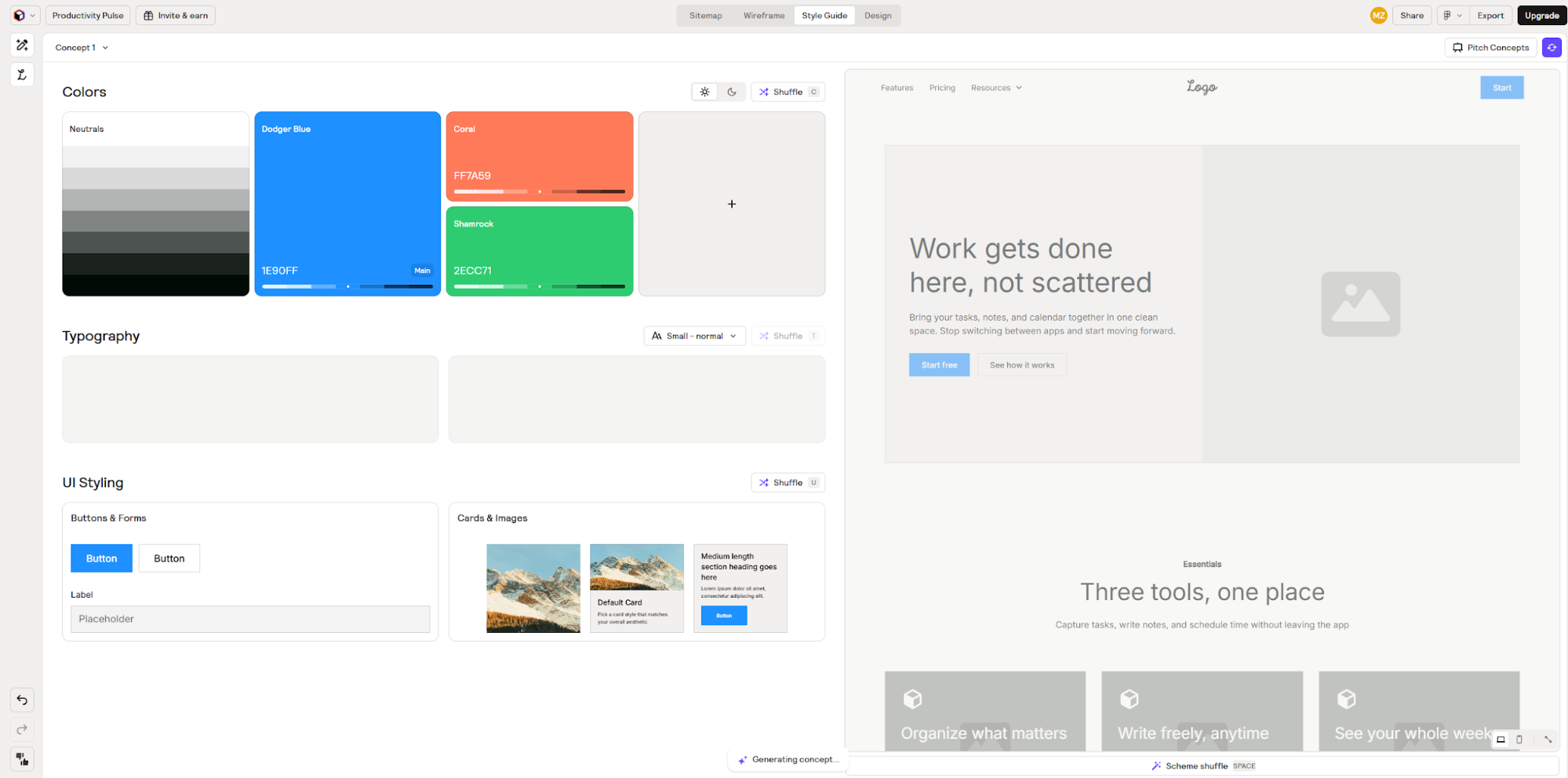
Relume generates sitemaps and wireframes for marketing websites, then exports them to Webflow or Figma. It's an AI design tool for web designers working on landing pages, marketing sites and content-heavy projects.
How it compares to UX Pilot
UX Pilot focuses on app interfaces; Relume specializes in websites. If you're designing SaaS dashboards or mobile apps, UX Pilot fits better. If you're building marketing sites in Webflow, Relume's components and integration make more sense.
Key features
Pricing
Annual billing offers approximately 30% discount.
The right UX Pilot alternative choice depends on what you need in your design workflow.
Flowstep stands out for product teams who need the complete package: generate full UI flows, get high-fidelity design fast, iterate with AI or manually, collaborate in real-time and export to Figma or code. The infinite canvas and inherently collaborative space mean you're never constrained by rigid layouts or limitations, and the ability to generate multiple screens at once matches how product teams actually think—in journeys, not isolated pages.
Try it free to see how fast you can move from idea to visual design.
This depends on what you need, but Flowstep doesn't limit the number of collaborators on the free plan. All tools have screen and prompts limits, though those numbers vary.
Yes. Flowstep, Banani, Google Stitch, Magic Patterns, Uizard and Relume all support Figma export of files you can easily customize later. Flowstep offers the smoothest experience—just copy with ⌘C and ⌘V without plugins.
Multiple alternatives include code export as their core functionality. Flowstep provides 1:1 code export built with React, TypeScript and Tailwind CSS, prioritizing its usability. Magic Patterns generates React components, Lovable creates apps with TypeScript and React, Figma Make outputs HTML/CSS, and Google Stitch exports clean HTML and CSS.
Several alternatives work well for non-designers. For example, Flowstep's chat interface feels natural—you describe what you want like talking to a designer. Uizard targets beginners with its sketch-to-design conversion. Lovable lets founders build working apps through conversation without code. Many teams find that understanding basic design flow principles helps them get better results from any AI tool they use, though.