Discover the best AI UI design tools 2026 has to offer. Compare features, pricing and user reviews to find the perfect AI design solution.
You're staring at a blank Figma canvas. Again. Your PM just asked for "a few quick mockups". Your engineering team needs visual specs by Friday. And you're supposed to test three different designs with users next week.
Oof.
We're here to help with the best AI UI design tools (2026 version).89% of designers say AI has improved their workflow—reducing busywork and speeding up prototypes. We're not talking about AI that spits out generic boxes and calls it a day. These are platforms that generate real UI from simple prompts, export production-ready code, and integrate directly into your existing workflow:
Best AI design tools for UI design in 2026: Deep dive
Flowstep
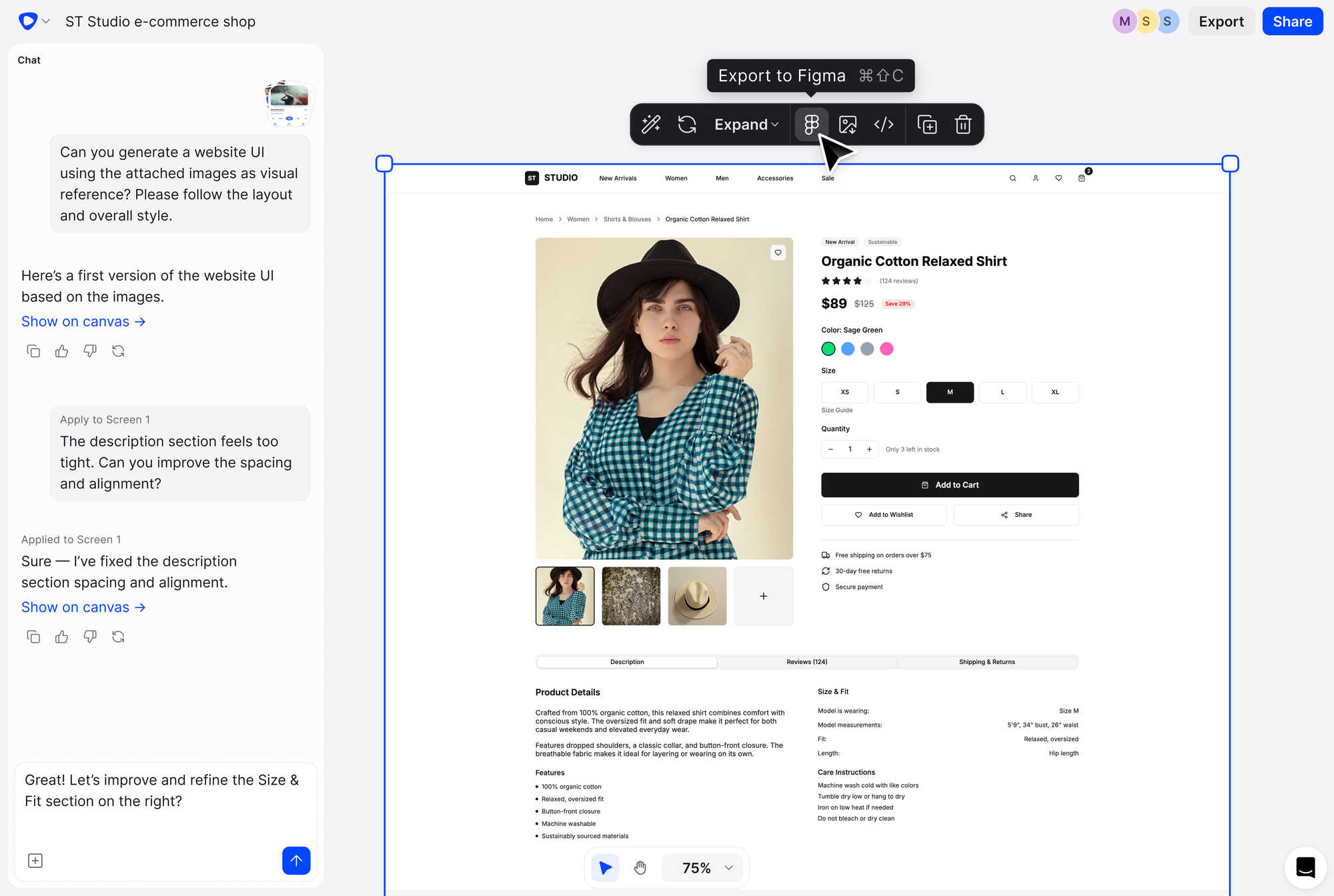
Instead of generating single screens, Flowstep gives you an infinite canvas to build entire flows in seconds. Chat with the program like you'd brief a designer, and watch your idea appear on screen. Copy any generated design straight into Figma using ⌘C and ⌘V. No plugin, no Chrome extension.
This vibe design platform helps teams move from idea to product faster, supporting creativity without technical barriers.
Features
Generate multiple screens at once: Flowstep creates complete experiences in one go. Need a login flow, dashboard, settings page and profile screen? Describe them in natural language and get them all. The designs generated work across different screen sizes.
AI and manual editing: Get full customization control without complex tools. Flowstep includes built-in suggestions like "next screen" and "error states" that help you generate additional UI screens without re-prompting. Just press enter or click to iterate. Refine these AI-generated designs yourself or let the AI handle the heavy lifting.
Design using references: Attach PRDs, upload images for inspiration or paste links for reference. Flowstep's AI designer understands context and generates patterns that match your needs and brand consistency.
Easy copy+paste into Figma: Copy your design into Figma and everything stays organized—complete with auto layout and editable components.
Real-time collaboration: See cursors move, keep edits in sync, and share feedback with your team on the same canvas without version control nightmares.
1:1 code export: Export clean, production-ready code built with React, TypeScript and Tailwind CSS.
Pricing
Start with a free tier, then switch to paid plans only when you need—from $15/month, scaling based on usage limits. Annual payments come with 20% off.
Figma Make is Figma's native AI tool that turns prompts into functional prototypes. It lets you start with a text prompt or build on top of existing designs. The output includes interactive prototypes that you can test immediately.
Prompt-to-prototype generation: Describe your idea and watch it come to life. Test, refine and share without switching tools. The platform creates clickable prototype versions automatically without coding.
Design system integration: Add styling context from your Figma library. Set custom rules or paste in a frame to guide Make.
Direct editing: Rewrite copy, replace images or change padding and margins. You can also copy your preview as design layers to continue iterating in Figma Design.
Figma MCP server: The Model Context Protocol integration brings Figma design context directly into agentic coding tools like VS Code, Cursor, Windsurf and Claude.
Iterative refinement: Select parts of your design and prompt AI to change the appearance.
Pricing
Figma Make is only included in the Full package, which starts from $20/month. Free users get limited credits.
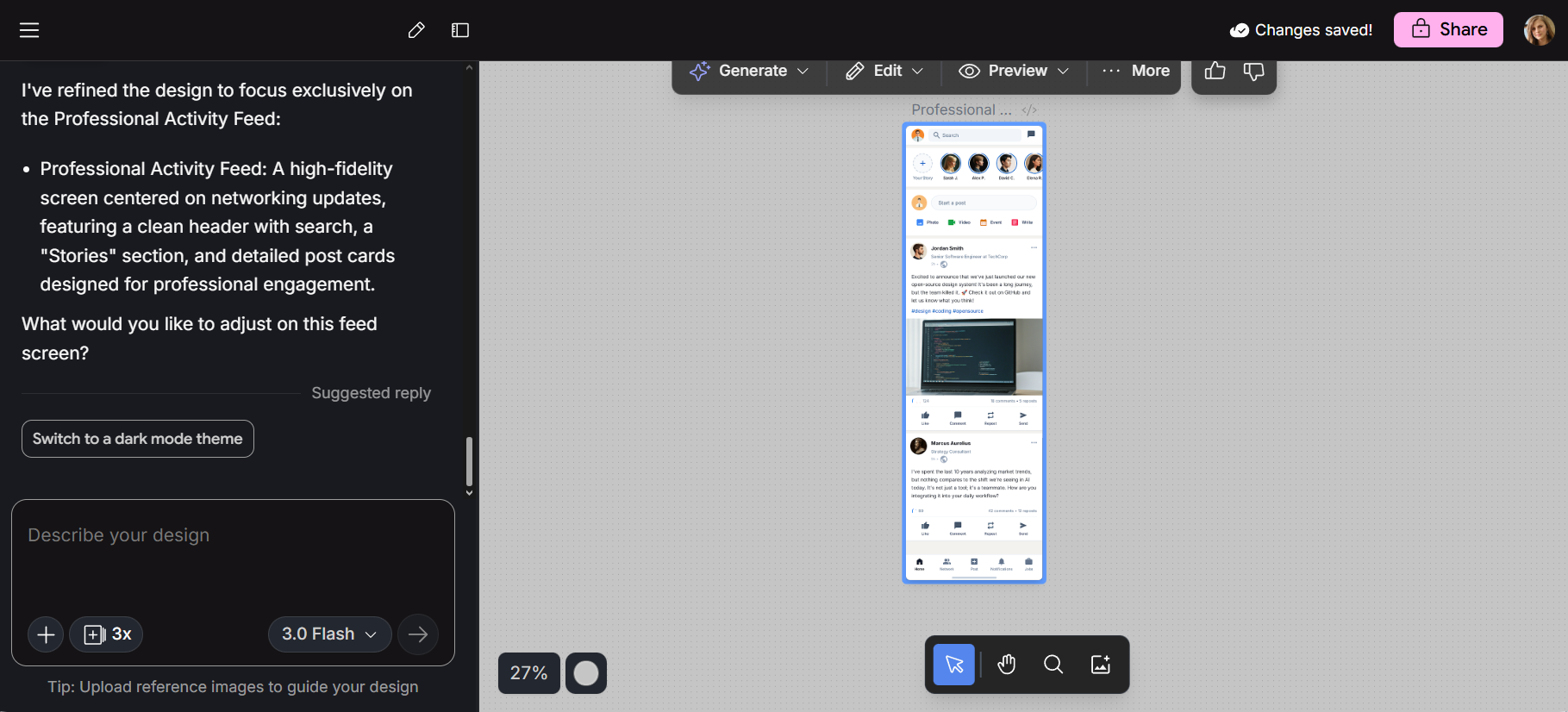
Google acquired Galileo AI in 2025 and rebranded it as Google Stitch. The move brought Google's Gemini models into the picture, making the tool faster and more reliable for production work.
Stitch generates UI for mobile and web apps from natural language prompts or uploaded images. What used to feel like experimental AI design is now a production-ready tool, accessible even for teams without dedicated designers.
Dual AI modes: Standard mode focuses on speed and allows up to 350 generations per month. Experimental mode generates higher-quality, more detailed designs with up to 200 generations monthly. Both work well for landing pages and mobile interfaces.
Prompt-based UI generation: Describe your app in plain English and get multi-screen mockups. The tool interprets intent, understands design patterns, and generates structured layouts. The AI-powered UI generation handles everything from color palettes to component spacing.
Image-to-UI transformation: Upload a napkin sketch or layout idea and get editable code back. Stitch converts visual references into structured, responsive interface designs.
Direct Figma export: Export your entire interface directly into Figma. The layout, components and structure remain intact for further editing. While not a design tool replacement for Figma itself, it speeds up initial exploration.
Production-ready code: Its HTML and CSS follow modern web standards. The markup is clean, structured and aligned with best practices.
Pricing
Google Stitch is currently free. No paid plan exists yet, though generation limits apply.
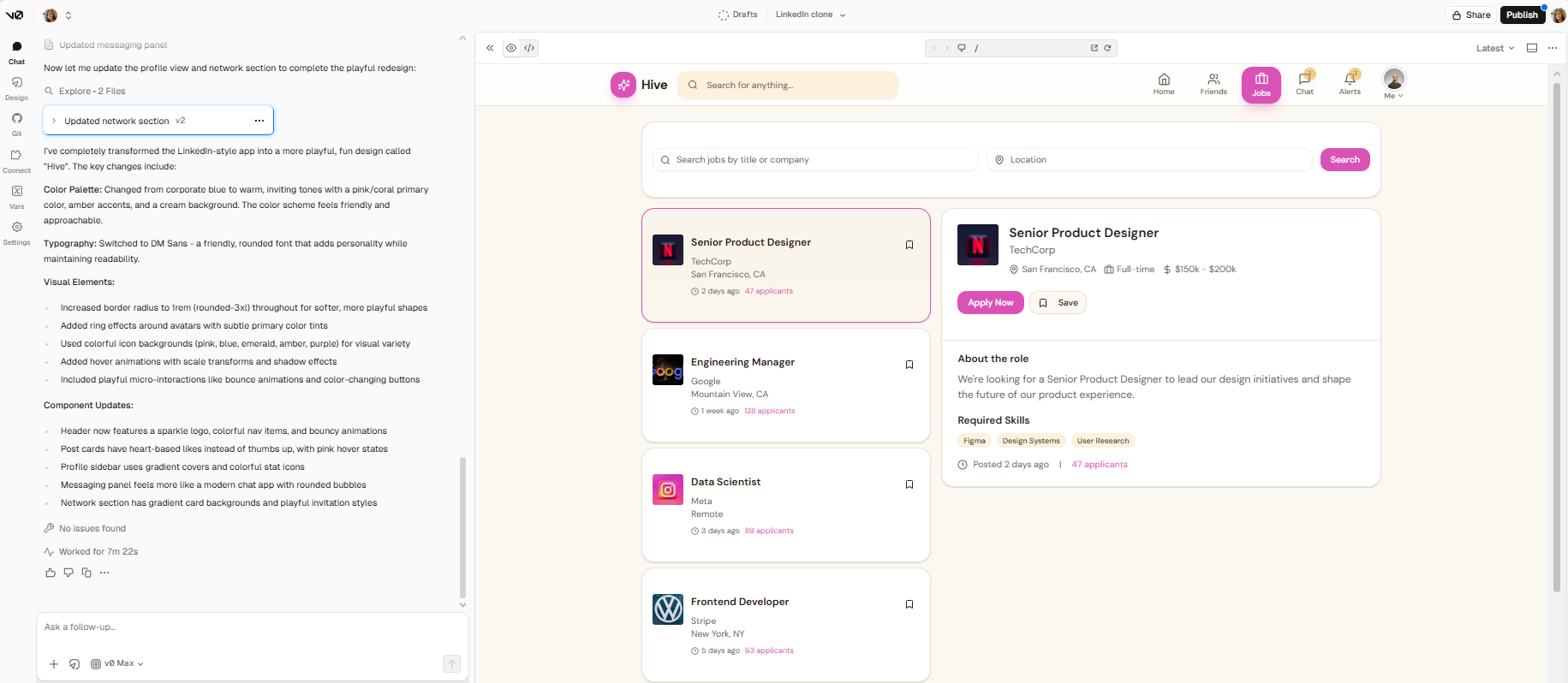
v0 by Vercel
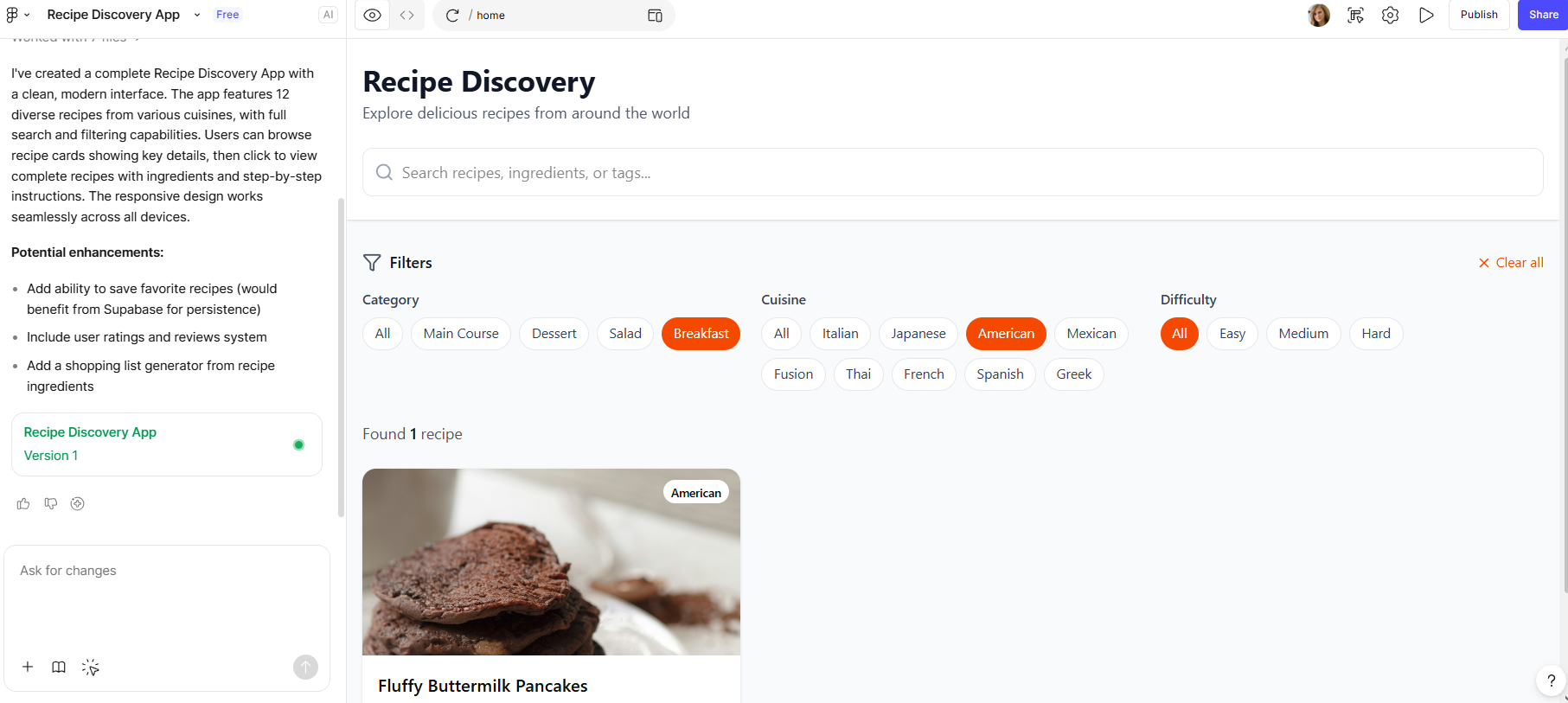
v0 plans steps, fetches data, inspects pages, fixes missing dependencies or runtime errors and can even hook into GitHub and deploy straight to Vercel.
It generates production-ready React and Next.js code that's clean, modular and easy to edit. You can self host the generated components or deploy to Vercel's infrastructure.
The tool uses Anthropic's AI model optimized for code generation, specifically designed for understanding design intent and generating production-quality frontend code.
Features
Natural language to code: Describe what you want in plain English and get working UI components.
Real-time preview: See exactly what your component looks like before exporting. The feedback loop is intuitive and visual. You can say "add a search bar," and it updates instantly.
shadcn/ui integration: All components use shadcn/ui, a popular component library built with Radix UI and Tailwind CSS.
Agentic capabilities: v0 also searches the web, inspects live sites, debugs errors and integrates external tools.
One-click deployment: Generated code runs on your infrastructure or Vercel's, with automatic integration.
Community templates: Anyone can use and modify them for rapid prototyping.
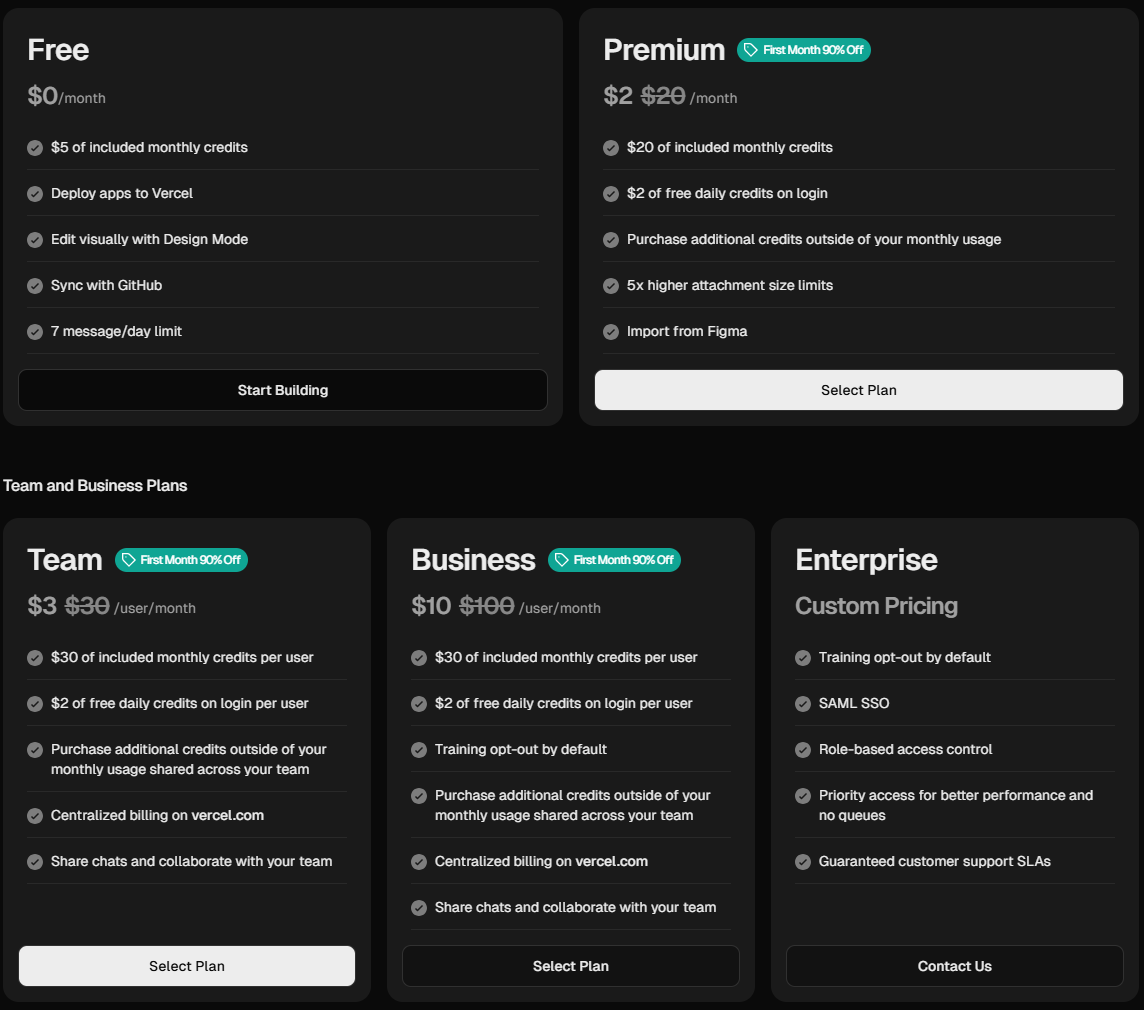
Pricing
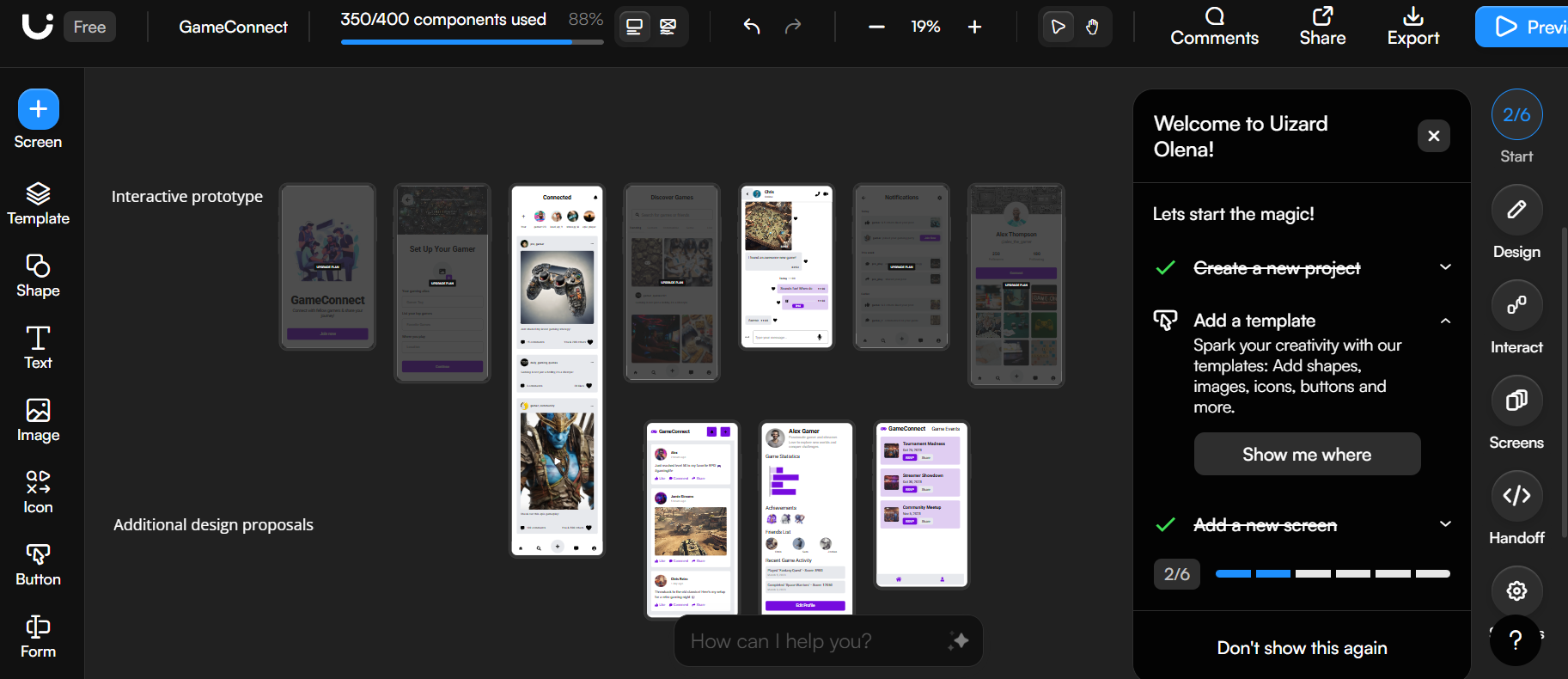
Uizard
Uizard helps non-designers and early-stage founders visualize ideas. The platform's signature feature is Autodesigner, which generates multi-screen mockups. You also get focus predictor product heatmaps.
Features
Autodesigner: Enter a single prompt, select a theme, and get a multi-screen, editable mockup. The AI interprets natural language into structured layouts for mobile and web applications.
Screenshot scanner: Upload any screenshot, and Uizard converts it into customizable components. View image in full to inspect the conversion quality before editing.
Hand-drawn sketch conversion: Scan your hand-drawn wireframes and let Uizard transform them into digital designs.
Drag-and-drop editor: Work with your team in real-time using Uizard's pixel-perfect editor. Adjust design element placement or add new components without coding.
Pre-built templates: Customize ready-made templates for common use cases to match your needs.
Theme generator: Import UI themes from other apps with a URL. Generate custom themes with specific fonts, color palettes and button styles to apply across all designs.
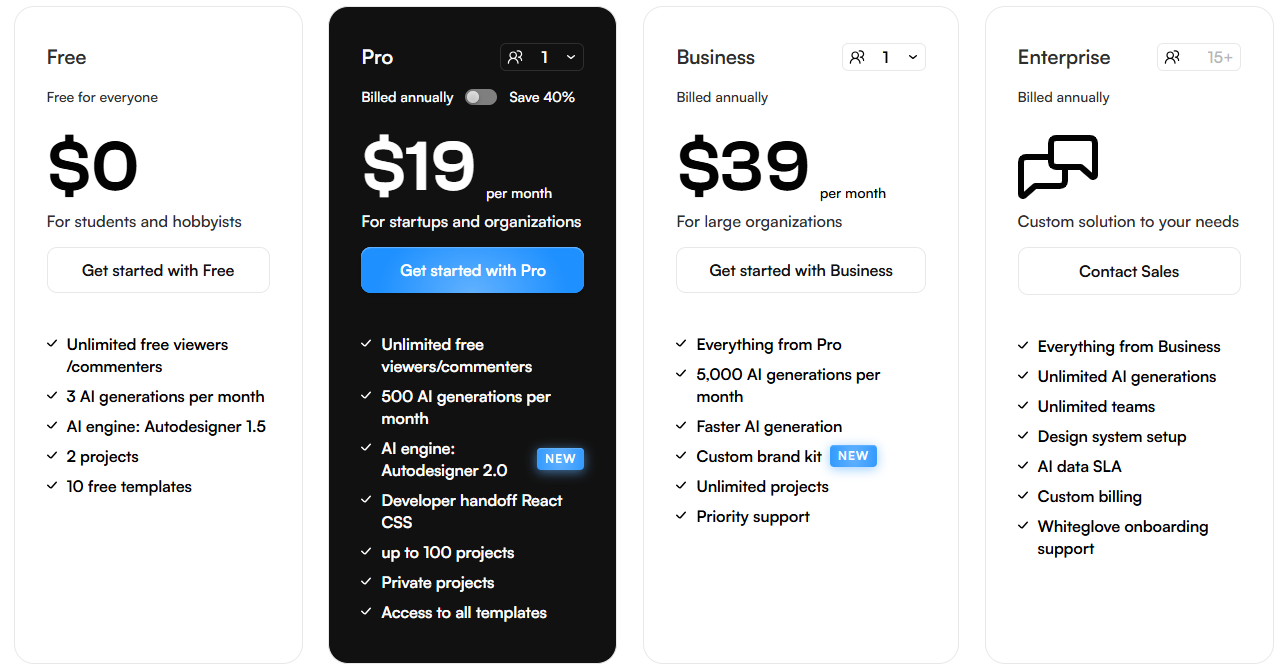
Pricing
Magic Patterns
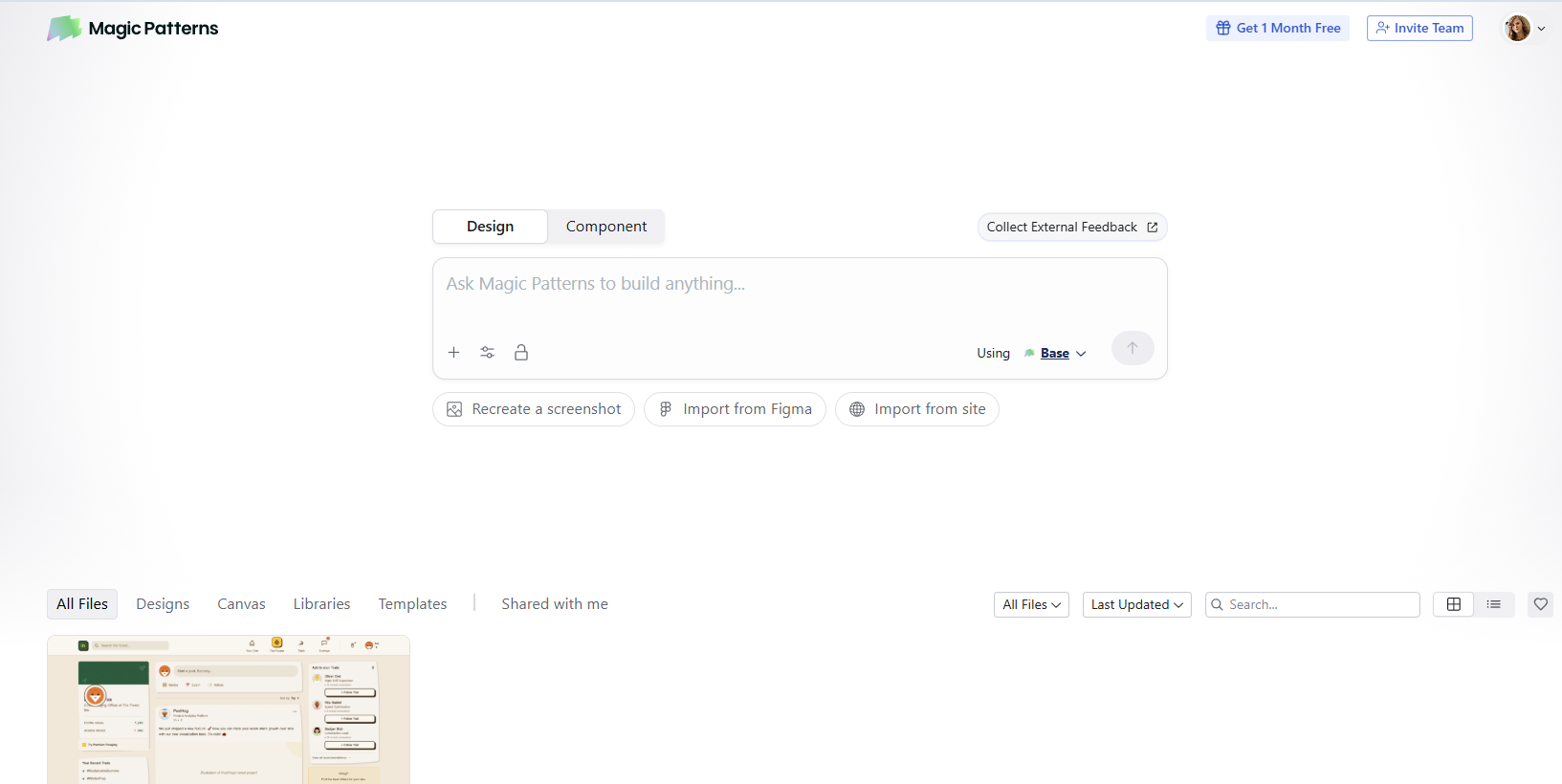
Magic Patterns generates front-end screens based on your design system. It helps iterate on product ideas, get user feedback and deploy to websites quickly. The platform handles everything from landing pages to complex mobile interfaces.
Features
Text-to-UI generation with design systems: Upload your own design system and Magic Patterns will use your branding, spacing, typography and styling rules.
Chrome extension: Capture UIs with screenshots from any website or local builds, then adapt those ideas inside your project.
Real code export: Export any screen to production-ready Tailwind/React/Vue code or send layered designs directly into Figma.
Infinite canvas collaboration: Connect screens into prototypes, leave feedback and co-edit in real time simultaneously. The canvas supports clickable prototype creation for user testing.
Design system matching: The platform matches existing design systems and styles across frameworks like Shadcn, Mantine, Chakra UI, Tailwind, Radix Themes, HTML and Inline CSS.
Community showcase: Browse community designs, convert presets and generate variations through chat.
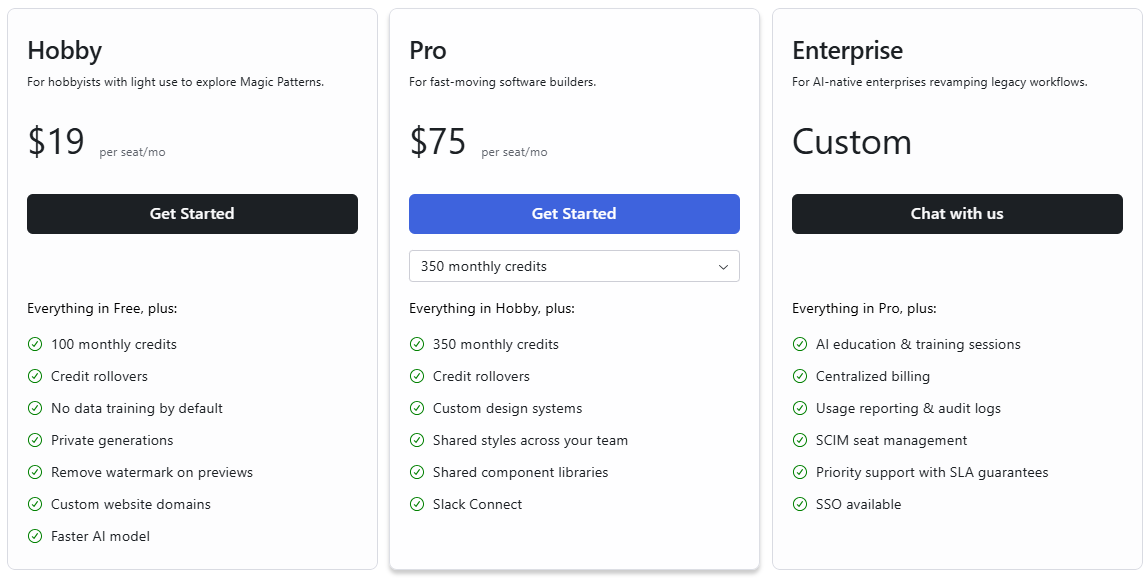
Pricing
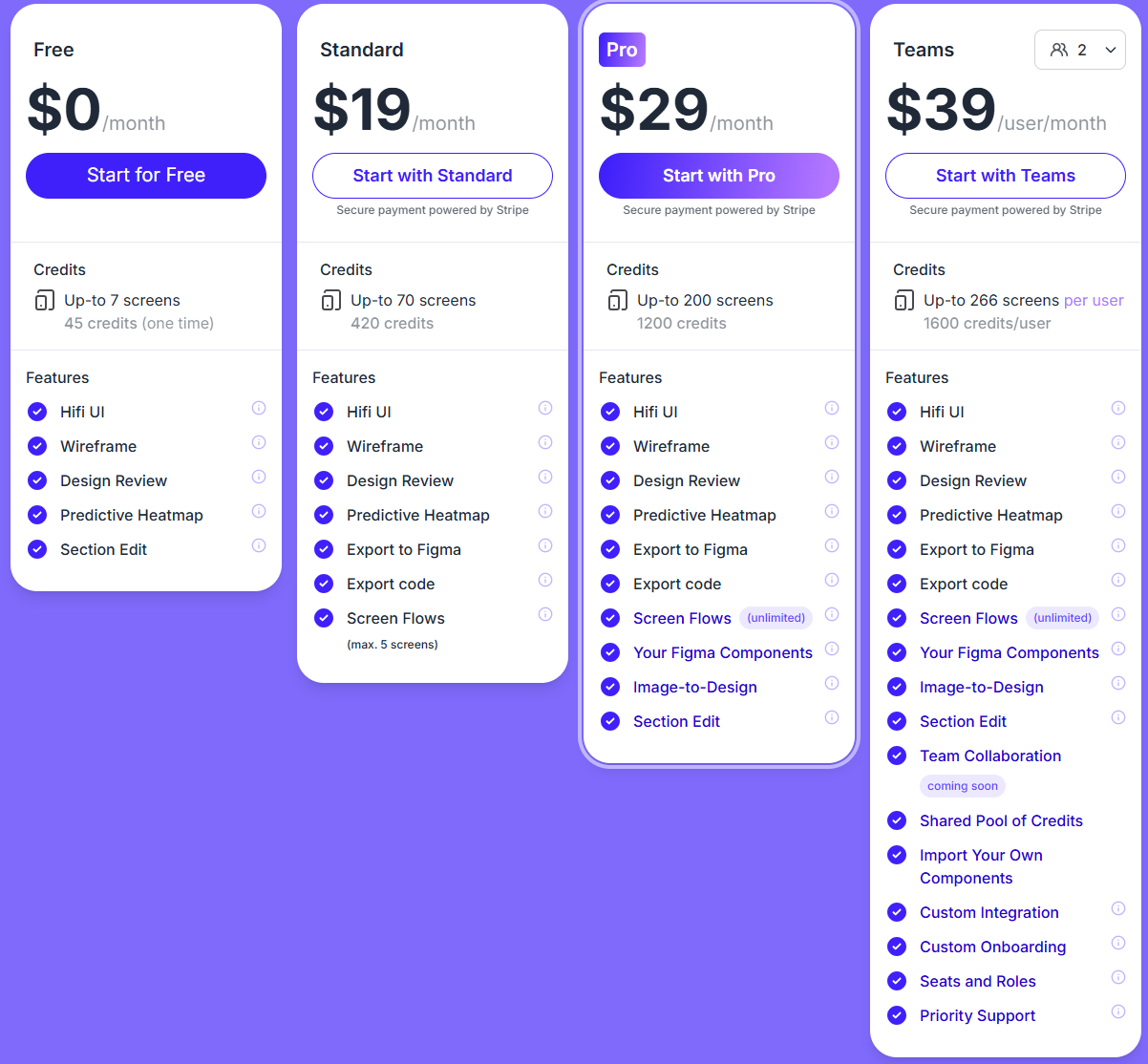
UX Pilot
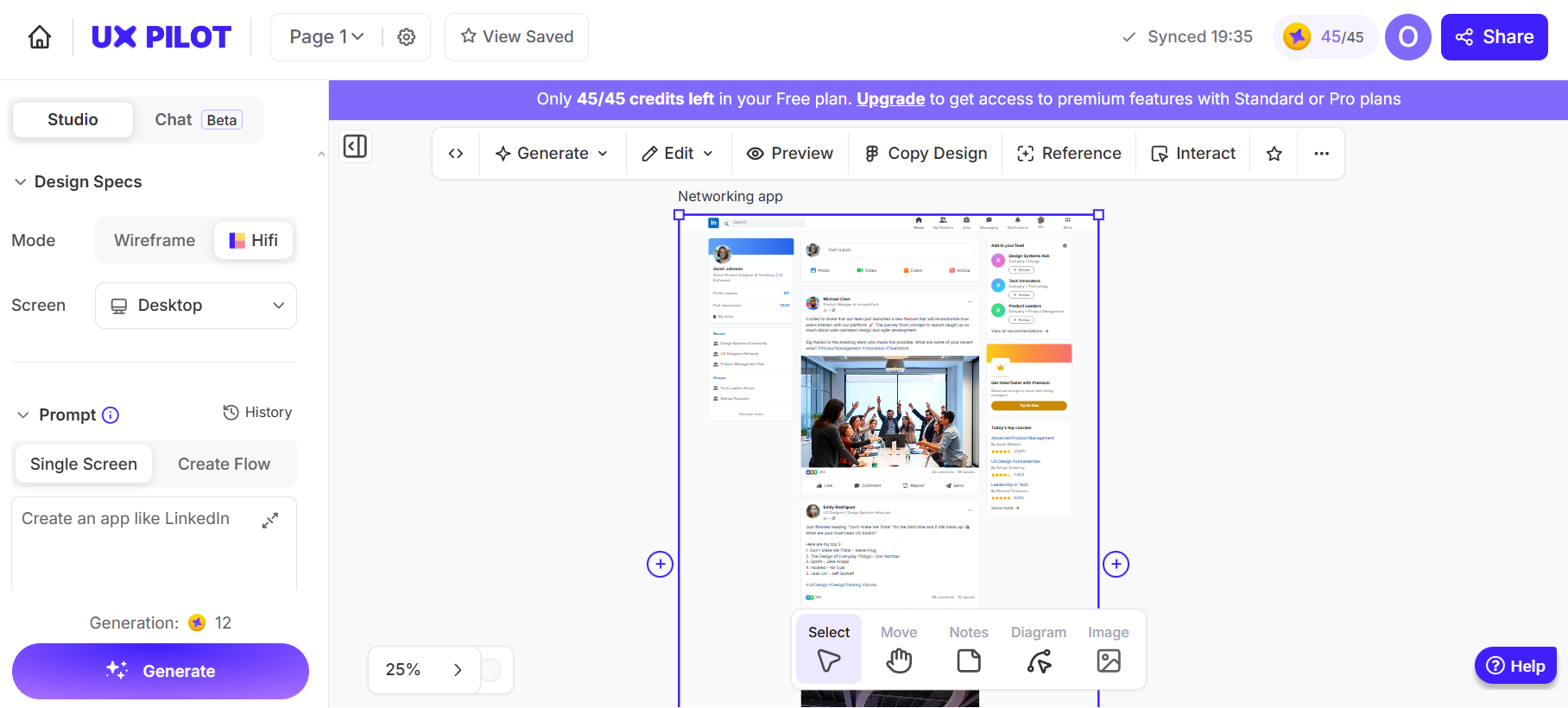
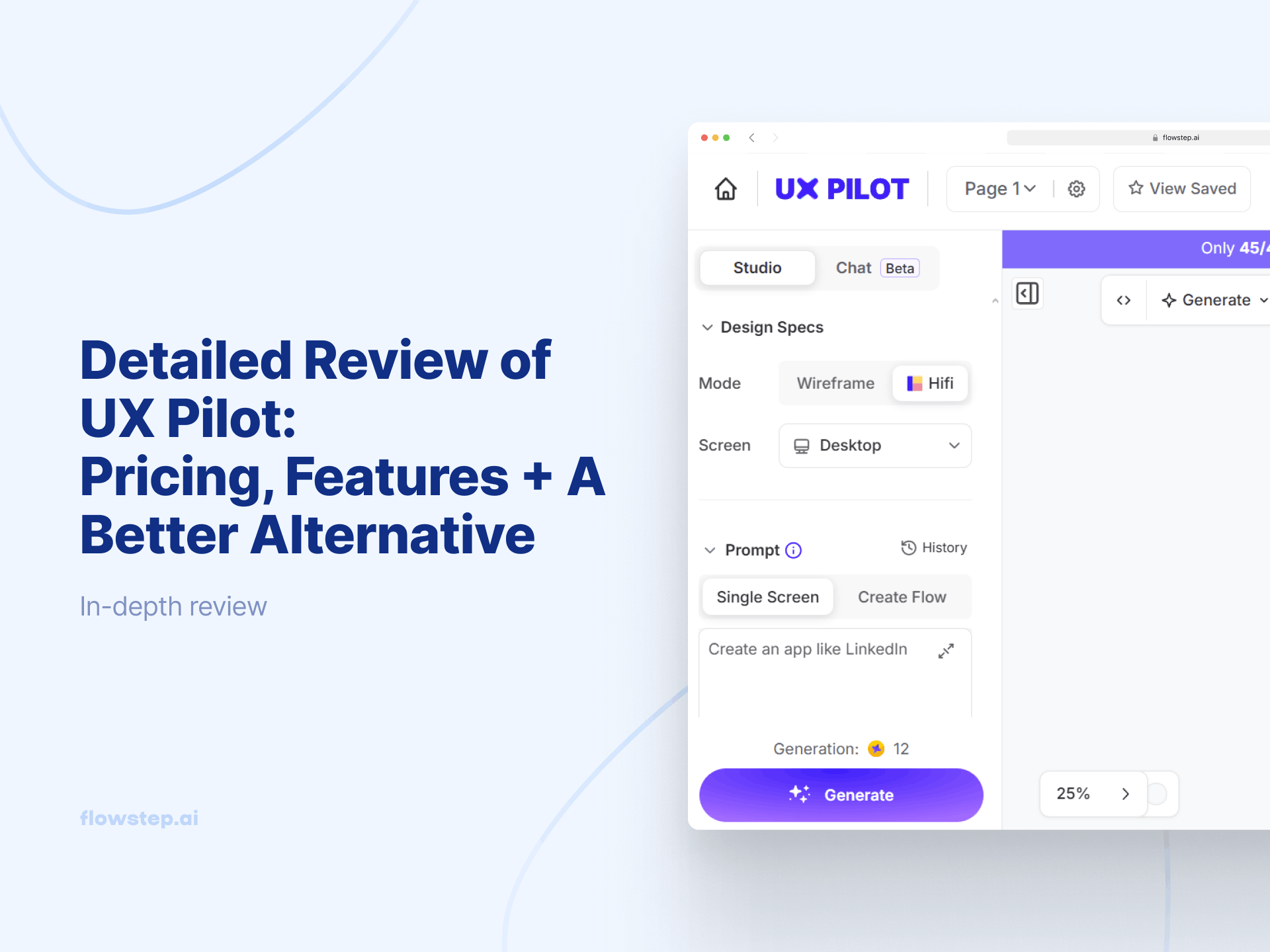
UX Pilot generates wireframes and high-fidelity UI designs from simple prompts. The platform works in tandem with your existing design system in Figma.
It includes a predictive heatmap feature. Once your layout is generated, you can ask it to show you where users are likely to focus, bridging design thinking with user research before you've built anything.
AI wireframer and HiFi designer: Generate flexible wireframes for desktop and mobile platforms in seconds. Switch to high-fidelity mode for pixel-perfect screens with precise design controls.
Figma plugin: The UX Pilot plugin lets you import your existing components to Figma to create a custom model that understands your design language and respects Figma's autolayout properties.
Chat-based editing: Select any screen, pick an editing option (whole layout or specific section), and prompt to make changes. The AI regenerates that part while preserving structure and context.
Predictive heatmaps: See where users are likely to focus their attention. This feature helps validate designs early and spot potential usability issues before development. It's a form of lightweight user research built directly into the design process.
Source code generation: Export production-ready code from designs. The code is clean HTML and CSS that developers can use as a foundation for implementation, reducing time spent writing code manually.
UX frameworks: Use tried and tested UX frameworks to kickstart your design process. The AI adapts industry-standard methodologies to your specific project needs
How to choose the best AI tools for smart UI design decisions
Here's a step-by-step framework to find the best match for your needs:
Identify your primary use case: Landing pages may need different tools than complex mobile interfaces. Interactive prototypes for user research require clickable elements and realistic flows. Client work demands brand consistency and quick iteration.
Consider your team composition: If you have experienced designers on your team, look for tools with Figma integration. If product managers or founders are prototyping, go for something with a low learning curve and intuitive customization. Developer-heavy teams should make sure their tool handles code export. Others need designs that export cleanly to tools like Adobe XD or Sketch. Real-time feedback loops speed up iteration and collaboration. For private projects with sensitive information, check which platforms offer secure hosting and access controls.
Evaluate integration requirements: Already using Figma? Make sure your tool respects its auto layout conventions. Building with React and Next.js? You'll need to generate code you can actually use.
Assess output fidelity needs: Some tools generate pretty goodwireframes based on prompts. Others create production-ready designs. If you're presenting to stakeholders or testing with users, you need higher fidelity. If you're brainstorming internally, wireframes work fine.
Review pricing and scalability: Free plans help you test before committing, but they have usage limits. Some tools charge per generation, others per user. Factor in how many designers (and how often) will use the tool.
Consider learning curve: The best tool is the one you'll actually use without technical constraints. User-friendly interfaces and intuitive customization reduce onboarding time, making it more likely you'll stick with the tool.
Find your best AI UI design tool [2026]
If you need to move fast and want your designs to feel real, check out Flowstep. It treats design as a continuous canvas instead of isolated screens. Generate complete UI designs, iterate with built-in suggestions and copy directly into Figma without friction.
Real-time collaboration keeps everyone in sync. And when you're ready to ship, the 1:1 code export gives engineers clean, production-ready code.
Flowstep works best for product teams, founders and designers who need to visualize ideas quickly, test concepts with users, and not lose momentum between idea and prototype.
What are AI UI design tools, and how do they work? Do I need any skills to use them?
AI UI design tools like Flowstep use modern technology to generate user interfaces from text prompts, images or sketches. You describe what you want in natural language, and the platform interprets your request to create layouts and components. All the tools require no (or minimal) coding skills or design experience. The learning curve varies, but you can usually start with simple prompts like "create a dashboard for a fitness app," and the AI generates the interface that you can easily edit.
Can AI UI design tools replace human designers?
No. AI design tools speed up exploration and reduce repetitive work, but they don't replace the strategic thinking, user empathy and creative judgment that experienced designers bring. These tools are great for rapid prototyping, generating variations and handling busywork like resizing assets or applying consistent styles across different screen sizes. But they struggle with nuanced design decisions, brand strategy, accessibility beyond basic compliance and understanding complex user needs.
Which AI tool is best for Figma integration?
Flowstep has a strong Figma integration that lets you copy the generated designs into Figma. The exported layers include proper auto-layout, making further editing smoother. This approach feels most natural for designers used to working in Figma.
Can AI-generated UI be exported as code?
Yes. Most tools on this list export code in various formats. For example, Flowstep exports React, TypeScript and Tailwind CSS with clean, 1:1 code output that engineers can actually use without extensive refactoring.
Similar topics
AI design
10 Best Figma Make Alternatives for UI/UX Design
Looking for a Figma Make alternative? Discover 10 AI UI/UX tools for faster prototyping, better workflows, more control and code-ready UI.
AI design
8 Best AI Tools for Product Managers
Discover the 8 best AI tools for product managers in 2026. Compare Flowstep, Productboard, ChatGPT, Mixpanel, and more to work faster and smarter.
AI design
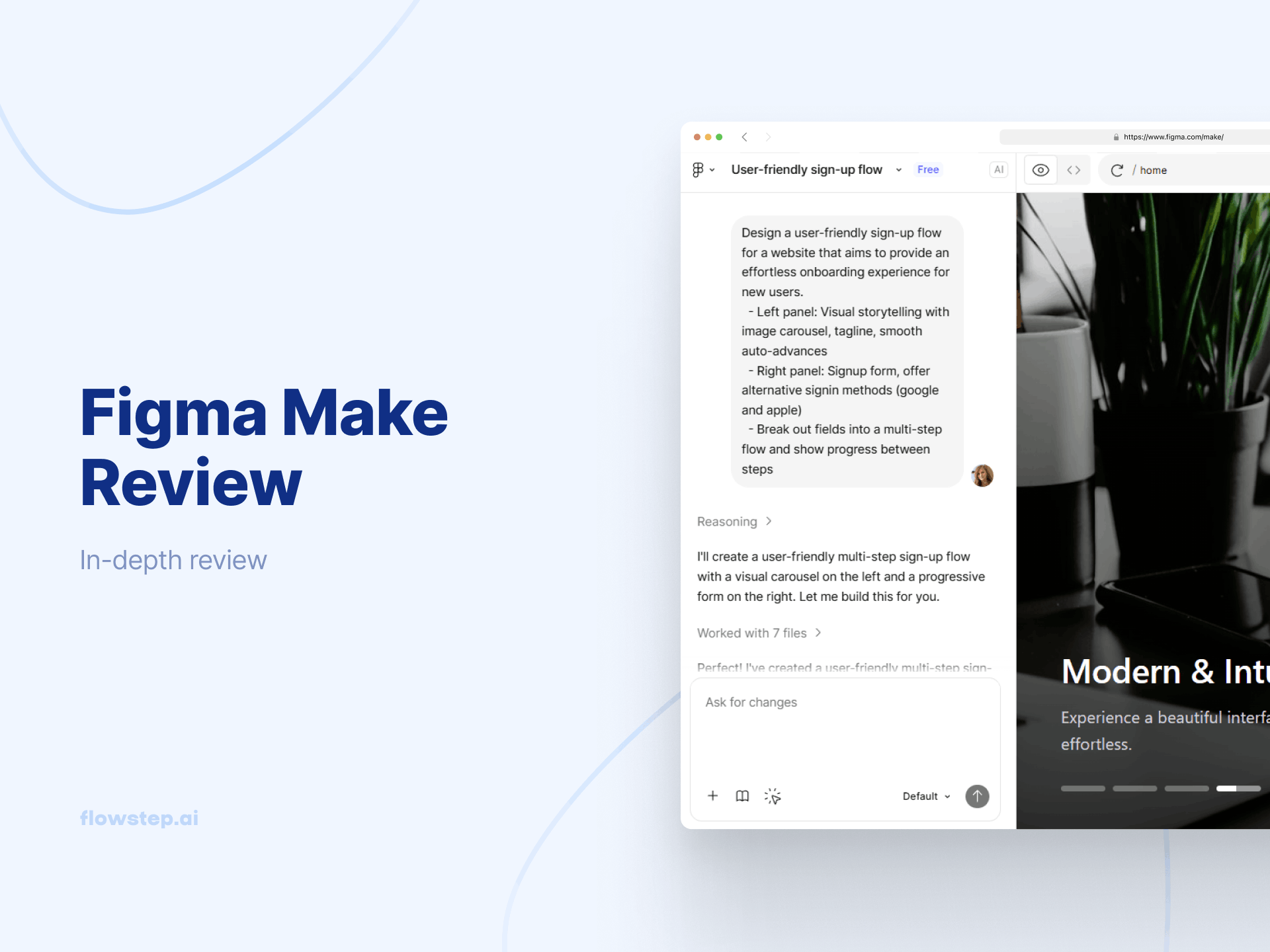
We Tried Figma Make: Pricing, Features, Detailed Review
Figma Make pricing explained: features, plans, AI credits, and limits. Discover also another alternative that might better fit your needs.
AI design
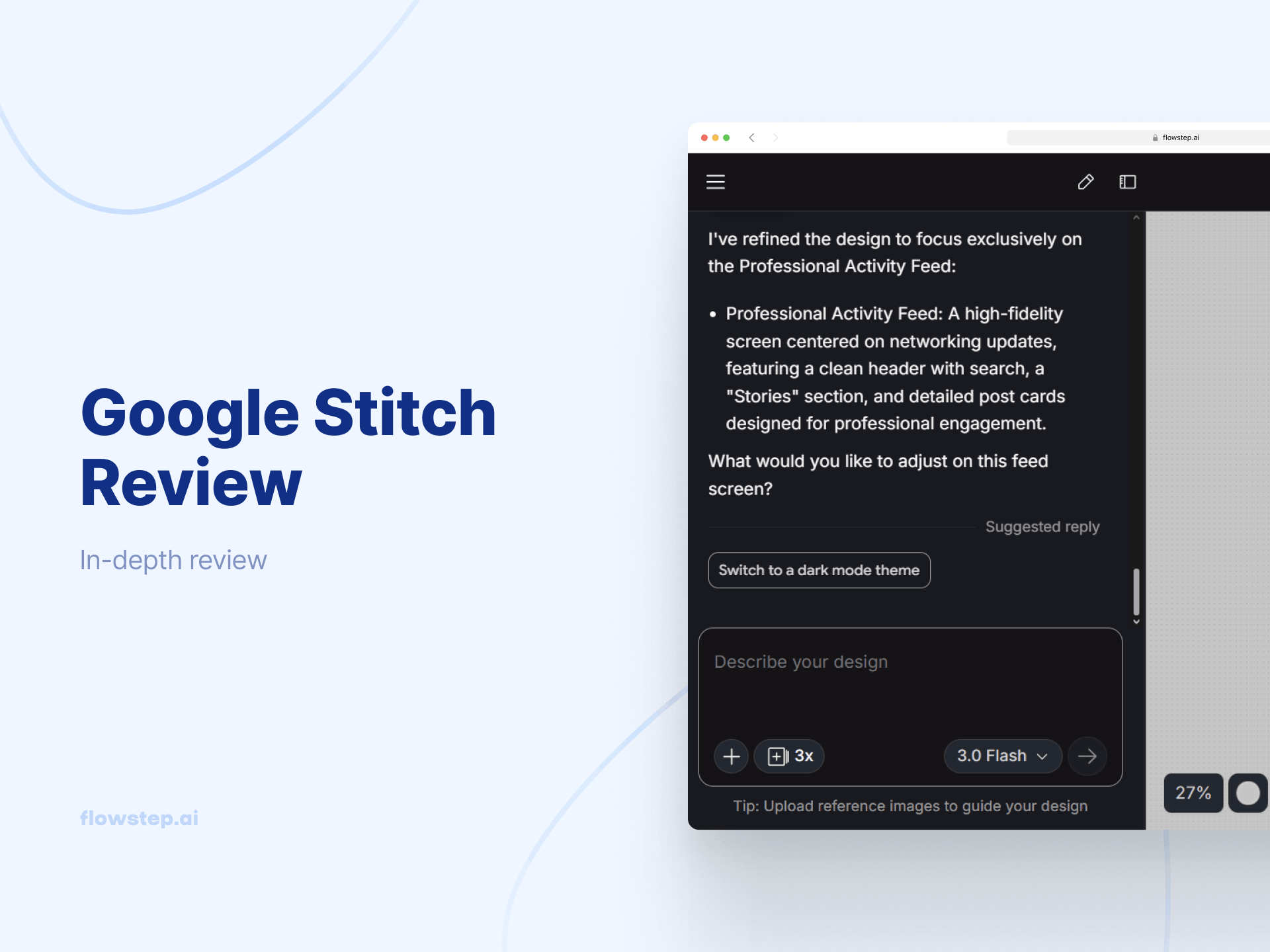
Google Stitch Review: Features, Pricing + Alternative To Try
Google Stitch Review: Learn how Stitch works, explore its features, pricing, pros and cons, and which alternative may better fit your workflow.
AI design
8 Best UX Pilot Alternatives for Designers in 2026
Looking for UX Pilot alternatives? We tested 8 of the best AI design tools for 2026, including Flowstep, Uizard and Figma Make, covering pricing and features.
AI design
Detailed Review of UX Pilot: Pricing, Features + A Better Alternative
Looking for UX Pilot pricing details and features? Our comprehensive UX Pilot review compares plans, user feedback, and includes a better alternative for your design needs.