12 Best AI Tools for Designers: 2026 Top Picks
Discover the best AI tools for designers [2026], including Flowstep, Figma Make and more top picks to speed up your UI/UX workflow and create better designs faster.
Looking for a Figma alternative? Compare 8 design tools for UI in 2026 - from AI-native platforms to no-cost open source software with real-time collaboration.
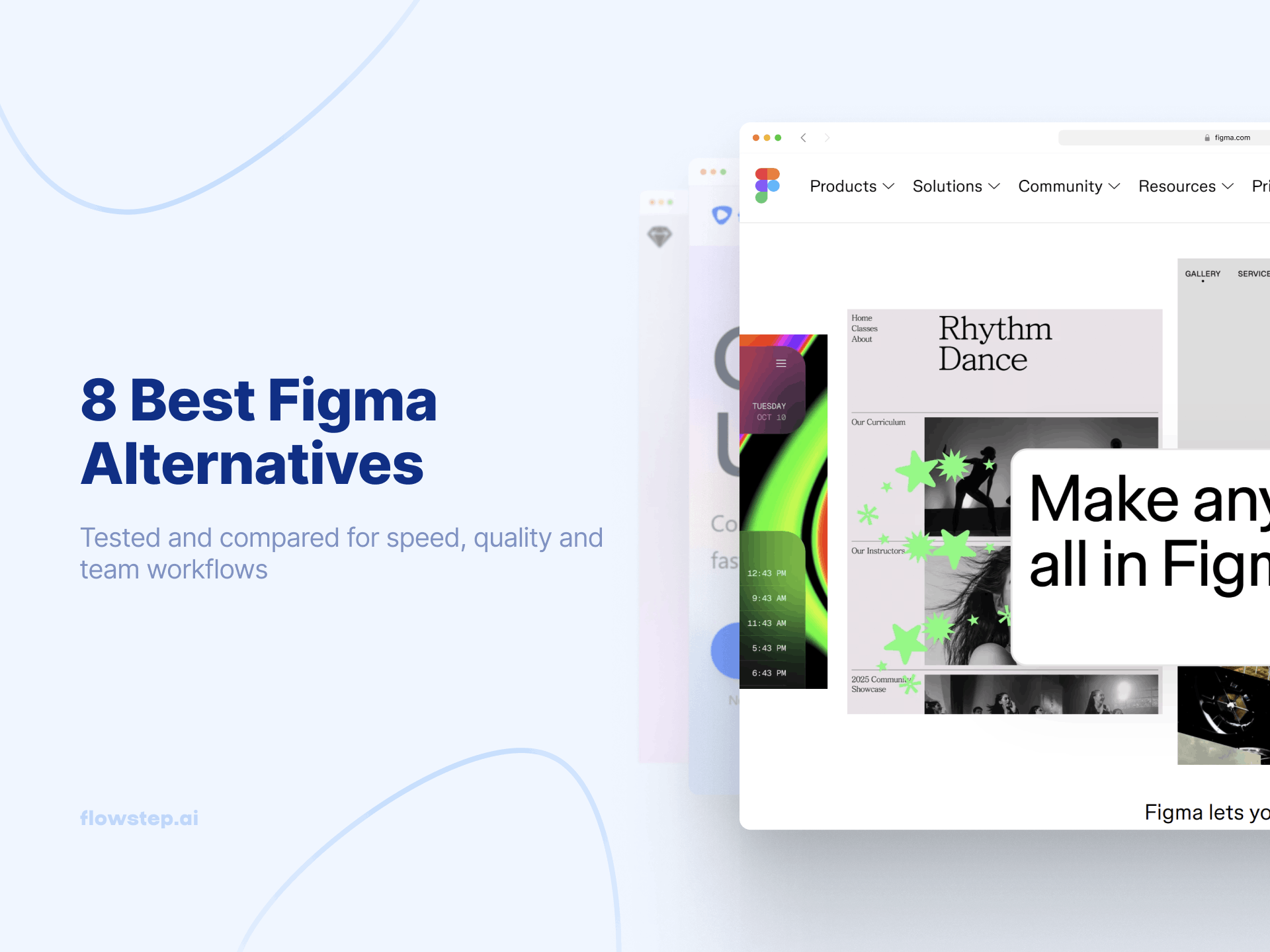
Figma is the industry standard for a reason. But “industry standard” also means $20/seat/month on Professional plans, a steep learning curve for non-designers, and a blank canvas that stares back at you every time you start a new project.
The 2025 pricing changes made things worse: 33% increase on Professional seats, plus forced bundling of FigJam and Slides. Even loyal users started exploring Figma alternatives. Today’s best options for replacing Figma fall into two camps: traditional design tools like Sketch and Penpot that compete feature-for-feature, and AI-native tools like Flowstep and Uizard that reimagine how the design process starts.
This guide covers eight options tested for UI design workflows, from a prototyping tool with AI features to design software that doesn’t require a design degree.
Figma is a browser-based collaborative design platform for UI/UX with real-time collaboration features, design systems, interactive prototypes, and developer handoff via Dev Mode.
Pricing:
Here’s why teams look for an alternative to Figma:
Figma alternatives fall into two camps: traditional design tools (Sketch, Penpot, Lunacy) that offer similar design capabilities at different price points, and AI-native design tools (Flowstep, Uizard) that reimagine the design process by generating UI from prompts. For more on AI tools for designers, see our full roundup.
Here’s a quick comparison to help you pick the right alternative to Figma for your team.
If you’re comparing Figma alternatives by role, check our articles on AI tools for product managers and the best user flow generators.
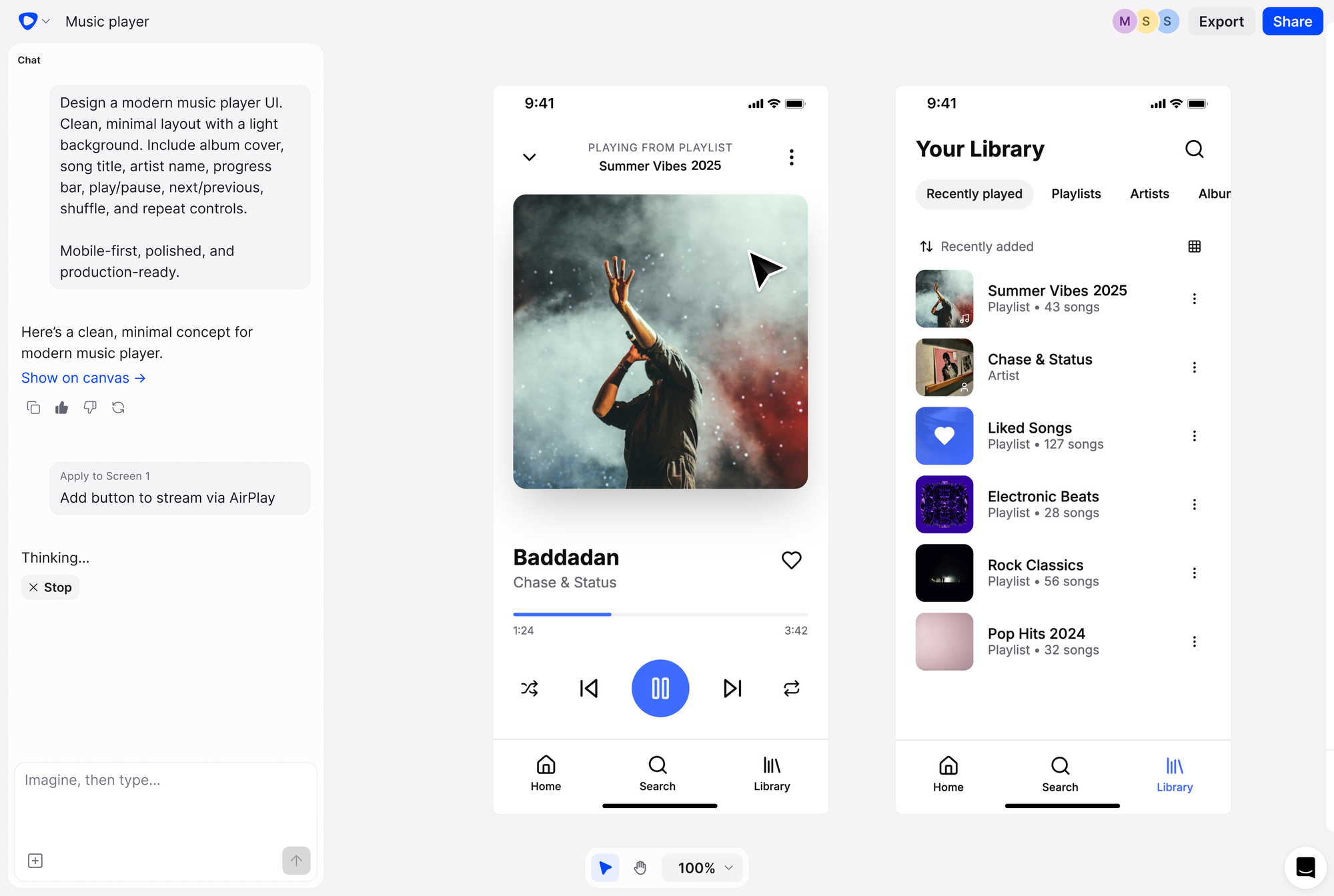
Flowstep is the strongest AI-native Figma alternative for product teams that want to skip the blank canvas and generate high-fidelity UI from prompts. It’s not a Figma replacement - Figma remains the gold standard for pixel-perfect design systems. Flowstep is the ideation layer that handles the first 80% of the design process: getting from idea to visual faster than any traditional design tool can.
Describe your product idea in natural language, and Flowstep generates complete user flows on an infinite canvas - login screens, dashboards, settings pages, the full user interface. Unlike Figma, where every project starts from scratch, Flowstep gives you a head start. The AI-generated UI is fully editable - refine with AI or manually edit design elements without re-prompting.
The killer feature for Figma users: copy any design and paste it directly into Figma with ⌘C/⌘V. No plugin, no Chrome extension, no export step. Layouts and components stay intact—this offers seamless integration between Flowstep and your existing Figma workflow. Real-time collaboration with live cursors lets your entire team work from the same canvas. And export clean, production-ready code in React, TypeScript and Tailwind CSS. Whether you’re building a web app or a mobile user interface, Flowstep lets you create designs for any digital product. For teams exploring Figma Make alternatives or AI wireframe generators, Flowstep is the most complete option.
Start designing with Flowstep—Sign up free
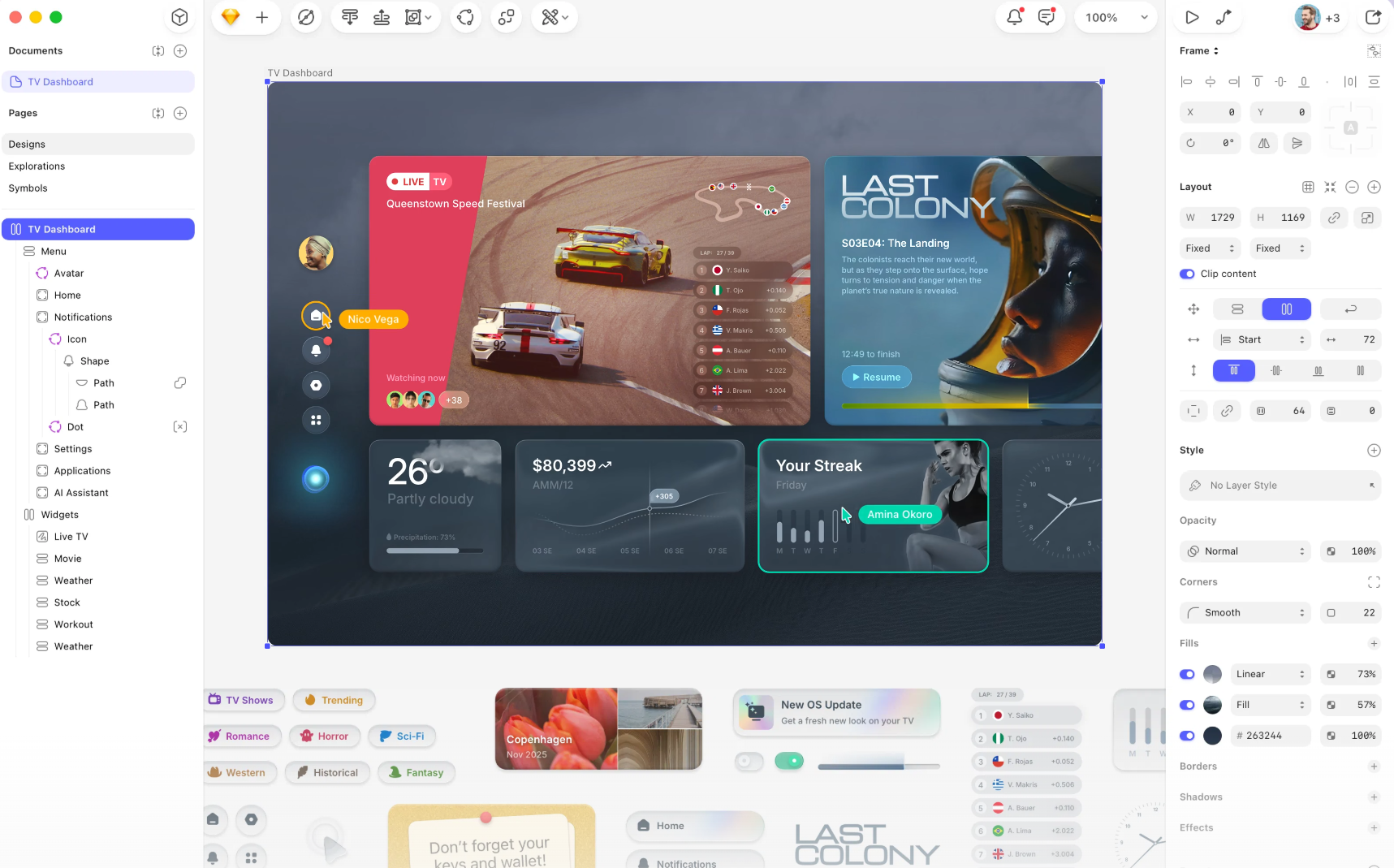
Sketch is the original Figma competitor—a macOS-native application for macOS users with a focus on performance, an open file format and local-first workflows. Files live on your machine first, with optional cloud collaboration and version control. The platform includes design systems, reusable components (Symbols), prototyping and a mature plugin ecosystem built by its community. The tradeoff: It only works on one operating system (macOS) - no Windows, Linux or browser version. Collaboration relies more on third-party tools than Figma’s native multiplayer. For a deeper look at wireframing tools, see our guide.
Pricing: ~$10/editor/month (annual) | Mac license $120 one-time | Free trial
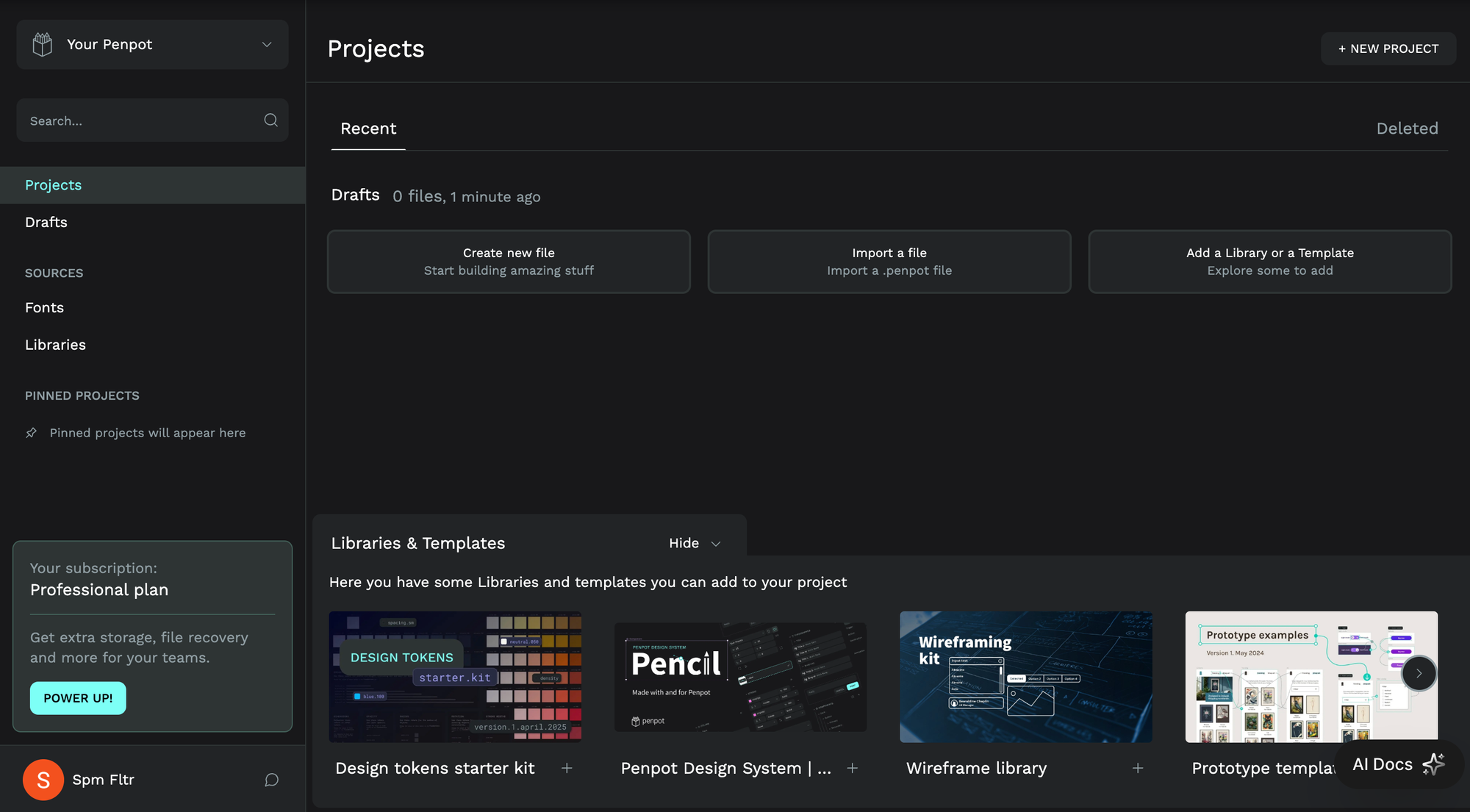
Penpot is the open-source alternative to Figma that costs nothing. It’s browser-based design software with real-time collaboration, design systems, interactive prototypes with interactive elements, and developer handoff—all without licensing fees. Built on open standards (SVG, CSS, HTML), every design element is a valid SVG with native CSS Grid Layout and design tokens. Self-hosting is available for design teams with privacy, GDPR or HIPAA requirements. As open source software, the community drives new developments, plugins and integrations.
The tradeoff: Penpot’s component system isn’t as refined as Figma’s, and performance can slow with large files. But for cost-sensitive teams or those who need to self-host, nothing else comes close. For more on inclusive design principles, see our guide.
Pricing: No-cost (unlimited) | Unlimited $7/mo | Business $950/mo | Self-hosted at no cost forever
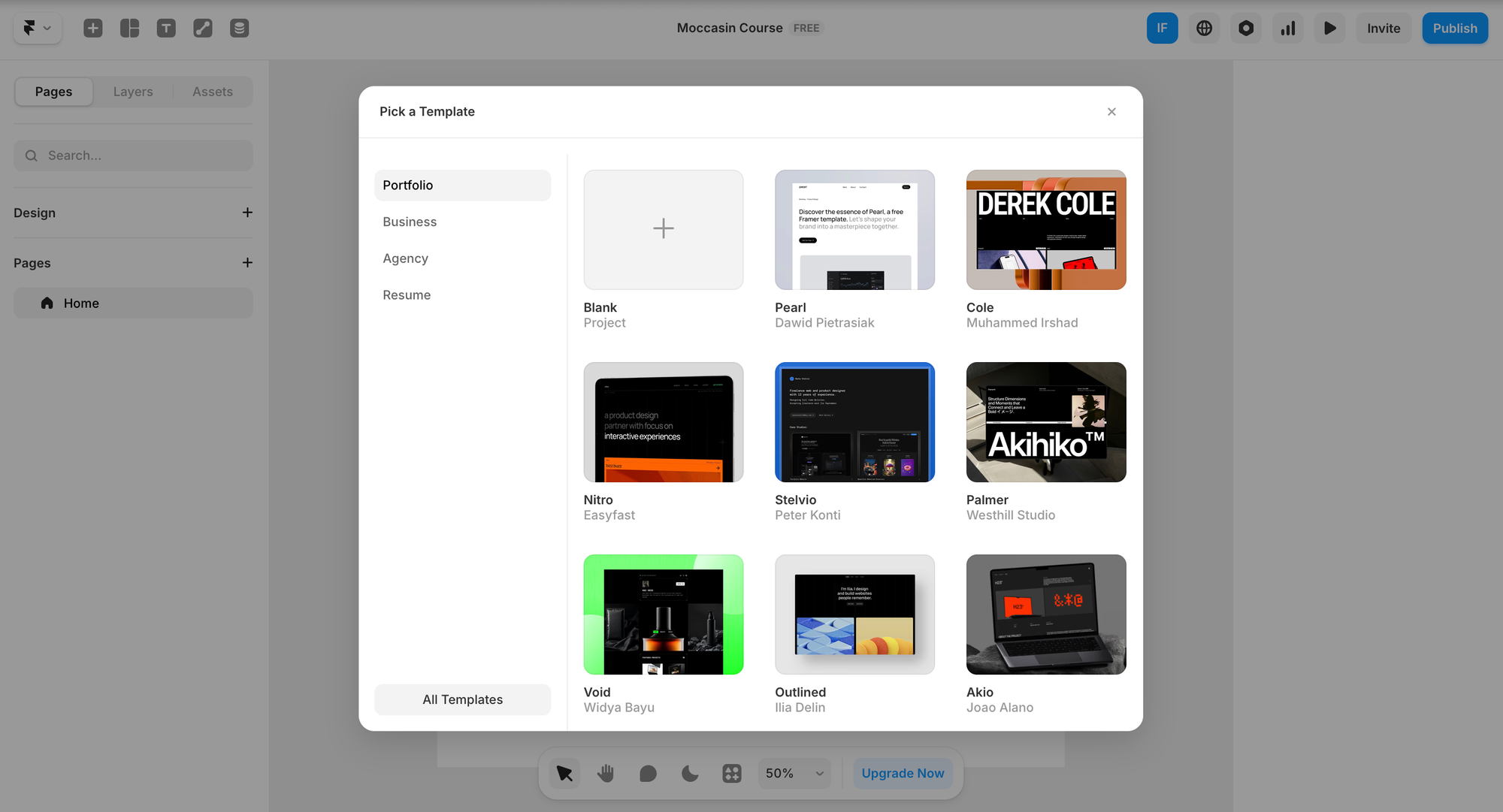
Framer isn’t a traditional design tool - it’s a design-to-site platform. You design in a browser-based editor, and Framer publishes the result as a live site with built-in hosting. The platform includes AI-powered layout generation, a built-in CMS, responsive design by default and animations without code. Figma import via plugin lets you bring designs in and publish as live pages.
The tradeoff: Framer is focused on web design, not digital products or mobile apps. It also lacks other features like interactive prototyping for user testing. The pricing jump from Basic ($10/month) to Pro ($30/month) is steep.
Pricing: Limited (2 pages) | Basic $10/site/mo | Pro $30/site/mo | Scale usage-based
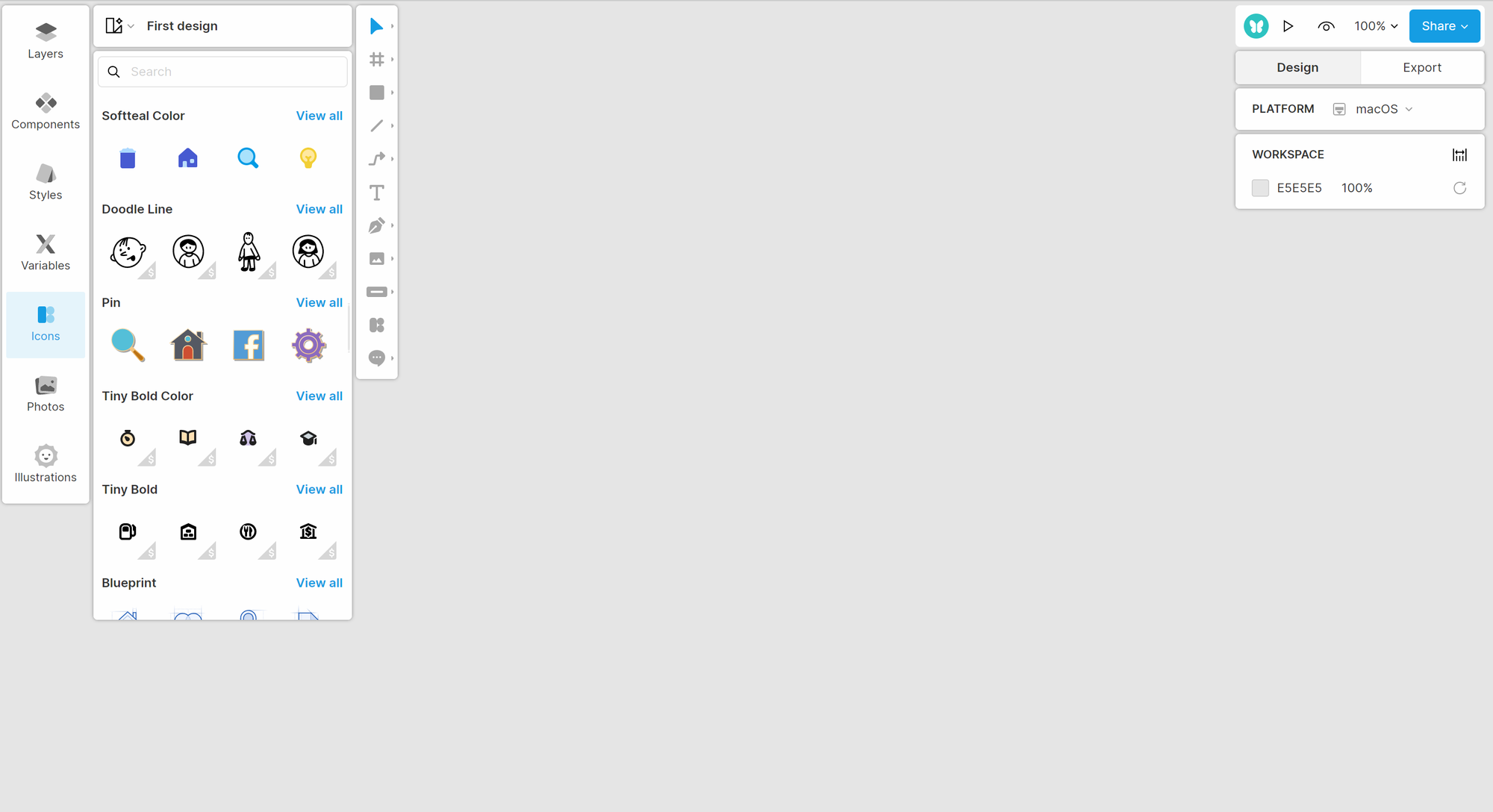
Lunacy is a no-cost, cross-platform design tool by Icons8 that runs on Windows, macOS and Linux, making it the strongest Figma option for teams that need offline-capable, desktop-native design software without per-seat pricing. It offers full vector editing, prototyping, real-time collaboration and a user-friendly interface familiar to anyone who’s used Figma or similar tools.
What makes Lunacy stand out: built-in AI tools (background remover, image upscaler, avatar generator) and a library of 1.5 million+ no-cost icons, photos and illustrations from Icons8. It works fully offline and runs smoothly on modest hardware. Figma import is built in. The tradeoff: a smaller plugin ecosystem than Figma, and prototyping is less advanced. For more on AI design tools, see our roundup.
Pricing: No-cost (core features) | Paid plans for extended Icons8 library and team features
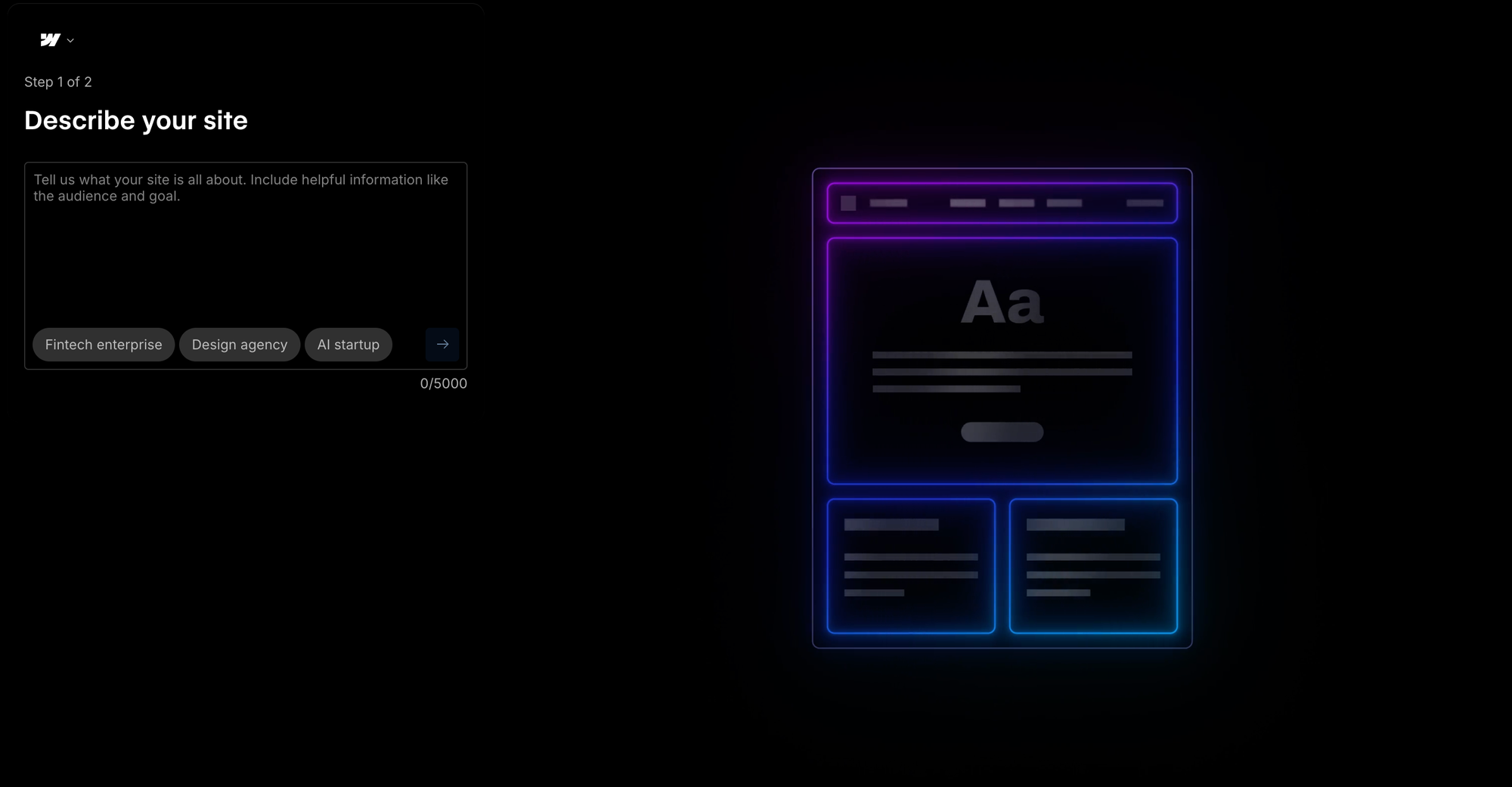
Webflow is a visual web development platform that lets designers build production-ready, responsive sites without writing code. Unlike Figma, which produces static designs that need developer handoff, Webflow outputs real HTML, CSS and JavaScript - your design is the live site. The platform includes a powerful CMS, custom interactions and animations, e-commerce capabilities, and hosting with a global CDN.
The tradeoff: Webflow has a significant learning curve - it’s closer to visual coding than traditional design. It’s focused on sites only (no mobile app design), and pricing can climb for CMS-heavy sites. For more on prototyping tools, see our comparison.
Pricing: No-cost (staging only) | Basic $14/mo | CMS $23/mo | Business $39/mo | Enterprise custom
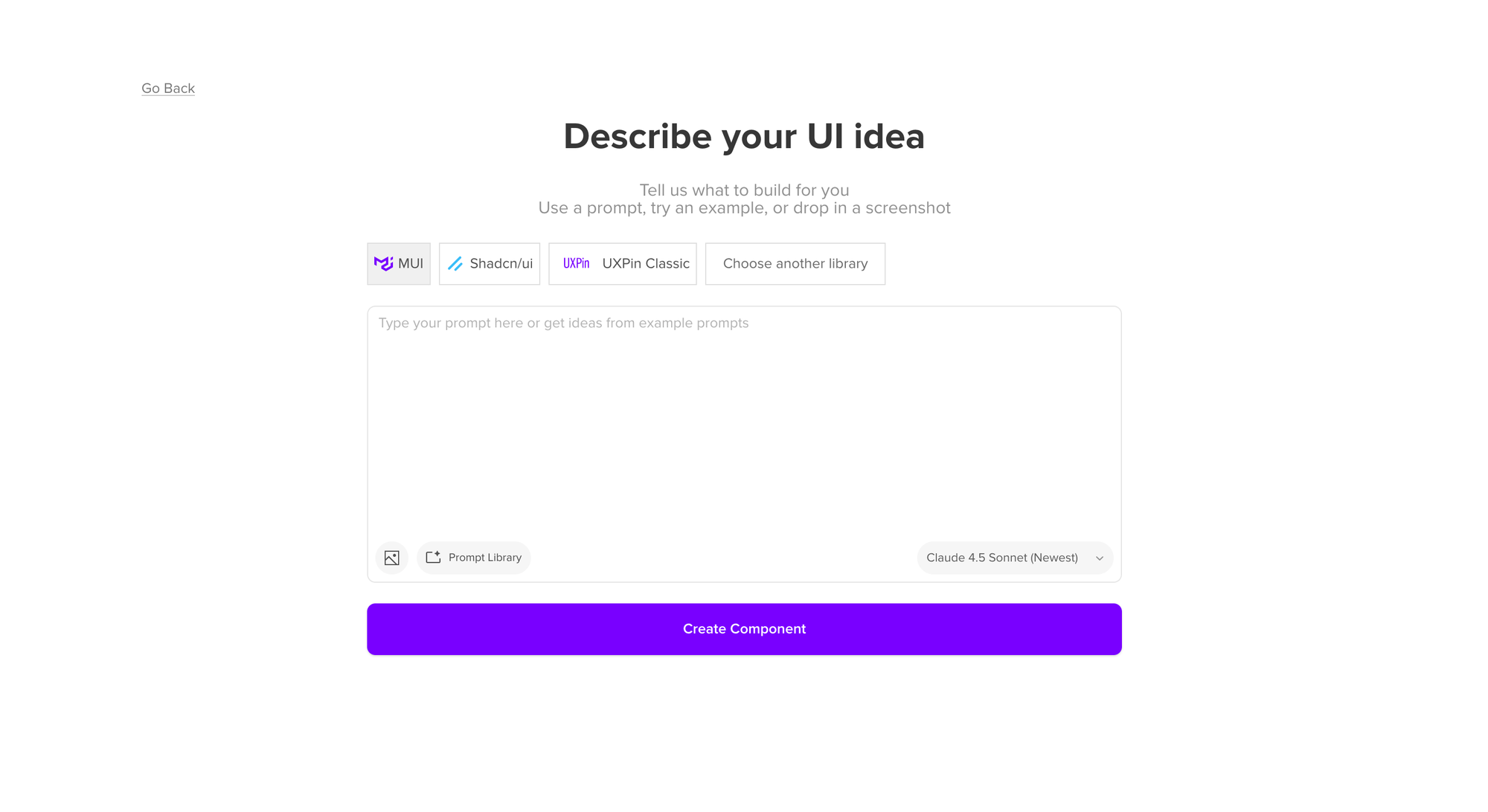
UXPin is a prototyping tool and design platform built around designing with real code components. Through UXPin Merge, teams import React, Vue or Angular components from their codebase and use them directly in the design tool - so prototypes behave exactly like the final product, with working form fields, dropdowns and conditional logic. It’s the top Figma choice for enterprise teams that need design-to-development consistency.
UXPin includes powerful features like AI Component Creator, design systems, version control through version history, and Jira integration. Self-hosting is available for enterprise teams. The tradeoff: steeper learning curve than Figma for basic design, and pricing starts higher. For more on common UX mistakes, see our guide.
Pricing: No-cost (limited) | Core $29/user/mo | Growth $40/user/mo | Enterprise custom
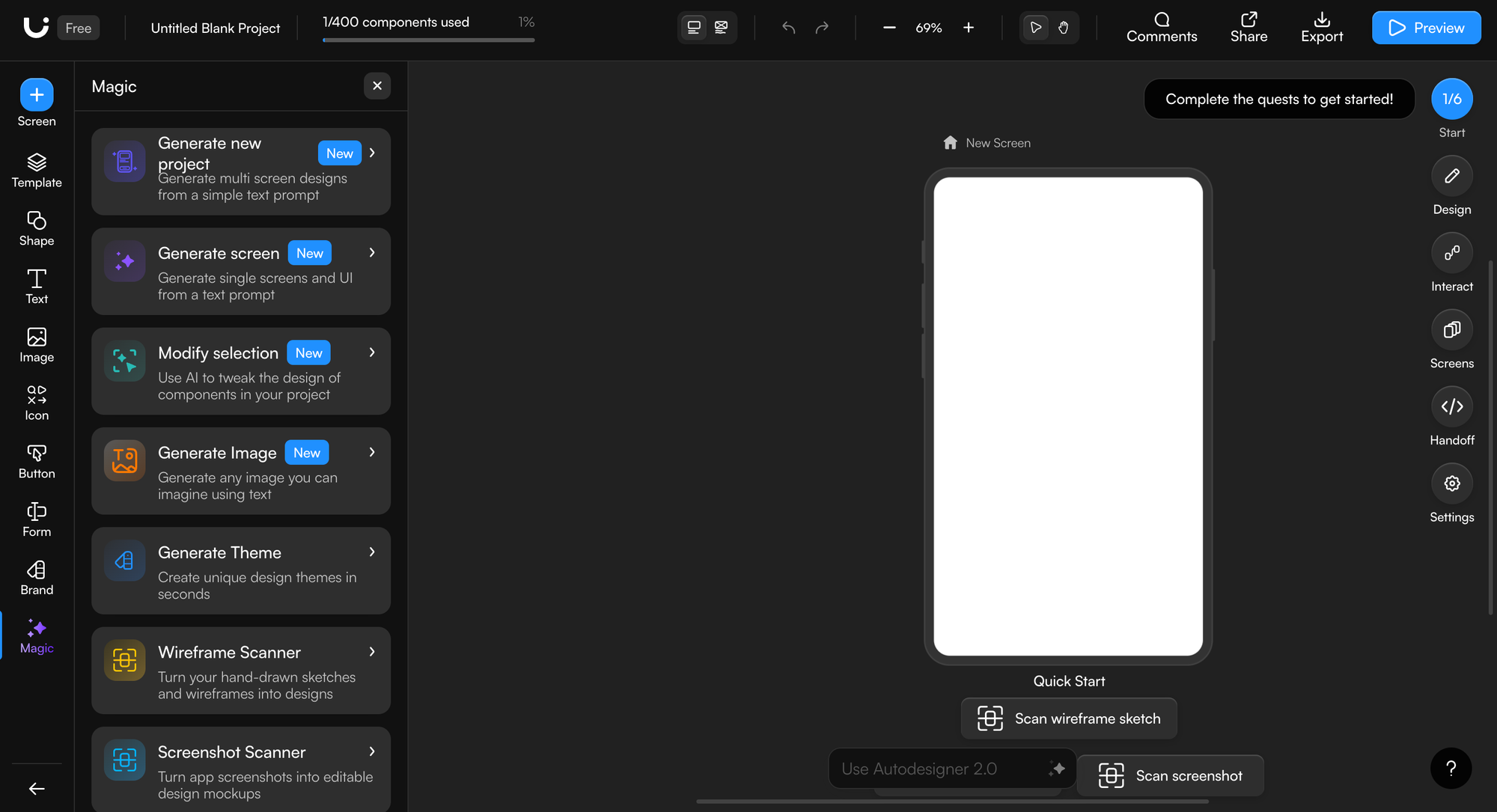
Uizard is design software built for non-designers. It turns descriptions, screenshots and hand-drawn wireframes into editable prototypes. The Autodesigner generates multi-screen user flows from a single prompt. 1,500+ templates and a drag-and-drop editor make it accessible for new users. Uizard supports CSS code export and React export. The tradeoff: AI output can feel generic, and Figma import is one-way only. For a deeper comparison, see our Uizard alternatives guide.
Pricing: No-cost (3 AI generations/mo) | Pro $12/user/mo | Business $39/user/mo | Enterprise custom
The best Figma alternative depends on what part of the ui design process you’re trying to improve. Need a cheaper traditional design tool? Sketch or Lunacy. Need to ship sites? Framer or Webflow. Want open source software you can self-host? Penpot is unbeatable. Need code-backed prototypes for enterprise handoff? UXPin.
But if your bottleneck is going from idea to first visual - the blank canvas problem that slows down every project - an AI-native tool like Flowstep changes the game. Generate high-fidelity UI from prompts in seconds, collaborate with your entire team on an infinite canvas, and copy directly into Figma when you’re ready to refine. You don’t have to choose between Flowstep and Figma. Use both.
Try Flowstep free: Sign up here
Penpot is the best no-cost Figma option for full design software—it’s open source, offers unlimited projects and users, and supports self-hosting. Lunacy is at no cost for desktop-native design with built-in assets. Flowstep’s free plan gives you AI-powered design generation with unlimited collaborators. The free version of each serves a different part of the design process.
Absolutely - and that’s the recommended approach. Flowstep is built as a companion to Figma, not a replacement. Generate UI from prompts in Flowstep, then copy-paste directly into Figma with ⌘C/⌘V for refinement. The best Figma alternative isn’t always one that replaces Figma - sometimes it’s one that makes Figma faster.
Uizard is purpose-built for non-designers with drag-and-drop interfaces and templates. Flowstep takes a different approach: describe what you want in natural language and let AI create the designs. Both are easier for new users than Figma’s steep learning curve. Lunacy also offers an intuitive interface familiar to Figma users.
Yes. Flowstep exports clean 1:1 code in React, TypeScript and Tailwind CSS. Framer and Webflow publish live sites with generated code. Uizard exports CSS and React components. UXPin prototypes use real code components. Several Figma alternatives now include code export as a core feature.