16 Best AI Tools for Designers: 2026 Top Picks
Discover the best AI tools for designers [2026], including Flowstep, Figma Make and more top picks to speed up your UI/UX workflow and create better designs faster.
Discover the 8 best AI tools for product managers in 2026. Compare Flowstep, Productboard, ChatGPT, Mixpanel, and more to work faster and smarter.
Your day starts with a roadmap review. By noon, you’re juggling stakeholder feedback, a few half-written PRDs, and five Slack threads asking, “Any updates?”
You’re feeling overwhelmed, and it’s not just workload. It’s the pressure to make the right call with often incomplete information. What should you prioritize? Which feedback actually matters? Are you building the right thing? Fortunately, this is where AI can help.
Over 98% of product managers agree that AI is a huge time saver. They’re relying on it in their daily workflows because it removes the manual tasks that slow them down.
We reviewed eight leading AI tools for product managers to help you automate those repetitive tasks and stay focused on building the right product:
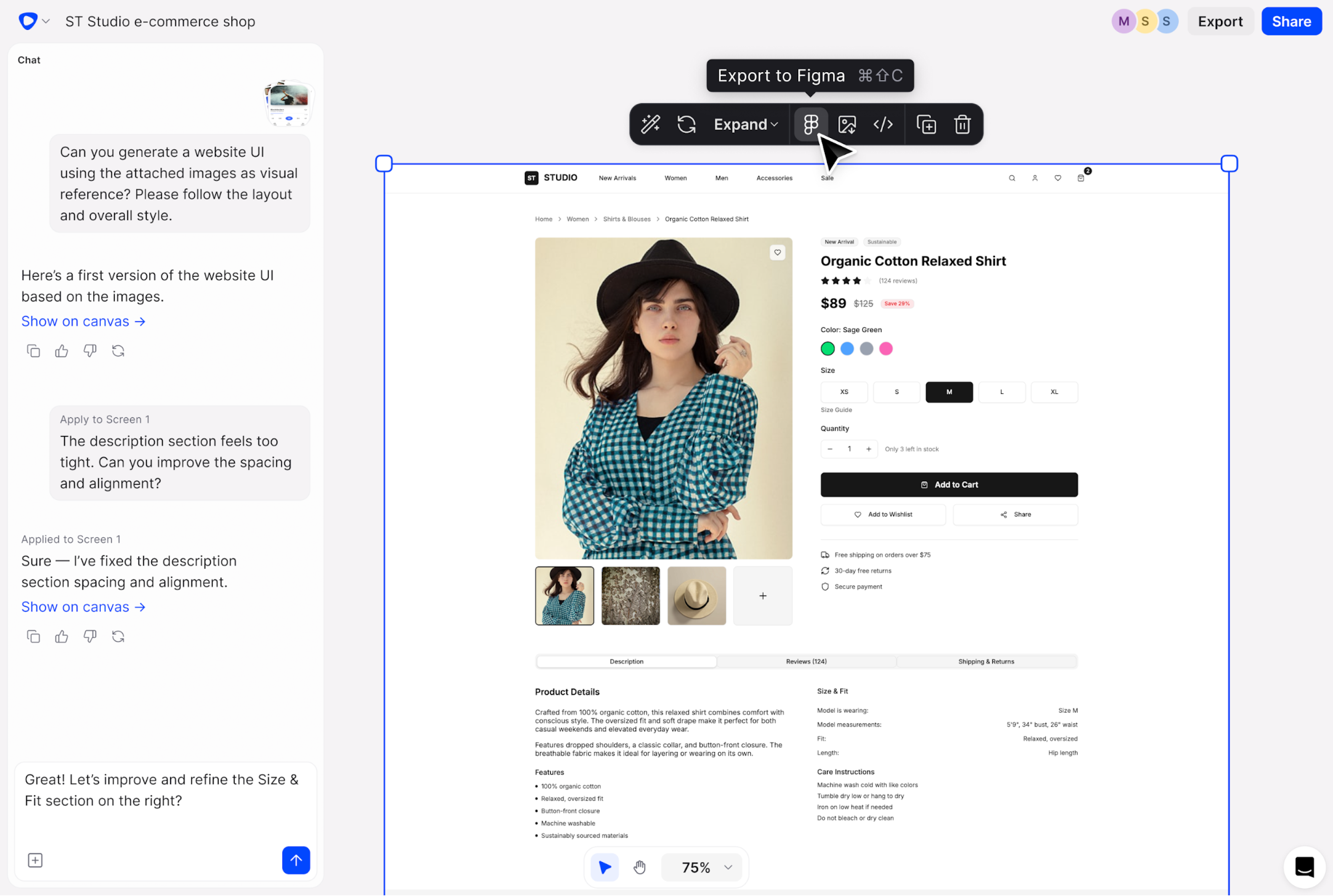
Flowstep is a fast way to turn product ideas into editable UI designs without writing long specifications. For product managers, it’s a useful tool to validate ideas early, align with designers and engineers, and spot gaps or edge cases before development starts.
By describing an idea in natural language, you can generate complete, editable UI flows on an infinite canvas and instantly visualize the entire experience. You get login screens, dashboards, and settings pages that you can easily copy directly into Figma.
Flowstep is a powerful UI/UX design platform built to support the entire product team. With real-time collaboration, Flowstep helps teams move from idea to execution faster while keeping everyone aligned around a shared product vision.
If your work leans more toward visual UI or UX, you may also find our articles on AI tools for designers and the best AI UI design tools helpful.
You can use Flowstep for free and upgrade to the Starter plan when needed. Pricing is based on message usage and starts at $15/month, with a 20% discount available on annual plans.
An Enterprise plan is also available for larger teams that need custom solutions, with custom pricing.
Start visualizing product ideas with Flowstep
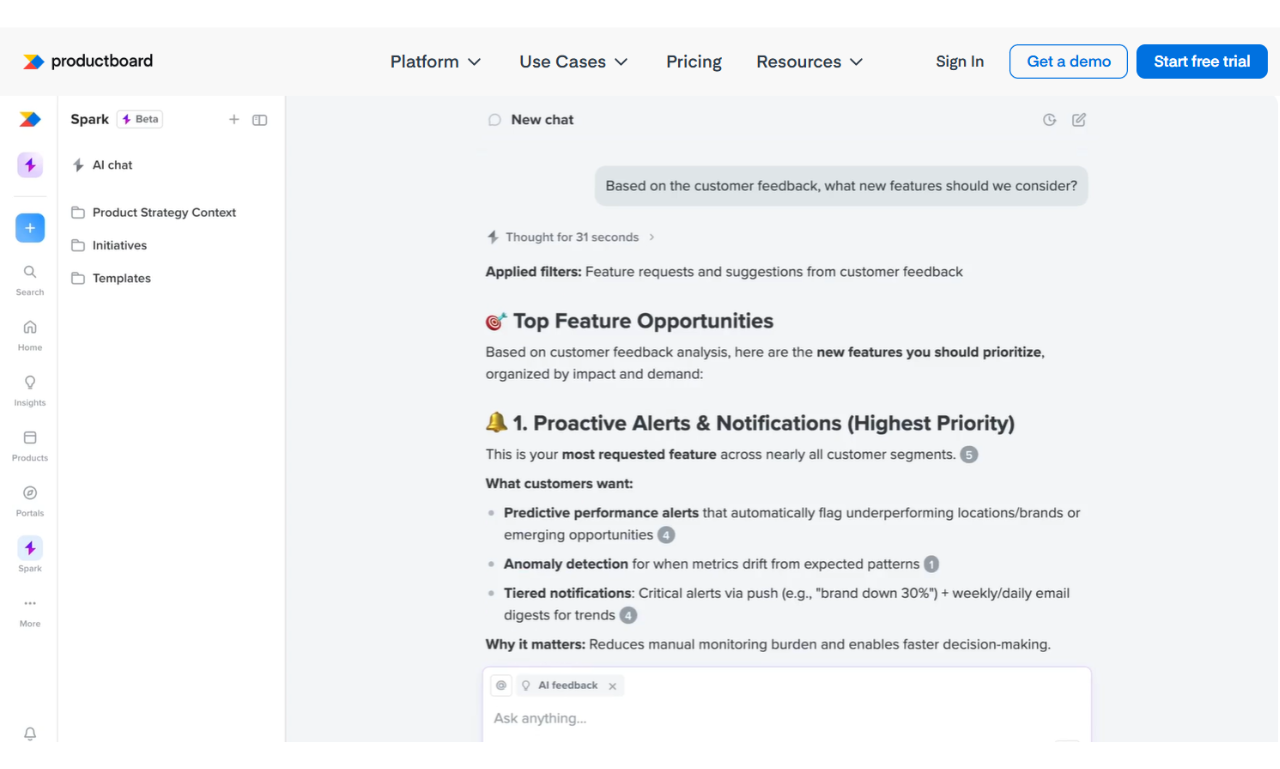
Productboard helps turn user feedback into clear priorities and roadmaps. This popular tool keeps insights, planning, and team alignment in one place. Productboard Spark, its AI-powered assistant, helps with feedback synthesis and speeds up work like writing briefs and PRDs.
Pricing is based on the number of users and the level of feature access. All paid plans include a free trial.Paid monthly billing plans include:
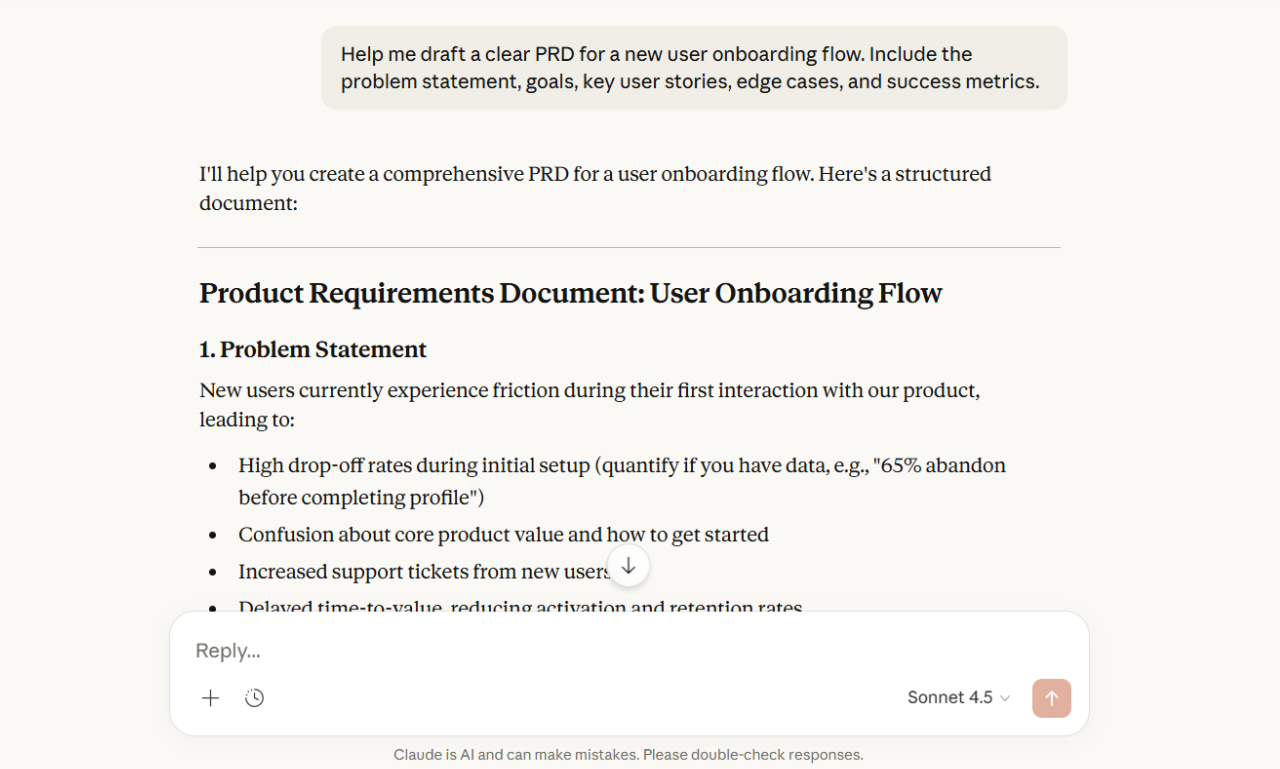
Claude is a generative AI tool that helps you think through complex problems, draft clear documents, and work with large amounts of context at once. It’s useful for multi-step tasks like planning features or writing PRDs. It keeps data private and responses consistent with your preferred tone.
Claude offers a free plan. Pricing is based on usage and varies by tier. Monthly billing paid plans include:
Individual pricing:
Team & Enterprise pricing:
Pricing in the API section is usage-based, calculated per token for input, output, and caching, with rates varying by model.
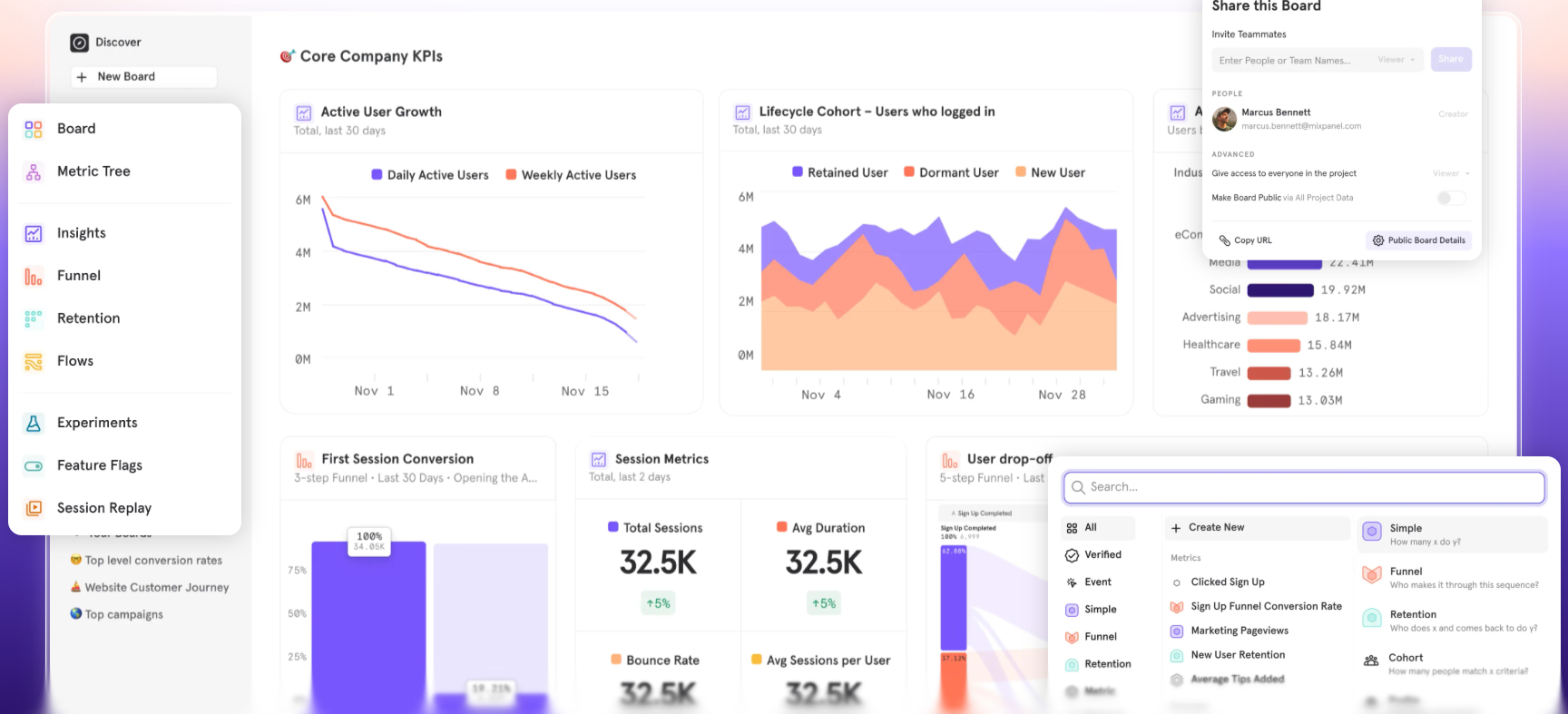
Mixpanel does real-time product analytics that help product leaders understand customer behavior. This tool shows what’s working, what’s not, and why, so you can decide faster. You can also use Mixpanel to track key outcomes, improve engagement, and retention without heavy setup or advanced technical knowledge.
Mixpanel pricing is usage-based and calculated by the number of tracked events per month.
You get 1 million events per month free. After that, you pay per additional events (from $0.28 per 1,000 events, with volume discounts. There is also custom enterprise pricing available.
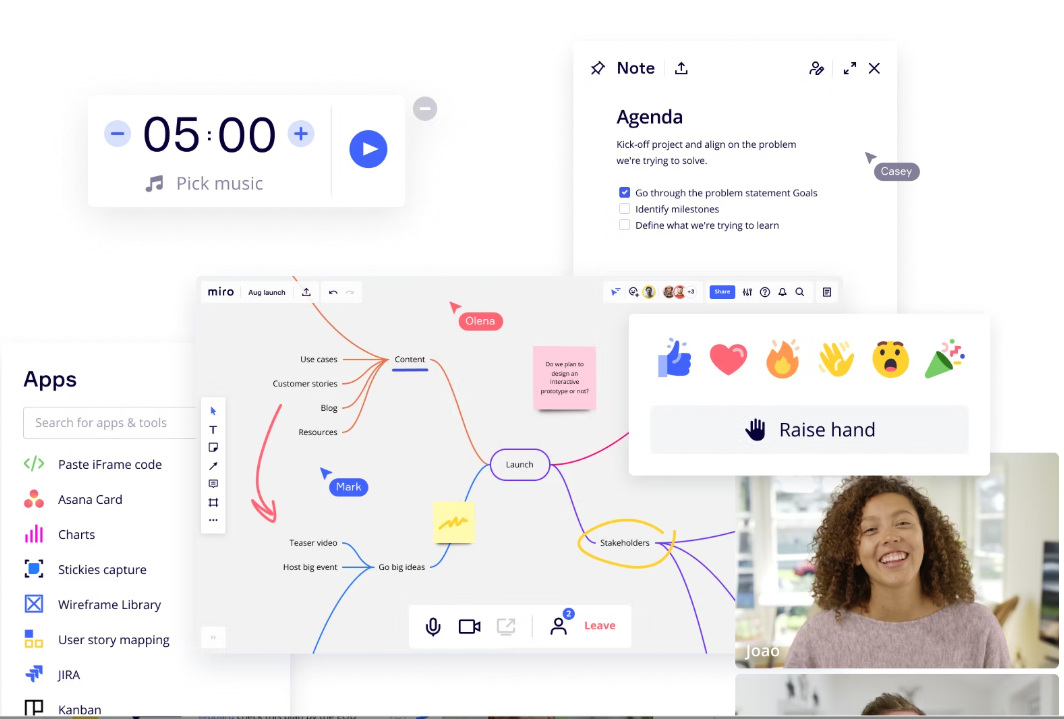
Miro assists product managers with collaborative workspaces built on a large, flexible board where teams can add notes, diagrams, and flows without space limits. You can use it with designers, engineers, and stakeholders to collect ideas, map user stories, and plan workflows together.
With built-in generative AI, this tool helps turn raw ideas into summaries, early wireframes, and clear plans. This makes it easier to align teams and move from discussion to decisions.
You can start for free with limited features. Pricing depends on the number of paid members and features. Paid plans also include optional add-ons for advanced tools and security.
Monthly billing prices are:
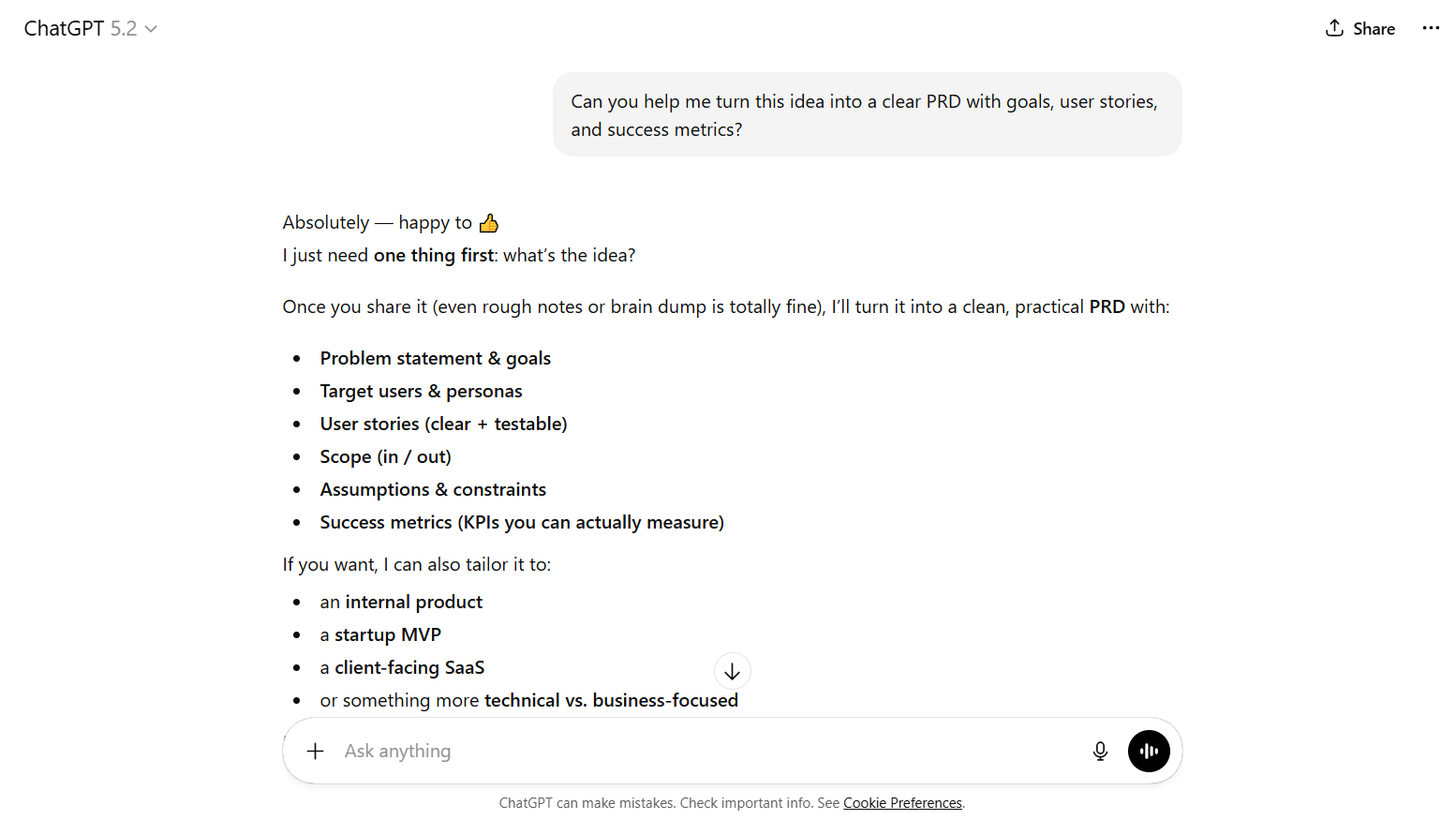
ChatGPT is a generative AI assistant that helps you think through ideas, draft and refine documents, and answer product questions in plain language. It saves time by writing PRDs, exploring feature ideas, and getting quick input during planning and decision-making.
It fits naturally into a product manager’s daily workflow. It can help you explore market research, analyze competitors, and shape user personas. This makes early discovery and planning faster, clearer, and easier to proceed.
ChatGPT’s pricing structure includes Individual, Business and Enterprise plans. You can start for free and upgrade as your needs grow. Higher tiers include access to more capable models and advanced tools.
Paid plans include:
To learn more about visual planning and writing better prompts, see our article on writing effective wireframe AI prompts.
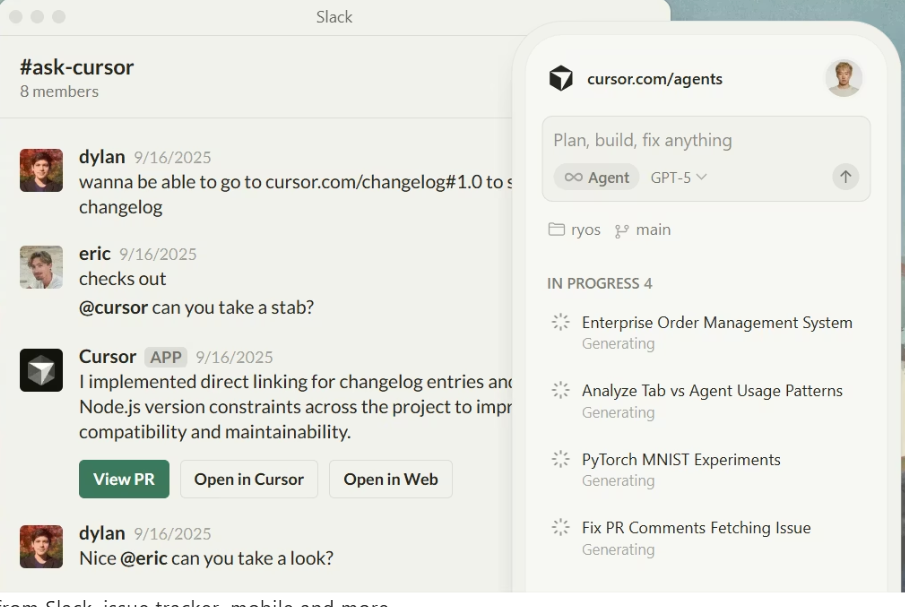
Cursor does AI-assisted coding that enables you to move faster with fewer misunderstandings. This tool provides real-time, context-aware code suggestions inside existing editors. It lets you explore implementation details, review changes, and collaborate with engineering without switching tools.
Cursor also offers Bugbot, an optional add-on for AI-powered bug detection, automated code review, and suggested fixes.
Cursor offers a free plan for light use, with paid tiers scaling with usage and features.
Monthly billing paid plans are:
Bugbot pricing is separate.
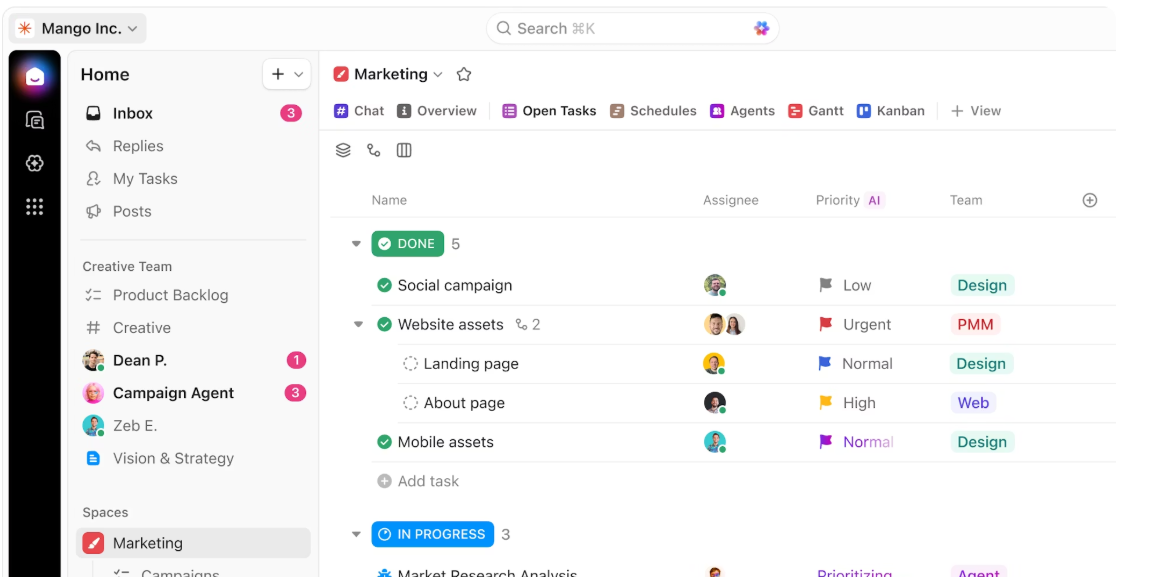
ClickUp is a project management tool that automates repetitive tasks, improves team collaboration, and reduces manual work. ClickUp AI features support planning, documentation, and coordination. It lets you manage day-to-day product work and keep teams focused on building better products.
ClickUp has a Free Forever plan for basic task management, with paid tiers scaling with features and usage.
Monthly paid plans include:
ClickUp AI is priced per user per month, with an additional credit-based system for heavier AI usage.
Choosing the right AI tool comes down to where you lose the most time today. If visualizing and testing ideas before development slows you down, Flowstep is the logical next step.
It helps you move quickly from idea to execution and keeps everyone on the same page. You can validate concepts early, test assumptions, and spot gaps before development begins. Designs are easy to create, share, edit and copy directly into Figma, so handoff to other team members is simple.
With real-time collaboration, everyone works from the same space, keeping teams aligned and maintaining momentum. Engineers get clean, production-ready code through 1:1 export.
See your product ideas come to life with Flowstep
The best AI tools for product managers focus on planning, decision-making, and alignment while helping teams explore potential features early. Tools like Productboard, Mixpanel, and ClickUp support prioritization and insights, while tools like Flowstep help you visualize ideas early without doing detailed design work.
No. AI tools don’t replace core product management skills like judgment, stakeholder management, or understanding user needs. They speed up writing, data analysis and exploration. For example, Flowstep helps visualize ideas quickly, but PMs still decide what to build, why it matters and how it fits business goals.
It depends on the tool. Many platforms offer privacy and security controls, but it’s important to review data usage and retention policies. For sensitive work, choose tools with clear safeguards.
Free AI tools are useful for early exploration, drafting and identifying trends or pain points across product management processes. However, teams often reach limits around context, collaboration or integrations. The Flowstep free plan gives access to all features, unlimited collaborators and easy Figma export, so you don’t need to switch to the paid option unless you outgrow the basic credit usage.