

9 Best Wireframing Tools in 2026: Tested and Ranked by Use Case
We tested and reviewed 9 best wireframing tools: AI-powered wireframe generators, design platforms, prototyping tools and visual collaboration tools.
Discover the best AI tools for designers [2026], including Flowstep, Figma Make and more top picks to speed up your UI/UX workflow and create better designs faster.
Most designers spend countless hours staring at blank canvases when they could be brainstorming, experimenting, collaborating and refining. The real work happens when you're mixing ideas, not wrestling with creative blocks. These best AI tools for designers in 2026 can help.
89% of designers say artificial intelligence has improved their workflow—whether by idea exploration, speeding up user research, generating content or vibe-coding prototypes. This production-grade technology enables designers to move from design concepts to rapid prototyping faster than you can say "Photoshop".
We've tested sixteen tools to see which one delivers real value, which one integrates smoothly into your existing workflow, and which one might replace other tools in your stack, eliminating tool fatigue. You'll find everything from UI generators to color palette AI to full design assistants.
AI design tools are applications that utilize artificial intelligence to make any aspect of designing faster. This includes anything from turning a plain-language prompt into an interface layout, to generating product images, choosing a color scheme, writing UX copy, or translating screenshots into code.
While some AI design tools will specialize in doing just one task very well, others attempt to complete every step of the entire design process from conception to shipping product. The category also has broadened since a few years ago when most people thought an AI design tool meant a single image generator.
Because of this diversity, comparing these tools side-by-side helps. And in general, designers aren't looking for a single tool that replaces their entire suite of apps. Rather they're trying to find the tool that solves a specific problem at their current bottleneck point, such as a blank canvas, no color palette, or hand-off to developers.
It’s great looking at an AI design tool in action. However, a tool’s impressive demo doesn't guarantee real-world usability or that it will hold up in a real design process.
That’s why, we evaluated the different AI design tools based upon how well they performed as part of our evaluation and not by what features each had. There were five categories that we used as a starting point to compare these AI design tools:
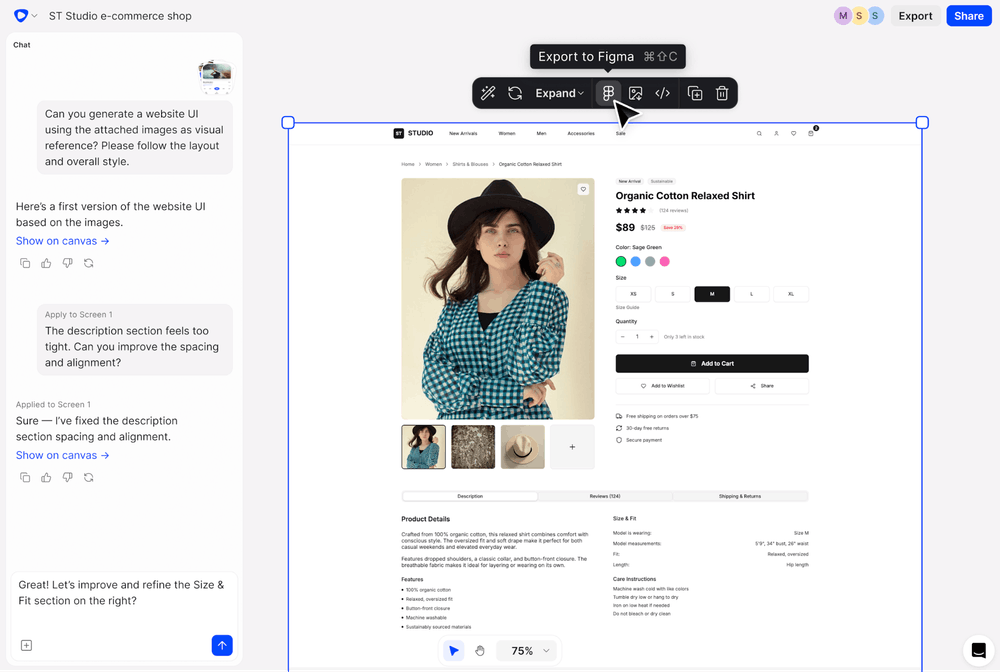
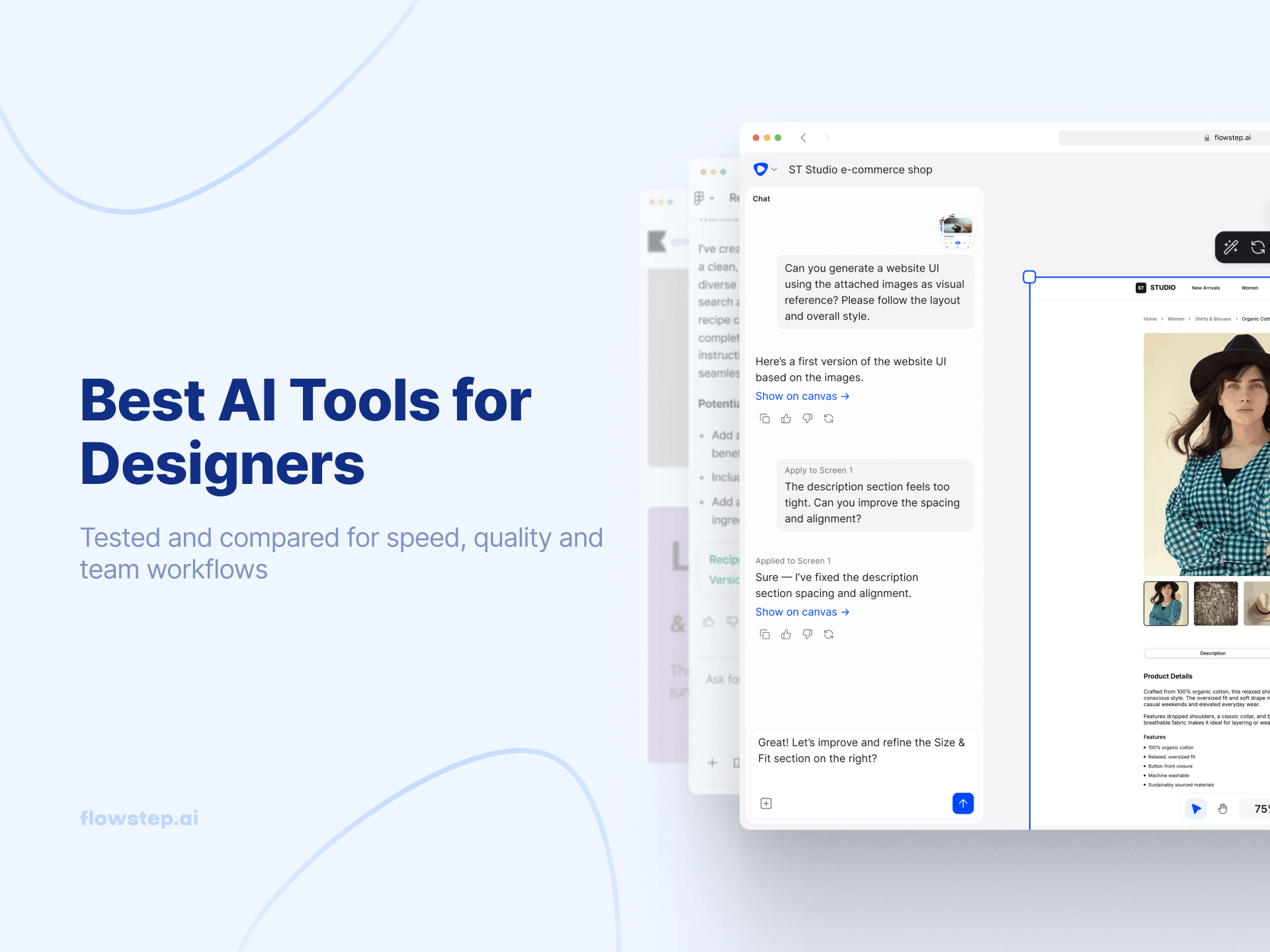
Flowstep turns your ideas into editable user interfaces with code in seconds. You describe what you want, and it appears on an infinite canvas.
You can generate multiple screens at once (e.g. login, dashboard, profile), edit with AI or manually, and copy designs straight into Figma using ⌘C and ⌘V, layers intact. When you're ready to ship, just export the designs as code as React, TypeScript and Tailwind CSS.
Best for: developers, designers, and product builders who need multi-screen UI they can edit, paste into Figma and ship as React/Tailwind/shadcn code.
Pricing: Flowstep offers a free plan to start. Paid plans provide more generation capacity and advanced features, starting from $15/month (80 messages), with 20% off for annual billing. See full Flowstep pricing.
Flowstep on G2: 5/5 Users love that they get not only multi-screen UI from one prompt, but real code.
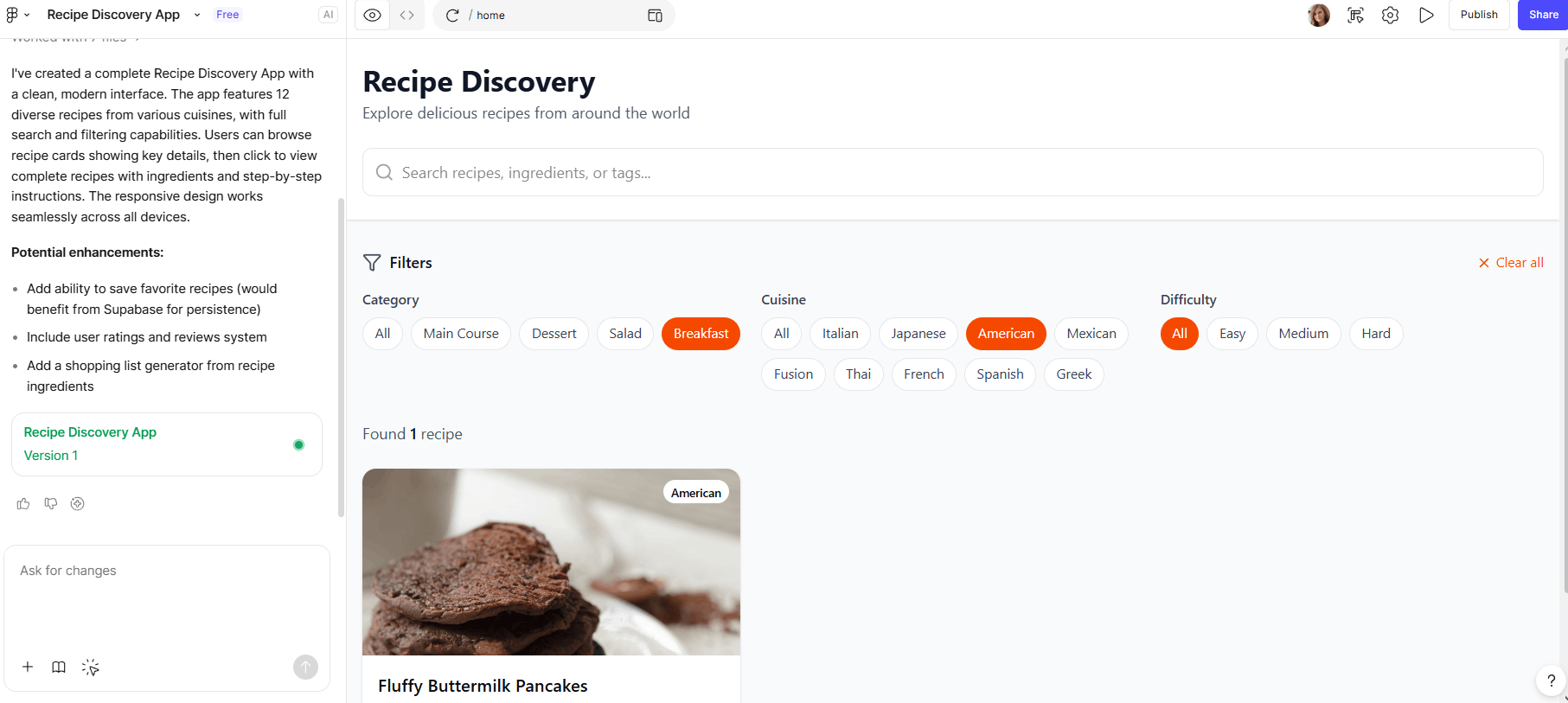
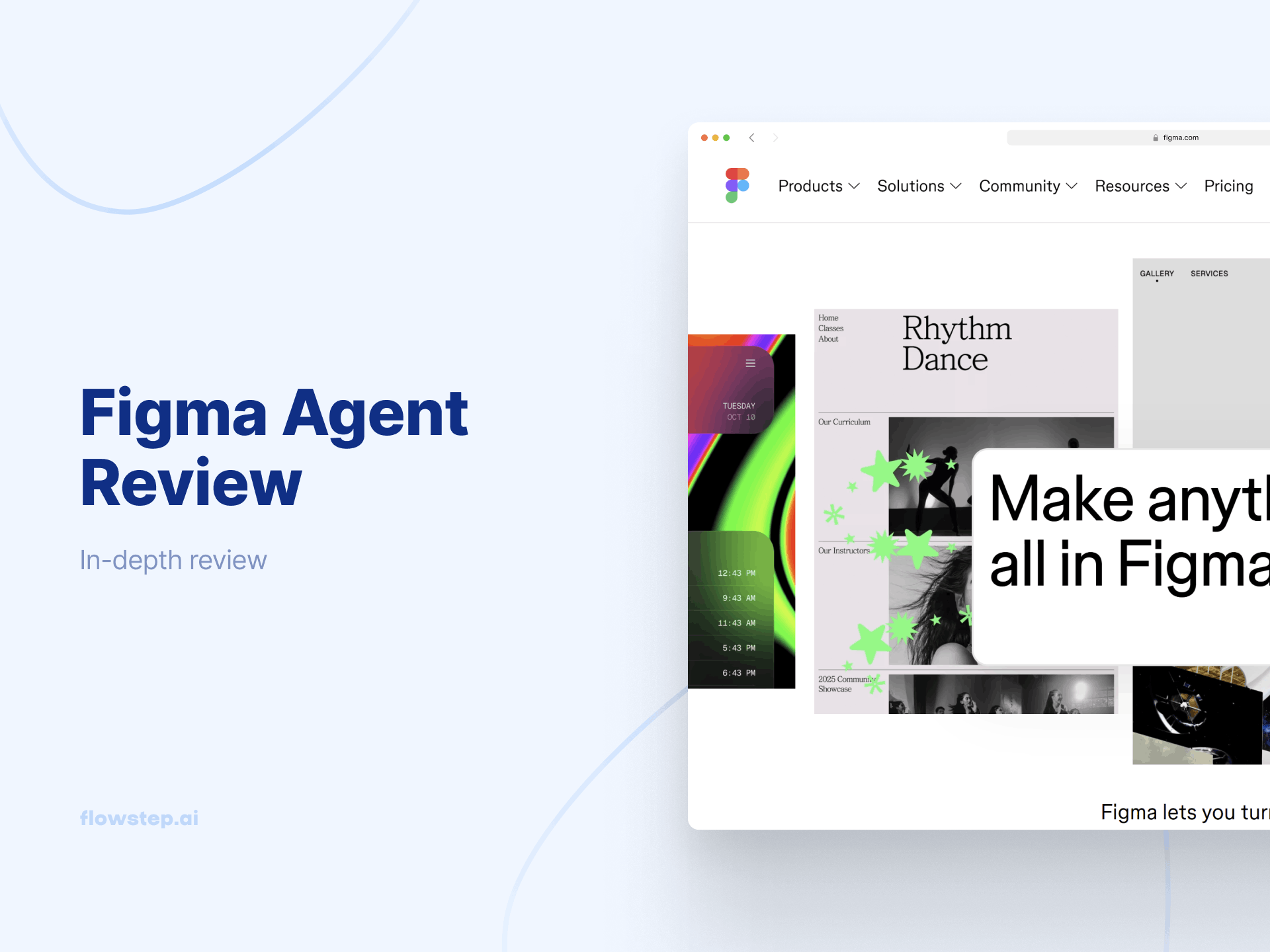
Figma Make brings AI directly into the design tool. You can import design tokens from your existing libraries to maintain brand consistency, then generate screens that follow your design system. It connects to Supabase for backend integration when you need richer prototypes.
What we've noticed: Make works better when you're building on existing designs than starting from scratch. The AI understands your UI components and reuses your patterns. You can also export everything as design layers to continue iterating in Figma Design.
Want to explore other options? Read our guides on the best AI UI design tools or best wireframing tools.
Best for: Teams who want AI-generated prototypes that inherit their existing design system instead of starting from a blank state.
Pricing: Figma Make uses a credit system. It's only included in the Full Figma package, which starts from $20/month. Free users get limited credits.
Figma Make on G2: 4.7/5. Figma Make dramatically speeds up initial prototyping in seconds, though generated outputs often require manual fine-tuning to fit its complex design systems.
For teams looking for alternatives, check out our guide on Figma Make alternatives and Figma Make pricing detailed breakdown.
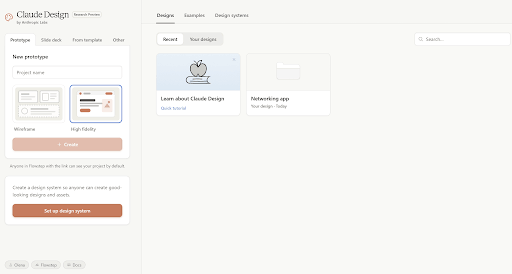
Developed by Anthropic, Claude Design turns prompts into prototypes, landing pages, slide decks and full design systems refined through chat, inline comments or UI controls on a canvas paired with a chat panel.
You can go from a rough idea to a usable prototype or pitch deck in under an hour, and the built-in Claude Code handoff gives you a relatively clean path from design to implementation, plus support for more advanced visual output like interactive elements, motion and 3D-style components.
Best for: Teams who want to go from a rough idea to a working prototype, deck, or one-pager fast, especially when there's already a codebase or design files for it to pull brand style from.
Pricing: Claude Design comes with paid Claude plans, each with its own weekly usage allowance: Pro ($20/month) is limited for design work, Max 5x ($100/month) covers moderate use, and Max 20x ($200/month) suits regular use.
Claude Design on G2: 4.6/5. Claude Design rapidly transforms prompts and context into interactive, code-backed visual prototypes, but there’s no direct Figma export yet.
See also: Claude Design alternatives
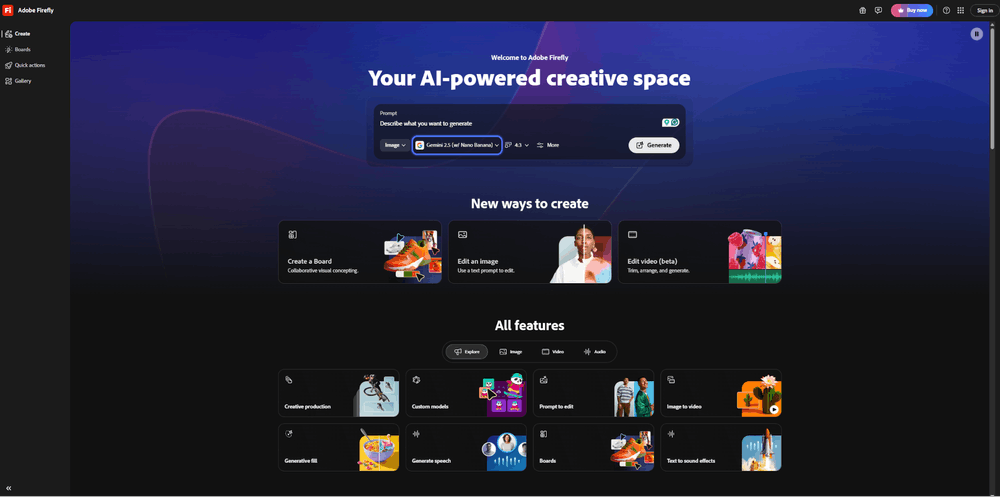
If you're already using Photoshop, Illustrator or Premiere, Firefly integrates well into your workflow. The biggest selling point: commercial safety. Adobe trained Firefly on licensed content from Adobe Stock and public domain images, which means you can use generated images for client work and marketing materials without copyright concerns.
Firefly includes AI models beyond Adobe's own, including Runway, Flux and Google's Nano Banana. You can generate images, create videos, remove image backgrounds, upscale resolution and generate sound effects.
Best for: Designers already working in Creative Cloud who need commercially safe images, video, or sound for client work without the copyright risk.
Adobe Firefly Pricing: Adobe Firefly has a free tier, then Standard ($9.99/month, 2,000 credits), Pro ($19.99/month, 4,000 credits), and Premium ($199.99/month, 50,000 credits). Creative Cloud Pro ($69.99/month) bundles 4,000 credits with Photoshop, Illustrator, and the rest of Adobe's apps.
Adobe Firefly on G2: 4.4/5. Firefly offers commercially safe AI image generation, though complex prompts still require multiple revisions for precise visual outputs.
Nano Banana is Google's image generation and editing model inside Gemini. It launched in August 2025 and went viral for turning selfies into 3D figurines. The tool has advanced capabilities of the Pro model with the speed of Gemini Flash for rapid edits and iteration without sacrificing quality. You can upload an image and describe a change in natural language.
Nano Banana Pro is available across the Gemini app, Google Slides, Google Vids, AI Studio and developer platforms.
Best for: Users and designers who want to edit or iterate an image by describing the change in plain language, especially inside Google Slides, Vids, or AI Studio.
Gemini Pricing: Free plan available with limited quotas through the Gemini app. Google AI Pro and Ultra subscribers get higher access. Nano Banana 2 is available at the standard tier; Nano Banana Pro requires Thinking model selection. Custom pricing available for enterprise teams.
Gemini on G2: 4.4/5. Gemini excels at rapid response times and context-aware integration across the Google Workspace ecosystem, but it can still lose context on technical queries.

Midjourney is a favorite vibe design tool in terms of image output quality. Photorealistic renders, stylized concept art, editorial illustrations: the range is wider than most image generators, and the depth of community knowledge around prompting means you can usually find someone who's solved your specific output problem.
The interface is Discord-like, which is an acquired taste. You generate from text prompts, can get four variants from the same prompt, and upscale the one that works. Reference images help keep characters and visual direction consistent across generations. It's a solid choice for an AI tool for moodboarding, early-stage ideation and concept pitches.
Best for: Early-stage moodboarding, concept art, and pitch visuals, where image quality matters more than an editable, production-ready file.
Midjourney Pricing: The basic plan is $10/month with limited generations, while standard ($30/month) gives unlimited relaxed generations. Pro plan ($60/month) adds stealth mode and unlimited relaxed video, and Mega ($120/month) provides 60 hours of Fast GPU processing per month.
Midjourney on G2: 4.4/5. Good for generating artistic concept visuals and mood boards in seconds, but precise image edits remain difficult.
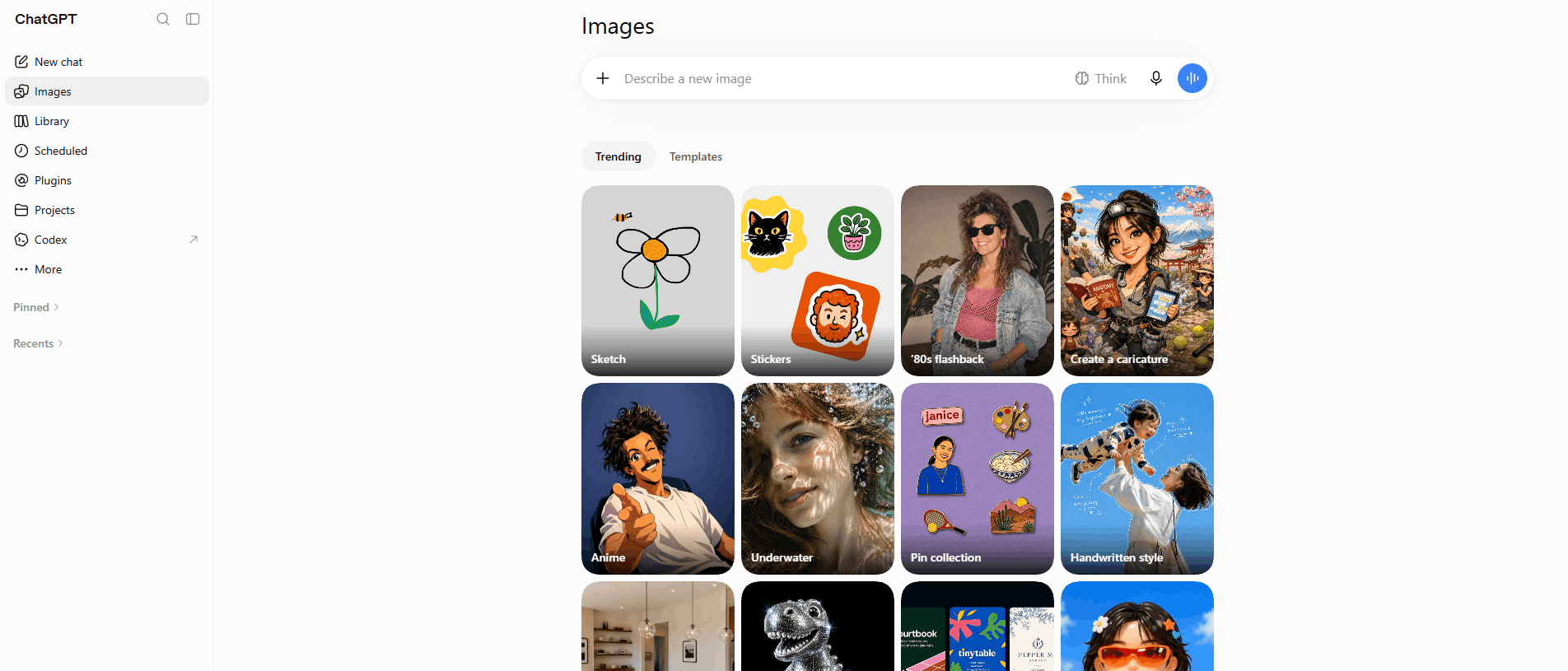
GPT Image creates high-quality images from text descriptions, handles text within images, and produces photorealistic results for websites, documentation and presentations. It's built on top of ChatGPT, which means it understands complex prompts and can refine images iteratively. You can ask it to make a circle bigger or change the typography style.
The tool is widely accessible—available through ChatGPT, Microsoft Copilot and various third-party platforms. It's commercially viable for most use cases, though you should check OpenAI's terms for specific projects.
Best for: Design teams who need a quick, high-quality illustration or graphic, especially one with legible text.
GPT Image Pricing: Access through ChatGPT or via the OpenAI API. Some third-party platforms offer GPT Image with different pricing models.
GPT Image on G2: 4.1/5. GPT Image easily turns simple text prompts into detailed visual concepts, but it often requires multiple prompt tweaks to fix awkward layouts and text errors.
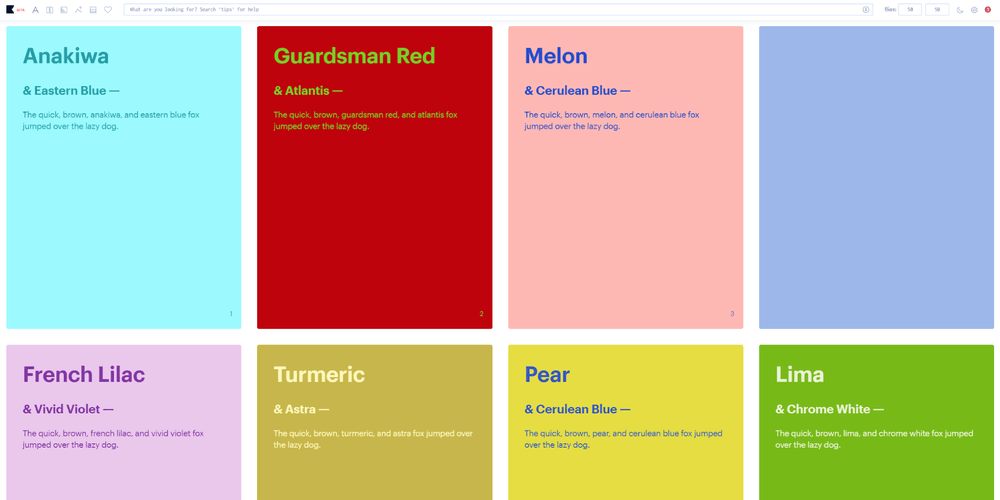
Khroma solves one specific task really well: finding color combinations you'll actually like. Train the AI by selecting colors you're drawn to, and it learns your preferences. It uses a neural network to generate infinite color palettes based on human-made combinations. The tool predicts what you'll like based on your training session, helping other designers make better design decisions, too.
Each palette comes with color names, hex codes, RGB values, CSS code and WCAG accessibility ratings. You can view combinations as typography, gradients, full palettes or on custom images. The search function lets you filter by hue, tint, value or specific hex codes.
Best for: Designers who are stuck on a color palette and want AI-generated options that already account for accessibility.
Khroma Color Pricing: Khroma is completely free to use. No subscription required.
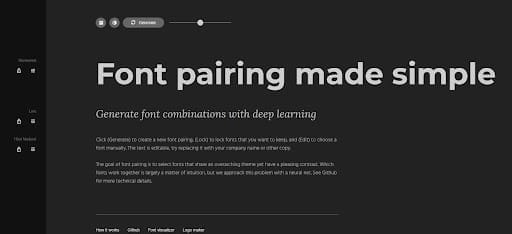
The initial reaction when it comes to creating a good font pairing is that “it's fairly simple.” However, as soon as you find yourself in a Google Fonts tab with seventeen other open browser tabs after twenty minutes of experimenting, you realize how hard it can be.
With Fontjoy, there is an easy solution. Just enter your preferred typeface, and the AI-powered system will generate multiple font pairings based on the weight and contrast. Once you select a typeface you like, click "Generate" to let the AI find matching options for the remaining fonts. It’s that easy.
Best for: Anyone looking for quick access to a heading/body typeface combination and does not wish to waste twenty minutes trying out countless combinations using Google Fonts.
Fontjoy Pricing: Fontjoy is free to use, with no paid tier, account, or subscription required. Every feature is also available without any usage limit.
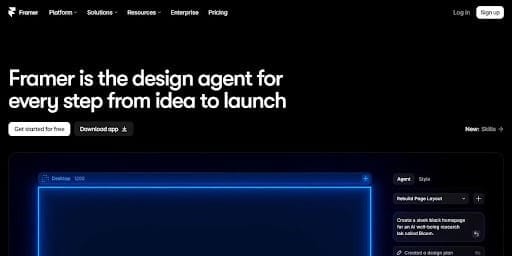
Framer goes beyond static mockups: you design on a Figma-style canvas and get a live, working site. You can generate full pages or sections with an AI agent, using prompts or screenshots.
You can also use AI Credits to build a page, create responsive versions of your pages or rebuild your CMS. Framer’s biggest limitation in development is scope. Developed primarily for marketing sites, portfolios, and landing pages, it was not designed to support developing prototypes of actual applications or logic driven interfaces.
Best for: Designers and small teams who want to design, generate, and publish a real marketing site without handing it to a developer.
Pricing: Free includes a Framer subdomain, 1GB bandwidth, and 500 AI credits. Basic is $15/month (or $10/month annually) with a custom domain and scalable credits. Pro is $45/month (or $30/month annually) with a larger credit allowance. Enterprise is custom pricing.
Framer on G2: 4.5/5. Users like how fast they can transform visual designs into responsive, interactive live websites in seconds, though the pricing scales quite quickly as a site grows.
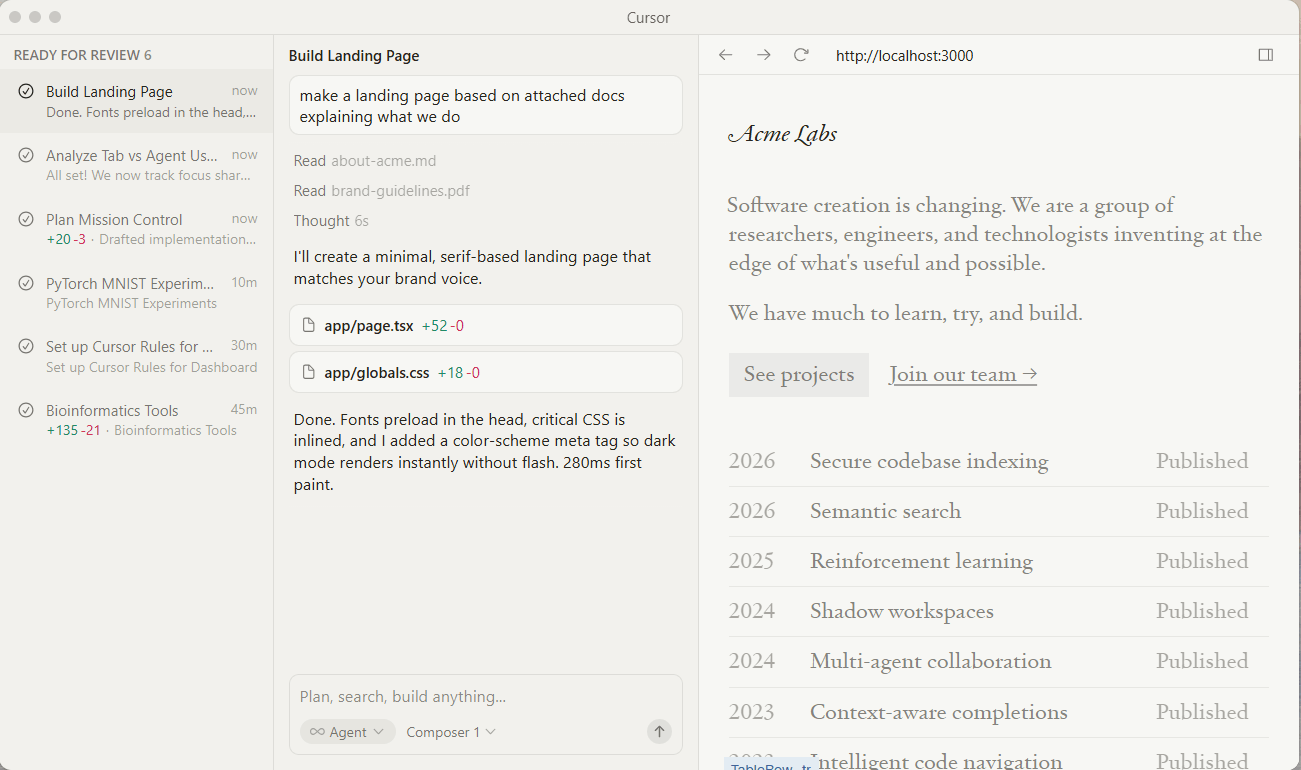
Cursor is an AI-powered code editor built on top of VS Code. It lets you build real, interactive prototypes in code without needing deep engineering expertise. The workflow goes like this: describe what you want in plain English, and Cursor writes or modifies the code.
You can start from a Figma export, paste in a screenshot and ask Cursor to recreate it in React, or iterate on an existing component by chatting with the AI. It also understands your full codebase, so suggestions are contextually relevant.
Flowstep's MCP server also lets you pull generated designs straight into Cursor, so there's no manual export step between the two.
Best for: Designers and developers who want to turn a Figma design or screenshot into real, working code without starting from a blank file.
Cursor Pricing: The Hobby Plan is free with some limitations, while the Pro Plan ($20 per month) opens access to frontier models and cloud agents. There is also a Pro+ Plan ($60 per month) that will triple your model usage and an Ultra Plan ($200 per month) with 20X model usage and all new priority features.
Business plans are also available: Teams ($40/user/month) adds collaboration, billing controls, analytics, RBAC, and SSO; Enterprise (custom). There’s also a paid Bugbot add-on.
Cursor on G2: 4.6/5. Cursor is loved due to its context-aware AI coding assistance but its heavy usage can get expensive and complex prompts can yield inaccurate suggestions.
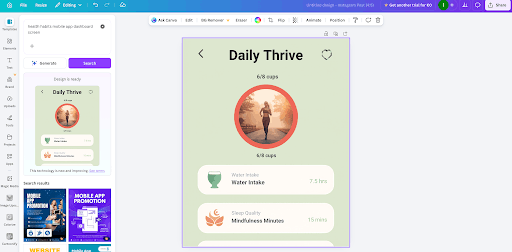
Canva is an all-purpose tool designed for use on an everyday basis, which has a relatively low learning curve. While Canva can't be used for creating complex product user interface (UI) designs or advanced vector art, it does provide excellent solutions for the creation of marketing-related material, as well as social media content, presentations, simple videos, advertisements, printed materials and internal brand collateral.
Canva's AI editing features let users smart-resize images, remove backgrounds, and utilize a brand kit to maintain consistency in visual identity. Users can also rely upon AI-based writing tools to assist in drafting presentation copy, ad text and social media captions.
Best for: Marketers and non-designers who need a high volume of on-brand social posts, presentations, or ads without the design tool's learning curve.
Canva Pricing: Canva’s free plan includes limited AI credits. The Pro plan ($18/month) adds Brand Kit and 10x AI usage, and the Business plan ($25/month/user) adds team features and 20x AI usage. Enterprise is custom priced.
Canva on G2: 4.7/5. Canva offers an effortless and vast library of ready-made templates for fast asset creation, though essential features are paywalled to access.
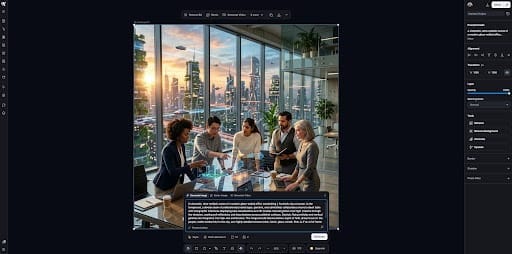
Kittl is an all-in-one AI workspace for designers. It allows users to utilize artificial intelligence for their design needs. Kittl was created specifically for people who need to produce a variety of designs such as logos, t-shirt graphics, packaging, and posters.
In addition to being able to generate images using artificial intelligence, Kittl has a vector editing system and the ability to add text effects, manipulate text including warping, distorting, and styling font types while maintaining the capability to be editable. It also has a large resource library of pre-made designs/templates, customizable templates, and design control mechanisms for maintaining brand consistency.
Best for: Designers and editors building branding, merch, or packaging who want AI generation and real vector editing in the same canvas
Kittl Pricing: Kittl gives 200 AI tokens and 5 projects in its free plan. Pro ($15/month) includes 2,000 tokens and unlimited projects, Expert plan ($35/month) adds 6,000 tokens and more storage, and Max ($65/month) tops out at 12,000 tokens and 1TB storage.
Kittl on G2: 4.7/5. Users like Kittl’s intuitive vector editing, rich typography tools, and AI generation on a browser-based canvas, but the AI generation limits can feel restrictive.
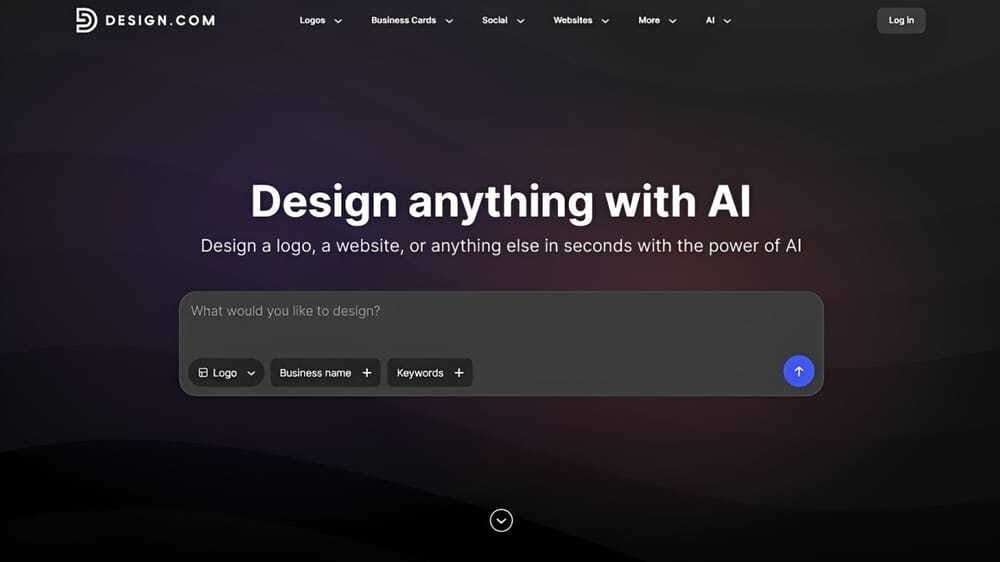
Design.com’s AI Logo Generator helps designers, entrepreneurs, and creative teams generate complete professional logos in minutes using AI and 500,000+ designer-made logos. Simply enter a prompt containing your business name and a few keywords to describe what you do. In just a few seconds, you’ll receive thousands of logo concepts tailored to your industry.
Once you have chosen a logo, you can customize it using the built-in intuitive drag-and-drop editor or AI-powered chat editing. You can change the text, fonts, colors, icons, and layouts — no design skills required. After finishing your logo, you can download it in various file formats. Design.com offers both high-resolution (PNG, JPG), vector (SVG, EPS, PDF), and animated (GIF, MP4) files. Options to download the logo in transparent background and icon-only versions are also available.
Beyond logo creation, Design.com makes it easy to create a complete brand kit.
Best for: Startups and creators who need a professional logo and a matching brand kit fast, with no design experience required.
Design.com AI Logo Generator Pricing: Design.com offers free logo creation, full customization, and complete export options using free templates. Paid plans start at $3/month (billed annually) or $9/month (monthly) and unlock premium templates and full access to all of the platform’s 50+ branding tools.
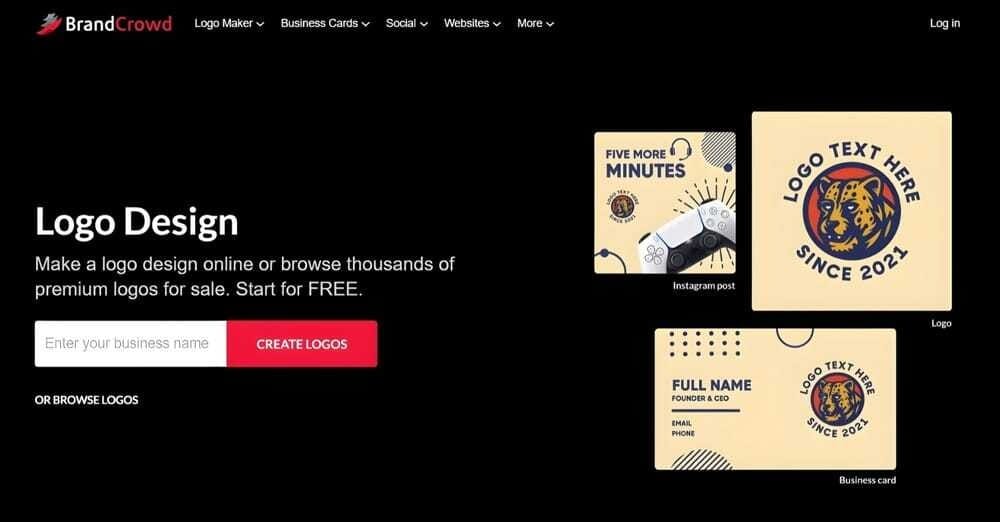
BrandCrowd’s Logo Maker combines AI-assisted logo generation with one of the industry's largest collections of professionally designed templates. You can quickly create logos for virtually any industry (including niche ones), personalize them using AI-powered editing tools, and extend their branding across dozens of marketing assets from a single platform.
The platform stands out for its exclusive logo library of 380,000+ logo templates, custom vector shapes, and extensive font collection, offering designers greater originality than many template-based competitors. You can customize the logo’s fonts, colors, icons, and layouts using the platform’s beginner-friendly drag-and-drop editor or AI-powered chat editing feature while maintaining commercially safe, high-quality designs.
Best for: Marketers and designers who want a large template library behind their logo, not just an AI generating one from scratch.
BrandCrowd Logo Maker Pricing: BrandCrowd lets you create free logos using free templates. Premium plans begin at $3/month (billed annually) or $9/month (monthly), giving you complete access to premium templates and 50+ branding tools.
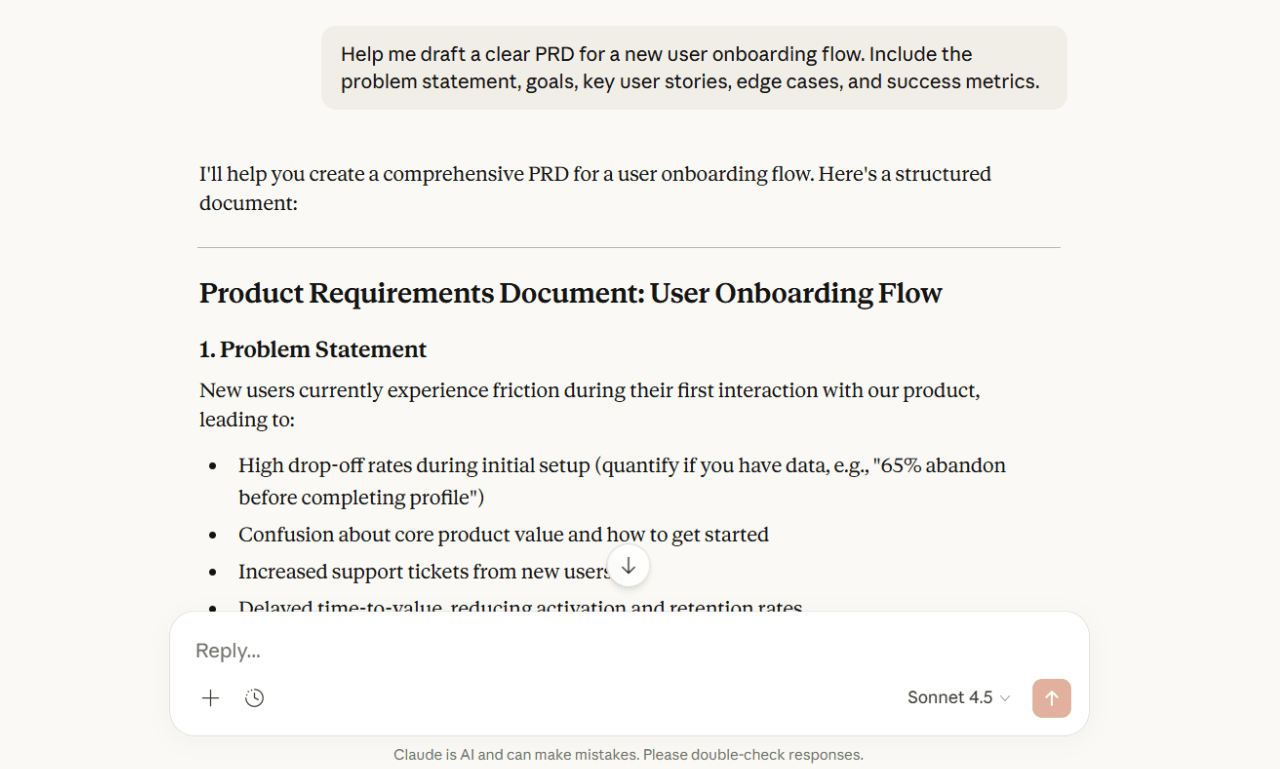
Claude is Anthropic's AI assistant, and one of the most useful tools in a designer's workflow—not for generating visuals, but pretty much for everything else. It's the tool you open when you need to write a tight UX copy brief, generate a set of realistic user personas, pressure-test your information architecture, or draft a product requirements document.
Claude handles nuanced, context-rich requests well. You can paste in a design brief and ask it to identify usability risks, or describe a user flow and get back a structured accessibility audit. Flowstep's MCP server also does the same thing on this side: a design gets pulled straight into Claude or Claude Code, so you can hand it a generated flow and ask for the accessibility audit or the spec directly.
Best for: Research, writing, and planning work around a design, like UX copy, personas, PRDs, or an accessibility pass, rather than the visuals.
Claude Pricing: Basic access is free for everyone. Pro is $17/month annually (or $20/month monthly) with more usage and Research access. And Max starts at $100/month with 5-20x more usage than Pro. Team and API plans are also available.
Claude on G2: 4.6/5. Claude is best at handling long-context reasoning, precise document synthesis, and natural writing, but the strict usage limits frequently disrupt heavy workflows.
AI design tools work best when they remove friction without removing your creative control. Flowstep does this especially well—generates real UI in seconds, lets you edit with AI or manually, and exports clean, editable Figma layers or code when you're ready to ship.
Even non-designers can use Flowstep because of its simplicity. Product managers use this tool to brainstorm and visualize ideas. Designers can explore concepts faster and spend more time on refinement. Developers can start from visuals and get code that doesn't need heavy cleanup.
When you need to move fast, Flowstep generates entire flows in one go—login screens, dashboards, settings pages, whatever you need.
Start designing with Flowstep for free →
No. AI tools handle repetitive tasks and generate starting points, but they don't know user needs, business goals and brand nuance. These tools are assistants, not replacements. Design still requires human judgment, creativity and strategic thinking that AI can't replicate.
For teams that need to go from idea to production-ready UI fast, Flowstep. It combines speed, seamless Figma integration, and clean code export in one tool. Beyond that, Figma Make excels at prototyping, Midjourney at image generation, and Khroma at color palettes. Most designers use a combination of tools today.
AI image generators like GPT Image and Adobe Firefly create standalone graphics. AI UI design tools like Flowstep or Figma Make create complete interface layouts with proper structure, components, and code, for complete interactive experiences. UI tools understand design systems, user flows and screen relationships. Image generators focus only on visual content.
Usually, yes—but check the specific tool's terms. Some may have explicit commercial licensing and indemnification for enterprise users. Flowstep and most UI tools allow commercial use. Copyright law around AI-generated content is still evolving, so document your creative process and verify terms before using AI designs in sensitive projects. When in doubt, consult your legal team.