
9 Top AI Prototype Generators in 2026 (By Use Case)
Discover the best AI prototype generator in 2026. Compare 9 AI UI design tools and app builders with features, pricing and the best option for your workflow.


AI prototype generators let you take a prompt and produce a clickable UI, and in some cases, a fully working application, in minutes instead of days. To know which AI prototype generator is right for you, it depends on what you want as output: design screens for engineers and stakeholders to review, or functional code you can take to testers. This is where most tool roundups fail. They try to merge both categories onto a single, ranked list. A user searching for design software, for instance, might find a tool that mixes full-stack and design tools. This one categorizes the 9 tools into two separate groups, which they actually fit into:
- UI-first with code export: Flowstep, Google Stitch, Claude Design.
- App builders: Figma Make, v0 by Vercel, Lovable, Bolt, Base44, Replit.
What is an AI prototype generator?
An AI prototype generator is a tool that turns a written prompt, sketches, a screenshot, or reference links into a testable prototype. Forget the hours of creating and coding each screen. Instead, just explain your product: "A fitness app with onboarding, a workout screen, and progress tracking." The tool generates the screens and layouts; some tools also add working interactions or real code.
The tools break into two classes. UI-first tools with code export generate editable design screens you tweak in a canvas, move into Figma, and hand off as a functional codebase after you validate the direction. App builders bypass design and offer you a running app instead. That's faster to something functional, but much harder to change direction once the code exists. For non-AI-centric solutions, check out our guide on the best tools for prototyping.
How we chose these AI prototype generators
Six criteria, applied to both categories:
- Output quality. Does it generate UI that could actually be presented to a stakeholder, or will it only generate noise that would still require redesign in any way?
- Editability. Is the output something that can be tweaked with or without AI assistance, or does it require re-prompting from scratch?
- Figma compatibility. Does the prototype transition seamlessly into the tool where the majority of designers already work?
- Code export. Does it offer code output that engineers can actually build upon?
- Interactivity. Are there opportunities to click through the prototype, or are there static mockups?
- Pricing transparency. Different credit systems mean that prices for AI UI design can fluctuate drastically – and sometimes unexpectedly.
If your priority is just to get the low-fidelity structure rather than a full prototype, our AI wireframe generators guide covers that in more detail.
The 9 best AI prototype generators at a glance
Best AI prototype generators for UI design (with code export)
These tools generate app screens and make them editable. You review the direction, polish it, and pass it off, even as real code, before committing to full development.
Flowstep
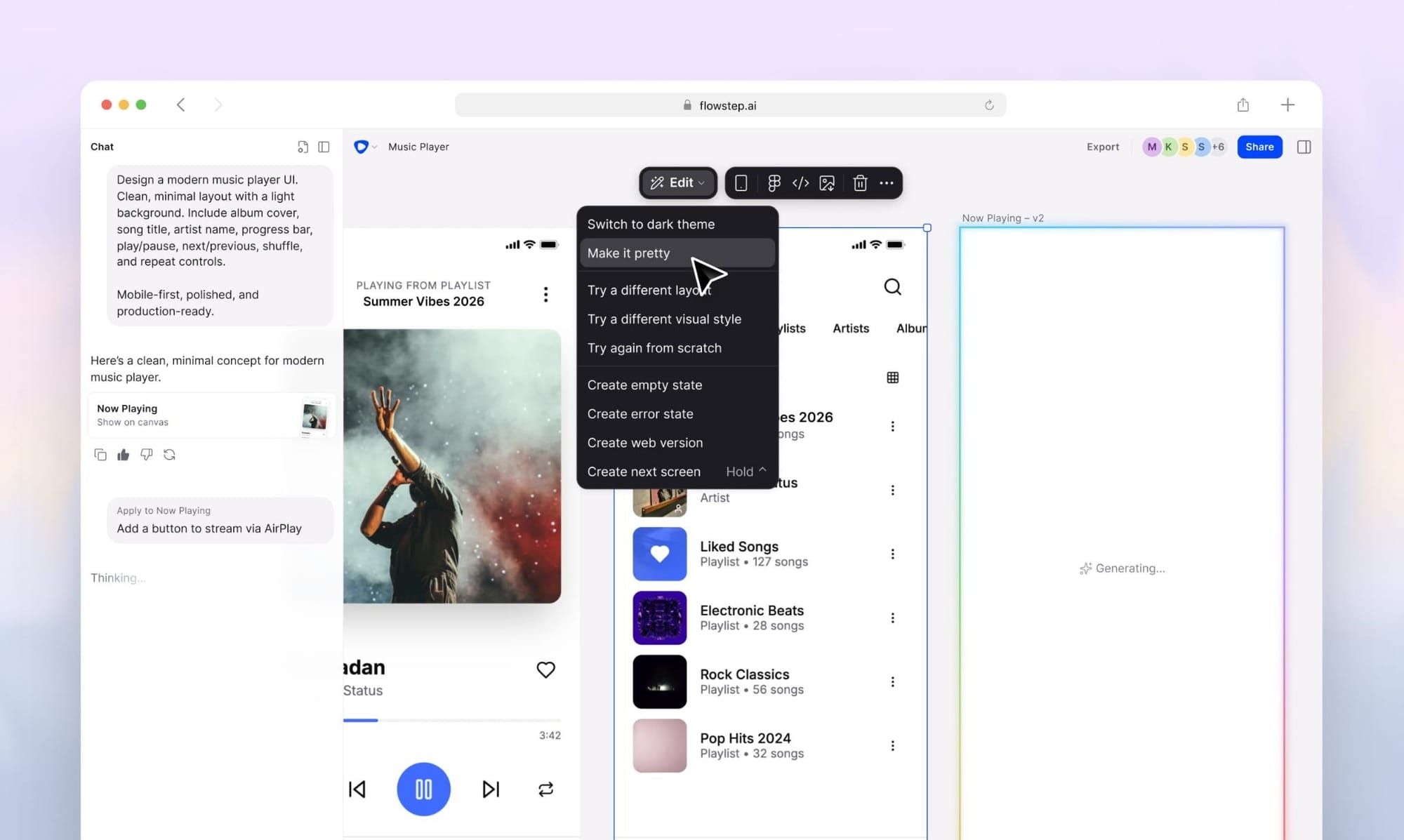
Flowstep takes your single prompt to build entire, multi-screen prototypes on an infinite canvas. Simply write like you would describe your product to a designer: login flow, dashboard, settings, profile. All the screens pop up together, ready to be edited with AI or manually. Unlike other generators, the prototype here is not a throwaway. Just copy and paste any of the screens into your Figma with ⌘C and ⌘V, no extension, no plugin needed. Alternatively, export production-ready React/TypeScript/Tailwind UI code built on shadcn/ui. The design you approve and the code you ship are the same thing, eliminating the need to rebuild the process from design prototype to product. You can quickly reach a functional prototype with well-defined design prompts.
Features
- Multi-screen generation: Generate a complete flow from a single prompt.
- AI and manual editing on the same canvas: Follow up with simple prompts, built-in suggestions such as ("next screen", "error states"), or edit manually without re-prompting the entire flow.
- Reference-based design: Add PRDs, attach images or links to websites, and Flowstep will generate designs aligned with your references.
- Copy-paste into Figma: Copy-paste generated designs into Figma (⌘C/⌘V) with auto layout and components perfectly preserved.
- 1:1 code export + MCP: Export clean React/TypeScript/Tailwind, or connect Flowstep's MCP server with Cursor or Claude Code.
Pricing
Free tier to get started; paid plans available starting at $15 per month, scaling with messages. 20% discount is available for annual billing.
Google Stitch
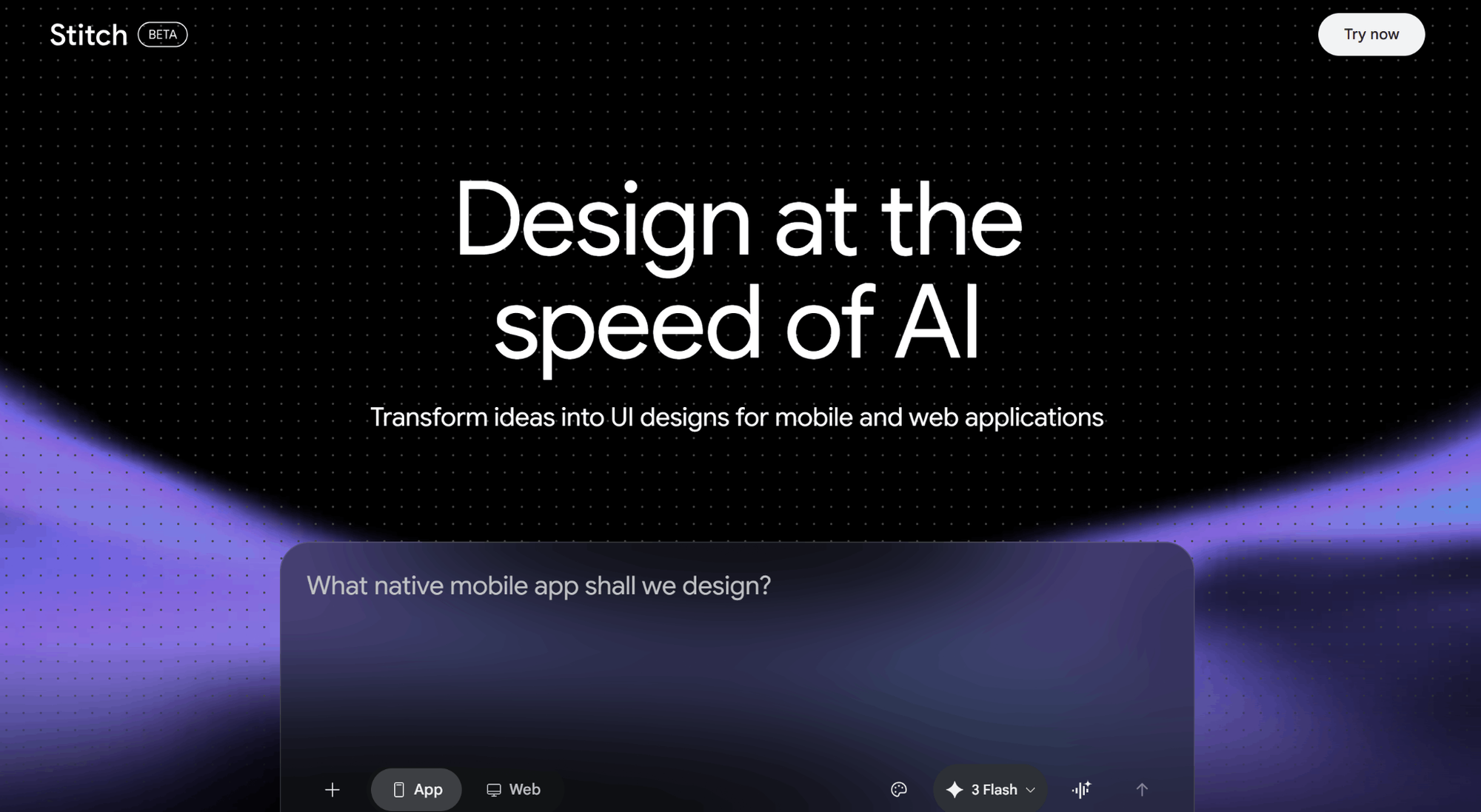
Google Stitch (previously Galileo AI, acquired by Google in 2025) takes text prompts, sketches, or screenshots to generate UI for websites and mobile apps. It uses Gemini models. Google Stitch is a free tool for testing different visual directions before you make any commitment.
The trade-off is depth. Stitch is perfect for simple screens and getting basic ideas down quickly, but isn’t so great at multi-step flows or for finer control over component and space arrangements. Stitch should be viewed more as an exploration tool than a comprehensive prototyping application.
See also: Google Stitch alternatives
Features
- Prompt- and image-to-UI: Draft layouts from your texts, sketches, or screenshots, and fine-tune with follow-up prompts.
- Two modes: Standard prioritizes a quick, efficient draft, while Experimental mode lowers the priority of quick, efficient drafts and supports comprehensive output and image-based prompts.
- Multi-platform output: Mobile and web versions of the same screens are generated in a single project.
- Figma handoff: Transfer your designs to Figma as editable frames.
- Code export: Download integrated HTML and CSS for developer handoff.
Pricing
Free, with monthly caps: 350 generations in Standard mode and 200 in Experimental. Currently, there are no options for purchasing a paid tier in order to extend these limits. The answer when you hit the limit is simply to wait for next month.
Claude Design
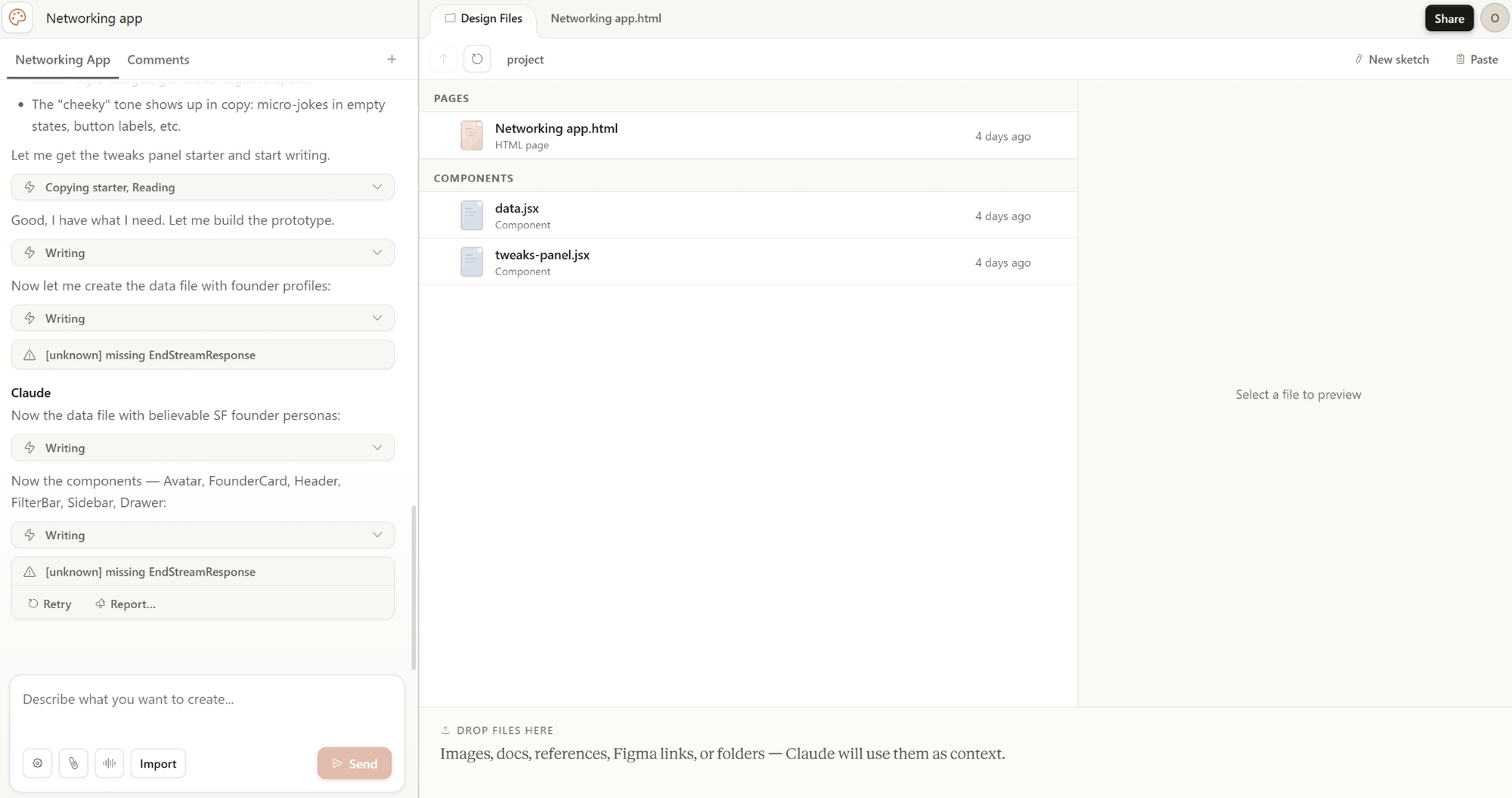
Claude Design is a new design product from Anthropic, announced as a research preview available at claude.ai/design from April 2026. It is an AI that generates designs from prompts, ranging from prototypes to landing pages, slide decks and design systems.
The catch here is the economics and the operational gaps. The weekly token limit can burn up quickly over a couple of sessions; there's no Figma export, and there's minimal capacity for editing on a more structured canvas design. So, it's a tool for generation, but not for exploration and iteration.
See also: Claude Design alternatives
Features
- Design system import: Claude parses your code and design files, pulling out colors, type, and components, and applies those extracted styles to everything it generates.
- The three modes of editing: Use chat to make high-level changes. Leave in-line comments on individual components, and then leverage Claude's auto-generated sliders to fine-tune colors and type sizes.
- Web capture: Load design components from a live website URL as a generation context.
- Advanced visual effects: Generates video, 3D, voice, and particle effects.
- Claude Code handoff: Turn any design into one comprehensive instruction for Claude Code.
Pricing
This is included in the Claude Pro, Max, Team, and Enterprise subscriptions (starting from $20/month for Pro). Weekly usage is capped across all Claude products. There's no standalone free tier, and heavy sessions can quickly exhaust a week's allowance.
Best AI app builders for prototyping
AI app builders produce actual apps from a prompt. You get a working prototype quickly, but design changes are harder once the code exists, and this can get expensive when credit-based apps are used. The best experience combines these builders with a design-focused phase: validate the UI first, then hand it off to an app builder.
Figma Make
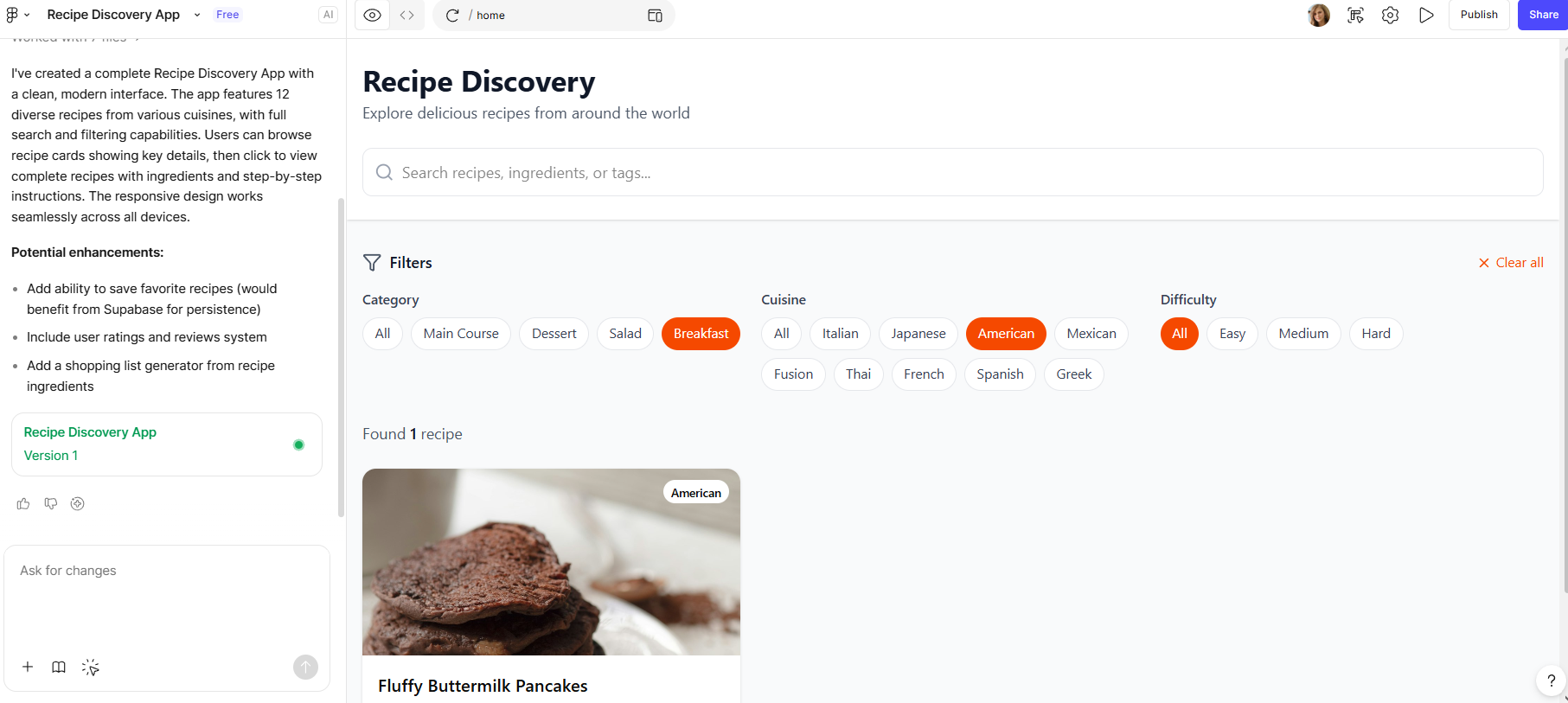
Figma Make converts text-based descriptions to prototypes. It's worth knowing that Figma and Figma Make have two separate interfaces: Make runs in its own prompt-based interface, not on the Figma Design canvas. But they are still connected. You can import your team's designs and libraries into Make, so prototypes stay on-brand.
If your team already pays for Figma, you can explore its features. The biggest limitations are how it behaves on complex layouts and the lack of a direct path from prototype to production.
See also: Figma Make alternatives
Features
- Prompt-to-prototype: Create layouts, components, and app structure with clickable interactions instantly.
- Use an established design system: Design from your team's libraries to create components that align with your team's design approach.
- Figma MCP Server: Coding tools like Cursor, VS Code, Windsurf, and Claude can read your Figma designs and generate compatible code.
- Native collaboration: Live multiplayer co-editing on files with teammates in the same space. Version control included.
Pricing
AI credits are included in Figma's seat-based plans. The free starter plan has limitations on AI credits (150 AI credits per day, up to 500 AI credits per month). The Full seat on Professional plans costs $20/month and includes 3,000 AI monthly credits.
v0 by Vercel
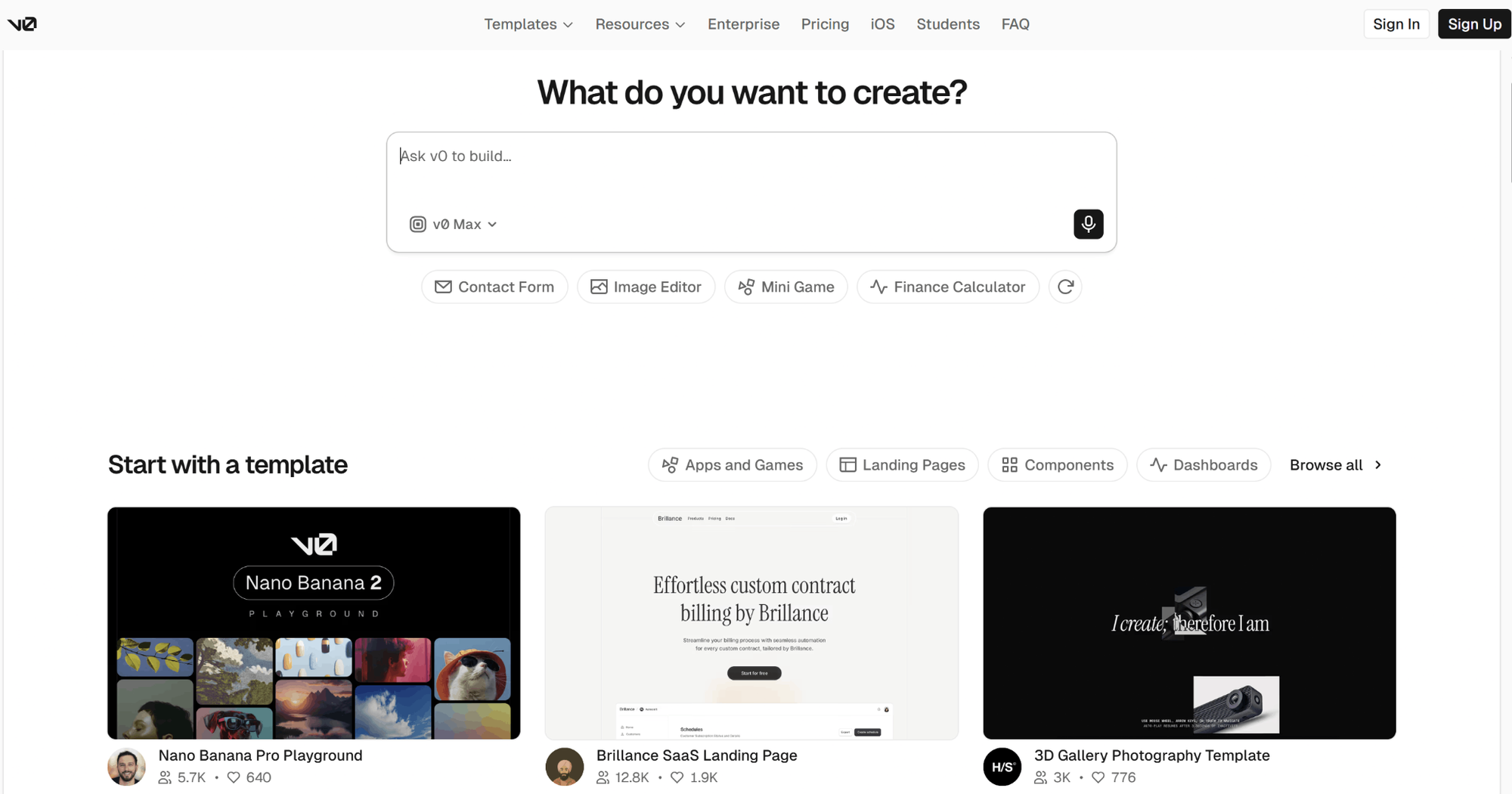
v0 builds production-ready React components from plain English. It’s powered by Next.js, Tailwind CSS, and shadcn/ui. For front-end developers, it's a direct path from prompt to a usable UI component, like a dashboard, pricing page, or form. The code is standards-based React that fits into existing projects.
It's front-end first by design: UI generation is where the output quality leads, and a 2026 update added a full-stack sandbox with database connections. Complex backend logic still isn't its strength. One-click deployment runs through the Vercel ecosystem.
See also: v0 pricing breakdown
Features
- Natural language to components: You describe a pricing page or dashboard and receive production-ready, accessible React code with a live preview.
- Agentic workflows: v0 will plan steps, retrieve data, examine live pages, and repair runtime errors throughout development.
- GitHub integration: Use your existing repositories, and synchronize work directly back into your code.
- One-click deploy: Deploy directly to Vercel's production infrastructure from the chat.
Pricing
The free tier includes $5 in monthly credits and a 7-message daily limit. The Plus plan is $30/user/month with $30 in monthly credits per user, plus $2 in free daily credits on login. Business is $100/user/month and adds training opt-out by default. All plans are token-metered, so intensive sessions use credits faster.
Lovable
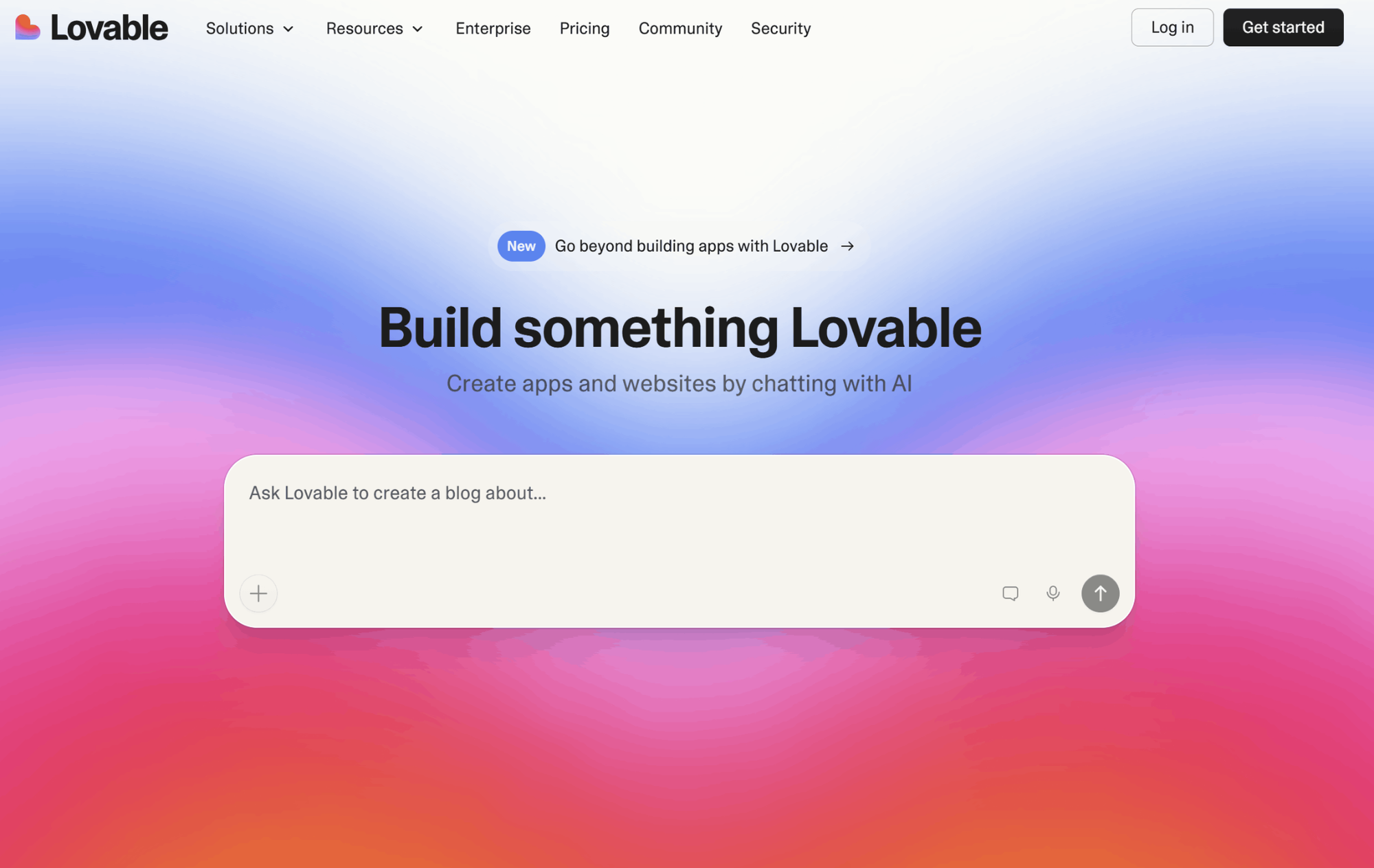
Lovable is a full-stack web app maker that creates apps from a prompt. No local setup needed. Each app ships with React, TypeScript, and Tailwind on the frontend, plus a Supabase backend with auth, a database, and storage. For a user validating an MVP, Lovable is the quickest option on this list from idea to something people can actually sign into.
The caveats now become more complex: credit usage also increases with every AI use, including fixing the AI’s own bugs. Lovable Cloud then applies separate usage-based backend charges once your app begins serving real traffic.
See also: Lovable reviews and pricing
Features
- Full-stack generation: Frontend, backend, authentication, and deployment all combined in a single prompt.
- Three editing layers: AI prompts for features, an interactive editor for CSS-level modifications, and a code-centric mode for final adjustments.
- GitHub integration: Automatically sync to your repository so you retain full ownership of your code and remain free from vendor lock-in.
- Team Collaborative workflow: Use real-time multiplayer editing and discuss your prototypes with team members using chat.
- One-click publish: Deploy your site in one click, with automatic SEO optimization.
Pricing
There is a free plan with 5 daily credits (max 30 monthly), a Pro plan at $25 per month with 100 monthly credits, and a Business plan starting at $50 per month. Individual requests vary in cost based on task complexity, and remaining credits roll over on paid plans.
Bolt
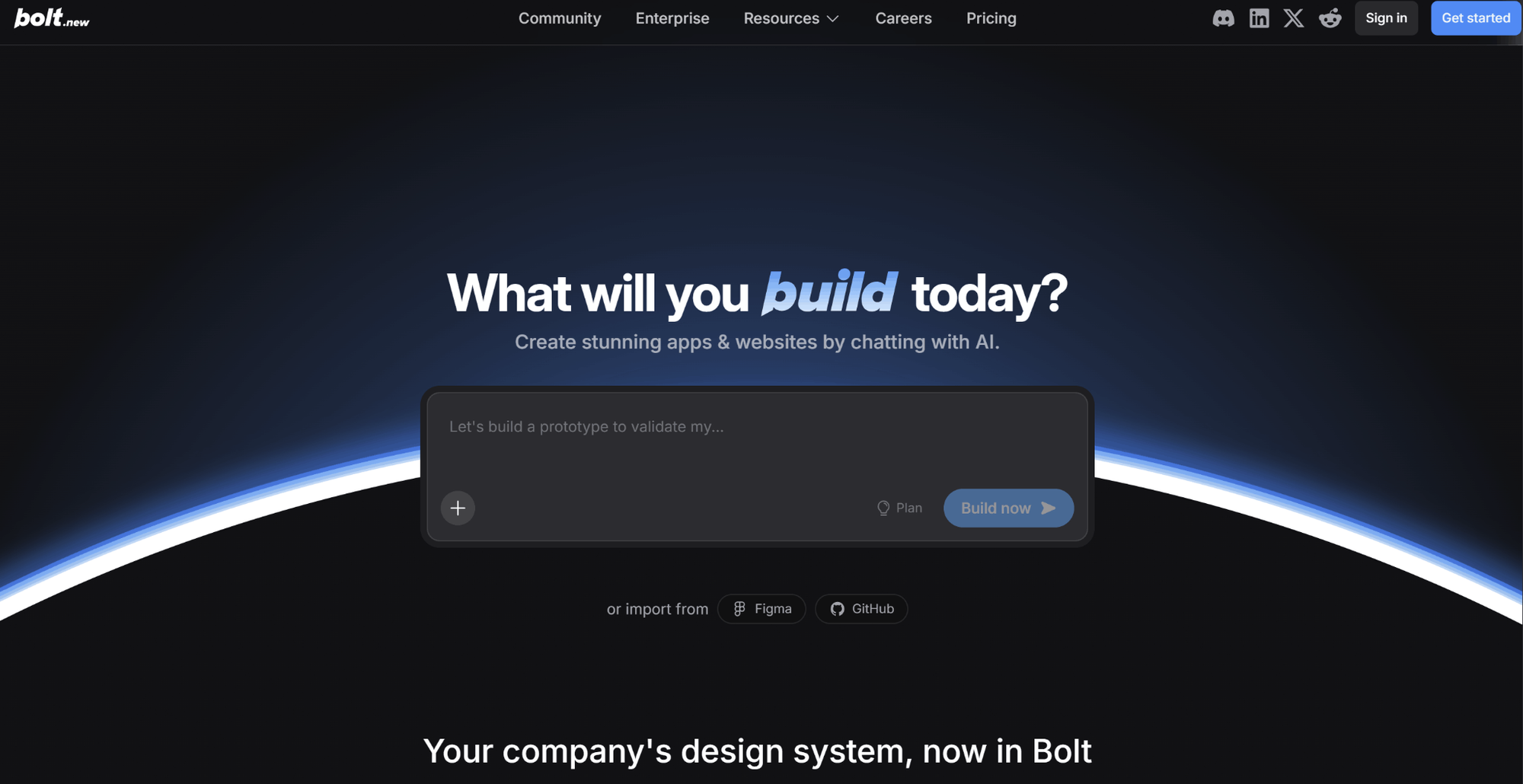
Bolt builds full-stack applications in the browser using WebContainers: an entire dev environment with its own filesystem, node server, and package manager. No setup needed on your end. Unlike typical prompt-to-app tools, every file the AI touches is visible and editable, so it suits developers who want access to their code while still getting the speed of AI.
The thing to watch is token consumption. As projects expand, each prompt processes more of the codebase, and debug loops become expensive.
Features
- Full-stack in the browser: Create, run, and edit complete apps using frameworks such as React, Vue, and Next.js.
- Full control of the environment: The AI handles the file system, server, package manager, and console, and you can take control at any point.
- Integrations: Figma import, GitHub sync, Stripe, and Supabase for creating functional prototypes.
- Support for mobile: Create native mobile apps using Expo in the same work environment.
- Deploy with one click: Publish with hosting, a custom domain, and SSL included.
Pricing
Bolt's free tier gives you 1 million tokens per month (max 300K per day). Pro is $25/month for 10 million tokens with no daily cap, and unused tokens roll over for one month. Team pricing starts at $30/month per member.
Base44
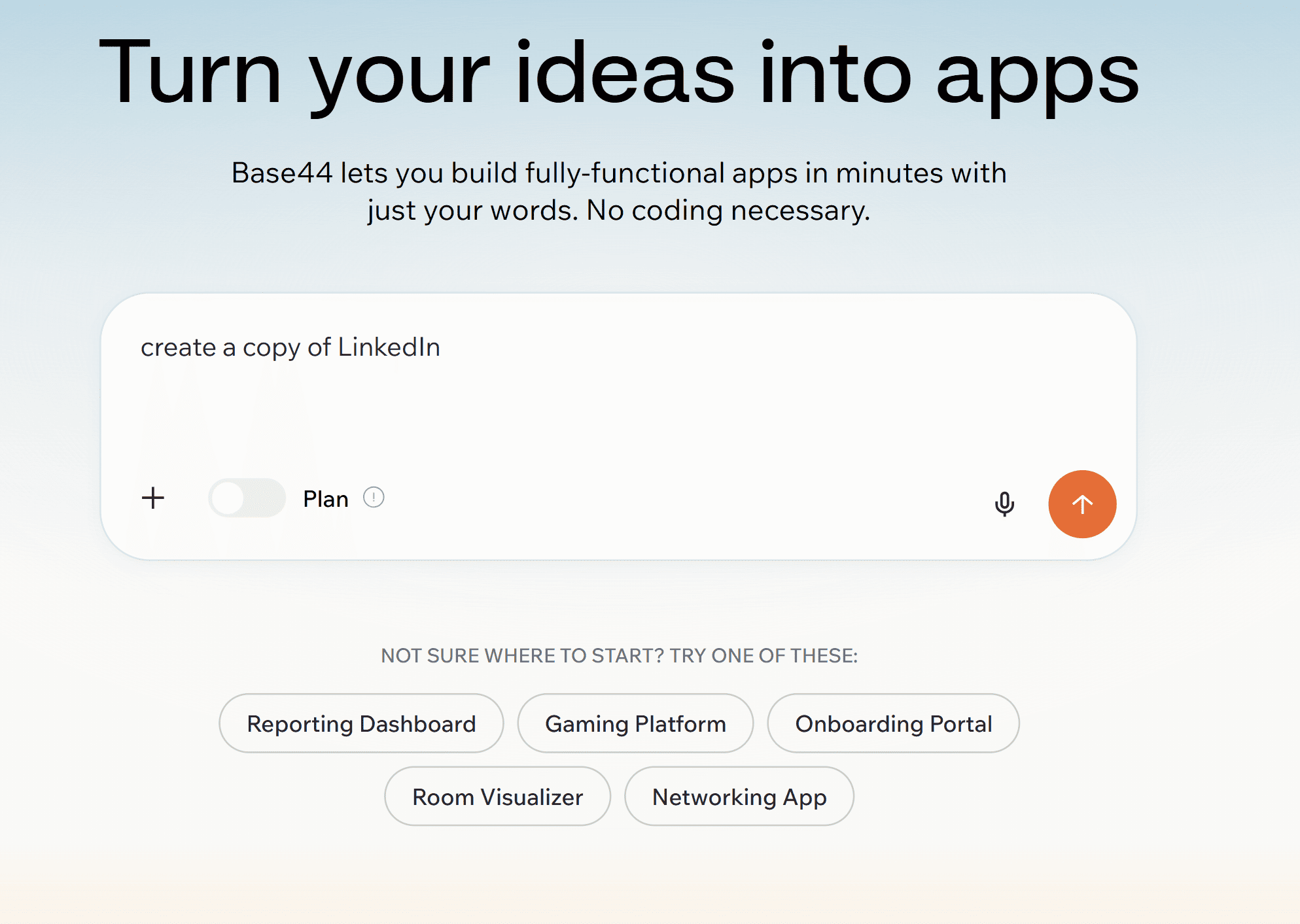
Base44 is an AI app builder for non-coders. Type in a prompt, get a working full-stack app out (including frontend, database, auth, storage, and hosting). Acquired by Wix in 2025. Best suited for internal tools and other CRUD apps when you prioritize speed and give less attention to polish and design.
That polish is the known weakness: the output tends to be somewhat generic, templated UIs, and there isn't a design step before the app itself has been created.
See also: Base44 alternatives
Features
- Prompt-to-app: Natural language to a working full-stack application.
- Auto-generated backends: Database schema, authentication, and file storage all wired up.
- Data connections: Connect to services such as Google Sheets or bring your third-party API keys.
- Instant deployment: As soon as your app is generated, it's live and hosted.
- All-in-one platform: No separate hosting, database, or authentication service to manage.
Pricing
Free plan available; paid plans run $20 to $200/month, or $16 to $160 with annual billing. Base44 uses two credit types: message credits, spent while you build and iterate, and integration credits, spent by your live app on actions like emails and AI calls. Heavy rework burns message credits fast, and unused credits don't roll over.
Replit
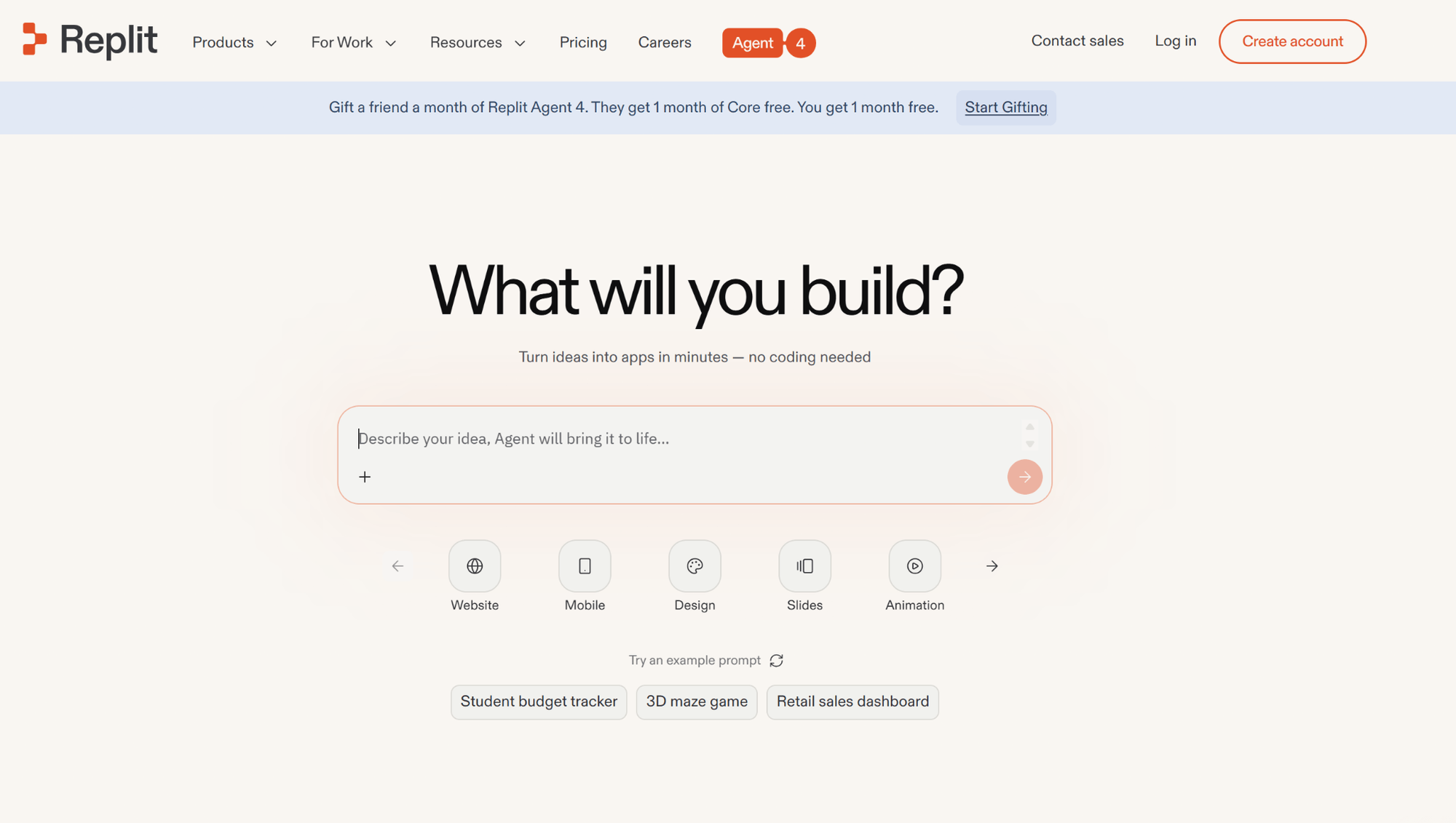
Replit is a cloud IDE with AI agents built in, so you simply state what you want the IDE to do, and the Agent then generates, runs, and deploys the necessary code in a unified workspace for more than 50 programming languages. It is the most robust setup among the online environments on this list, and the free Starter plan helps users try it out. The pricing model is the only big drawback. Agent work is credit-metered on top of the base subscription, so real costs on tough tasks can run well past the sticker price.
See also: Replit alternatives
Features
- Agent-driven builds: Automated multi-stage sessions that build apps, install dependencies, handle errors, and deploy.
- Fully cloud IDE: A real development environment, not just a prompt box. Switch to manual coding whenever you want.
- One-click deployment: Publish projects with hosting and a database, all in a single environment.
- Collaboration: Core supports up to 5 collaborators; the Pro plan covers up to 15 builders.
- 50+ languages: Doesn't restrict you to only JavaScript, unlike most others on this list.
Pricing
Free Starter tier; Core is $25/month ($20/month billed annually) with $25 in monthly usage credits, and unused credits expire each cycle. The Pro plan, launched in February 2026, is $100/month ($95 billed annually) for up to 15 collaborators, with $100 in monthly credits and credit rollover.
Which AI prototype generator should you use?
Begin by stating the prototype's purpose. If you need to validate a direction, align stakeholders, and hand engineers something to build from, choose a UI-first tool with code export. If you need a running app for your users this week, choose an app builder such as Lovable or Bolt, which will give you full-stack apps.
Flowstep creates editable, multi-screen UI. It pastes directly into Figma and exports production-ready React, TypeScript, and Tailwind. This way, you can ship the design you just tested. Try Flowstep free and jump from a prompt to a prototype today.
FAQs
What is the best free AI prototype generator?
Flowstep's free tier is a strong starting point: it generates multi-screen prototypes from text prompts and exports clean React, TypeScript, and Tailwind code. Google Stitch is a free option, with 350 monthly generations, while v0, Bolt, and Replit also offer free tiers worth testing.
Can an AI prototype generator replace Figma?
In the early stages of prototyping, generally yes. Screens generated from a prompt are significantly quicker than doing it in Figma. Flowstep generates prototypes which users can paste directly into Figma. AI prototype generators complement Figma; they don't replace it.
What's the difference between an AI prototype generator and a vibe coding tool?
An AI prototype generator gives you a testable artifact: screens or a clickable flow you validate before building. Vibe coding tools give you the product itself: application code you keep and continue developing.
How accurate are AI-generated prototypes compared to manual design?
Decent enough to confirm direction but sometimes not pixel-perfect out of the box. AI output needs a bit of work regarding spacing, hierarchy, and brand consistency. That's why editability is the criterion to prioritize: tools that let you fix the output directly, like Flowstep or Figma Make, close the gap faster than regenerating.