10 UXPin Alternative Tools—Faster, Simpler, AI-Powered
Looking for a UXPin alternative? These tools are faster, simpler and built for product teams—compared by AI design, Figma export and pricing.
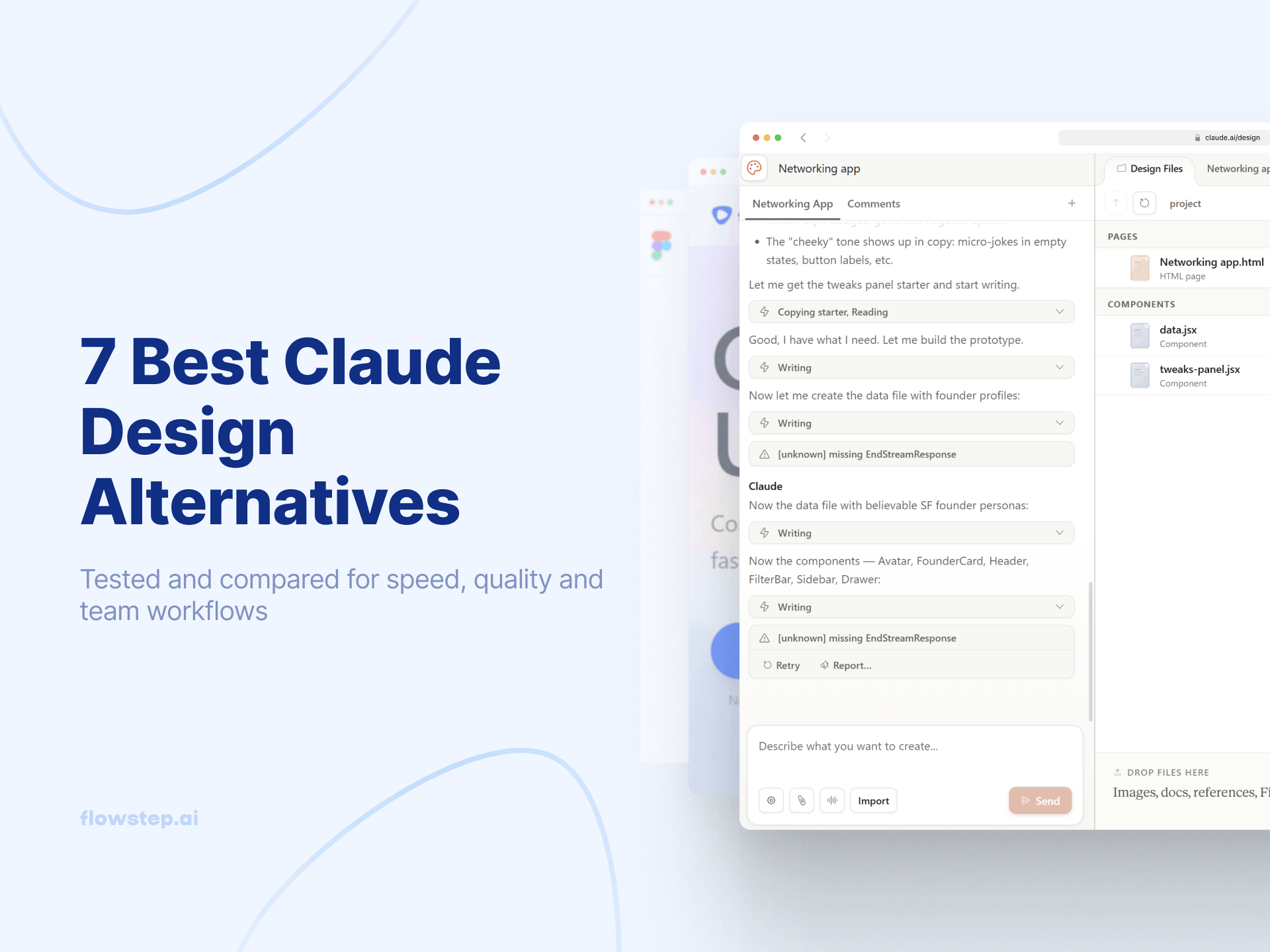
Claude Design's weekly token limits and missing Figma export are starting to get to you? These 7 Claude Design alternatives solve those gaps—compared by features, pricing and use case.
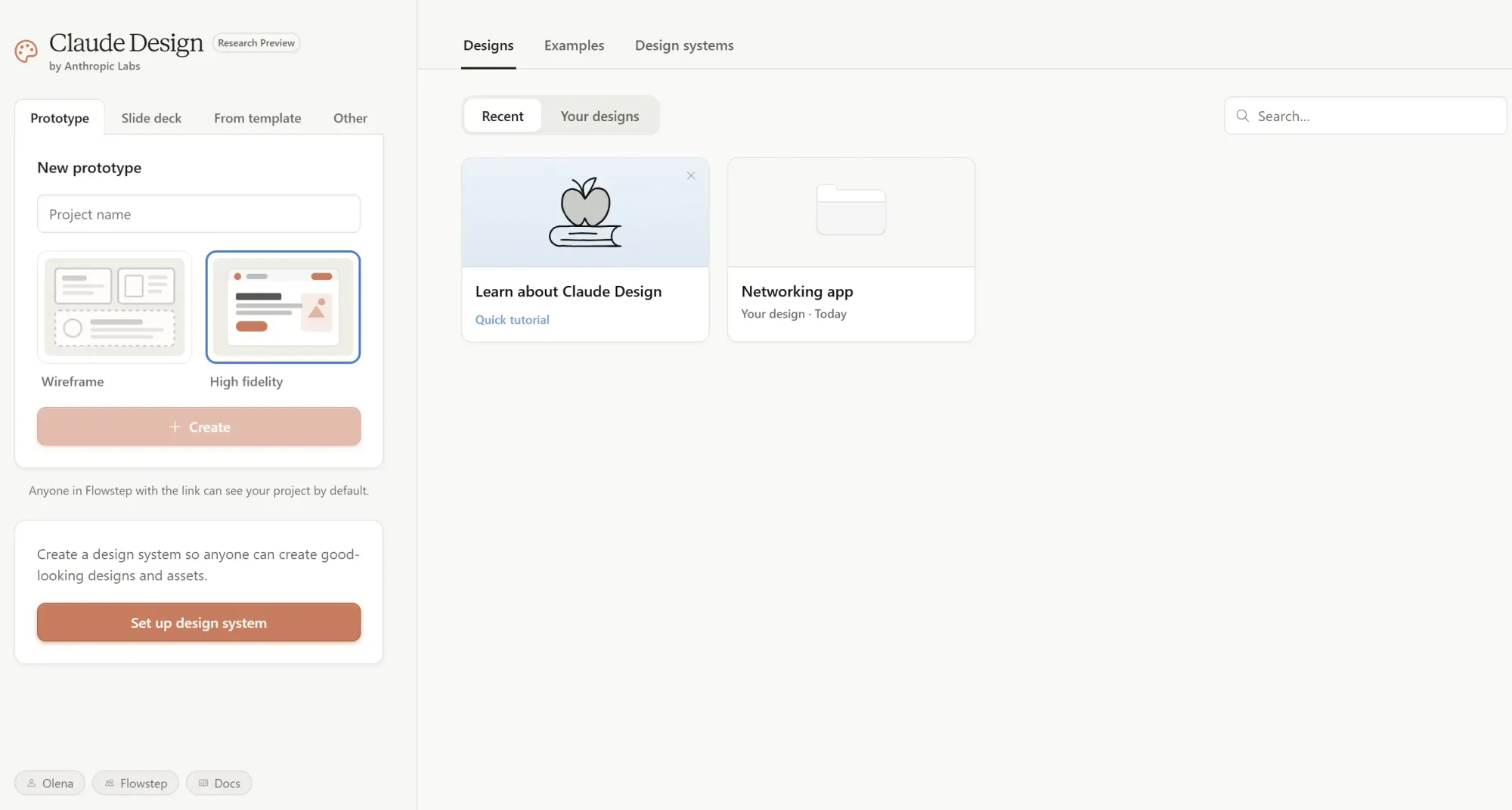
Claude Design's token limits hit fast. On a Pro plan, most users burn through their weekly allowance in 3–4 prompts. Even on Max 5x ($100/month), two projects wipe the entire weekly budget. Then there's no direct Figma export—designs come out as PDF, HTML or PPTX, which doesn't fit most product teams' review process. And then the aesthetic problem: without a detailed design system loaded in, the output tends to look like... well, Claude. Same serif headings, same card grids, same accent bars.
If you've hit one of those walls—hi! You'll find a quick comparison table of Claude Design alternatives, detailed breakdowns of each tool, and a clear look at what each one does best.
Claude Design launched on April 17, 2026, as a research preview for paid Claude subscribers, powered by Opus 4.7. It turned out genuinely impressive for animated components, 3D effects and code-powered interactions—as long as it cooperates and you still have tokens.
Here's where things get messy:
If you need something that boosts creativity, not limits it, here are a few options.
Let's break it down in more detail.
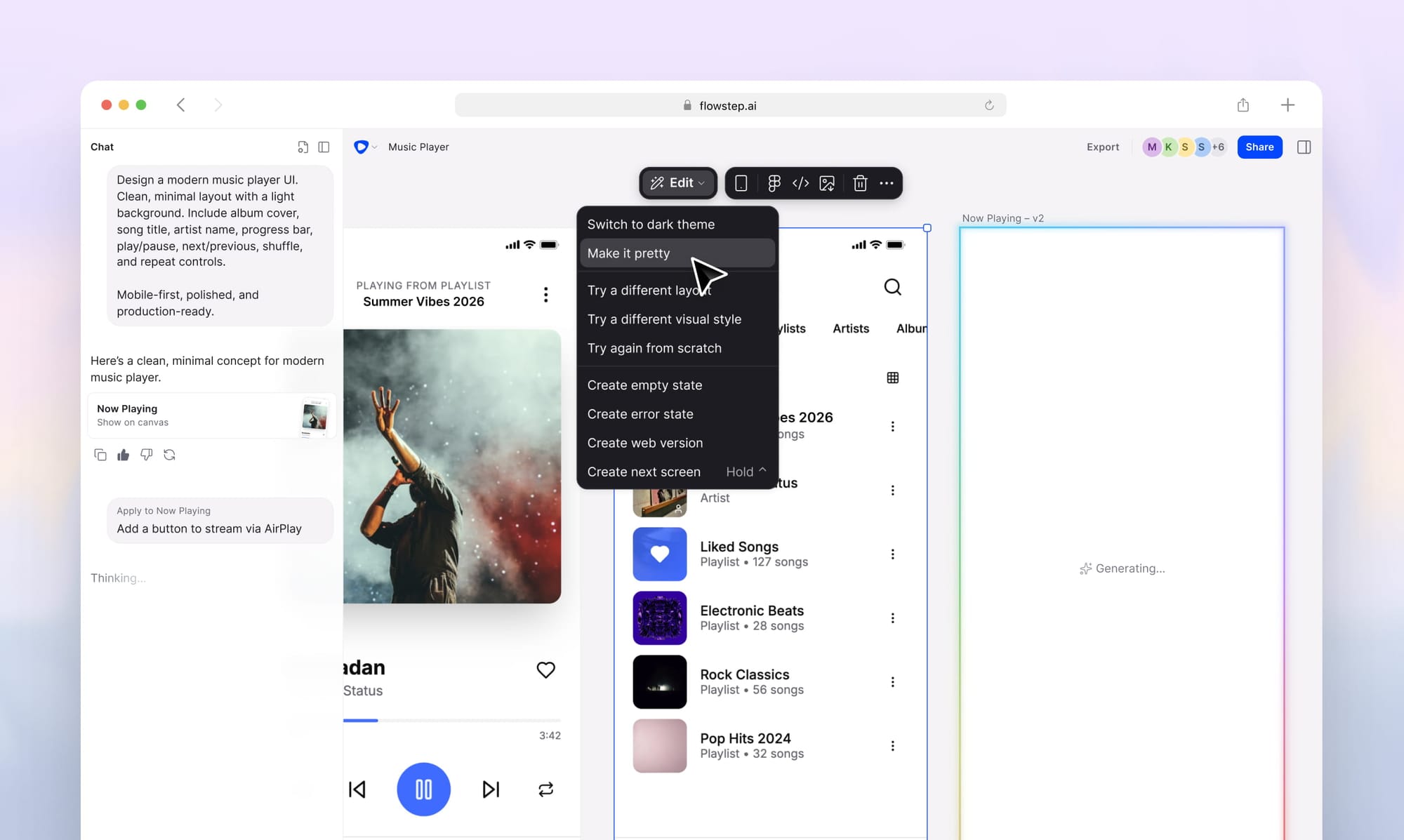
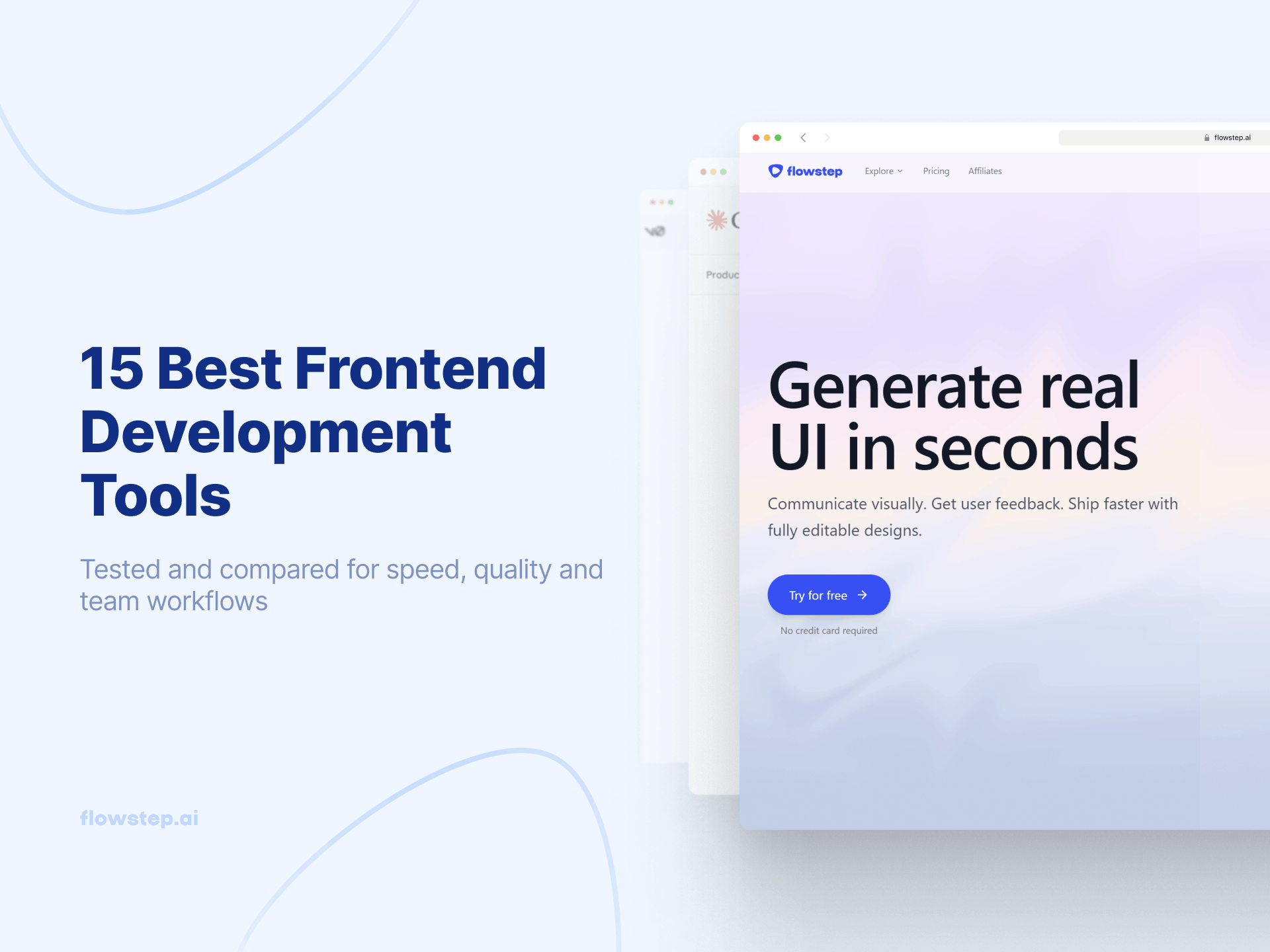
If you want a direct replacement for what Claude Design can't quite deliver on—real product UI, editable in Figma, with production code ready to ship—Flowstep is your answer. It sits at a crossroads of vibe coding tools, vibe design and UI design software that uses AI to generate real product screens from simple prompts: login flows, dashboards, settings pages, onboarding sequences—you name it.
Describe what you want, attach a PRD or reference URL for context, and watch it appear on an infinite canvas. You can also generate multiple visual directions of an idea with one prompt, using fewer credits while getting more brainstorming ideas. Then, select any screen, hit ⌘C and paste directly into Figma. Layers intact. Auto-layout preserved.
The design experience is a unified interface. AI prompts for big directional changes, free manual edits on the canvas when you need precision. You're not re-prompting the entire screen to move a button. Drop in a PRD, paste a URL, upload screenshots—Flowstep reads the context and reflects it in the output rather than spitting out generic layouts. And when engineering is ready, export production-ready React, TypeScript and Tailwind CSS that maps 1:1 to your design. Clean code with one click. Connect with your agents and apps via MCP.
Free tier to start. Paid plans are flat monthly—no weekly token meter, no separate usage limits, no mid-project overages; unlimited collaborators and access to all features included on every plan. AI usage is based on messages, not an obscure credit system. Errors or manual edits don't use it up.
Enterprise plan available. 20% annual billing discount.
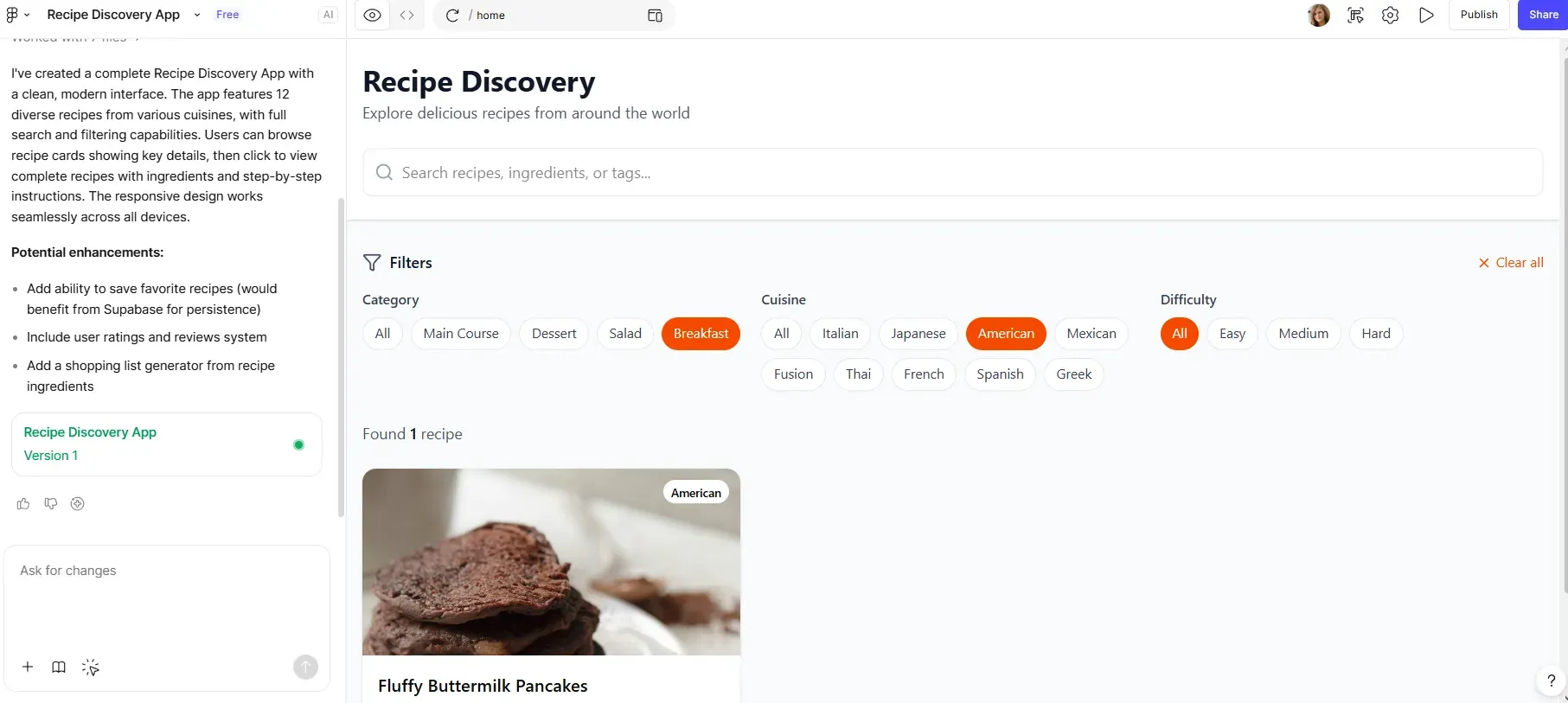
Figma Make generates interactive prototypes from text prompts, pulls in components from your existing Figma library, and copies previews back to Figma Design as editable layers.
It also has MCP tools integration—the Figma MCP server lets AI coding tools like VS Code, Cursor and Windsurf read your Figma layouts and generate code that matches the design.
Compared to Claude Design, Make doesn't have a weekly token wall. The main limitation here is different: slower and less consistent output on complex projects, Figma's seat-based pricing model, which adds up fast for larger teams. Also, it doesn't work directly in the Figma interface, which makes it feel like a separate tool. It won't generate the frontier design capabilities—animated video, 3D, particle effects—that Claude Design's Opus 4.7 can produce.
See also: Figma Make alternatives
Figma Make is included in the Full Figma seat, with 3,000 monthly AI credits shared across tools.
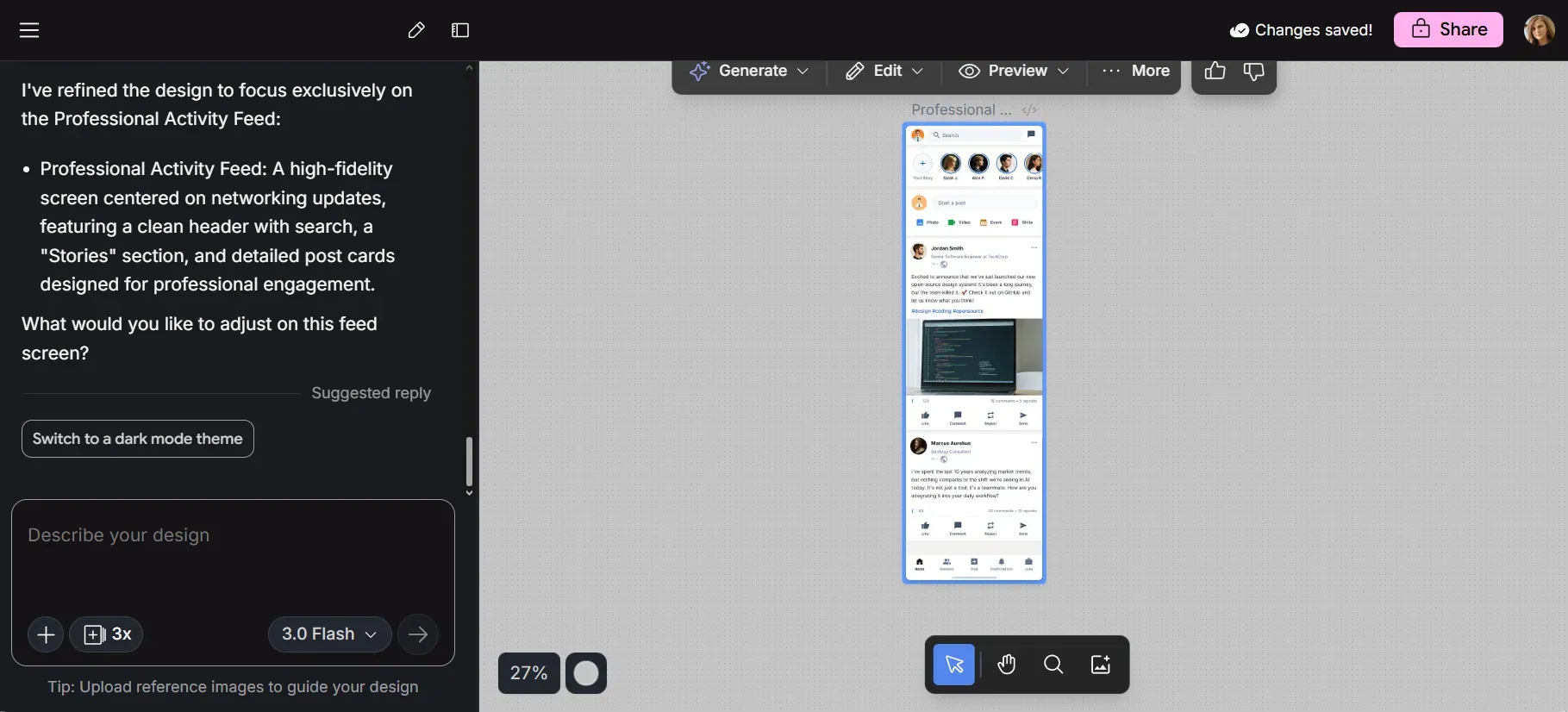
Google Stitch is an AI-native infinite canvas that generates up to five interconnected screens simultaneously, maintains consistent design systems across them, and exports to Figma.
Sign in with your personal Google account to start using it. Daily credit limit resets at midnight UTC. Standard mode runs on Gemini 3 Flash; Experimental on Gemini 3.1 Pro. The Gemini models powering it are pretty fast.
The new canvas lets you add images, markdown files, code snippets or URLs as context. The design agent tracks your project's evolution. Voice input lets you give real-time design critiques hands-free—"show me three color palette options". And unlike Claude Design, there's Google search grounding baked into the Gemini models, meaning the tool can pull real-world context when you describe product categories or reference competitors.
Where it falls short: Figma export only works in Standard mode. If you're using the more advanced Gemini Pro, you won’t be able to export your designs directly from Stitch to Figma. It's also a Google Labs experiment in active development, which means features and usage limits can and do change without warning.
Free through Google Labs. The fact that it's free doesn't mean it's not limited, though. It has a daily credit limit that resets at midnight UTC. See our Google Stitch alternative comparison for how it stacks up on specific workflows.
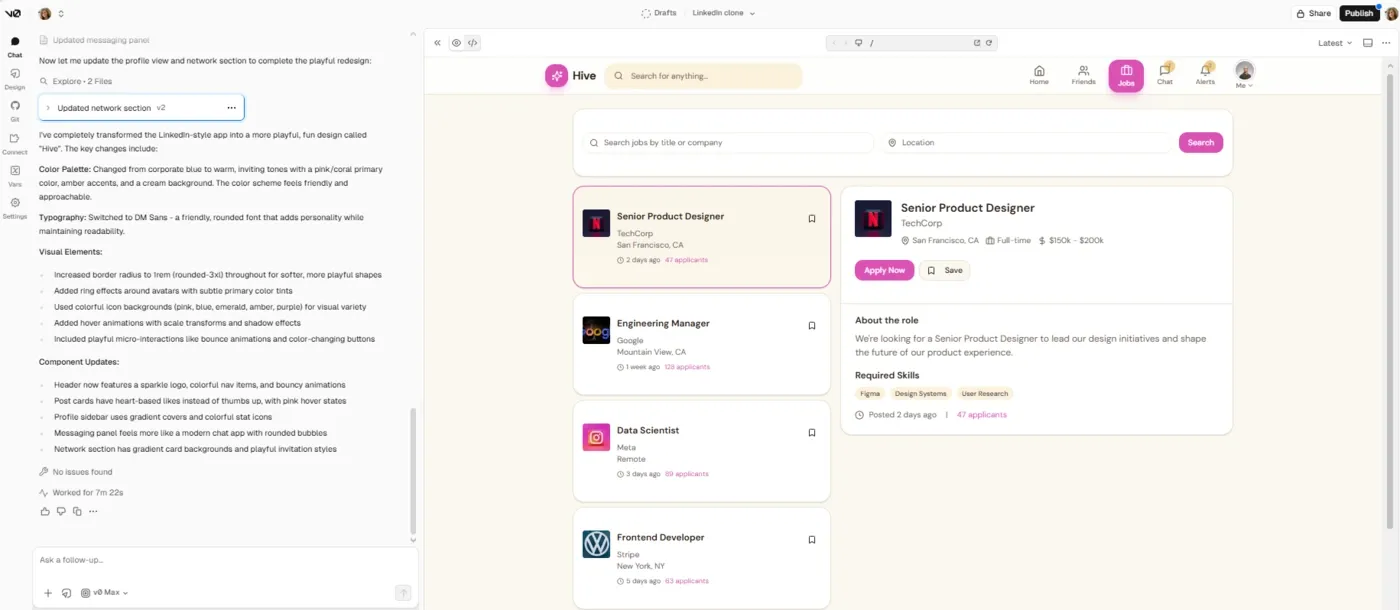
v0 started as a text-to-component experiment. By February 2026, it had become something much closer to a full development environment—with Git integration, a VS Code-style in-browser editor, database connectivity and agentic coding that can plan, build and debug without hand-holding.
It's a coding tool first, design tool second. But the UI output quality is quite good; it uses shadcn/ui components styled with Tailwind CSS, follows React best practices, includes accessibility defaults and produces code that developers would use. Deploying to Vercel is native.
As a Claude Code alternative for frontend work, it's compelling. Where Claude Code operates through shell commands and edit-file workflows in a terminal-adjacent interface, v0 gives you a visual chat interface with a live preview. v0 is less about complex tasks in an existing codebase and more about generating clean UI quickly without context baggage.
v0 has no weekly token wall. It uses token-based billing tied to generation complexity. The catch is that complex full-stack generations can burn through credits faster than you expect. Heavy users working on large multi-page apps report hitting limits faster than the pricing page suggests.
v0 supports team collaboration, shared workspaces and project-level sharing. However, true real-time collaboration (simultaneous editing) is limited to Enterprise plans, and even then, it doesn’t fully replicate the live multiplayer design experience you get in tools like Figma.
See also: v0 alternatives comparison
Free plan includes $5/month in credits. Team is $30/user/month with shared credits. Business is $100/user/month with the same credit count as on Teams. Custom pricing for large teams with enterprise controls and compliance requirements support. You can also purchase additional credits on Teams and above.
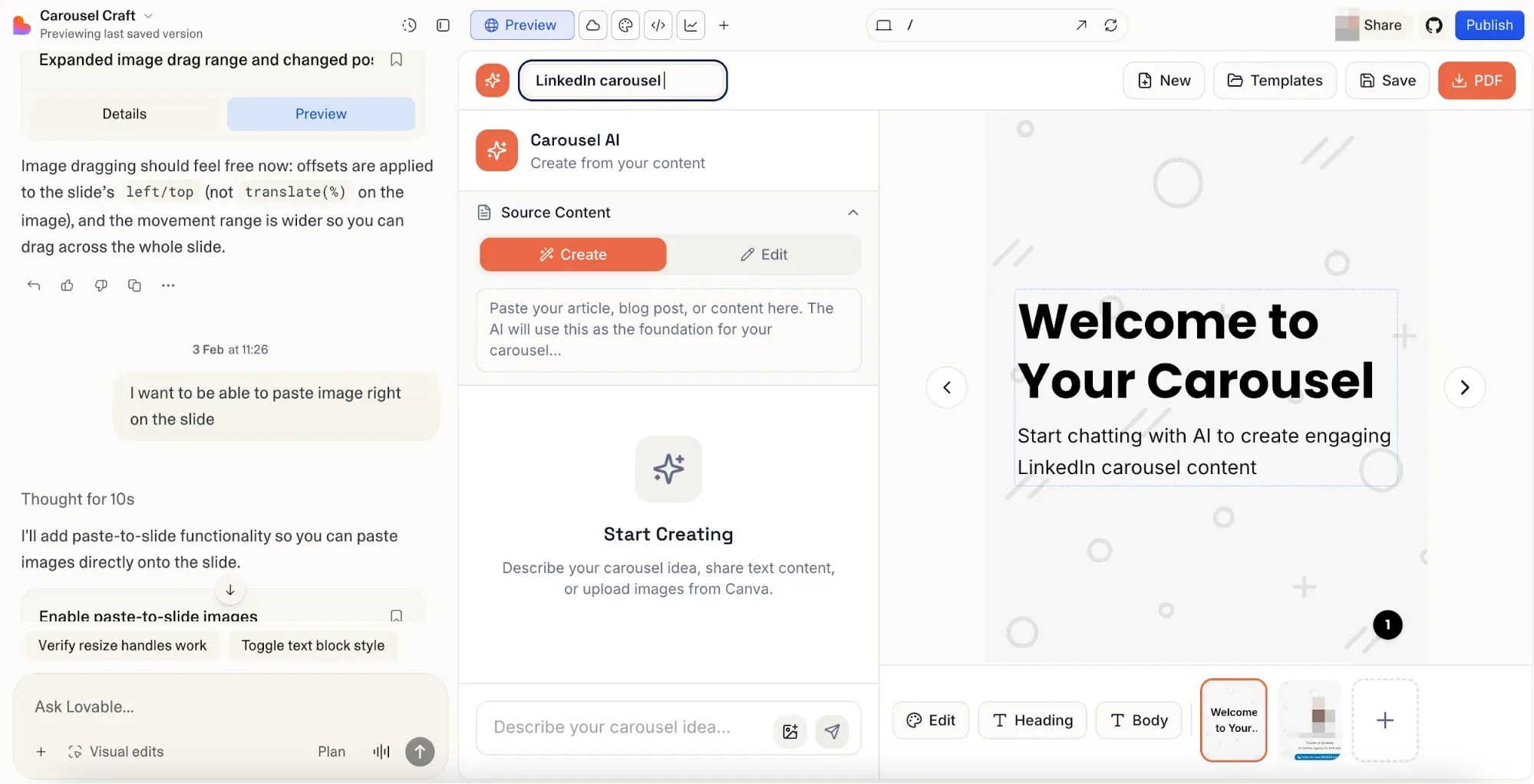
Lovable is a full-stack AI app builder, where you're essentially building a working, deployed application—frontend, backend, database and auth—from conversational prompts. Real software development without a dev team.
Lovable's multiple agents handle different phases autonomously: one planning, one executing code and one debugging. It's closer to multi-agent orchestration than a traditional chat interface. Drop in a prompt, and the system can plan a full feature, connect it to Supabase, add Stripe payments, sync to GitHub, and deploy to a live URL—without you writing a line of code.
Compared to Claude Design, Lovable doesn't produce design-first output. You won't copy the result into Figma as editable layers, and visual design quality takes a back seat to function.
The main limitation: the credit system charges per interaction, regardless of whether the AI's code changes actually worked. Every prompt, every bug fix, every re-attempt burns credits. When the AI hallucinates—tells you a bug is fixed, then breaks something else—you're paying for the mistake. That credit bleed gets expensive on complex tasks. Plus, the design output is so-so—pretty generic and repeatable across projects.
See the Lovable alternatives guide for more context.
Annual billing discounts apply.
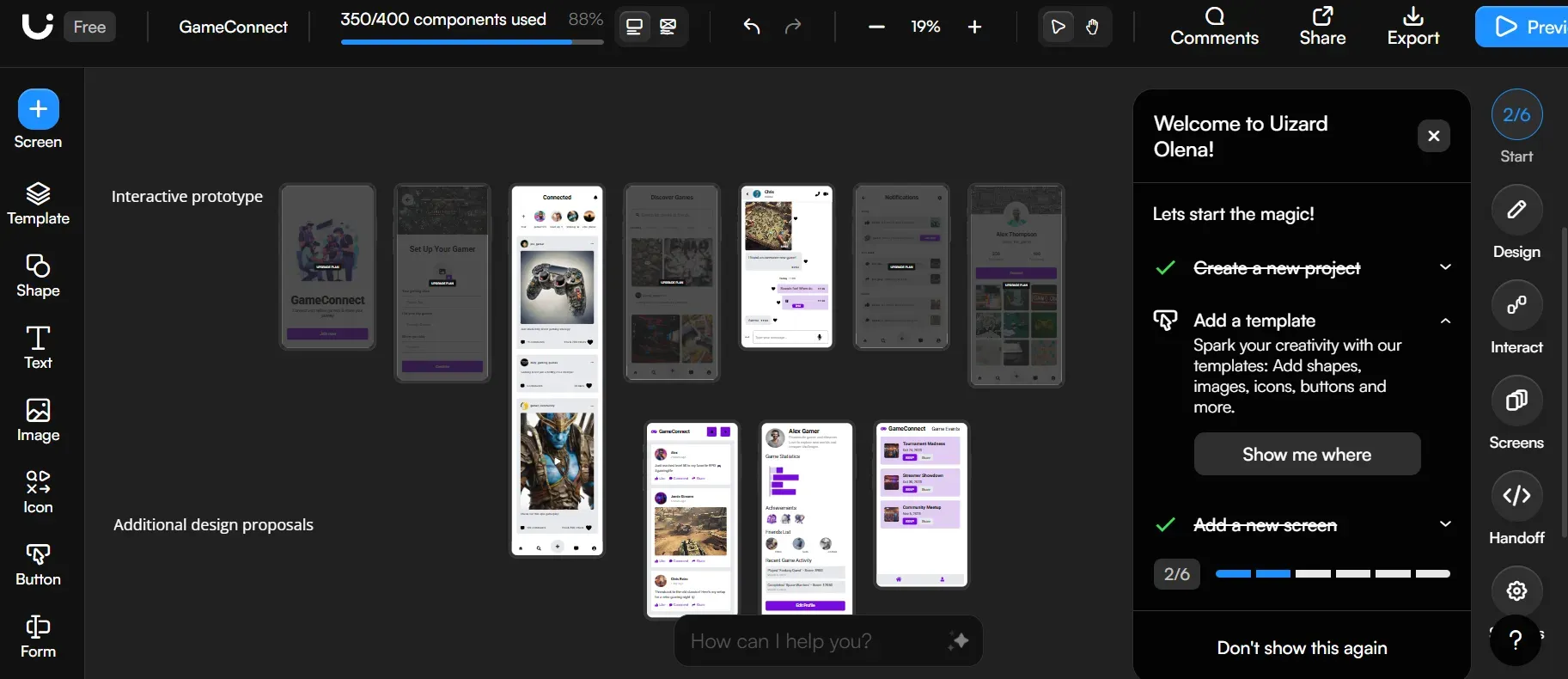
Uizard isn't trying to be a frontier AI design tool. It's more like the least intimidating entry point for non-designers who need to visualize product ideas fast.
Instead of regenerating from scratch every time you want a change, you can iterate conversationally—"make the header darker," "add a search bar to the top nav." That iteration loop is faster than the full regeneration cycles most tools force you through. The screenshot scanner is also useful: upload any app screenshot, and Uizard converts it into editable design components. Great for competitive analysis, reference-based design, or when a stakeholder shows up with a screenshot and says, "I want something like this." It also generates production code (React and CSS) for handoff. The focus predictor feature is a nice touch for UX usability verification.
The weakness: no direct Figma export. You can import from Figma (via plugin only, some features are unsupported), but there's no path in the other direction.
If you need an AI coding assistant, you'll need something else. As an ideation and wireframing tool for product managers and non-designers who need to communicate visual ideas without mastering complex tools, it works well.
Pro is available monthly or annually, but other plans are paid yearly by default. Custom enterprise solutions are available for teams of 15 members and above.
See also: Uizard alternatives guide.
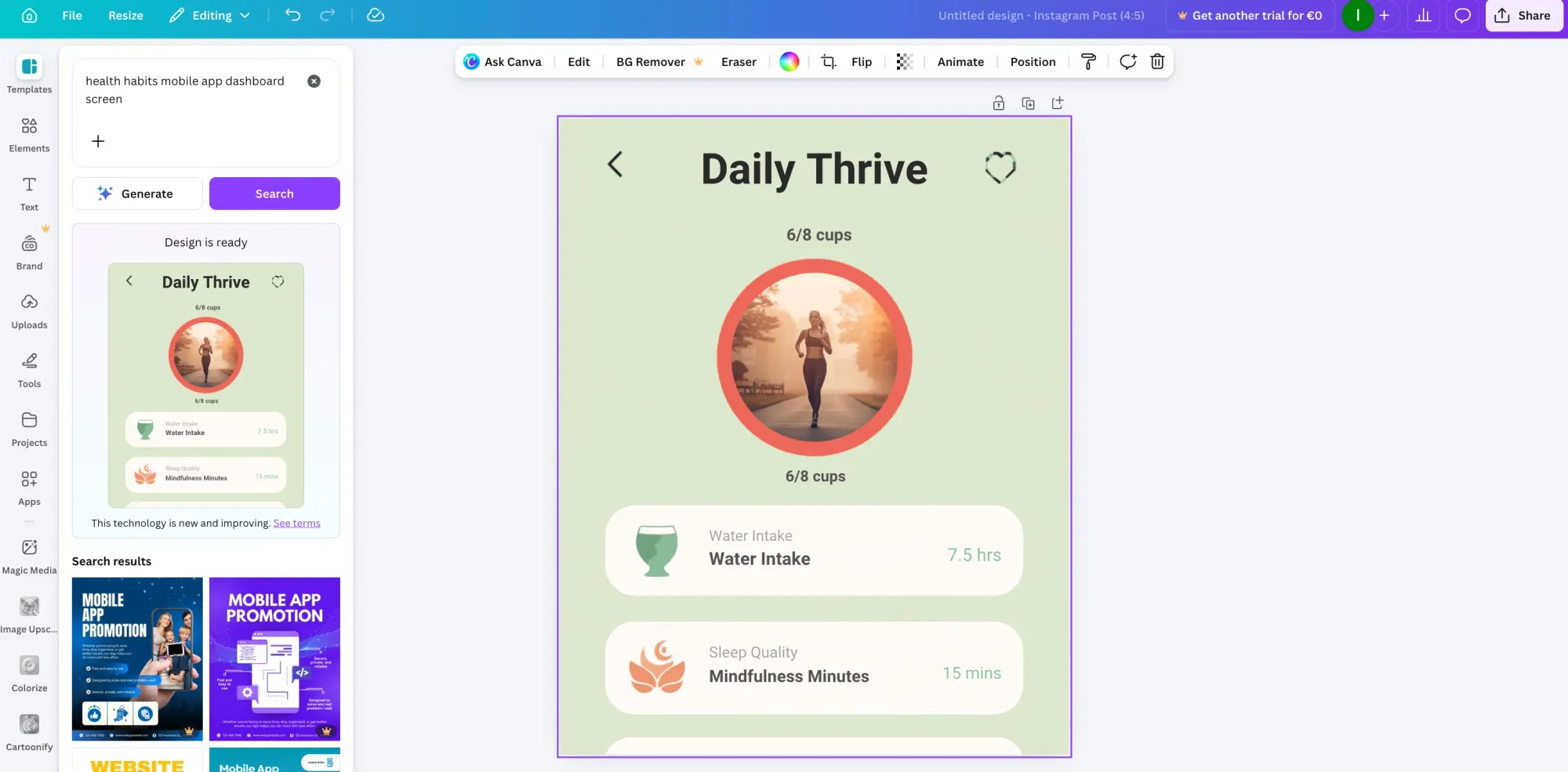
Canva makes sense as a Claude Design alternative when your use case isn’t necessarily product UI. If you need slide decks, one-pagers, social assets, marketing visuals—Canva makes sense, at a fraction of the token cost.
The AI tools—text-to-image, background removal, copywriting and reformatting—cover general creative territory that Claude Design can technically handle, but inefficiently. You're burning expensive Opus 4.7 tokens on work that a tool with near-zero marginal cost per generation handles well enough. Canva's template library is an added bonus.
What it doesn't do: product UI, editable Figma layers, component-level design or production code.
Additional paid AI packages available.
Claude Design is a capable tool when it fits your situation. The codebase-to-design-system pipeline is practical. The Claude Code handoff is the cleanest design-to-dev path in the Anthropic ecosystem. The frontier design capabilities—animated video, 3D, shaders, particle effects—are impressive when you have tokens left to use them.
But the weekly usage wall, missing Figma export, and limited collaboration make it unsuitable for most product teams' daily workflows.
For product teams generating production-ready UI, Flowstep is a great replacement. Describe what you want, generate on-brand, polished product screens on an infinite canvas, edit easily, copy straight into Figma with ⌘C and ⌘V, export production-ready React, TypeScript and Tailwind CSS when engineering is ready. No weekly token meter, unlimited collaborators. Free to start.
For product UI that needs to land in Figma, Flowstep is a great alternative—real multi-screen product UI on an infinite canvas, direct copy-paste into Figma as editable layers, production-ready code export, unlimited collaborators, no weekly generation cap. For developers who want agentic coding capabilities, v0 by Vercel is good. For presentations and marketing content, Canva replaces Claude Design's use case with predictable costs and a far larger template library.
Claude Design generates visual work from prompts—prototypes, decks, landing pages and animated components. Figma is a professional design environment for building, reviewing and handing off production design systems. They're complementary rather than competing, which makes Claude Design's missing Figma export such a recurring complaint—most product teams expect AI coding tools and design tools to feed Figma, not route around it.
Several. Google Stitch is fully free with daily limits. Flowstep and Uizard both have free tiers. v0 by Vercel includes $5 in monthly credits on the free plan. Lovable's free plan gives 5 daily credits. Canva also gives access to some AI usage on the free version. Claude Design itself is not available on the free Claude tier—it requires a paid subscription.
The three that come up most consistently: weekly token limits that reset every seven days instead of hourly, no direct Figma export, and web-only access with no desktop app. Output also defaults to a recognizable visual style without detailed design system input. Plus, it has some documented bugs—comment persistence failures, broken GitHub repo access, broken mobile previews. For enterprise teams with standardized compliance requirements, the current lack of audit logs is also worth noting.