

16 Best AI Tools for Designers: 2026 Top Picks
Discover the best AI tools for designers [2026], including Flowstep, Figma Make and more top picks to speed up your UI/UX workflow and create better designs faster.
Before you choose Base44, read this. This Base44 review highlights some important things to consider about its strengths, weaknesses, pricing and when a different tool might be a better fit.
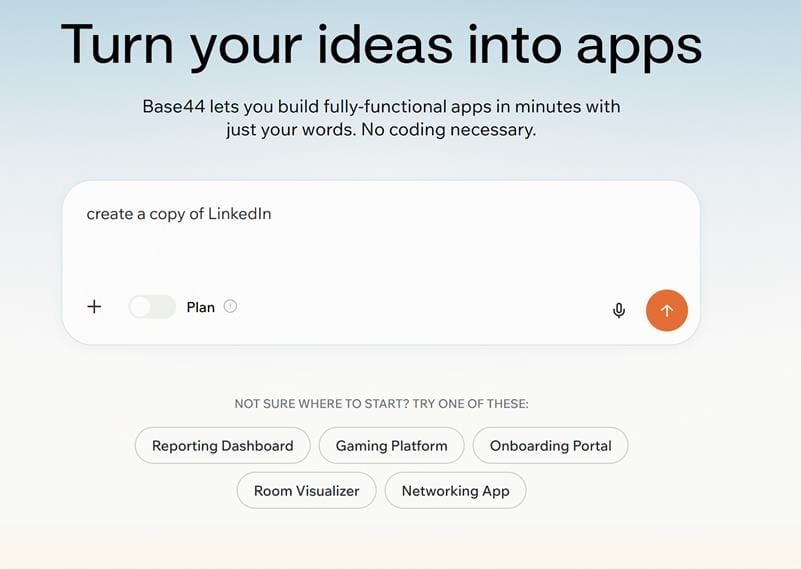
You write the description of an app in plain English, press enter, and a few minutes later a full-stack thing, a database, logins, UI that works, and a live URL are already waiting. The first time it feels like magic.
And then you’re staring at the user interface and it looks like every other AI-generated app. And then you continue building, and the credit starts adding up.
That's exactly the part that every Base44 review article skips over. Not this one. If there are two questions to be answered before clicking the "sign up" button, it's these: what is the real deal of Base44 after the first screen, and is the pricing justifiable for the sort of thing you’re trying to build? If you are a founder, a PM or a small team testing a product idea really fast – well, here is the honest app review.
Base44 is an AI app builder. What that means is that it’s a “vibe coding” tool. You write a prompt such as a “job tracker with logins and a dashboard,” and it will build the entire web app: the frontend, the backend, the database, authentication, and hosting, connected together, all without touching the code.
The back story also makes it something you might want to pay attention to. Israeli developer Maor Shlomo built Base44 as a solo, bootstrapped side project in early 2025, and it hit $1M ARR within three weeks after launch. Six months after it came out of stealth, Wix acquired Base44 for $80 million.
Today, it operates as its own product within Wix. When Wix made its acquisition, the service was already being used by more than 1,300 paying customers, predominantly individuals and small teams. Base44 hasn’t only been adopted by solopreneurs; B2B organizations, including SimilarWeb and eToro, also have built on Base44.
Base44 is made for founders with no code experience, product managers, and small teams that need to make apps without writing a single line of code. It excels in building MVPs, internal tools and simple CRUD applications.
When you open a workspace, describe what you want and wait a few minutes. Base44 generates the app structure, pages, data model, auth and gives you a clickable application.
Then you chat with the AI and say phrases like "add a filter to the table", or "make the dashboard the landing page", where the relevant piece of your app is rebuilt with each request. The platform integrates with services like Stripe, Slack and OpenAI which allows you to build payment, notifications and AI capabilities without needing to set up separately. Then you publish it live.
Before you lean on it, there are a few things to note:
● Code export is frontend-only. If you have the Builder plan or higher, the frontend can be exported into GitHub – the rest cannot, and so the database portability becomes a limitation if it’s important for you.
● A custom domain isn't custom branding. Even though Builder lets you select a custom URL, it still results in the Base44 default landing/signup page.
● It gets shakier as logic gets complex. Base44 is dependent on common application patterns. As you delve more into complex backend logic or the rarer work patterns, you will find yourself running into errors and refactoring.
None of this rules Base44 out. It's just the shape of the tool: fast and reliable for common cases, rougher once you go off the beaten path.
Beyond the Base44 free plan, there are four paid plans, which include Starter, Builder, Pro and Elite — from $16 to $160 a month if billed annually. If you opt for monthly payments, the same plans start from $20 to $200 a month, but you save 20% if you commit to an annual payment plan.
Base44 pricing runs on two separate credit systems:
● Message credits will be deducted as you're building. Any prompt that asks the AI to edit or update something will consume a message credit.
● Integration credits are burned when your app is live and a user takes an action that triggers an integration (e.g., uploading a file). You’re burning credits in real time as people use your app.
There are a couple of implications to this. Firstly, you can't add credits on an ad hoc basis. Exceeding your limit means you have to upgrade to the next tier of your plan until the next bill runs. Secondly, debugging is a cash sink: when the AI produces a buggy implementation and it takes five extra prompts to fix it, you spend five additional credits fixing something that wasn't your fault.
Students and teachers can get up to 50% off select plans. Free and Starter realistically serve as a sandbox. Only at Builder does it actually become interesting to start a project. The two higher plans, Elite and Pro, mainly offer additional credits.
All the monthly billing tiers get around a 20% discount with annual plans, although this ties you in for the year; month-to-month is usually a safer bet until you have some idea what your actual credit-burning looks like. Base44 pricing seems to be the easiest to predict for app prototyping. Predictability becomes a little harder once an app has real users interacting with it.
Sentiment on Product Hunt, Reddit, and Trustpilot all align, and they separate neatly into a single line — exactly into what users are trying to build.
● Speed. The most repeated praise is going from prompt to working prototype in minutes.
● It's genuinely full-stack. Reviewers say it has more robust backend capabilities than average no-code tools (databases, authentication, APIs), not just the front end.
● Accessible to non-coders. People who never knew how to code develop useful tools.
● The integration catalogue. Stripe, Slack, and OpenAI save real setup time.
● Generic UI. Output is pretty good but also very templated – probably the one major criticism people always bring up against this app, and often the reason they begin seeking something different.
● Credit limits and unpredictable cost. The most frequent complaint, especially once an app is live.
● Limited support and documentation, and a tendency to lock in to the platform.
● It strains as projects grow. All of the hands-on reviews arrived at essentially the same conclusion. Excellent for prototyping, not ideal for running real production software at scale, where errors can cost you a lot more.
Honest takeaway: simple landing pages, MVPs, internal tools — great. Expect some friction when using it for a production app with real logic and serious user traffic.
The ongoing problem that rises above the others is generic UI — and since the Base44 app builder is not in the same category as a design tool, the only way to change its appearance is to prompt, regenerate, use credits for spacing and hierarchy, not for features.
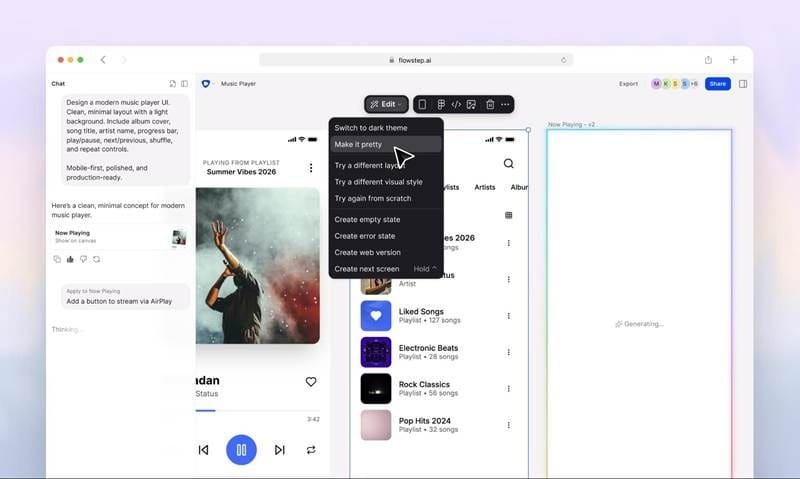
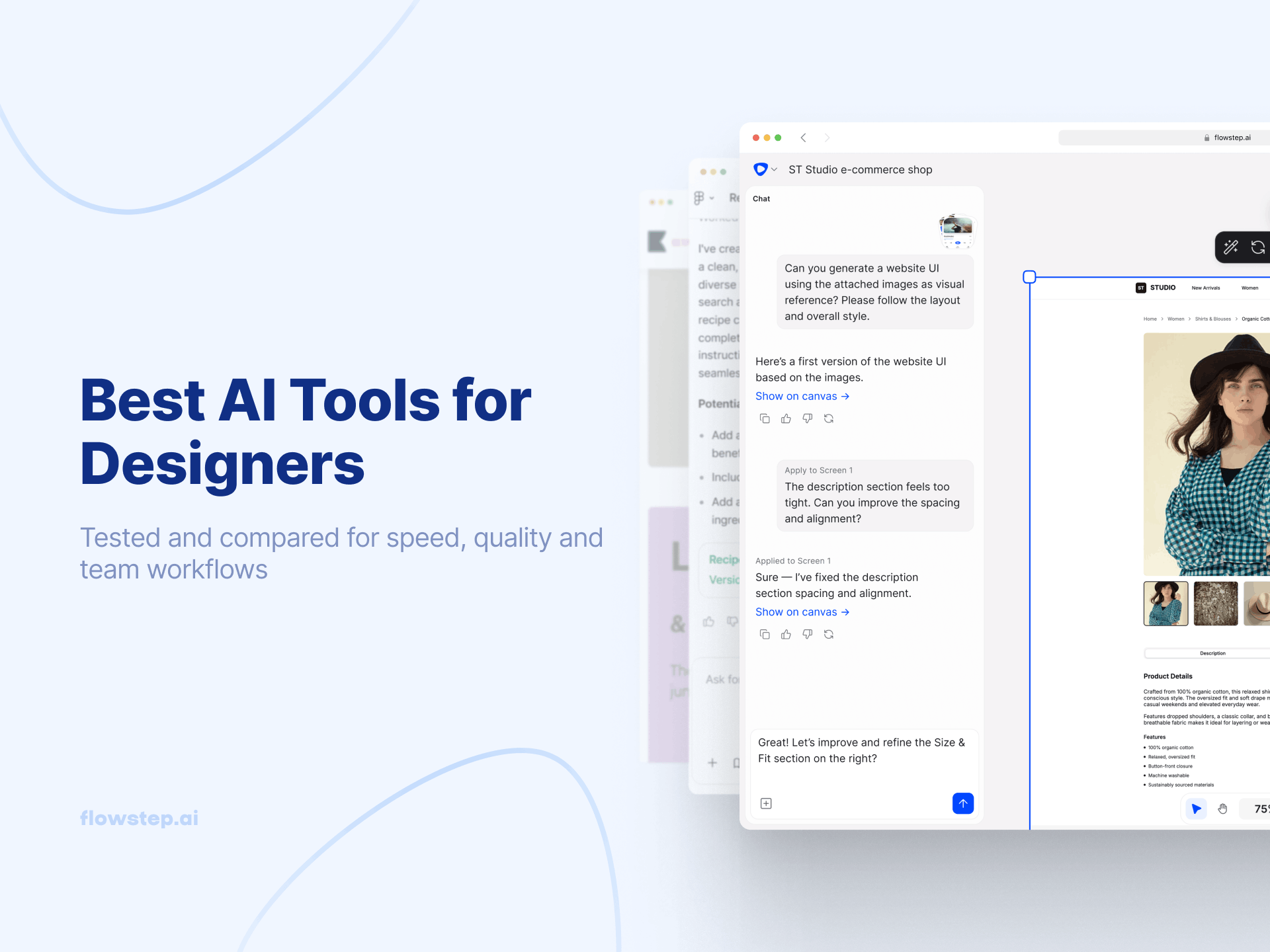
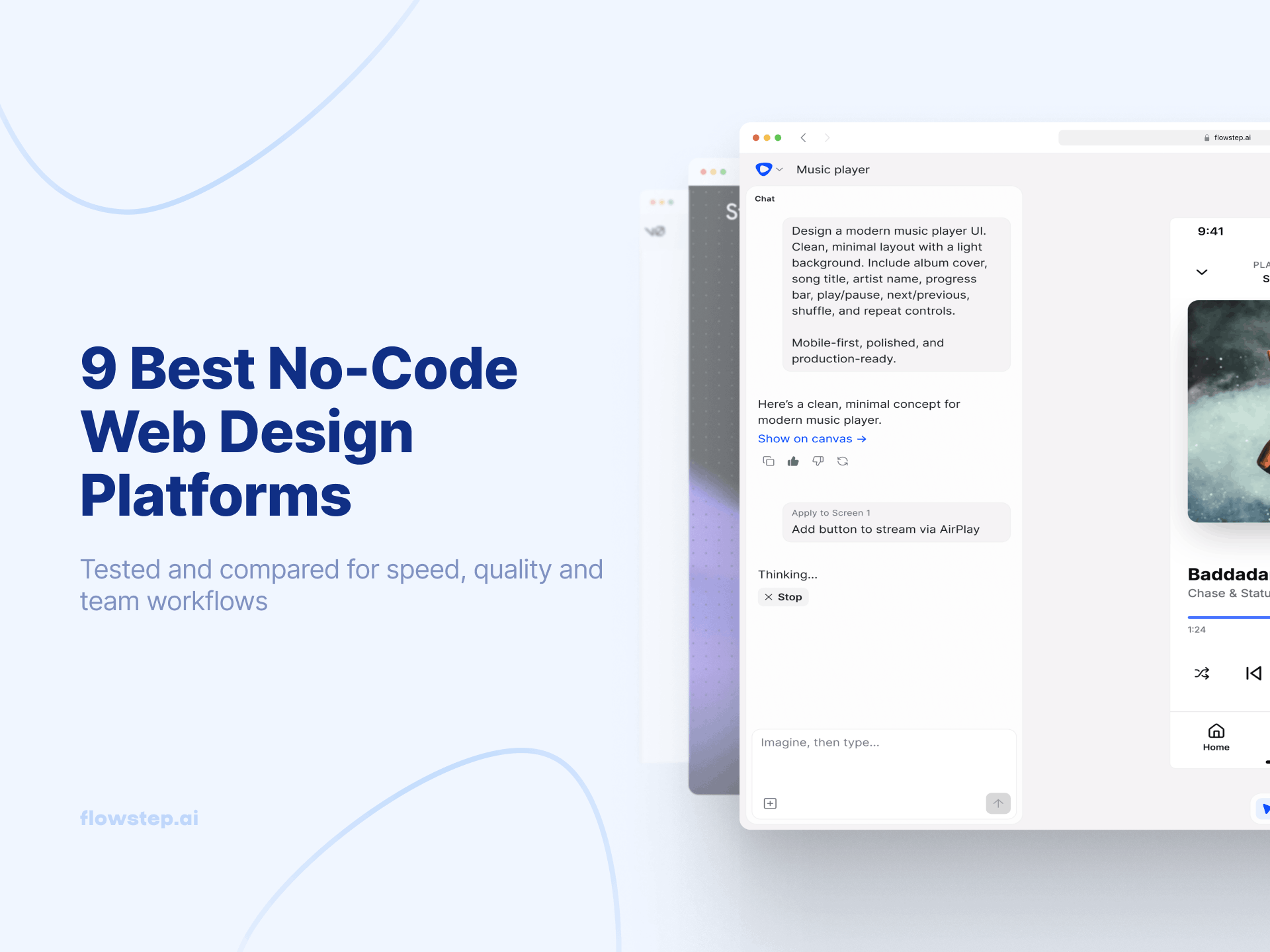
Flowstep tackles another problem: getting the UI right before you build. Briefly describe the screens you’d like to design, the visual aesthetic you want, and Flowstep will deliver fully editable, on-brand UI designs on canvas. It isn’t about standalone components – these are end-to-end user journeys, complete with connected screens from a single prompt, whether it’s a login screen, dashboard, settings, onboarding process, etc. Upload your brand guidelines, an image, or a link, and your output will conform to your visual direction instead of generic templates.
Designs are editable with AI or manually, and you don't burn credits for moving something a pixel over — there's no such thing as paying to nudge a layout. Once you have something good, ⌘C and ⌘V the entire design into Figma or get production-ready React, TypeScript, and Tailwind code to hand to your developers. Unlimited collaborators can design together, on every plan.
Flowstep is not a competitor of app builders but a design step before building. Typical use of Flowstep would be to design and arrange your product within Flowstep, then import the finished product blueprint to Base44 (or whichever app builder you use).
Comparing the app builders in more depth? Read our Base44 alternatives guide or best vibe-coding tools roundup.
Flowstep's pricing is straightforward:
● Free — includes all core features, any collaborators, with a daily message limit
● Starter — $15/mo — 80 monthly messages, unlimited screens, projects, and exports
● $29/mo — 240 messages
● $99/mo — 1,000 messages
There's an annual 20% discount, and a custom enterprise plan is also available. Try Flowstep free today and compare the quality output for yourself before you even use a credit to build.
Base44 is worth it if speed matters more than polish: you're validating an idea this week, you know how the credit model works, and you're building something standard. The free plan is great for testing its suitability for your projects.
If you’re looking for on-brand UI, predictable monthly cost and a design-to-code workflow, this isn’t the right tool for you. Flowstep solves most of the problems above.
Base44 pricing has a free plan and four paid plan tiers. You could be paying from $16 to $160 a month with an annual bill or $20 to $200, if billed monthly. Remember though, the plan price itself is just part of the total, and real cost also involves how quickly you burn message and integration credits.
There’s a free tier plan, no credit card needed, which has about 25 messages and 100 integration credits per month — good enough to try and build a small proof of concept, but not to use with any actual application. This is not free for a production app.
Generic, templated UI; unpredictable cost from the dual-credit model; frontend-only code export; weak support and documentation; and declining reliability as apps get complex.
This depends on the barrier you encounter. For app builders, if you’re looking for alternatives, the common ones are Lovable, Bolt.new, and Replit. However, if your issue is that the AI-generated apps do not suit your taste, a better solution is to build the design layer first with something like Flowstep and then work from that.