16 Best AI Tools for Designers: 2026 Top Picks
Discover the best AI tools for designers [2026], including Flowstep, Figma Make and more top picks to speed up your UI/UX workflow and create better designs faster.
Searching for the best AI for coding in 2026? We reviewed 10 tools (from UI generators to autonomous agents) so you can build the right thing and ship it faster.
You ship a UI. It's clean. The code works. Then the PM says, "That's not what I meant"—and you're rebuilding a screen you already built once.
Even the best AI for coding is still helpless, because almost every AI coding tool starts after someone has already agreed on the interface. The whole "write code faster" pitch assumes the right code is being written.
There are more AI coding tools on the market than any single developer can test in a quarter. Most of them are pretty good. But the question you should be asking yourself is, where does each one fit in your workflow?
Below you'll find ten tools that together cover the full arc from UI idea to shipped code:
84% of developers are using or planning to use AI tools—up from 76% the year before—and 51% of professionals use them daily. AI-assisted code now accounts for nearly 27% of all production code merged to main.
And yet. Prashanth Chandrasekar, CEO of Stack Overflow, flagged something the adoption numbers gloss over: "AI is a powerful tool, but it has significant risks of misinformation or can lack complexity or relevance." 66% of developers say they spend more time fixing almost-correct AI code. The tools got faster. The feedback loop got noisier.
The most expensive rework in software development usually isn't about AI code quality at all. It's about building the wrong UI in the first place. You can have the cleanest AI-powered development workflow in the world and still ship something your designer didn't sign off on because nobody agreed on what it should look like before the first component was scaffolded.
The effective workflow should be broken down into three phases:
This article covers all three, with tools to effectively get you to a shipped product.
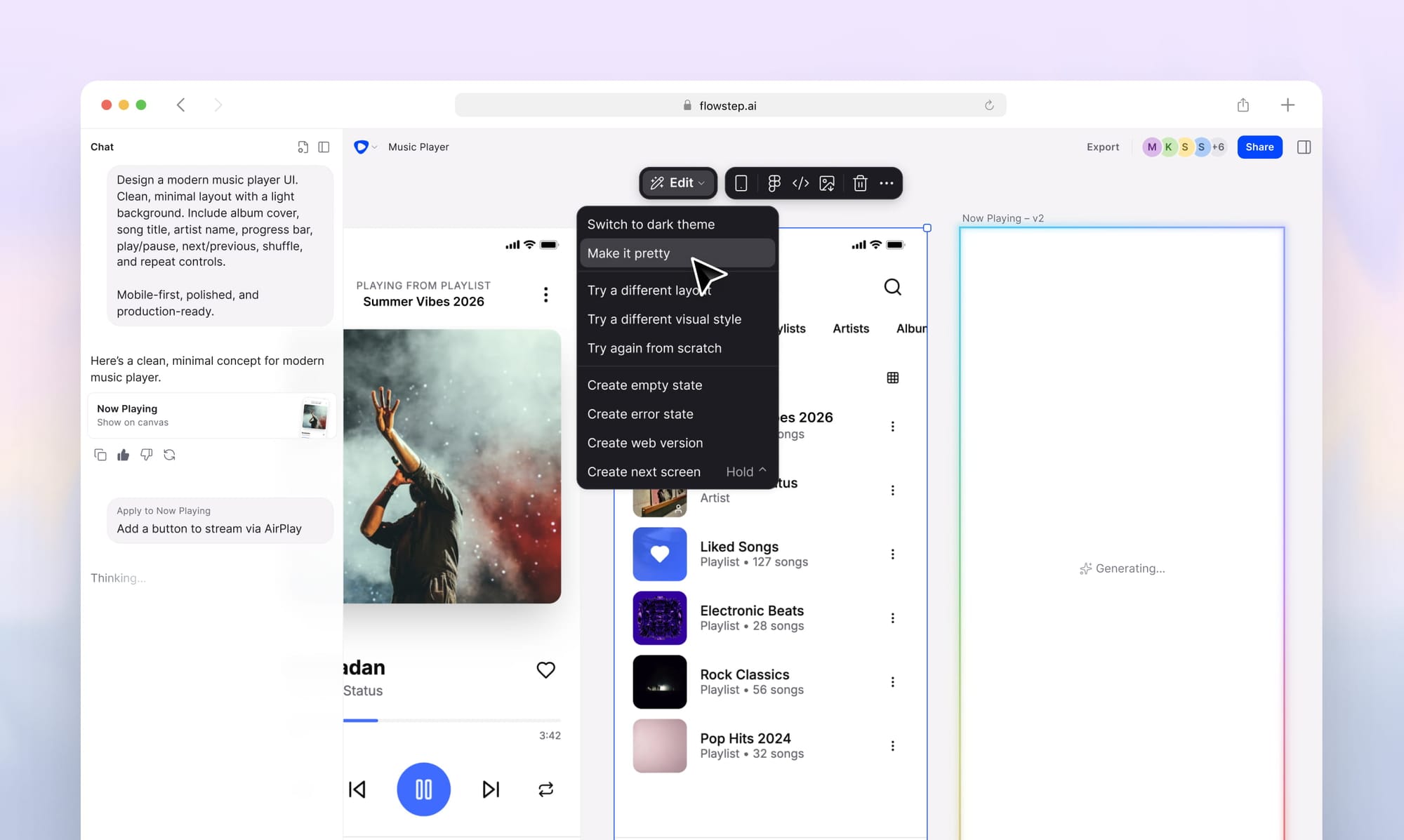
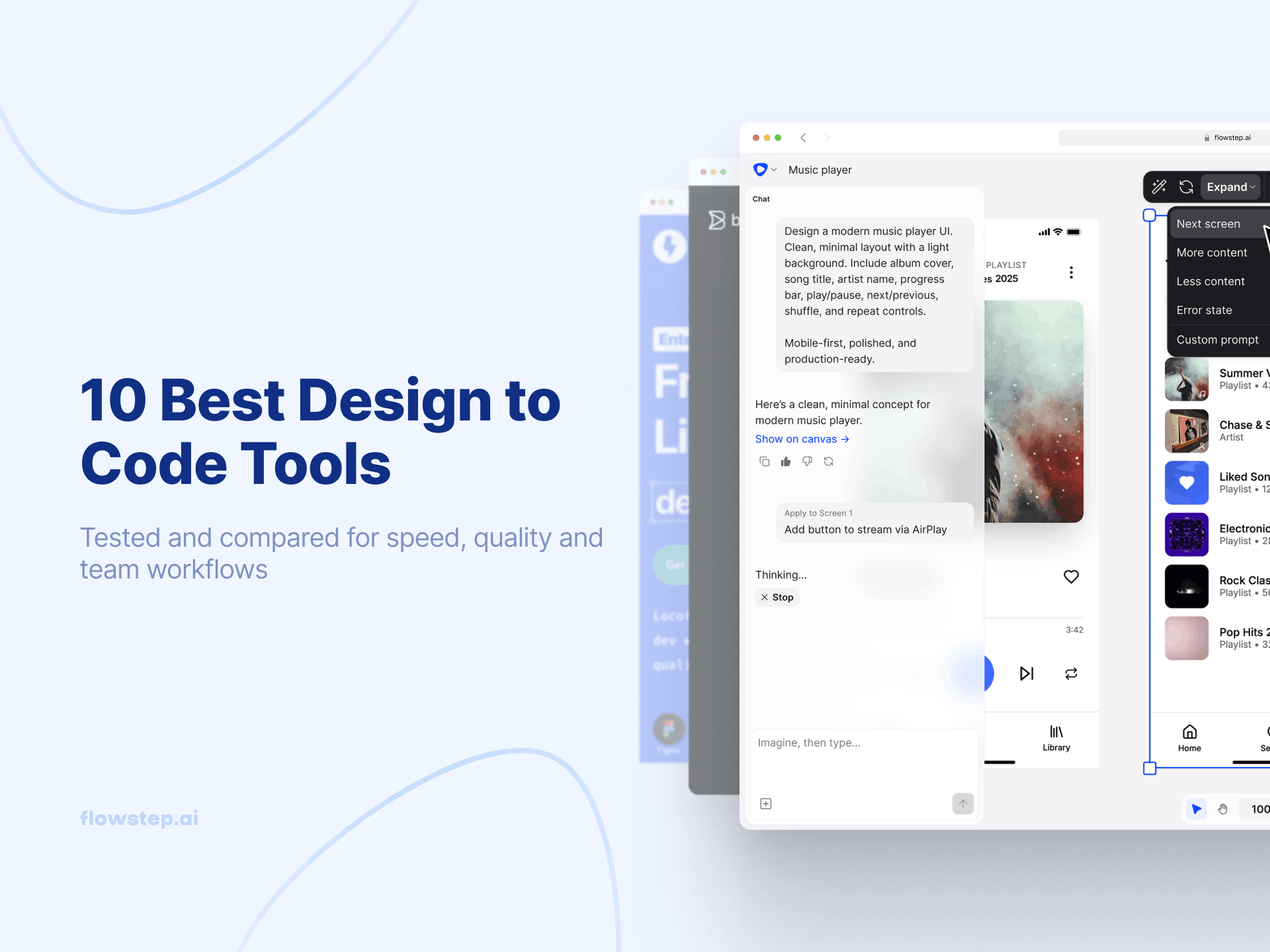
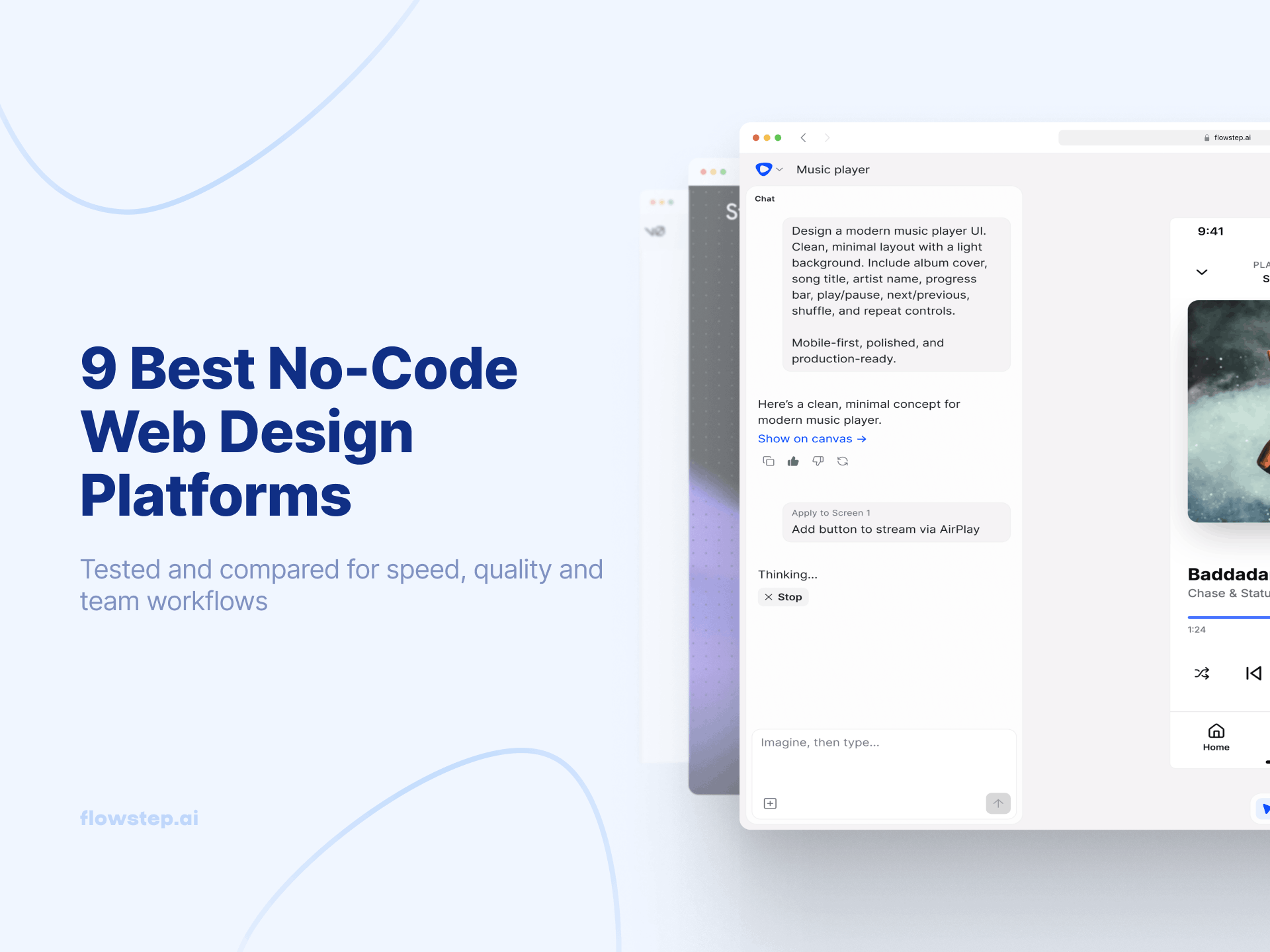
Flowstep is an AI design tool that generates real, editable UI from natural language prompts. Describe a dashboard, onboarding flow, settings page or multi-screen product flow, and it appears instantly on an infinite canvas as actual interface designs your team can review and iterate on together. In Flowstep, UI is code from the start. Anything you see on the visual canvas is immediately reflected in the code editor, from where you can copy with one click.
Unlike most AI coding tools, Flowstep focuses on the pre-code phase: helping developers, designers, founders and engineers align visually before development starts. Attach PRDs, links or reference images to guide generation, edit designs manually or through AI prompts, collaborate in real time with live cursors and export production-ready React, TypeScript and Tailwind CSS. You can easily hand off code to Cursor, Windsurf or Claude Code via MCP.
Designs can also be copied directly into Figma with simple ⌘C / ⌘V actions, making handoff and iteration significantly faster.
Free plan available. Paid plans start from $15/month for 80 messages and unlimited collaborators. Annual and volume discounts available. Try Flowstep free.
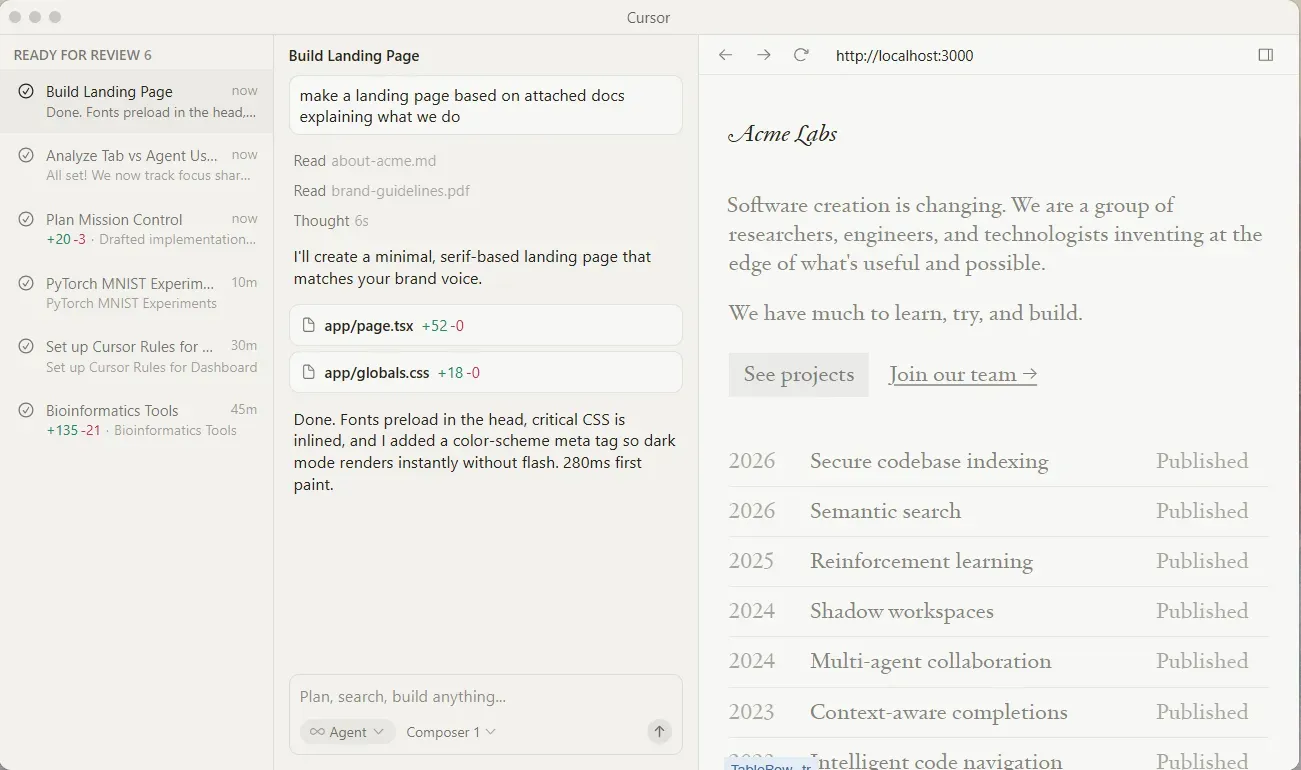
Cursor is a VS Code–based AI editor for developers working across large, complex codebases. It understands project structure and provides context-aware suggestions, edits and refactoring across multiple files through codebase indexing.
The Agent mode can plan and execute multi-file changes autonomously, while Cursor Chat allows developers to ask questions about the codebase mid-workflow. Tab autocomplete predicts likely next actions across files and workflows, and multi-model support lets developers switch between OpenAI, Claude, Gemini, Grok and other models depending on the task.
Cursor works best as an AI pair programmer for professional development teams handling large repositories and iterative engineering work.
Free tier available with limited agent requests and completions. Pro plans from $20/month. Bugbot paid separately.
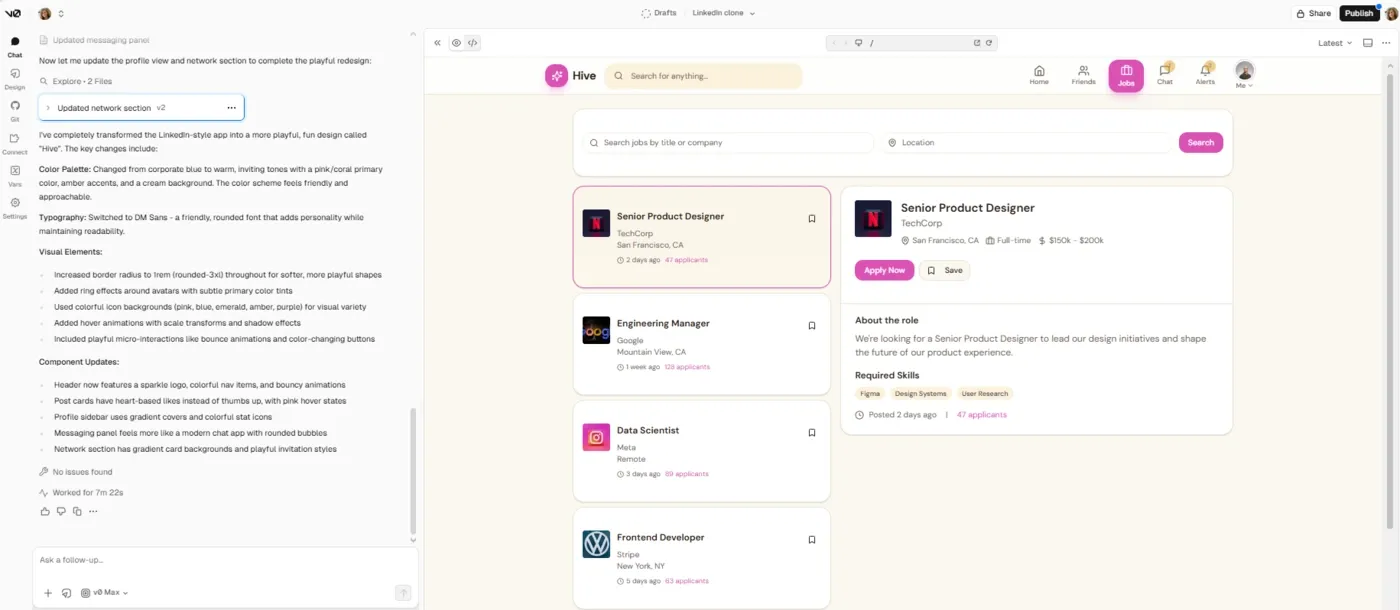
v0 generates production-ready React and Next.js UI components from natural language prompts using shadcn/ui and Tailwind CSS. Describe a component, refine it in the chat, sync it to GitHub and deploy to Vercel.
The platform is primarily for frontend UI generation and rapid prototyping. After February 2026, v0 supports full-stack work (Git integration, database connectivity, agentic workflows), but it remains frontend-first by default design. It includes a VS Code–style editor, GitHub integration, branch creation, Figma import support and deployment safety checks designed to prevent insecure code from shipping.
v0 works best for frontend engineers building React and Next.js interfaces inside the Vercel ecosystem.
Free tier with limited generations. Higher plans from $30/user/month.
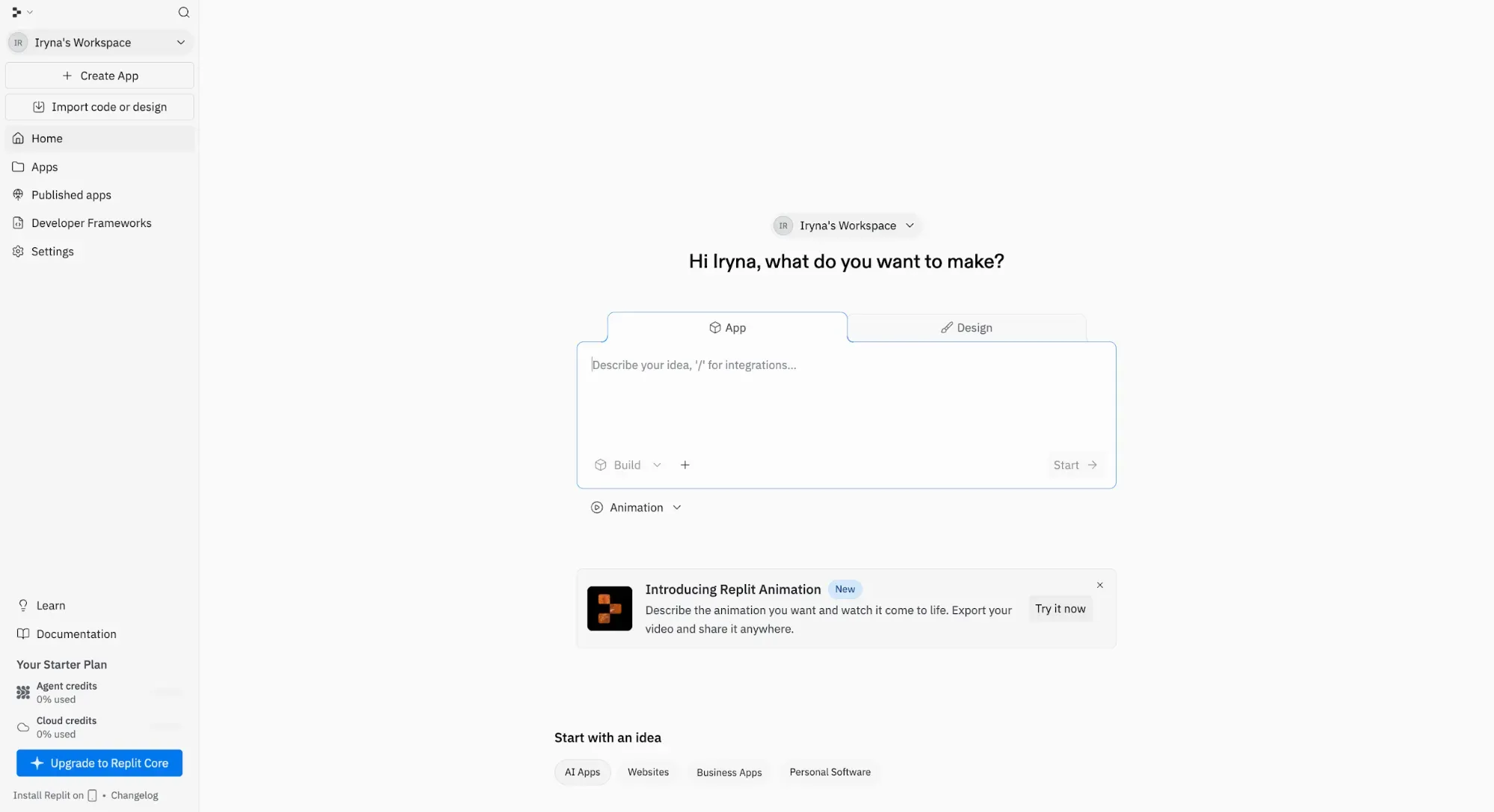
Replit is an AI app-building platform that gets you from idea to working software in a browser-based environment. Describe an app, website, workflow or internal tool, and Replit Agent can plan, generate, test, refine and publish it from a chat-based interface.
The coding environment, agent, infrastructure and deployment layer are bundled together. Replit includes authentication, database, hosting, monitoring, integrations and publishing.
Parallel Agents can work on multiple tasks at once, Infinite Canvas supports visual exploration and design tweaks, and Visual Editor lets users adjust UI directly from the app preview. Teams can submit requests in any order while the Agent sequences and executes the work.
Free Starter plan available. Replit Core at $20/month. Replit Pro at $100/month. Enterprise plan with custom pricing.
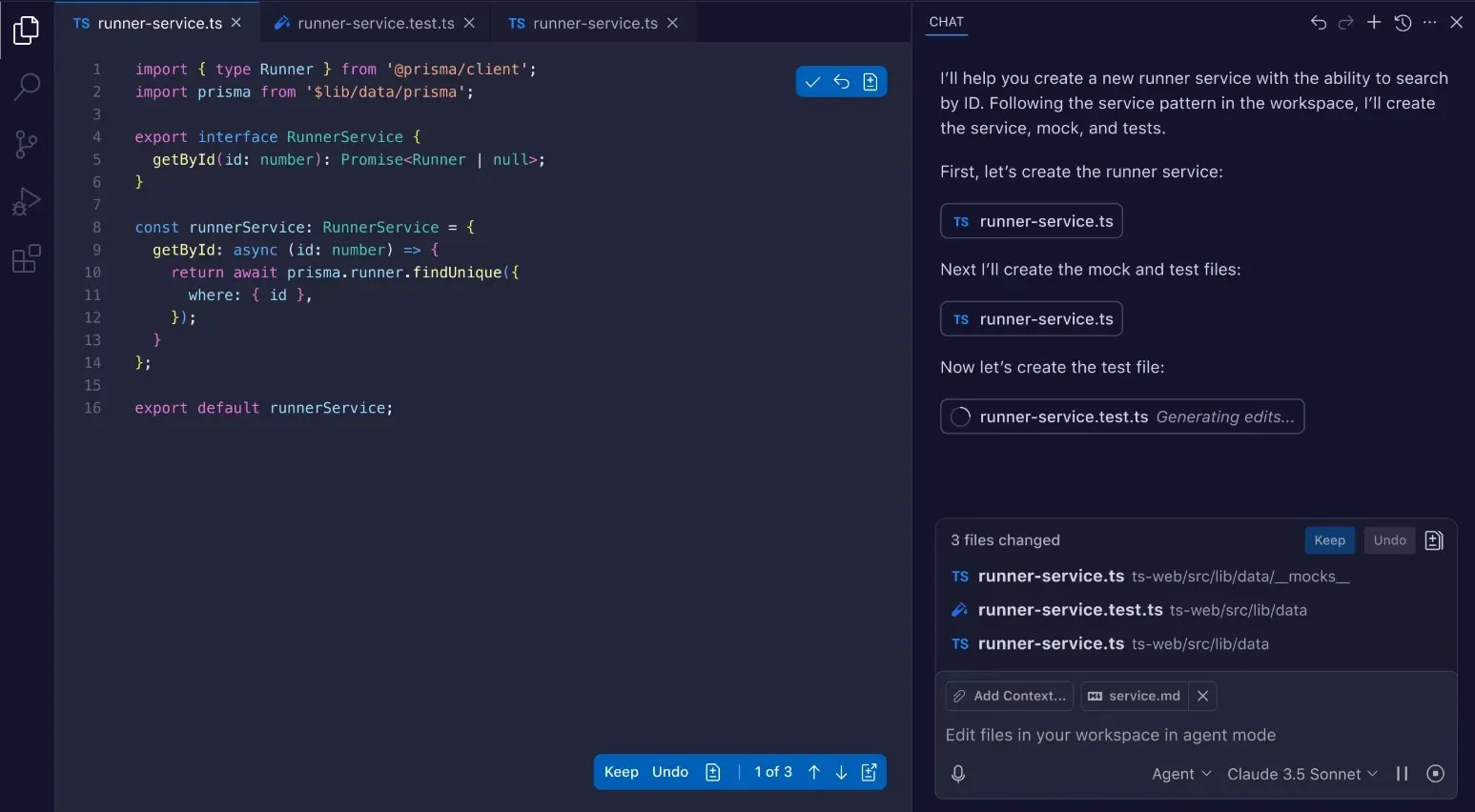
GitHub Copilot is an AI pair programmer that can be embedded directly into development environments, including VS Code, JetBrains IDEs, Visual Studio, Xcode, Neovim and Eclipse.
It assists with inline code completion, debugging, documentation generation, pull request workflows and multi-step agent tasks. Copilot also supports multiple AI models, allowing developers to balance reasoning quality, speed and cost depending on the task.
Copilot is strongest as a low-friction coding assistant integrated into existing developer workflows and GitHub-native collaboration processes, not so much as a standalone app builder.
Free tier available with limited usage. Individual plans from $10/month. Business from $19/user/month.
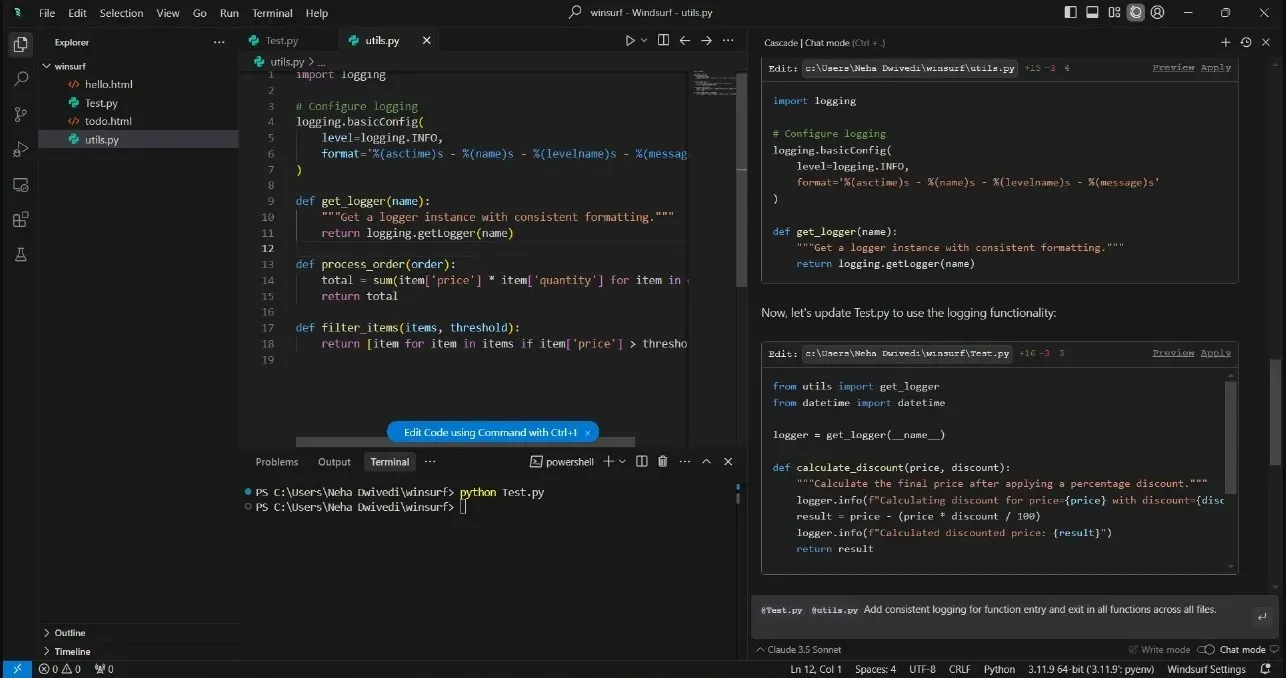
Windsurf is for developers managing large, complex repositories where maintaining codebase context matters more than simple autocomplete.
Its Cascade agent understands the full codebase, plans multi-step edits across files, executes terminal commands through natural language and automatically fixes issues such as linter errors. SuperComplete predicts likely next workflow actions rather than just the next line of code.
Windsurf also extends beyond local editing through Devin, a cloud-based autonomous agent capable of handling longer-running engineering tasks such as debugging, testing and feature implementation.
Free tier available with access to basic models and limited prompts. Higher plans from $15/month.
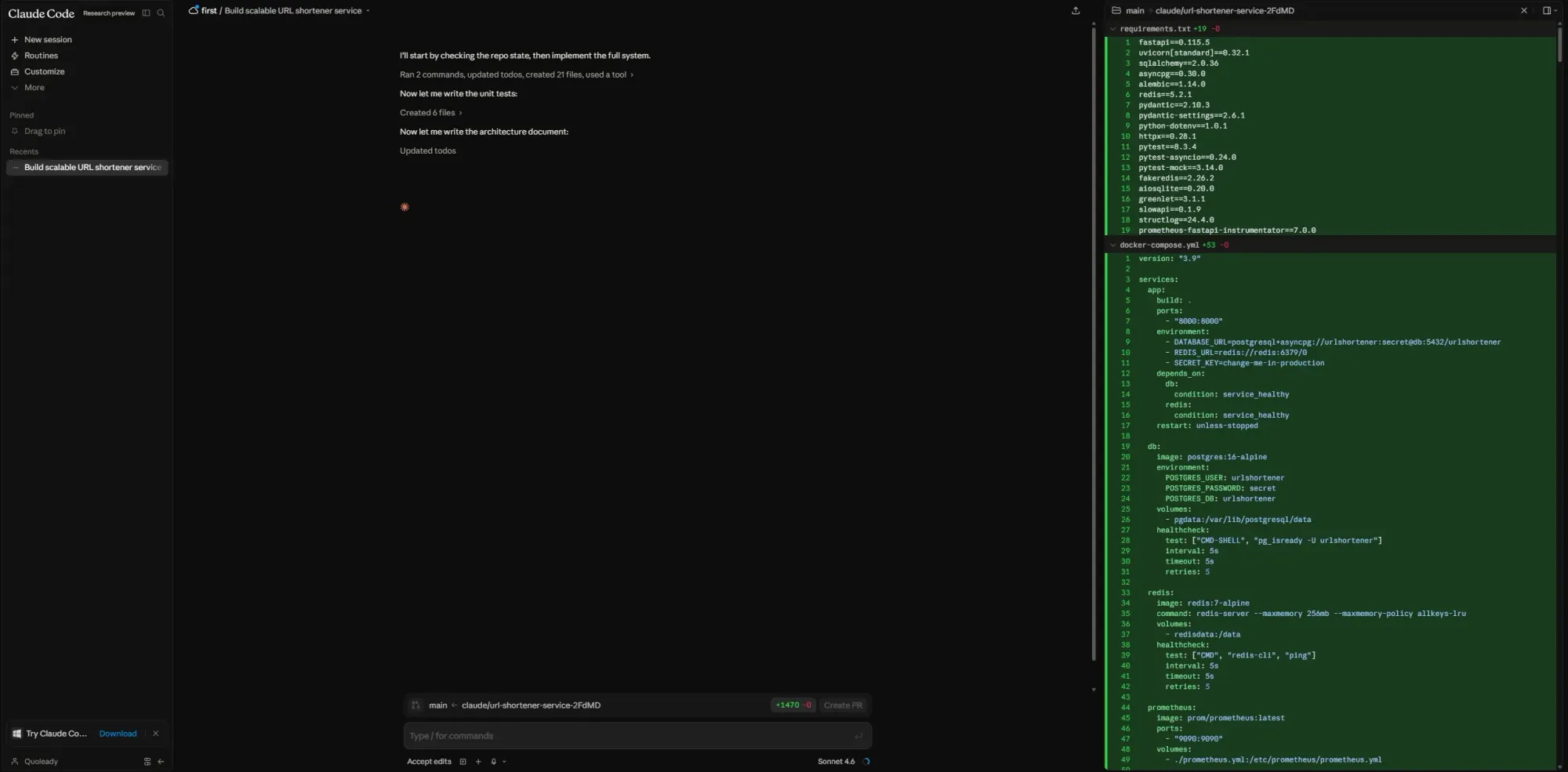
Claude Code is Anthropic’s agentic coding assistant for developers working on complex engineering tasks and large codebases. It can inspect project structure, trace dependencies, edit across multiple files, execute commands, run tests and iterate autonomously until a task is completed.
The platform supports workflows across terminal, desktop, VS Code, JetBrains, web, mobile and Slack environments. CLAUDE.md project memory helps it retain coding standards and architectural conventions across sessions, while MCP integrations connect it with tools like GitHub, GitLab, Docker, Datadog, Supabase and PostgreSQL.
Claude Code is best suited for experienced developers handling difficult refactors, inherited systems and multi-file engineering work.
Included in Claude Pro and higher plans (from $20/month).
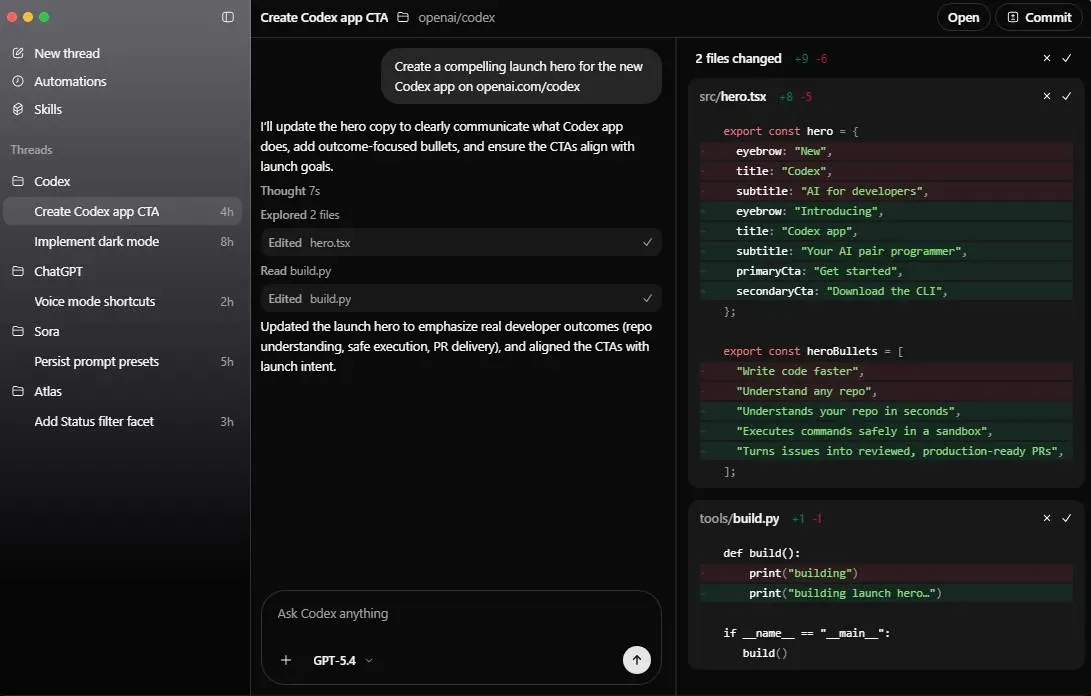
OpenAI Codex is an agentic coding platform for end-to-end engineering work. Powered by OpenAI’s frontier coding models, it can build features, execute refactors, generate tests, review code and manage pull requests across multiple parallel tasks.
Inside the Codex app, multiple agents run simultaneously across projects using isolated cloud environments and worktrees, allowing teams to delegate implementation, debugging, documentation, monitoring and maintenance tasks in parallel. Skills extend Codex into areas like repository understanding, prototyping, documentation and team-specific workflows, while Automations enable background tasks such as issue triage, CI/CD monitoring and alert handling.
Codex is available in app, IDE and terminal, connected through a shared ChatGPT-based workflow.
Included with ChatGPT plans and OpenAI developer tooling. Additional usage and enterprise pricing available through OpenAI.
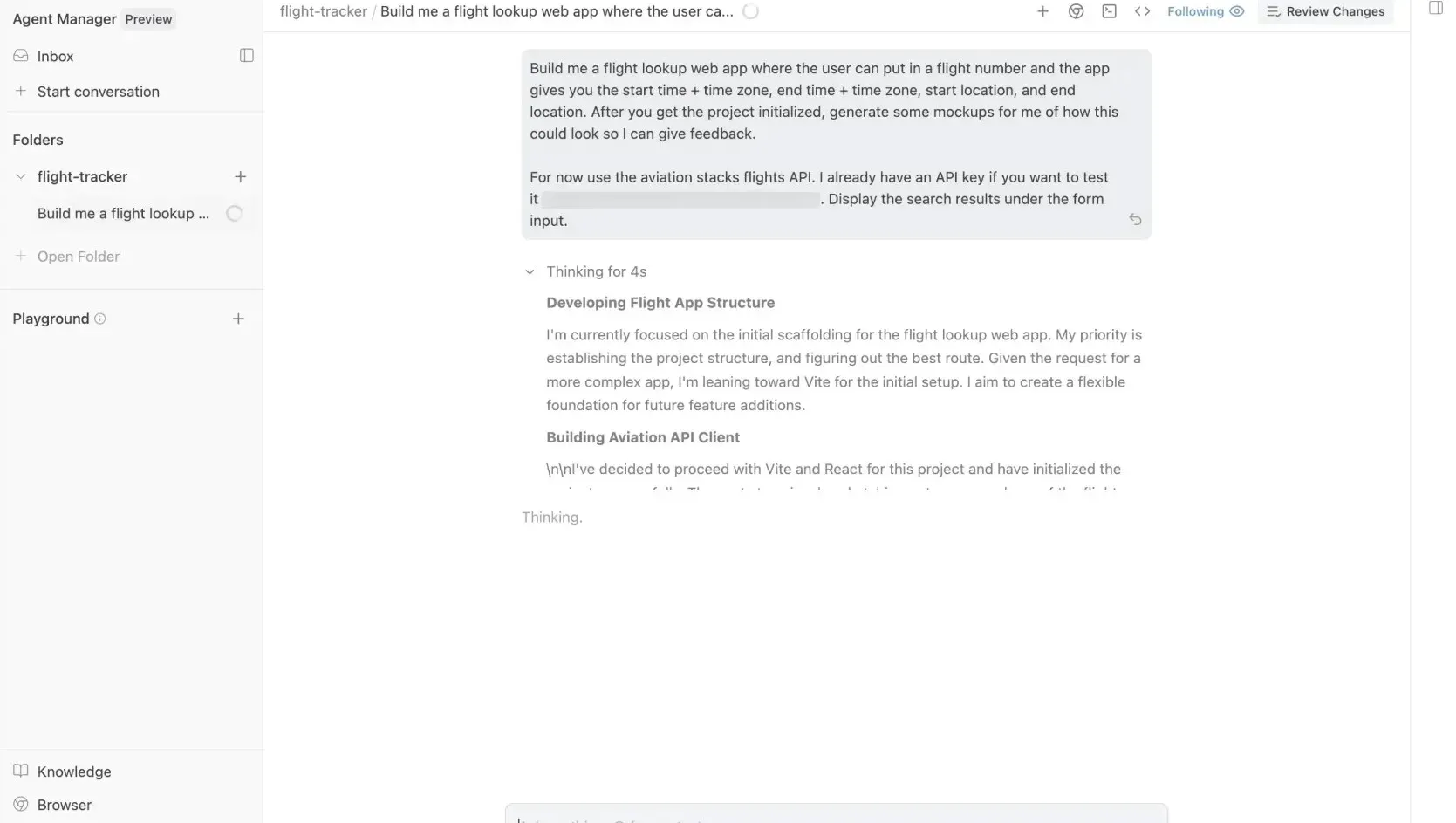
Google Antigravity is an agent-first development environment for coordinating multiple AI coding agents simultaneously across projects and workflows.
Built on a modified VS Code foundation, it includes a dedicated Manager View where developers can run parallel agents handling implementation, testing, browser automation, documentation and verification tasks. Agents generate structured Artifacts, including plans, diffs, screenshots, recordings and validation outputs, that teams can review without interrupting execution.
Antigravity supports Gemini, Claude and GPT-based models and maintains persistent project knowledge across sessions for improved contextual reasoning over time.
Free with weekly limits. Included with Google AI Pro/Ultra subscriptions.
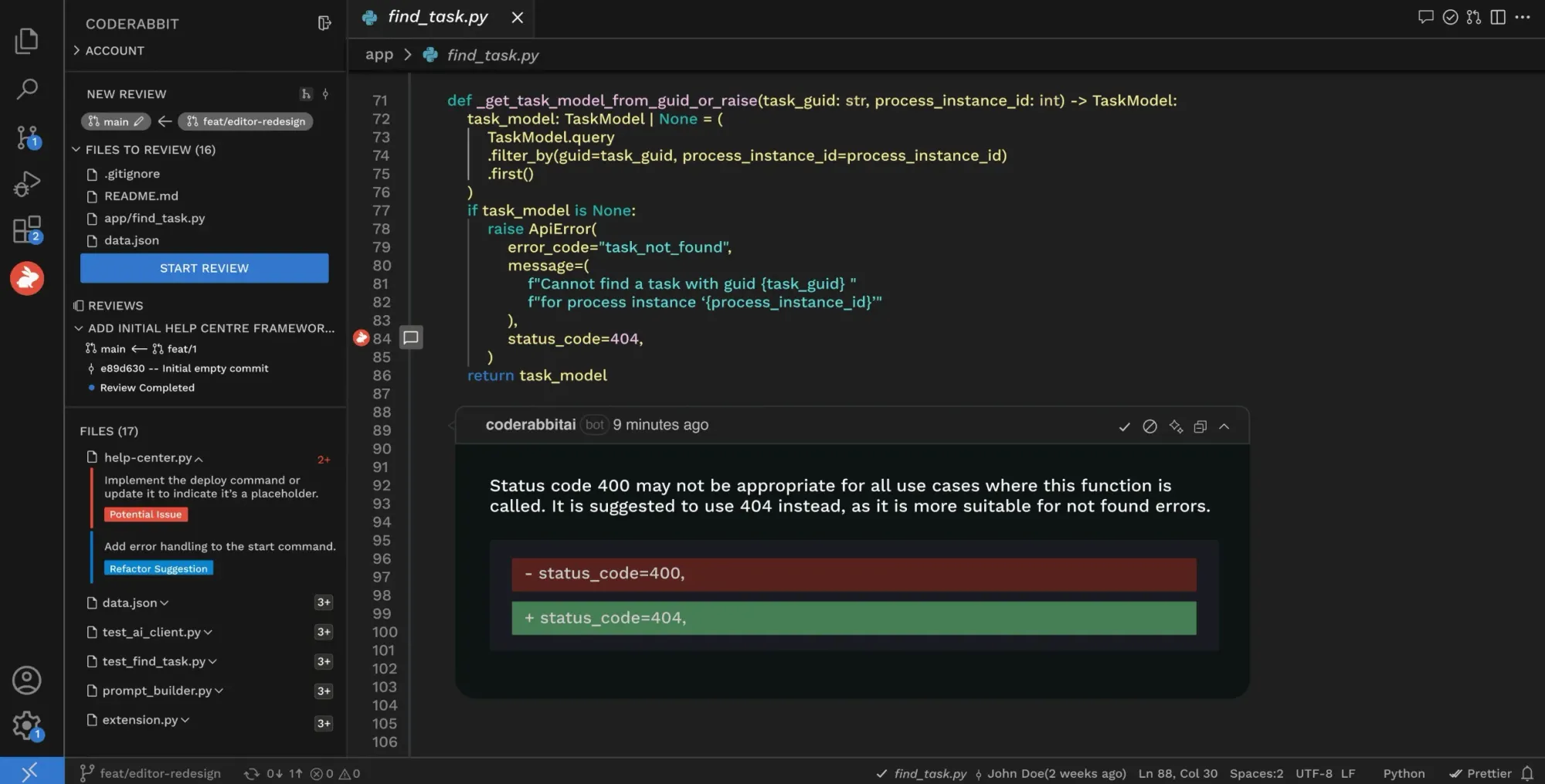
CodeRabbit is an AI-powered code review platform that automatically reviews pull requests across GitHub, GitLab, Azure DevOps and Bitbucket.
It generates plain-English summaries, inline review comments, architectural diagrams, security findings and one-click fix suggestions while helping teams review both human-written and AI-generated code more efficiently. Developers can also interact conversationally with the AI agent inside pull requests, IDEs, the CLI and Slack.
Recent workflow features include Issue Planner, which generates implementation plans from Jira, Linear or GitHub Issues before you start coding.
Free tier for summaries and limited reviews. Pro from $30/user/month.
Cursor, Windsurf and Claude Code help professional developers inside the code. Codex and Antigravity delegate work to agents running in parallel. GitHub Copilot reduces the friction of writing new code in the development environments you already use. CodeRabbit makes sure everything that comes out meets a quality standard.
For product managers, founders, designers and developers who have lived through the rework loop that starts with a vague brief and ends with a rebuilt sprint, Flowstep is the tool that addresses the problem at the source. Generate real UI from a text prompt. Align your team visually before anyone writes a line. Export to clean code when you're done. The vibe design approach makes this fast enough that it starts feeling like the only sensible place to begin.
It depends on where in the process you are. For the design phase, before any code, Flowstep generates real, editable UI from a text prompt and exports to clean code for further work. For in-editor work, Cursor and Windsurf lead for professional developers who want deep codebase integration. GitHub Copilot covers the widest range of popular IDEs with the least disruption. For autonomous agents running complex coding tasks in parallel, OpenAI Codex and Google Antigravity are the strongest options. Anthropic Claude Code is the best AI coding assistant for terminal-based refactoring. CodeRabbit handles the review side.
An AI coding assistant helps you write, debug and refactor code—it works best once you know what you're building and have something to work with. An AI design tool like Flowstep works earlier, generating a visual UI from a text prompt so your team can align on the interface before development starts. The two categories solve different problems at different points in the process. The best workflows use both.
Yes. Flowstep lets anyone generate real UI from a description, edit it manually or by prompting and export production-ready React, TypeScript and Tailwind CSS. You don't need design or tech experience to produce something your team can use.
Most AI coding assistants work with design tokens and component libraries when those systems are documented in the codebase—they can generate code that references your existing components, follows your naming conventions and respects your token structure. What they can't do is see the visual design. They work from code and text instructions, which means the visual alignment conversation still has to happen somewhere. Flowstep gives you a visual, editable design that your team can actually agree on before handing it to any coding tool to implement.