12 Best AI Tools for Designers: 2026 Top Picks
Discover the best AI tools for designers [2026], including Flowstep, Figma Make and more top picks to speed up your UI/UX workflow and create better designs faster.
Discover 15 frontend development tools most developers overlook in 2026—from AI UI generators to build tools and testing frameworks that close workflow gaps.
You already have a stack. React, TypeScript, Tailwind, VS Code. You can ship.
The problem isn't the code. A 2024 survey of 2,100+ developers and engineering managers found that 69% of developers lose eight or more hours every week to inefficiencies.
This list covers 15 frontend development tools targeting that friction. The design that never got validated. The linting config that eats 30 minutes every new project setup. The component nobody documented after the design system sprint. Each tool here solves a specific problem.
Here's what we'll cover: AI UI generators, app builders, AI coding IDEs, build tools, code quality and workflow tools and documentation tools.
Most frontend developers have their core tools settled. What remains unsolved is everything around it.
These are the gaps we're covering:
TL;DR: here's a quick comparison breakdown.
Now, let's get into the details.
The design–dev gap is probably the most expensive recurring problem on a product team. A PM describes a feature, a developer nods, and three weeks later, everyone is staring at a screen nobody envisioned. Time gets burned twice—once building the wrong thing, once rebuilding it.
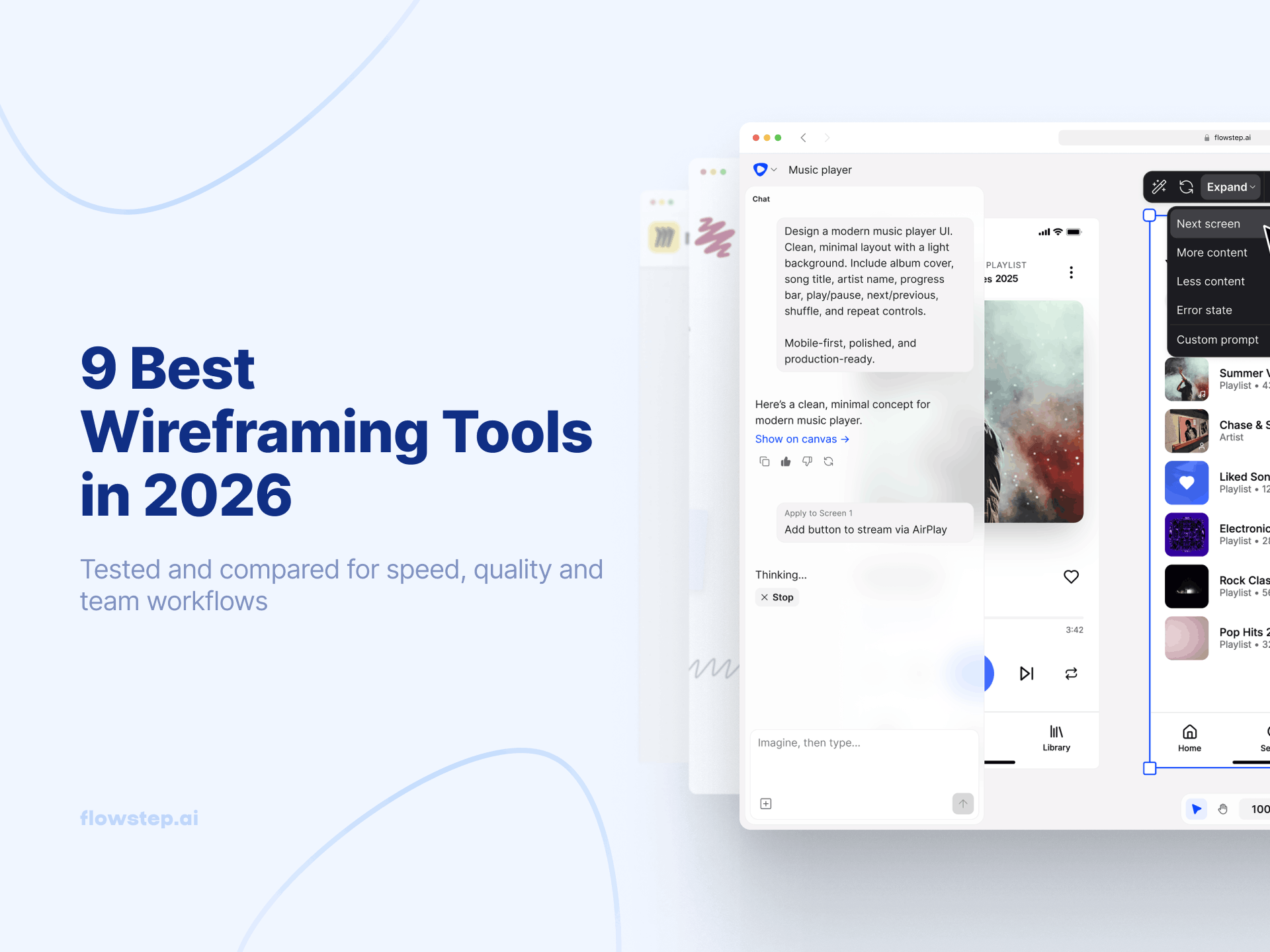
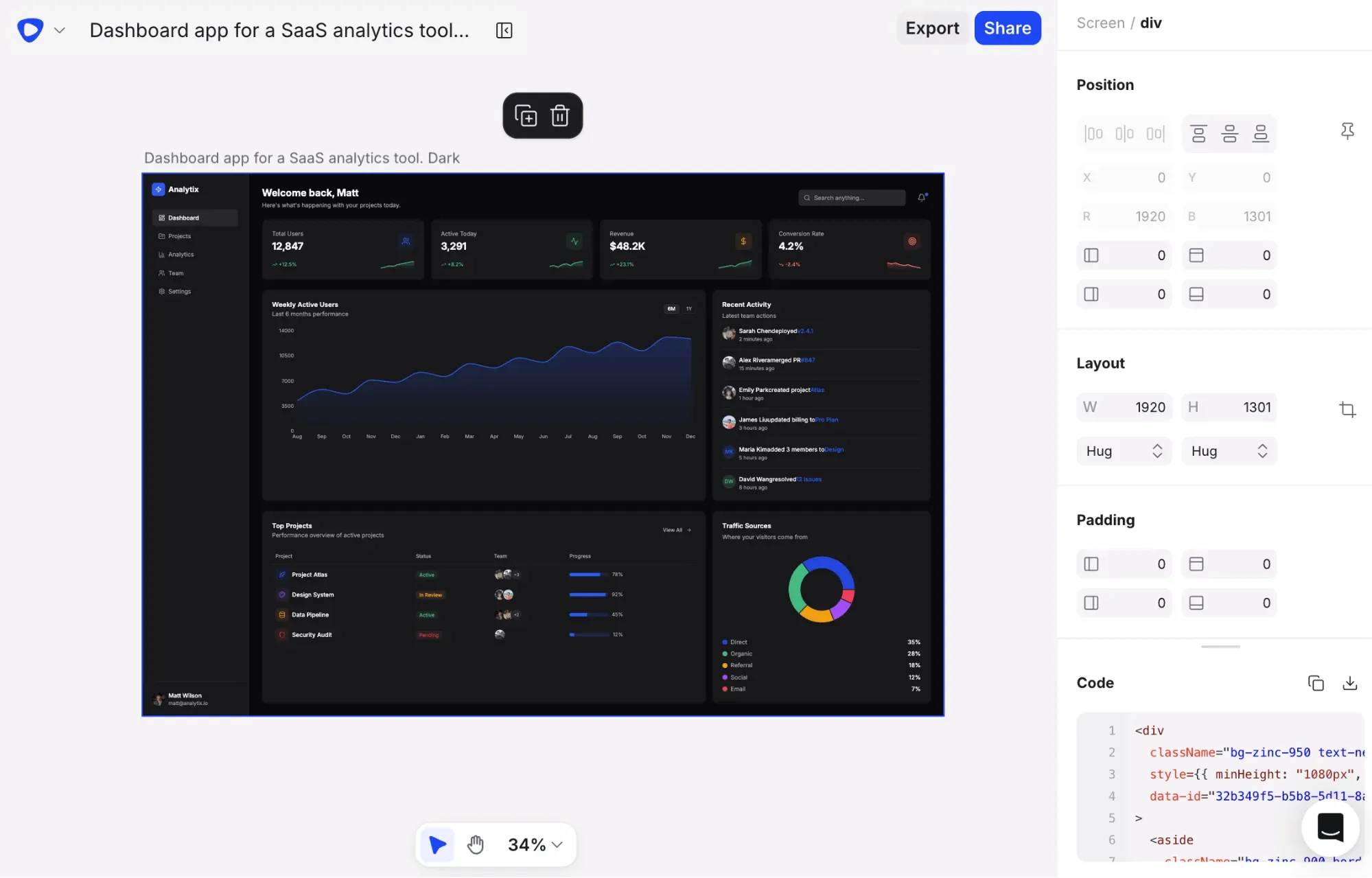
Flowstep is an AI design tool that generates real, editable UI from plain text prompts: actual product screens with usable UI components, proper layout and spacing. Describe what you're building in text or voice, watch it appear on an infinite canvas. You can attach a PRD, paste a link or upload reference images to guide the output in a specific direction and generate multiple logically connected screens or variations from a single prompt to get a complete site flow at once. Flowstep generates the full UI and matching code in one go.
The Figma handoff is frictionless. Select anything on the canvas, hit ⌘C, paste with ⌘V in Figma, no reformatting needed. Engineers get clean React, TypeScript, and Tailwind CSS code on export, plus MCP integration so Flowstep connects to your existing agents and apps. Real-time collaboration is built in from day one: live cursors, synced edits, one shared canvas, unlimited collaborators.
Key features:
Pricing: Free plan available. Paid plans start from $15/month for access to all features and 80 messages, with 20% annual discount. Try it free.
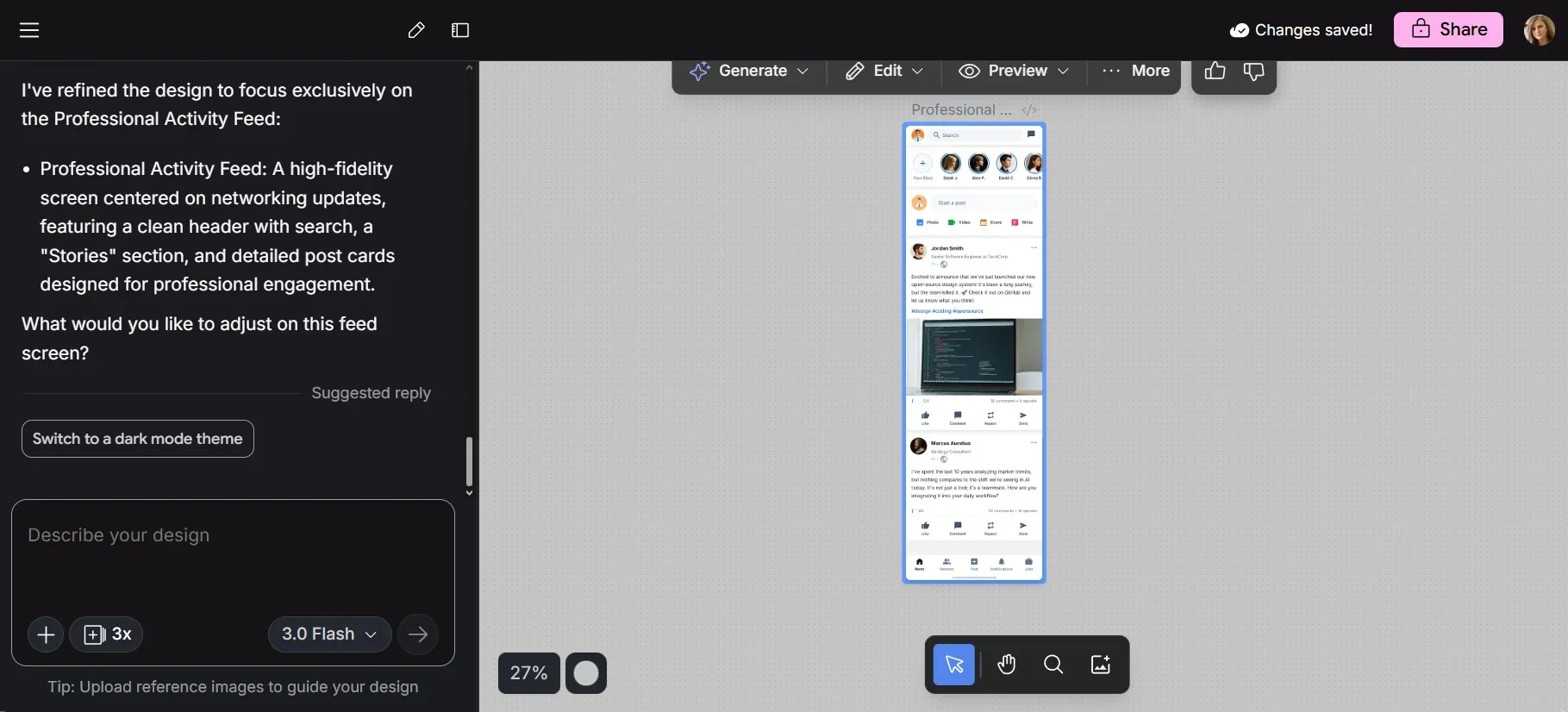
Google Stitch includes an AI-native infinite canvas, multi-screen generation covering up to five interconnected screens at once, and a design agent that reasons across your project history.
It runs on Gemini, accepts text and image inputs and can generate coherent design systems with consistent typography, CSS properties, color palettes and aligned UI components. Export options cover Figma paste and HTML/CSS, and there's a DESIGN.md export for passing design rules into other development tools.
See also: Alternatives to Google Stitch
Key features:
Pricing: Free via Google Labs. Limited daily AI usage with no option to top up.
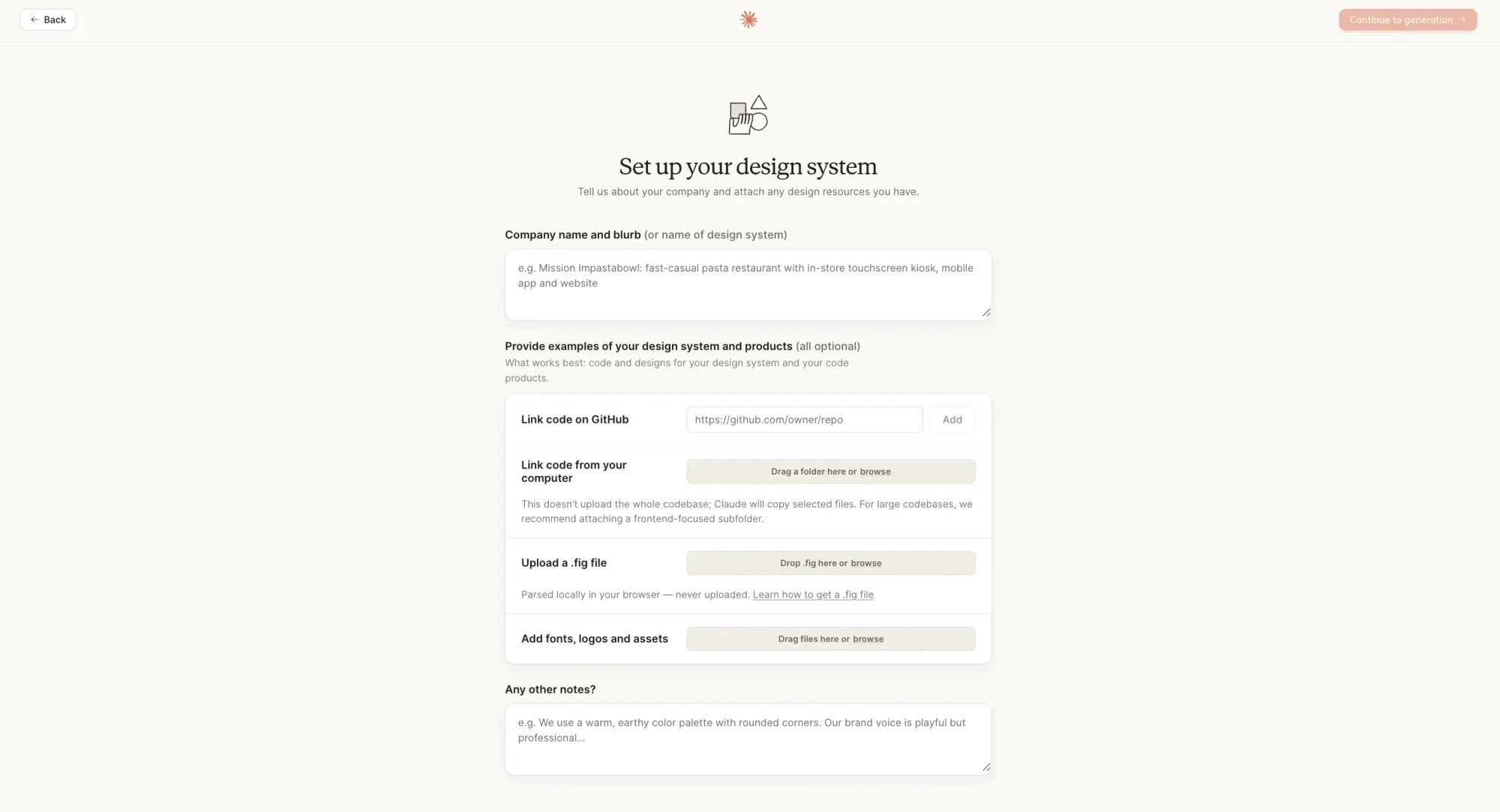
Claude Design is Anthropic's new option for design iteration. Describe what you want, refine through conversation, and export HTML/CSS. The output tends toward clean (although a bit basic and sometimes repetitive), accessible user interfaces that you can work on iteratively.
Where it makes sense is in workflows where you're already using Claude heavily (particularly Claude Code for development) and want to stay in one environment. There's a natural loop between generating a screen in Claude Design and then handing it off to Claude Code for implementation.
It covers early exploration well. For anything that needs to move into a real design system, detailed component specs or Figma handoff, you'll want to complement it with a dedicated tool.
See also: Claude Design alternative options
Key features:
Pricing: Included with Claude Pro ($20/month), Max and Team plans—up to $200/seat/month, depending on usage.
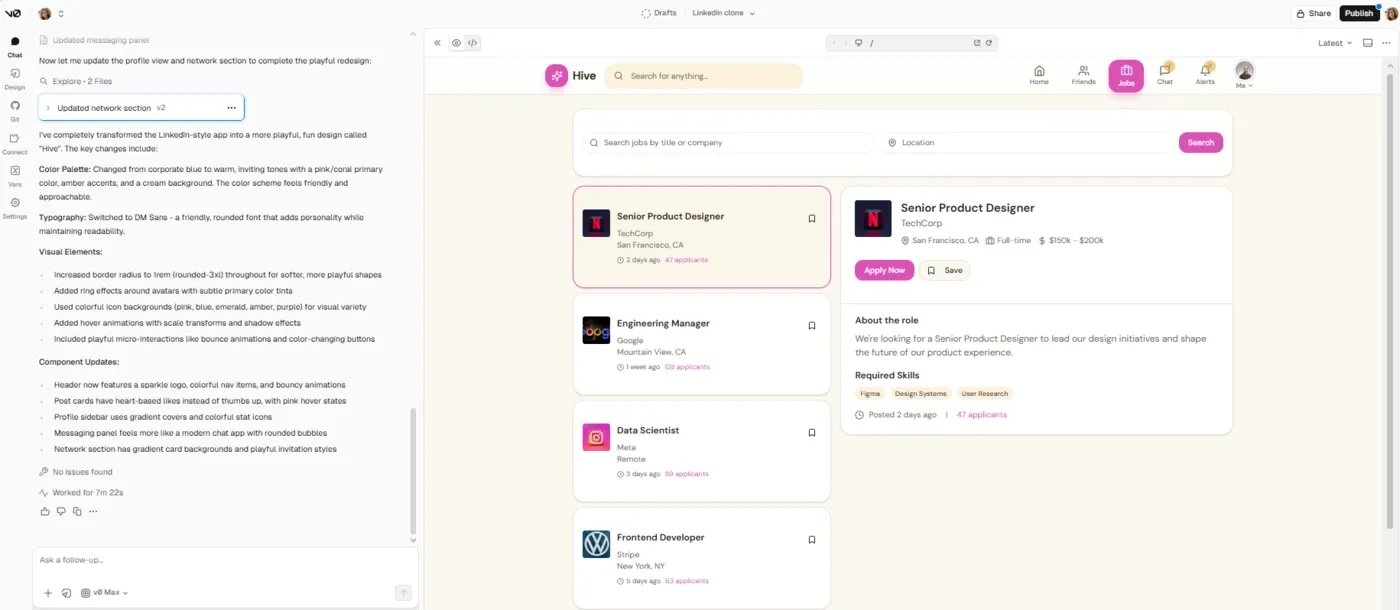
Vercel v0 takes a text prompt and produces production-ready Next.js and React components using shadcn/ui and tailwind CSS with proper component structure, Tailwind utility classes, and accessibility attributes. The output is responsive and follows component conventions without needing to set up the scaffolding.
It has a VS Code-style editor with GitHub sync, database connectivity and agentic capabilities for error correction and iteration. The Figma-to-code feature (upload a screenshot or design, get React code back) makes it a useful tool in the AI developer tool stack.
Note that it's tightly connected to the Vercel and Next.js ecosystem. If that describes your development environment, the integration is smooth; otherwise, not so much. Complex prompts burn through monthly credits fast, so teams that prototype frequently should monitor usage closely.
See also: v0 vs alternative tools comparison
Key features:
Pricing: Free plan with $5 in monthly credits. Paid plans starting with Team at $30/user/month and Business at $100, making it a pretty steep jump.
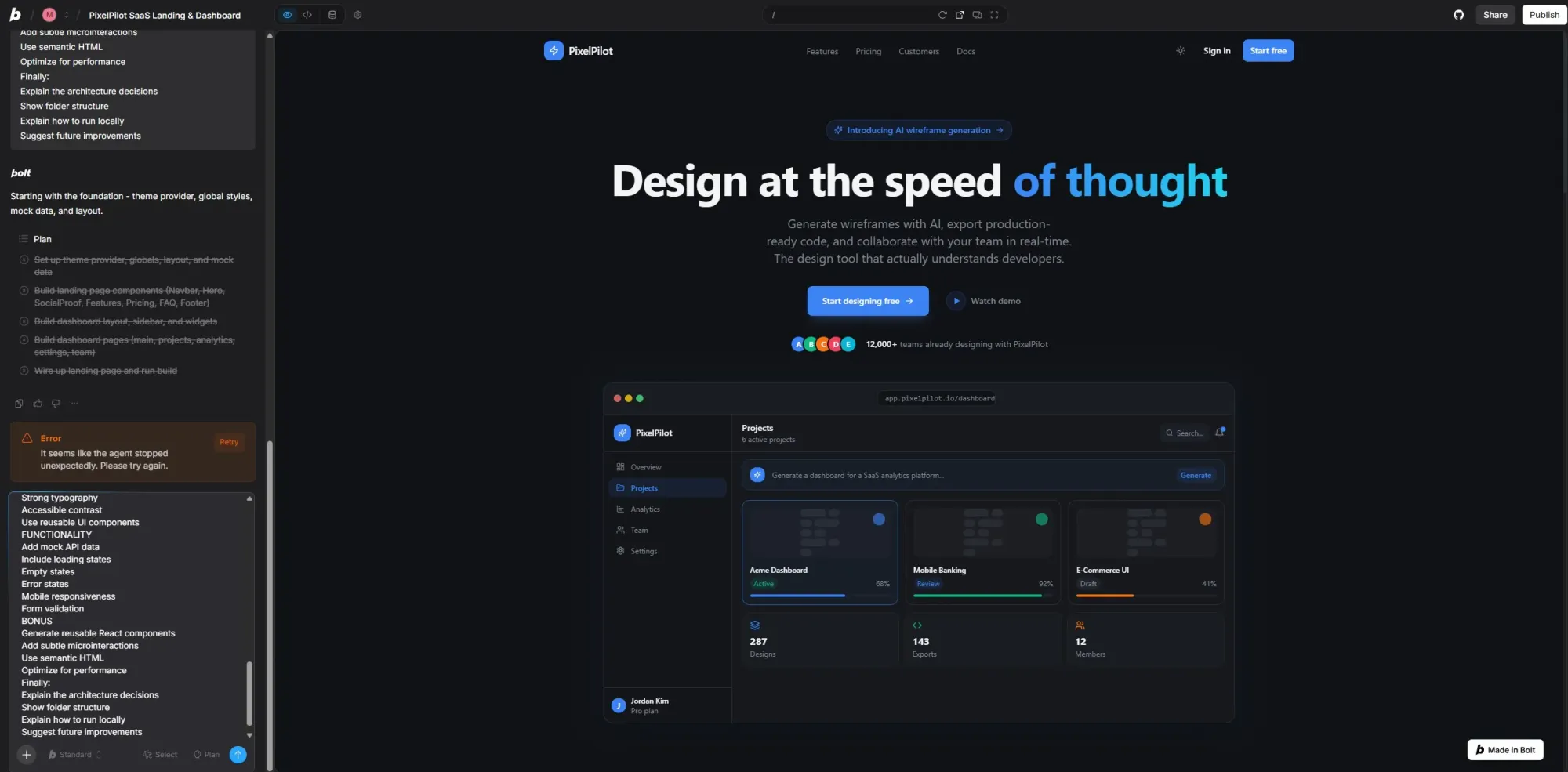
Bolt.new generates full-stack web apps from a text description, inside the browser. Describe the app you want, and it scaffolds a frontend, backend and database together in one shot.
The WebContainer approach runs Node.js code in the browser, so you get a live preview of a functioning application. Supabase integration is built in for database support.
Just watch out for token consumption. Some developers report significant credit burn on feature-heavy projects, and the monthly token ceiling can hit faster than expected. The generated code usually needs cleanup, particularly around error handling and complex business logic. It gets you from zero to a working prototype, with the expectation you'll clean it up before shipping.
Key features:
Pricing: Free tier with limited monthly tokens. Paid plans increase token capacity, starting from $25 monthly. Tokens expire after two months.
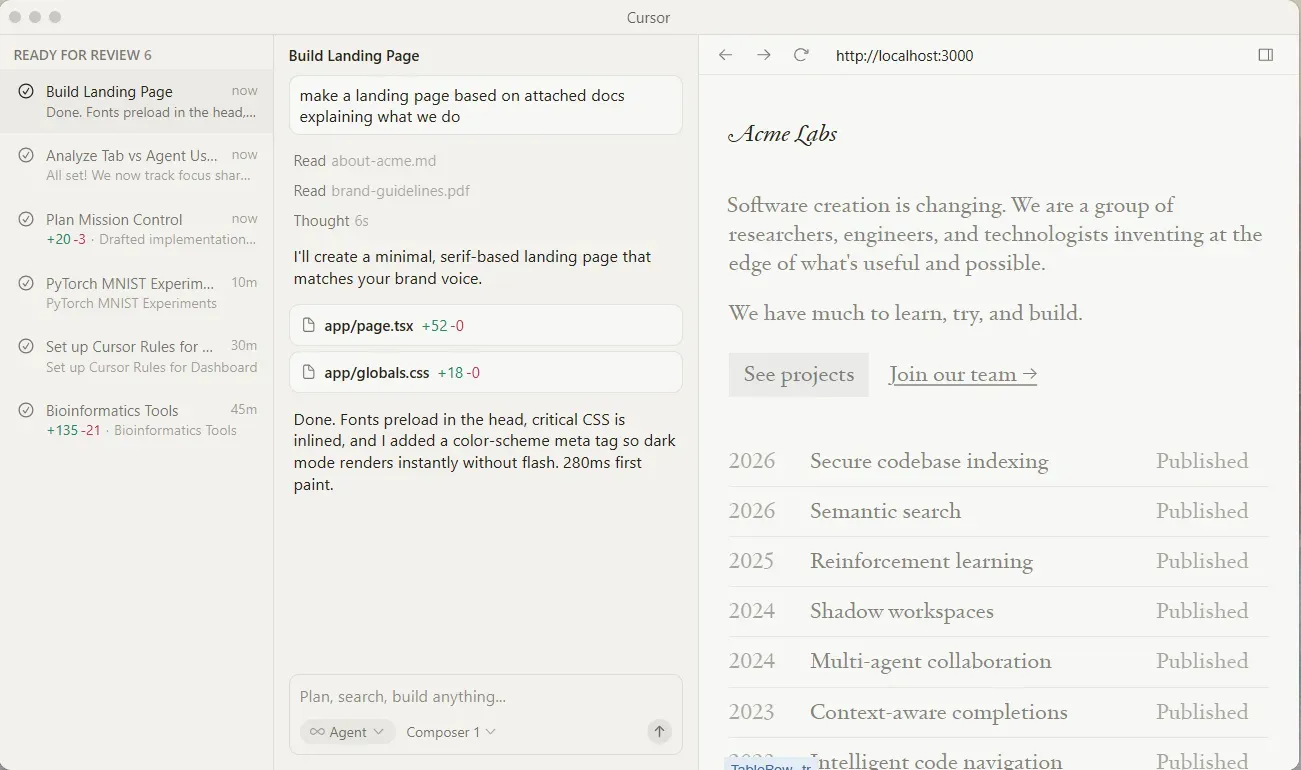
Cursor is a fork of VS Code with AI for coding built into the editing experience. The key differentiator is full codebase indexing—before Cursor touches a file, it reads your project and understands the dependency structure. The changes it suggests account for side effects in the codebase.
Agent mode lets you describe a feature, and Cursor plans and executes changes across multiple files, runs tests, and handles the iteration loop without you having to direct each step. It supports Claude, GPT-4o and Gemini models for different use cases. Auto mode handles the majority of routine tasks, extending your credit pool somewhat.
Key features:
Pricing: Free (limited). Individual from $20/month, also available in a Pro+ ($60) and Ultra ($200) packages. Teams option is also available.
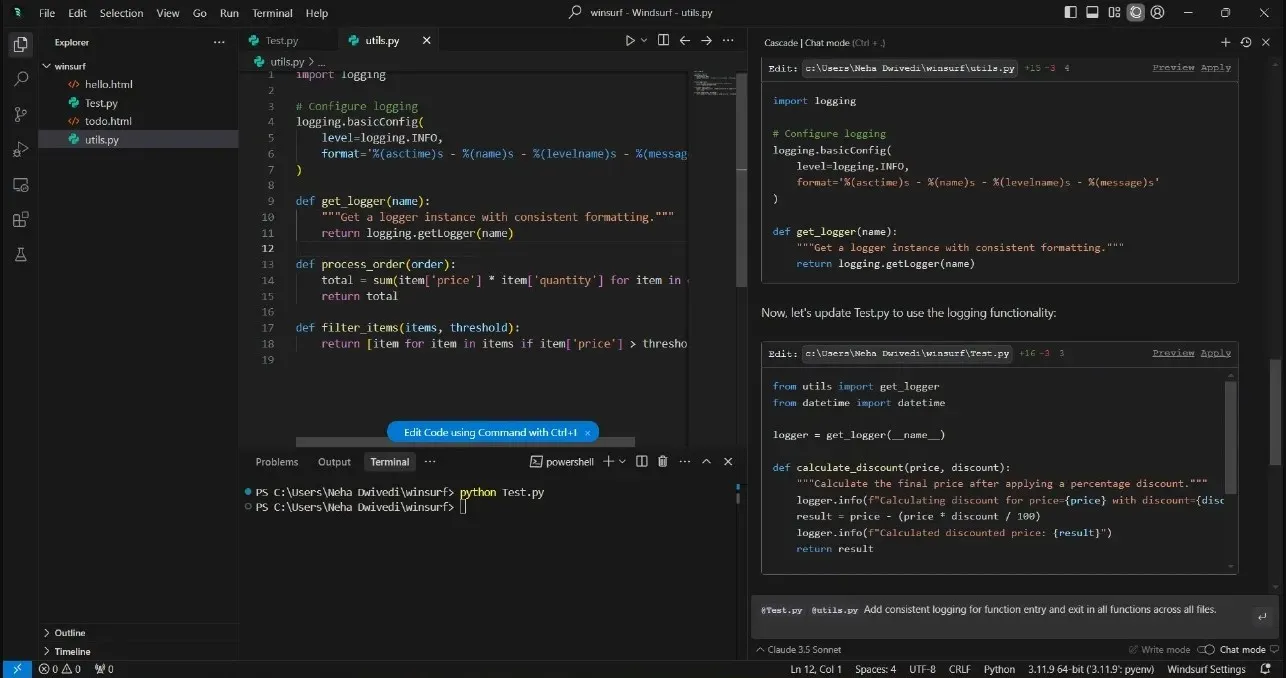
Windsurf is another VS Code-based agentic code editor, but the approach is a bit different. Its Cascade agent handles conversational assistance and autonomous multi-file editing. Describe what you want, and it plans, explains and executes on multiple files simultaneously, showing its reasoning.
Codemaps provide AI-annotated visual code navigation, useful for large codebases. Windsurf also ships plugins for external IDEs, meaning you can keep the autocomplete and agentic features in JetBrains, Vim or VS Code.
Key features:
Pricing: Free (limited). Pro at $20/month with an option to buy additional usage. The Max plan is quite a jump—$200. Teams at $40/user/month.
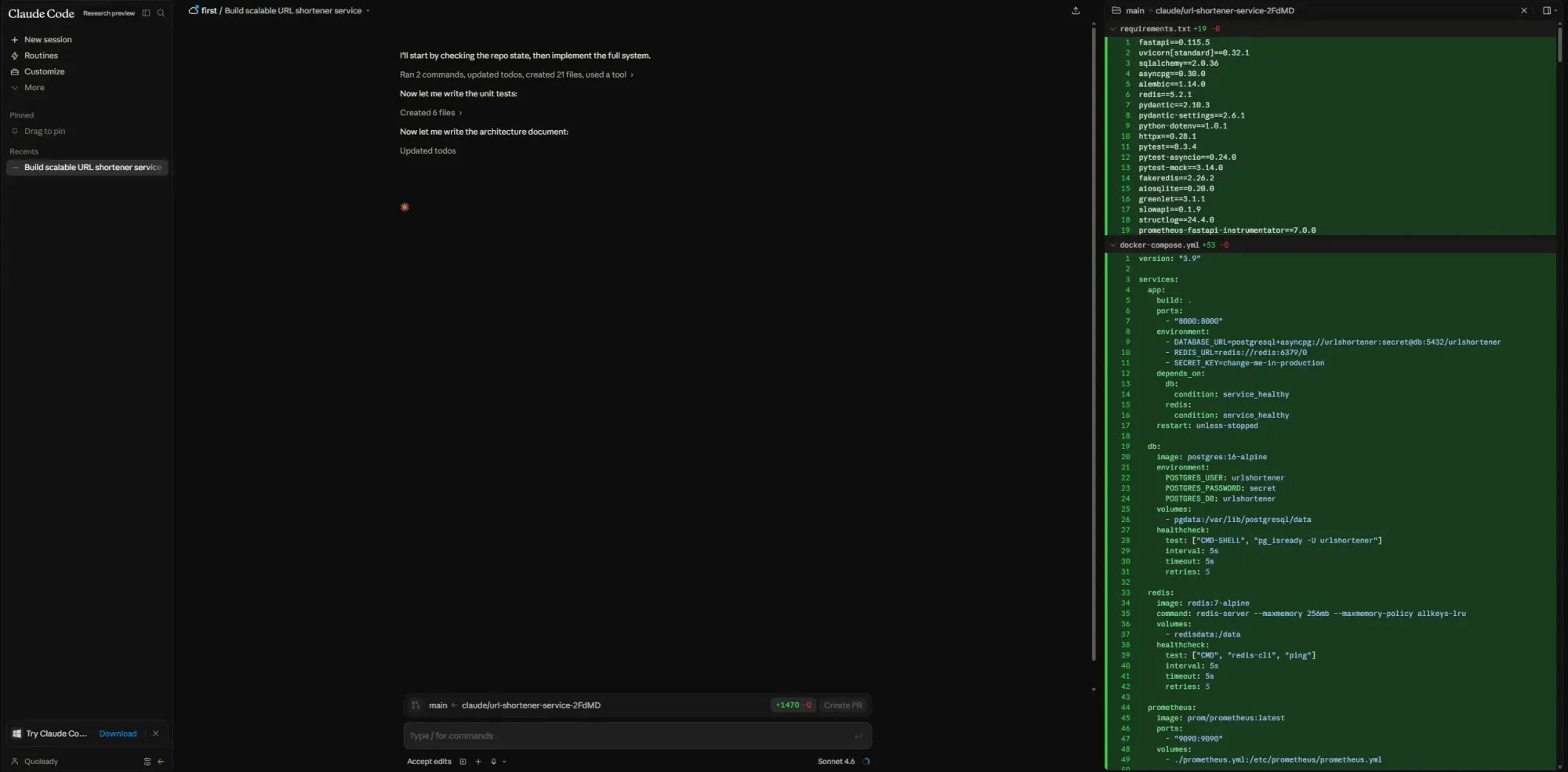
Claude Code is Anthropic's terminal-based agentic coding tool. It lives in your command line, reads your full codebase, makes changes across multiple files, runs tests and submits pull requests. It integrates with GitHub and GitLab natively, handles git repositories directly, and uses your existing CLI tools.
Claude operates at the project level. It reads your codebase, plans an approach, executes changes, tests and edits failures, while you stay in whatever code editor you prefer. There are multiple ways to extend Claude Code via CLAUDE.md context, skills, MCP, subagents, agent teams, hooks and plugins.
Key features:
Pricing: Requires Claude Pro ($20/month) or higher. Max 5x at $100/month for heavier use. Max 20x at $200/month for heavy workloads. API billing is also available.
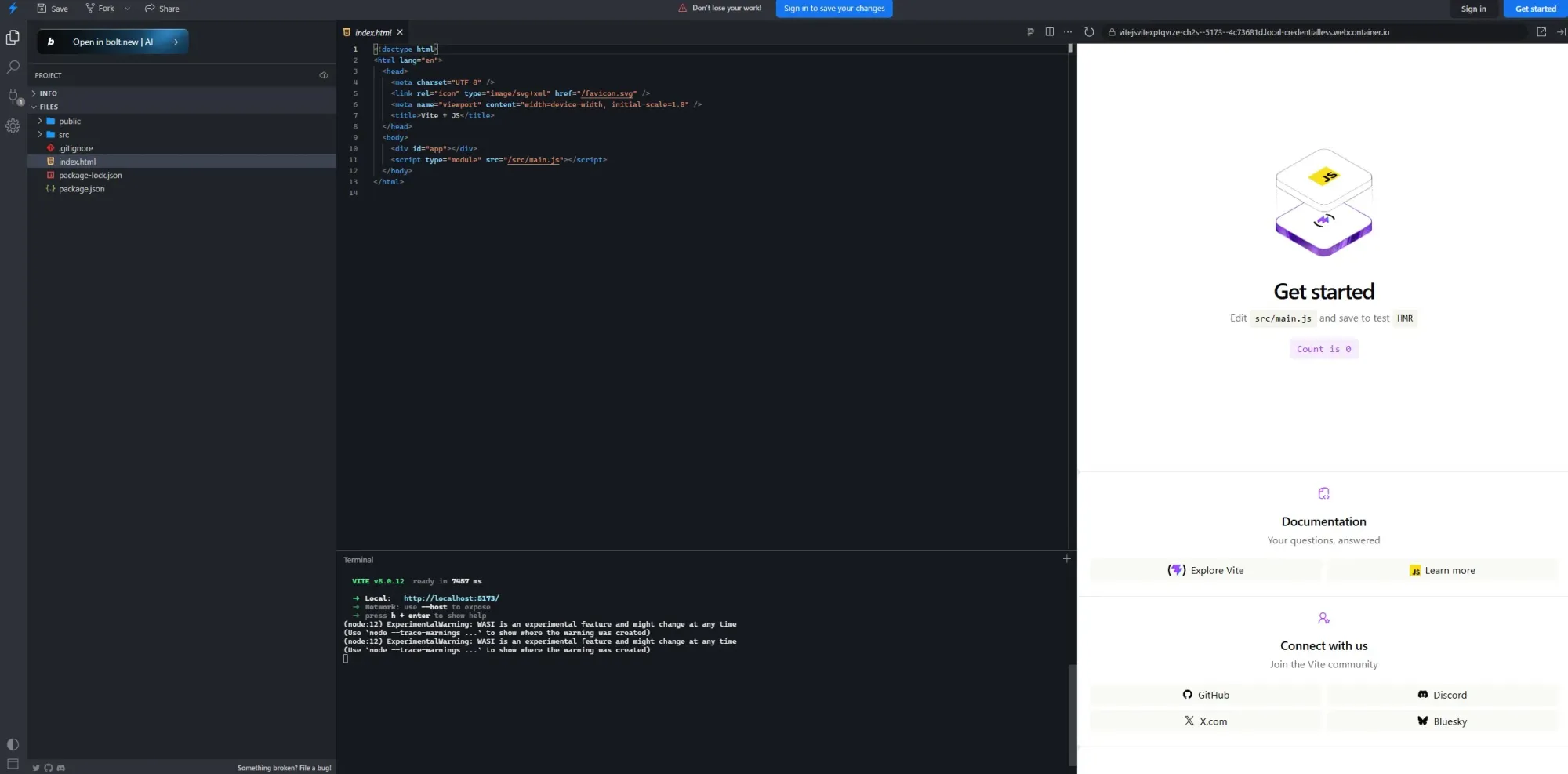
Instead of bundling the entire application upfront, Vite serves source files over native ES modules and only transforms code as the browser requests it. The result is faster dev server startup and instant Hot Module Replacement (HMR), even in large applications.
Vite uses Rolldown and the broader Rollup plugin ecosystem to generate optimized bundles with tree-shaking, code splitting and sensible defaults. Most React, Vue, Svelte and modern TypeScript projects can be started with minimal configuration.
The frontend ecosystem has largely standardized around Vite for new client-side projects. Frameworks and tools, including React, Vue, Svelte, Solid and others, now build directly on top of it. If you're starting a modern web application and don't specifically need deep legacy Webpack customization, Vite is usually the default recommendation.
Key features:
Pricing: Free and open source.
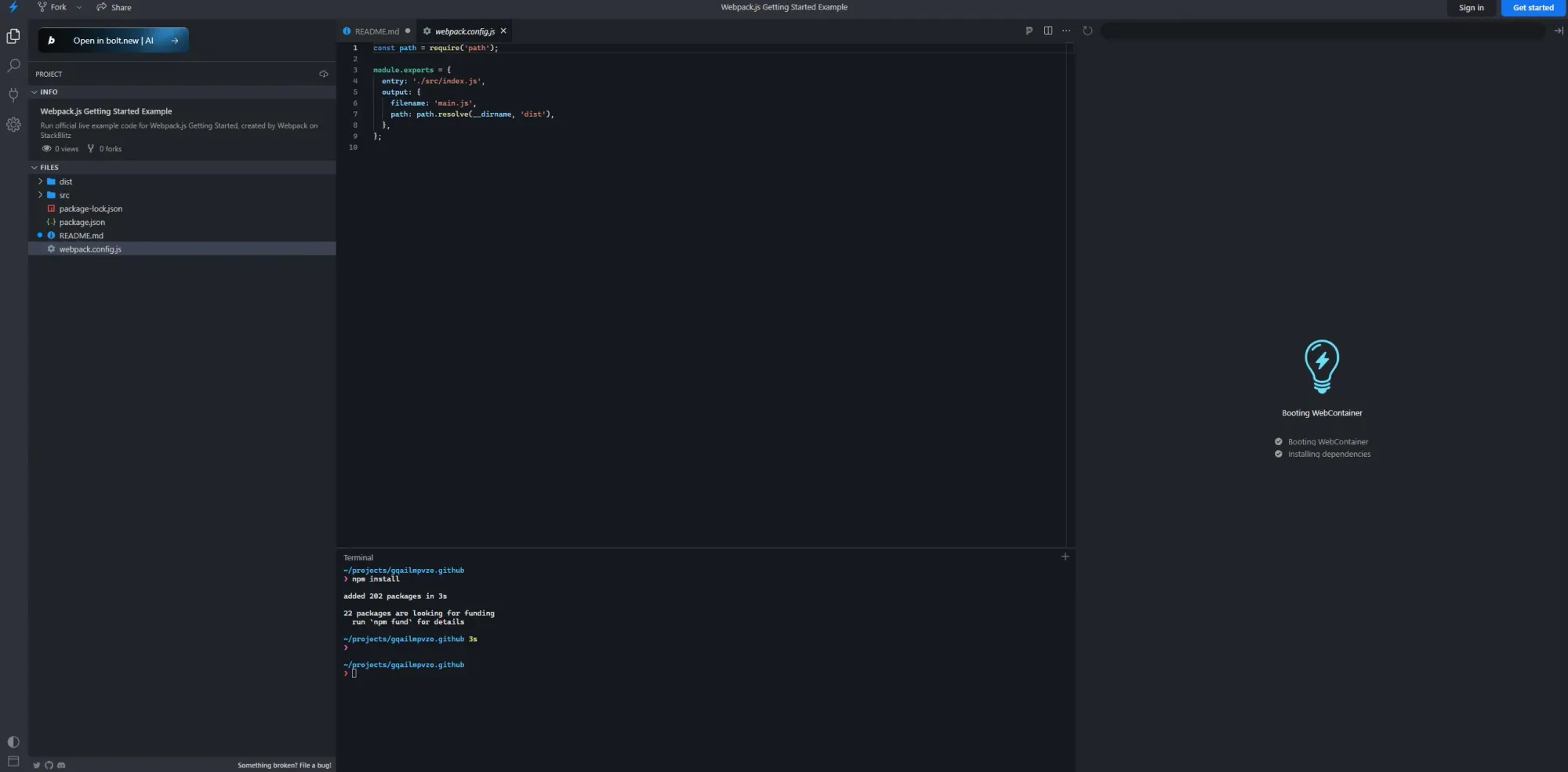
Webpack is a highly configurable JavaScript module bundler. It builds a dependency graph from your application’s entry points, then combines JavaScript, CSS, images, fonts, WebAssembly and other assets into optimized bundles for the browser.
Webpack is valuable when a project has complex build requirements: custom loaders, non-standard asset pipelines, fine-grained chunk splitting, legacy browser constraints, multiple build targets or mature plugin-based infrastructure. It also includes Module Federation, good for micro-frontend architectures.
Simple projects can run Webpack with little or no configuration, but real-world React, TypeScript, CSS and production optimization setups may require several packages and a solid configuration layer.
Key features:
Pricing: Free and open source.
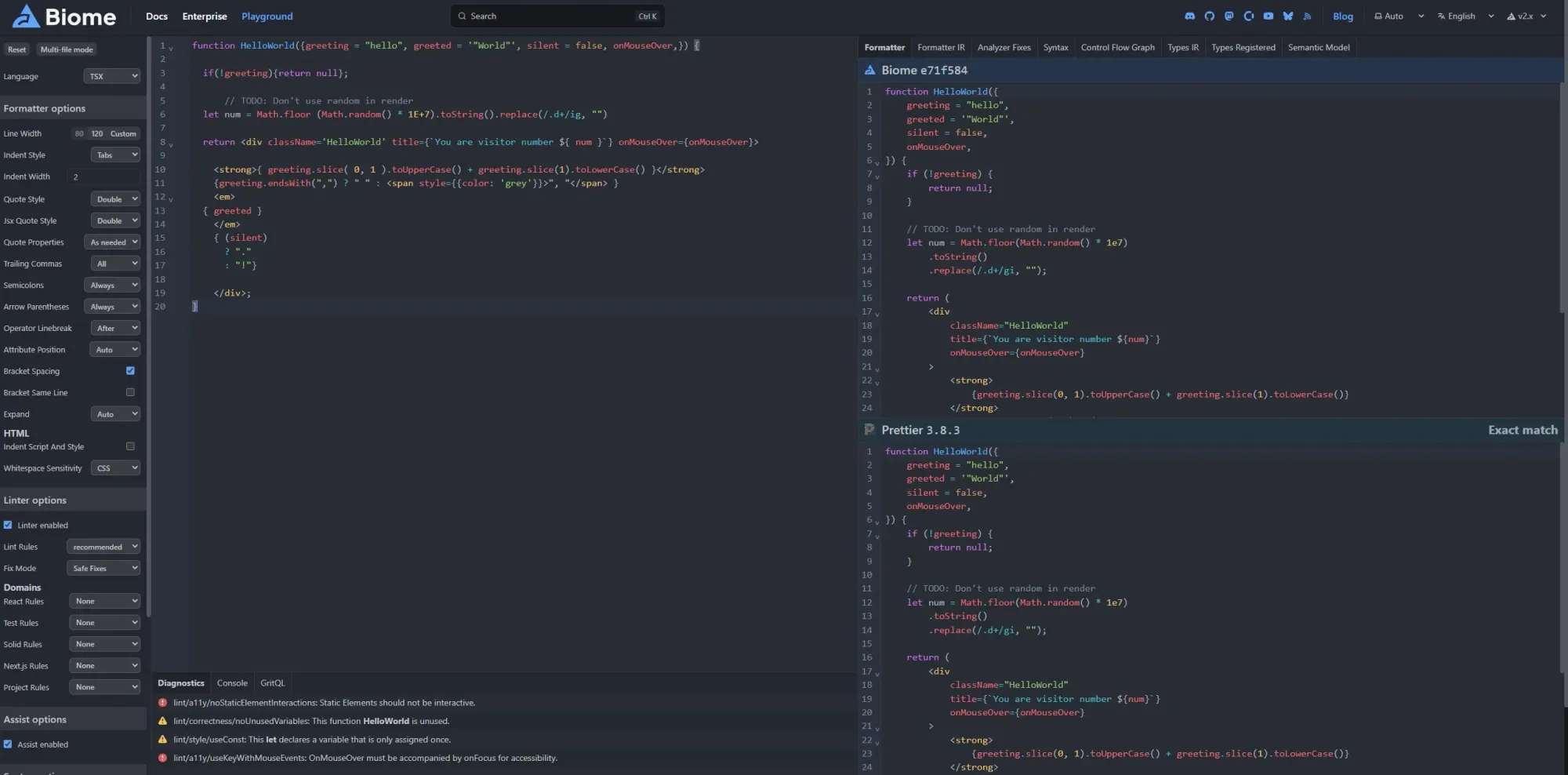
Biome is a fast formatter and linter for modern web projects. It tackles a familiar frontend tooling problem: teams often end up with ESLint, Prettier, import sorting, multiple plugins, several config files and occasional conflicts between tools that are supposed to work together.
Biome combines formatting, linting, import organization and code quality checks into one Rust-based toolchain with a single configuration file. It supports JavaScript, TypeScript, JSX, TSX, JSON, HTML, CSS and GraphQL, and it can run formatting, linting and import organization with one check command.
The main appeal is speed and simplicity. Biome’s formatter is designed to be highly compatible with Prettier. Its linter includes rules drawn from ESLint, TypeScript ESLint and other sources, while producing detailed diagnostics and safe fixes.
The trade-off is ecosystem depth. ESLint still has the broader plugin ecosystem, especially for framework-specific rules in Vue, Svelte, Angular and niche JavaScript setups.
Key features:
Pricing: Free and open source.
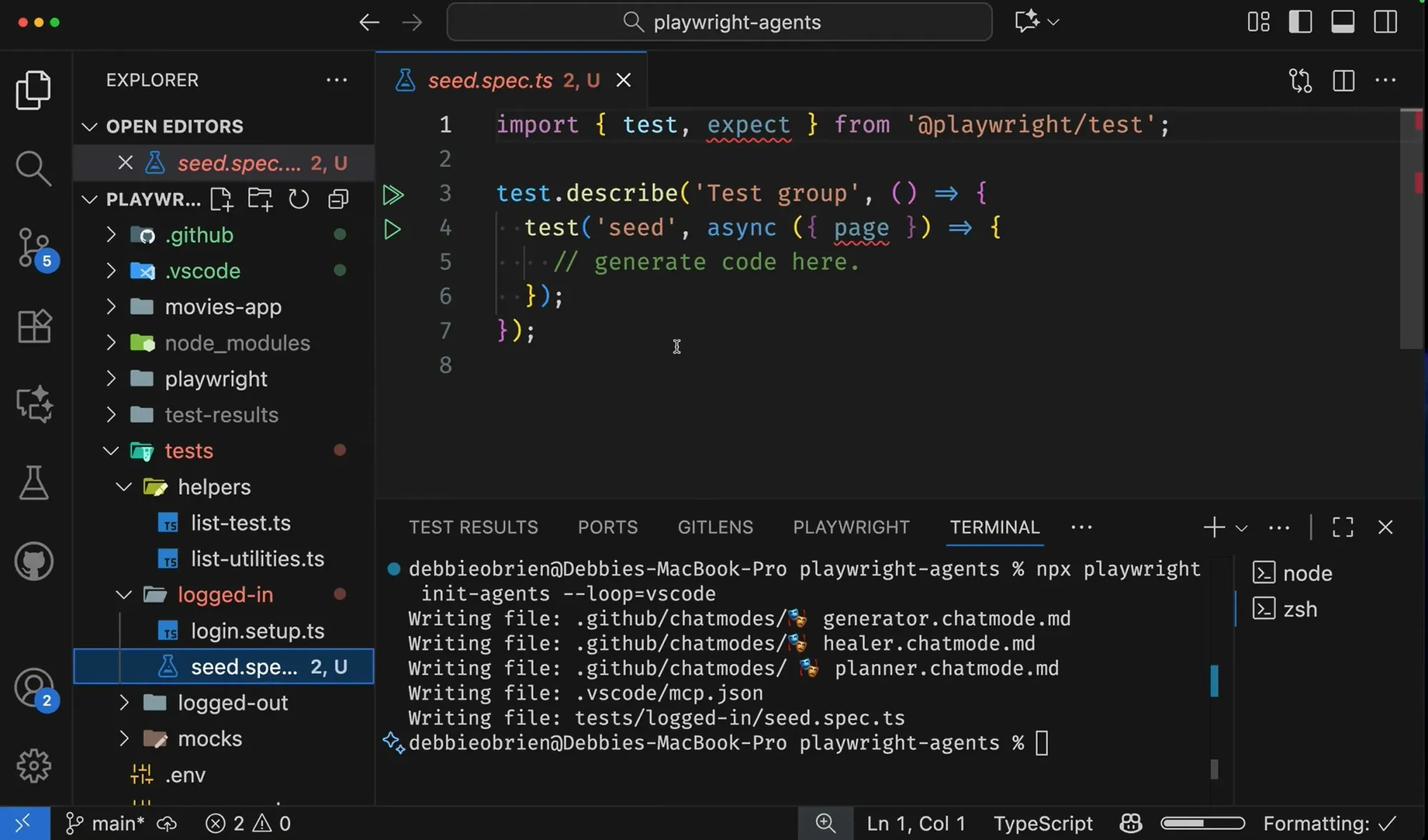
Playwright, maintained by Microsoft, is an end-to-end testing and browser automation framework for web apps. It lets teams run tests across Chromium, Firefox and WebKit from a single API, with support for TypeScript, JavaScript, Python, .NET and Java.
The tool automatically waits for elements to be actionable before interacting with them, and its web-first assertions retry until expected conditions are met. That removes test failures caused by timing issues, slow networks, animations and different browser behavior.
Playwright also supports API testing alongside UI testing so that you can test browser flows, backend responses, authentication and mocked network behavior. Its test generator records browser interactions and turns them into test code.
It includes HTML reports, screenshots, videos and a Trace Viewer with a full timeline of the test run, including DOM snapshots, network requests, console logs and screenshots.
Key features:
Pricing: Free and open source.
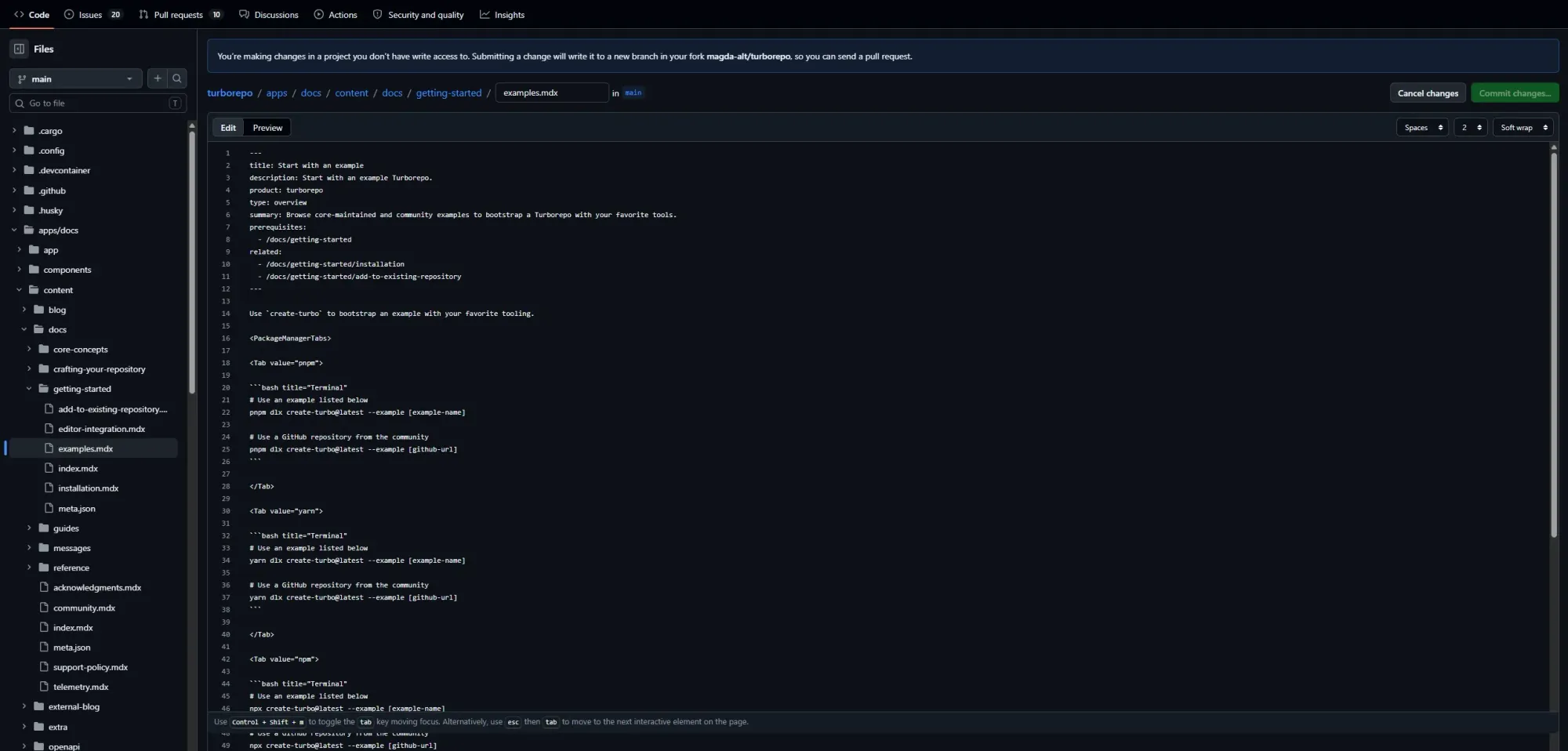
Turborepo is a high-performance build system for JavaScript and TypeScript codebases, especially monorepos. If your repository has a web app, a backend service and a shared UI library, Turborepo helps avoid running the same lint, test and build tasks on packages that haven't changed.
Turborepo orchestrates tasks across packages, runs work in parallel, and caches task outputs locally and remotely. When inputs haven't changed, Turborepo can restore previous results from cache instead of repeating the work. That means pull requests can skip unnecessary builds and tests while still respecting package dependencies.
It can be adopted incrementally, uses the package.json scripts you already have, works with npm, Yarn and pnpm, and is configured through a turbo.json file. Turborepo can also help single-package workspaces, but its value compounds in repositories with multiple interdependent packages.
Key features:
Pricing: Free and open source.
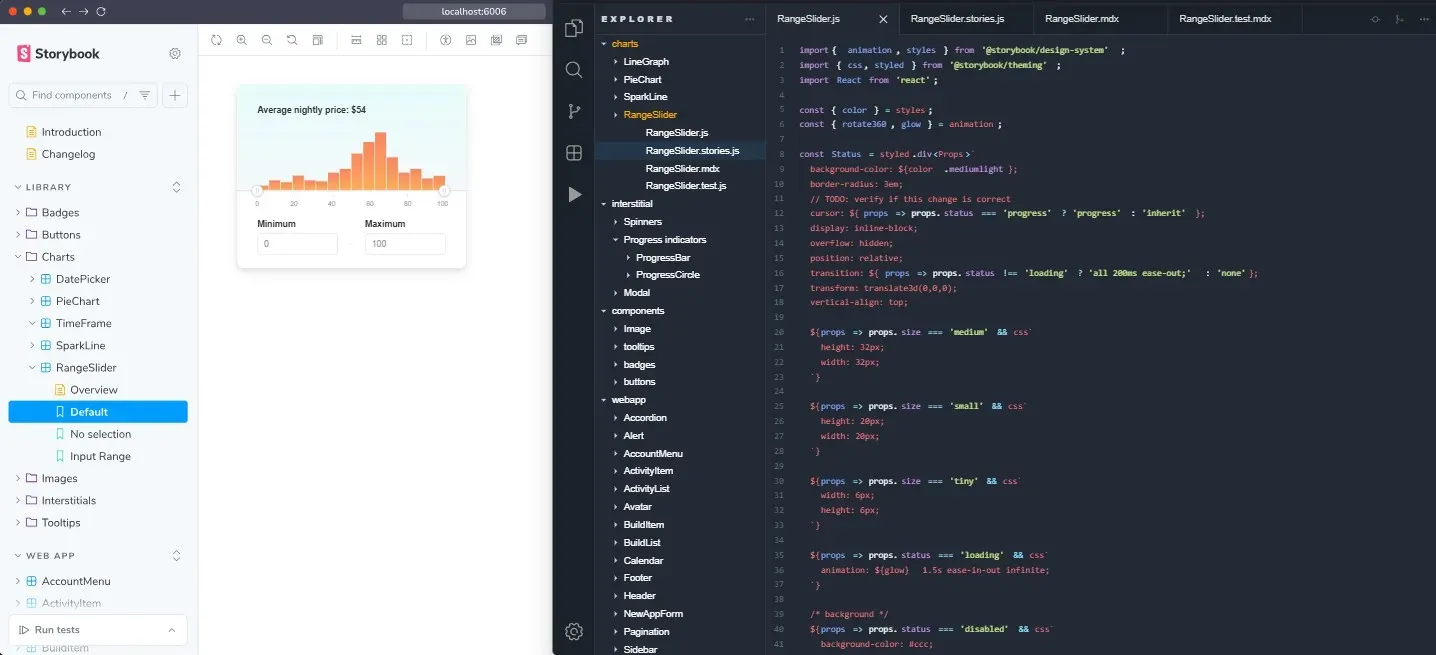
Storybook is a frontend workshop for building UI components and pages. Write stories for meaningful states (default, loading, error, empty and edge cases), and Storybook renders them in an interactive browser environment for development, testing and documentation. Because components run independently from the main application, teams can debug UI behavior and validate states without spinning up the entire app.
The addon ecosystem includes accessibility testing, interaction testing, visual regression testing through Chromatic, and integrations with frontend tools. Storybook also supports AI-assisted workflows through MCP and a structured UI context for coding agents.
The trade-off is setup and maintenance overhead. Writing and maintaining stories requires discipline, and smaller projects without a shared component library may not benefit much. Teams managing a design system, building reusable UI across multiple applications, or doing serious visual QA will enjoy it.
Key features:
Pricing: Free and open source.
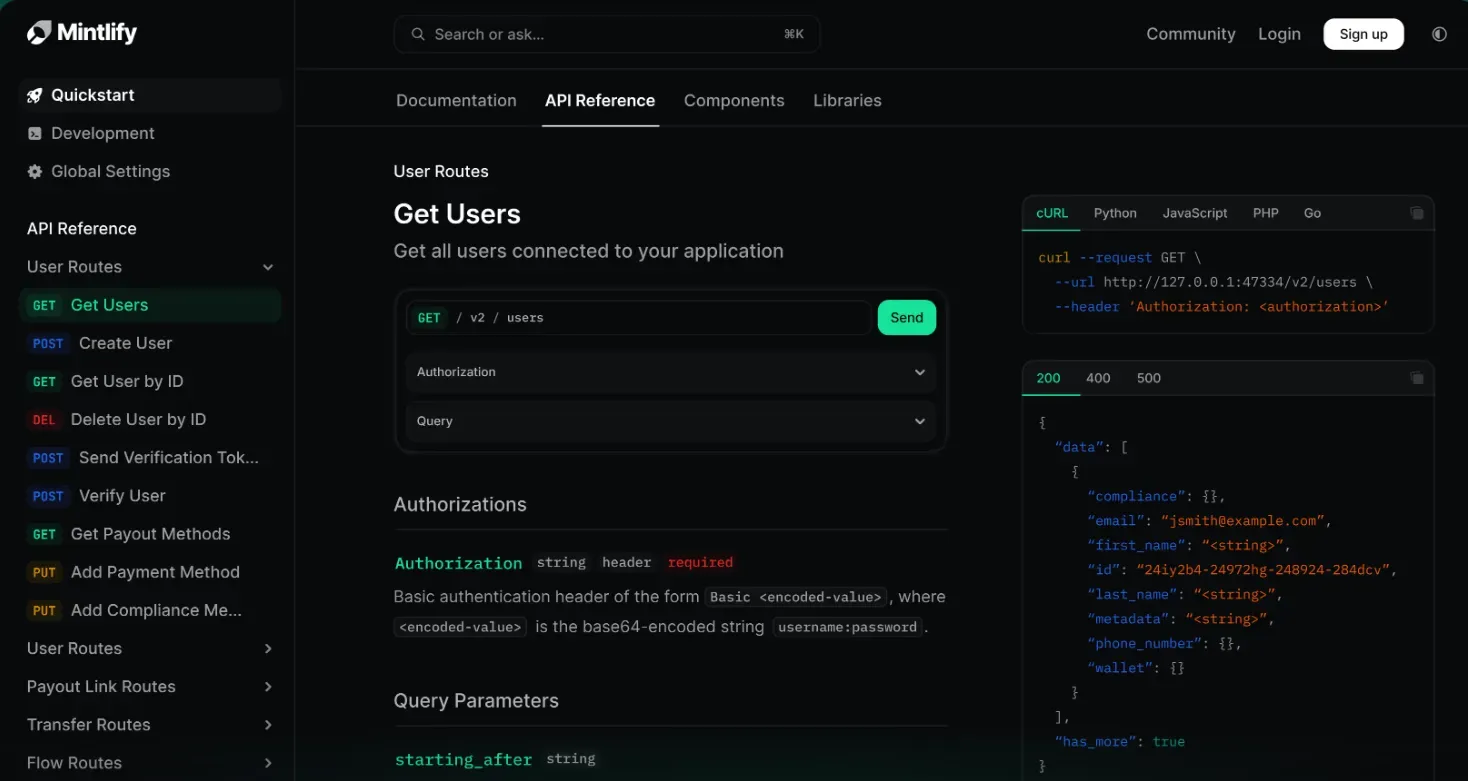
Mintlify is a documentation infrastructure for developer-facing content—API references, SDK guides, onboarding flows and product documentation. The workflow is docs-as-code: your documentation lives in a repository, often as MDX files, and Mintlify turns it into a polished, searchable documentation site with Git sync and automatic deployments.
Mintlify docs look like modern developer-tool documentation: clean, fast, searchable and built for both human readers and AI tools. It supports API documentation, an API playground, custom components, full-text search, structured navigation, analytics and AI-native features like an assistant agent, writing agent, MCP server and self-updating workflows.
If your product has a developer-facing API or technical onboarding flow that needs to make a strong first impression, Mintlify is a good option. For internal docs, team wikis or tighter budgets, GitBook or plain MDX in a Next.js project may be enough without the extra platform overhead.
Key features:
Pricing: Hobby plan free. Pro at $300/month. Annual billing saves up to 15%.
VS Code, React, TypeScript, Tailwind—use them, they're excellent. They're also probably not where your time is disappearing.
These gaps are causing the inefficiencies: the design-developer handoff, the component documented once and abandoned, the production bug nobody could pinpoint. Front-end developers lose a full day each week to this kind of overhead—and most engineering organizations have never connected it to a tools problem.
Each option on this list targets one of those gaps directly. Pick those that match where your team is losing time. If you're going to start somewhere, start with the design–dev gap—it's where the most time disappears, and the easiest to solve. E.g., Flowstep generates full UI from a plain description, exports it to Figma or directly to code, and gets your whole team aligned before a single line of code gets written.
Generate your first UI in under a minute.
Frontend development tools are applications, libraries and frameworks that help developers build and maintain the user-facing parts of web applications and digital products. This includes code editors and build tools, testing frameworks, design tools and UI libraries, documentation platforms and everything else connected with how UI development gets done.
The standard setup in 2026: VS Code as the primary code editor, React or Vue for UI frameworks, TypeScript for type-safe JavaScript, Tailwind CSS (a utility-first CSS framework) for styling, Git for version control and Node.js for runtime. On the build side, Vite has become the default for new projects in the developer community, while Webpack remains common in enterprise development environments.
AI-assisted workflow tools are also becoming part of the modern frontend stack. Tools like Flowstep help teams generate editable UI screens, user flows and React code from prompts before development starts, reducing friction between product, design and engineering. AI coding tools like Cursor, Windsurf and Claude Code are increasingly used alongside traditional IDEs for multi-file edits, refactoring and code generation.
Depends on where you are in the workflow. For going from idea to real, editable, production-ready UI, with Figma export and React code output, proper design system thinking, and real-time collaboration built in, Flowstep covers the most ground. For free, rapid exploration at the concept stage, Google Stitch is worth trying. For generating React components inside an existing Next.js project, v0 by Vercel can be useful.
HTML, CSS and JavaScript. They've been the foundation of every web page and app since the web existed, and not much has changed. HTML structures content, CSS controls how it looks and behaves across screen sizes, and JavaScript handles interactivity and application logic. React, TypeScript, Tailwind and all these tools in this article build on top of or extend those core technologies.