

12 Best AI Tools for Designers: 2026 Top Picks
Discover the best AI tools for designers [2026], including Flowstep, Figma Make and more top picks to speed up your UI/UX workflow and create better designs faster.
Compare the 10 best design to code tools of 2026: AI design engineers, Figma-to-code converters, app builders and handoff tools.
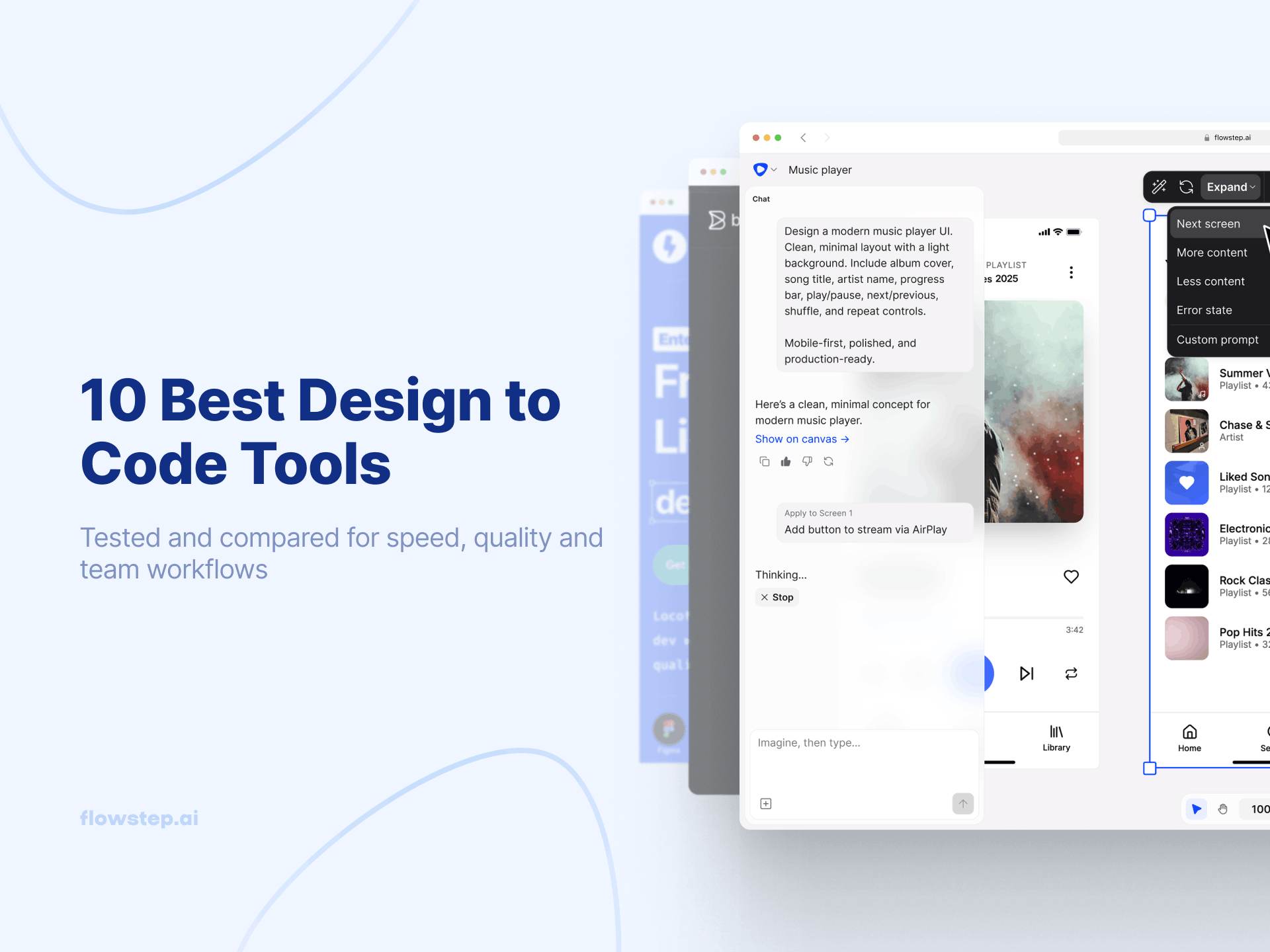
Design to code tools automate the generation of frontend code from a visual layout. But “design-to-code” can actually be four different kinds of jobs, and the tool that works for you really depends on where you’re starting. Starting from a prompt? You want an AI design engineer like Flowstep. If you already have a finished Figma layout, you want a converter (e.g., Anima, Locofy, or Builder.io). If you want a tool to build an entire app from the prompt, try v0, Bolt, or Lovable. If you are giving specs to a developer, use a tool like Figma’s Dev mode, or Zeplin.
The majority of roundups compare these 10 and place them in a line as though they are interchangeable. That isn’t the case. This article is designed to organize these ten products into groups and categorize them so you can locate yours in 30 seconds and skip the sections that aren’t relevant to you.
These tools sit between the design and implementation processes and convert what’s seen on the canvas into HTML, CSS, React, or whatever framework or stack is used. It exists as a category because manually converting is not only slow but also results in a finished product that looks very little like the original approved design. A 2024 Zeplin DesignOps survey found that 90% of designers say the final product doesn't match the approved design.
The tools are split into four categories:
Here’s a simple question for which category applies to you: What's your input? A prompt? A Figma file? An app concept? A spec for a developer to act upon? Answer that, and seven out of the ten tools become irrelevant for your purposes.
All the tools were reviewed based on five key criteria:
There’s no such tool that wins all 5. That’s what the categories are for.
This set of tools combines generating design and code into a single step. You type a prompt and get multi-screen UI with code. There's no export/import, no translation, and no drift.
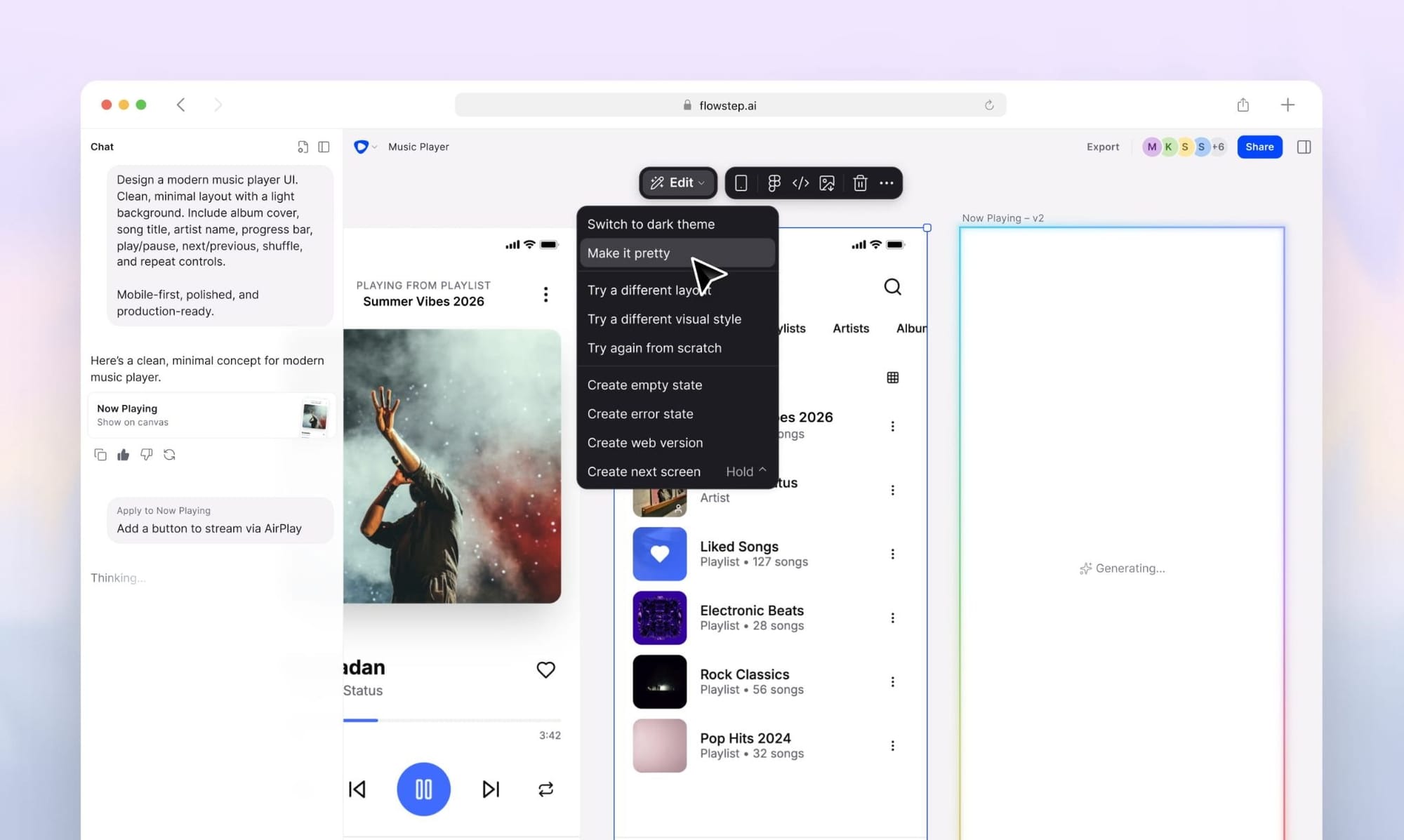
Flowstep: An AI design engineer that generates multi-screen UI from text prompts. It creates many screens instantly on an infinite canvas with production-ready React, TypeScript, Tailwind CSS, and shadcn/ui code. It’s a canvas and code that won’t diverge — it’s a single source.
That's the practical difference from the converters below: there's no Figma file to keep in sync, because the design is the code.
Get started with a free tier (no credit card required), or unlock advanced functionality starting at $15/month. Annual billing takes 20% off.
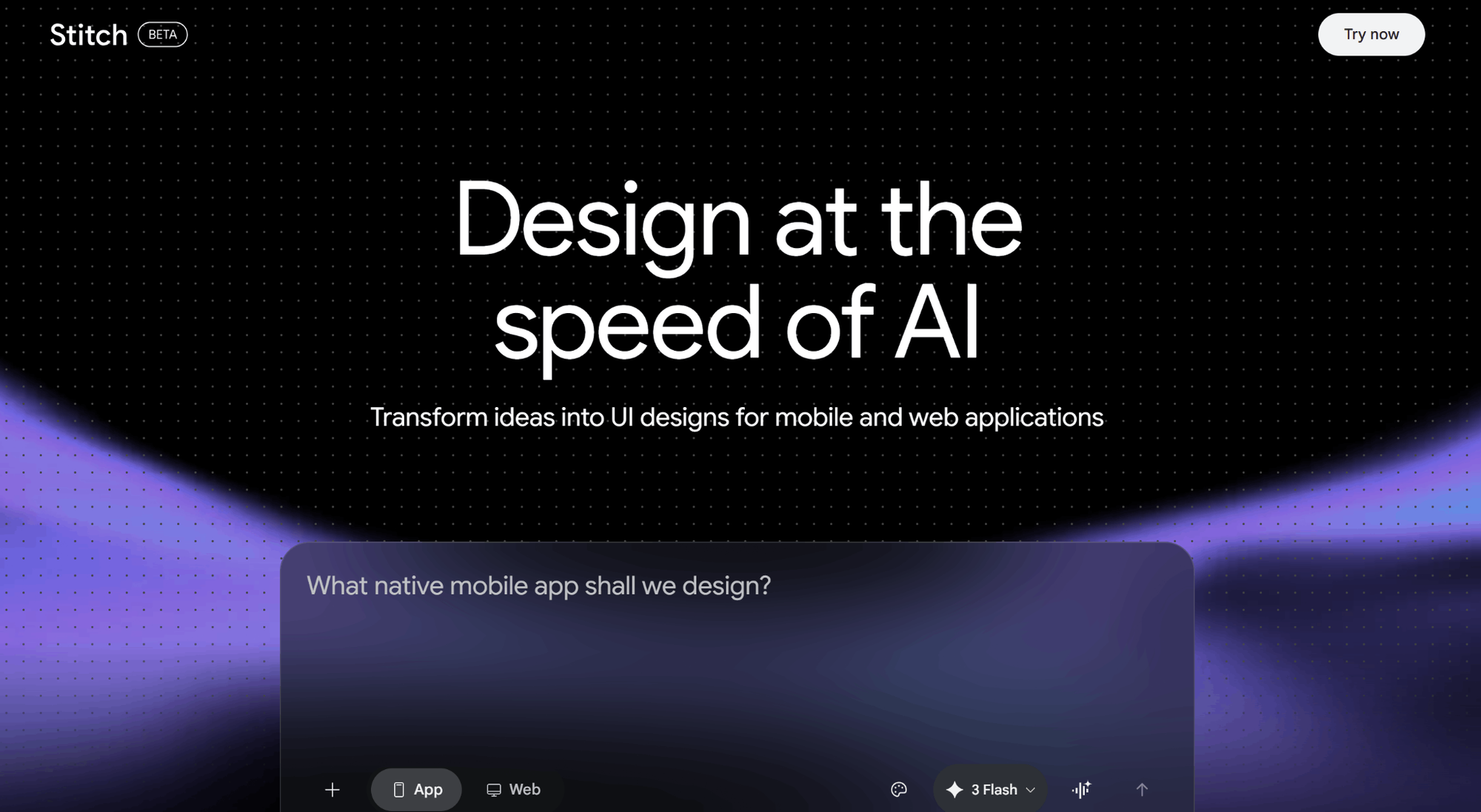
Google Stitch (built on Galileo AI) creates UIs from text and images. Sketch a screen, take a photo, and it generates interfaces that you can export to Figma or frontend code.
Best used as a rapid concept tool (minimal design, quick iterations, zero commitment). The code export is a starting point you'd want to review before shipping. That's the trade-off against the production-stack output you get from Flowstep. For more on the category, read our roundup of the best AI UI design tools.
Free via Google Labs.
Got an existing design? Here are tools that generate code from your designs. Caveat for this category: it's a moment in time. Designs change, so you re-export and manually update the code to match your design file. The component code will start to drift apart. Fantastic starting point. Terrible source of truth long-term.
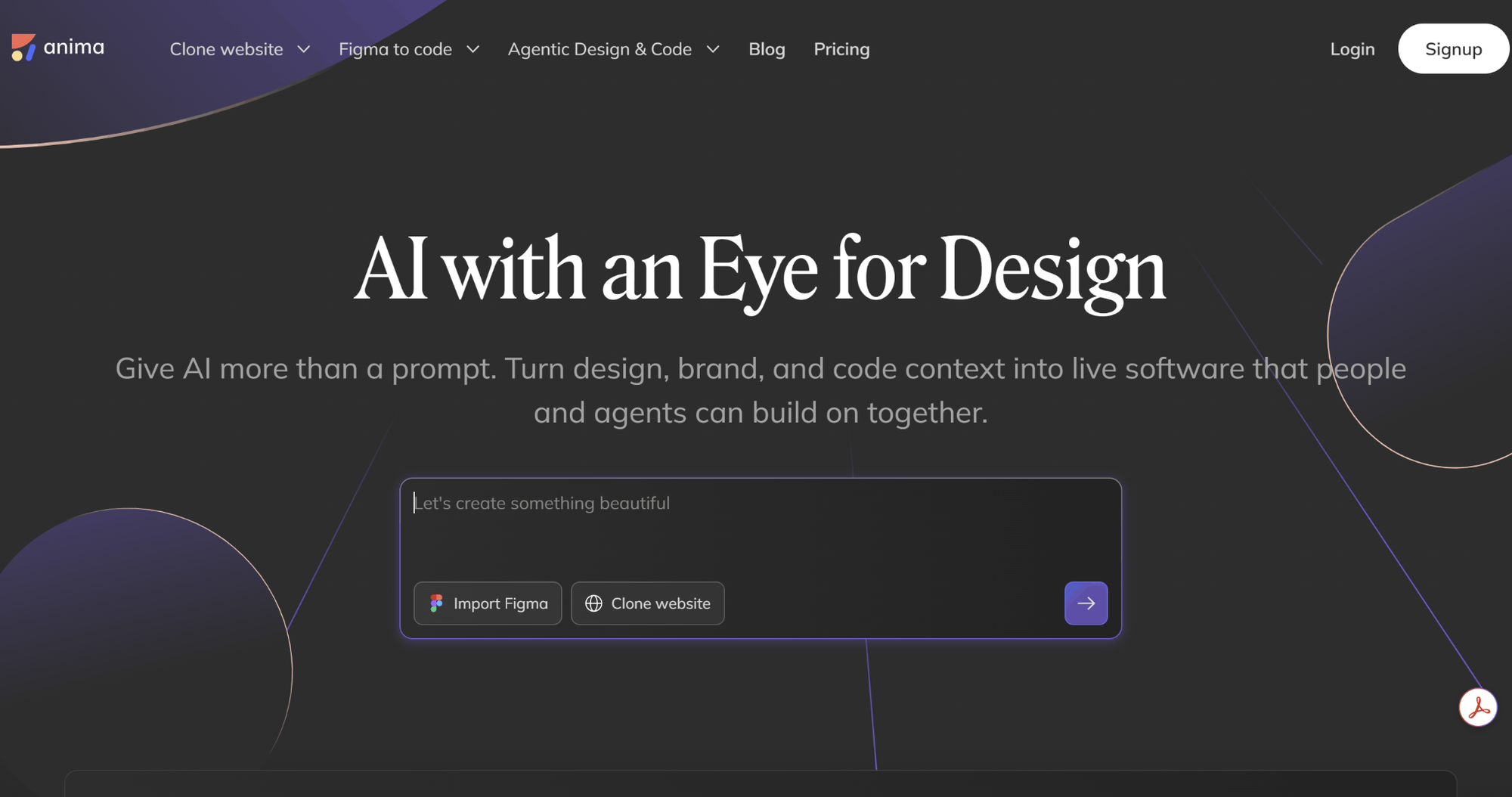
Anima is the veteran of the category. It turns Figma, Sketch, and Adobe XD design into HTML, CSS, and React. Anima works as a plugin inside your design tool: you map your components, set interactions, and export the result as code.
Anima included MCP support in early 2026, which means more than just another tick on a list. It enables agentic coding tools to pull from Anima’s output directly. Sometimes the output requires some touch-up for production.
Free plan available. Pro plan at $24/seat/month billed annually, or $49/month billed monthly. Business package at $150/seat/month annually.
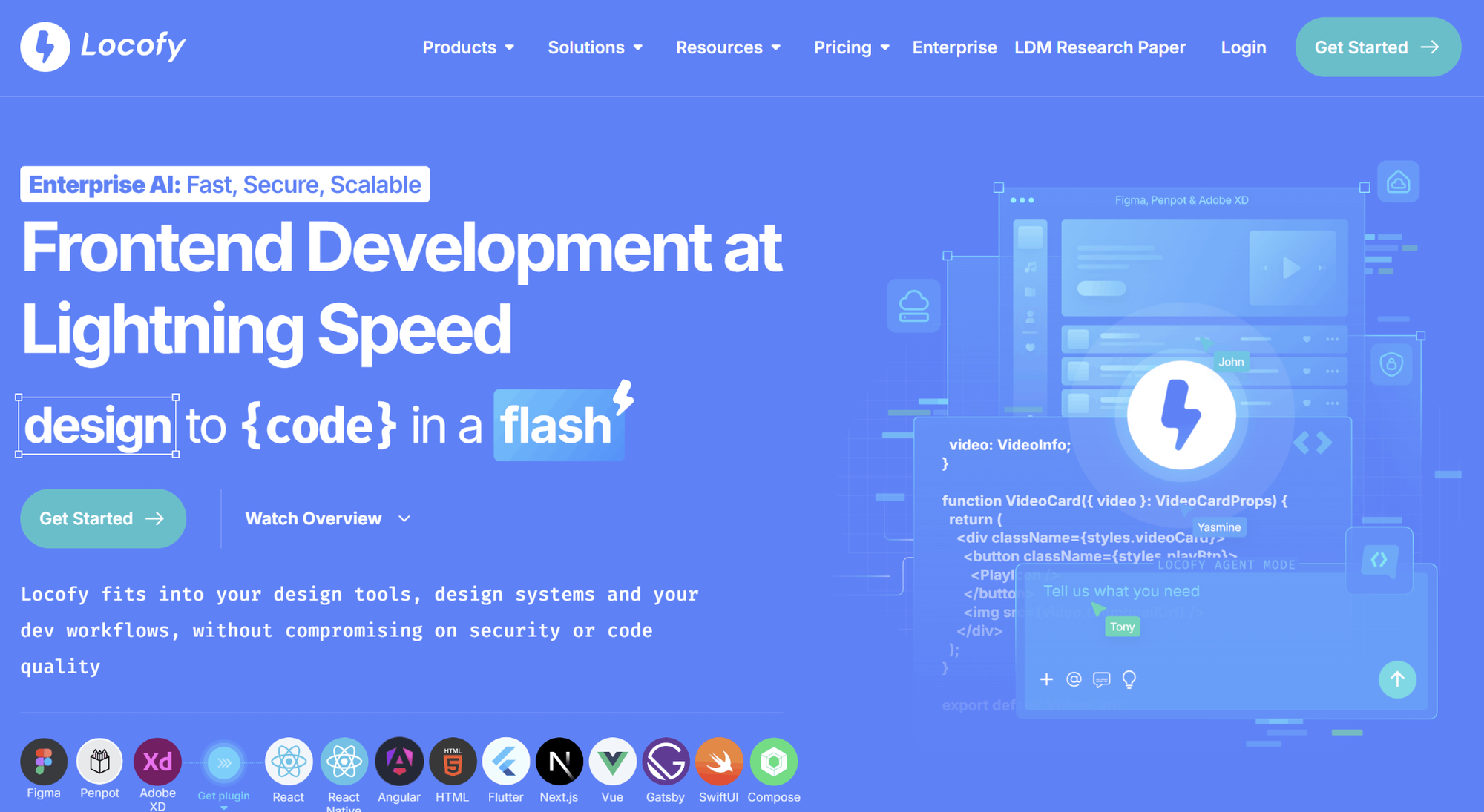
Locofy turns a full Figma design into a complete, ready-to-use code project — not just one component at a time. You can export it as React/Next.js, HTML/CSS, or React Native, and it already has the components matched up and the responsive layout figured out. Its "Lightning" mode does this conversion in one click, using its own AI models built for design-to-code.
Like the rest of this category, it's still just a snapshot: if you change the design later, the code won't update on its own.
Pay-as-you-go at $0.40 per token, Starter plan for $399/year, and Pro package for $1,199/year, with some free credits available to try.
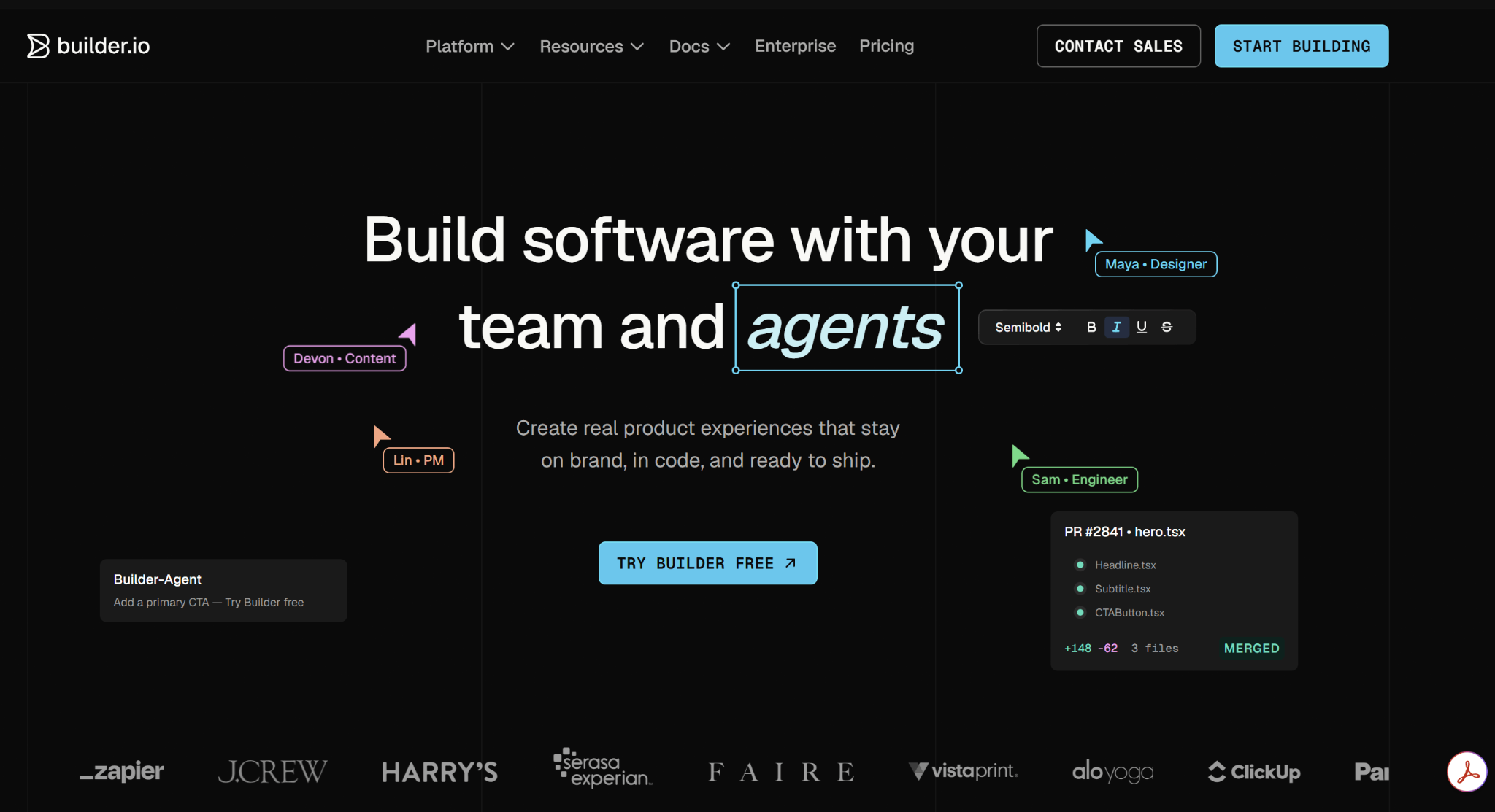
Builder.io is built for bigger companies. It's a good fit if your team wants to turn Figma designs into real code while keeping everyone using the same design system, no matter what tech framework they build with. Its standout feature: designers and engineers work in the same visual workspace, so it feels more like a shared AI-assisted design-and-build tool than separate handoffs.
The downside: it takes longer to learn, and that extra effort only really pays off once your team is large.
There is a free tier option. Paid plans starting at $20-$39/user/month (depending on usage/integrations).
These tools do not start from a design file. App builders start from a prompt and produce applications ready to run. The common shortcoming is that AI builders often overlook design systems during the build. If you'd prefer the detailed roundup, we've prepared an overview of the best vibe coding tools.
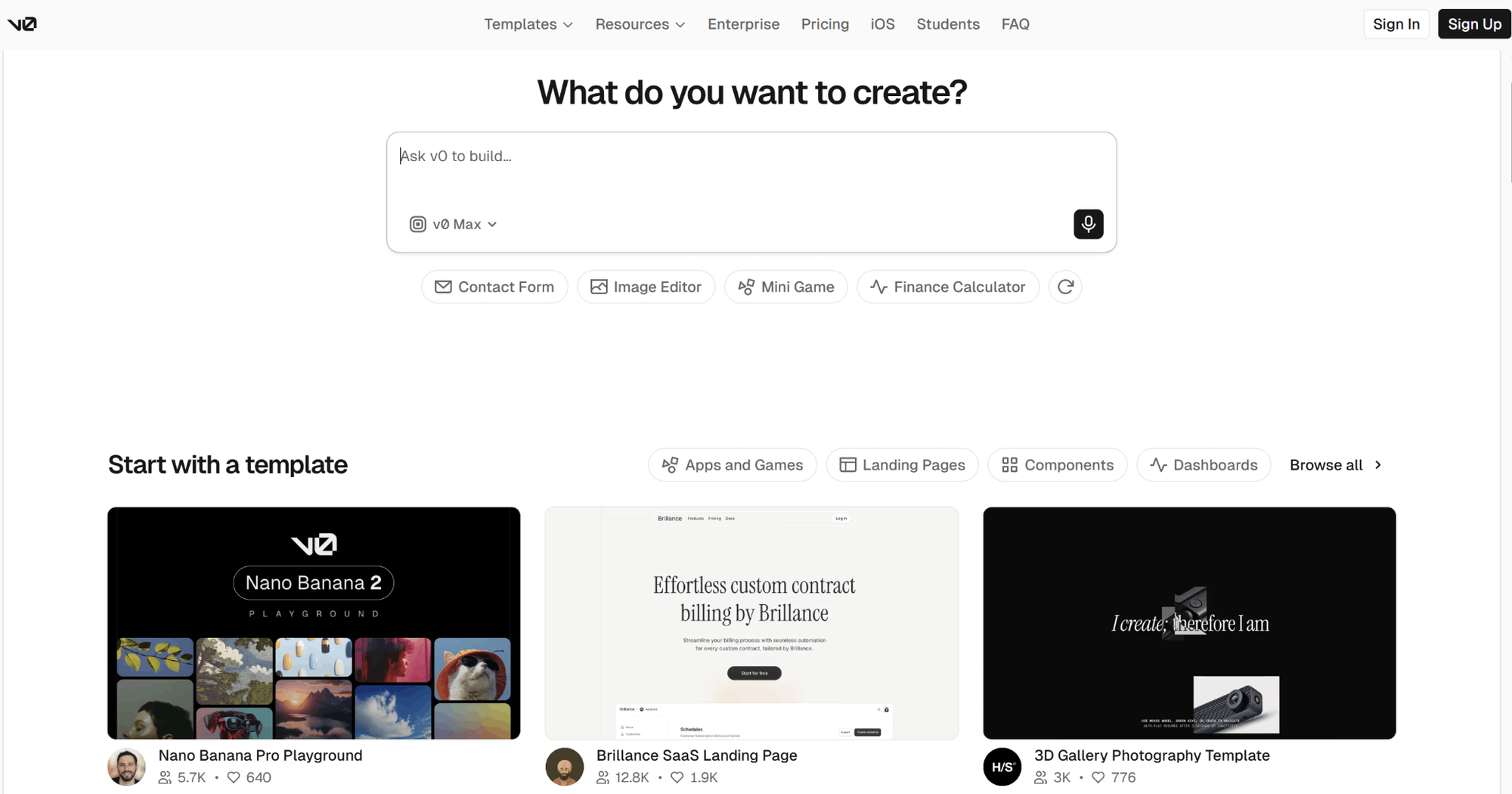
By default, v0 creates both React components and complete apps using shadcn/ui + Tailwind. Formerly known as v0.dev (later renamed v0.app in late 2025), it started as a simple React component generator and is now a full-stack app builder with an emphasis on generating React UIs. It also has an in-browser sandbox environment that can import existing GitHub repositories.
The catch: the code follows v0's own component style and conventions and it works best when your project stays inside the Vercel ecosystem.
Alternatively, check the best AI for coding for an agent-centric workflow.
There is a free tier, with paid plans starting from $20 per month.
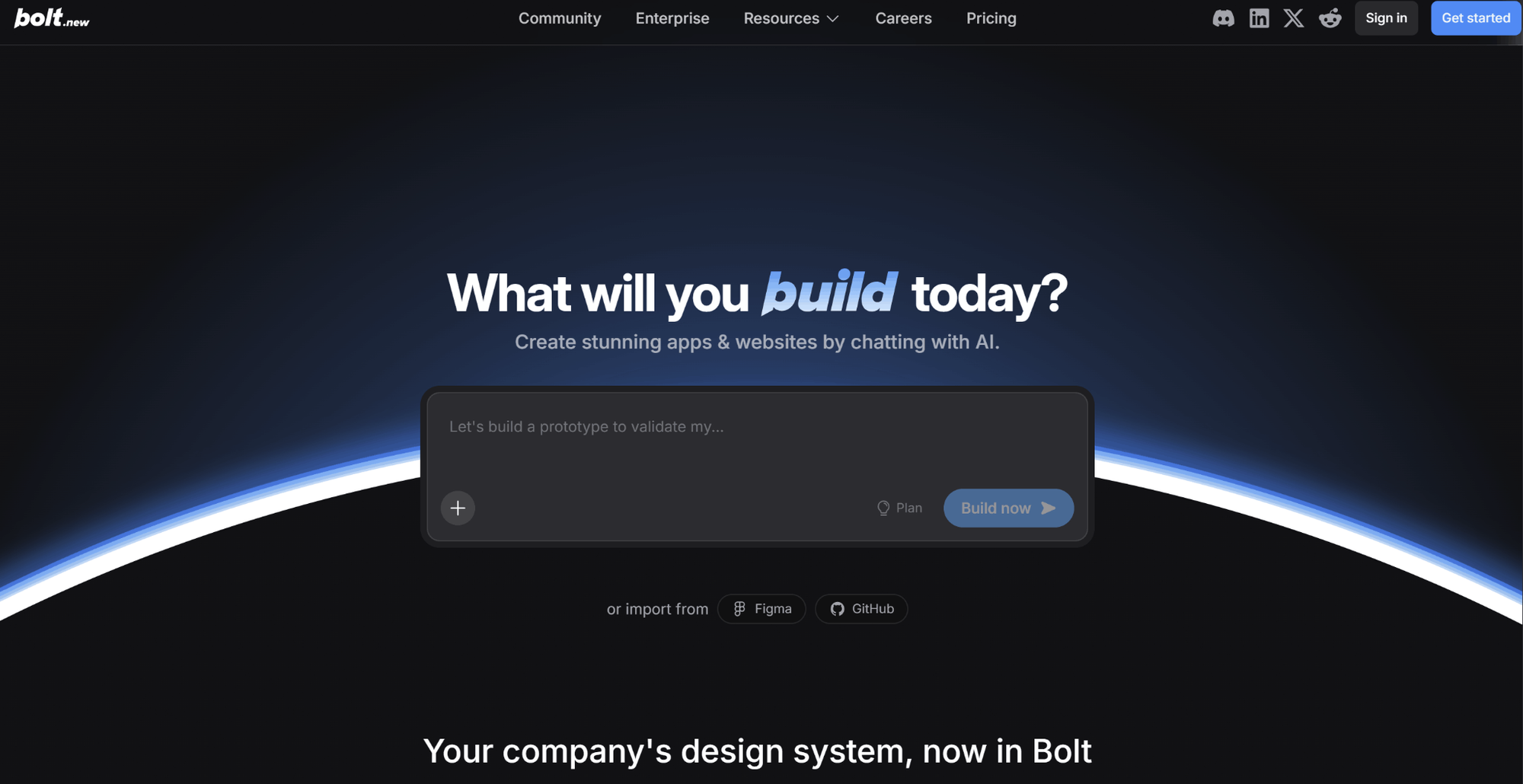
Bolt (by StackBlitz) lets you build complete applications in an all-in-one, browser-based workspace: code, preview, and terminal in one space. You don’t have to install anything locally. It supports React, Vue, Svelte, and Astro and mobile with Expo, giving you more frameworks to build on.
The pricing model is token-based, not credit-based. It rewards focused prompts and penalizes loose iteration.
Pricing
A free plan offers up to 1M tokens per month, while the Pro account, which costs $25 a month, gives access to the token rollover feature.
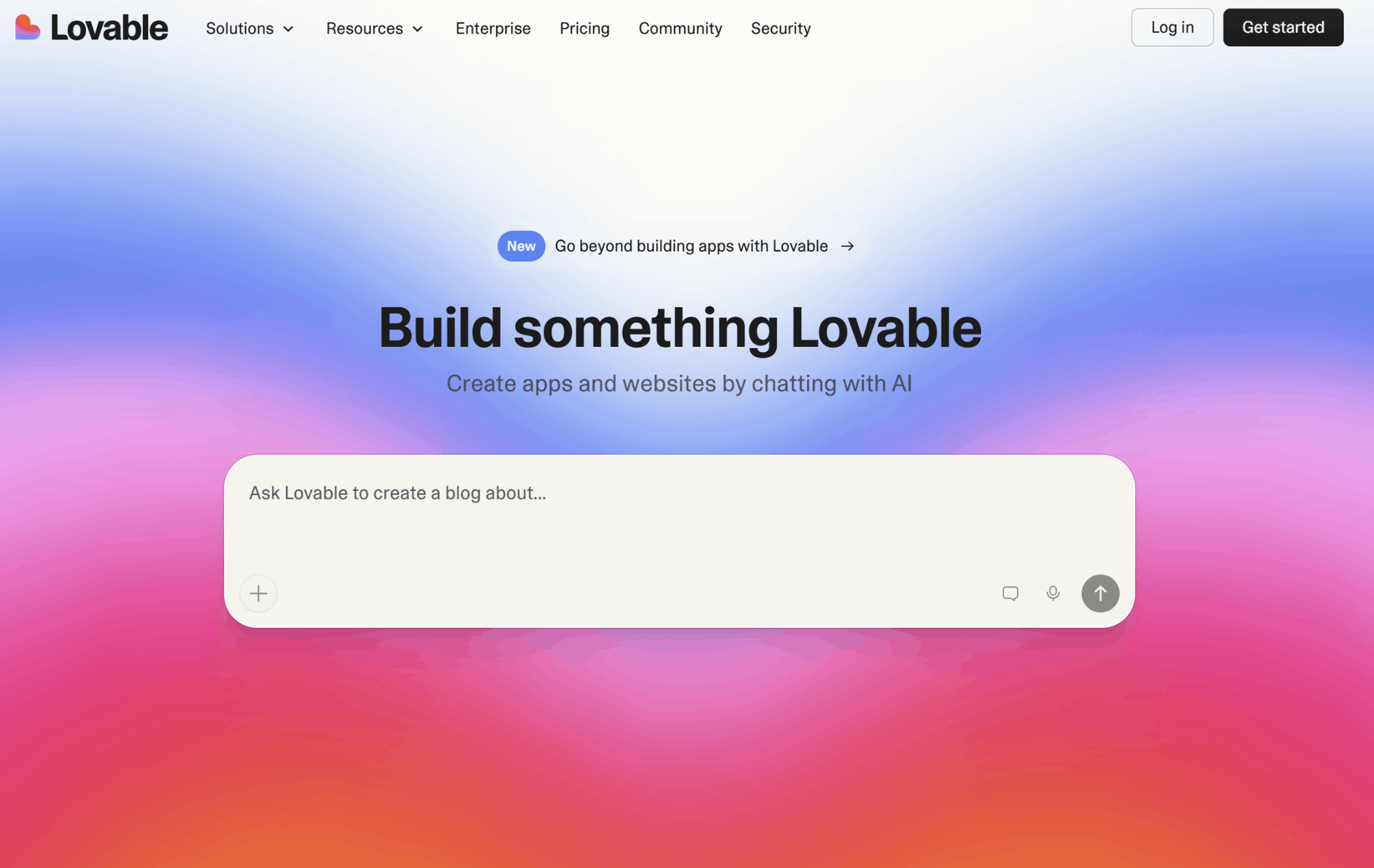
Lovable is built for non-developers. You describe the app you want, and it builds a full React app with a Supabase backend, including database tables, security rules, login and authentication.
The catch is around cost. It runs on a credit system, and real features tend to use credits faster than you'd expect from just reading the pricing page. On top of that, actual cloud usage costs extra. So if you're running this in production, the total cost is harder to predict than it first looks.
A free plan (5 credits per day with a monthly limit); $25/month for Pro Plan (100 monthly credits), and $50/month for Business Plan.
Here’s the fourth tool category for design-to-code: design handoff tools. They pull specs, tokens, and measurements from a design so it can be rebuilt by a developer or by an AI agent. For any team shipping from a design system with rigorous standards, this handoff path often works better than generated code.
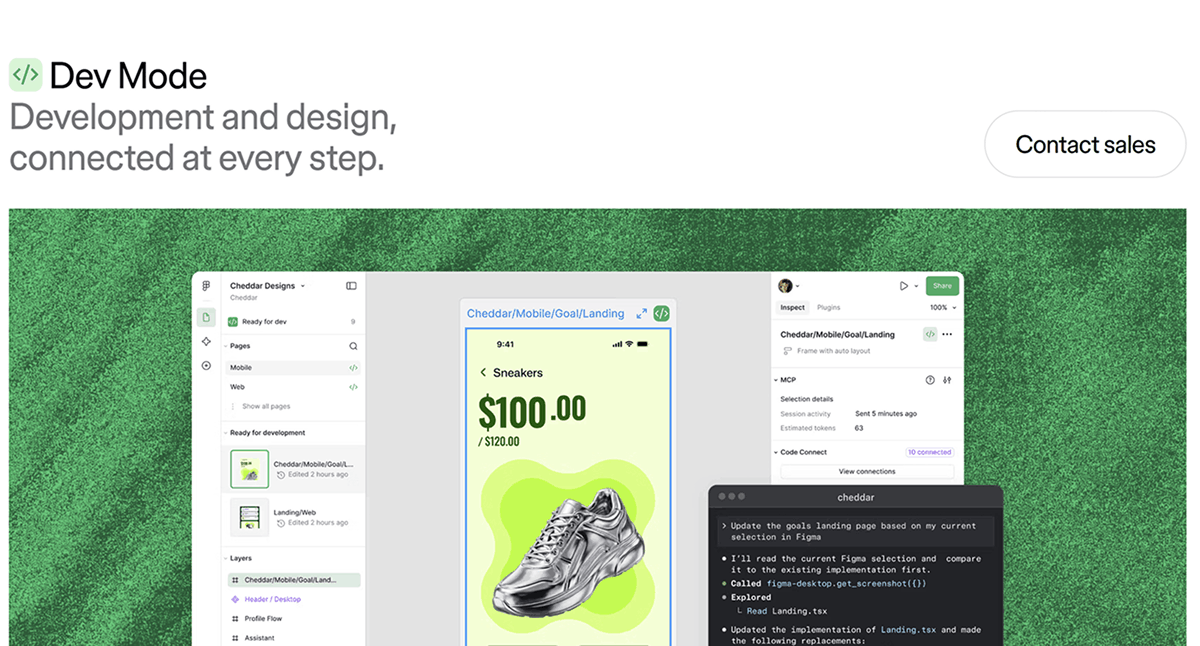
Dev Mode is Figma's built-in handoff feature. It shows you CSS values, spacing, and design token references directly in the file.
What keeps it from feeling outdated is the MCP server. Instead of just giving you a one-time snapshot of your design, the MCP server connects your code-generation tools directly to your Figma file in real time. That means those tools can pull in your component structure, design tokens, spacing rules, and full layer tree while they're actually generating code.
This works through a remote server that connects straight to Figma's hosted endpoint, so you don't need a desktop app. Figma also added two-way integration with Claude Code in February 2026. This is where "handing off a design" and "generating code" stop being separate steps: the tool reads your design and writes code that matches your existing codebase's style and conventions.
Dev Mode is included in Figma's paid plans, from $12 to $55 per seat per month depending on the plan. The MCP server comes with it at no extra cost.
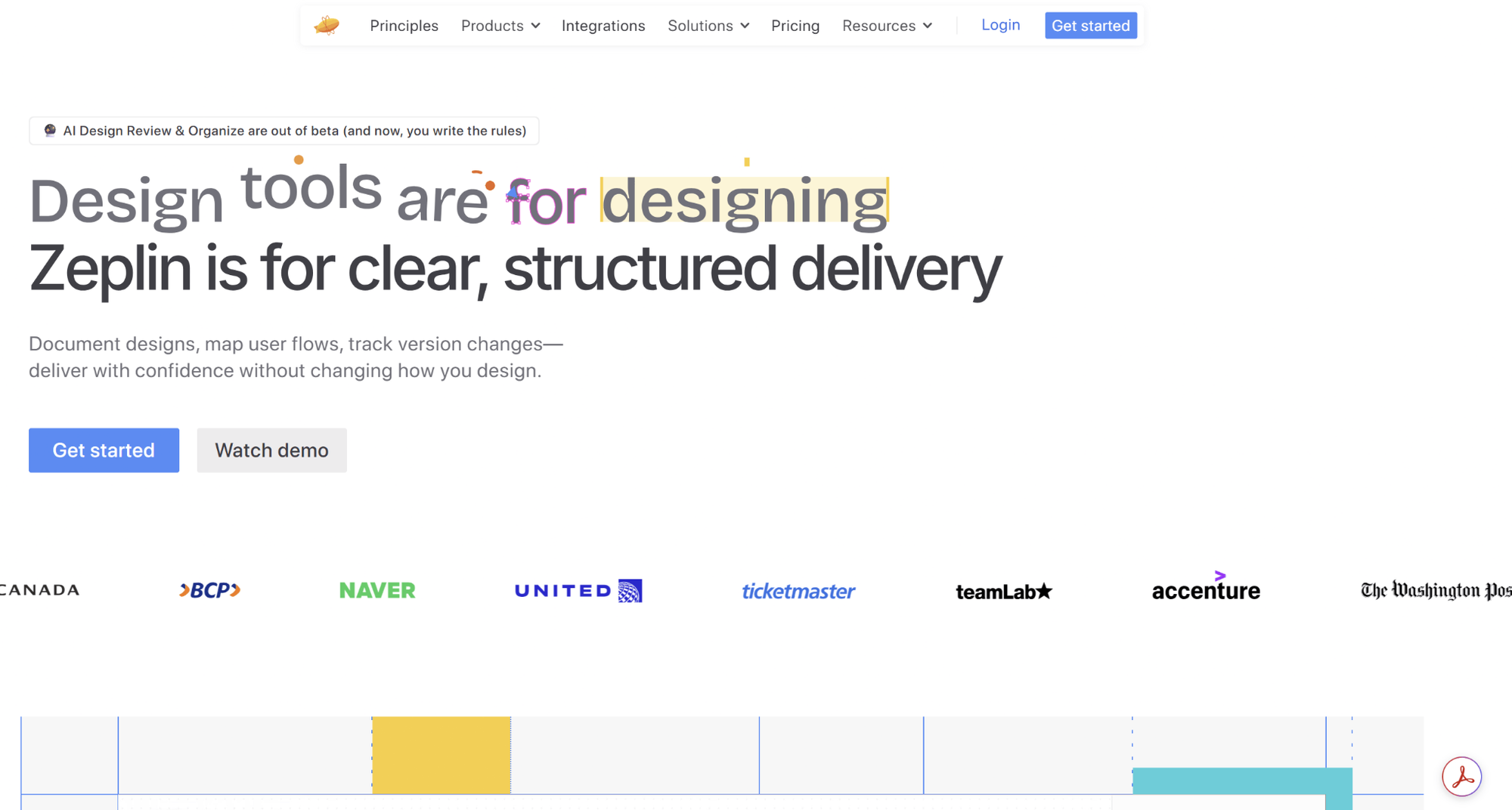
Zeplin is the standard hand-off tool: export finished designs, generate style guide specs, get measurements and spacing values, export icons, and add diagrams and annotations. It links your design components to real code and connects directly with Slack and Jira.
There's no AI generation, and that's intentional. Zeplin is built for teams that need every screen executed with a crystal-clear spec.
Free tier available, with paid plans per seat.
Go back to the input question. If you need production-ready code from a prompt, Flowstep is the only tool where the clean code and the editable canvas with Figma copy&paste are one artifact. If you start with a finished Figma file, use Anima or Locofy for simple conversions, and Builder.io if you need this at scale. Build the entire app with v0 if you need React components, Bolt if you prefer more developer autonomy, and Lovable if you’re a non-developer. If you write your own code, use Figma Dev mode and an MCP server, or use Zeplin for design specs.
As a developer or designer, start with Flowstep. Describe your UI, export code, and decide whether the design-to-code problem was ever an issue to begin with.
It depends on your input. If it’s a prompt, use Flowstep. If it’s a Figma file, use Anima, Locofy or Builder.io. If you’re building a complete app, use v0, Bolt or Lovable. If you want to get only specifications, use Figma Dev Mode or Zeplin.
Yes, two ways are involved. The designers use converters, such as Anima and Locofy, to export code directly from the design file. Alternatively, they plug the Figma MCP server into a coding assistant like Claude Code or Cursor, which then provides real-time context to help it generate code that aligns with their actual codebase. Either way, edge cases and responsive behavior still need review.
Design-to-code tools generate the code, while design handoff tools will generate the spec: the tokens, spacing, and measurements, and the developer or agent writes the code. Handoff wins when code standards are more important than speed, and design-to-code generation wins when speed is more important than code standards.
It depends on the tool. Output that uses real component libraries (Flowstep and v0 generate shadcn/ui-based React) is often far closer to mergeable than plain HTML/CSS.