Review of Sketch: Pricing, Pros, Cons and Whether It's Still Worth It
Evaluating Sketch pricing for your team? This Sketch review covers exact costs, capabilities, pros and cons, and whether it's still worth it in 2026.
Discover the best AI tools for designers [2026], including Flowstep, Figma Make and 8 more top picks to speed up your UI/UX workflow and create better designs faster.
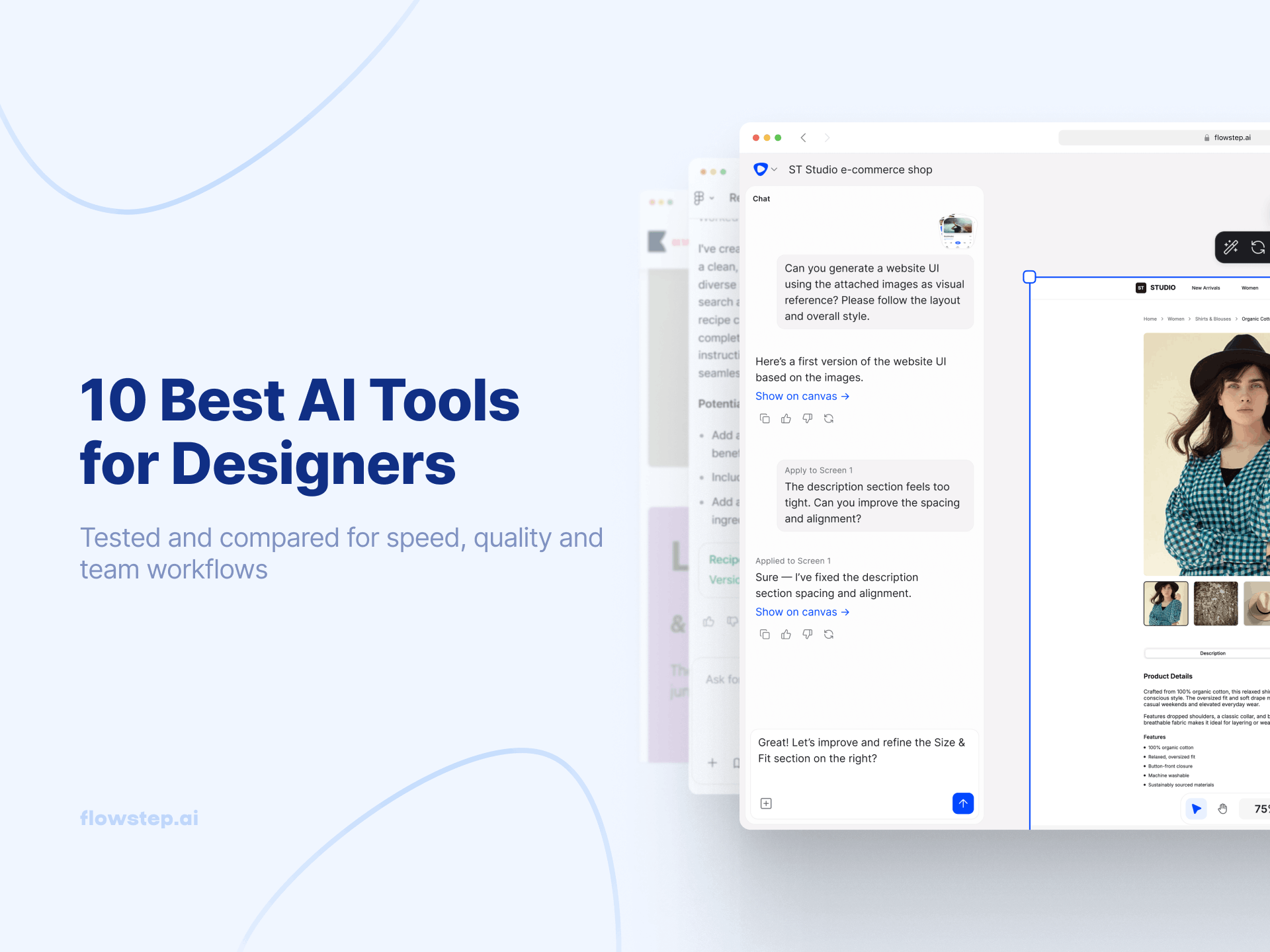
Most designers spend countless hours staring at blank canvases when they could be brainstorming, experimenting, collaborating and refining. The real work happens when you're mixing ideas, not wrestling with creative blocks. These best AI tools for designers in 2026 can help.
89% of designers say artificial intelligence has improved their workflow—whether by idea exploration, speeding up user research, generating content or vibe-coding prototypes. This production-grade technology enables designers to move from design concepts to rapid prototyping faster than you can say "Photoshop".
We've tested ten tools to see which one delivers real value, which one integrates smoothly into your existing workflow, and which one might replace other tools in your stack, eliminating tool fatigue. You'll find everything from UI generators to color palette AI to full design assistants, including:
Let's explore!
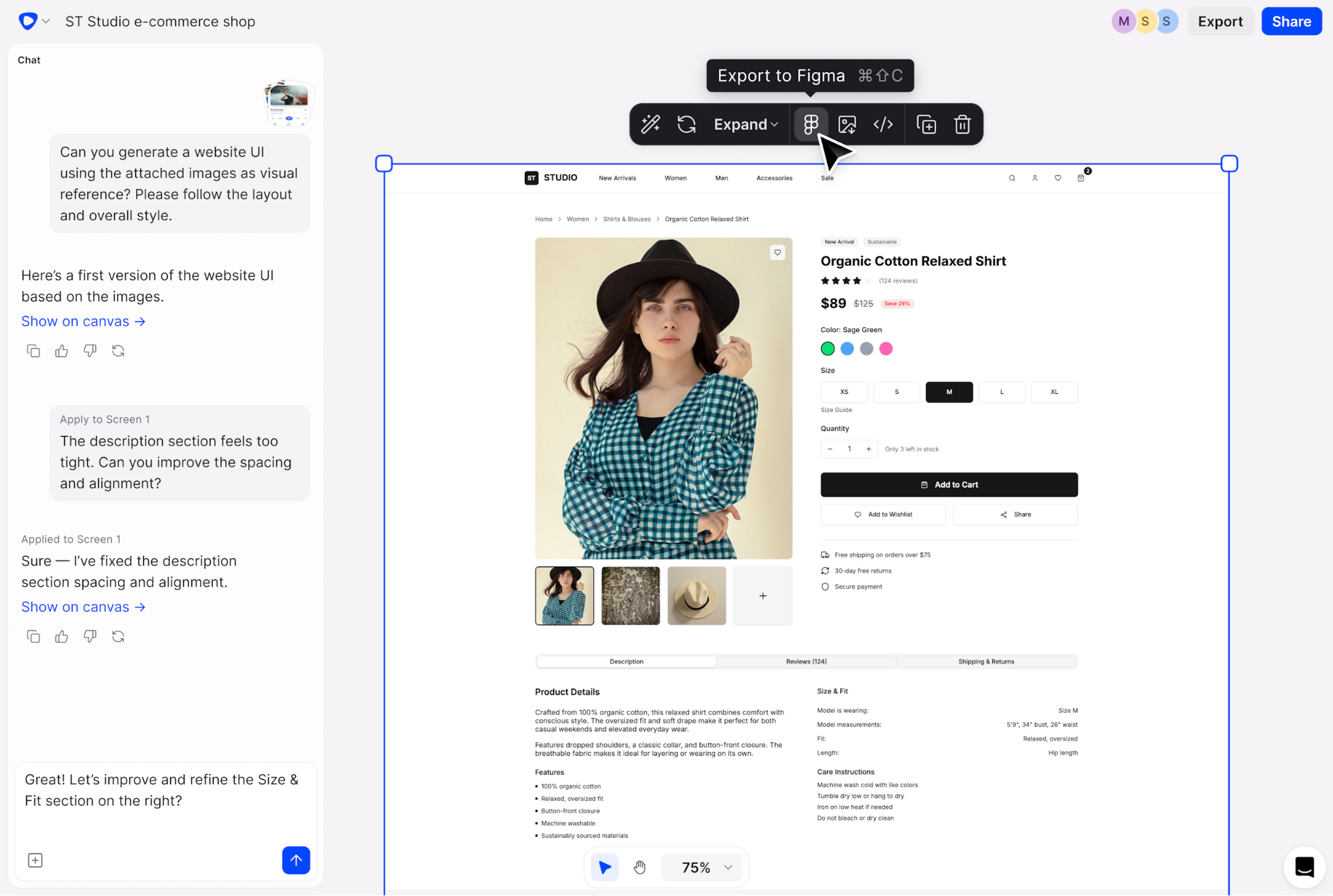
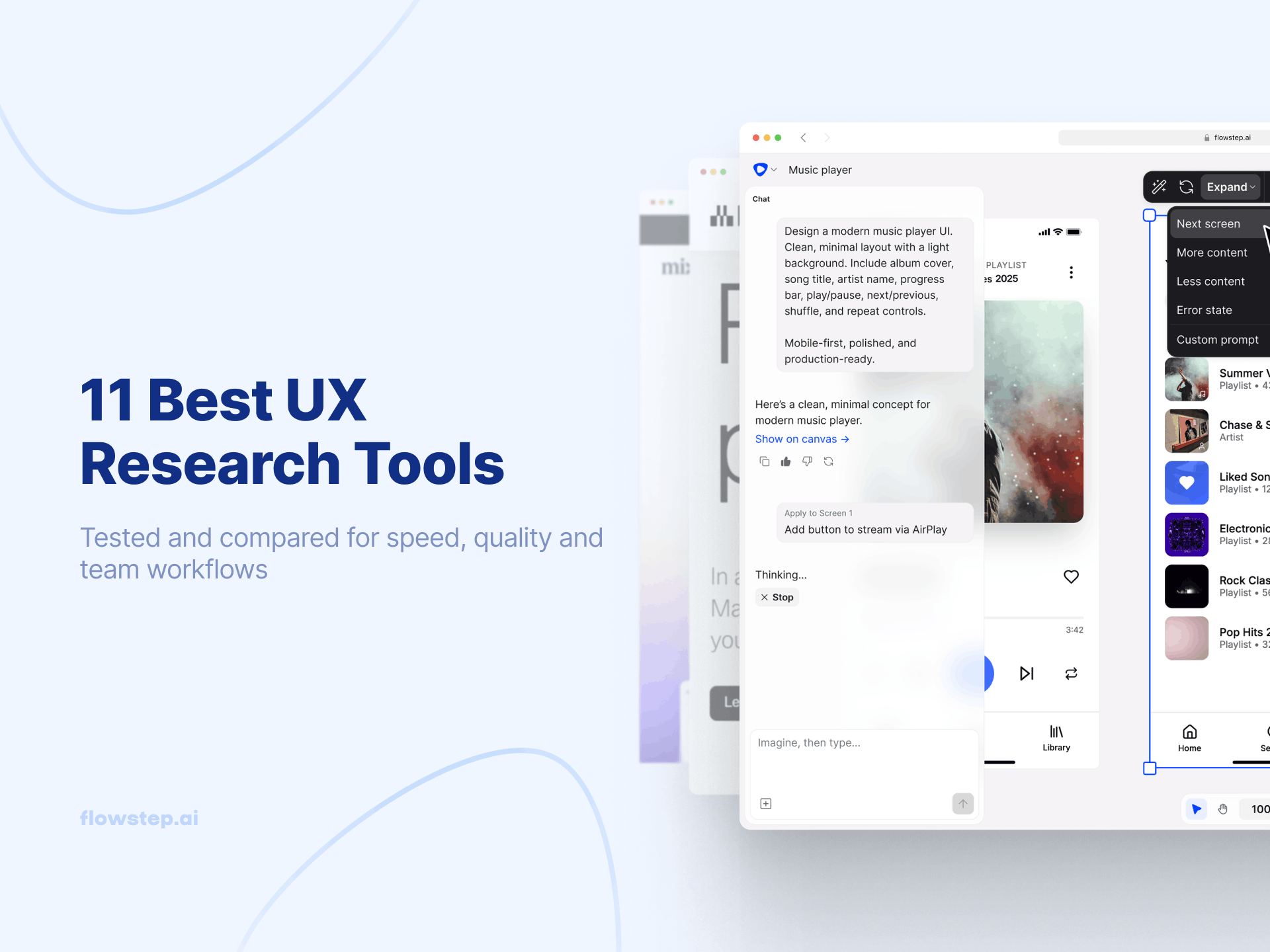
Flowstep turns your ideas into ready-to-use graphics and editable user interfaces in seconds. You describe what you want like you're brainstorming with your team, and it appears on an infinite canvas with multiple customizable screens.
We made this tool in response to frustration with traditional design tools that slow teams down. Flowstep fits how product teams think and work, removing technical constraints from the creative process.
You can generate multiple screens at once (e.g. login, dashboard, profile), edit with AI or manually, and copy designs straight into Figma using ⌘C and ⌘V, layers intact. When you're ready to ship, just export the designs as code as React, TypeScript and Tailwind CSS.
Flowstep offers a free plan to start. Paid plans provide more generation capacity and advanced features, starting from $15/month, with 20% for annual billing.
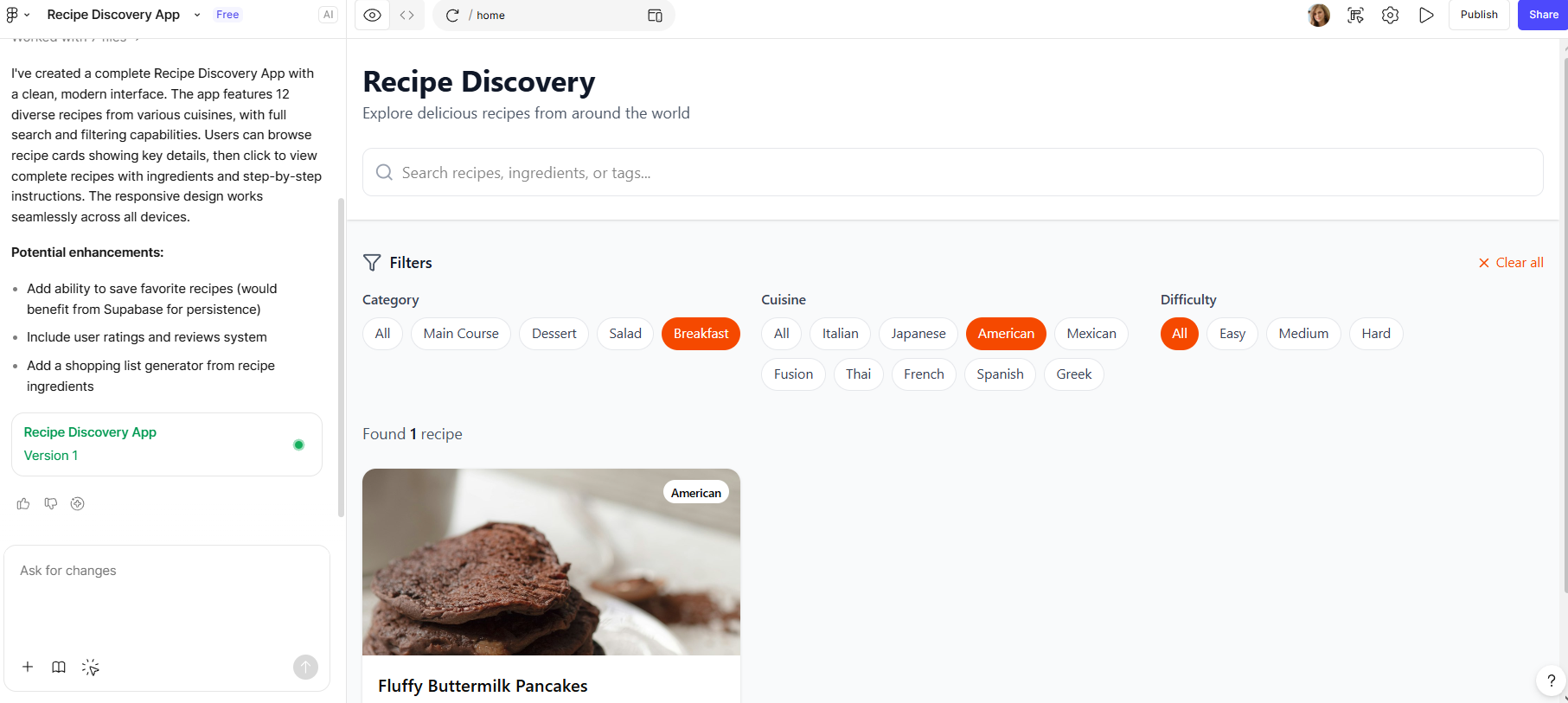
Figma Make brings AI directly into the design tool.
You can import design tokens from your existing libraries to maintain brand consistency, then generate screens that follow your design system. It connects to Supabase for backend integration when you need richer prototypes.
What we've noticed: Make works better when you're building on existing designs than starting from scratch. The AI understands your UI components and reuses your patterns. You can also export everything as design layers to continue iterating in Figma Design.
Want to explore other options? Read our guide on the best AI UI design tools.
Figma Make uses a credit system. It's only included in the Full Figma package, which starts from $20/month. Free users get limited credits.
For teams looking for alternatives, check out our guide on Figma Make alternatives and Figma Make pricing detailed breakdown.
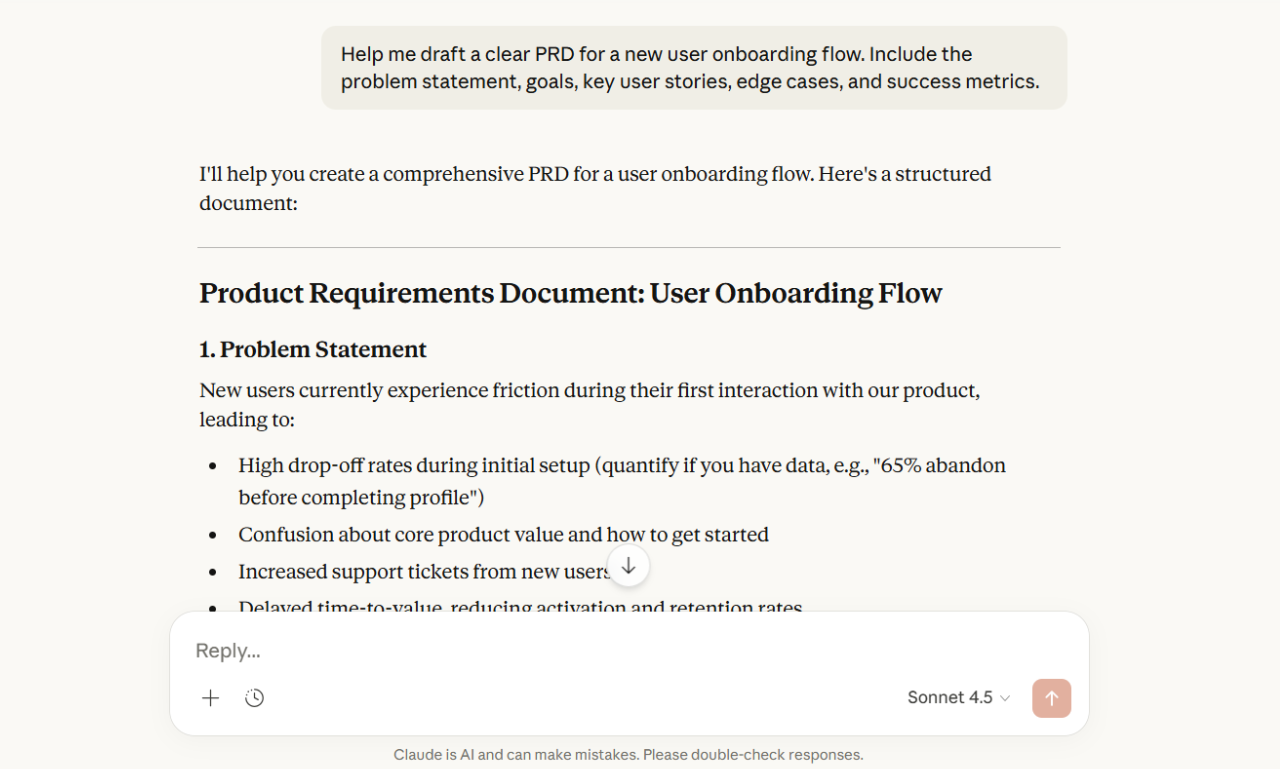
Claude is Anthropic's AI assistant, and one of the most useful tools in a designer's workflow—not for generating visuals, but pretty much for everything else. It's the tool you open when you need to write a tight UX copy brief, generate a set of realistic user personas, pressure-test your information architecture, or draft a product requirements document.
Claude handles nuanced, context-rich requests well. You can paste in a design brief and ask it to identify usability risks, or describe a user flow and get back a structured accessibility audit.
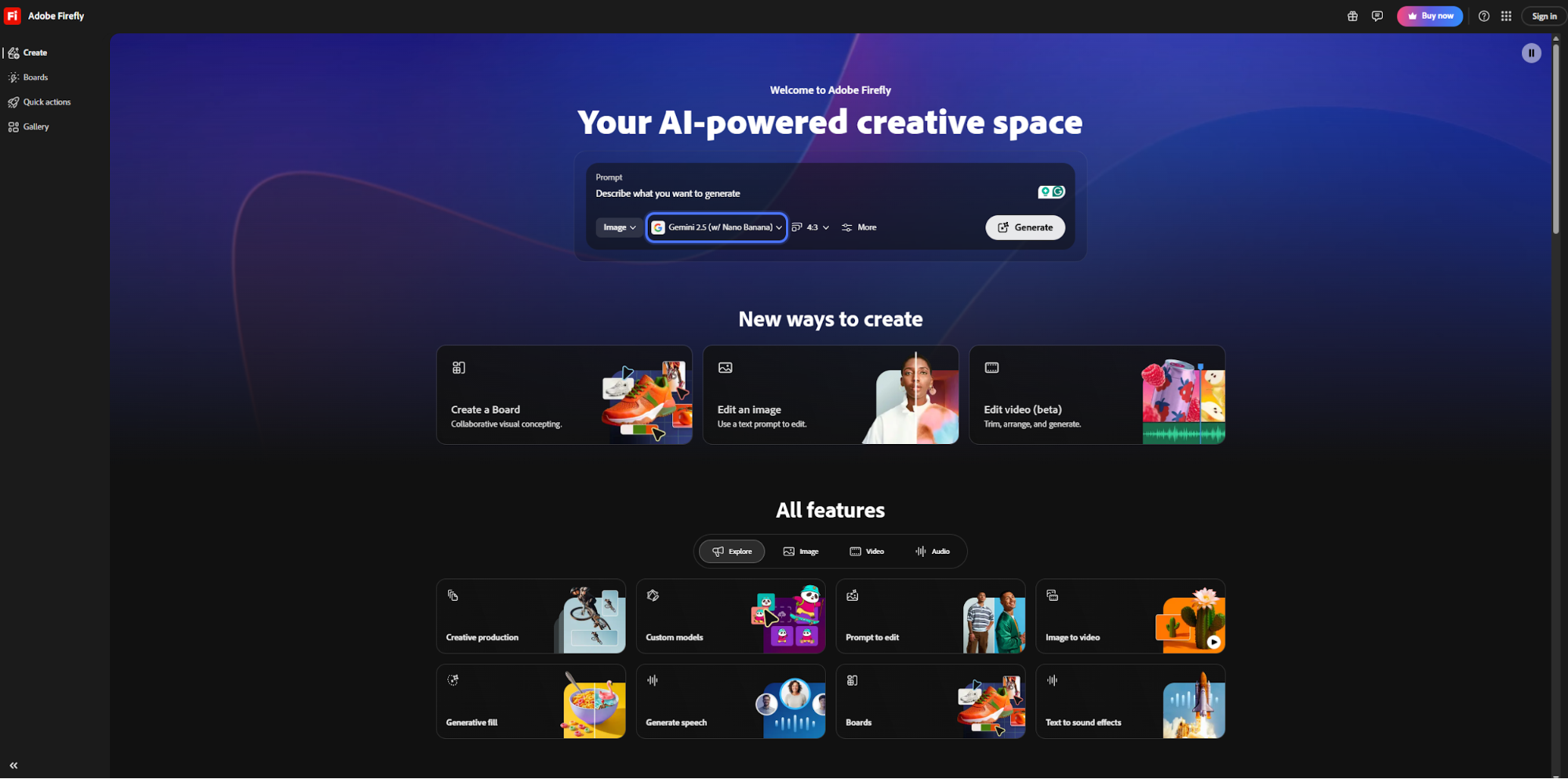
If you're already using Photoshop, Illustrator or Premiere, Firefly integrates well into your workflow.
The biggest selling point: commercial safety. Adobe trained Firefly on licensed content from Adobe Stock and public domain images, which means you can use generated images for client work and marketing materials without copyright concerns.
Firefly includes AI models beyond Adobe's own, including Runway, Flux and Google's Nano Banana. You can generate images, create videos, remove image backgrounds, upscale resolution and generate sound effects.
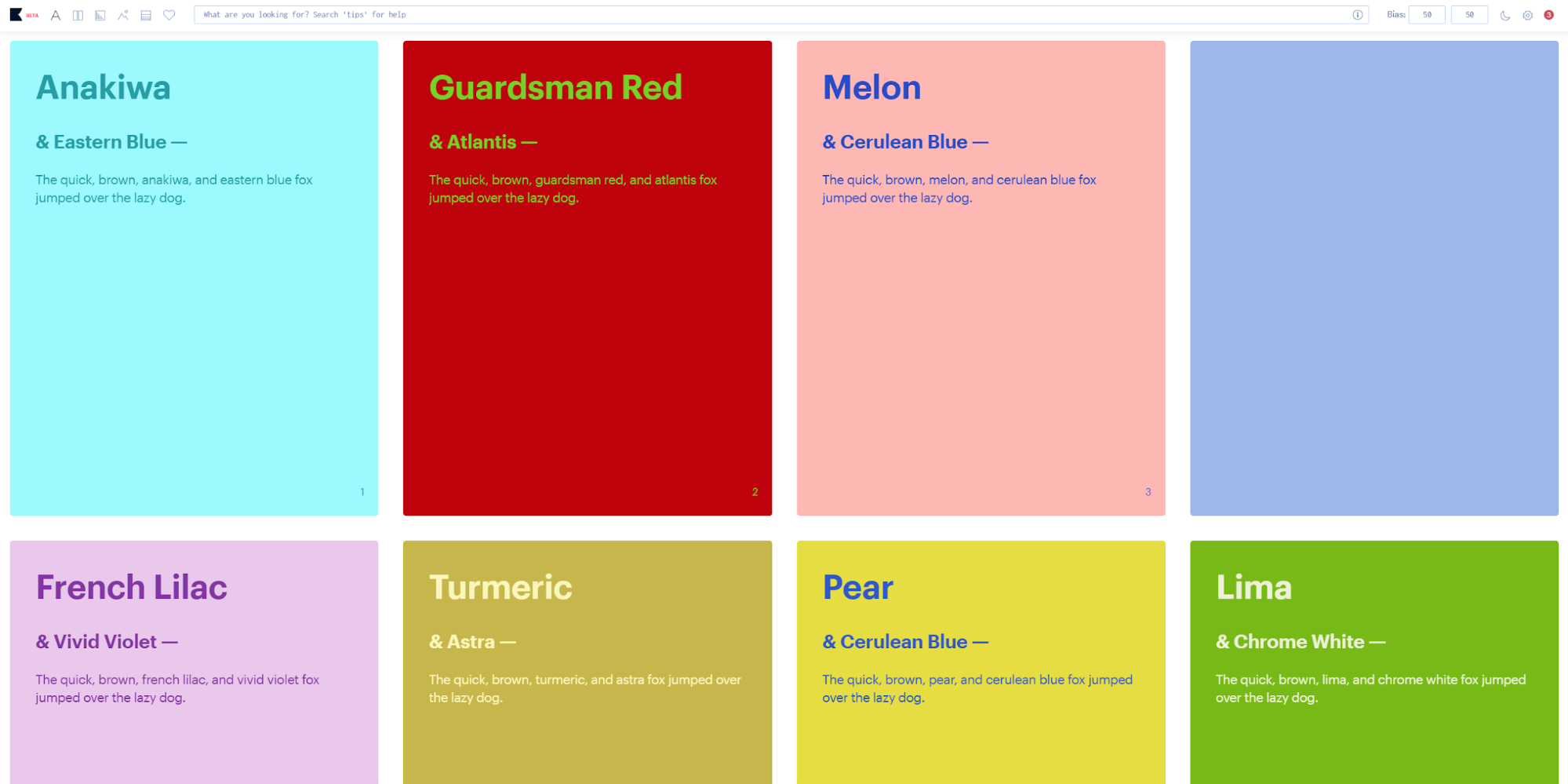
Khroma solves one specific task really well: finding color combinations you'll actually like. Train the AI by selecting colors you're drawn to, and it learns your preferences.
It uses a neural network to generate infinite color palettes based on human-made combinations. The tool predicts what you'll like based on your training session, helping other designers make better design decisions, too.
Each palette comes with color names, hex codes, RGB values, CSS code and WCAG accessibility ratings. You can view combinations as typography, gradients, full palettes or on custom images. The search function lets you filter by hue, tint, value or specific hex codes.
Khroma is completely free to use. No subscription required.
For more insights on color and design, explore the psychology behind effective UX.
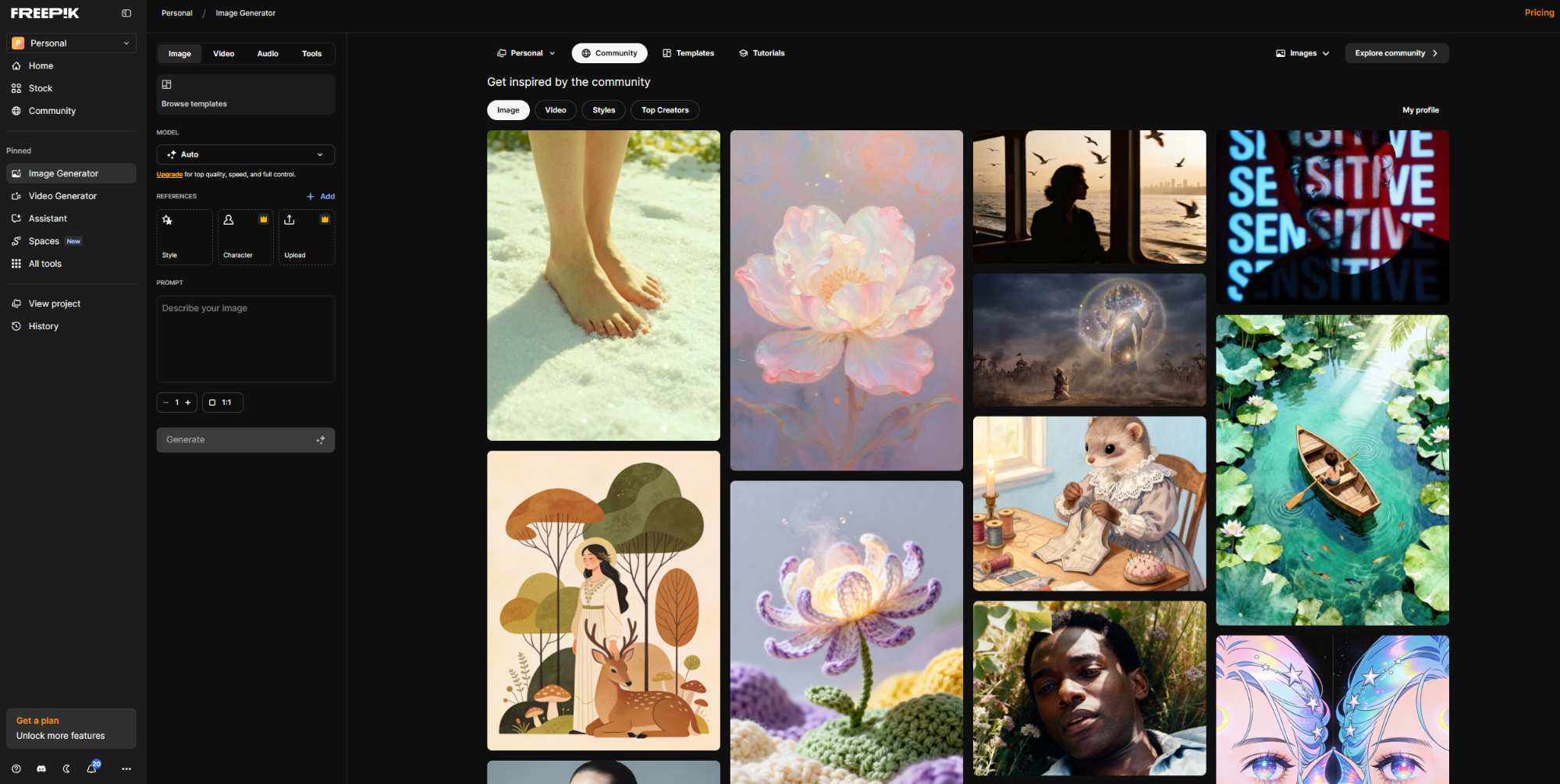
Freepik started as a stock library but evolved into a creative assistant. It includes AI tools for image, video and audio generation plus editing. Other tools include mockup generation, design editing, sketch-to-image and camera change.
The platform aggregates multiple AI models for different capabilities. You can upscale to 10K resolution, remove backgrounds or generate mockups from product photos.
It also has a useful asset library connection. Generate an AI image, then access templates, icons and design elements to build around it.
Freepik AI Suite has a free plan available with limited features. It also has Teams and Individual tiers with monthly or annual pricing. Premium+ offers unlimited generations.
Plans start from $9/month and reach $250/month, depending on features, models and credits needs. Enterprise option is also available.
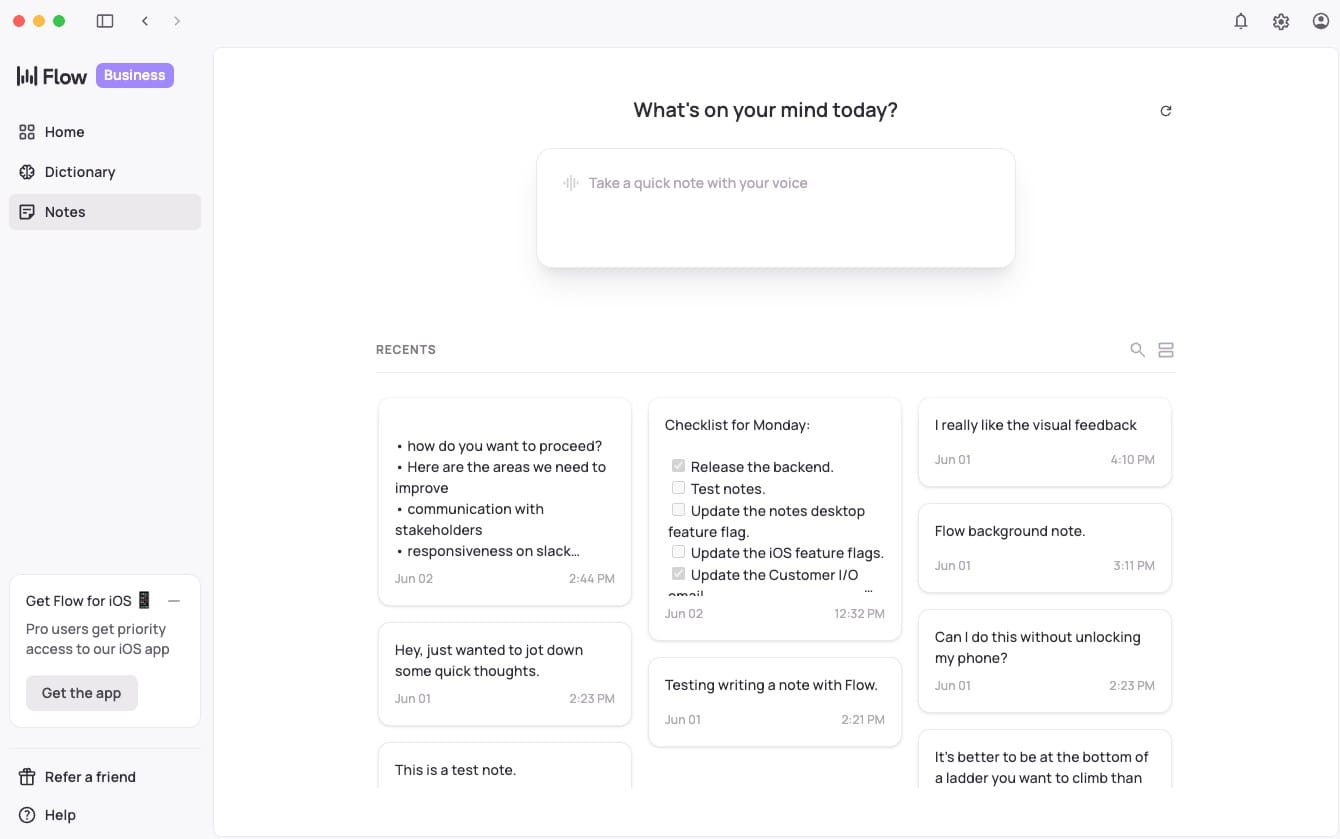
Wispr Flow is a voice dictation tool that works pretty much everywhere—not just in one app. It turns spoken words into text anywhere you can type, from Figma comments to Slack messages to Notion docs. For designers, the value is speed. Annotating a prototype, writing a design review comment, or drafting a handoff note are all faster when you speak, not type. Wispr Flow learns your vocabulary over time, including product names, design terminology and your team's internal language, so accuracy improves the more you use it. It also supports command mode, letting you navigate and edit by voice. Designers use it to trigger prompts in other AI tools.
Wispr Flow offers a free starting tier. Paid plans start at $15/month. An Enterprise plan with higher usage and dedicated support is also available.
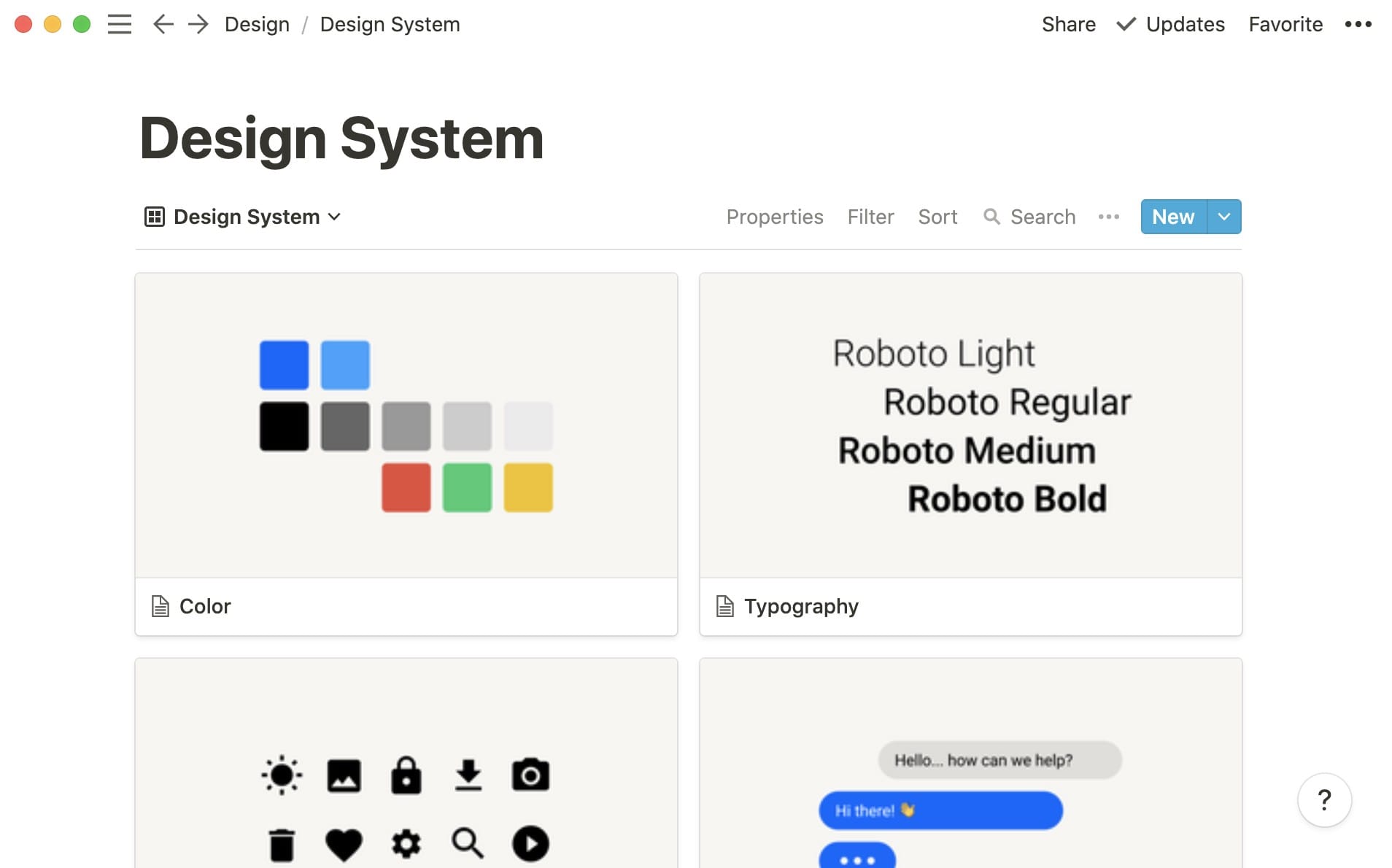
Notion evolved from a note-taking app into a full AI-powered workspace that design teams use to manage everything from project briefs to design system documentation. The AI layer sits inside the tool you're already using. You can ask it to summarize meeting notes, draft a design brief from bullet points, generate a competitive analysis table or write a job description for a new hire. It also helps clean up rough notes from user research sessions and turn them into structured insight reports. You can keep everything in one place: specs, briefs, changelogs, retrospectives, OKRs and design principles all stay searchable and connected.
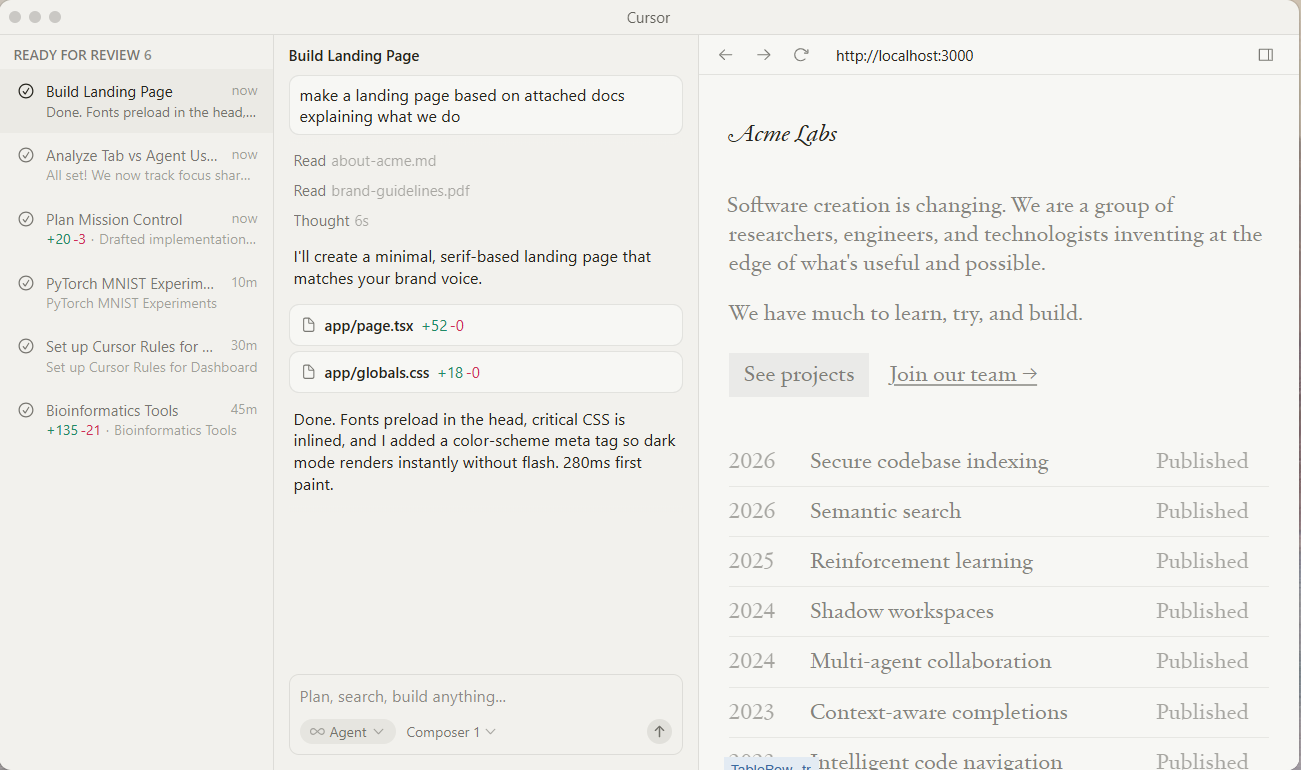
Cursor is an AI-powered code editor built on top of VS Code. It lets you build real, interactive prototypes in code without needing deep engineering expertise. The workflow goes like this: describe what you want in plain English, and Cursor writes or modifies the code. You can start from a Figma export, paste in a screenshot and ask Cursor to recreate it in React, or iterate on an existing component by chatting with the AI. It understands your full codebase, so suggestions are contextually relevant. Designers can create functional prototypes that engineers can actually build from, and developers can refine designs in code without starting from scratch.
Business plans are available: Teams ($40/user/month) adds collaboration, billing controls, analytics, RBAC, and SSO; Enterprise (custom). There’s also a paid Bugbot add-on.
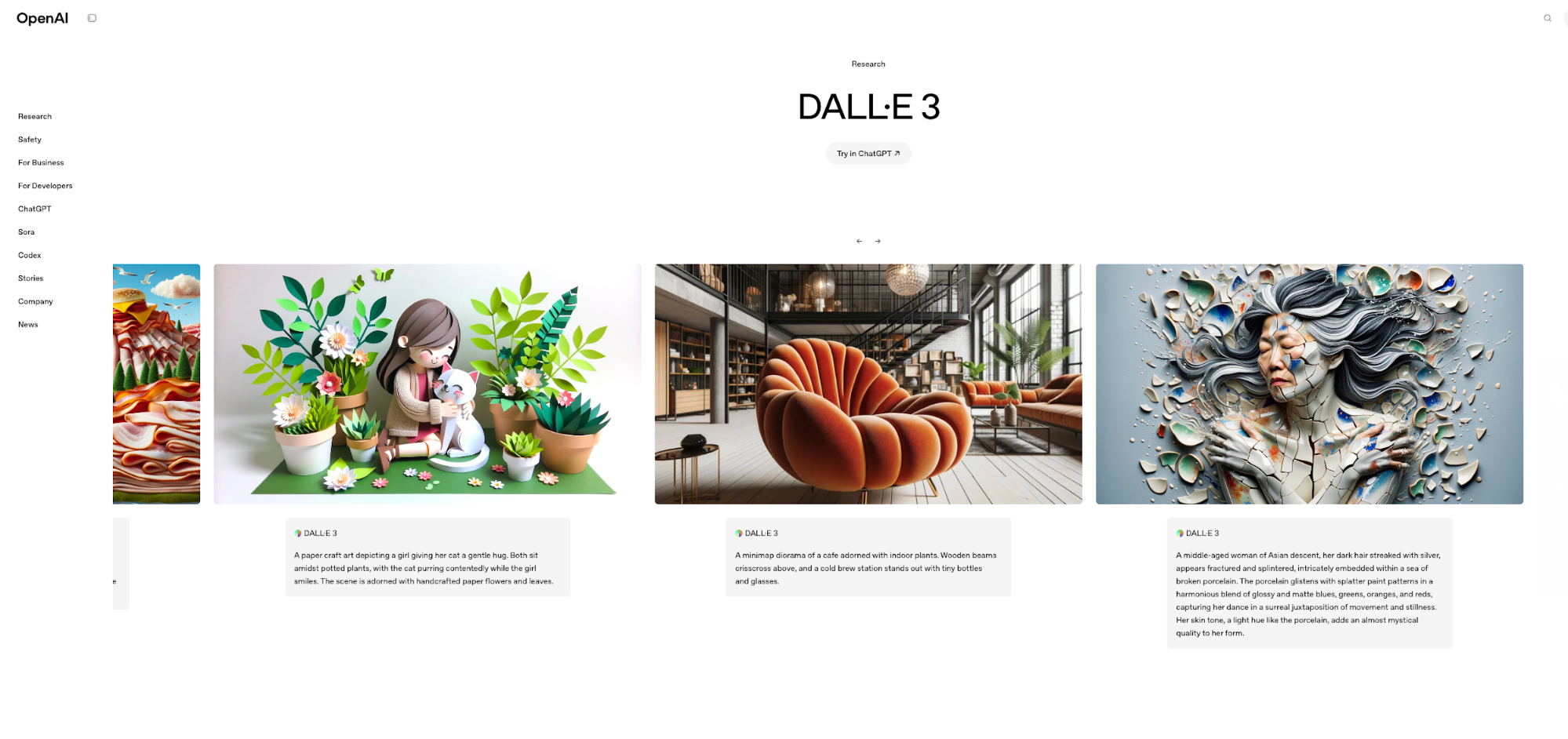
DALL-E 3 creates high-quality images from text descriptions, handles text within images, and produces photorealistic results for websites, documentation and presentations.
It's built on top of ChatGPT, which means it understands complex prompts and can refine images iteratively. You can ask it to make a circle bigger or change the typography style.
The tool is widely accessible—available through ChatGPT, Microsoft Copilot and various third-party platforms. It's commercially viable for most use cases, though you should check OpenAI's terms for specific projects.
Access through ChatGPT or via the OpenAI API. Some third-party platforms offer DALL-E 3 with different pricing models.
For more on creating better AI wireframes and writing effective wireframe AI prompts, explore our guides.
AI design tools work best when they remove friction without removing your creative control. Flowstep does this especially well—generates real UI in seconds, lets you edit with AI or manually, and exports clean, editable Figma layers or code when you're ready to ship.
Even non-designers can use Flowstep because of its simplicity. Product managers use this tool to brainstorm and visualize ideas. Designers can explore concepts faster and spend more time on refinement. Developers can start from visuals and get code that doesn't need heavy cleanup.
When you need to move fast, Flowstep generates entire flows in one go—login screens, dashboards, settings pages, whatever you need.
Start designing with Flowstep for free →
No. AI tools handle repetitive tasks and generate starting points, but they don't know user needs, business goals and brand nuance. These tools are assistants, not replacements. Design still requires human judgment, creativity and strategic thinking that AI can't replicate.
For teams that need to go from idea to production-ready UI fast, Flowstep. It combines speed, seamless Figma integration, and clean code export in one tool. Beyond that, Figma Make excels at prototyping, Freepik at image generation, and Khroma at color palettes. Most designers use a combination of tools today.
AI image generators like DALL-E and Adobe Firefly create standalone graphics. AI UI design tools like Flowstep or Figma Make create complete interface layouts with proper structure, components, and code, for complete interactive experiences. UI tools understand design systems, user flows and screen relationships. Image generators focus only on visual content.
Usually, yes—but check the specific tool's terms. Some may have explicit commercial licensing and indemnification for enterprise users. Flowstep and most UI tools allow commercial use. Copyright law around AI-generated content is still evolving, so document your creative process and verify terms before using AI designs in sensitive projects. When in doubt, consult your legal team.