12 Best AI Tools for Designers: 2026 Top Picks
Discover the best AI tools for designers [2026], including Flowstep, Figma Make and more top picks to speed up your UI/UX workflow and create better designs faster.
Adobe XD is in maintenance mode. Compare 8 Adobe XD alternatives, including Flowstep, Figma, Sketch, and more, to migrate off XD in 2026.
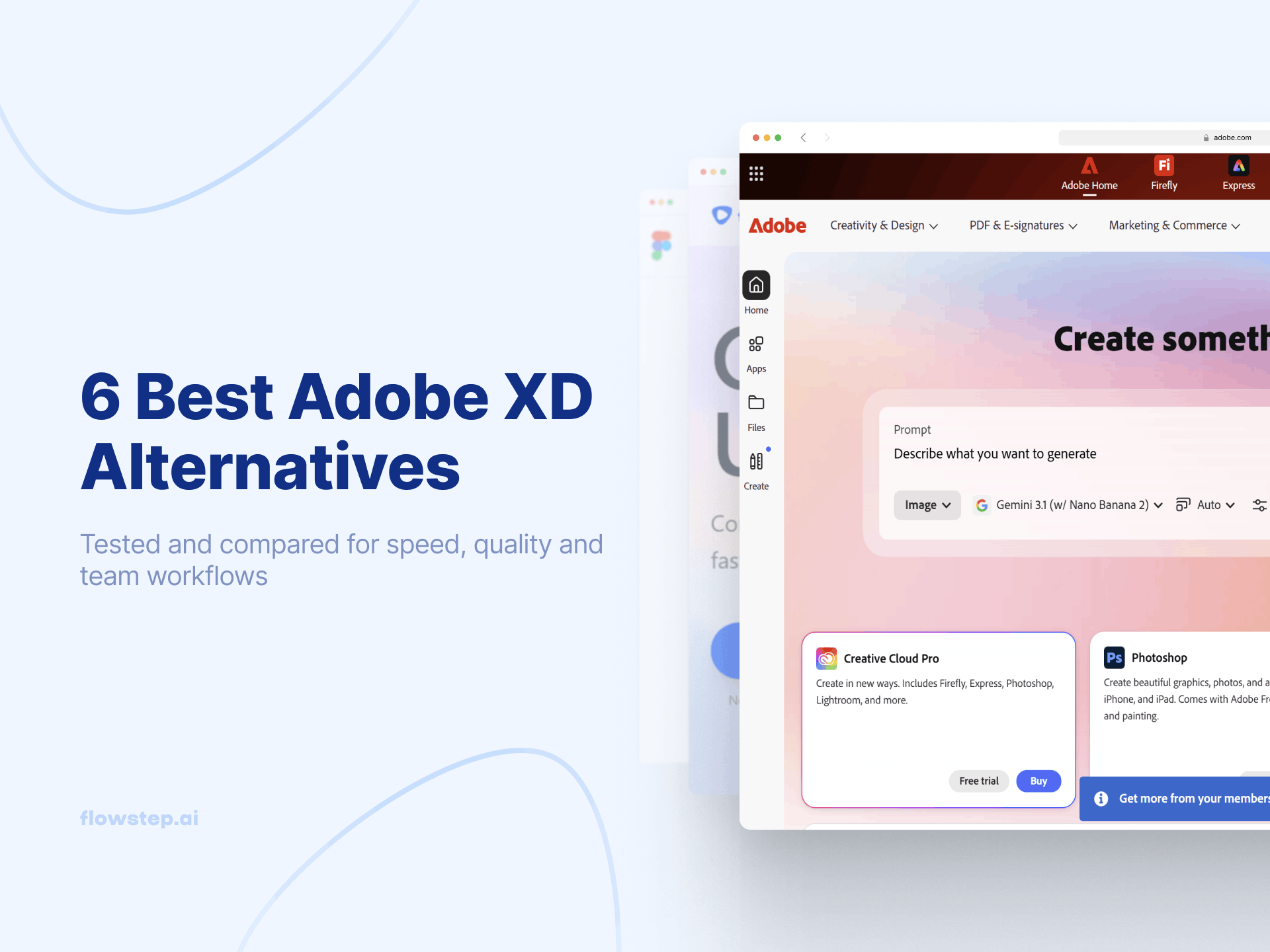
Adobe XD has been in maintenance mode since 2024, with no new features, no roadmap, and no future. Adobe confirmed it will not invest further after its failed Figma acquisition collapsed in late 2023. XD is no longer sold as a standalone app; new users can only access it through Creative Cloud Pro at $69.99/month.
Most "best Adobe XD alternative" articles point you to Figma or Sketch—tools that replicate the same blank-canvas workflow. That is one option. But if you are switching anyway, it is worth asking whether you want the same manual design process or a faster one. A new wave of AI-powered tools can generate polished UI from text prompts, no empty artboards. Here are 8 Adobe XD alternatives worth your attention in 2026, starting with Flowstep.
Switching from Adobe XD is not a preference anymore—it is a necessity for any web designers, graphic designers, or product teams who want a supported design tool. Other tools have matured fast, and similar tools now offer a design handoff flow XD never matched:
The XD alternative options fall into two camps. Traditional design tools that replicate XD's manual approach—Figma, Sketch, Penpot. And AI-powered design tools that skip the blank canvas entirely—Flowstep, Google Stitch, Paper. Our roundup of the best AI design tools and best AI UI design tools covers more context.
Quick comparison before we go deep:
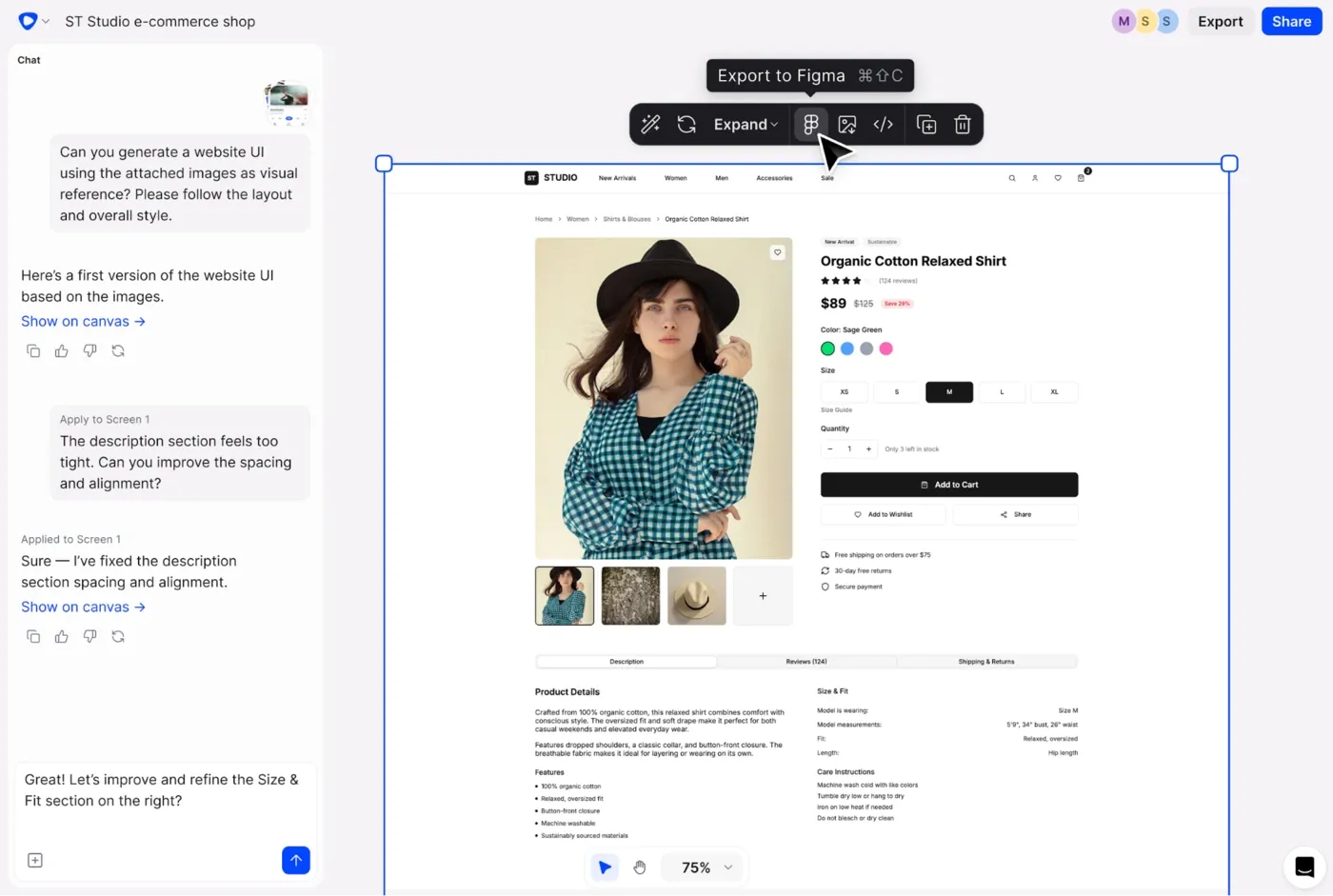
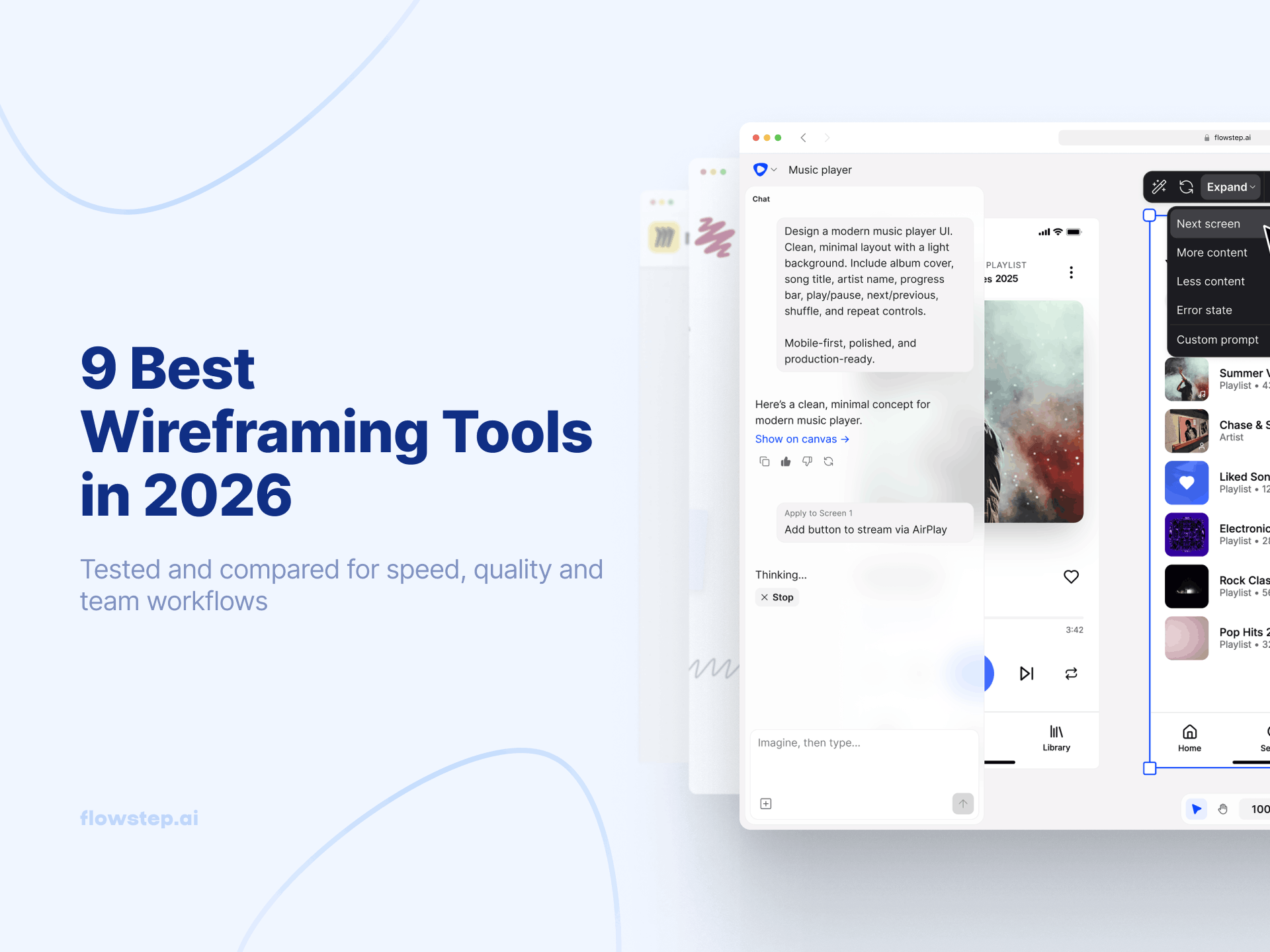
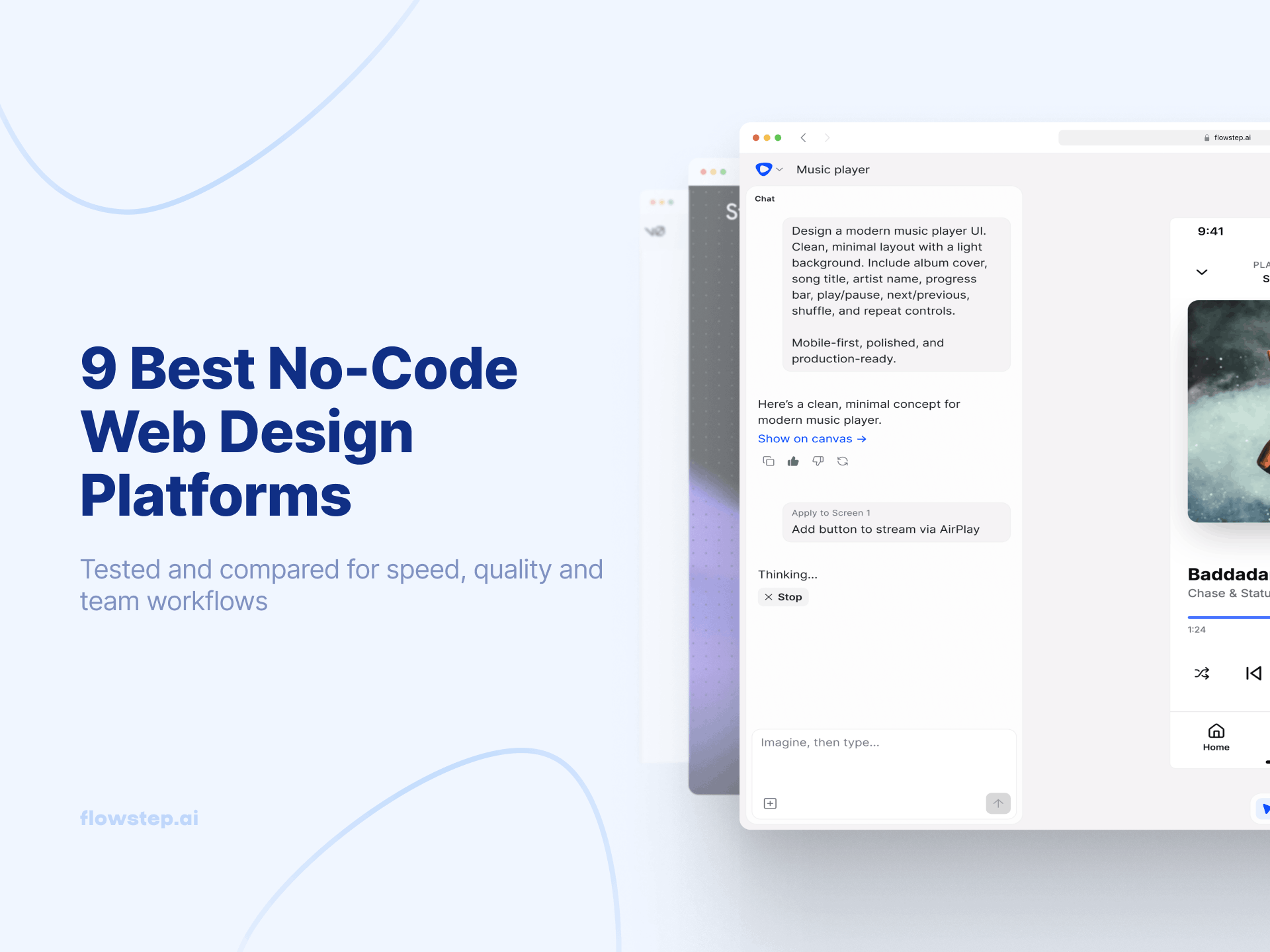
Flowstep is an AI-powered design tool made for rapid prototyping. Instead of dragging rectangles around a canvas the way Adobe XD trained you to, you describe what you want in plain text, and Flowstep produces polished, editable UI on an infinite canvas. Not another blank artboard, but a tool that eliminates the slowest part of the design process.
Describe a full flow (onboarding, dashboard, settings, profile) and get those screens as reusable components in one generation. Attach a PRD, paste a URL, or upload a reference image. Edit with AI or manually. When you need to move to Figma, press ⌘C in Flowstep and ⌘V in Figma, no plugin, no third-party plugins, no cleanup. More in our design prompts guide.
Flowstep runs in any browser, so Mac and Windows users work on the same project with real-time collaboration and live cursors. Multiple users can edit and share designs without data loss. It saves time for teams who used to lose hours drawing wireframes in XD. Export production-ready React, TypeScript, and Tailwind CSS—a complete handoff between design and development with no translation step.
Flowstep offers a free version with core features and unlimited collaborators. Starter is $15/month ($12/month annually) with unlimited projects. Growth is $29/month, Pro is $99/month. Pricing is based on AI messages, not per-seat.
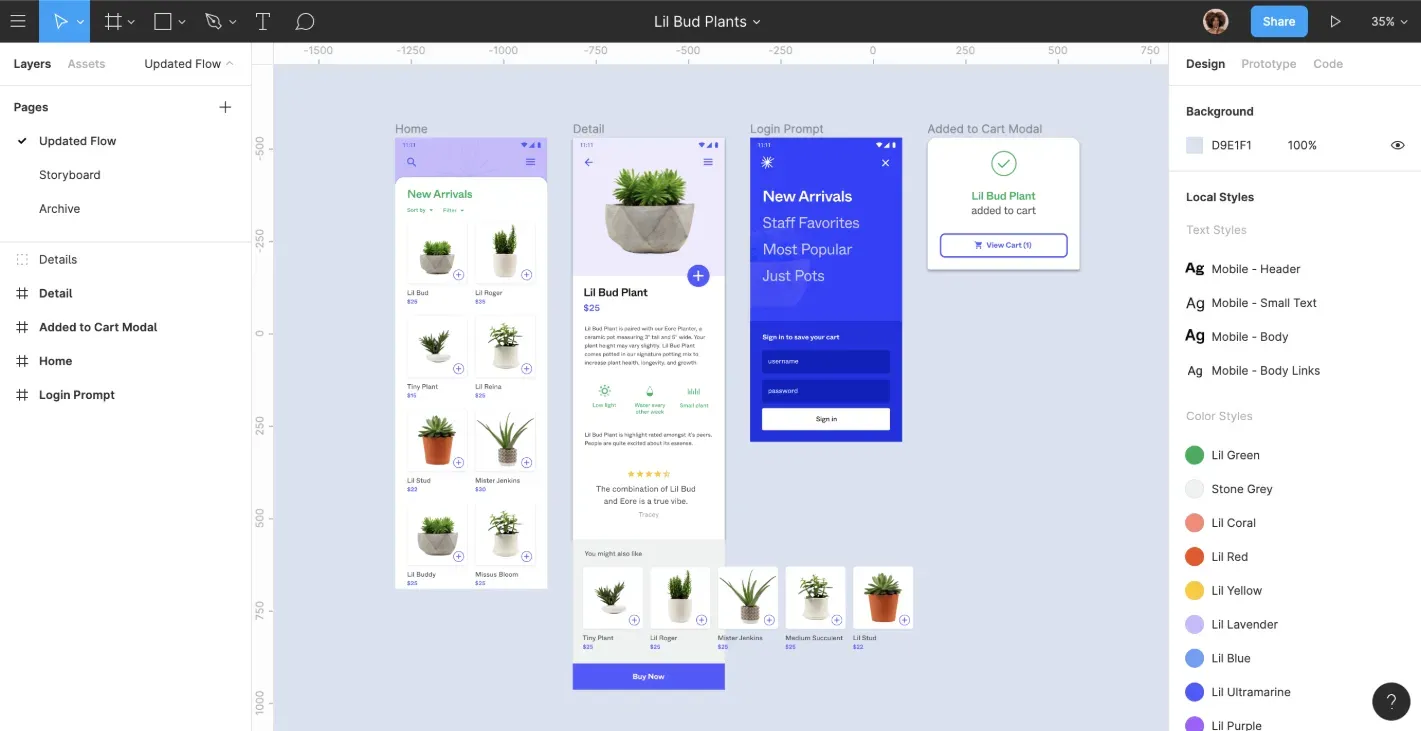
Figma is the obvious Adobe XD competitor and the tool most XD users are already migrating to. Browser-based, works on any operating system, with real-time collaboration, team collaboration, and dev mode for developer handoff. Figma has an XD file importer that handles basic design files cleanly: complex prototypes still need manual work.
As a direct Adobe XD replacement, Figma covers everything XD did: auto-layout, components, variants, design systems, version history, and an extensive library of third-party plugins. Figma Make generates UI from prompts. Dev Mode preserves design details for engineers. The trade-off: pricing scales quickly with team size.
Free Starter plan with 3 files per team and 500 AI credits/month. Professional is $15/seat/month annually for Full seats, $12 for Dev seats, and $3 for Collab seats. Organization is $55/Full seat/month. More in our Figma alternatives guide.
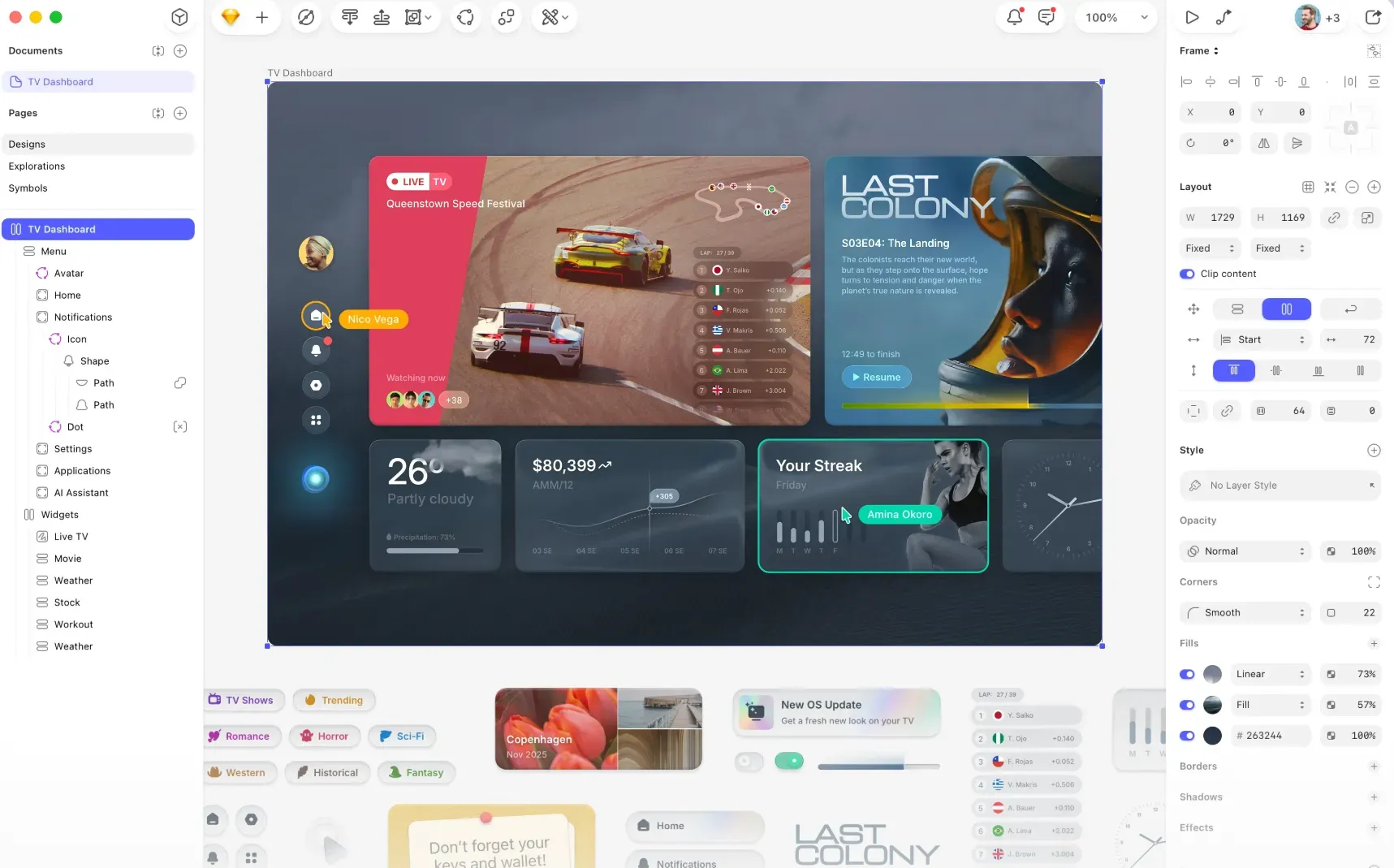
Sketch is the original modern UI design tool and one of the oldest Adobe XD alternatives. Mac-only, with strong vector tools, a mature plugin ecosystem, and native macOS performance that feels snappier than browser-based options. Sketch shipped three major updates in 2025: Athens, Barcelona, and Copenhagen, adding Stacks (auto-layout), glass effects, and a redesigned Inspector.
Sketch has real-time collaboration and a web-based tool for non-Mac teammates to view and inspect, though editing still requires macOS. For Mac-first teams coming from Adobe XD, Sketch is a solid landing spot. See our Sketch alternative guide.
Standard plan at $12/editor/month (annual), $22/editor/month on Professional, $44/editor/month on Enterprise. Free viewer seats across all plans. An affordable option compared to a full Creative Cloud subscription.
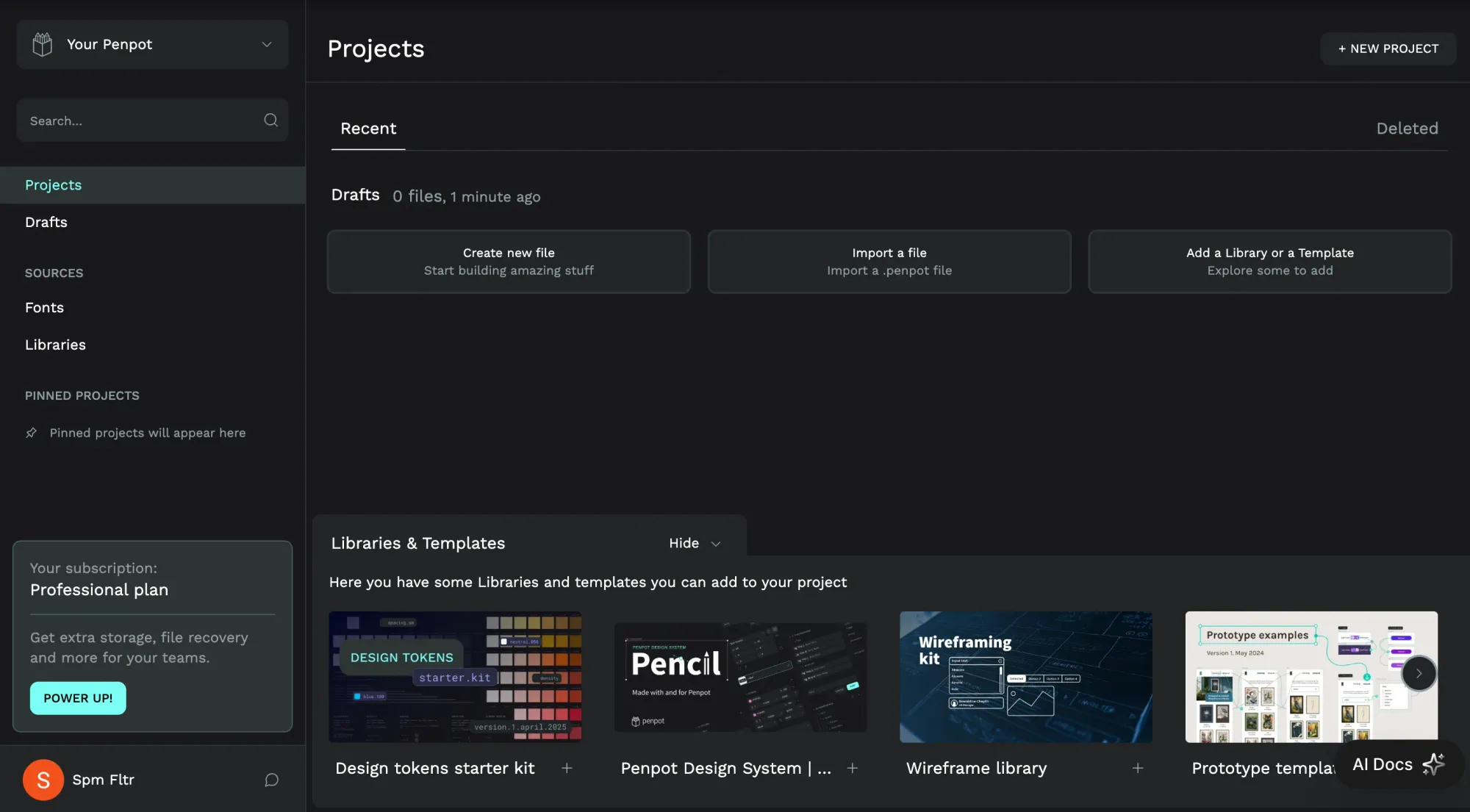
Penpot is the open source Adobe XD alternative—free forever, with no vendor lock-in. Browser-based, supports real-time collaboration, runs on open web standards, and can be self-hosted. After watching Adobe abandon XD, a lot of teams are skeptical of platform lock-in. Penpot answers that directly—you own your data. It is the only mainstream design tool with native design tokens as a first-class feature. Less polished than Figma or Sketch, but improving fast.
Free Professional plan at $0/user/month, Unlimited plan at $7/user/month, Enterprise at $950/month, and Private Server at $50k/year. 14-day free trial available for paid tiers. All plans include the same core features, making entry accessible with scalable upgrade options.
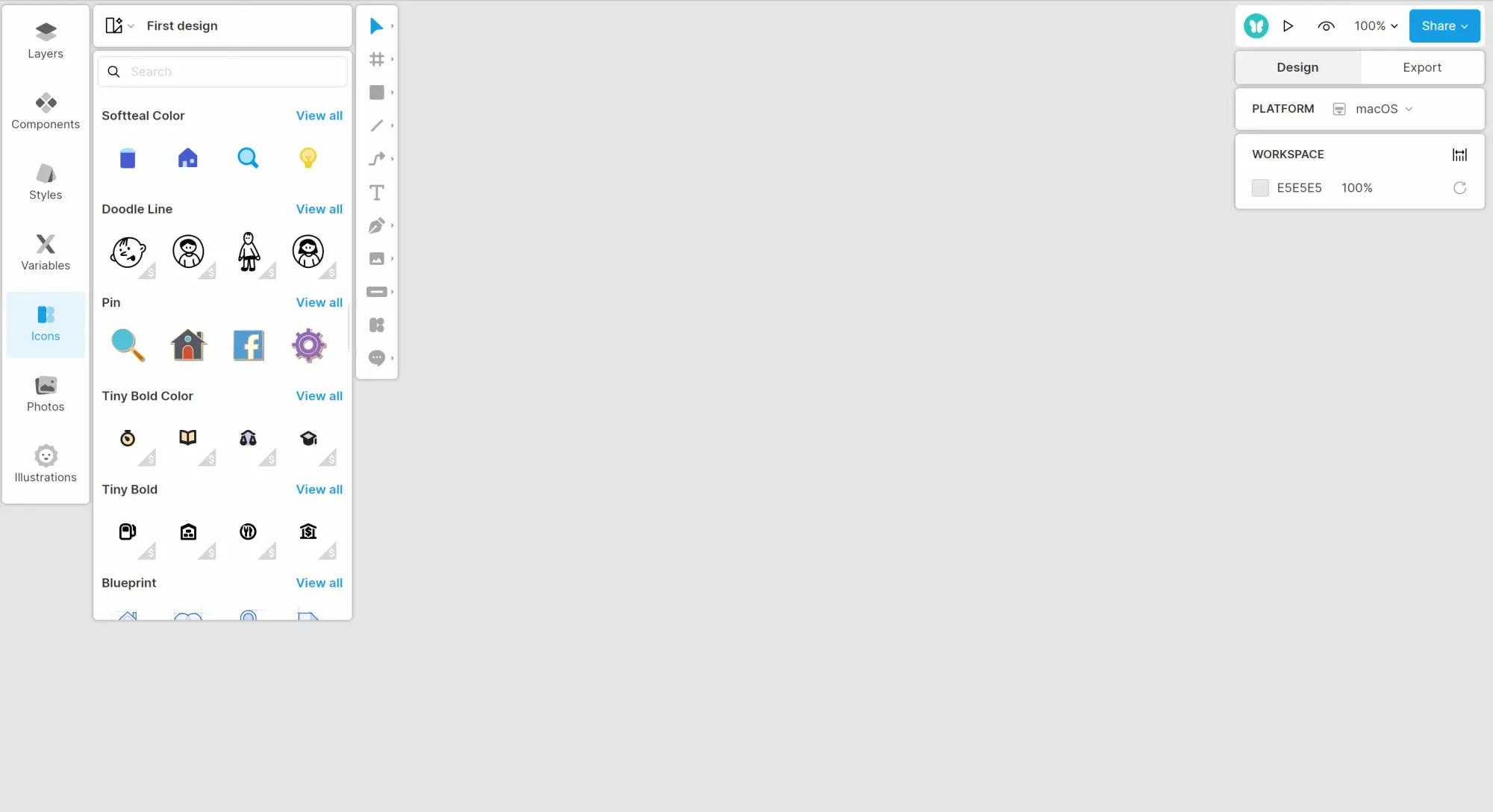
Lunacy by Icons8 is one of the known Adobe XD alternatives for Windows users. A native desktop app for Windows, Mac, and Linux that opens and edits Sketch files natively. Runs fast on modest hardware, works without an internet connection, and bundles a large, extensive library of icons, illustrations, and photos through Icons8. Real-time collaboration runs through Lunacy Cloud with up to 10 simultaneous editors. The ceiling: less polished than Figma, and Icons8 assets require attribution on the free tier.
Completely free for personal and commercial use. Paid Icons8 subscription removes attribution requirements and adds extra cloud storage.
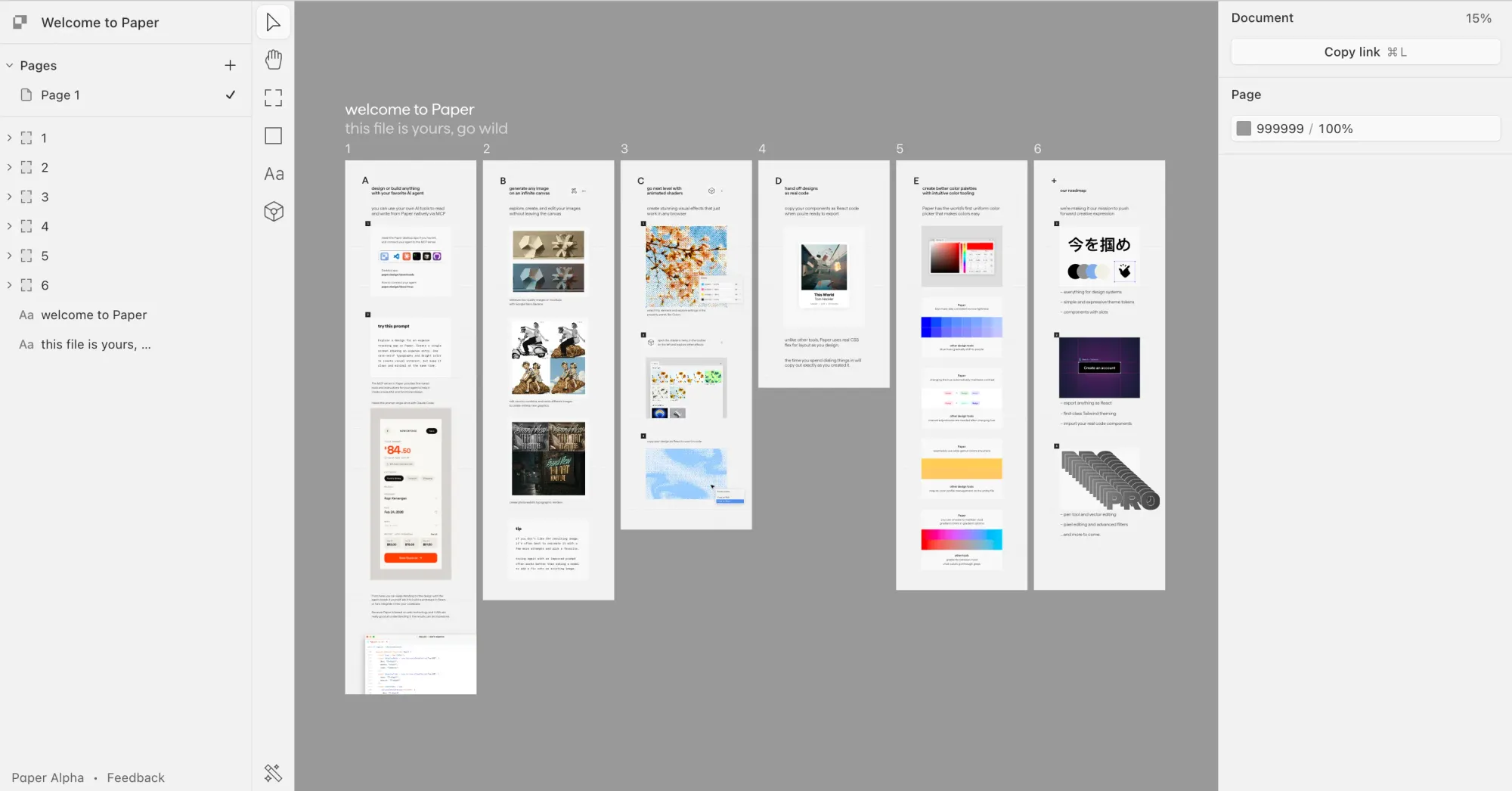
Paper is a code-native design tool for the AI era. Every element you draw on the canvas is rendered as real HTML and CSS, so designs export as working code without a translation step, currently in open alpha, with a desktop app and MCP server. The MCP server turns your canvas into a shared layer that Claude Code, Cursor, or any MCP-compatible agent can read from and write to. Designers build visually, agents pull code. The standout feature is Paper Shaders—GPU-accelerated animated effects that export directly as code.
Free tier with 100 MCP calls/week and basic features. Pro is $16/month or $144/year with 1M MCP calls/week, 100x more image generation, video export, and unlimited collaboration files. Organizations plan to come soon.
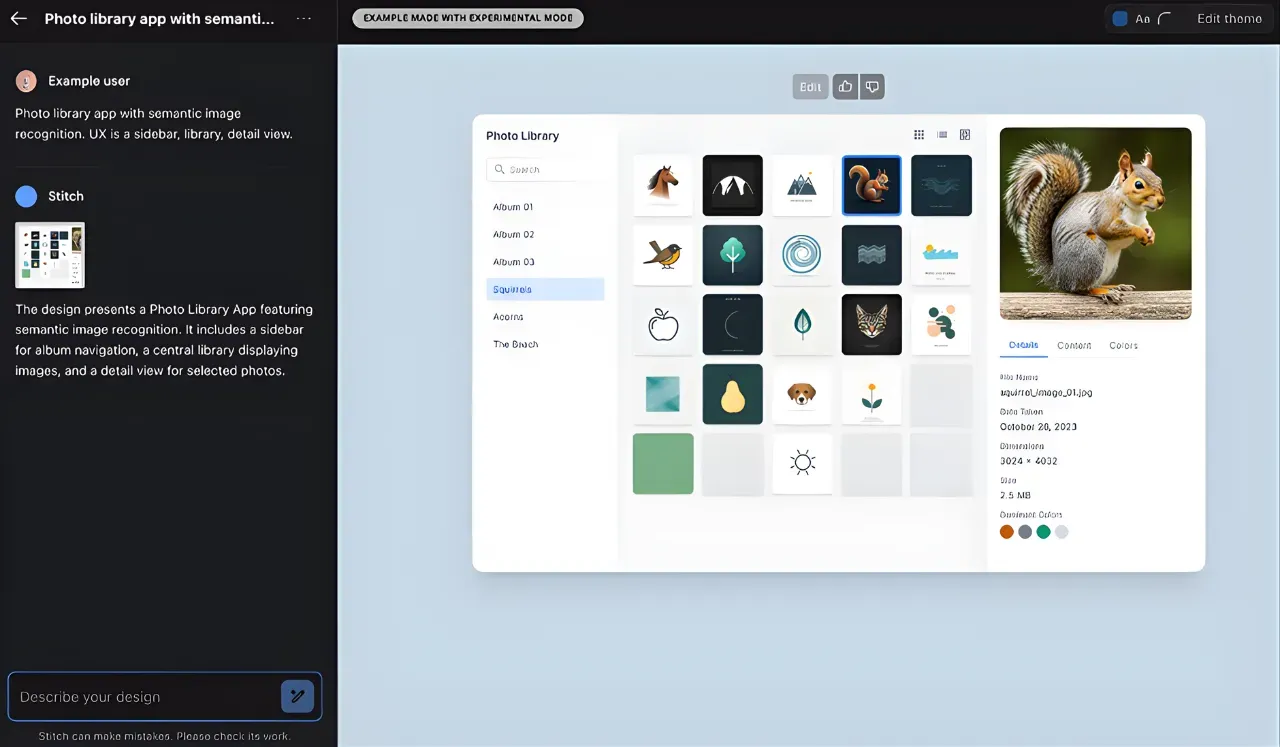
Google Stitch started life as Galileo AI. Google acquired it in mid-2025, rebuilt it on Gemini, and made it free. The March 2026 update added an infinite canvas, multi-screen generation, voice input, and direct MCP integration with Claude Code and Cursor—a real game changer for design-to-code workflows. The generated designs are surprisingly good, consistent across screens. The catch: still an experimental Google Labs product with no guaranteed long-term roadmap. See our Google Stitch review.
Completely free while in Google Labs. 350 Standard generations and 200 Pro generations per month. No credit card required. See our Google Stitch alternative guide if you want options with more predictable long-term pricing.
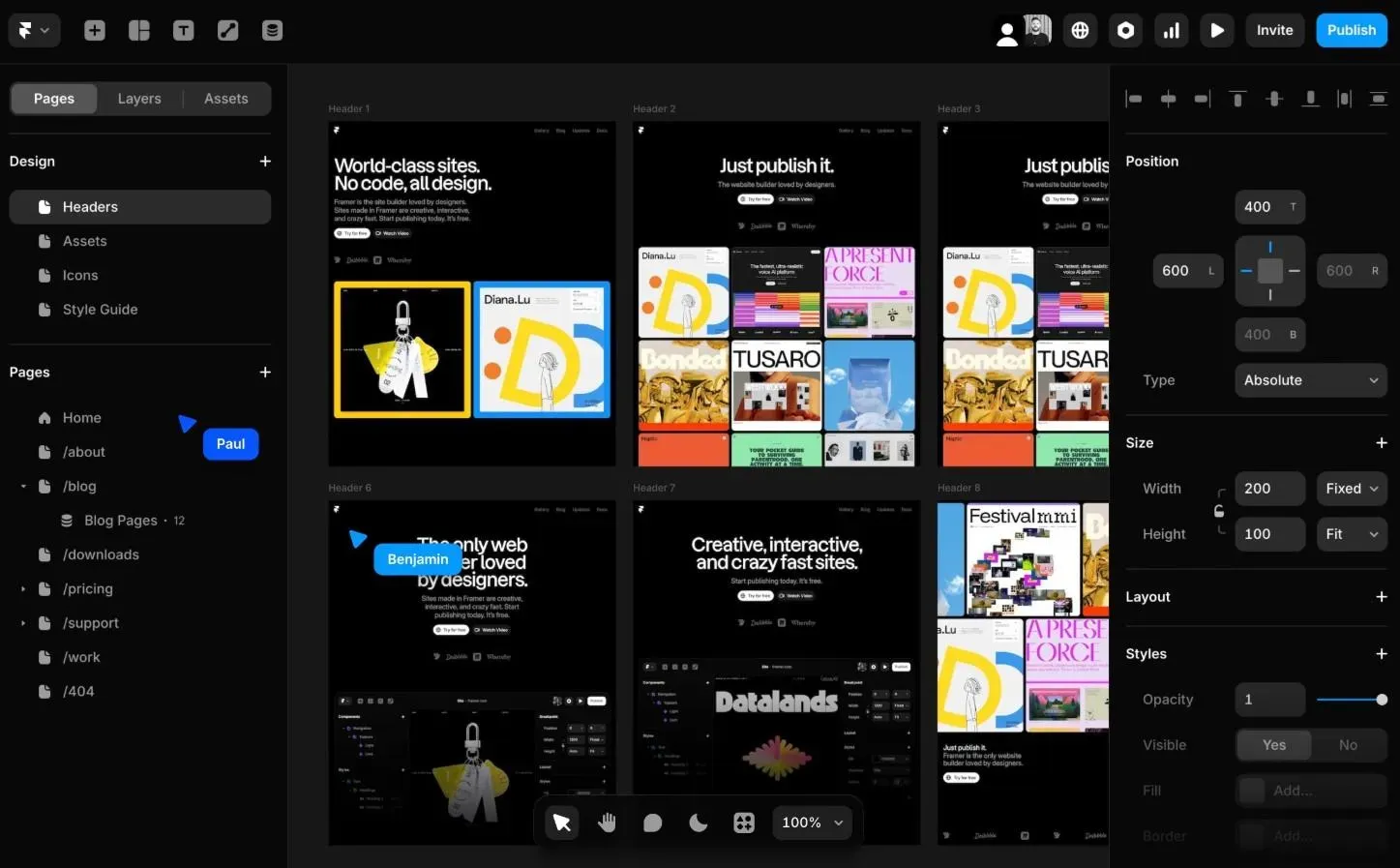
Framer is where visual design meets publish-ready web. It started as a prototyping tool and evolved into a full website builder—design in a visual canvas, add advanced animations and interactive elements, and publish to a real domain without code. For XD users whose work included marketing sites or landing pages, it collapses the Figma-to-Webflow pipeline into a single creative process. Its AI layer generates responsive pages with custom animations from a prompt.
Free plan (design-only). Basic is $10/month annually ($15 monthly). Pro is $30/month annually, Scale is $100/month. Editor seats add $20–$40/month each. See our Framer alternatives guide.
Adobe XD's discontinuation is a forced migration moment, but it is also a chance to upgrade your workflow. Figma and Sketch are solid Adobe XD alternatives if you want the same manual approach. Open source options like Penpot give you instant access with zero licensing costs.
If you are switching anyway, AI-powered tools offer a fundamentally faster way. Flowstep generates real UI from prompts on an infinite canvas, handles the entire design process from idea to user testing, lets teammates leave comments and collect feedback in context, and exports directly to Figma or production-ready React. Reusable elements stay editable across multiple devices. No Adobe products required. Start with Flowstep for free.
Effectively, yes. Adobe XD entered maintenance mode in 2024—only bug fixes and security updates, no new features. It is no longer sold as a standalone app, and Adobe has confirmed no further investment. The product is considered end-of-life by the design community.
Yes, if you already have a Creative Cloud Pro subscription ($69.99/month). But new users cannot buy XD on its own, and the app has not received meaningful updates in over two years. Most teams are switching to tools with active development.
Figma has a built-in XD file importer for basic files. Complex prototypes with interactive components need manual cleanup. For AI tools like Flowstep, upload XD exports as reference images to guide generation.
Depends on what you need. Penpot is the best open source pick—free forever, self-hostable. Lunacy is the best free Adobe XD alternative for Windows users. Google Stitch is free in Google Labs with strong AI generation. Flowstep offers a free plan with unlimited collaborators and multi-screen AI generation—the best alternative for teams who want to skip the blank canvas entirely.