
16 Best AI Tools for Business in 2026 (Compared by Use Case)
We compared the 16 best AI tools for business in 2026 across design, marketing, coding, automation, and productivity — with honest "best for" verdicts.


The best AI tools for business in 2026 are the ones that fix a real bottleneck, not the ones that announce the biggest investment rounds. Here’s a guide to comparing 16 of the leading AI tools across 7 categories, including UI design, sales outreach, coding, automation and meeting notes.
AI adoption is widespread, and 88% of organizations are now using AI in one or more business functions, says McKinsey's State of AI survey. The decision is no longer about whether to adopt AI; it’s about which ones earn a place in your toolkit. Here's the full list:
- AI Design Tools: Flowstep, Figma AI, Canva
- AI Marketing & Sales Tools: Clay, Grammarly
- General AI Assistants: Claude, ChatGPT, Gemini
- Vibe Coding: v0, Bolt
- Coding and Development: Cursor, GitHub Copilot
- Automation & AI Agents: Zapier, n8n, Claude Cowork
- Productivity & Knowledge: Notion, Fireflies
How we evaluated the best AI tools for business
Here are the criteria we judged every tool against:
- Solves a real bottleneck. It’s more important that a tool saves you hours every week than one that looks good during a demo and never gets used.
- Your actual output: Drafts that require a full rewrite don’t count. Designs you can’t edit or hand off to code don’t count. If it isn’t production-ready, it doesn’t fit.
- It is actually compatible with the existing stack. If the tool can’t be integrated with your CRM, code repository, Figma account, or Slack workspace, it generates more work than it saves.
- Transparent pricing. Sticker prices have a way of doubling through credit schemes and multipliers per seat. We have highlighted that as well.
- Usable by non-specialists. Any top-tier tool must empower the founder to design, the marketer to enrich, and the PM to ship a prototype, all without niche specialists.
We chose to rank these by use case, as a design tool and an automation platform are doing fundamentally different jobs. Here is the breakdown by category.
Best AI tools for business in 2026: quick comparison
AI Design Tools
Flowstep
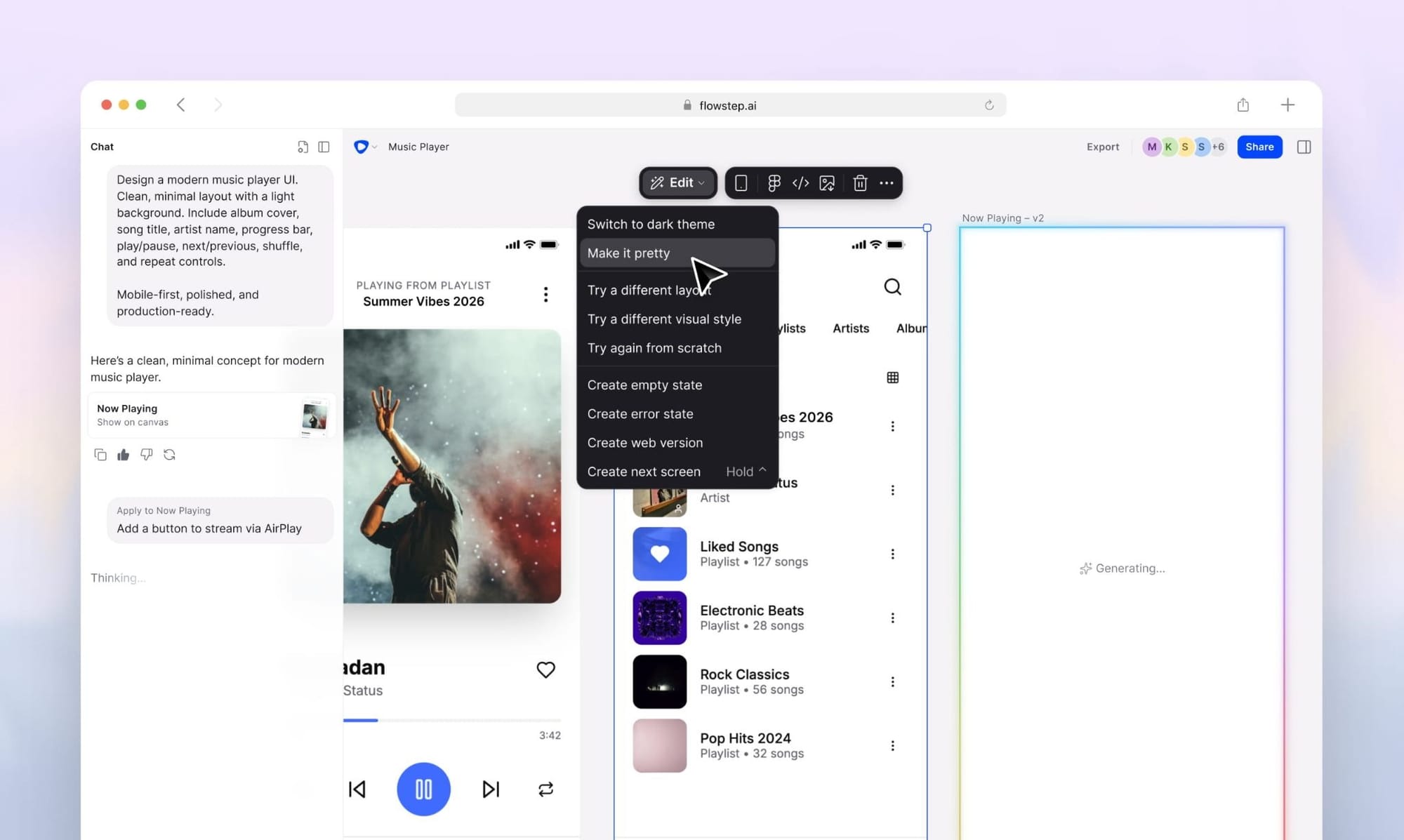
Flowstep is the AI design tool that builds your multi-screen UI from prompts on an infinite canvas. If you can describe a product idea in plain language, it builds full, editable screens: from login flows to dashboards and settings pages. Flowstep is designed for teams where design is the biggest bottleneck: from founders testing out their ideas, product managers wanting to communicate their ideas in an accessible way, or even developers without a dedicated designer on the team.
Flowstep's main differentiator is that the canvas and the code are the same thing. Every design exports as clean React, TypeScript, and Tailwind CSS and can be copied directly to Figma with ⌘C + ⌘V, and no plugin required.
Read our full guide to get the best AI design tools if you’re choosing your design tool.
Features
- Multi-screen generation: Describe your product in plain language, and you'll get the entire multi-screen UI – not one mockup.
- AI and manual editing on one canvas: Create your drafts using prompts, or move the objects on the canvas yourself, without re-generating with AI.
- Design with references: Attach a PRD, images, a Design.md, or other external files so Flowstep has the references.
- Native Figma copy-paste: Preserve layouts and organize your components.
- Production-ready code export: React/TypeScript/Tailwind output to hand off to engineering.
- MCP integration: Integrate with Cursor, Claude Code, and Windsurf to make designs connected with your coding workflows.
Pricing
Free plan available. The Starter plan starts at $15 per month. Flowstep has transparent pricing with message usage. A 20% discount is applied to all annual plans, and you can get a custom price for Enterprise.
Figma AI
For most design teams, Figma is already the native canvas to work on. AI is now available across the entire product stack: from image editing and layer renaming to interactive prototyping and creating AI-generated prototypes. If your team works in Figma, it easily integrates your existing files and design systems.
However, the compromise here is complexity. Figma’s seat-based structure is divided into Full, Dev, and Collab seats and spread over four plans. AI usage is calculated based on monthly credits per seat, not message-based pricing. If you're comparing the value of your investment before renewal, you can review other Figma alternatives.
Features
- AI on the canvas: Backgrounds removed, image upscaled, layers renamed, and prototype interactions added automatically.
- Figma Make: Create functioning wireframes, prototypes and web apps with prompts, then apply styles from your Figma libraries.
- Design systems at scale: Branching, org-wide components, and shared libraries are unmatched within this category.
- Dev Mode: Measure and view tokens with code for the developer handoff.
Pricing
A Full seat on the Professional plan costs $16/month billed annually, or $20/month billed monthly. Developer seats cost $12, and collaborative seats are $3. The organization plan costs $55 per month per seat, and the enterprise plan costs $90 per seat per month (annual only). Every seat is bundled with monthly AI credits, which can be bought as a paid add-on.
Canva (Magic Studio)
Canva covers all the design that isn’t the product’s UI: social graphics, decks, one-pagers, video clips, and brand assets. The Magic Studio package includes AI features: copywriting with Magic Write, prompt-to-template generation with Magic Design, one-click background removal, and AI video editing within a familiar interface that anyone can use.
Usually, a marketing team would have Canva paired with a UI tool. Canva has full control of the brand surface; a UI tool (e.g., Flowstep) holds the product UI. We reviewed more tools for the visual side of marketing in our guide to AI tools for designers.
Features
- Magic Design: Create branded templates from a text prompt, using your brand kit.
- Magic Write: Write copy within your designs.
- AI Image & Video Editing: Remove background, Magic Edit, Auto-captions, & Scene editing.
- Brand Kits and Approvals: Create templates and have full brand control.
Pricing
The free plan is available for light design work. Canva Pro is $12/month billed annually, or $18/month billed monthly. For teams, there is a per-seat business plan with custom pricing per seat. Enterprise is a separate custom-quoted tier for larger organizations. AI features use monthly credits on every plan.
AI Marketing & Sales Tools
Clay
Clay is an outbound and data enrichment platform that helps go-to-market teams. Clay integrates with over 150 data sources in one platform: instead of paying for five different databases, you can send your data in a “waterfall” until you hit the maximum email, phone, and firmographic match rates. With Claygent, the firm’s AI prospecting research agent, you can automate the account research SDRs once tackled by hand and then push that data straight into sales engagement. It’s powerful and technical. Organizations that use this kind of workflow development have more benefits than those that want “plug-and-play” prospecting functionality.
Features
- Waterfall enrichment: Query a stack of multiple data sources for maximum coverage per contact.
- Claygent: An AI agent that scouts accounts, scrapes the web, and answers your specific questions for every row of your spreadsheet.
- CRM sync and APIs: Push enriched data to Salesforce/HubSpot or trigger actions in your apps over HTTP.
- Unlimited Seats: Pricing scales with usage, not team size.
Pricing
Clay's plans are consumption-based: The free tier offers 100 data credits and 500 actions/month. Launch starts at $185/month and Growth at $495/month with custom Enterprise pricing. Individual data credits start at $0.05/pop and become cheaper as volume increases.
Grammarly
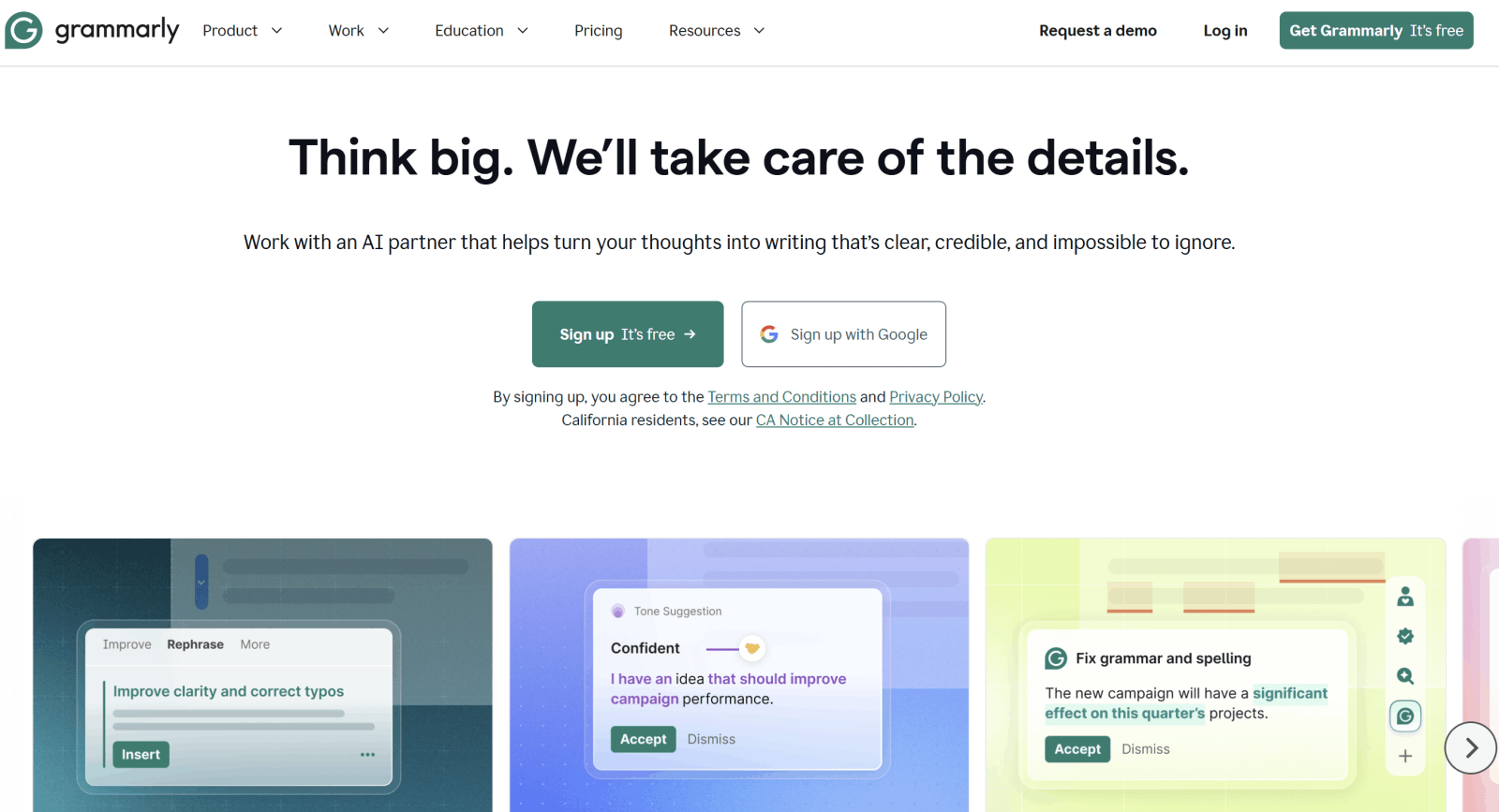
Grammarly is one of the most commonly used tools. It lives in your browser, documents, and email, highlighting grammatical mistakes, shifting tone, rewriting for readability, and generating new drafts. All of which is by far the easiest approach to improving your team’s overall writing, whether English is their native language or not.
Features
- Real-time corrections: Works perfectly for Gmail, Slack, Google Docs, LinkedIn, and many web applications.
- Tone detection and rewrites: It highlights how your message will be interpreted before sending out.
- Generative AI prompts: 2,000 prompts per month on Pro for creating content and rewriting.
- Style guides and brand tones: Improves smooth team communication.
- Plagiarism and AI-text detection: Great for teams producing large volumes of content.
Pricing
The free plan comes with basic spelling corrections and 100 AI prompts a month. Grammarly Pro costs $12/member/month billed annually, or $30/month billed monthly. The plan supports up to 149 members. Enterprise has custom quotes for larger companies.
General AI Assistants
Claude
Claude by Anthropic is designed for working with long documents, step-by-step reasoning, structured writing, and agentic work. Claude handles long context without sacrificing detail, which makes it ideal for PRDs, strategy docs, contract reviews, and processing noisy real-world data. Claude Code brings the same model into terminal-based development. It’s available now as part of a paid plan bundle.
Features
- Large-context reasoning: Capable of processing long documents, research, and codebases within a single conversation.
- Multi-step task handling: Efficient for planning, trade-off evaluation, and systematic problem-solving.
- Strong writing and editing: Faster drafting, less cleanup, and consistent tone.
- Claude Code: Command-line coding via agents on paid plans.
Pricing
Free tier available. Pro plan costs $20 per month; Max starts at $100 a month for high usage. Team plans are $25 per seat per month for a standard user or $125 per seat per month for a premium user with access to Claude Code and Cowork, with custom Enterprise pricing.
ChatGPT
ChatGPT continues to be the most widely used assistant, and the usefulness of the tool to business is the breadth: writing content, ideation, data analysis, generating images, performing research, and building custom GPTs for repeated workflows. Most teams use this tool because of its broad applicability across business functions.
Features
- Broad task coverage: Help with writing, coding, generating images, and web research in one product.
- Custom GPTs: Save time by combining internal prompts and data for specialized assistants.
- Document and Data Processing: Upload documents, analyze spreadsheet data, and synthesize research information.
- Business workspace: Share resources with teams, manage user accounts, and use business connectors.
Pricing
Free plan available. Paid tiers run Go at $8/month, Plus at $20/month, and Pro at $200/month for individuals; Business is $30/user/month, and Enterprise is custom.
Gemini
Gemini's pitch is integration. If your business runs on Google Workspace, Gemini works inside your Gmail, Docs, and Sheets, with strong image generation and coding capabilities on the side. Tech.co named it their top overall AI tool for businesses in 2026 almost solely based on that reason. Summarizing threads in Gmail, drafting in Docs, and querying Sheets in plain language are where it earns its seat.
Features
- Native Workspace integration: AI inside Gmail, Docs, Sheets, Meet, and Drive.
- Strong multimodal generation: high-quality image generation and editing.
- Long-context analysis: handles large documents and codebases.
- Included in Google Workspace: no separate subscription or setup needed.
Pricing
Free tier available. Google AI Pro starts at $19.99/month, higher tiers add more usage, and Gemini features are bundled into Google Workspace business plans.
Vibe Coding Tools
v0
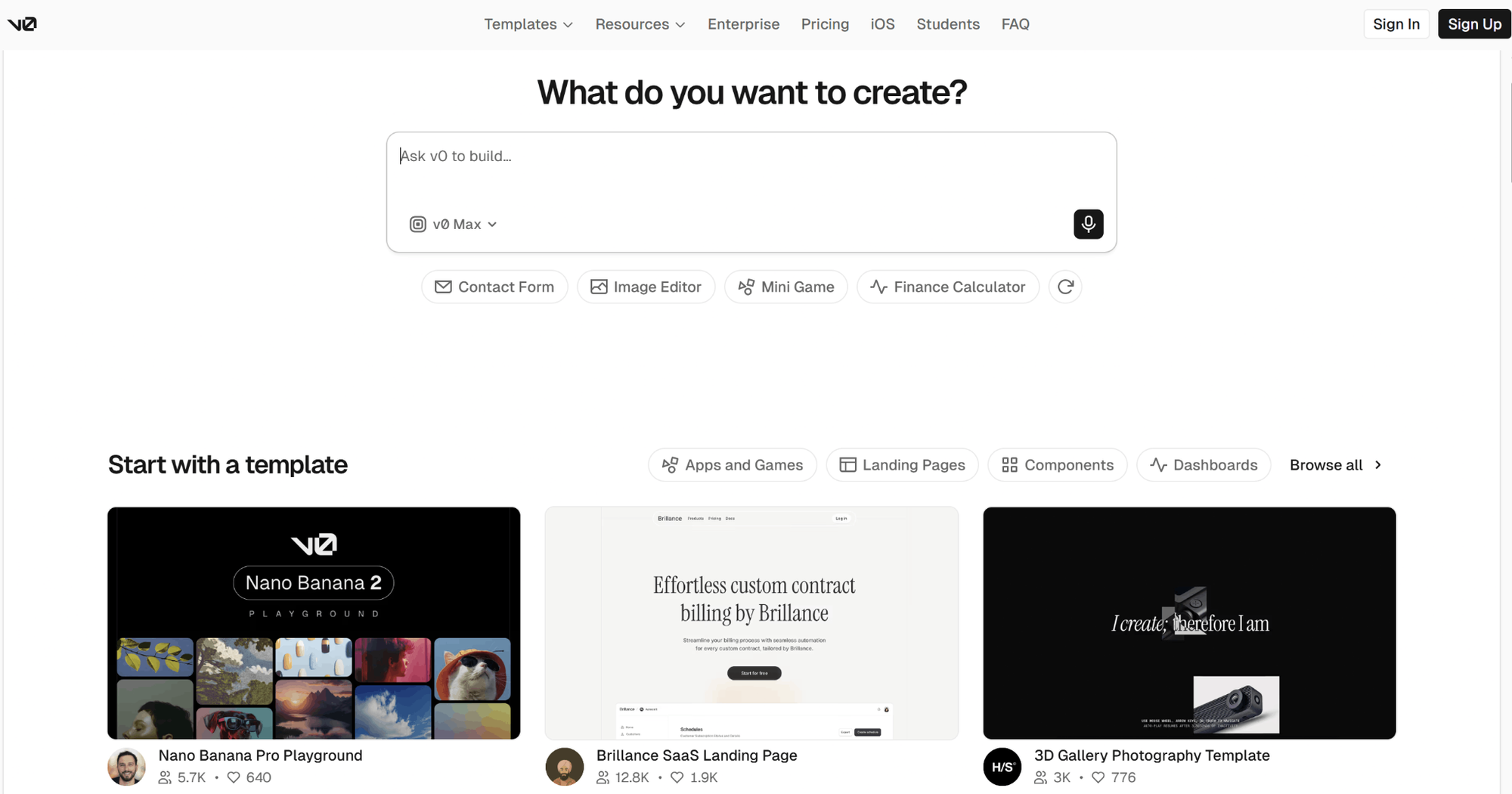
v0 is a Vercel platform that lets you describe what you want and get functional React components built with Tailwind and shadcn/ui. You can preview it in real time and deploy to Vercel in one click. After its Feb 2026 rebuild, it now imports GitHub repos, can add server-side features, and is a competent platform for building real frontends, rather than just mockups. v0 is a common choice for teams who are already deploying to Vercel.
For more in-depth analysis, you can review our hands-on v0 pricing review. If you’re weighing all the other tools in this space, check out the best vibe coding tools guide instead.
Features
- Prompt-to-React generation: consistent shadcn/ui + Tailwind output.
- Git integration and VS Code-style editor: work with real repositories, not throwaway sandboxes.
- Three model tiers (Mini/Pro/Max): control the quality-to-credit trade-off per task.
- One-click deployment: publish to Vercel and get a live link instantly.
Pricing
v0's plans include a free tier with $5 in monthly credits; Premium is $20/month with $20 in credits, Team is $30/user/month, Business is $100/user/month, and Enterprise is custom. Usage is metered in tokens, so complex sessions consume credits faster.
Bolt
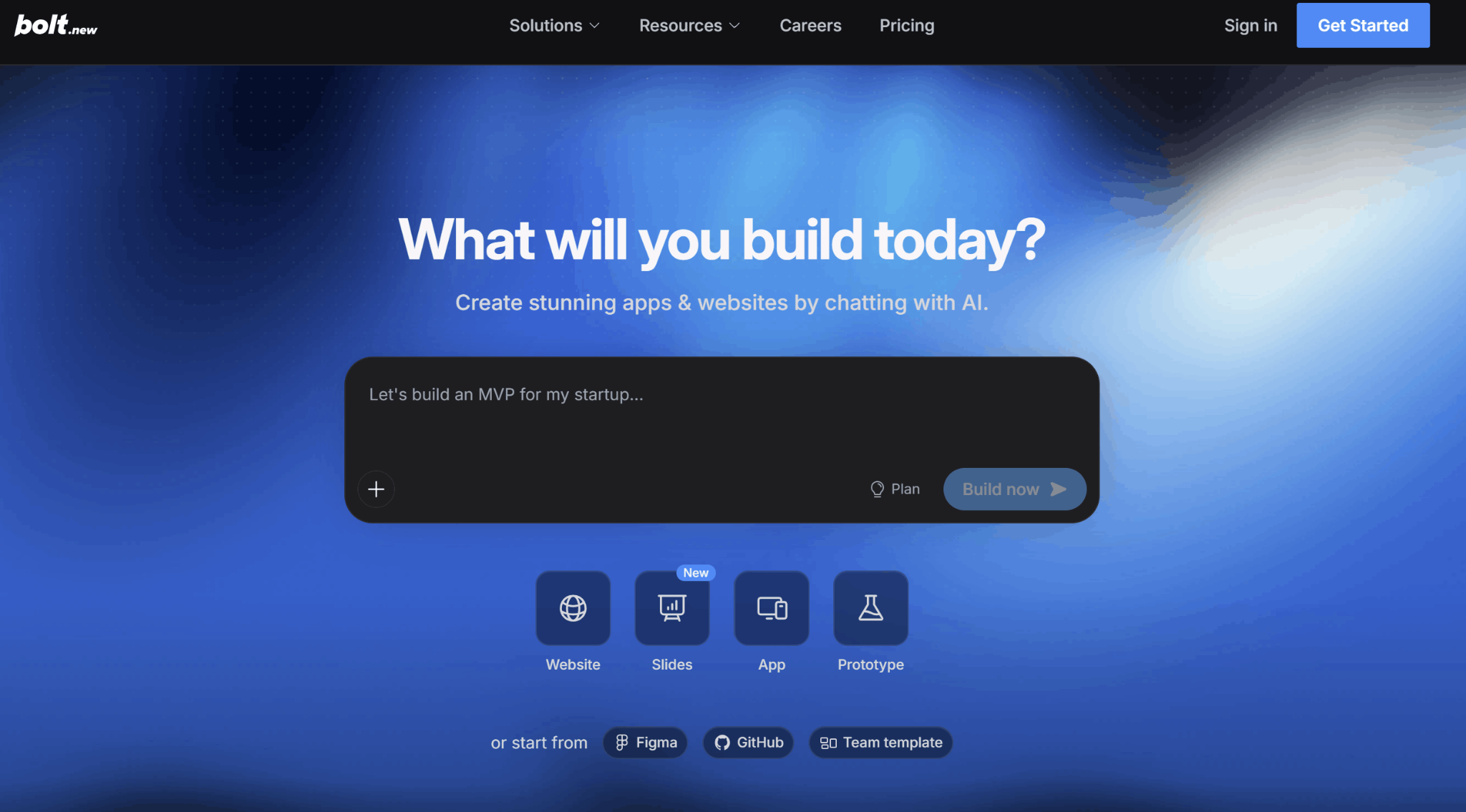
Bolt (by StackBlitz) can create the entire app (frontend, backend, DB) out of just one prompt – and run it inside the browser. Bolt offers a quick way to create something with actual logic: it integrates with Supabase, Stripe, GitHub, and Expo for mobile, making it a decent MVP builder for non-developers.
Features
- Full-stack generation: UI, server logic, and database from one prompt.
- In-browser dev environment: code runs live via WebContainers, no local setup.
- Key integrations: Supabase, Stripe, GitHub, Netlify, and Expo for mobile builds.
- Token rollover: unused paid-plan tokens carry over one extra month.
Pricing
Free plan includes 1M tokens/month with a 300K daily cap. Pro starts at $25/month for 10M tokens with higher tiers available; Teams is $30/member/month, and Enterprise is custom. Costs scale with project size, since larger codebases consume more tokens per prompt.
If you want to check out other vibe coding tools, we reviewed and wrote guides about Base44, Lovable, and Replit.
Coding and Development Tools
Cursor
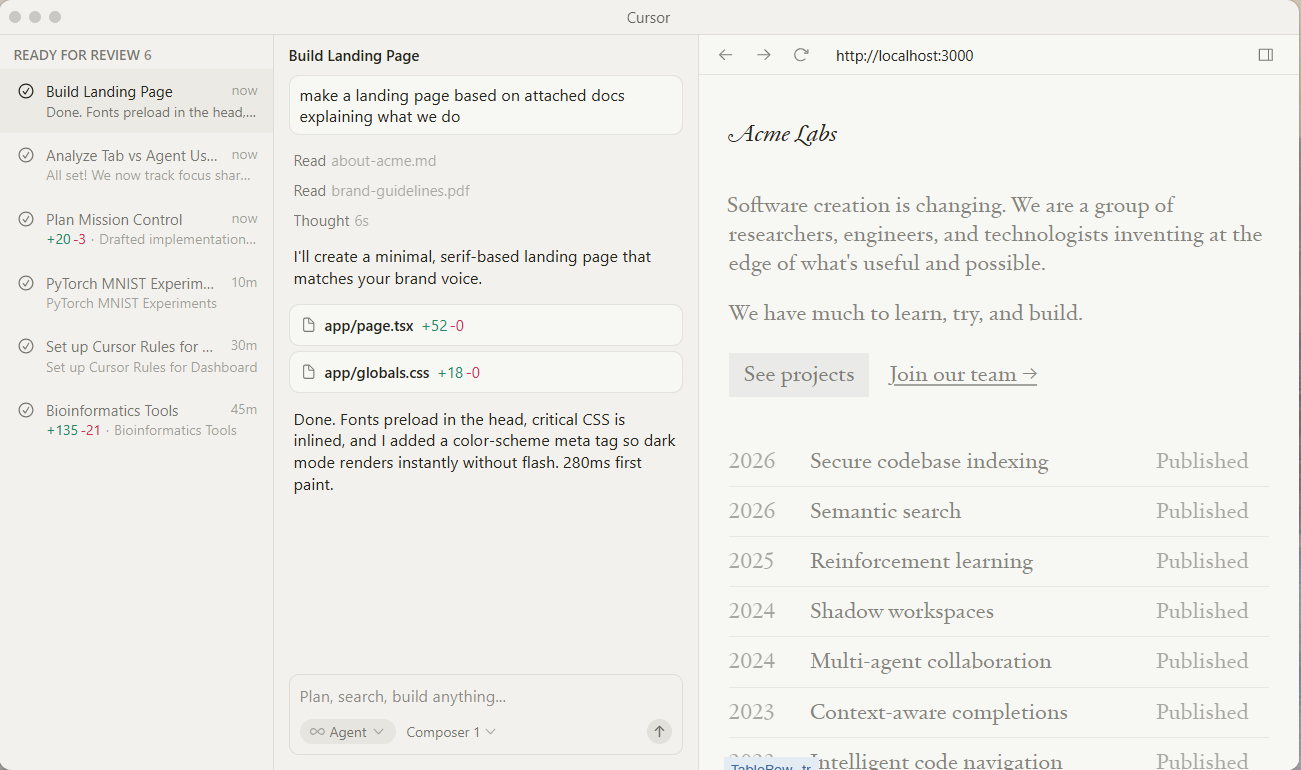
Cursor is an AI-first code editor built on top of VS Code. The AI has a holistic understanding of the whole project. It’s the default option for teams who want their AI to be integrated with the writing process (as opposed to adding on top of it). This includes agents performing edits across files, and Bugbot automatically reviewing your code.
See also the list of the best AI for coding.
Features
- Context-aware suggestions: completions that reflect your whole codebase, not just the open file.
- Agent mode: multi-file edits, refactors, and feature implementation from a prompt.
- Bugbot: automated bug detection and review as an add-on.
- Familiar editor: VS Code base means near-zero switching cost.
Pricing
Free hobby tier. Pro is $20/month, Pro+ $60/month, and Ultra $200/month for heavy usage; Teams is $40/user/month with custom Enterprise pricing.
GitHub Copilot
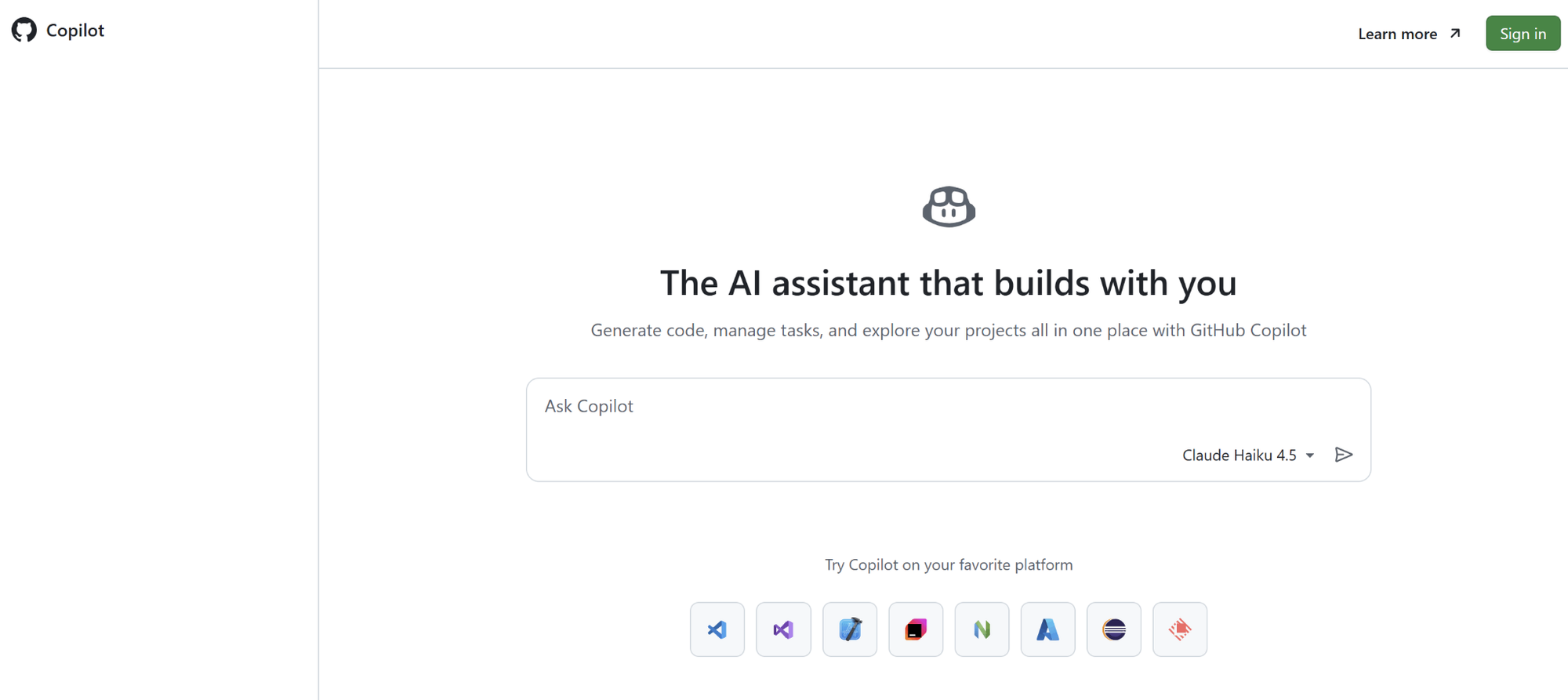
Copilot is the least-friction way to start integrating AI into your current development workflow. It runs in VS Code, JetBrains, and within GitHub. Unlimited code completions are now included in every paid GitHub Copilot plan. In June 2026, GitHub transitioned chat, agent mode, and code review to an AI Credits pay-as-you-go system: plan pricing remained the same, but pay attention to this if you're a heavy agent user.
Features
- Unlimited completions: inline suggestions and next-edit predictions don't consume credits.
- Copilot cloud agent: delegate tasks that end in a pull request.
- Broad IDE support: VS Code, Visual Studio, JetBrains, Xcode, and the CLI.
- Org-level controls: policy management, pooled credits, and IP indemnity on Business/Enterprise.
Pricing
Free tier with limited usage. Pro is $10/month, Pro+ $39/month; for teams, Business is $19/user/month and Enterprise $39/user/month, each including a matching monthly AI credit allowance, with extra usage at $0.01 per credit.
If you are looking for an alternative, we reviewed Claude Code.
Automation & AI Agents
Zapier
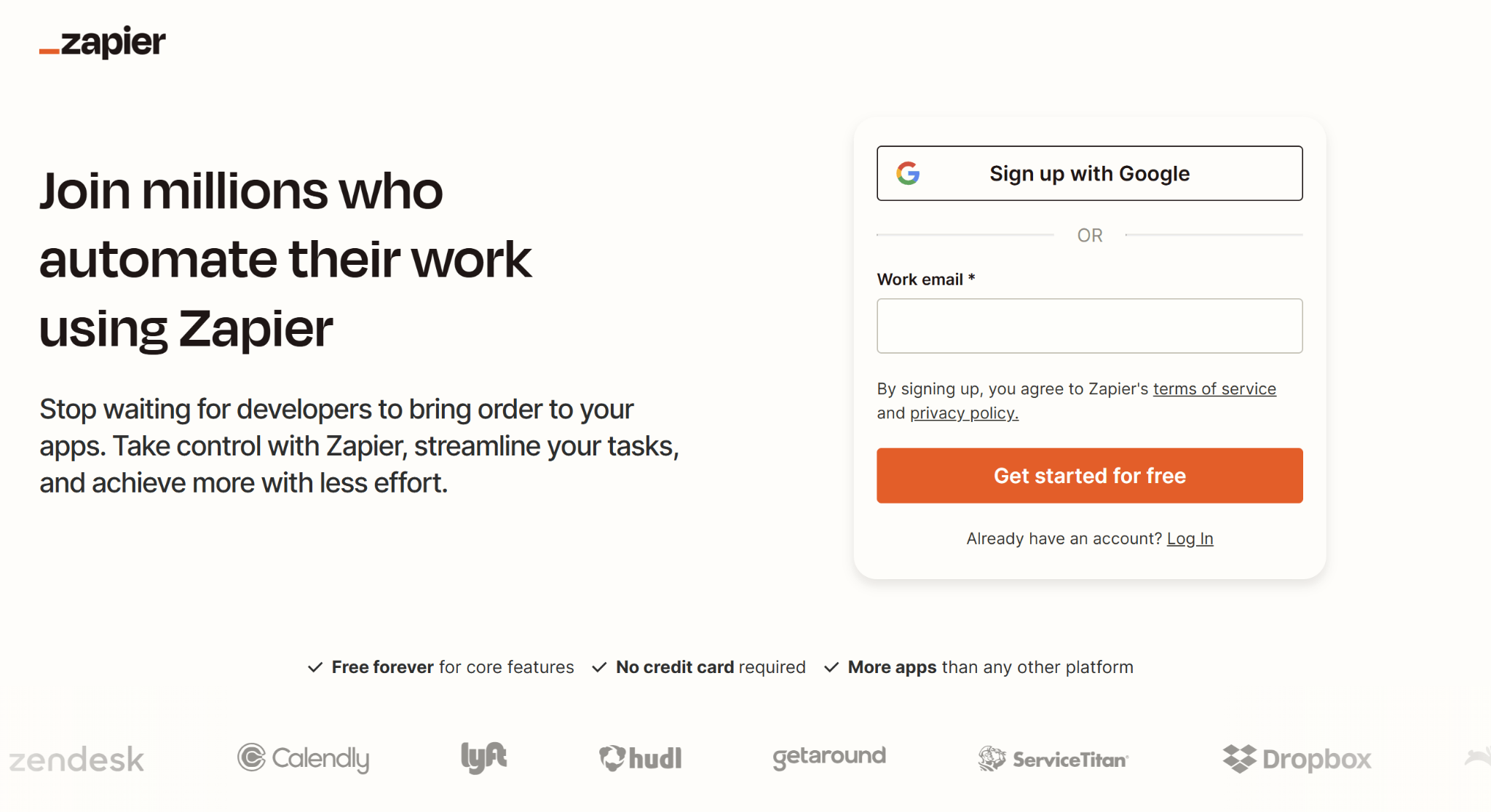
Zapier is still the widest automation layer in the business stack, with no-code integration between over 9,000 apps. Zapier now cares as much about its AI layer as its integrations: Copilot creates workflows from plain English prompts, AI steps handle text processing in Zaps, and Zapier Agents handle complex, multi-step workflows across tools. The model is task-based, so it gets expensive quickly for high volume.
Features
- 9,000+ app integrations: the widest coverage of any automation platform.
- Copilot workflow builder: describe the automation, get a drafted Zap with mapped fields.
- AI steps and agents: built-in AI processing plus autonomous agents as add-ons.
- Tables, forms, and interfaces: light internal tools without leaving Zapier.
Pricing
Free plan with 100 tasks/month and two-step Zaps. Professional starts at $19.99/month billed annually ($29.99 monthly) for 750 tasks; Team starts at $69/month annually with 25 users included; Enterprise is custom. Every action step consumes a task, so think about your volume before committing.
n8n
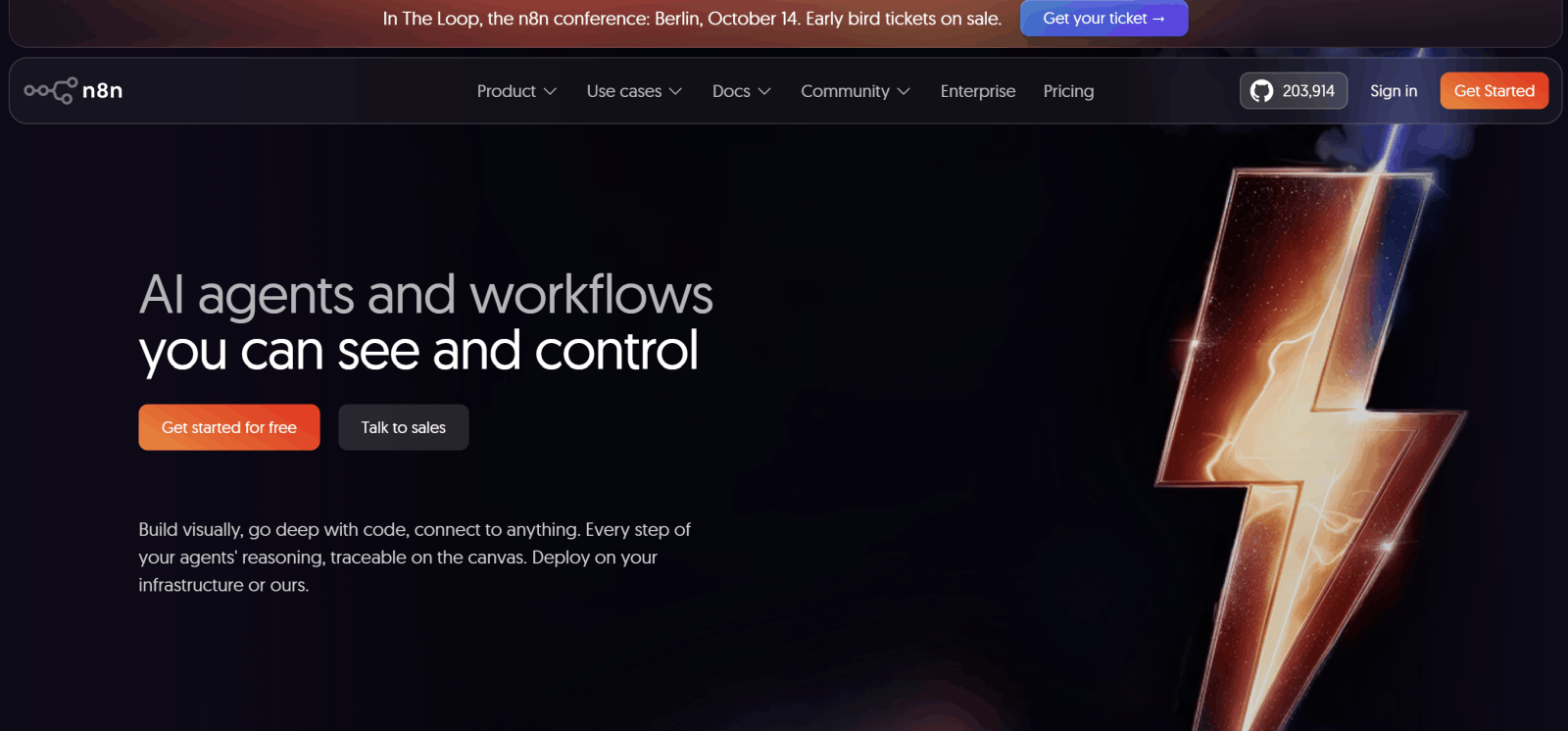
n8n is an open-source, self-hostable workflow automation platform targeting technical users. The payment model is per execution, not per step, meaning a 10-step workflow counts as one execution. It makes complex automations cost a fraction of the Zapier equivalent. With AI agent nodes built in, n8n has become a popular option for custom agent workflows, with your data staying private and under your control.
Features
- Execution-based billing: one workflow run = one execution, regardless of steps.
- Self-hosted option: the free Community Edition runs on your own infrastructure with unlimited executions.
- AI agent nodes: build multi-step agents with model, memory, and tool control.
- Unlimited users on all plans: pricing scales with usage, not seats.
- Code when you need it: add JavaScript or Python inside any workflow.
Pricing
The self-hosted Community Edition is free. n8n Cloud starts at €20/month billed annually (€24 monthly) for 2,500 executions on Starter; Pro is €60/month for 10,000 executions, Business €800/month, and Enterprise custom.
Claude Cowork
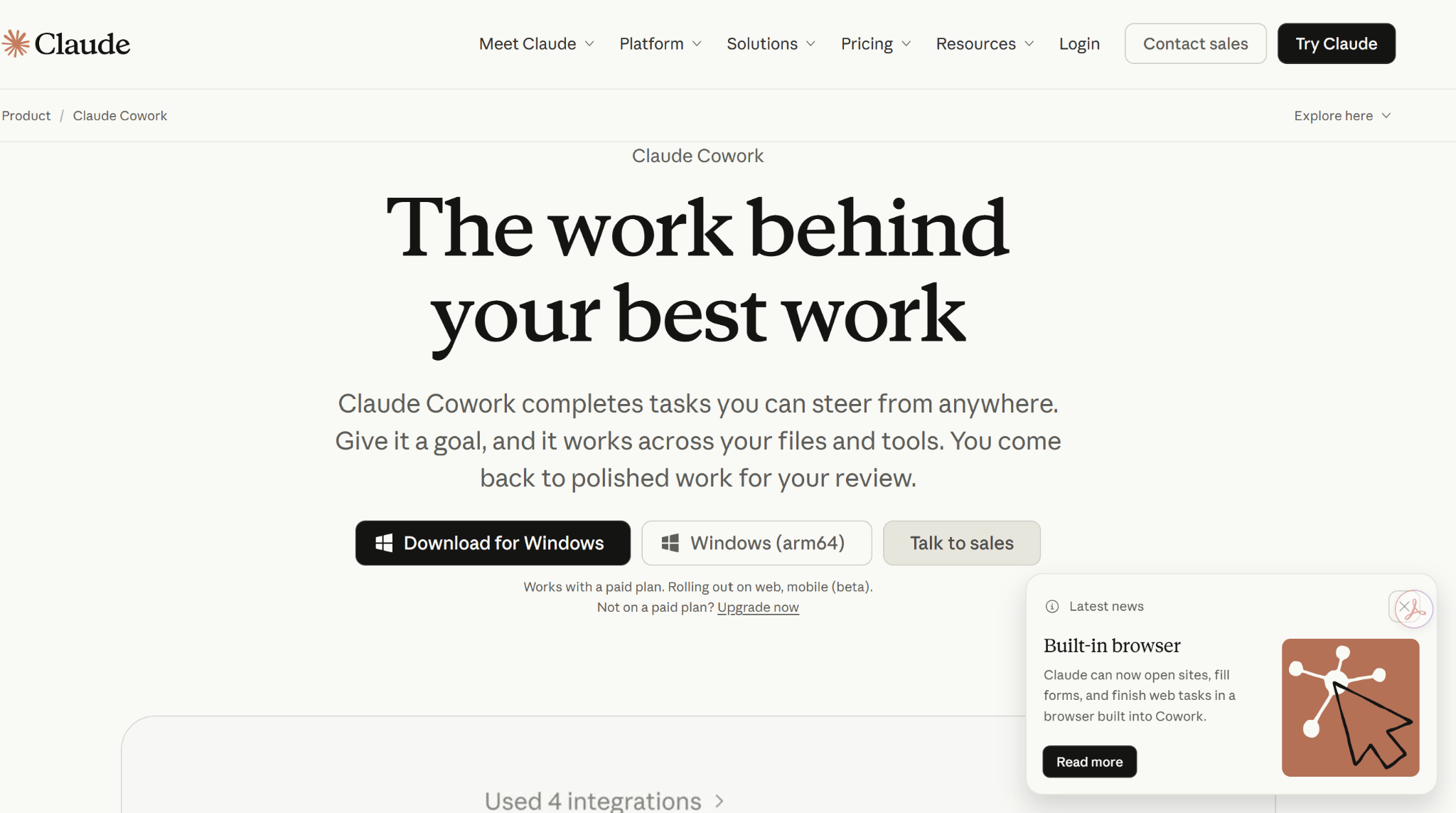
Claude Cowork is Anthropic’s agentic desktop app, which replaces chatting about tasks with executing tasks: Claude works for you by reading and sorting your documents, creating spreadsheets and text documents, automating routine jobs, and even connecting with other apps. Claude Cowork has the same underlying agent technology as Claude Code, but in an accessible package for non-coders. It feels less like a chatbot and more like a background teammate.
Features
- File-system access: point it at a folder, and it works on the real files, with permission controls.
- Scheduled tasks: recurring jobs (weekly reports, inbox triage, file cleanup) run in the background.
- Connectors: works with your other tools and the web via MCP integrations and browser use.
- Plain-language delegation: describe the outcome; no workflow-builder learning curve.
Pricing
Not sold separately. Cowork is included in paid Claude plans starting with Pro at $20/month, with higher usage limits on Max ($100+/month), Team, and Enterprise plans.
Productivity & Knowledge Tools
Notion
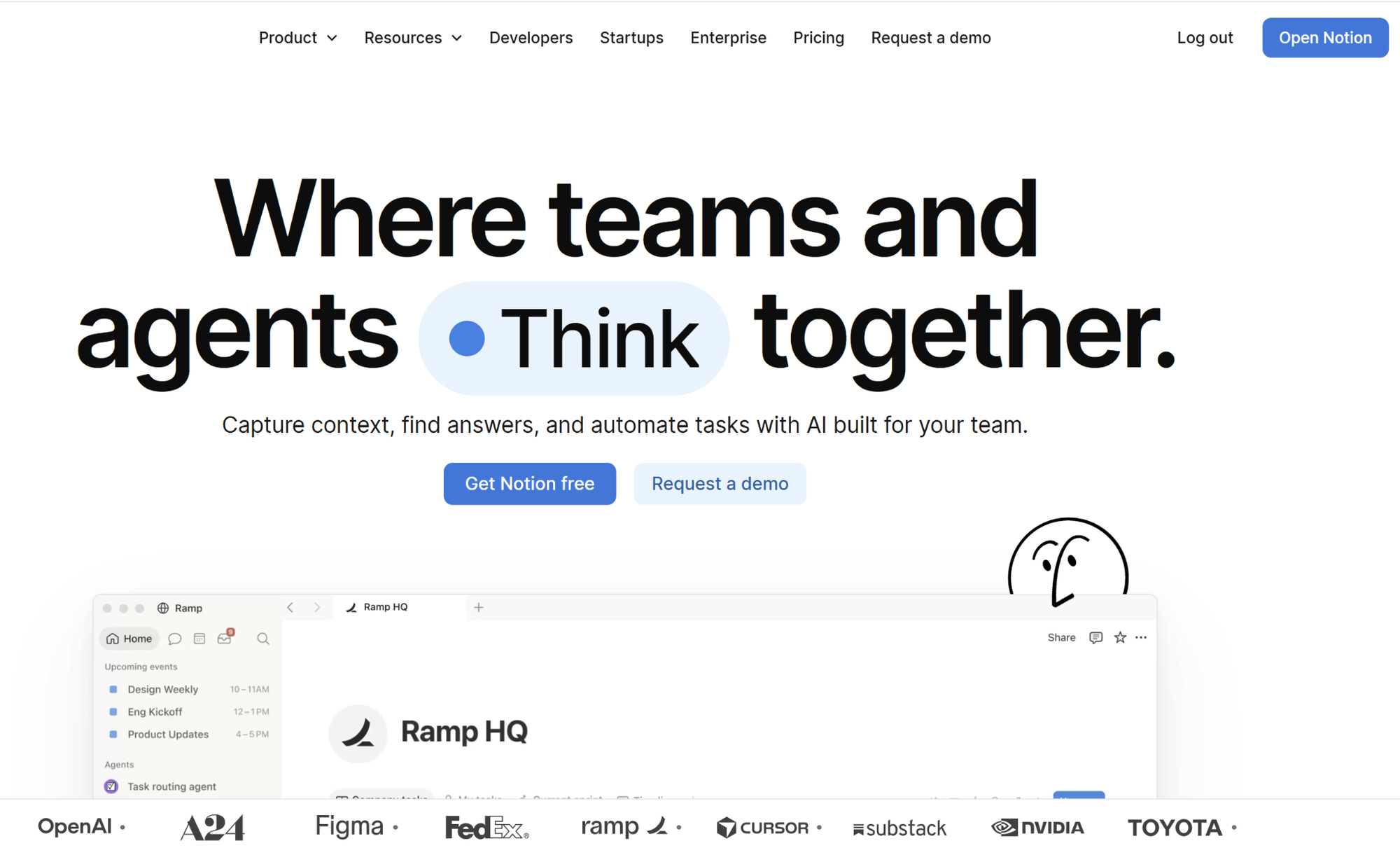
Notion is the workspace that connects docs, wikis, project databases, and more. Its AI layer consists of Notion Agent (for multi-step processes), AI-powered meeting notes, and enterprise search across your connected apps (Slack, Google Drive). The 2026 catch: All Notion AI is included in the Business plan and higher-tier plans. If you're evaluating Notion based on AI capabilities, budget for the $20 seat.
Features
- Notion Agent: drafts documents, queries databases, and updates pages from one prompt.
- AI search across your workspace: plain-English answers based on your team's actual pages.
- AI meeting notes: transcription with auto-generated summaries and action items.
- Enterprise search: pulls context from connected apps, not just Notion.
Pricing
Free plan for individuals. Plus is $10/user/month billed annually; Business (the cheapest tier with full Notion AI) is $20/user/month annually ($24 monthly); Enterprise is custom. Custom Agents bill separately at $10 per 1,000 monthly credits.
Fireflies
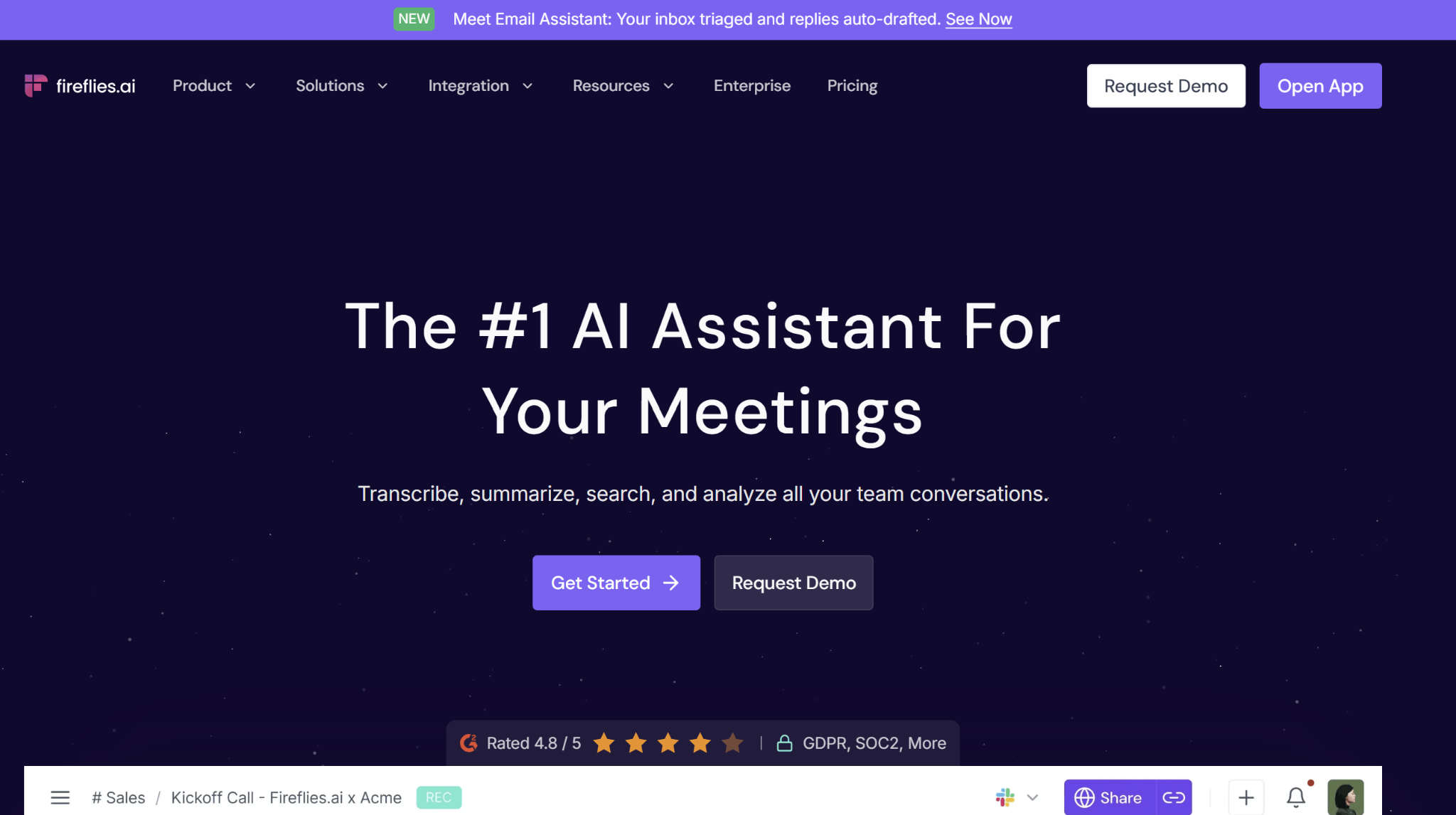
Fireflies records, transcribes, and summarizes Zoom, Google Meet, and Teams meetings. On the Business tier, it syncs with Salesforce or HubSpot to push meeting summaries and action items automatically. This is the difference between meeting notes you take and meeting notes you use for sales.
Features
- Automatic recording and transcription: 100+ languages, speaker-separated.
- AI summaries and action items: generated during the call, not just after.
- Searchable meeting archive: find any decision or quote across past calls.
- CRM sync: auto-log summaries and tasks to Salesforce and HubSpot (Business plan).
- Conversation intelligence: talk-time, sentiment, and topic analytics for teams.
Pricing
Free plan with limited credits and 800 minutes of storage. Pro is $10/user/month billed annually ($18 monthly); Business is $19/user/month annually ($29 monthly) and adds CRM sync and video; Enterprise starts at $39/user/month annually.
Which AI tools for business should you start with?
Always start with the bottleneck, not the tool. If your problem is "we can't visualize this idea," then the natural first tool is Flowstep. You describe the product. Flowstep produces a fully editable UI. And you paste it into Figma or export code you're going to deploy. Get the entire team (not just designers) turning your ideas into something that can be tested. Now pair this with one AI assistant and one automation solution and then you’re ready to expand your workflow.
Start designing with Flowstep for free and see how quickly your ideas will become multi-screen interfaces. No credit card required.
FAQs about the best AI tools in 2026
Which AI tool is best for a small business just getting started?
Start with one broad-use tool (ChatGPT, Claude, or Gemini all have solid free options) and one tool for the task where you spend the most time. If you need a tool for design and prototyping, Flowstep offers multi-screen UI from a simple prompt. If it's recurring tasks, Zapier's free plan should be enough to begin test automation.
How many AI tools does a business actually need?
Much fewer than you might expect. A given team derives 80% of the value from just three to five tools: a general assistant, an AI design tool, an automation layer, and one to two category-specific tools tied to the way businesses generate income.
Are free AI tools good enough for business use?
If you're just reviewing or need light usage, mostly yes. Tools like Flowstep, Canva, Notion, Zapier, and Fireflies are good examples: there are fully functional free versions rather than free trials. The catch is usually when you hit usage limits (credit, storage, or number of tasks). You’ll need to upgrade to access more features.
Can AI tools replace hiring for design, support, or marketing?
Instead of replacing roles, they rewrite math. With Flowstep, you can ship multi-screen UI without a design agency, and a two-person marketing team armed with Clay and Canva could run what used to take five people. Judgment about what to build, which message matters, and when the output is wrong still comes from people. The software removes the friction of execution.