

14 Best Mockup Tools in 2026 (Expert-Tested and Compared)
The 14 best mockup tools for designers in 2026, compared by pricing and use case, from Flowstep and Figma to Canva, Placeit, and more.
We tested and reviewed 9 best wireframing tools: AI-powered wireframe generators, design platforms, prototyping tools and visual collaboration tools.
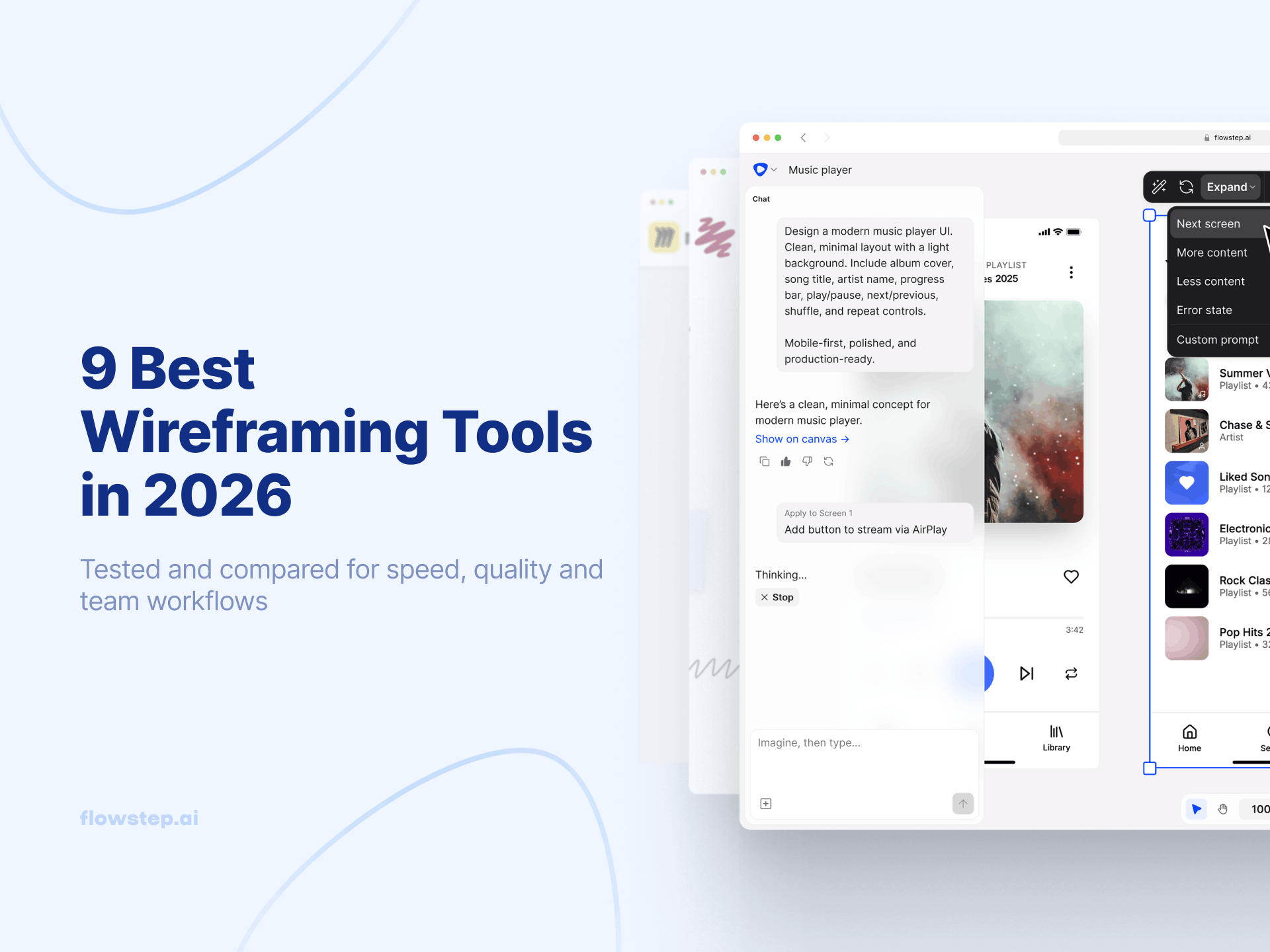
Wireframing helps teams visualize ideas before they dive into product development. And the right wireframing tool can save time, improve collaboration, and help make your workflow more efficient.
That said, there are a lot of options available. How do you choose the best one? Let’s explore some of the top wireframing tools and how they can suit different design needs, from simple sketches to interactive prototypes. We review the 9 best wireframing tools by different use cases.
If you’re new to wireframing, picking the right wireframe generator can feel a little overwhelming. Here are a few factors to consider:
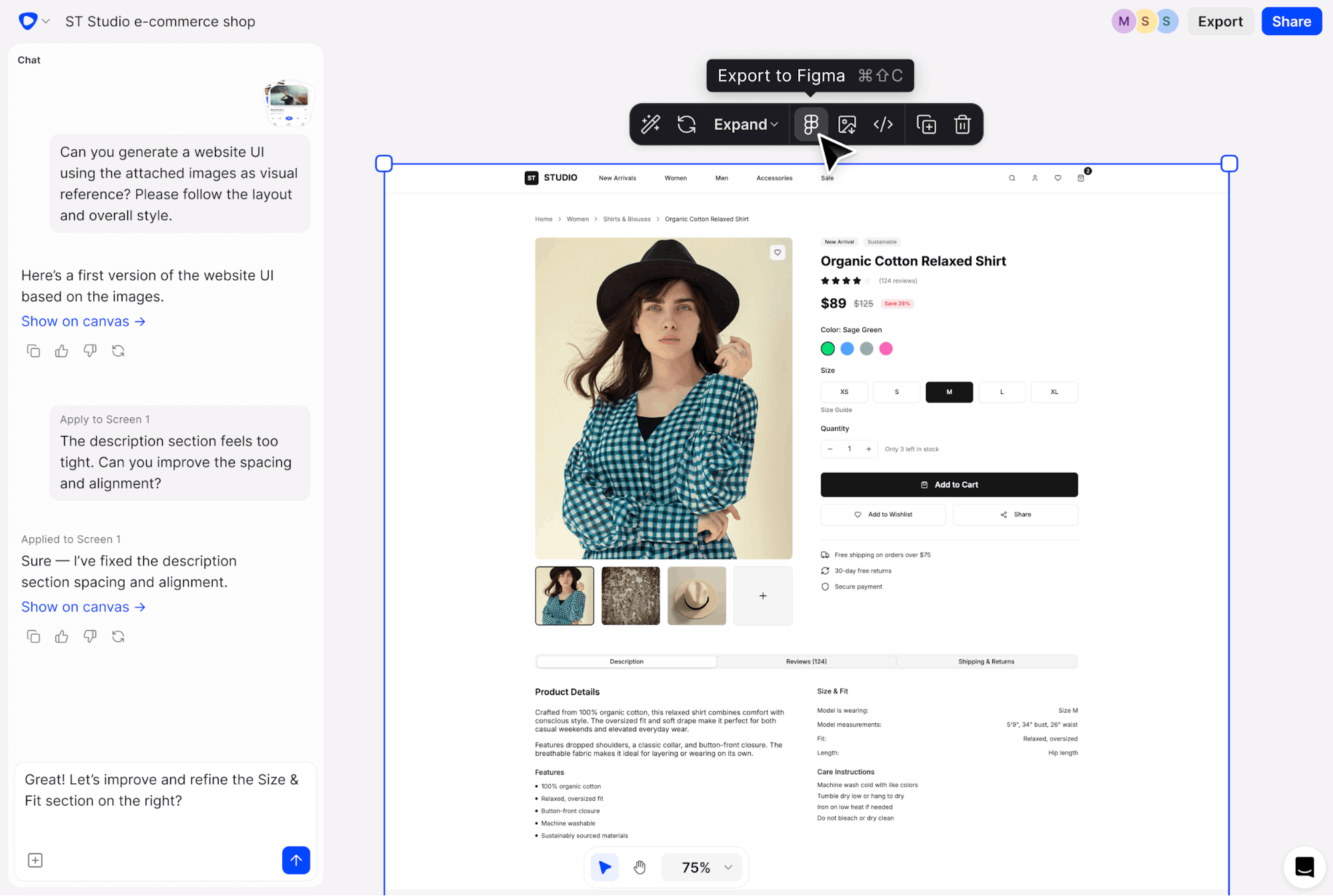
Flowstep generates wireframes and multi-screen UI from a text prompt. Describe what you want, and Flowstep creates it directly on an infinite canvas. It also allows you to iterate on your wireframes and UIs, using AI or manually. When you are ready, you can copy and paste your designs to Figma, export clean code, or pipe it into Cursor and Claude Code via MCP.
Limitations
Need a paid plan to create more complex wireframes and multi-screen UI.
Best for
Creating multi-screen wireframes and UI from one prompt.
Pricing
Free plan. Paid plans start from $15/month. See full pricing.
G2 Reviews
5/5. Users love that Flowstep bridges design to dev workflow with fast multi-screen UI and clean React export.
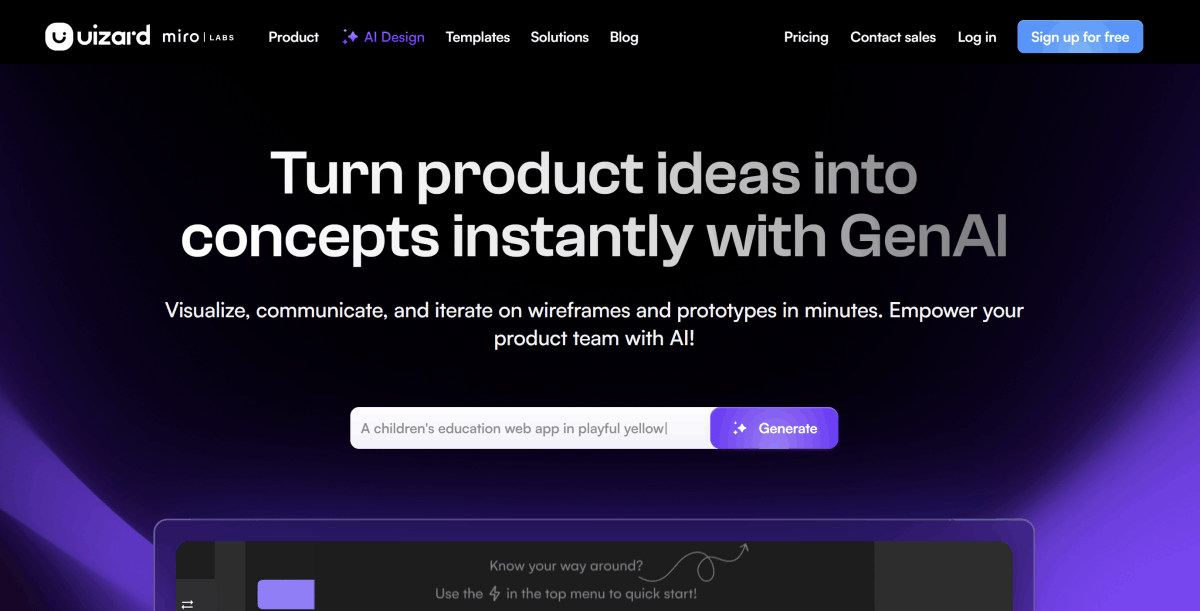
Uizard lets you turn hand-drawn wireframes into digital mockups using AI. The output is editable, making it much easier to iterate and improve on your initial ideas.
Uizard makes collaboration with others easy—just share the link to your wireframes to get started. It also makes it possible to instantly switch the fidelity of your designs, from low-fidelity, sketch-like wireframes to more polished mockups.
Limitations
The free plan gives only 3 AI generations per month. Heavy iterators can burn credits fast.
Best for
Turning a rough sketch into a UI concept without pixel-perfect control.
Pricing
Uizard offers a free plan with up to three AI generations per month on up to two projects. Paid plans offer more projects, more AI generations, and additional advanced features. Paid plans start at $19/month.
G2 Reviews
4.5/5. Users love fast, easy prototyping with Uizard’s helpful AI features.
See also: Alternatives to Uizard
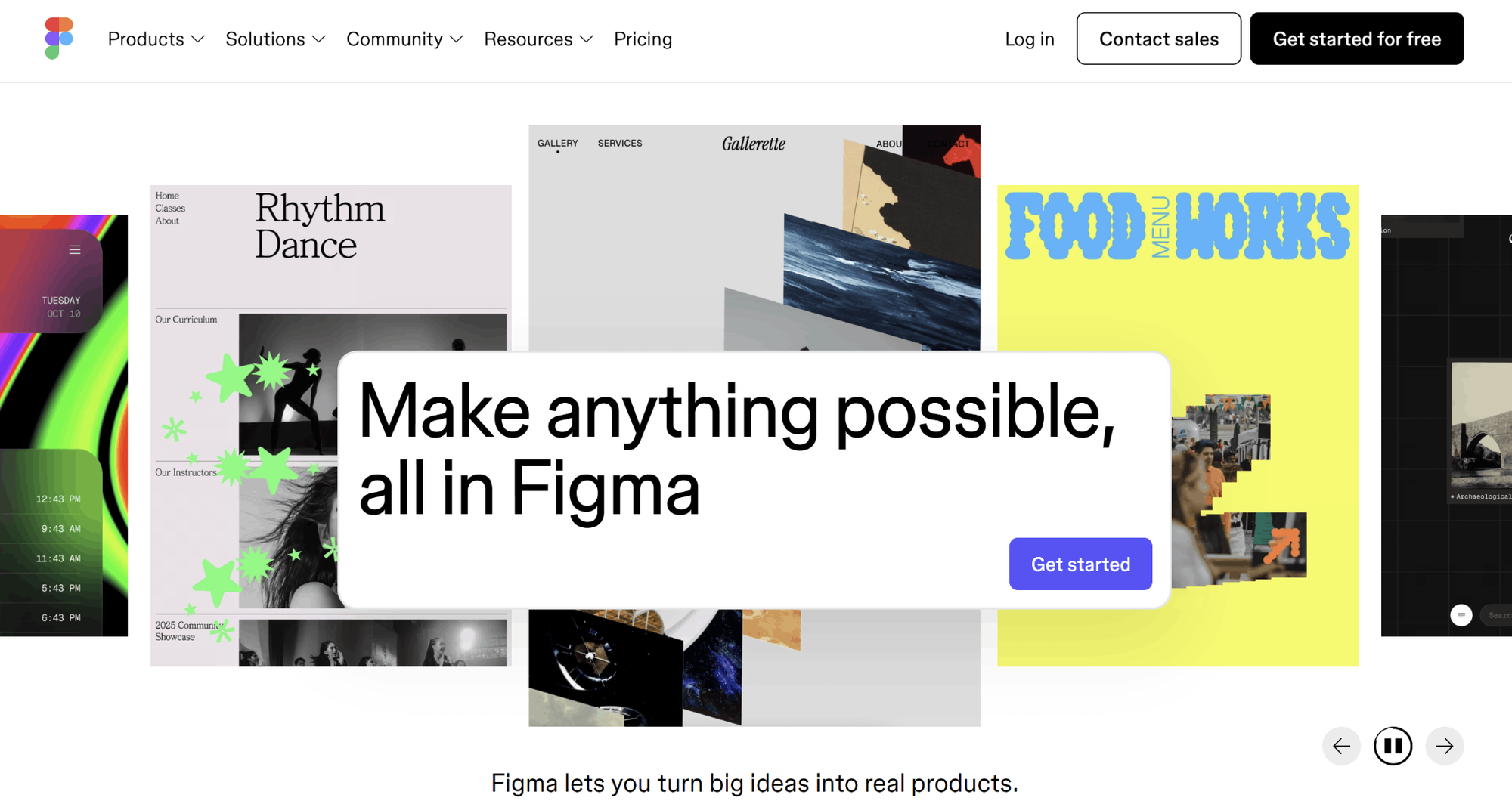
Figma is a powerful design tool for design teams. The biggest advantage to using Figma for wireframes is that it makes it easy to then convert those wireframes into designs for your finished product.
You can create wireframes at any fidelity with Figma, easily export them to share with stakeholders, and collaborate in real time with other designers on your team. You can also use your existing component libraries in your wireframes, making it easy to work with your product’s existing components.
Limitations
It’s a complex platform for non-designers and juniors. Credits burn fast when you use AI features. If you have a big team, costs multiply quickly as Full, Dev, and Collab seats are priced separately. Figma has different canvases for FigJam, Figma Make, and the main canvas; you’ll need to switch context.
Best for
Designers who work on big design projects.
Pricing
Figma offers a free plan for personal projects, with paid plans available for more advanced features and professional projects. Full seats start from $20/editor/month.
G2 Reviews
4.6/5. Users love that Figma is all in one tool with collaboration features.
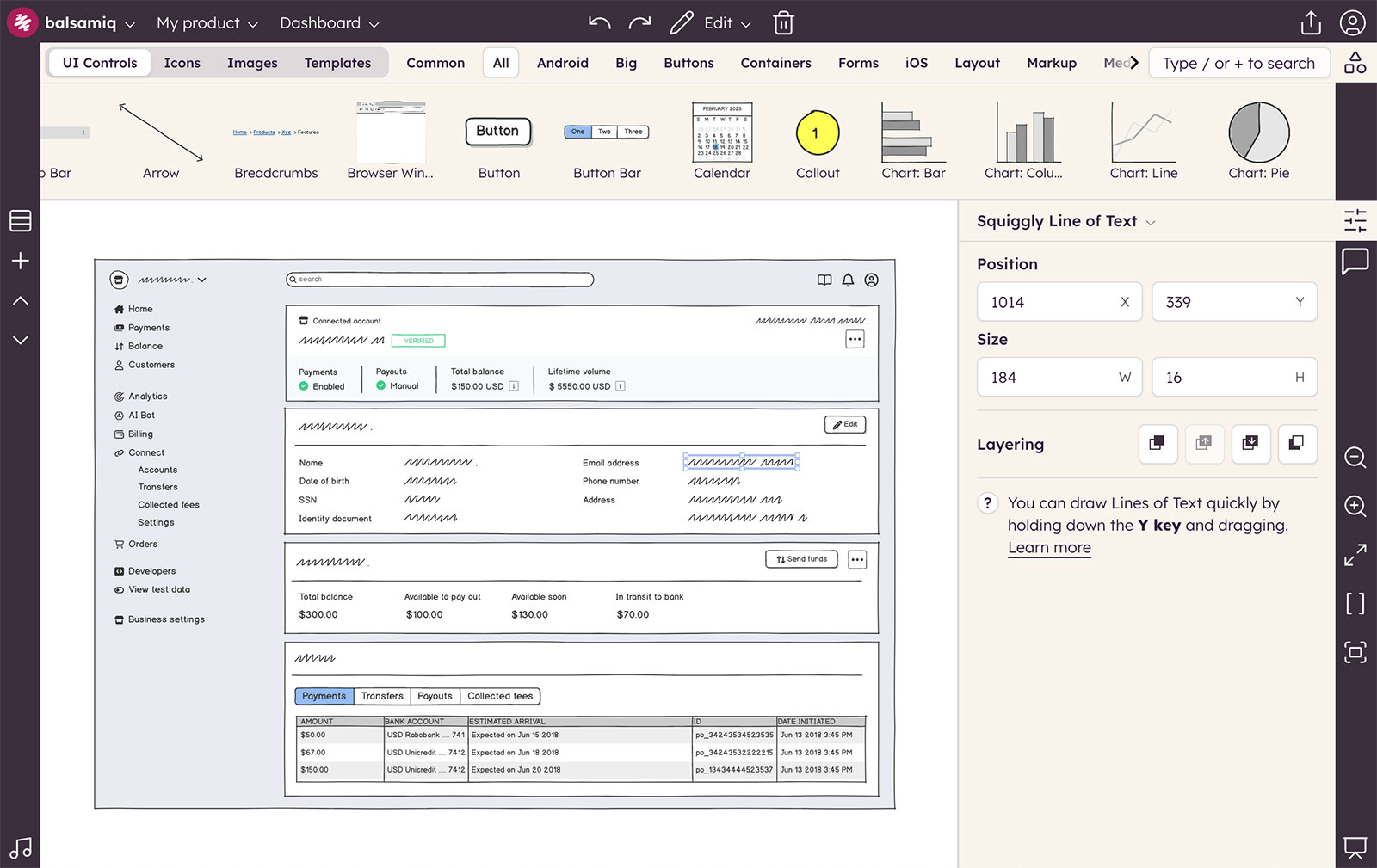
Balsamiq is one of the older wireframe tools still on the market. It offers a drag-and-drop editor with pre-built UI components, real-time collaboration tools, and tools to help you iterate on your designs.
Balsamiq also has options for exporting your wireframes or turning them into interactive prototypes you can use for usability testing. The built-in tools allow you to get your ideas out of your head and into a format that lets you then create actionable plans, specs, and other requirements.
Limitations
Balsamiq is low-fidelity on purpose. As soon as you need visually polished UIs, it’s the wrong tool for you. There’s no path to high fidelity or code export within the tool itself. You’ll need to use other tools and export your wireframes.
Best for
Teams who need deliberately low-fidelity wireframes to get feedback on the structure, not the visual part.
Pricing
Balsamiq offers a free trial, with paid plans starting at $23/month.
G2 Reviews
4.2/5. Users love Balsamiq for fast, low-Fidelity wireframes.
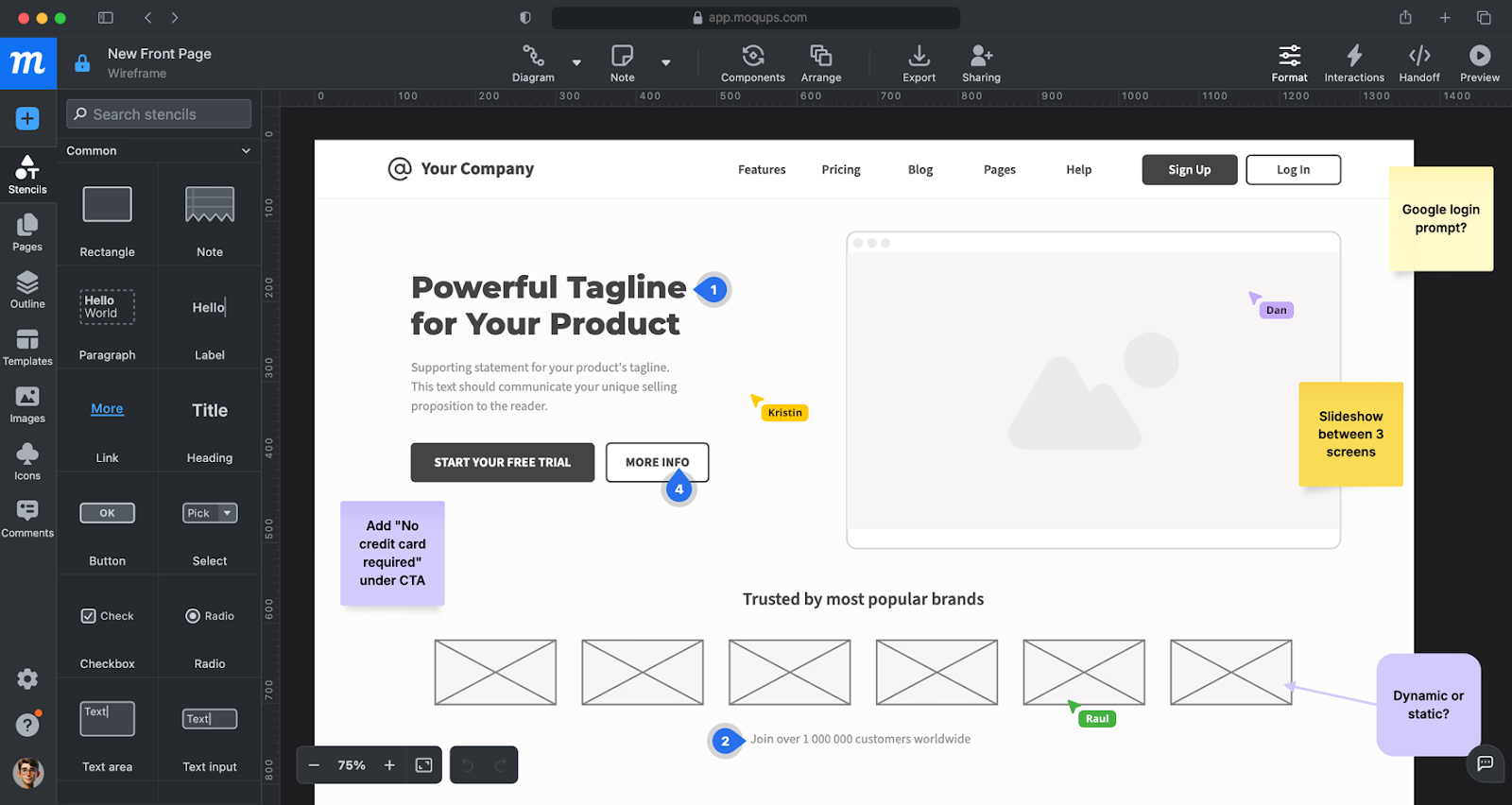
The Moqups wireframing tool is aimed at remote teams working together on wireframes. It offers over 100 templates that you can start with, or you can begin creating wireframes from scratch. There’s a library of UI shapes and other components you can use, as well as reusable components. And there are tools to annotate your wireframes to note important information that can’t be represented visually.
Its collaboration tools include live chat, real-time collaboration, and visual comments. You can also set team roles and sharing settings to make sure that only authorized users are making changes to the wireframe designs.
Limitations
Moqups has a broad set of features, but if you need a dedicated UI/UX design tool for detailed design work, you’ll need to add an additional tool in your workflow.
Best for
Non-designers who need a quick layout without any learning curve.
Pricing
You can get started with Moqups for free, or upgrade to paid plans for unlimited projects and other premium features. Paid plans start from $17/month.
G2 Reviews
4.2/5. Users love Moqups for fast, intuitive wireframing and easy sharing.
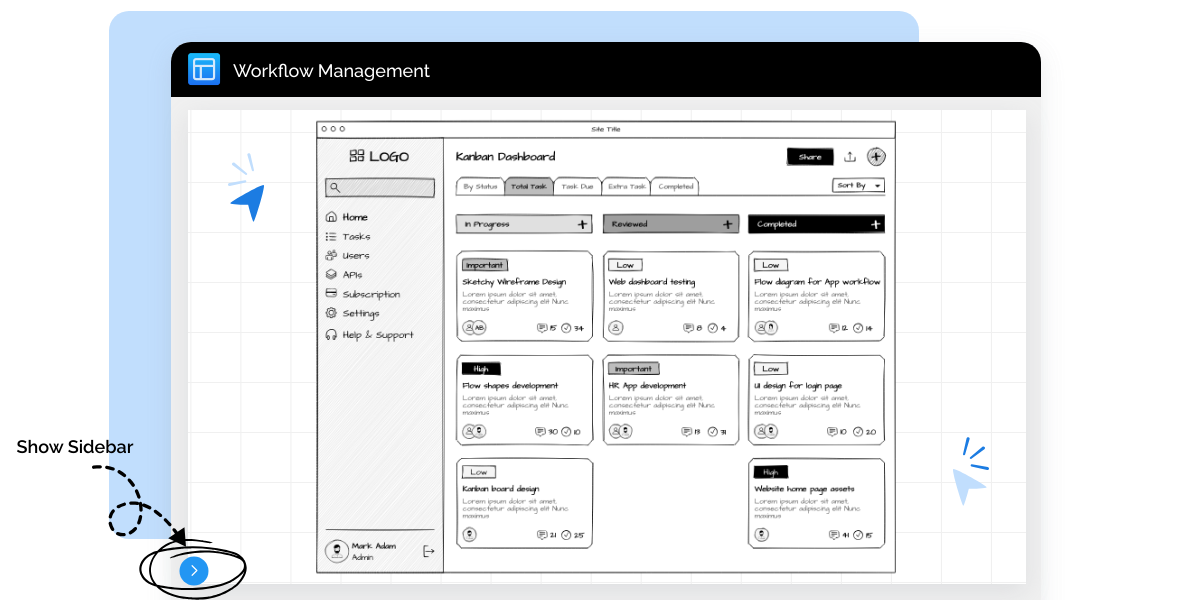
MockFlow’s wireframe editor offers an uncluttered, simple interface for drafting your wireframes. It includes layers to make it easy to group and organize the components within your wireframe, as well as a quick component toolbar. It even has focus mode for when you want to dial in completely on your project.
In addition to all the standard editor features you’d expect, MockFlow’s editor lets you also do things like repeat components or copy styles easily, speeding up the wireframing process.
Limitations
The free plan allows only 4 projects and has a 500-component limit. File uploads are limited, too. The plan fits personal & nonprofit use.
Best for
Teams that need wireframes and strategic whiteboarding in one canvas.
Pricing
MockFlow has a free plan that lets you create 4 projects. Premium plans have unlimited projects and pages, collaboration tools, and more. Paid plans start from $12/month.
G2 Reviews
4.2/5. Users love MockFlow because of Out of the Box Wireframing with a short learning curve.
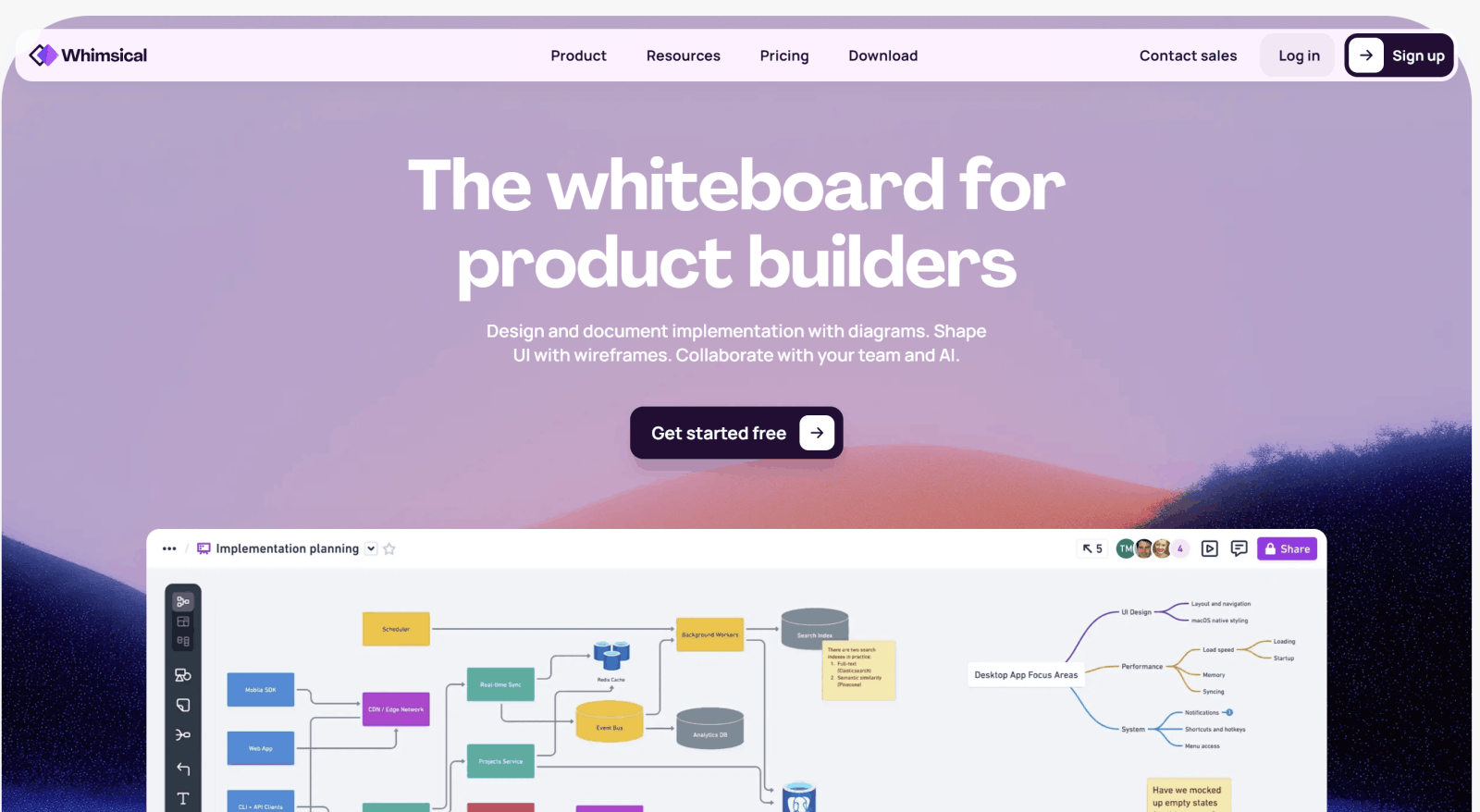
Whimsical offers wireframes, flowcharts, mind maps, sticky notes and docs in the same workspace. It’s useful if you need a wireframe as a part of a big planning project. Whimsical’s main goal is to give users a place to capture and share their ideas in different formats on 1 canvas.
Limitations
It’s not a dedicated UX/UI tool with UI libraries. If UI design is your deep focus, you need to choose another tool.
Best for
Teams that want wireframes together with diagrams, flowcharts, mind maps on the same canvas.
Pricing
Free plan available with up to 50 board objects per month and watermark on exports. Paid plans start from $12/month.
G2 Reviews
4.6/5. Users love Whimsical as a user-friendly tool for wireframes and diagrams.
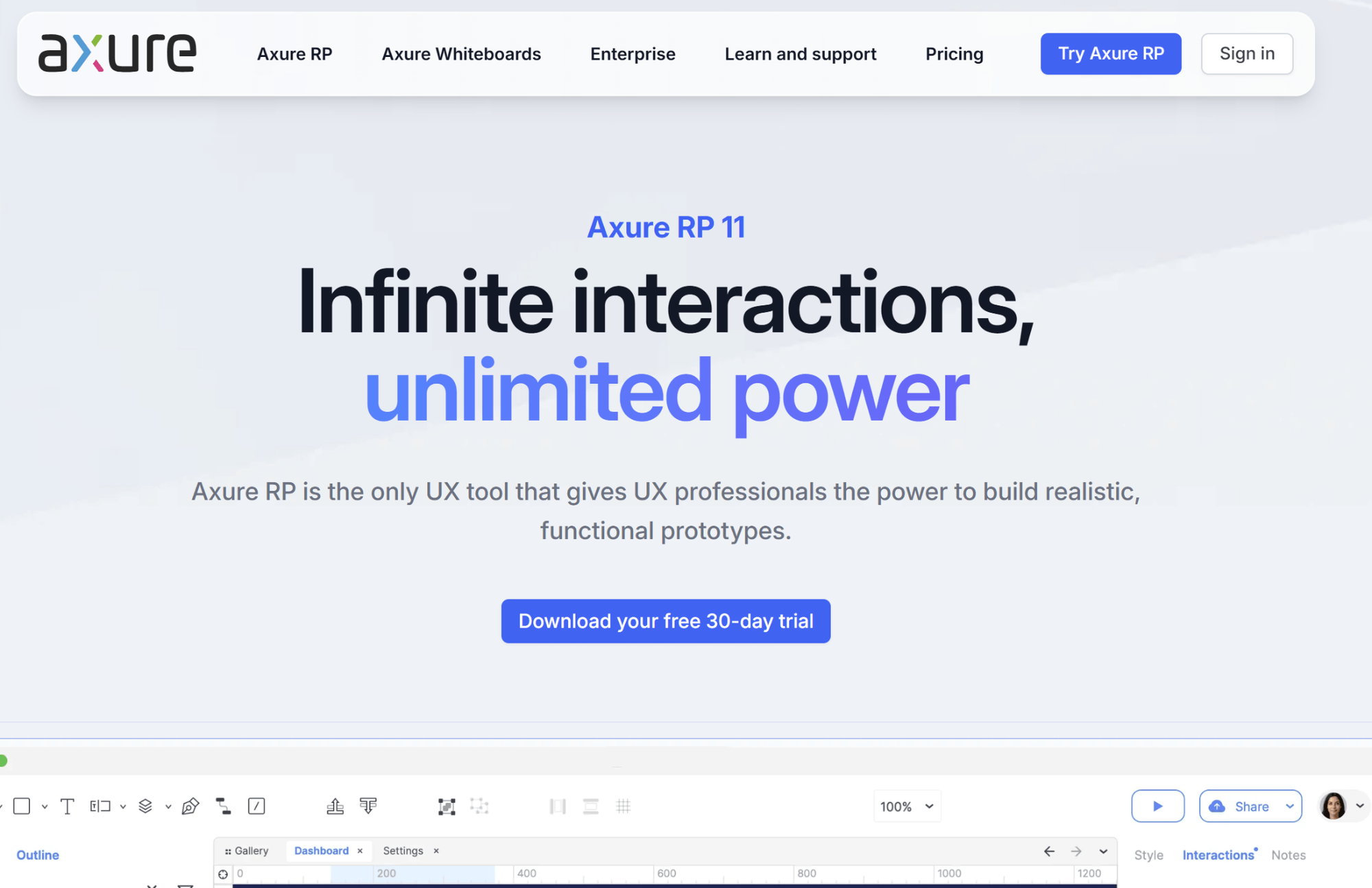
Axure is a wireframing and prototyping tool teams use when they need complex logic: dynamic content, adaptive views for different screen sizes and math functions. You will not get these features from simple wireframing and prototyping tools.
Limitations
Users note a steep learning curve. Teams that don't need logic depth are paying for complexity they don’t need. No free plan.
Best for
UX teams who need complex conditional logic, not just static layout.
Pricing
Axure doesn’t have a free plan. Paid plans start from $34/month per user.
G2 Reviews
4.2/5. Users love Axure as a prototyping tool for logic-based user flows.
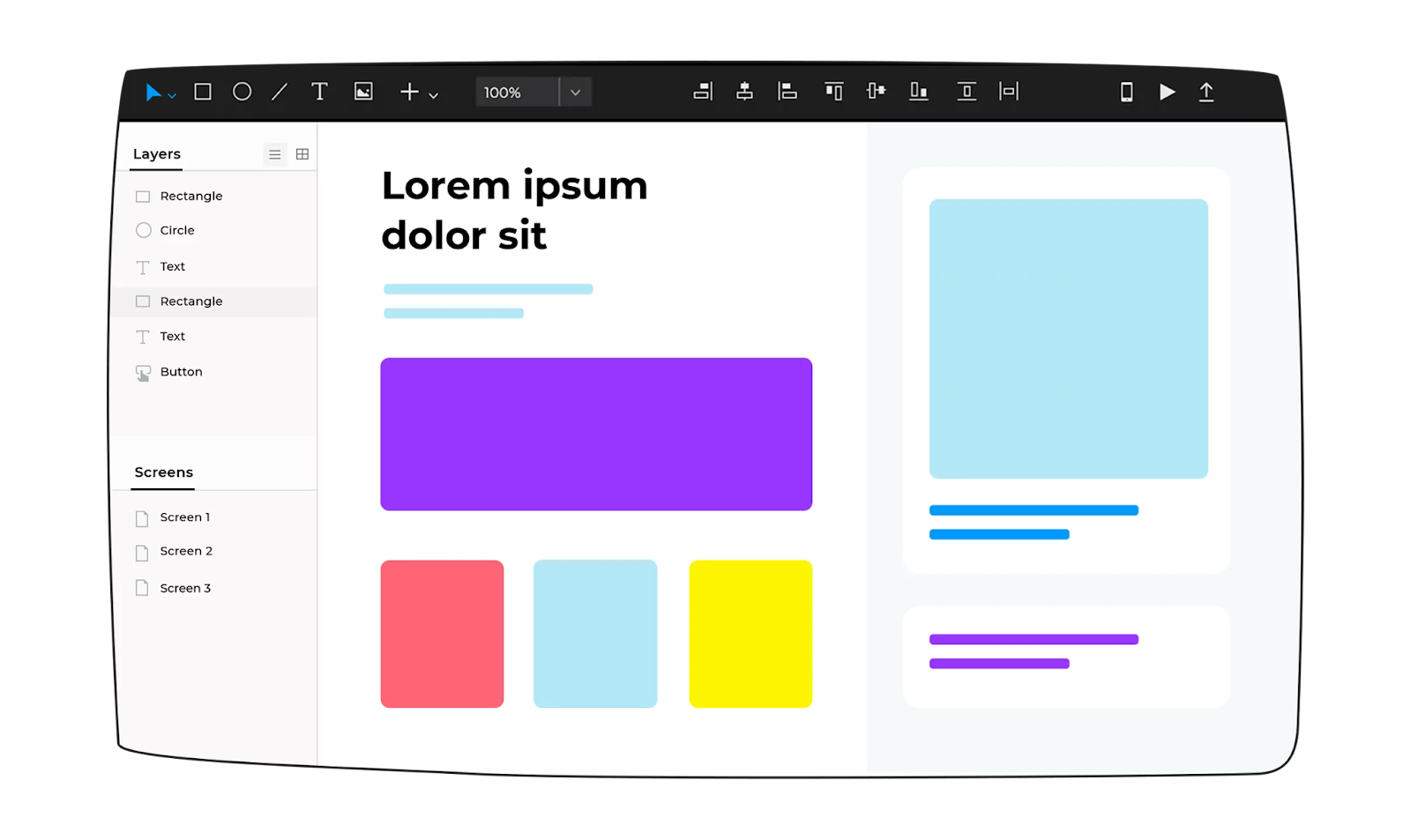
Justinmind’s wireframing tool produces both low- and high-fidelity wireframes, depending on your needs. It also includes tools for creating interactive wireframes that you can actually test, in emulators for both desktop and mobile.
Similar to many other wireframing tools, Justinmind’s interface uses drag-and-drop functionality to create your wireframes from a library of 4,000 pre-built UI elements. It also integrates with other design tools, making it easy to import your wireframes to apps like Figma or Photoshop.
Limitations
Free plan has 1 project and doesn’t support responsive design. Some users noted a complex interface and a steep learning curve.
Best for
Teams who need wireframes and prototypes with conditional logic, form inputs and dropdowns.
Pricing
There’s a free version available, though it’s limited to 1 project. Paid plans start from $19 per editor/month.
G2 Reviews
4/5. Users love dynamic panels that help illustrate mobile app gestures like tap, pinch and slide.
The simple answer: the best wireframing tool is the one that you feel most comfortable and competent working with, that also meets your project’s needs. Try out a few different options and see which one is the easiest for you to use. Not everyone will love the same tools, and not every tool will be suitable for every project.
If you need a wireframing tool that can create editable, multi-screen UI with code export, try Flowstep for free. It pastes designs in Figma and exports clean React, TypeScript and Tailwind. With this workflow, you move from simple wireframes to multi-screen UI and code export on the same canvas.
It depends on your needs. Flowstep is one of the best AI wireframing tools to generate wireframes and multi-screen UI from one prompt. Figma is the best if your team already lives in Figma. Balsamiq is the best if you want a low-fidelity wireframing tool. You’ll need a tool like Axure if you need complex logic.
A wireframe shows structure: a layout with hierarchy and content placeholders. Wireframes don’t show functional behavior. A prototype shows interactivity: transitions, clickable elements and conditional logic. They show how screens actually behave. Balsamiq and Whimsical are wireframing tools by design. Justinmind and Axure are prototyping tools. Flowstep and Uizard represent AI wireframing and prototyping.
Yes. Tools like Flowstep or Uizard generate wireframes from text prompts. Flowstep generates multi-screen UI and exports clean code. Uizard generates mockups from sketches, screenshots and prompts.
Flowstep exports production-ready React, TypeScript and Tailwind CSS code. MockFlow exports front-end code for iOS and Android.