Base44 Review (2026): Pricing, Features & Pros & Cons
Before you choose Base44, read this. This Base44 review highlights some important things to consider about its strengths, weaknesses, pricing and when a different tool might be a better fit.
Explore 7 strong Uizard alternative options—including Flowstep, Figma, v0 and more—take you from idea to UI faster.
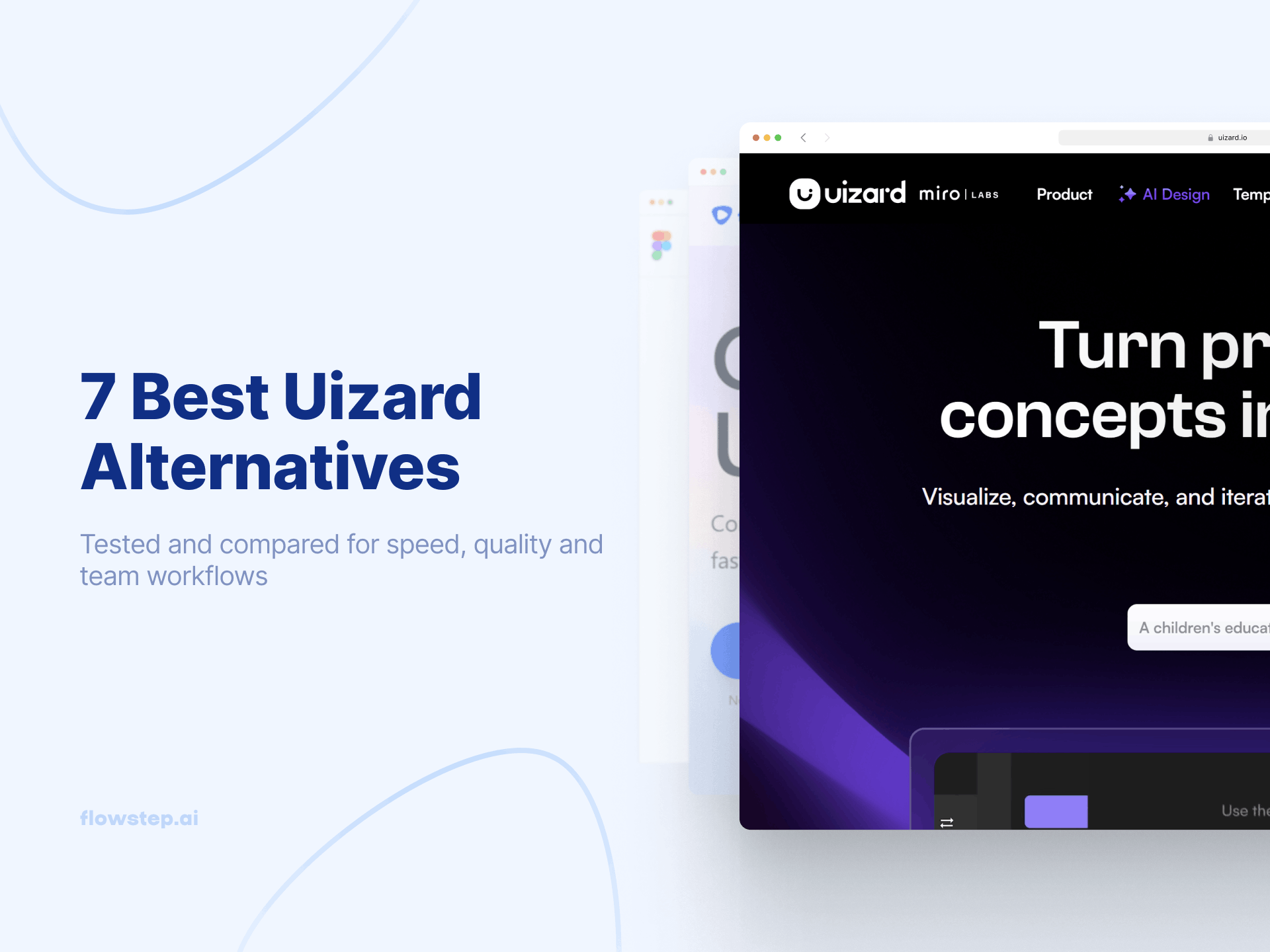
You open Uizard, type a prompt, and within seconds, you’ve got a complete UI to work with. It’s one of the fastest ways to turn an idea into something visual.
As teams start building more complex workflows around those designs, different needs begin to emerge, though—whether that’s deeper customization, smoother handoff or tighter integration with other tools.
This article covers seven Uizard alternatives worth your attention—Flowstep, Figma, Google Stitch, v0, Visily, Magic Patterns and Bolt—ranked loosely by how useful they are for teams moving from idea to something real.
Uizard offers a genuinely low-friction way to start a design conversation. The interface is clean. The learning curve is low. Non-designers can generate screens from text prompts without sitting through a lengthy tutorial. You get a handy sketch scanner that converts hand-drawn sketches to editable UI and a heatmap and focus predictor for quick UX validation.
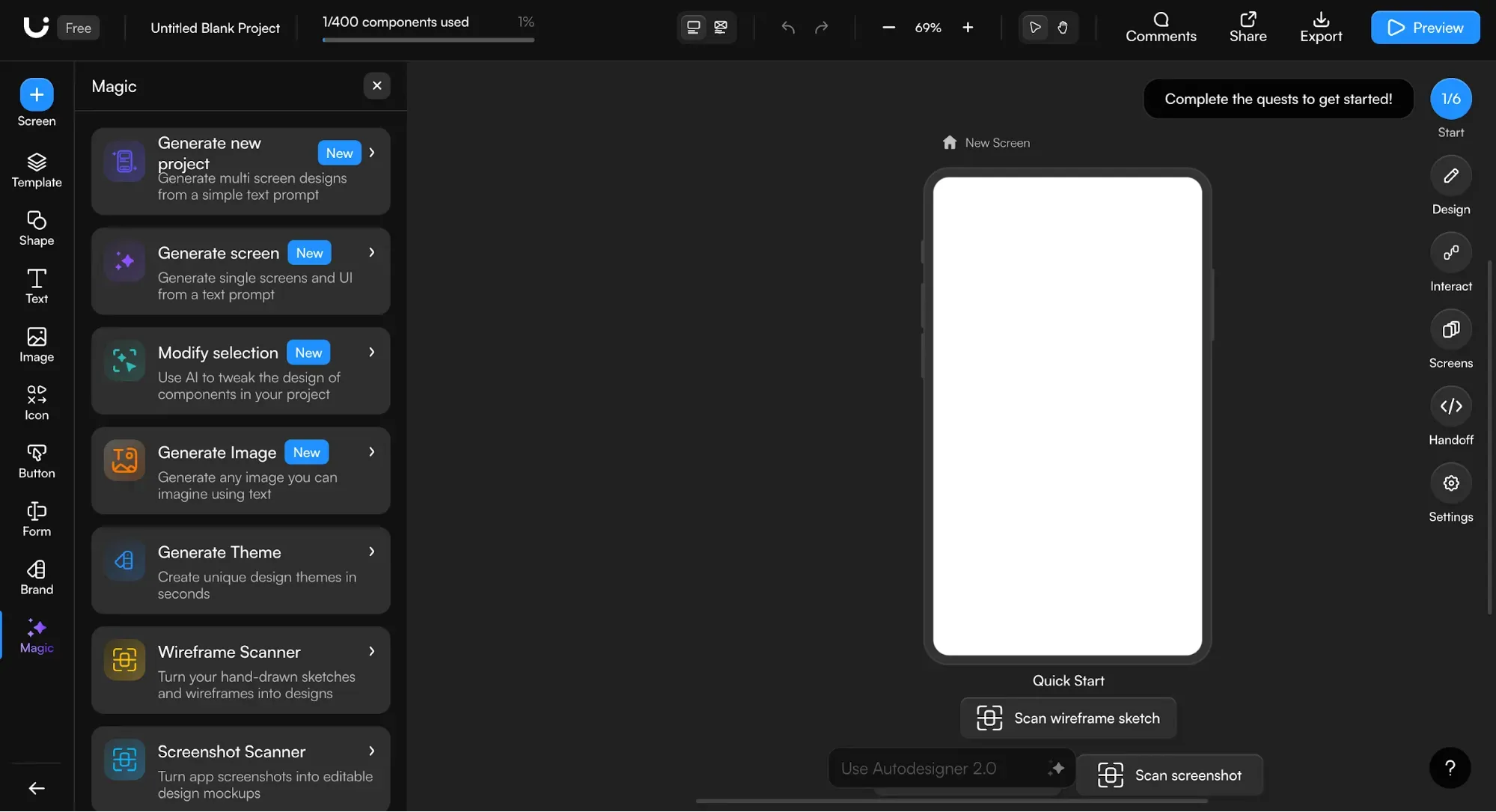
But with three AI generations per month on the free plan, it's pretty limited. The code export produces React and CSS component by component, not whole screens, which slows things down.
The Figma SVG export can come out as messy, which leaves designers doing unnecessary cleanup. Fixed-position elements like sticky nav bars, plus audio and video formats aren't supported. Output quality on complex prompts is a bit hit-or-miss.
See our deeper Uizard pricing and features evaluation if you need more insight, or keep reading to explore Uizard alternatives that fill those gaps.
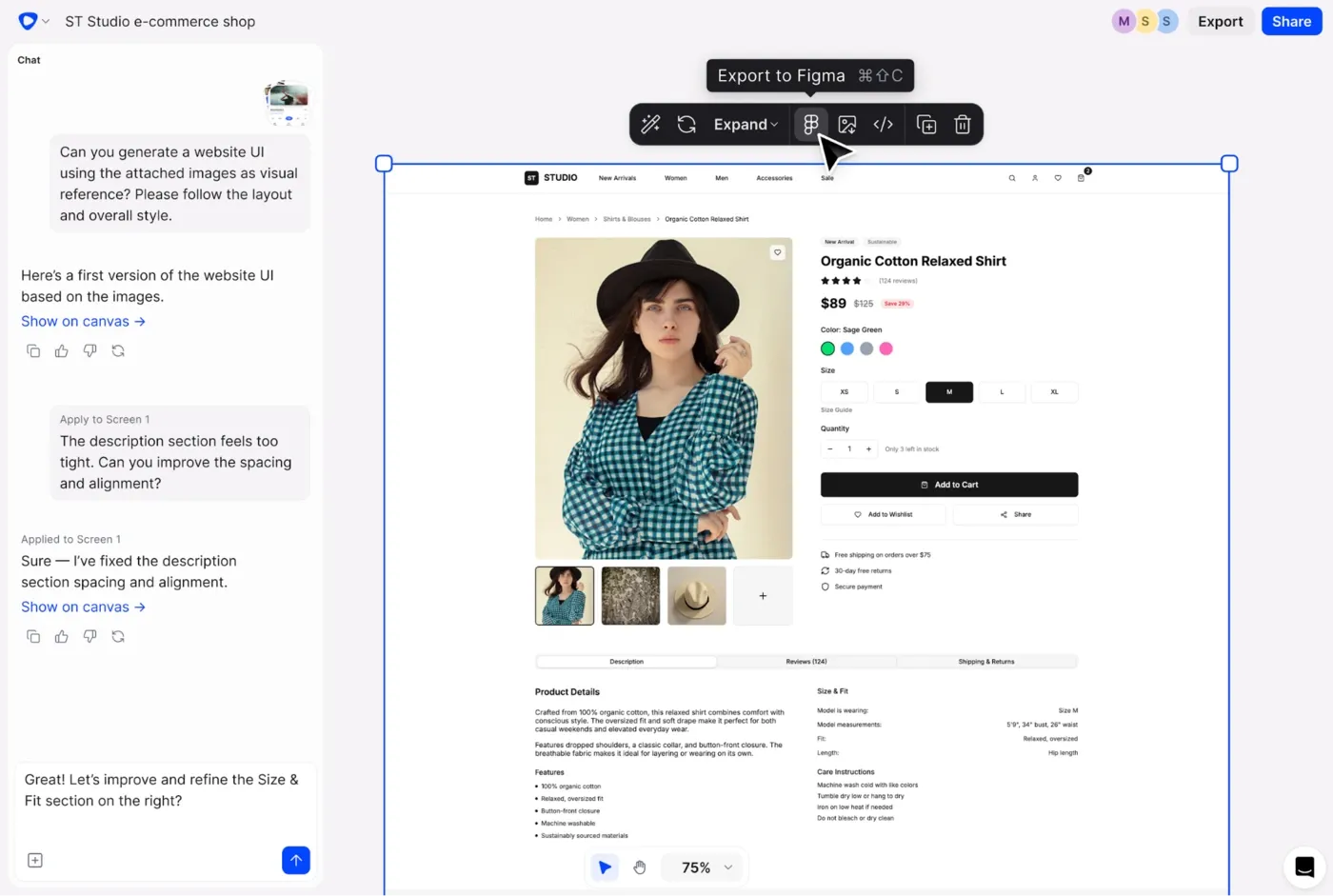
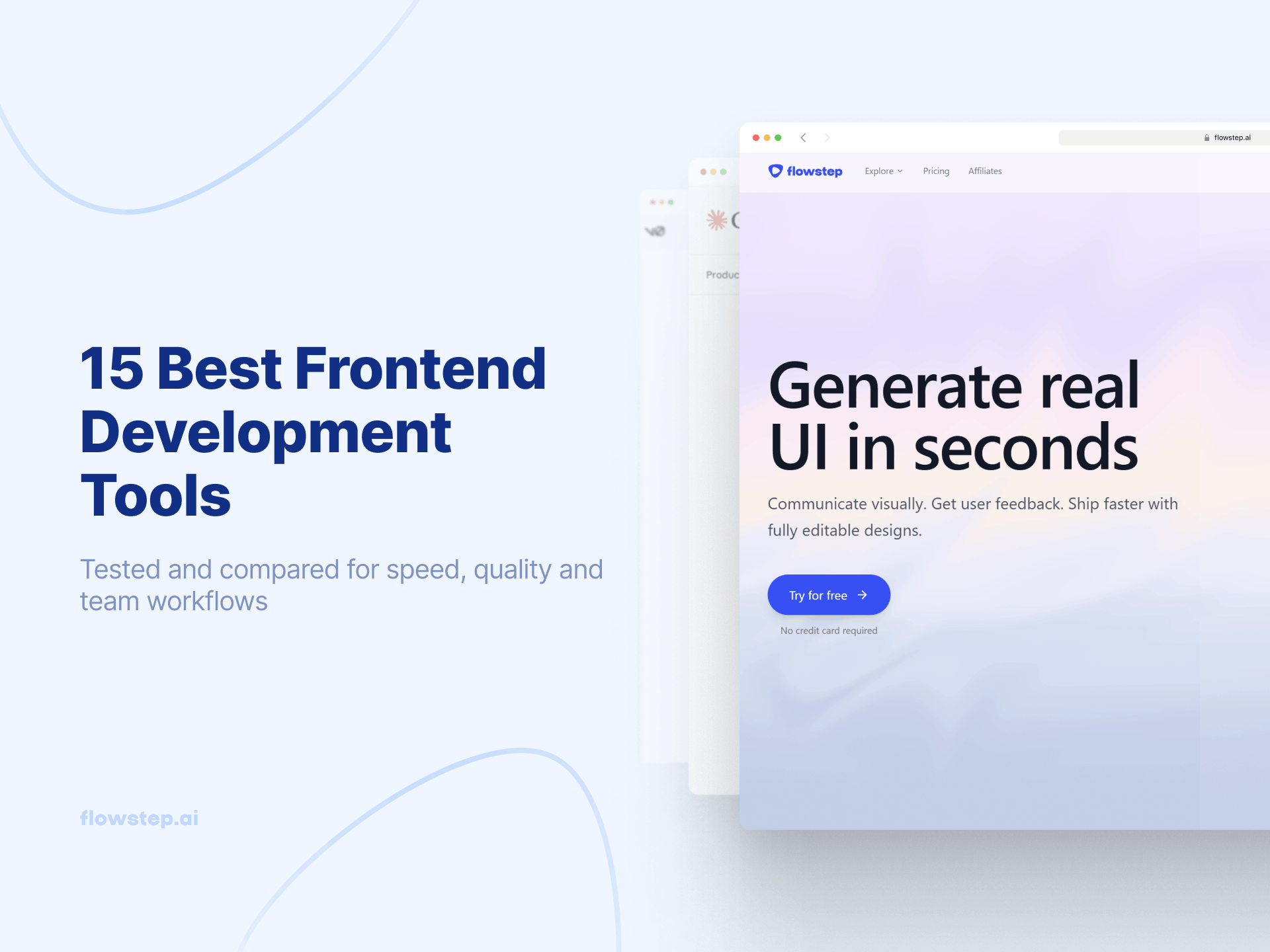
Flowstep is one of the best UI design tools that generates real, fully editable user interfaces from text prompts on an infinite canvas. Describe a product, and the Flowstep AI design assistant builds you a logically connected flow of generated screens with production-ready output quality, e.g., login screen, dashboard, settings, profile page, etc.
Want to move your designs to Figma? Just press ⌘C and ⌘V into Figma. No Figma plugin to install or Figma export file to clean up. Engineers need production code? Get the whole project in React, TypeScript or Tailwind CSS with one click.
Flowstep lets you attach a PRD, paste a URL for inspiration or upload a reference image—the AI tool uses it to align the generated designs with your vision.
If you're looking for a free Uizard alternative, our free plan includes real-time collaboration with unlimited users. The Starter plan is $12/month billed annually or $15/month billed monthly, and includes everything: high-quality designs with impressive generation speed, unlimited exports, out-of-the-box Figma connection (no Figma plugin needed) and code export. Pricing is based on AI messages, not per-creator, so your costs don't multiply as your team grows. Try Flowstep free.
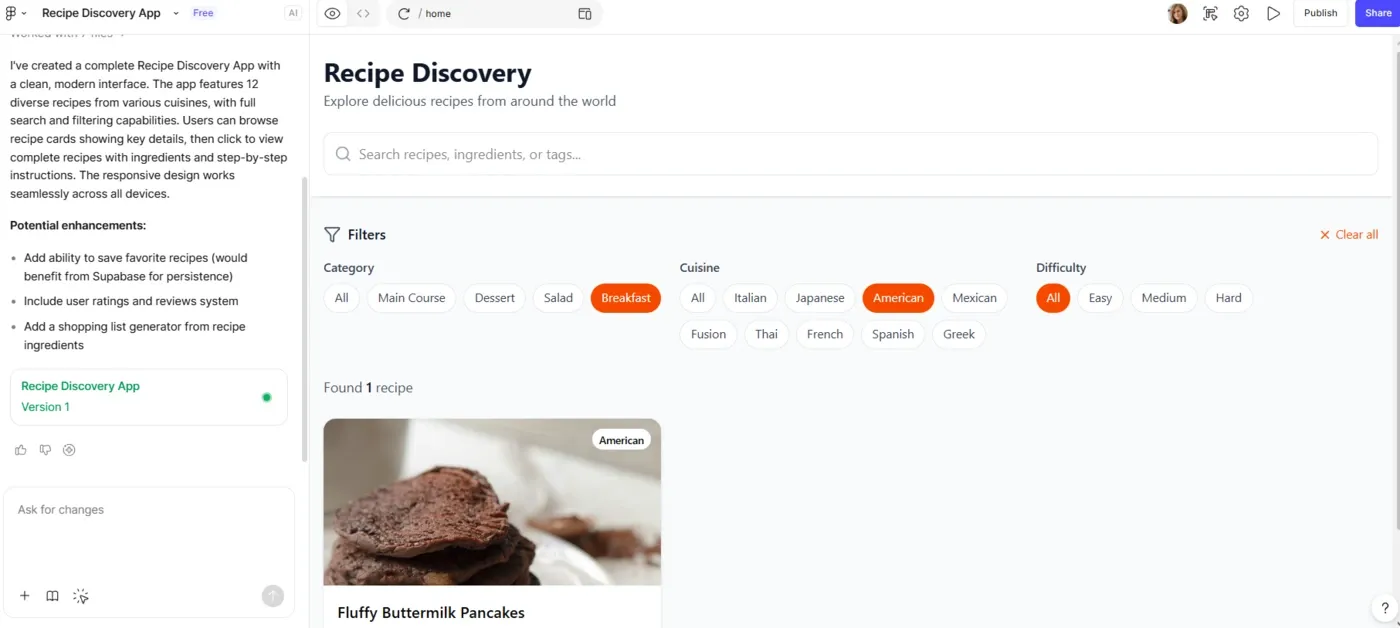
Figma doesn't need much of an introduction. It's where professional designer teams live. The question is whether the AI layer is actually useful.
Figma Make is available to all Full seat users. Describe what you need and get a set of screens you can refine inside the Figma editor. It generates designs that are context-aware, working off your design system and component libraries. Figma AI also handles things like content rewriting, layer renaming and image editing.
For a full picture of its capabilities, see our Figma Make pricing and Figma Make alternatives guides.
Free Starter plan includes 150 daily AI credits. Professional is $16/user/month, billed annually or $20/month, billed monthly. Organization and Enterprise pricing are available for larger teams. More details in our Figma alternatives review.
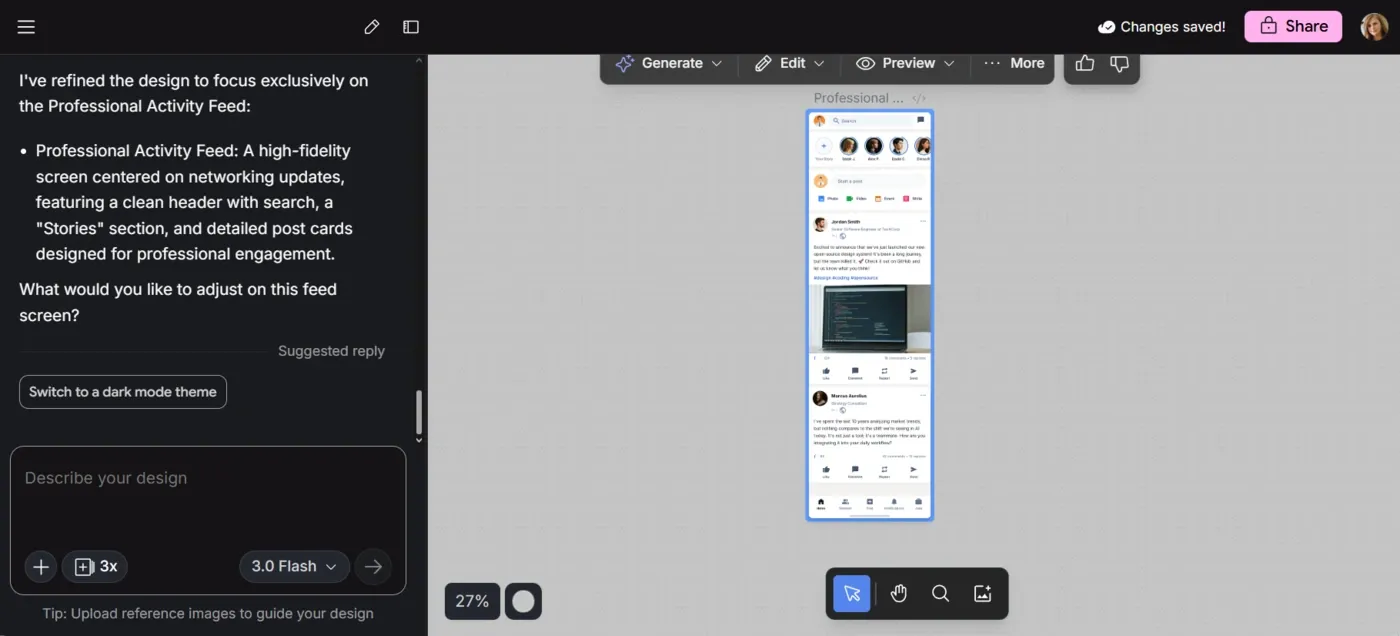
Google Stitch started its life as Galileo AI. Now part of Google, it's a solid AI UI design tool with an infinite canvas, a design agent, voice interaction and SDK integrations with Claude Code, Cursor and Gemini CLI.
However, generating more than two or three connected screens is a struggle. The results are often visually clean but structurally similar across variations. And, as a Google Labs project, the roadmap is inherently less predictable than a dedicated design tool.
For a detailed breakdown, see our Google Stitch review or explore Google Stitch alternatives if you need something different.
Free, with a monthly generation limit.
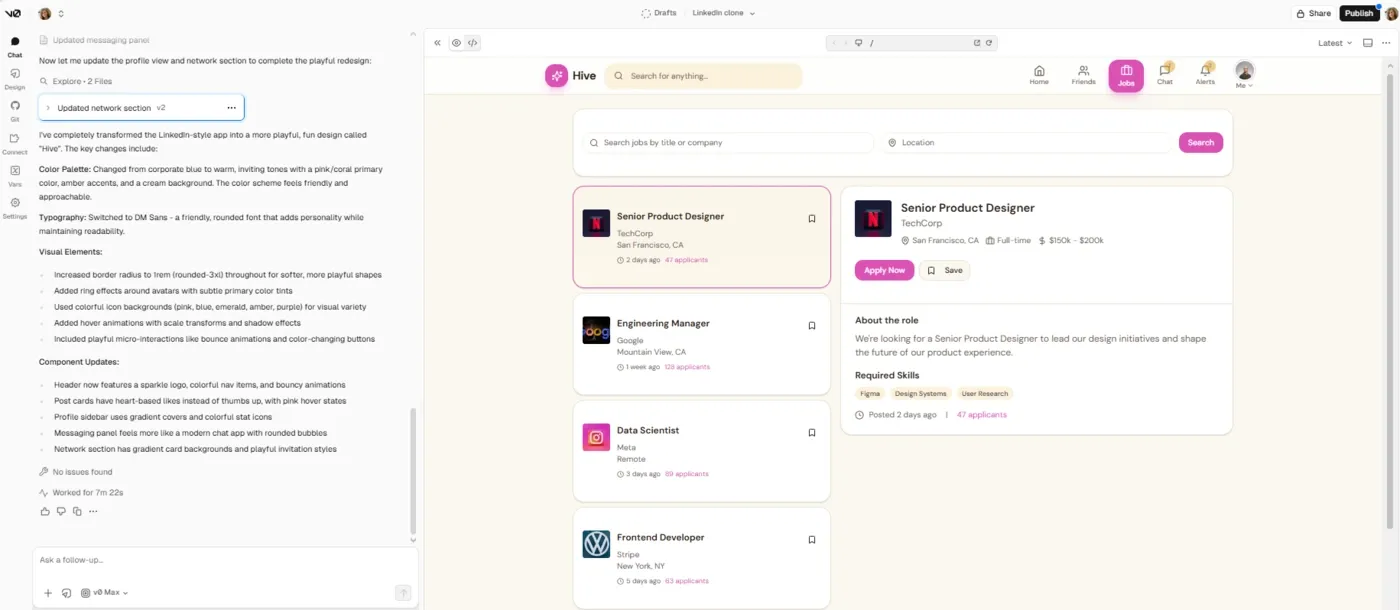
v0 is a developer tool that produces visual design. You type what you want—"a pricing page with three tiers and a toggle for annual billing"—and v0 returns working React code using Next.js, Tailwind CSS and shadcn/ui components. It's fast, the output quality is strong for frontend work, and you can deploy to Vercel in one click.
It's a solid vibe coding tool that lets you visualize a web product idea without opening a design tool. The difference is you're not getting a prototype, you're getting code.
v0 updated its pricing to a token-based system. Longer prompts, bigger apps and more complex outputs use more tokens. The free tier gives you $5 worth of monthly credits—enough to experiment, not enough for real development work.
Team costs $20/user/month, Business is $100/user/month, and Enterprise is custom. You can add on-demand credits to any plan.
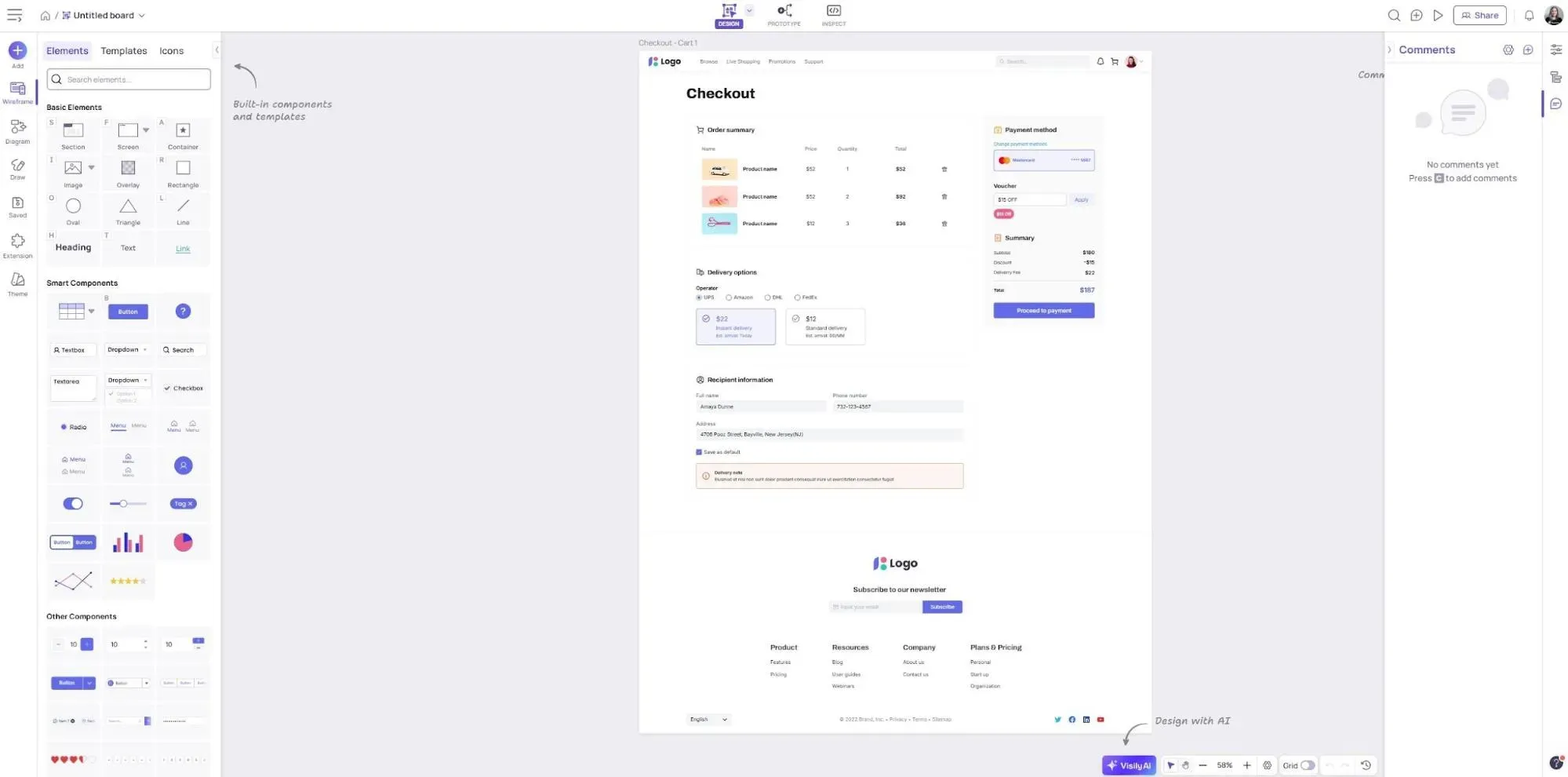
Visily is a wireframing and prototyping tool that works with text prompts, screenshots and hand-drawn sketches.
The screenshot-to-design feature lets you upload a screenshot of an app you like, and get it converted into an editable mockup. Useful when you're trying to adapt an existing design rather than invent something from scratch. The AI can also extract a design theme from a website or logo, which saves time when you're trying to keep things on-brand without a professional designer on your team.
See also: Visily pricing and Visily alternatives.
Free Starter plan with 300 AI credits and 2 editable boards. Pro is $14/editor/month billed monthly or $11/editor/month billed annually, with 3,000 AI credits per editor. Business only lets you pay annually, and costs $29/editor/month. Enterprise5 solutions are custom.
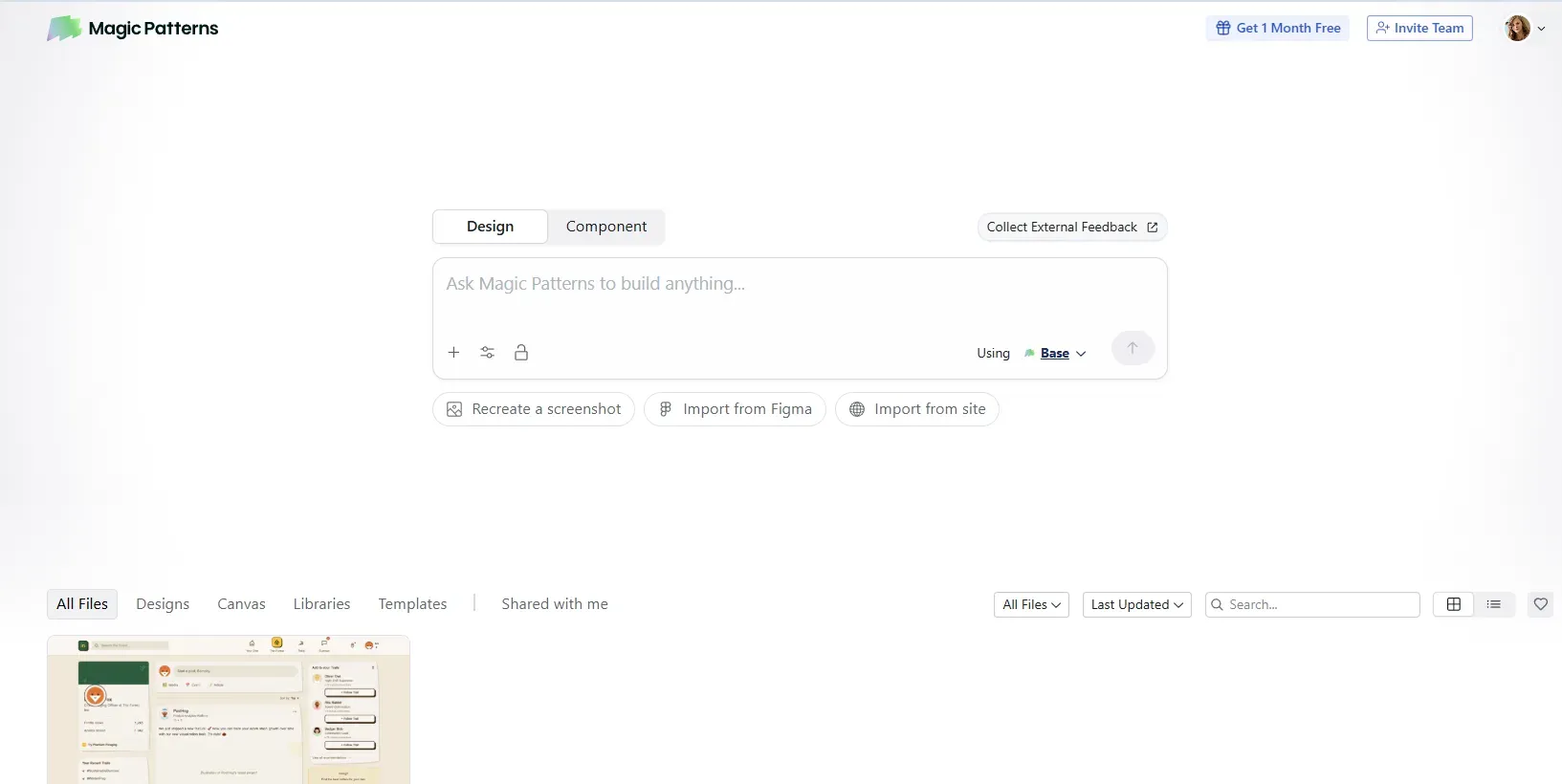
Magic Patterns lets you paste a user story from Jira or Linear and get a visual design from it, letting you skip the transition steps between product requirements and design exploration.
It produces code, not static vectors. The interactive components it creates can handle real states in a way that flat wireframes can't.
The design system integration lets you upload your brand guidelines, component library and existing designs for Magic Patterns to use.
Free tier is available but limited. Then you can switch to Starter ($20/seat/month, 1K monthly credits), Business ($100/user/month, 5K monthly credits), or Enterprise (custom).
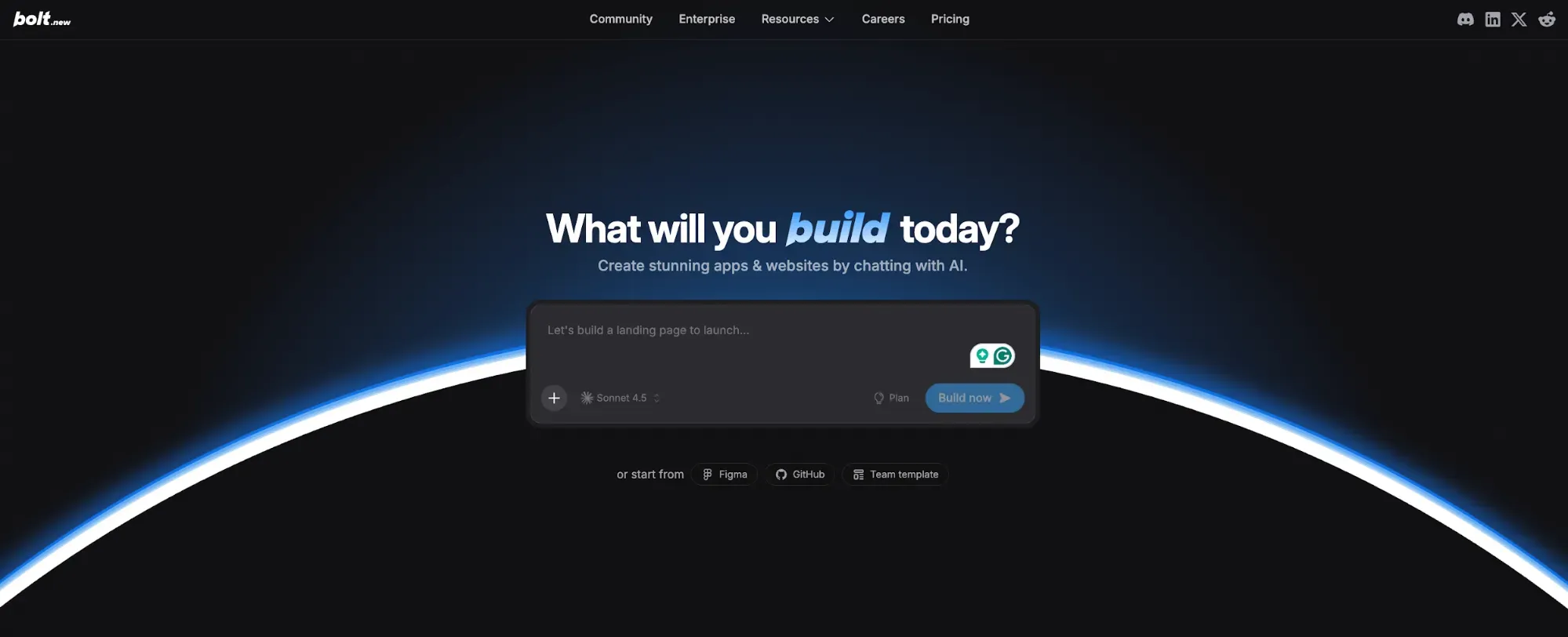
Bolt is more of an app builder software than a design tool. Still, it helps founders and developers visualize and build product ideas without a long design phase.
Describe an application in words. Bolt drafts the project in a browser-based IDE: frontend, backend and database. React, Node.js, PostgreSQL, live preview, one-click Netlify deployment. You can also import Figma designs directly into the Bolt chat to build with visual reference.
Note that token consumption on complex projects can burn through your allocation in a few days. See our Base44 alternatives roundup for more options.
Free: 1M tokens/month with a 300K daily cap. Pro: $25/month ($18 with annual) for 10M tokens. Teams: $30/user/month (or $27 when billed annually) with granular permissions and design system knowledge. Enterprise: custom.
Most of the tools in this list do a pretty good job of solving at least one part of what Uizard doesn't. Stitch is free and fast for early ideas. v0 is the right call if you're an engineer who thinks in code. Visily is a clean swap for non-designer teams who want better templates and smoother export. Figma is where serious design work happens, and Make gives you a reasonable AI layer on top of it.
But if the goal is turning ideas into real UI that you can use right away, and export with one click anywhere you need, Flowstep is the tool that covers the most ground without forcing a major workflow change. Free to start. No per-seat pricing. Deep customization (AI and manual). Multi-screen generation that generates whole flows, not individual screens. And a Figma handoff that doesn't require a cleanup session before it's usable. Start for free here.
Flowstep generates multi-screen UI flows from text prompts, connects directly to Figma via copy-paste, and exports full-screen React/TypeScript/Tailwind code. For product teams working across design, PM and engineering, it covers the handoff gaps and customization depth that frustrate most Uizard users.
Flowstep lets you describe the product you want in plain text, optionally attach a PRD or reference images, and get a connected multi-screen design in seconds.
Yes—Flowstep, Figma Make, Google Stitch and Magic Patterns all support multi-screen generation. Flowstep does it most cohesively, generating connected page flows from a single prompt. Stitch and Figma Make generate multiple screens, but can lose consistency across them.
Flowstep, Visily and Uizard all target users without a design background. Flowstep gives you higher output quality and a cleaner path to sharing designs with your team and stakeholders. Visily is the strongest option if screenshot-to-wireframe conversion is core to your workflow. Both are worth trying on a free plan before deciding.