14 Best Mockup Tools in 2026 (Expert-Tested and Compared)
The 14 best mockup tools for designers in 2026, compared by pricing and use case, from Flowstep and Figma to Canva, Placeit, and more.
Discover the 8 best AI design assistants in 2026. Compare generative AI tools that generate UI, export code, and integrate with Figma so your team can ship faster.
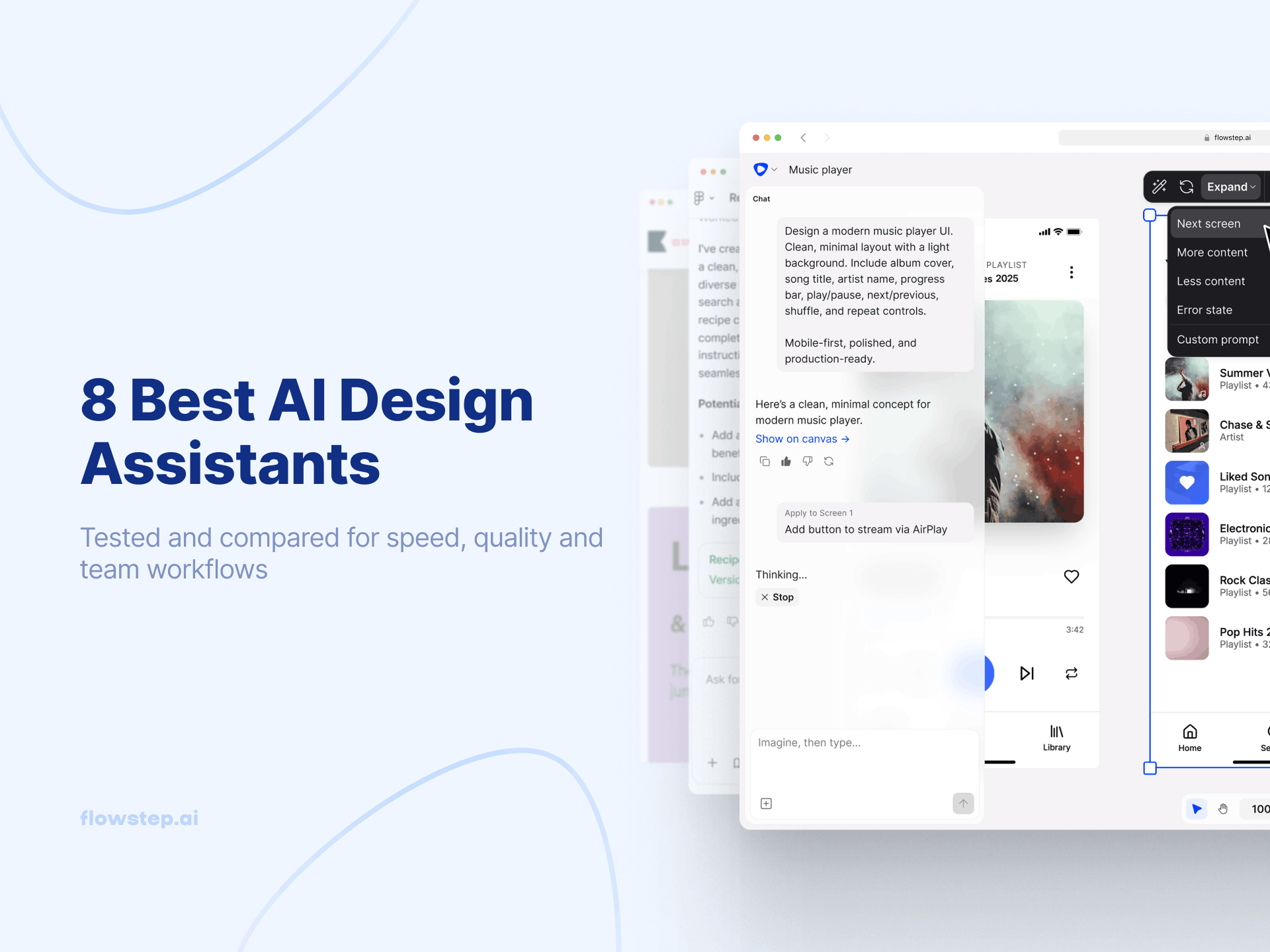
Most design tools give you a blank canvas and a prayer. You spend the first sprint arguing about sidebar states while your competitors ship. The best AI design assistants in 2026 let you describe what you want, generate full UI design screens, collaborate in real time, and export to Figma or production code without switching tools.
The generative AI design market has split into two camps: tools built for product teams shipping real interfaces, and tools for marketers who need to save time without hiring a designer. In this guide, we will explore the top 8 design assistants for both categories.
An AI design assistant uses artificial intelligence to automate or accelerate parts of the design process - generating UI from text prompts, writing UX copy, critiquing layouts, or exporting production code. The capabilities vary widely. The best AI-powered design tools reduce the gap between ideas and something stakeholders can react to - without requiring design expertise at every step.
Quick comparison based on official pricing as of March 2026.
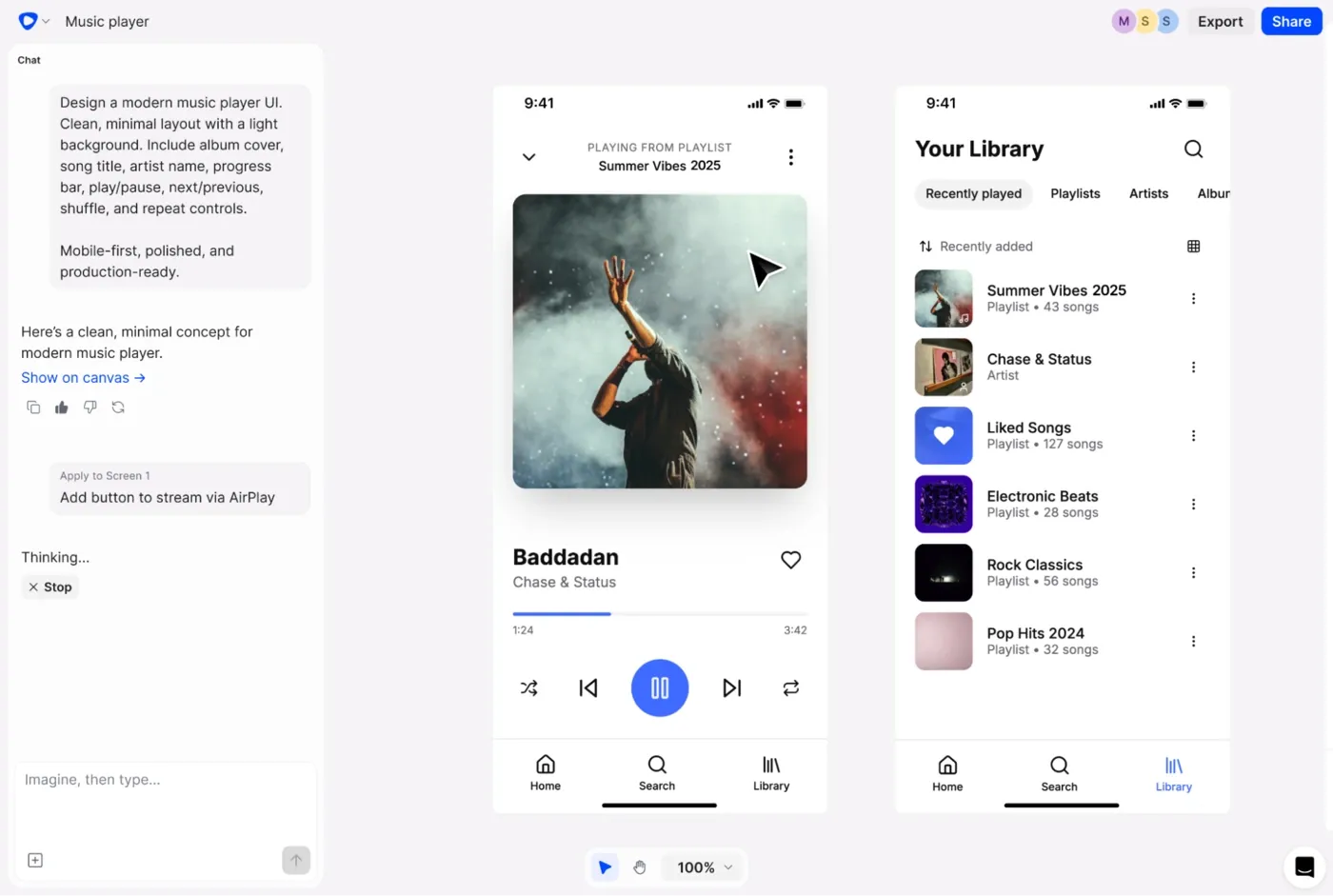
Flowstep is the best AI design assistant for product teams. Most AI design tools handle one step. Flowstep covers the entire loop from ideation to handoff in one generative AI canvas. Describe what you want in natural language, and Flowstep generates connected multi-screen UI design flows from a simple prompt: login, dashboard, settings, onboarding. Give it more context by pasting in a PRD, uploading reference images, or dropping in a URL. Edit with text prompts or adjust components manually in the same canvas. Collaborate with live cursors. Hand off with ⌘C in Flowstep, ⌘V in Figma - no plugin, fully editable designs land in your file. Export React, TypeScript, and Tailwind CSS, ready to implement.
To start, sign up for free and generate your first multi-screen UI in minutes. Best for: product teams, founders, PMs, and designers who want the full AI design pipeline in one tool.
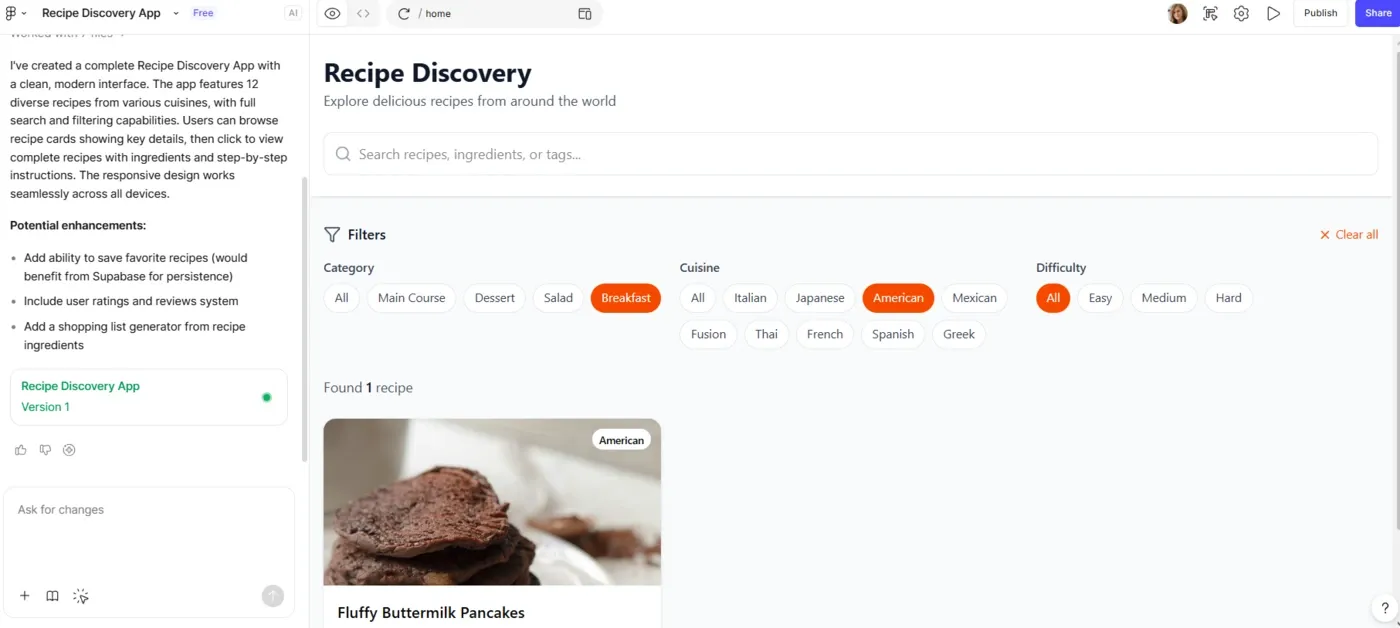
Figma Make is Figma’s prompt-to-prototype tool, introduced at Config 2025. It’s an AI design assistant that lets you describe what you want and generates a clickable prototype you can test with stakeholders right away. While it’s part of the Figma ecosystem, it currently runs as a separate experience from the main editor - something many users find interrupts their workflow due to the extra context switch. Pull in style libraries, components, and design tokens to generate output aligned with your real brand system. Figma Make’s Supabase integration lets you create more complex backend logic, going beyond just prototyping. As of March 2026, Figma enforces credit limits per seat. For a detailed breakdown, see our Figma Make alternatives guide.
Limitation: Credit consumption per action adds up fast under heavy iteration. Locked to the Figma ecosystem.
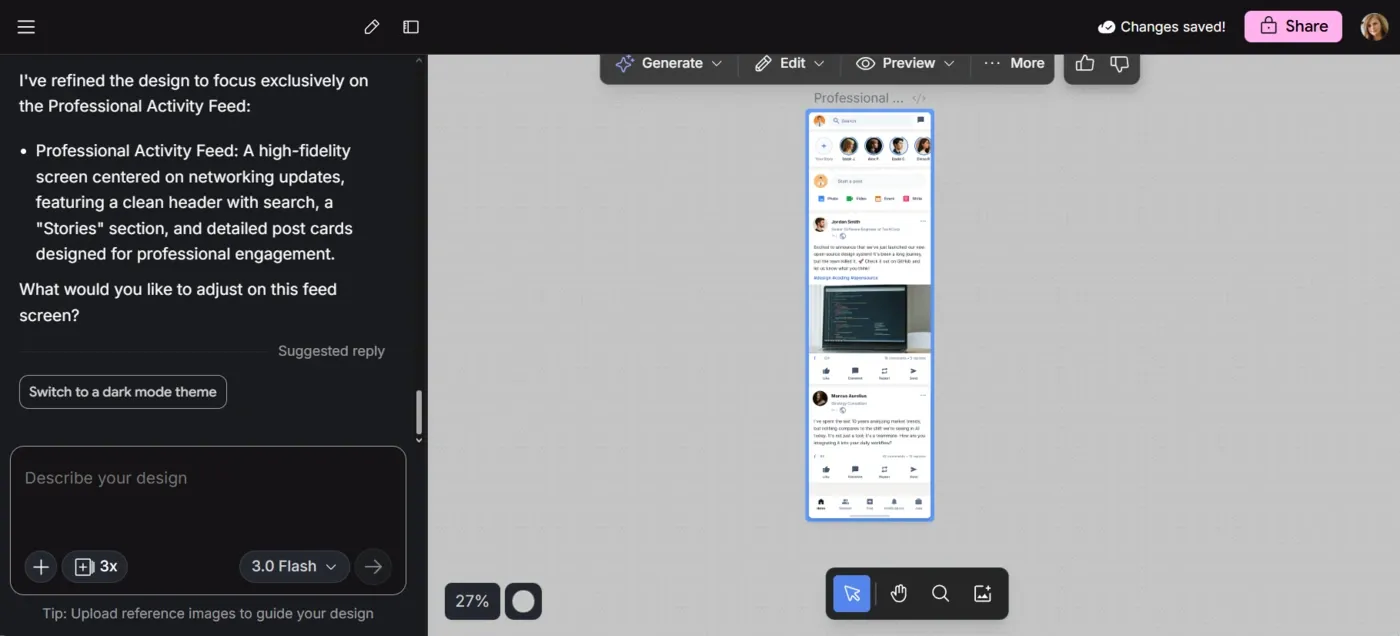
Google Stitch is a free AI design tool from Google Labs, powered by Gemini AI models. Originally, Galileo AI (acquired by Google in 2025) was rebuilt on Gemini. The March 2026 update added an AI-native infinite canvas, a persistent design agent, voice interaction, and one-click paste to Figma. Describe your screen using text prompts or upload a sketch as input - Stitch generates a UI design layout and stitches screens into clickable prototypes. Output pastes into Figma or downloads as HTML, CSS, and React - whether you're mocking up a mobile app or a website landing page. Sign in with a free account to get started. For more details, read our Google Stitch review or Google Stitch alternatives.
Limitation: Performs better on mobile than on complex web interfaces. Generated output tends to sit at mid-fidelity and needs refinement. Best for early inspiration, not production handoffs.
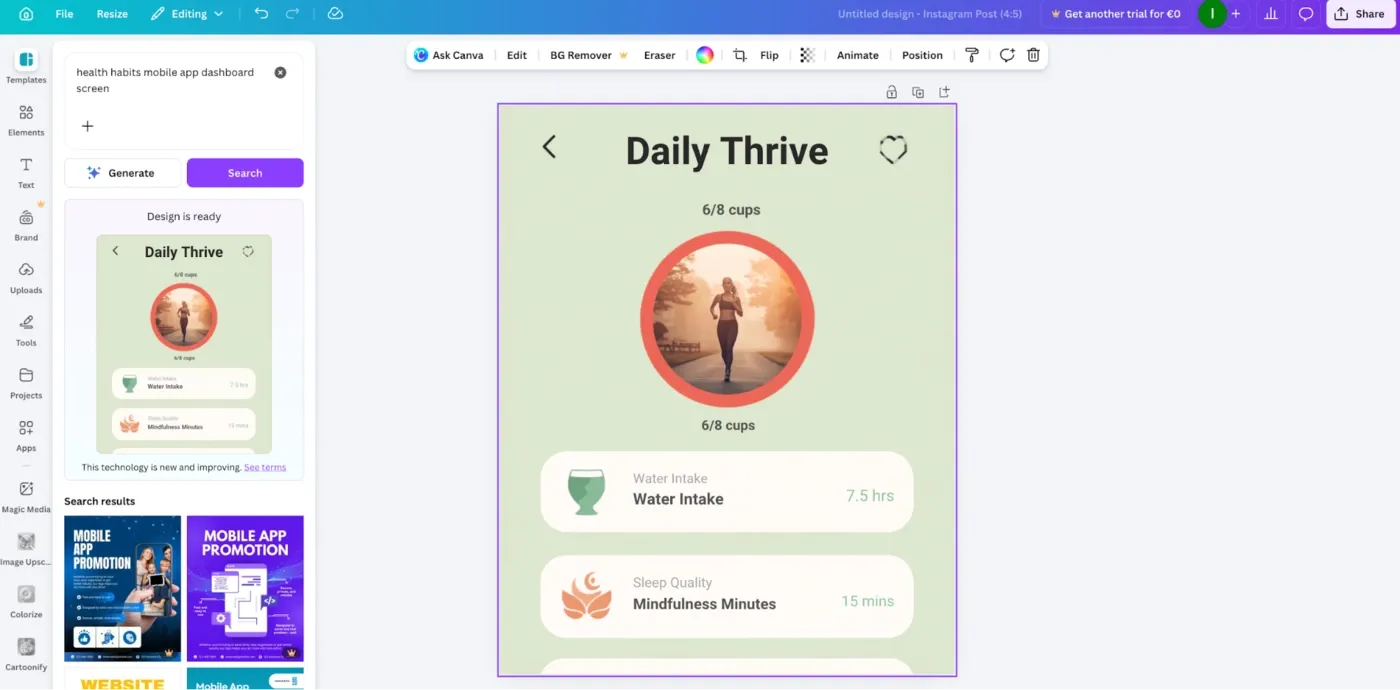
Canva Magic Studio is the AI layer built into Canva - a content production engine, not a product design tool. Generate social posts, ads, presentations, email headers, and video from text prompts. The AI-generated content is fast and requires no design background. Brand Kits lock in your logo, colors, and fonts so every asset stays on-brand automatically. Magic Animate adds motion. Magic Resize reformats any design across 20+ social sizes in one click. If you need to generate a campaign's worth of assets across platforms before lunch, Canva is hard to beat.
Limitation: Not a UI/UX product design tool. No Figma export, no component structure, no code output.
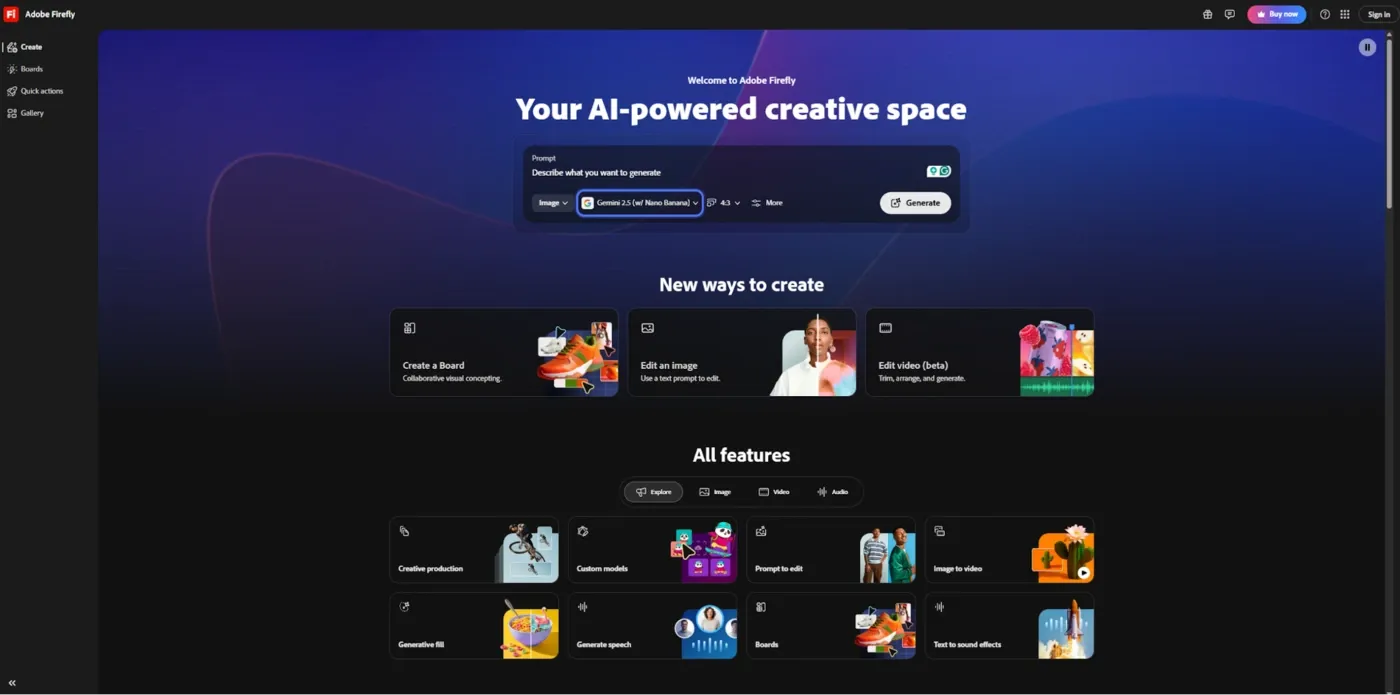
Adobe Firefly is Adobe's all-in-one creative AI studio for image, video, audio, and vector generation. Its core differentiator: commercially safe AI models trained exclusively on licensed content - no copyright claim risk on AI-generated assets. For teams with data privacy requirements, Adobe's approach to training data and intellectual property rights provides a real legal advantage. Firefly's AI-powered features are baked into Photoshop, Illustrator, and Adobe Express. Generative Fill lets you edit images and generate new images from the canvas. Text-to-Vector creates fully editable designs as scalable vector graphics. Custom Models let teams train Firefly on their own brand theme and visual style. Firefly Boards provides a collaborative canvas for moodboarding and inspiration. Harmful content is filtered by default at the model level.
Limitation: Not a product design tool. No UI generation, no wireframing, no Figma integration, no front-end code output.
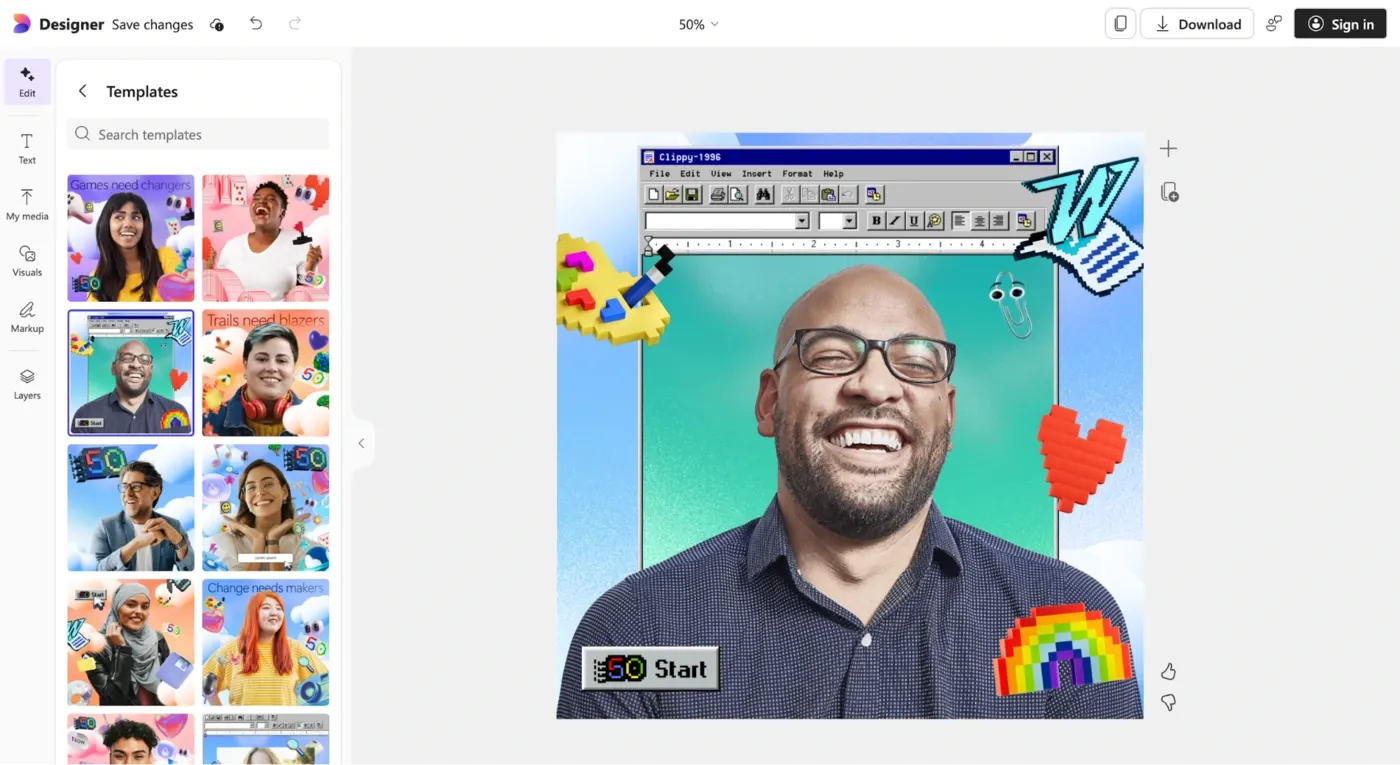
Microsoft Designer is Microsoft's AI-powered graphic design tool for anyone who needs polished visual content without a design background. Describe what you want and Designer generates layout options powered by DALL-E - accessible on web, iOS, Android, and Windows. Designs slot directly into Word, PowerPoint, Teams, and Microsoft Photos without an export step. Choose a color theme or let the AI suggest one. Background removal, image editing, and resize across 20+ social formats are all built in. Content filtering and abuse monitoring via Azure OpenAI Service keep harmful content out of all generations - covering data privacy for personal accounts.
Limitation: Not a product design tool. No UI generation, no design system support, no code output, no Figma integration.
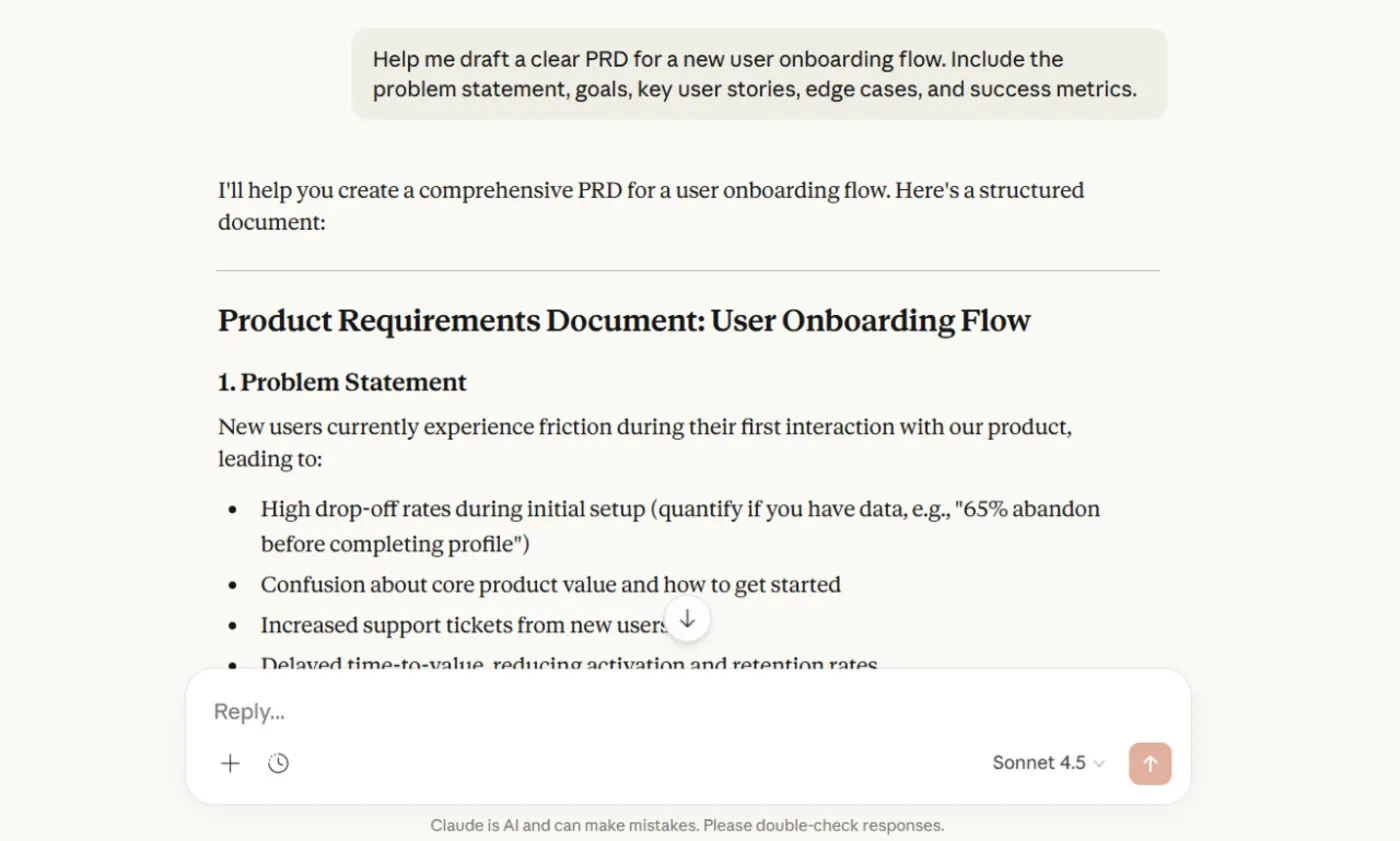
Claude is an AI assistant built by Anthropic - not a visual design tool, but a real part of design-adjacent workflows for engineers and designers at the intersection of design and code. Anthropic doesn't use your inputs to train AI models, making it a data privacy-safe option for teams on sensitive products. Give Claude a brief in natural language, and it generates production-ready React components, TypeScript interfaces, and Tailwind utility classes. Its AI conversation interface makes iteration natural - generate text for UX copy and microcopy, critique a screenshot, or scaffold a design system across multiple turns. For designers exploring how to write effective wireframe AI prompts, Claude helps structure prompts for other AI tools.
Limitation: No visual canvas. Output needs to be implemented in a design tool or development environment. Best as a complement to visual tooling, not a standalone AI design assistant.
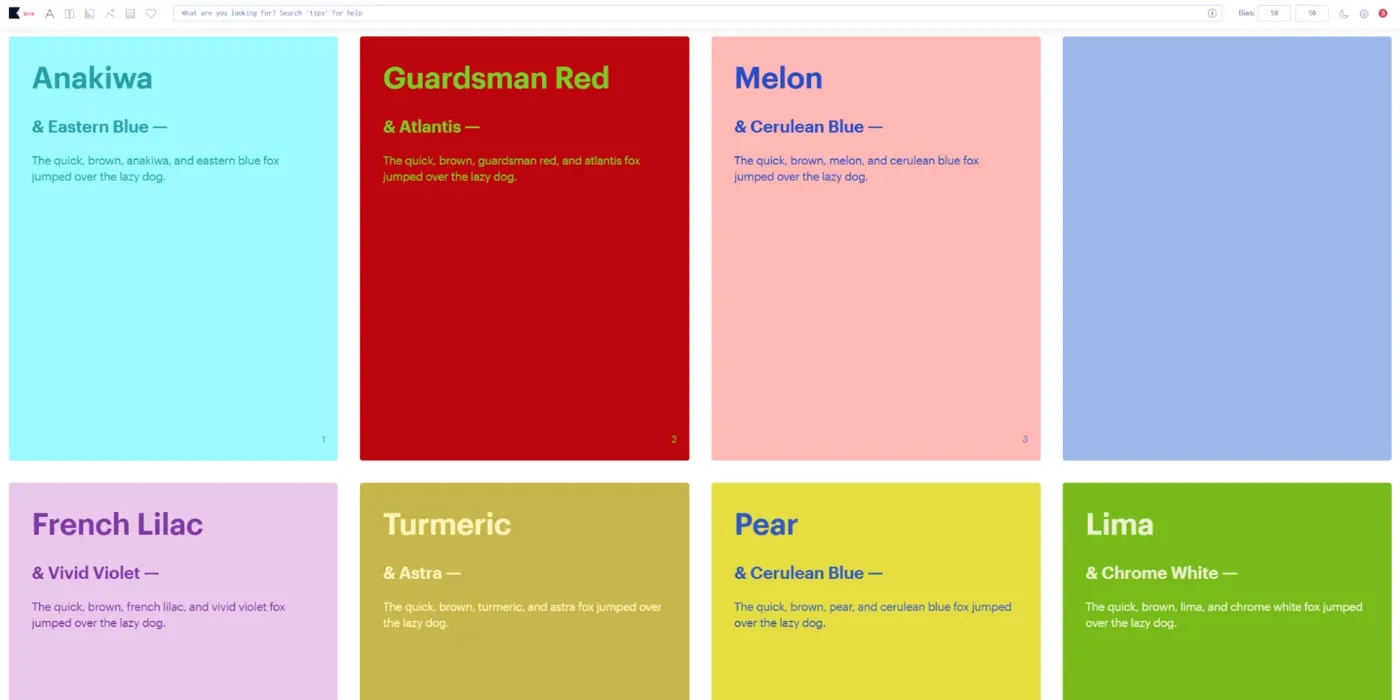
Khroma is a free, browser-based AI design tool built for color. Select 50 colors you're drawn to, and Khroma trains a neural network to generate unlimited palettes matched to your values and taste. Every palette gives you hex codes, RGB values, CSS code, and a WCAG accessibility rating - ready to copy into Figma or your codebase. It's a focused tool for one job: finding the right color theme for your brand or design system. Watch how quickly a well-chosen palette changes the output of every other tool in your stack. See our guide on inclusive design principles.
Limitation: Color only. No layout generation, no UI output, no direct Figma integration. For designers building AI wireframes or product screens, you'll need a separate tool alongside Khroma.
The right AI design assistant depends on your role and which part of the design process is slowing you down. Here are the resources to get to the right tool:
The best teams use two or three tools together - one to generate, one to refine, one to hand off. Flowstep for the UI pipeline. Khroma for color. Claude for code and copy. See our roundups on best Figma plugins, best tools for UI design, and creating better AI wireframes to build out your stack.
Generative AI design tools have moved from novelty to essential workflow layer in the space of a year. The best AI design assistants now handle the full pipeline - from idea to production - without requiring design expertise at every step. Flowstep leads this shift by combining generative AI, an infinite canvas, real-time collaboration, instant Figma copy-paste, and clean code export in one tool.
Sign up for free and go from prompt to production-ready design today.
An AI design assistant uses artificial intelligence to accelerate the design process - generate UI design screens from text prompts, write UX copy, critique interfaces, or export code. Designers can focus on strategic decisions rather than boilerplate.
Yes - tools like Flowstep let PMs and founders describe what they want and generate high-fidelity, multi-screen UIs without design skills. AI handles visual decisions so non-designers can focus on the product. That said, AI tools work best when someone with design values steers them.
Flowstep uses ⌘C/⌘V - no plugin, fully editable designs land in your Figma file. Google Stitch has paste-to-Figma. Figma Make is native to Figma. Adobe Firefly has a Figma plugin for image generation inside your design file.
Some do. Flowstep exports React, TypeScript, and Tailwind - ready to implement. Google Stitch exports HTML/CSS with React in some modes. Claude generates component-level code from descriptions. Canva, Microsoft Designer, and Khroma don't generate code.
Traditional design tools give you a blank canvas and precise control. AI design assistants start with language - describe what you want, and the tool generates a starting point. The best ones combine both: generative AI gets you to 80% fast, then manual editing handles the rest.