

We Tested 12 Best Prototyping Tools: Our Honest Take for 2026
See the best prototyping tools in 2026, from AI-driven to high-fidelity options. Find which tool is best suited for your team.
The 14 best mockup tools for designers in 2026, compared by pricing and use case, from Flowstep and Figma to Canva, Placeit, and more.
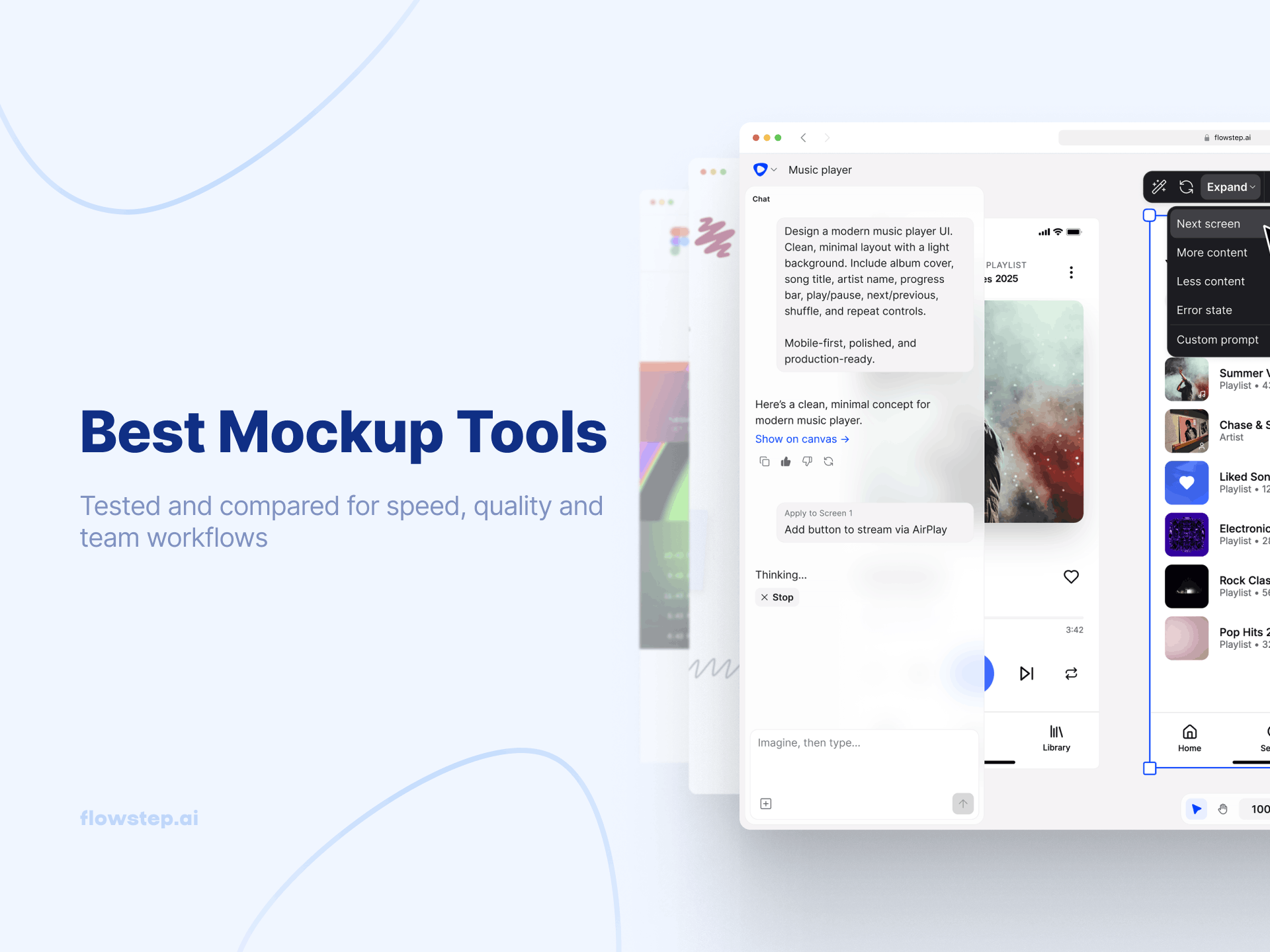
Say you have a design, landing page, or product idea that needs to look real before you show it to a client, a stakeholder, or a beta tester. A mockup tool turns your flat design into something people can react to and give feedback on.
Unfortunately, there has been a growing trend toward using the term "mockup tool" to describe three completely different types of products (UI/UX design & prototyping suites, website builders, and template-based product mock-up generators), and picking the wrong type of mockup tool can result in wasted time, something many people cannot afford.
So, we compared 14 of the most-used mockup tools available in 2026, including AI design assistants and several old-school or traditional template libraries. We ranked each one according to what it does best.
This guide covers the best mockup tools for 2026, broken down by use-case, so you can jump to the items you need. We have included a quick comparison table, a criteria breakdown detailing exactly how we evaluated each listed tool, as well as detailed individual reviews and evaluations with honest trade-offs and pricing information. There is also a FAQ section answering the questions people actually ask about mockup software.
Since evaluating software with conflicting features and separate pricing models can get overwhelming, we took the time to map out every option across AI capabilities, team collaboration features, and workflow fit.
This will help you quickly drop options based on your specific team needs rather than just claiming one tool is the best fit for everyone.
Any software that shows you what a design, UI screen, product, or website will look like before it's built or manufactured counts as a good mockup tool. It provides a realistic and presentable version of your concept and design ideas.
But these baseline features alone don't automatically make it the best tool to use for mockups or for your team. It should also cover a range of capabilities (such as AI assistance). For example, Flowstep can generate an editable working UI mockup directly from a text prompt, eliminating the blank canvas stage entirely.
There are also new website builders, such as Framer and Webflow, that let you go from mockup to published site. Also, there are open-source options, like Penpot, that offer professional-grade design for free to teams.
Mockup tools can look great in a product demo, but still feel clunky once you try to fit them into your day-to-day work. So, we looked well beyond standard feature checklists and evaluated how each tool actually performs within a real production workflow.
When testing these tools, we focused on five key areas:
Our goal isn't to declare one single tool as the winner for everyone, but we want to highlight each of the tool’s real strengths, trade-offs, and ideal workflow fit, so you can choose the right tool for your specific needs.
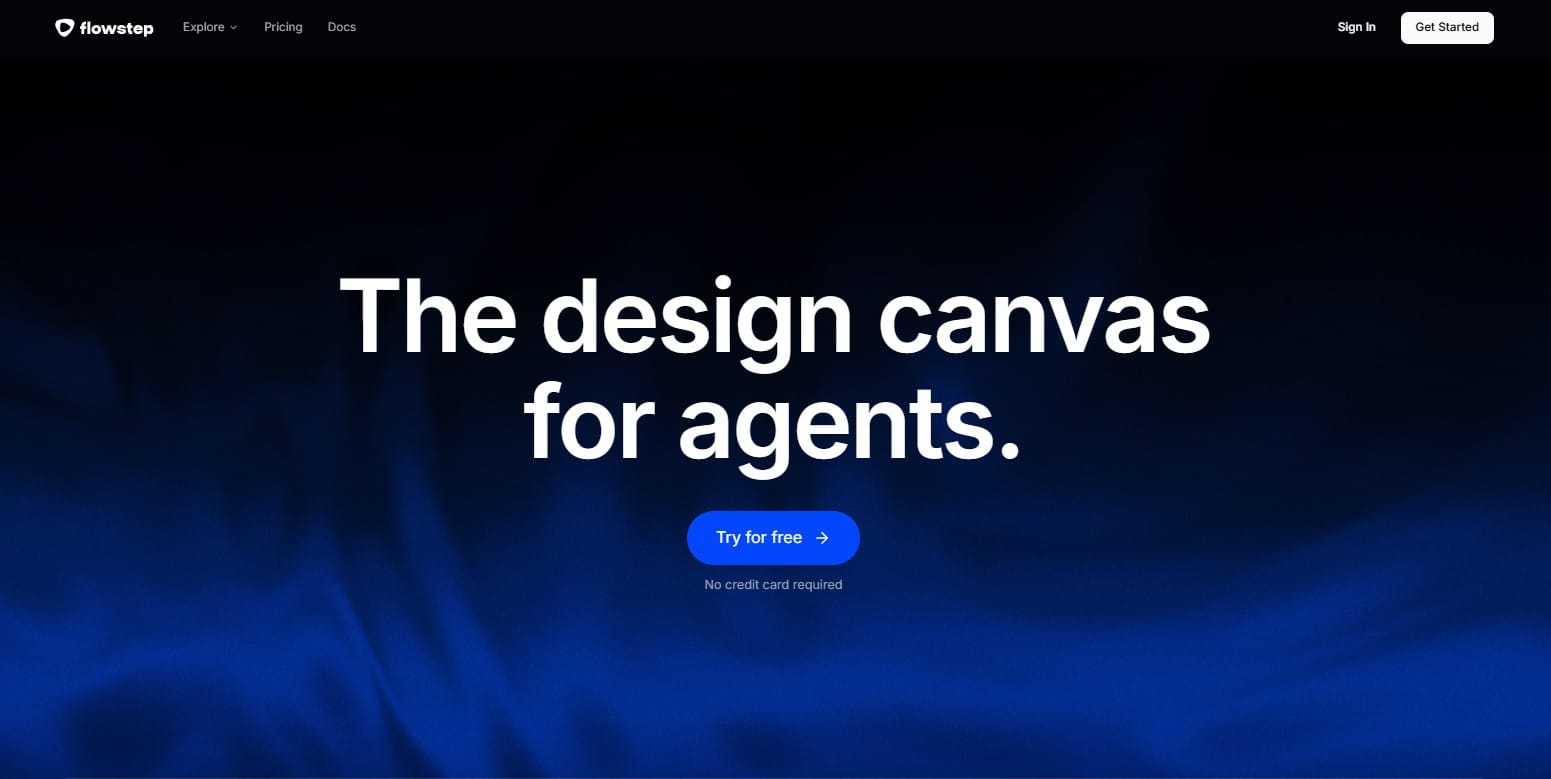
Flowstep quickly generates beautiful UI from text prompts. What differentiates Flowstep from other AI tools for creating designs is the "hand-off" from creation to execution. You can copy the screen created by Flowstep right into Figma using ⌘C / ⌘V or create production-quality React, TypeScript, and Tailwind CSS code when you are ready to hand off. Flowstep's MCP server connects to Cursor, Claude Code, and Devin Desktop (formerly Windsurf).
If you have a product development team that creates a mock-up flow, receives buy-in, and then must manually recreate it, this eliminates an entirely unnecessary recreation step. Plus, Flowstep does not require a plugin.
Best for: product development teams, designers, and developers looking for a mockup tool that automatically represents actual UI and code.
Flowstep’s free plan covers limited messages and projects; Starter runs $15/month for 80 messages and unlimited Figma copy-paste. Enterprise pricing is custom.
Limitations
The free plan's message cap is tight for more than a quick test, and it's not a full replacement for Figma's design-system tools on complex products.
Ratings
Flowstep on G2: 5/5. Users enjoy how Flowstep turns simple text prompts into editable, multi-screen UI that copy straight into Figma without needing extra plugins.
Flowstep on Reddit: Designers often find Flowstep helpful for easing that intimidating "blank canvas" feeling, and many note its real strength shines when turning existing reference sites into quick layouts.
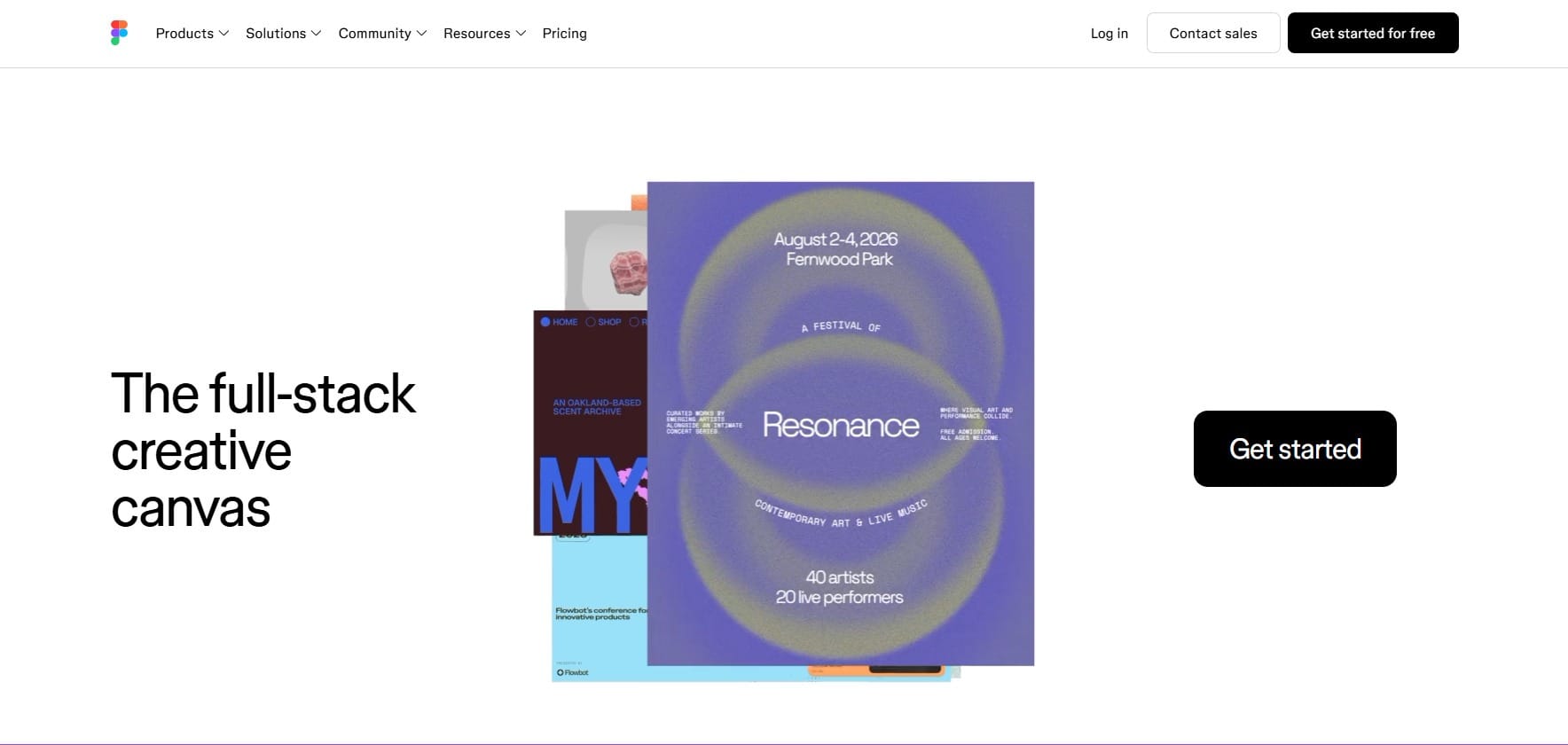
The odds are, most product and design teams already have opened Figma on their desktops. This is because Figma allows its users to work in a browser-based environment, meaning users can edit together in real-time with multi-user capabilities.
There are also many other functions beyond creating static screens in Figma, such as whiteboard capabilities (FigJam) and some level of basic prototyping capabilities, like motion animation. Figma's AI features also help designers iterate faster.
Best for: product and design teams that require one central location to create mock-ups, prototype concepts, and share with developers for hand-off.
Free plan in Figma gives 3 team files and 500 AI credits/month; Professional runs $16/editor/month ($12 annually). Organization and Enterprise run $55 and $90/editor/month, annual billing only.
Limitations
Figma has a very steep learning curve if you're not used to vector editing or component systems. And Organization/Enterprise are now annual-only after a 64% Enterprise price hike in February 2026.
Ratings
Figma on G2: 4.7/5. Designers love how seamlessly teams can collaborate in real time, build out flexible design systems, and hand things off to developers without any friction.
Figma on Reddit: Users view Figma as a go-to canvas for design systems, wireframing, and their UI mockups. It’s one of the best mockup tools for designers. However, it can feel a bit tedious without relying on third-party plugins or dedicated mockup tools.
If Figma isn't the right fit for your team, our Figma alternatives guide and best Figma plugins roundup cover where to look next.
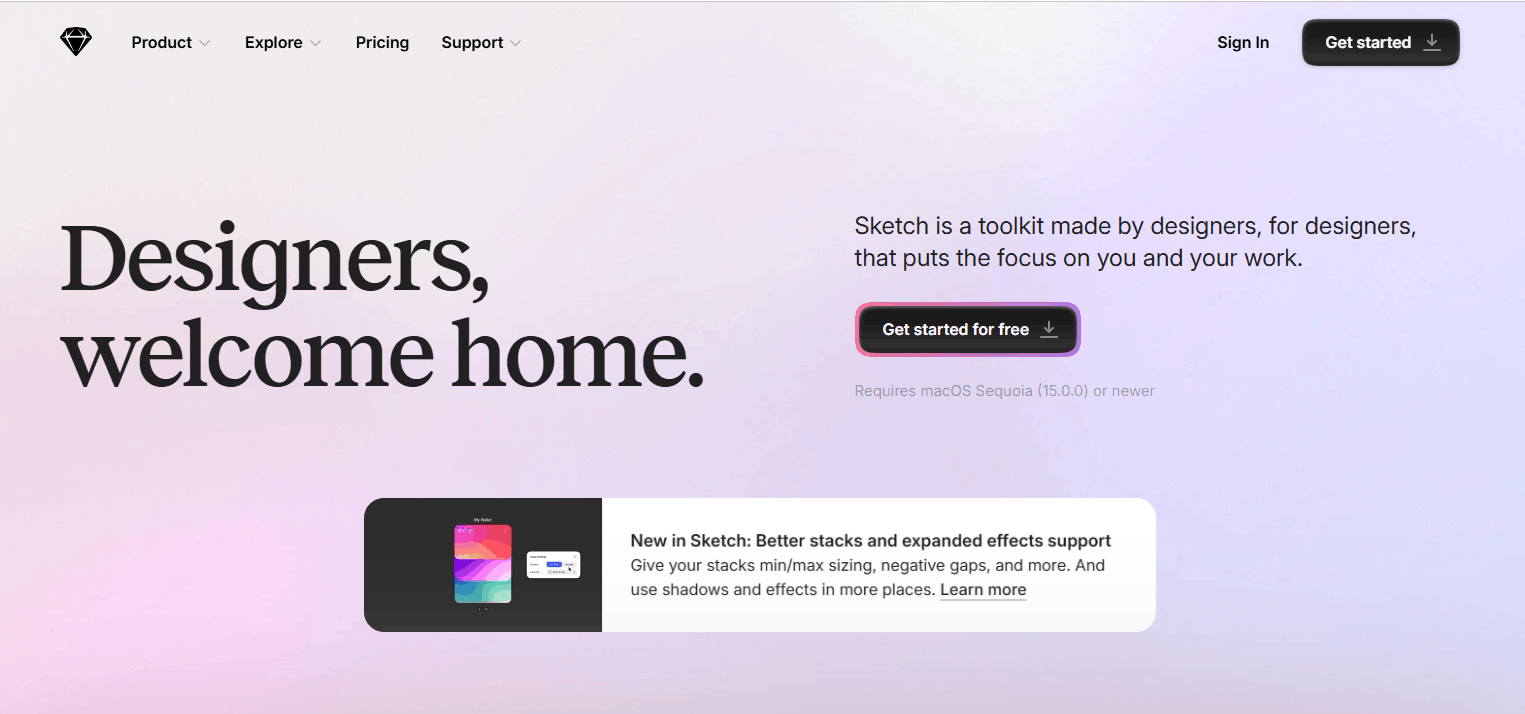
Sketch is a fast, purpose-built editor for UI and icon design. It is the original competitor of Figma, and a viable alternative for Mac-only teams. Optimized specifically for screen designs and built around a native vector canvas, it has a large ecosystem of third-party plugins compared to all other similar applications.
Sketch’s file type (.sketch) is compatible with many other applications and does not restrict users from using their preferred workflow like it used to.
Best for: Mac-based design teams that prefer a fast and native vector editor without Figma's complex browser lag.
Sketch’s standard plan starts at €11/editor/month, Professional plan at €22, and Enterprise plan at €44 for teams of 15+. Private Cloud is custom-priced.
Limitations
There's no free tier, and real-time collaboration only happens through Sketch Cloud, not the native app.
Ratings
Sketch on G2: 4.5/5. Users love how easy and intuitive the vector tools feel for crafting high-fidelity mockups, alongside its handy library of UI templates and symbols.
Sketch on Reddit: Sketch often gets recommended as a solid choice for clean, low-to-high fidelity mockups and structured layouts. But users frequently point out that the exclusivity to macOS offers limited real-time collaboration compared to web-based platforms.
If you're weighing legacy design tools generally, our Adobe XD alternatives guide covers similar ground for teams migrating off older, less-maintained software. Or if you’re looking for other UI and UX design tools, check out our Sketch alternatives.
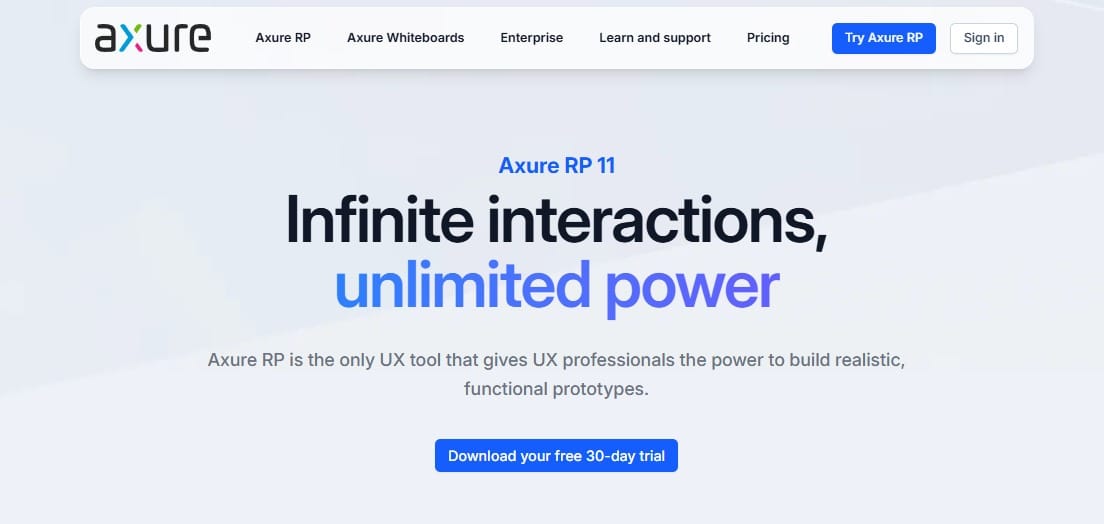
Axure RP is your best option if you need your mockups to behave just like the actual software before writing one line of code. It includes variable and conditionally driven logic, dynamic data-driven tables, along with extensive annotation details that are also used as specification documentation by any development team.
Axure is an old-school solution in comparison to many on this list, since it has no AI-generated elements, but no other tool matches its interaction depth.
Best for: Business analysts and UX teams creating truly interactive prototypes using conditionals, not just click-through sequences of static images.
Axure Pro plan runs $34/user/month ($29 annually), and Team plan runs $57/user/month ($49 annually). Enterprise pricing is custom.
Limitations
There's no free tier, only a trial, and the interface is noticeably harder to learn than Figma's or Sketch's.
Ratings
Axure RP on G2: 4.2/5. Designers appreciate how reliably Axure RP lets team members lay out detailed web and app mockups without touching any code.
Axure RP on Reddit: Axure’s value shows during intricate, logic-heavy prototype projects. However, users often highlight that its steep learning curve and clunky interface for pure visual design lead many teams to rely on Figma for day-to-day visual workflows.
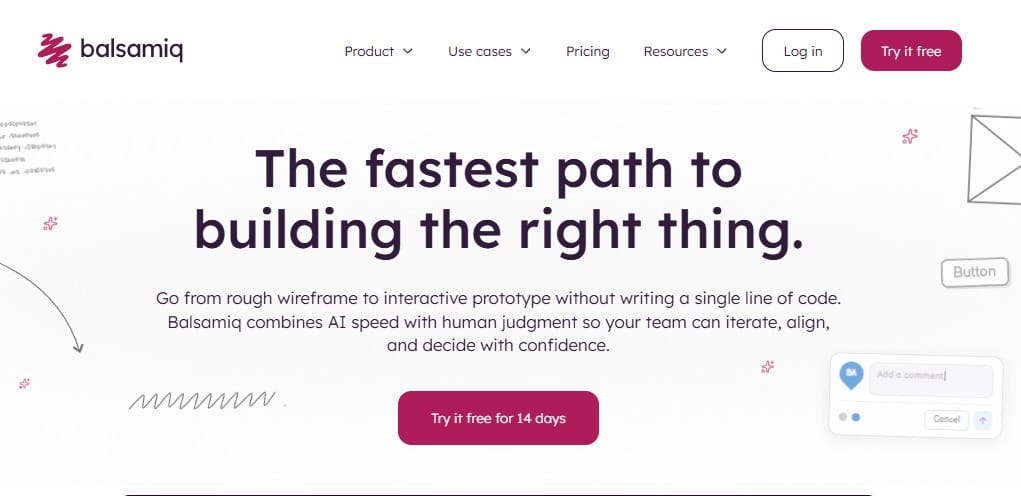
Balsamiq’s entire approach to creating designs is to create a very unpolished mock-up of an application, with intentionally rough, hand-drawn style wireframes. This is so that early discussions stay about structure and flow instead of getting sidetracked by color and typography.
For example, stakeholders can now discuss the logic behind layouts inside Balsamiq, instead of nitpicking what a button should be colored with.
Best for: product teams and founders who want low-fidelity wireframes early in a project, without the design tool's learning curve.
Balsamiq prices by project: $23–$35/editor/month depending on project count, and it gets cheaper with annual billing. Every plan also includes the MCP server.
Limitations
There's no free tier, just a trial, and its low-fidelity approach means no interactive prototypes or code export.
Ratings
Balsamiq on G2: 4.2/5. Users love how the quick, drag-and-drop interface of Balsamiq lets teams effortlessly sketch out low-fidelity mockups, keeping everyone focused rather than getting distracted by fonts, colors, or pixel perfection.
Balsamiq on Reddit: Many product managers and developers still appreciate Balsamiq’s hand-drawn "napkin-sketch" style, but this can also feel a bit outdated compared to modern collaborative tools, like Figma or Excalidraw.
If Figma didn’t require a subscription, it would closely resemble Penpot, which is an open-source version with the same basic workflow. Penpot has a browser-based canvas, a library of pre-built components, a multiplayer editor that updates in real time, and prototyping with actual layout logic can be used completely free.
Users may also host their own servers if they wish to retain total control of their design file storage. If you have a team that wants to avoid paying a per-seat fee or being locked into a particular service provider, Penpot could be considered a viable alternative.
Best for: Teams using both design and development who need a powerful, Figma-like experience at a lower cost. Also best for those who have to host their own software.
Penpot’s free plan includes 10GB storage and up to 8 members; Unlimited plan runs $7/editor/month. Enterprise plan runs $25/editor/month, and Private Server plan is $50k/year.
Limitations
The plugin and template ecosystem is smaller than Figma's, and self-hosting means covering your own infrastructure and maintenance.
Ratings
Penpot on G2: 4.5/5. Designers using Penpot love how its open-source, web-based platform lets teams collaborate seamlessly on UI mockups and design systems, making screen layouts easy to build and hand off to developers.
Penpot on Reddit: Users often use Penpot as a refreshing, open-source alternative to Figma for having web standards like CSS Grid and Flexbox. But it’s noted that some basic features can feel missing or under-developed.
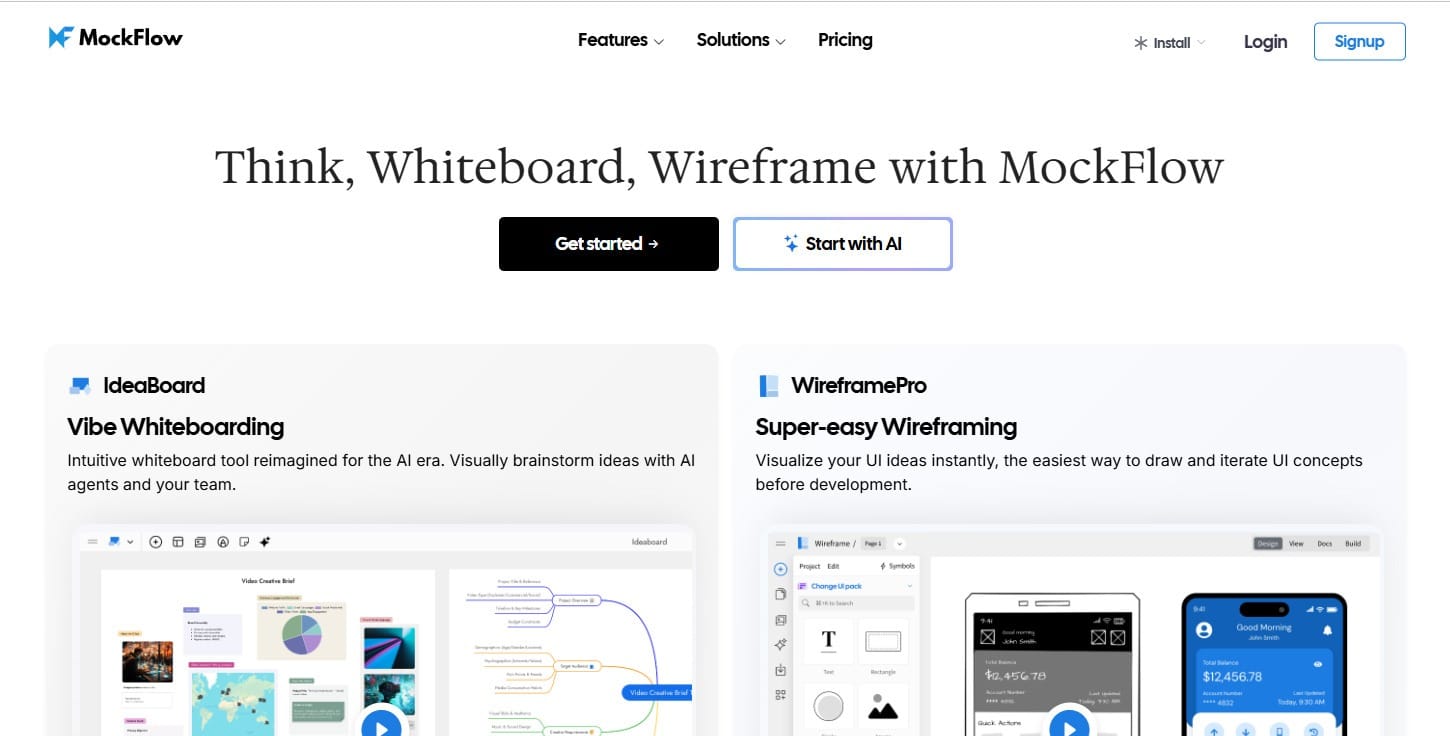
MockFlow combines two tools in one subscription: WireframePro for UI wireframing and prototyping, and IdeaBoard for more open-ended whiteboarding and strategic planning. This combination makes it a reasonable single-tool pick for a lean product team that would otherwise need a separate wireframing tool and a separate whiteboard.
Instead of brainstorming in one app and rebuilding the outcome in another, teams can now map customer journeys, scope features, organize research, create flowcharts, and align on product strategy in one place.
Best for: Small product teams that need wireframing and whiteboarding without paying for two separate subscriptions.
Basic MockFlow plan is free with 100 AI credits/month; Plus runs $12/month ($9 annually), and Max runs $21/month ($16 annually).
Limitations
The free plan's single project of MockFlow can feel restrictive, and the plugin ecosystem is smaller than Figma's or Sketch's.
Ratings
MockFlow on G2: 4.5/5. Designing teams love MockFlow for how its drag-and-drop component libraries make it easy to build out clean, structured mockups and map out page concepts in minutes.
MockFlow on Reddit: Developers and marketers appreciate MockFlow’s intuitive builder and helpful add-ons for early-stage planning. However, it can be challenging to use for high-fidelity graphic design or complex interactive prototypes.
Justinmind sits between the simplicity of Balsamiq and the complex nature of Axure RP in terms of what you can do with your prototype, making it possible to model more realistic user journeys without writing production code.
It supports variables and data simulation, plus it has the ability to implement logic into the way users navigate through the prototype without requiring the learning curve associated with the use of Axure RP.
Best for: UX teams that need to create interactive and testable prototypes that are capable of simulating the functionality of a product, but don't want to invest in the time required to learn how to utilize Axure RP to its fullest potential.
Free Justinmind plan covers one project; Standard plan costs $19/editor/month, Professional plan is $29, and Enterprise plan costs $59.
Limitations
The free plan of Justinmind only supports one project at a time, and building real logic takes more effort than a static click-through wireframe.
Ratings
Justinmind on G2: 4/5. Designers appreciate how Justinmind’s intuitive interface and built-in UI libraries let teams quickly lay out detailed web and mobile app mockups.
Justinmind on Reddit: Justinmind is often viewed by designers as a powerhouse for functional prototyping, but they find it clunky and slow to use for quick day-to-day visual mockups. So, they rarely use this tool unless complex interaction testing is needed.
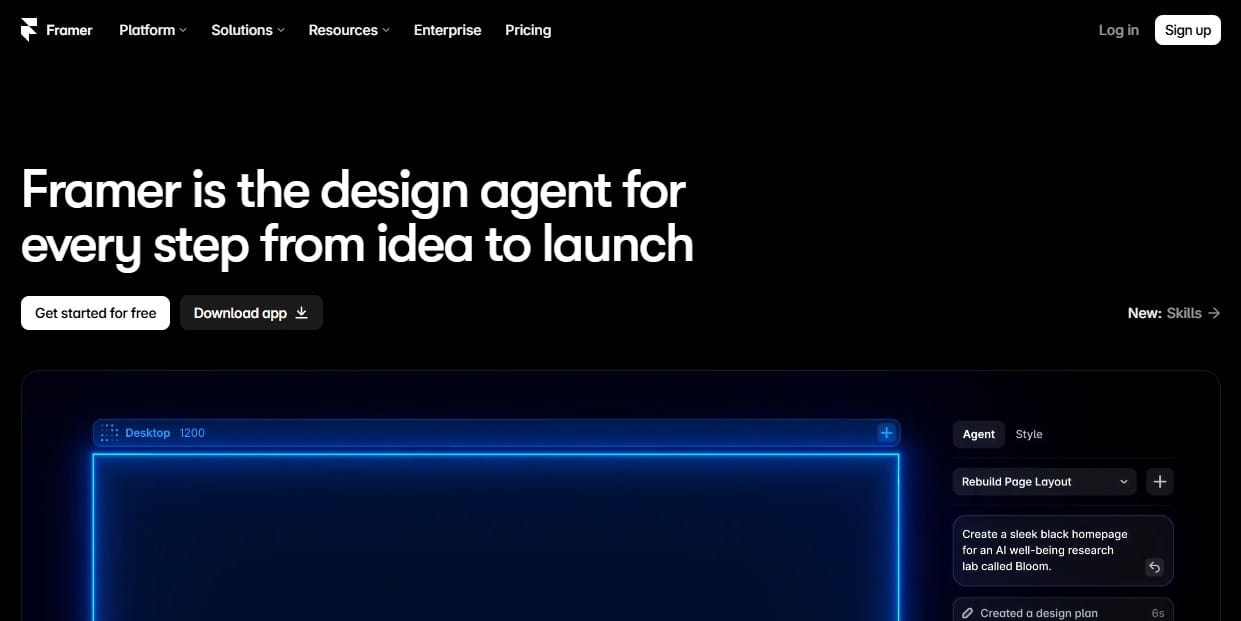
The single feature that best exemplifies how Framer makes the distinction between “mock-up” and “final version” is its ability to take your page design in a Figma-like environment and make it live with one click.
Without needing a two-step process of designing a page first, then building it, Framer has artificial intelligence that can generate an entire site based on what you type into the editor. Rather than treating design, development, content management, and publishing as separate stages, Framer brings them all together in one workflow.
Best for: Dev teams and freelance designers that need to create a real, hosted site (from a mockup) with CMS functionality, and SEO & publishing controls.
Framer’s free plan includes 500 AI credits and 1,000 pages; Basic plan costs $15/month ($10 annually), and Pro is $45/month ($30 annually). Enterprise pricing is custom.
Limitations
Extra editors are billed individually and add up fast, and it is a weaker fit for native app interfaces or deeply logic-driven prototypes.
Ratings
Framer on G2: 4.5/5. Users like how Framer’s visual, design-first canvas lets every designer lay out high-fidelity web mockups with rich animations and responsive controls before publishing them live.
Framer on Reddit: While Framer is best for bridging design and production, using it purely as an early-stage screen layout tool for static visual mockups can feel overly complex, leading many users to do initial ideation in Figma first before moving into Framer to finish and launch.
If you’re looking for other no-code web design platforms and UI tools, check out our Framer alternatives.
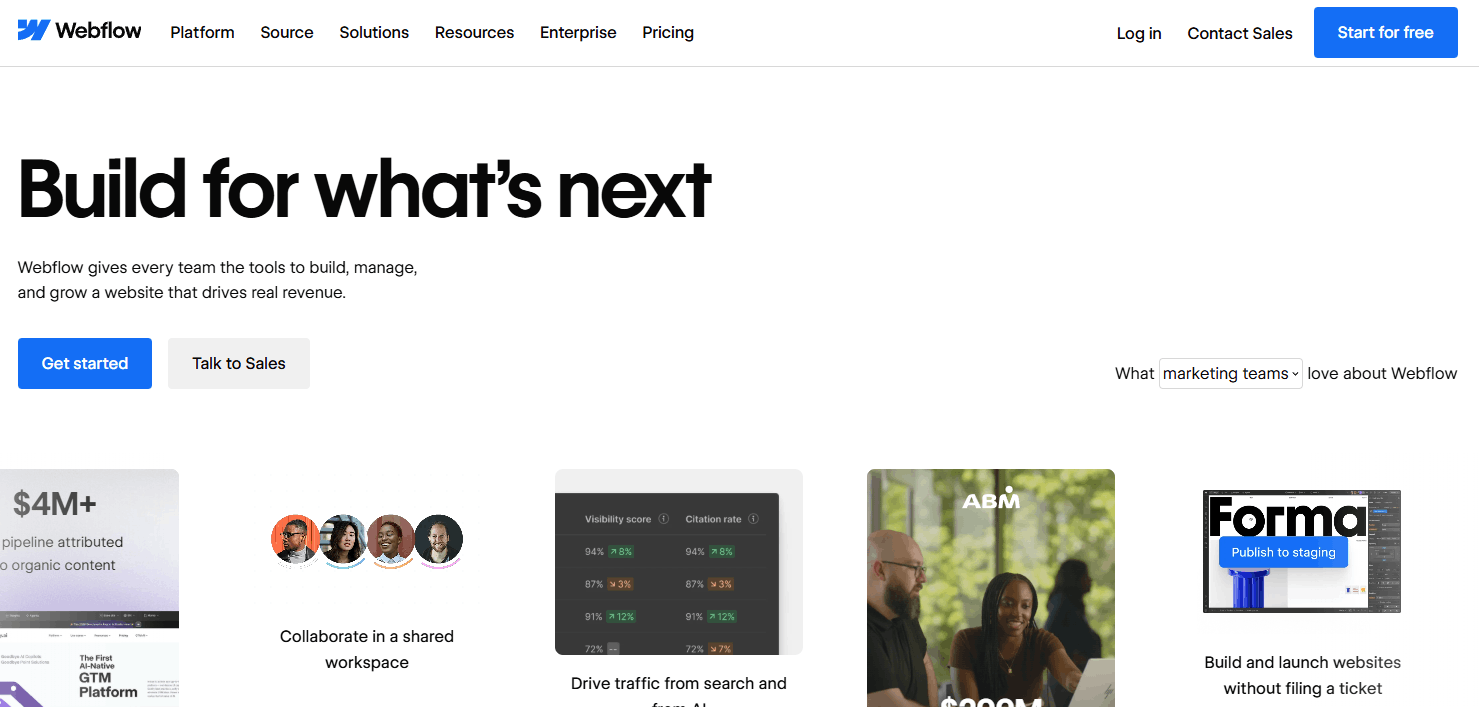
Webflow is powerful because of its true visual CMS builder with true Webflow AI capabilities plus an MCP Server, which allows you to connect any AI agent to your Webflow project.
The goal of Webflow is to allow you to create a working site long term and not simply build out a working prototype using Webflow. That’s why Webflow was created for marketing sites that require a content-heavy CMS along with small e-commerce stores.
Best for: marketing teams and agencies building content-rich sites that need a real and full CMS platform behind the mockup design.
Starter plan is free for Webflow; Basic plan runs at $25/month ($15 annually), Premium plan is $39/month ($25 annually), and Team plan costs $2,500/month annually.
Limitations
E-commerce plans are priced separately and get expensive fast. The learning curve is also steep for anyone who just wants a quick mockup.
Ratings
Webflow on G2: 4.4/5. Web creators appreciate how Webflow’s visual canvas gives complete layout control to craft fully custom visual mockups and page structures directly in the browser, though there can be a steep learning curve and higher pricing tier limits.
Webflow on Reddit: Designers frequently mention that using Webflow purely for early-stage mockups or quick brainstorming can feel like an overkill. This is because building responsive layouts directly in Webflow requires careful CSS structure and class organization from the start.
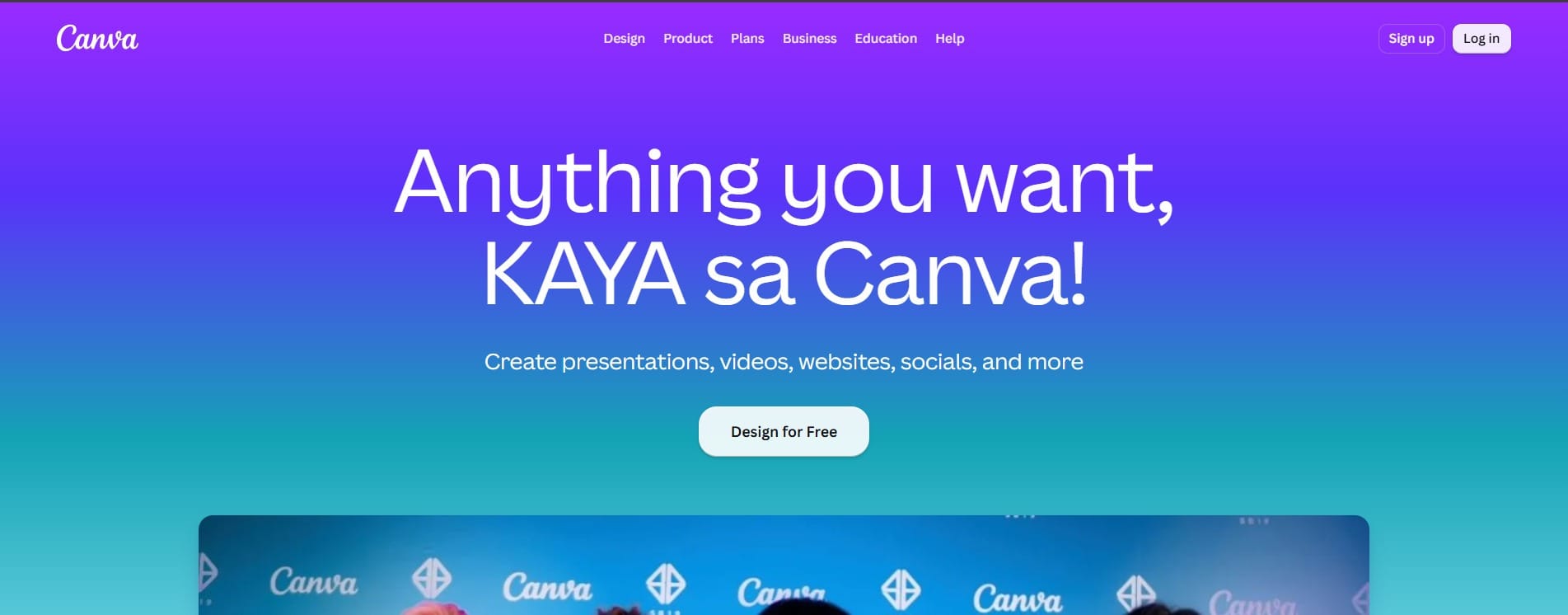
Canva provides the tool for non-designers to use first and foremost because of its easy-to-use drag-and-drop templates, a large stock image library, and one-click background removal to accomplish many common marketing mockup tasks.
Instead of starting from a blank canvas, users can simply choose a template, apply brand colors and fonts, resize the asset for multiple channels, and export the finished creative from one platform.
Best for: marketers, small businesses, and content creators who need quick, professional-looking/polished marketing mockups without formal design training.
Canva’s free plan includes 5GB storage and a basic AI allowance; Pro plan runs $18/month ($15 annually), and Teams plan costs $25/user/month ($21 annually).
Limitations
The Pro version is single-user only, so a second seat forces an upgrade to Business, and it's not built for UI/UX prototyping or detailed layer work.
Ratings
Canva on G2: 4.7/5. Canva users praise the drag-and-drop frames and pre-made templates that let non-designers whip up product mockups effortlessly. But the more advanced mockup features will require a paid subscription.
Canva on Reddit: Designers point out that using Canva for custom screen or product mockups can feel restrictive compared to tools like Photoshop or Figma, as it lacks advanced smart-object controls, complex blend modes, or fine-tuned layer mapping for detailed artwork.
Canva covers a lot of ground for marketers, but if you're specifically comparing tools for a design or product role, see best AI tools for designers and best AI tools for product managers for a narrower shortlist.
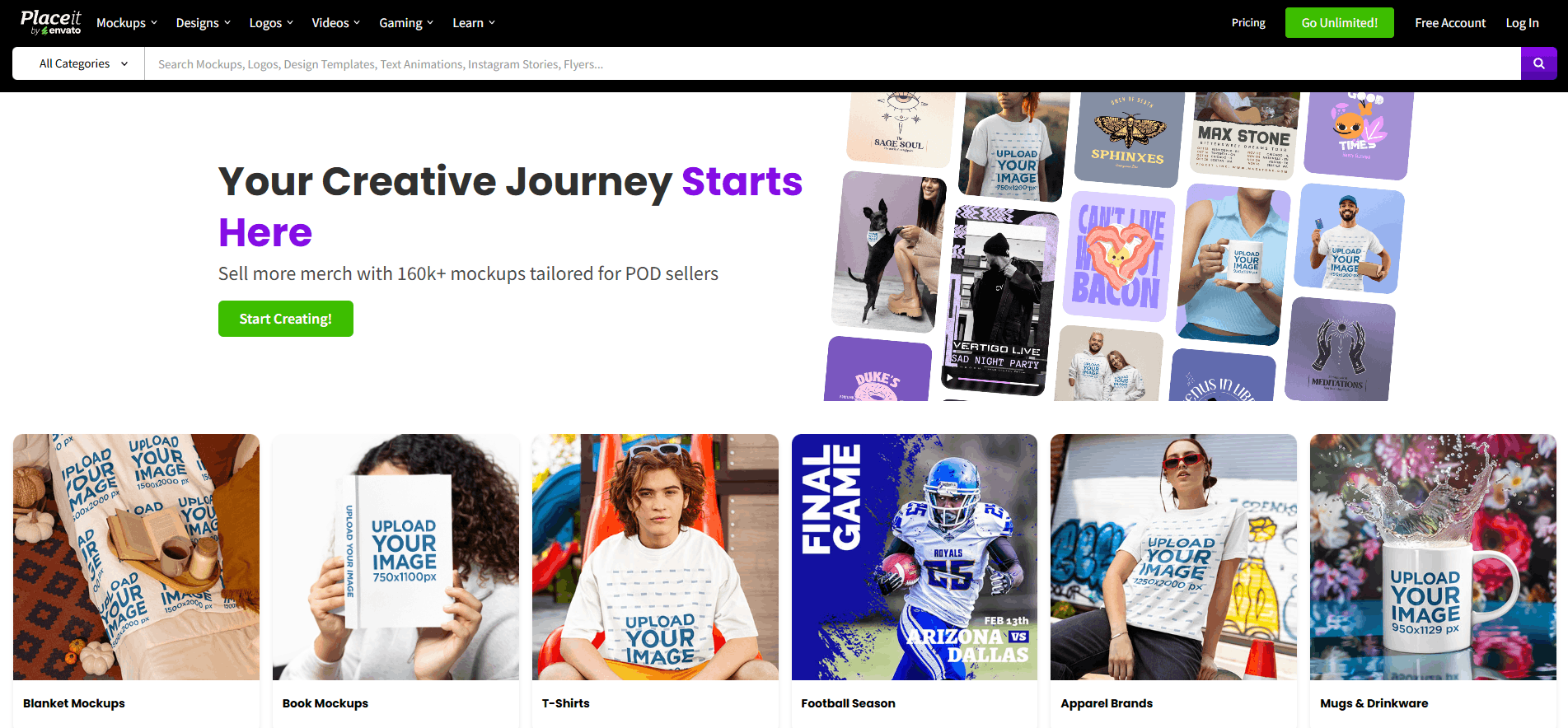
Placeit (part of Envato) is a quick, no-brainer way to generate mockups based on pre-made templates. Simply choose an image type (e.g., a t-shirt on a person, phone screen, YouTube thumbnail), add your own graphic design, adjust templates, and you'll receive a ready-to-use mock-up instantly.
Unlike a full design or photo-compositing tool, Placeit requires no design skill and has no learning curve. This is because it's made for speed, and not for customization depth. It is especially useful for creating product-listing images, Etsy shop assets, print previews, and social ads.
Best for: e-commerce sellers, print-on-demand businesses, and creators who need realistic product mockups quickly but don't have the budget or resources to do a photoshoot.
For unlimited downloads and commercial rights, the Unlimited Subscription costs $7.47/month if billed annually. Individual templates can be bought without a subscription.
Limitations
There's no free tier for downloads, and you're limited to a fixed scene rather than building your own.
Ratings
Placeit on Reddit: Placeit is viewed by users as a convenient, time-saving tool; however, users frequently say that their store portfolios can look a bit generic or unoriginal due to its heavily used stock templates.
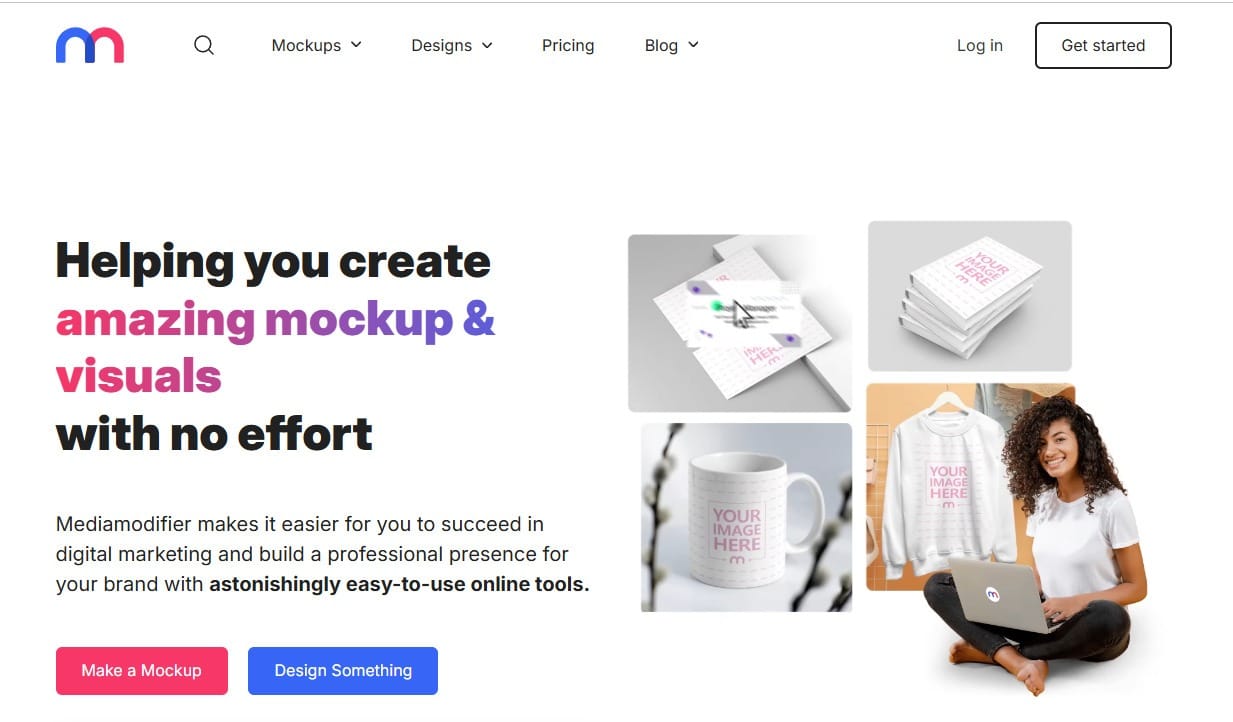
Mediamodifier is an easy-to-use mock-up tool with a design range comparable to Canva's. As an online mock-up and design editing tool, it also has a 3D scene option and a Mock-up API for teams that want to programmatically produce mock-ups on demand.
For example, a SaaS company that wants to update hundreds of product images will use Mediamodifier for catalogs, large product inventories, or recurring marketing campaigns. With an API that connects a product feed or internal workflow to a pre-defined mock-up template, users will be able to auto-inject updated artwork/screenshot into a mock-up, creating exportable visual products at scale, and thus no longer having to individually recreate each mock-up within an editor.
Best for: e-commerce and marketing teams that need to generate mockups in bulk or automate the process of mockup production entirely.
Starter plan for Mediamodifier is free; Professional plan runs $22.32/month ($11.16 annually), and Team plan costs $40.20/month ($33.48 annually).
Limitations
The mockup library has less variety than its competitors, and editing is browser-only with no offline mode.
Ratings
Mediamodifier on Reddit: Mediamodifier’s template library can feel a bit generic or "sub-par" for high-end presentation needs, and downloading high-resolution assets will require a paid plan.
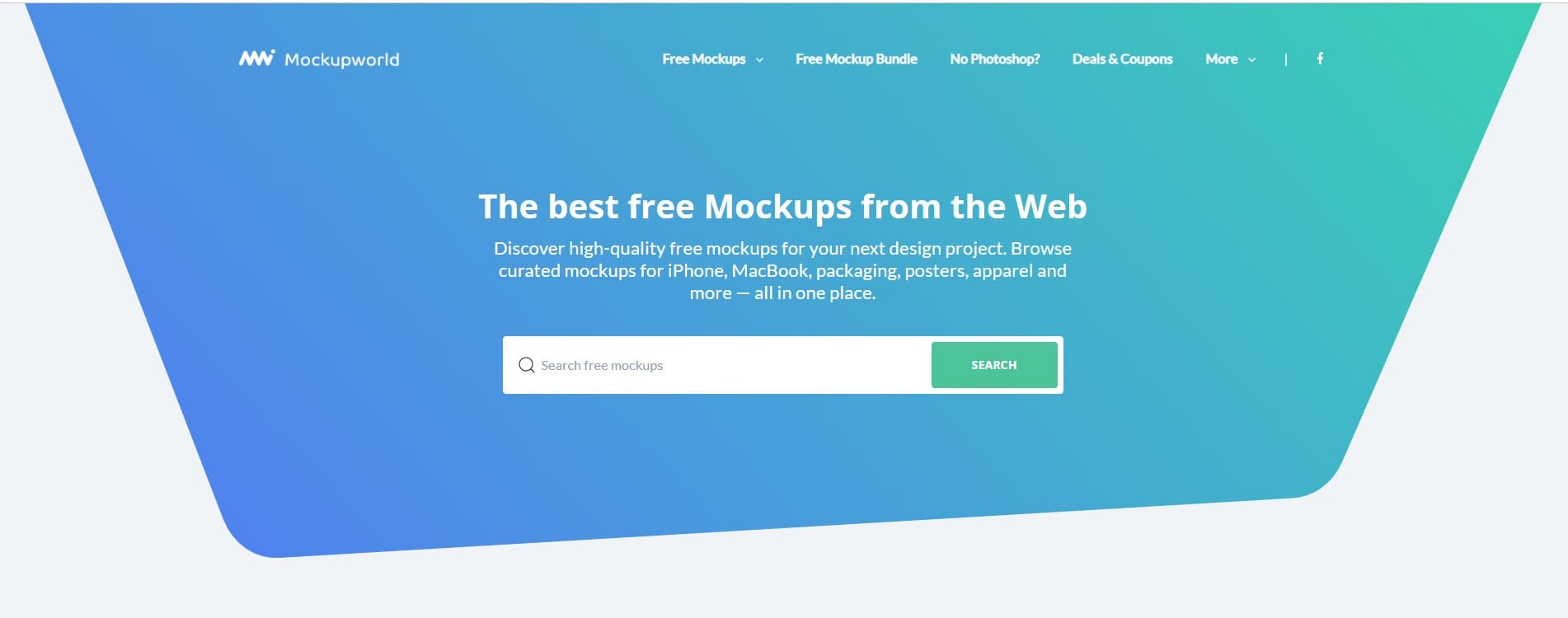
Mockup World is a curated online resource of a large and growing database of free, photorealistic PSD mockup templates for devices, packaging, posters, books, magazines, apparel, signs, vehicles, cosmetics, food, and stationery.
Rather than a full online mockup generator, it collects thousands of high-quality, often photorealistic Photoshop files, then links users to the original download source. And most mockups use layered PSD files with smart objects, allowing users to replace a screen, logo, poster, label, or product design while preserving the scene’s lighting, perspective, shadows, and texture.
Best for: Designers already working with Photoshop and looking for a completely free and high-quality PSD mockup template rather than a generator subscription.
Nearly all templates are free, with no confirmed paid tier as of 2026. You may also check each template's license before using it.
Limitations
You'll need Photoshop or a PSD-compatible app to use the templates, and licensing terms vary by file since it's an aggregator.
Ratings
Mockup World on Reddit: Designers appreciate Mockup World for its curated high-quality assets in one place, but because it acts primarily as an aggregator, downloads often redirect to external host sites with varying file structures, requiring a bit of extra clicking around.
The best mockup tools all do the same basic thing well: removing the friction between an idea and something a person can react to, without taking away your control over the result.
Flowstep uses this principle to eliminate friction at the very beginning of the process, converting a simple prompt into an editable, code-ready UI. This allows any development team to move from an idea to a real React/TypeScript/Tailwind screen with no intermediate manual rebuild required.
When your mockups should convert directly into interfaces and not merely pictures of them, Flowstep can help you begin with a single prompt, create full multi-screen UI, and copy it into Figma or export as code once you’re prepared to release.
This depends entirely upon how you define “mock-up” within your workflow. For UI/UX mock-ups, Figma and Flowstep currently lead as the best mockup tools. Figma provides collaborative design control, while Flowstep generates editable, code-ready UI mockups with AI. When speed and minimal fidelity are your primary goals, then Balsamiq is typically the first wireframe tool designers turn to. For marketing mockups, Canva and Placeit cover most needs; Mediamodifier is better for automating mockups at scale.
Penpot is the most similar free and open-source equivalent to Figma, which can be self-hosted if you need full design files control. It includes real-time collaborative capabilities, component support, and prototyping capabilities based on layout logic. Figma also offers its own free starter plan, which is quite generous for individual use but limits you to three team files.
UI mockup tools (e.g., Figma, Flowstep, Axure RP, Justinmind) create interface screens that are generally intended to be turned into software. A product mockup generator like Placeit, Mediamodifier, and Mockup World adds a completed design to a realistic setting. Think a shirt mockup, a laptop screen, or a poster on a wall, used for marketing and promotion. The two serve fundamentally different goals. As of now, Canva accomplishes some of these tools’ functions.
No. Figma, Flowstep, Penpot, MockFlow, Framer, Webflow, Canva, and Mockup World all have usable free tiers or a fully free core product. Where you'll hit a wall is scale: unlimited projects, team seats, or bulk generation are usually what sits behind a paywall, not basic mockup creation itself.
Canva and Balsamiq are the two most approachable options for someone without design training. Canva can help create marketing and product visual elements, while Balsamiq can help create early-stage app/website wireframes. As long as the structure of the application/wireframe is correct, polishing does not matter. Flowstep is another option that allows you to generate an acceptable UI mock-up using a plain-language description.