12 Best AI Tools for Designers: 2026 Top Picks
Discover the best AI tools for designers [2026], including Flowstep, Figma Make and more top picks to speed up your UI/UX workflow and create better designs faster.
Looking for a Framer alternative? Compare 8 website builders and design tools for 2026: Flowstep, Webflow, Figma, and more.
Framer is incredible for shipping a polished marketing site fast. You design it, you publish it, done. But then your needs shift. You need a product dashboard. A multi-screen onboarding flow. A SaaS app UI that goes beyond a landing page. Framer excels at website building and helps you create websites fast, but it was never made for product design work.
Or maybe you hit Framer's practical limits: the jump from Basic ($10/mo) to Pro ($30/mo) when you need a second CMS collection, editor seats at $40/mo each on Pro, no way to export your code, and responsive design quirks that eat hours. Framer's design quality is real—so are the constraints. Teams looking for Framer alternatives or the best Framer alternative usually split into two groups: those who want a different way to build websites, and those who realize their real need is product UI design.
This roundup covers both: from other website builders (Webflow, Squarespace, Wix, WordPress) to user-friendly design tools (Flowstep, Figma) and app builders (Lovable). Starting with Flowstep, the AI-powered Framer competitor for teams who need to figure out the visual design before they publish.
Framer is a no-code visual website builder that lets designers create, design, and publish responsive websites in the browser. Evolved from a prototyping tool into a full design-to-publish platform. Figma-like visual editor, built-in features for CMS, hosting, and deployment.
Pricing: Free (Framer branding), Basic $10/mo (annual), Pro $30/mo, Scale $100/mo, Enterprise custom. Editor seats are billed separately ($20/editor on Basic, $40/editor on Pro and Scale). Users love the design quality, drag and drop editor, speed to published site, animations, and stunning websites you can ship in a day. But Framer alternatives exist because real needs hit real limits:
Framer alternatives fall into two camps. Other website builders on the same turf: Webflow, Squarespace, Wix, WordPress, Readymag. And design tools that solve a different problem: generating and iterating on product UI before you commit to any builder or website-building platform.
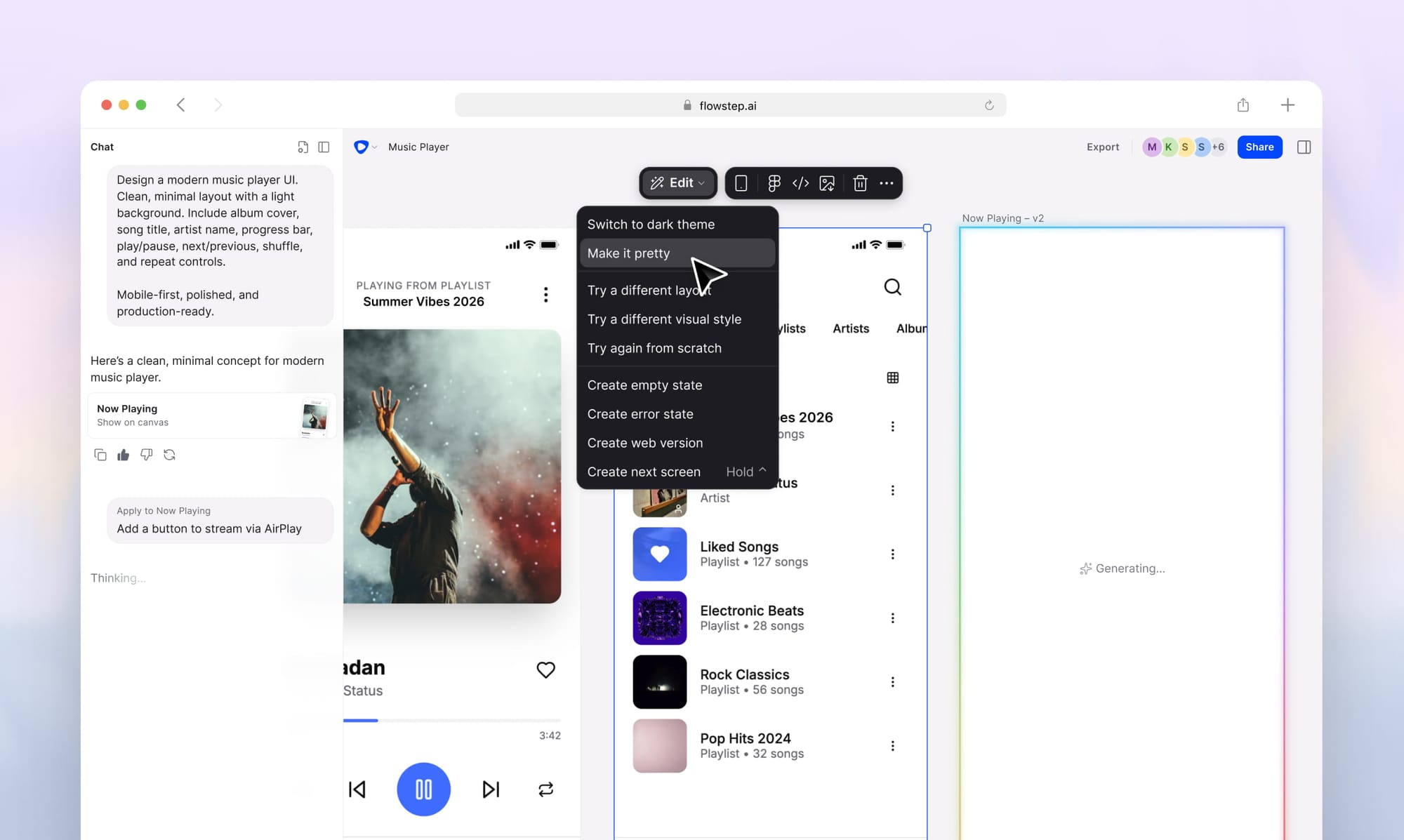
Flowstep is the design-first Framer alternative that generates editable UI and code. Framer is great once you know exactly what your site should look like. But what about the step before: exploring layouts, testing ideas with stakeholders, working through multi-screen flows? Flowstep fills that gap. Unlike Framer, Flowstep generates complete high-fidelity UI designs from text prompts on an infinite canvas. Describe a user journey (onboarding → dashboard → settings → profile) and get those screens in one go. Each screen stays editable, either manually or with AI. Real-time multiplayer collaboration with live cursors.
When ready, press ⌘C in Flowstep and ⌘V in Figma, no plugin. Or use code export for production-ready React, TypeScript, and Tailwind CSS. Flowstep complements Framer: design and align in Flowstep first, then build in Framer, Webflow, or code. The best alternative for teams whose bottleneck is design exploration and code export.
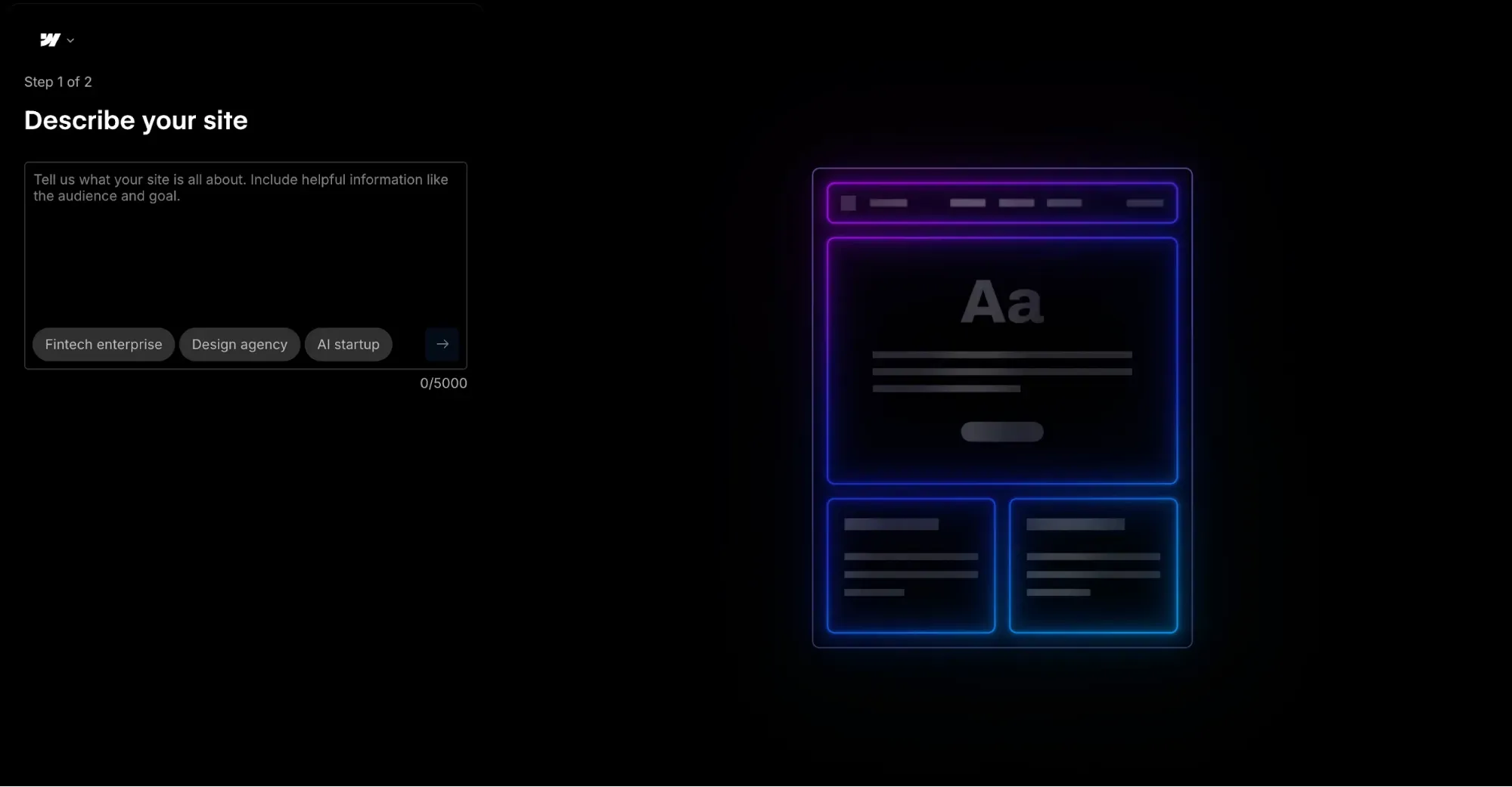
Webflow is a powerful no-code website builder and Framer's closest competitor. A visual website builder with deeper CMS, stronger ecommerce features, and code export—a real advantage over Framer. Steeper learning curve, more scalable for complex sites. Where Framer excels at speed-to-publish, Webflow excels at platform depth. The features Webflow offers go further: more design flexibility at the code level, a Webflow CMS that handles content management at scale with advanced features, dynamic content, built-in SEO tools, and stronger SEO features overall. The best alternative for agencies building complex, content-heavy websites and teams that care about code ownership.
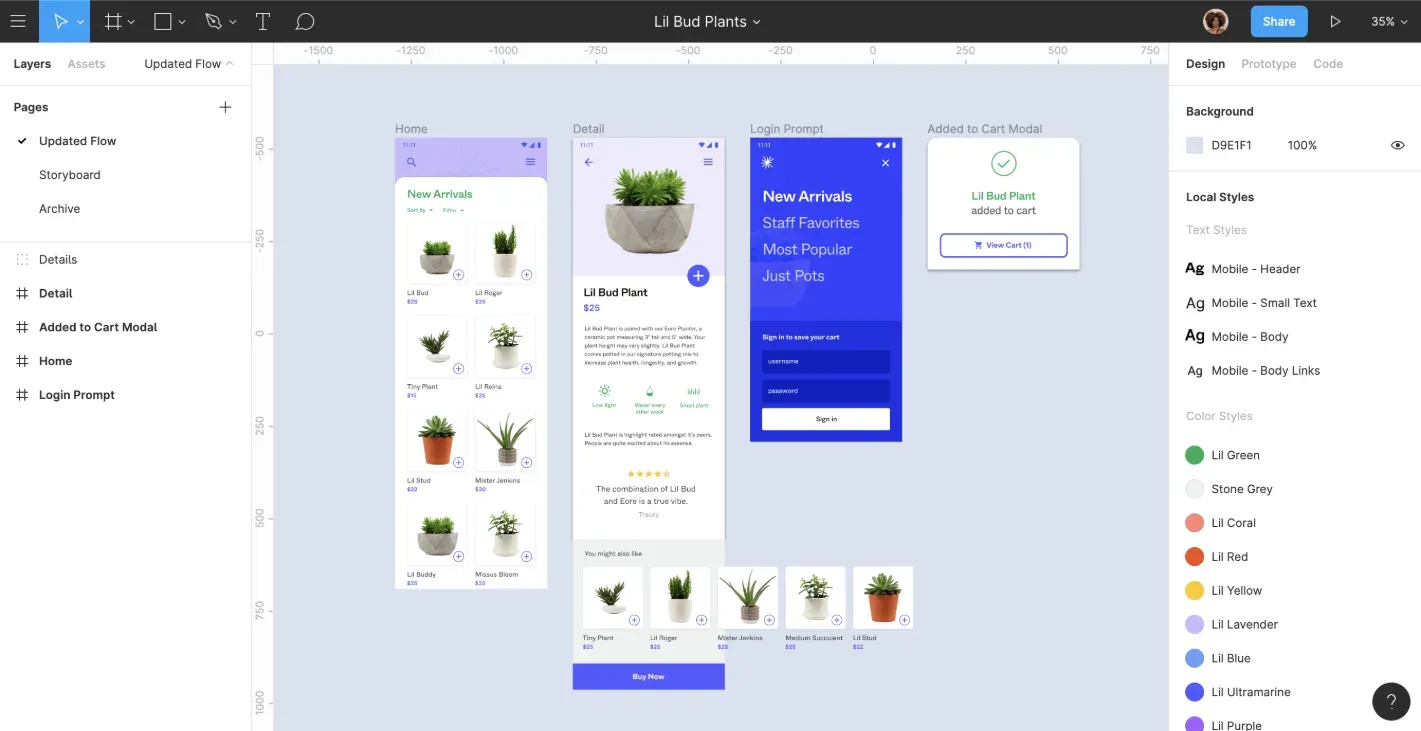
Figma is the industry-standard UI design tool. Unlike Framer, Figma is a pure design and prototyping tool—it does not publish websites. But if your real need is designing product UI, not publishing marketing materials, Figma is where most design teams live. Real-time collaboration, a massive plugin ecosystem of add-ons, and Dev Mode for handoff. For professional designers working on dashboards, apps, internal tools, and user flows, Figma is the default. Complementary to Flowstep: Flowstep generates the UI fast; Figma is where designers refine. See Figma alternatives.
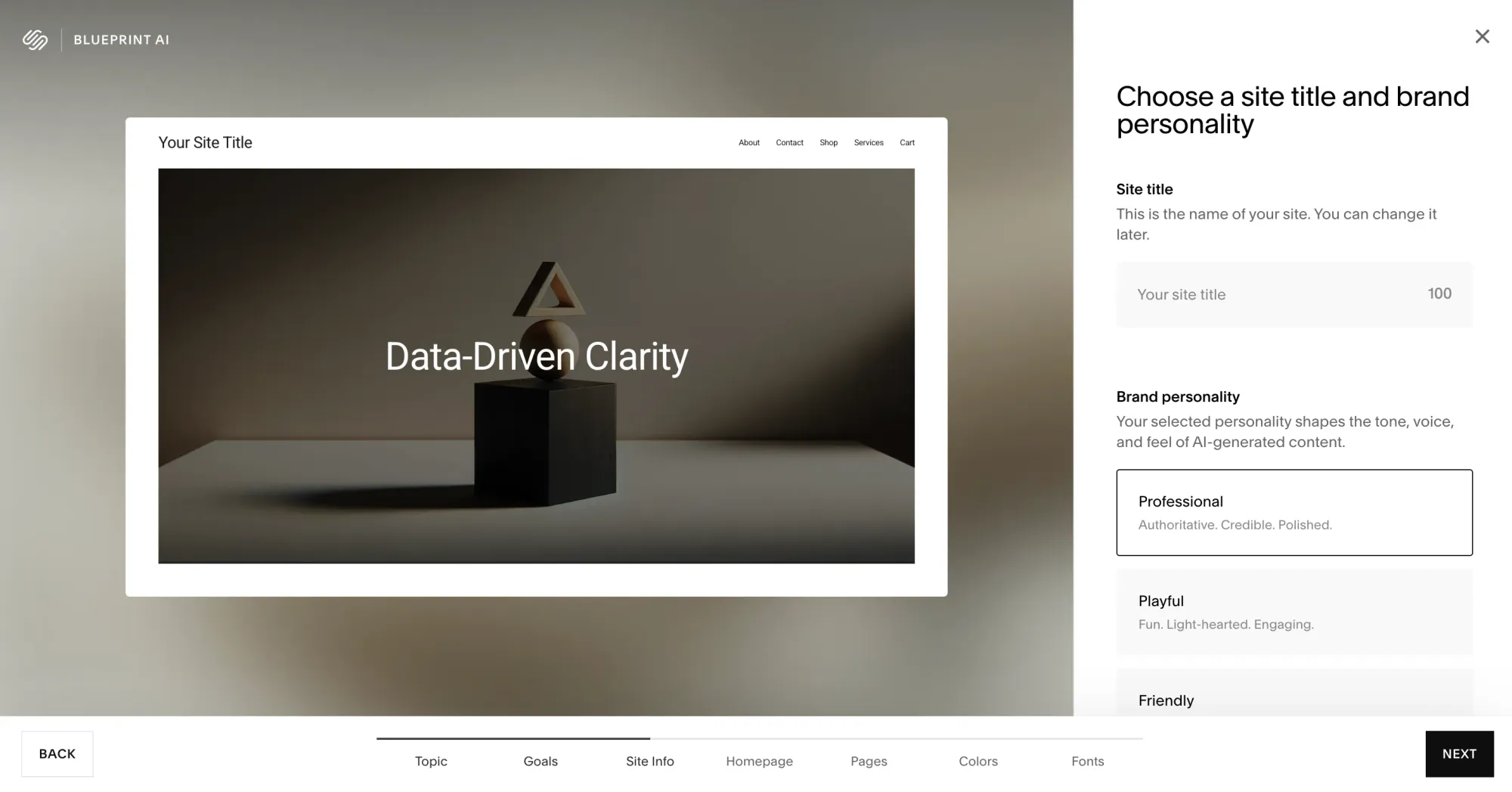
Squarespace is the simplest website builder for non-designers. Template-driven, highly opinionated, beautiful defaults. Less design flexibility than Framer, but dramatically easier to use. Built-in ecommerce, blogging, scheduling, and email marketing tools in an all-in-one solution. Framer gives you total design flexibility at the cost of complexity; Squarespace gives you simplicity at the cost of design control. For small businesses, solopreneurs, and creatives who want functional websites fast, it is the easiest path. Ecommerce and email are included on every plan, no separate subscriptions.
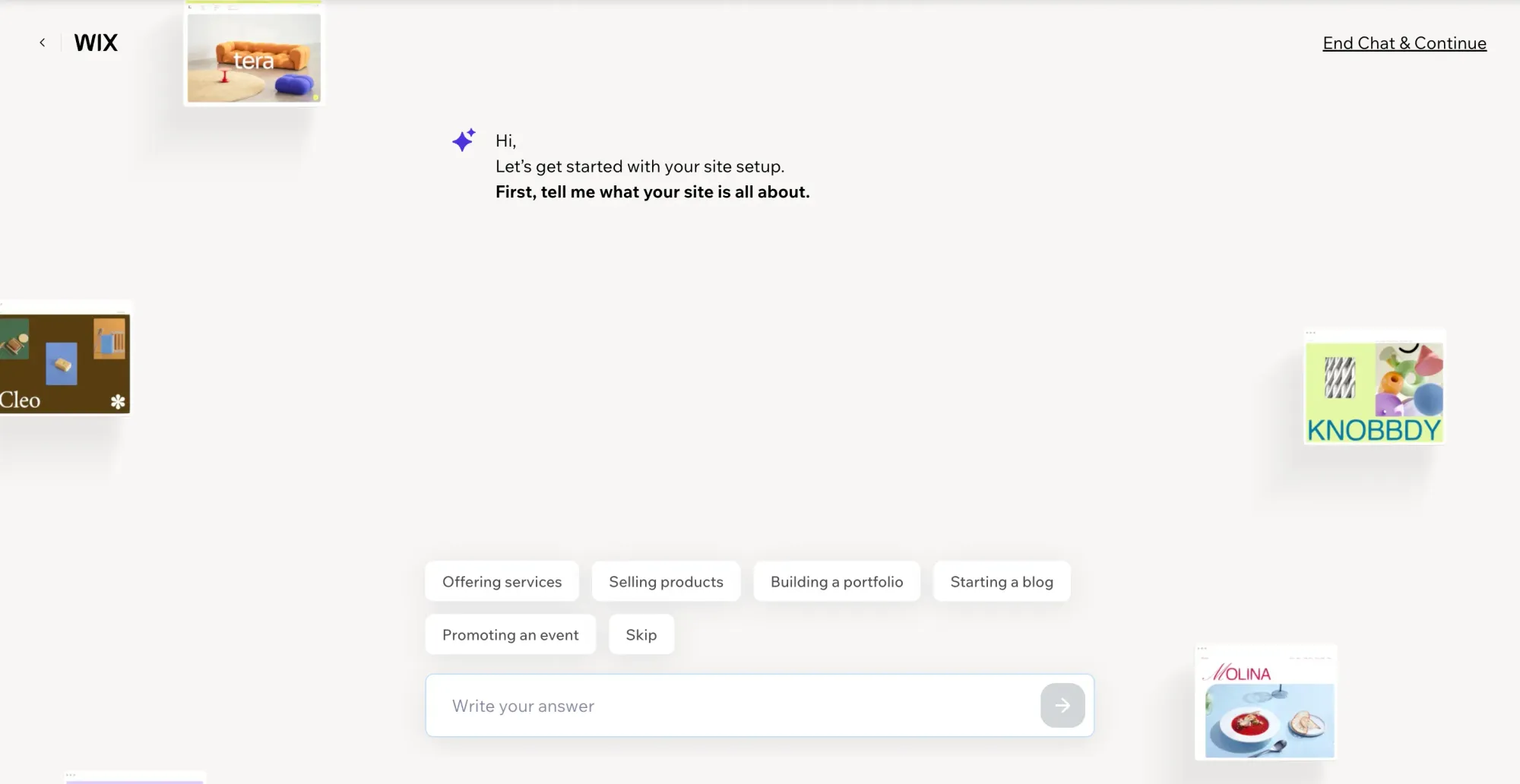
Wix is the beginner-friendly website builder that introduced many users to no-code web design. Drag and drop editor, 800+ templates, AI website builder (Wix ADI), and marketing tools. Wider feature set than Framer, but less refined in design quality. Where Framer compares favorably on aesthetics, Wix compares favorably in breadth, offering booking, scheduling, e-commerce, and other specialized tools. The trade-off: the editor can feel cluttered, responsive design requires more manual work, and Wix ADI's AI website output is less polished than Framer's.
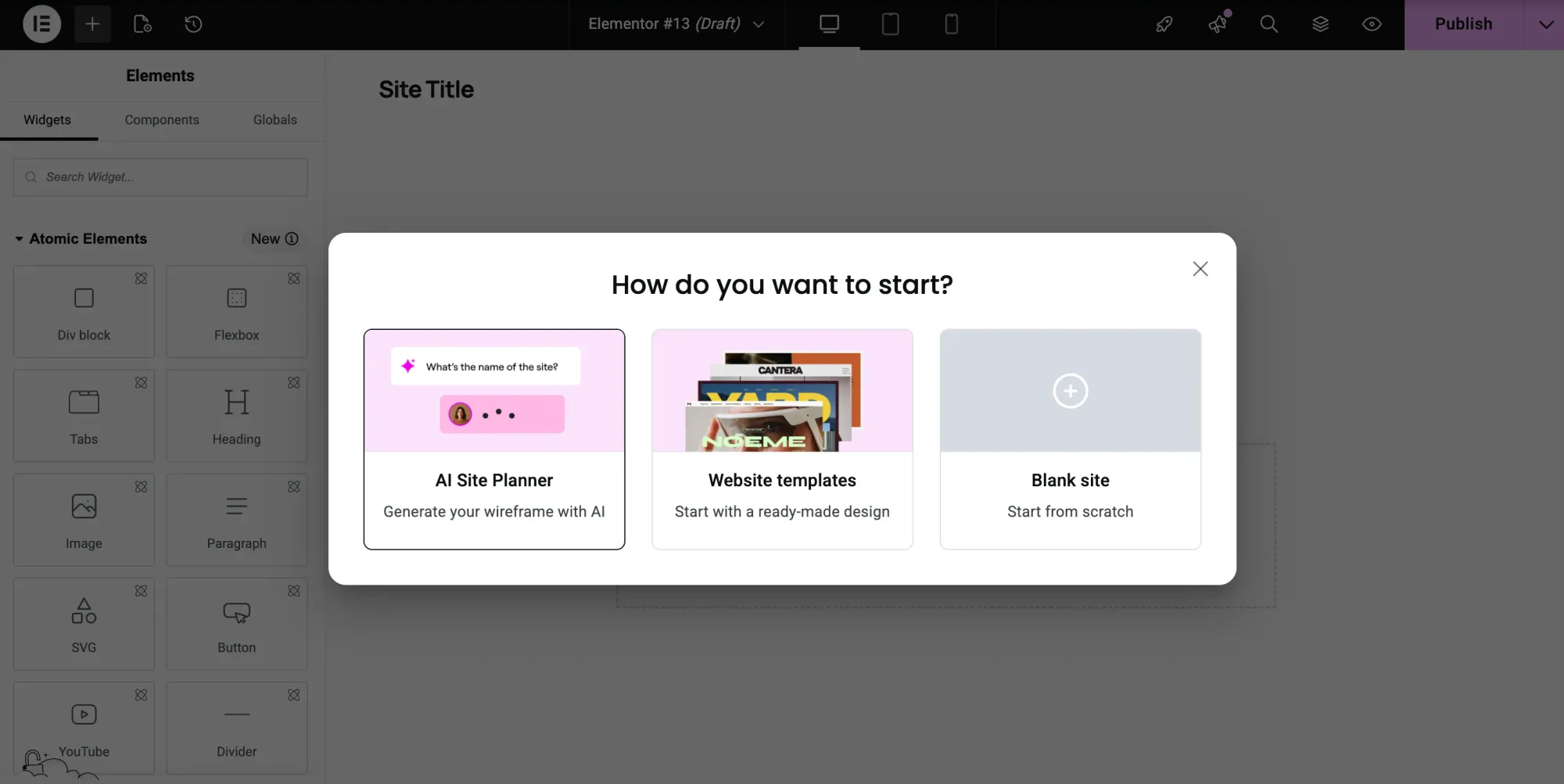
WordPress is the most flexible and widely used website platform—it powers over 40% of the web. Unlimited customization, a content management system with 60,000+ plugins, and full custom code access. Unlike Framer, no platform lock-in. Steeper setup, but you can scale from a blog to an online store to a membership site to a web app on one platform. For most users who want complete control, WordPress is the best alternative to Framer's closed system. Self-hosted WordPress (WordPress.org) is free—you pay for hosting (~$5-30/mo). Trade-off: more maintenance and a learning curve that rewards patience.
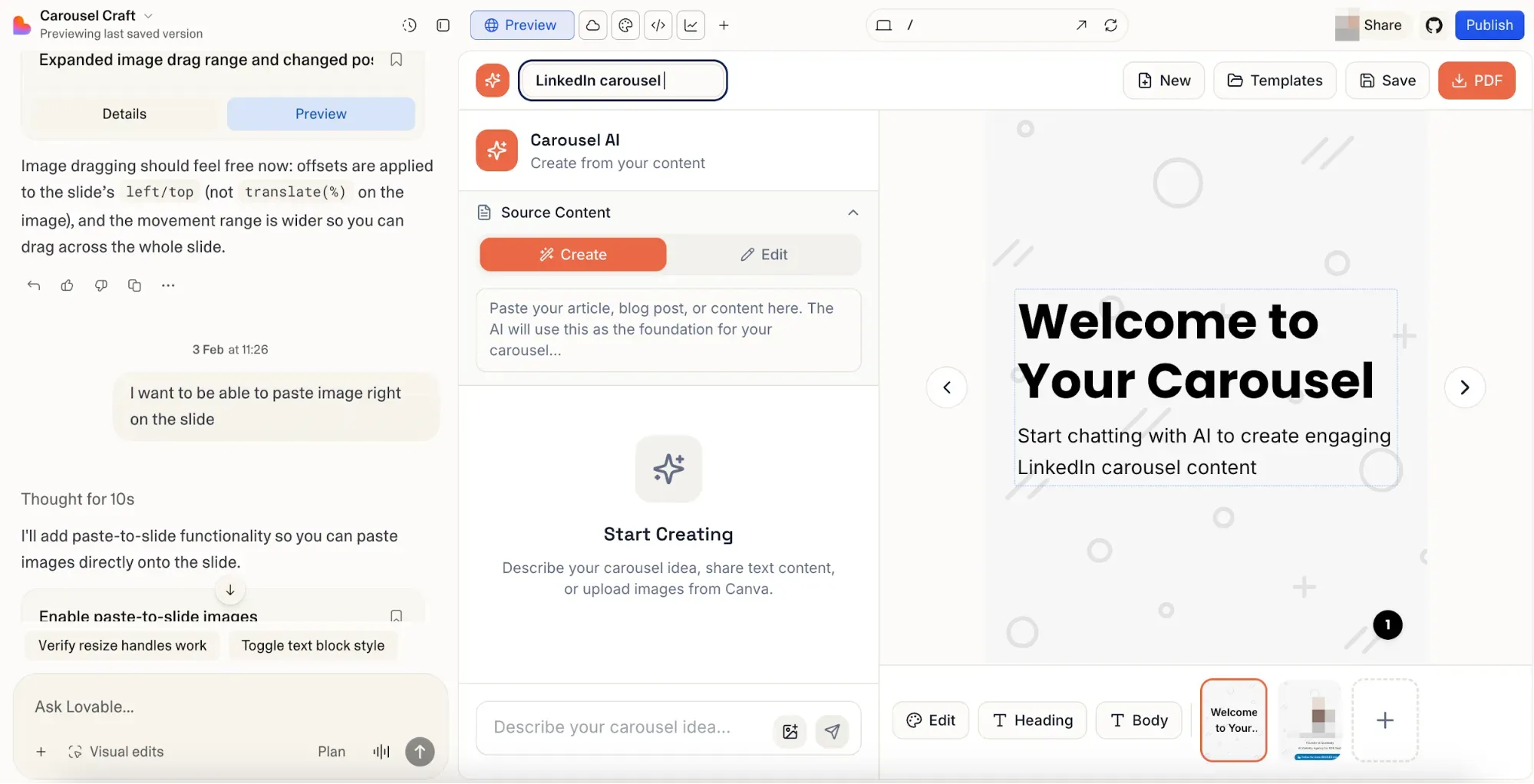
Lovable is not a website builder like Framer—it is an AI-powered full-stack app builder. It generates complete React + Supabase applications from natural language prompts: frontend, backend, auth, database. If you started a Framer site and realized you need a SaaS product instead, Lovable is where many teams go. GitHub sync, custom domains, Stripe, one-click deploy. Credit-based pricing burns fast. Best for non-technical founders shipping functional websites with real backend logic. See our Lovable review.
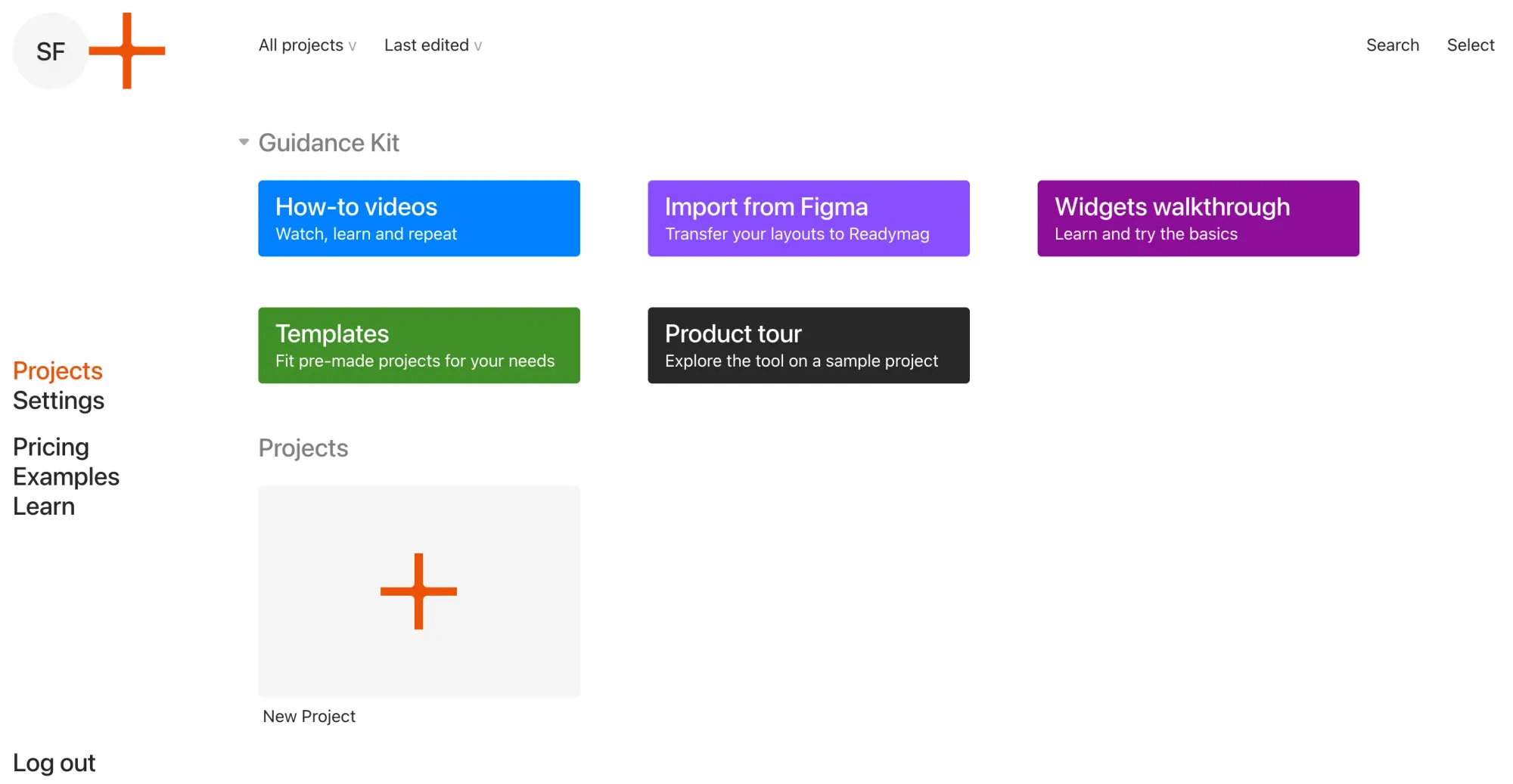
Readymag is the design-first website builder favored by designers, editorial teams, and creative studios. Browser-based canvas editor, advanced typography, rich animations, and parallax effects—built for portfolios, lookbooks, digital magazines, and longform editorial pieces.
Where Framer leans toward product and startup aesthetics with strong responsive defaults, Readymag leans toward print-inspired layouts where typography and composition carry the page. Framer gives you responsive-first design with built-in CMS; Readymag gives you pixel-level layout freedom at the cost of manual mobile and tablet adjustments.
For designers, photographers, writers, and agencies who want visually distinctive sites that look like magazine spreads rather than SaaS landing pages, Readymag is the closest match to Framer's aesthetic ambitions. Ecommerce is not native—it runs through Stripe, Shopify, Gumroad, or Ecwid integrations.
Key features
Pricing
The best Framer alternative depends on what you are trying to do. For a more powerful website builder, Webflow and WordPress are proven choices. For simpler publishing, Squarespace stands out. For ecommerce features at scale, Wix works well.
But if your real bottleneck is design exploration, prompt-to-UI generation, or developer handoff, Framer was never designed for that. Flowstep fills that gap by generating multi-screen UI and code for both websites and apps.
Start with Flowstep for free—the free alternative for product UI design.
Framer is a no-code visual website builder that lets you design and publish responsive websites in the browser. Best for designers building marketing sites, landing pages, and portfolios who value design quality and speed-to-publish. Not well-suited for product UI, SaaS dashboards, or full websites with heavy CMS needs.
Framer started as a prototyping tool and evolved into a full website builder. Today, it is primarily a website-building platform—a Figma-like editor, but its focus is publishing live sites, not designing product UI. For pure product design work, top Framer users still open Figma or Flowstep alongside.
Webflow has native HTML/CSS/JS code export. Lovable lets you export the full React codebase via GitHub. WordPress (self-hosted) gives you complete code ownership. Flowstep exports production-ready React, TypeScript, and Tailwind CSS. Framer itself does not support code export.
Yes, and this is the workflow many teams adopt. Generate multi-screen UI in Flowstep, align stakeholders and collect feedback. Then rebuild in Framer (or Webflow, or code) with a clear visual blueprint. Flowstep's ⌘C/⌘V Figma copy-paste makes it easy to move designs into Figma first if you prefer to refine there.
Ready to design before you build? Sign up for Flowstep free