12 Best AI Tools for Designers: 2026 Top Picks
Discover the best AI tools for designers [2026], including Flowstep, Figma Make and more top picks to speed up your UI/UX workflow and create better designs faster.
Looking for a Sketch alternative? Compare 8 UI UX design tools, including Flowstep, Figma, and more, to find the best one for your team in 2026.
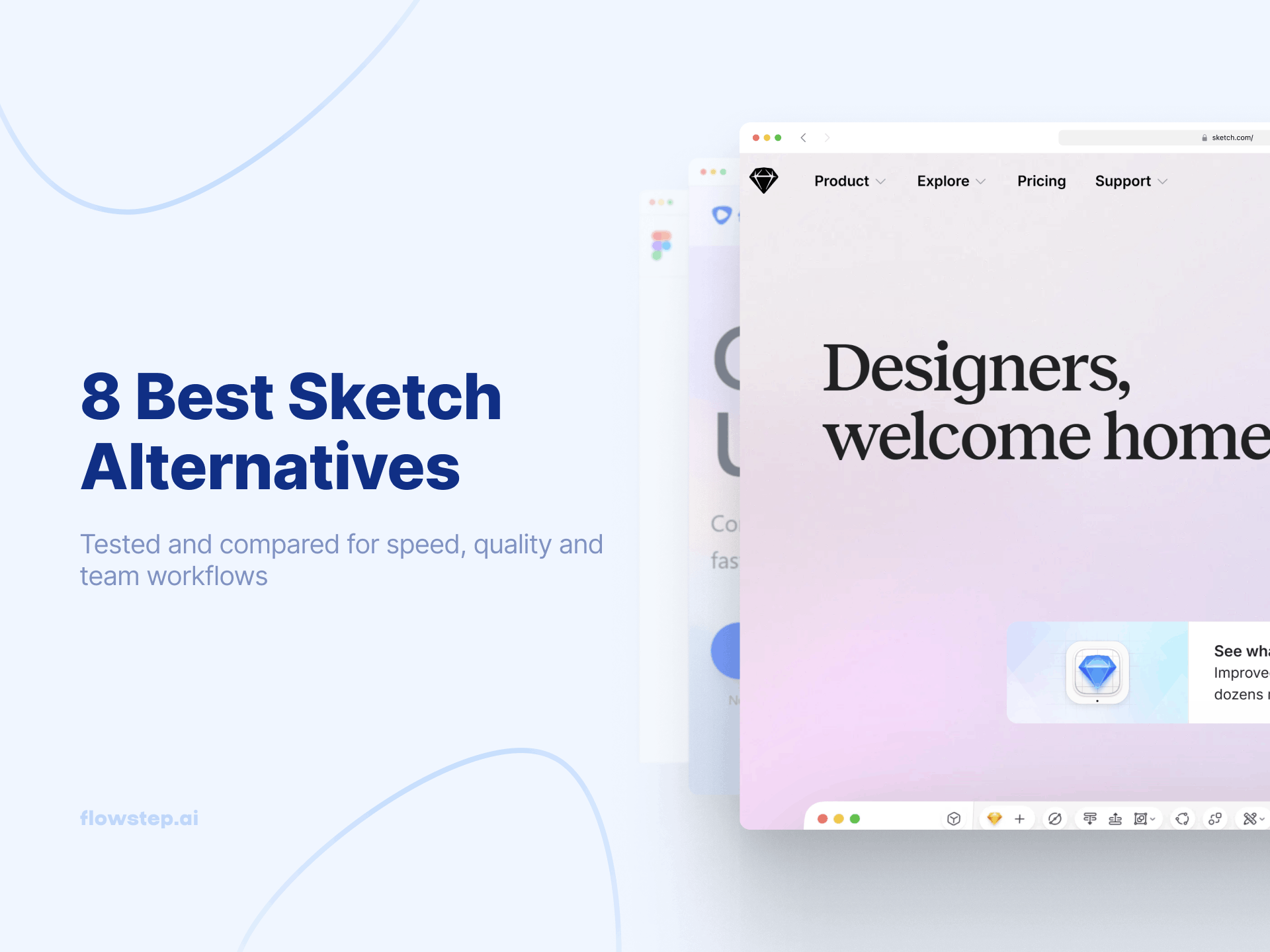
Sketch is a beautiful, fast, native Mac design tool. For years, it was the gold standard for UI design, and it is still actively developed—Athens, Barcelona, and Copenhagen all shipped in 2025, bringing Stacks for auto-layout, glass effects for iOS 26, and a full redesign for macOS Tahoe.
But the ground has shifted. Your PM is on Windows. Your engineers want a web-based design tool they can open in any browser. And even on a Mac, you start every project from a blank artboard. According to the UX Tools Design Tools Survey, Figma now holds over 80% of the UI design market while Sketch has dropped to around 5%.
If you are looking for a Sketch alternative, you have two reasons. Platform limits: Sketch editing is Mac-only. And workflow speed: every screen still has to be drawn by hand. Here are 8 Sketch alternatives worth your time, starting with Flowstep, the AI-powered Sketch app alternative that generates real UI from text prompts on any operating system.
Sketch launched in 2010 and pioneered modern UI UX design workflows. It is a native macOS design tool for UI UX, prototyping, and collaboration, with strong vector editing tools and advanced vector editing features. Pricing starts at $12/editor/month (billed annually) for a Standard plan, $24/editor/month on Professional, and $44/editor/month on Enterprise. Custom pricing for Private Cloud. Unlimited free viewers included across plans, with a clear upgrade path for teams and enterprise needs.
What people love: native Mac speed, a user-friendly interface with an intuitive interface that covers both basic features and advanced tools, robust vector editing capabilities, and a focused feature set that handles UI work and graphic design. What drives teams to look for a powerful Sketch alternative:
Sketch alternatives fall into two camps. Traditional design and prototyping tools that solve the platform problem (Figma, Penpot, Lunacy—browser-based or cross-platform). And AI-powered design tools that solve the speed problem. For the broader category, see our best AI design tools and best AI UI design tools roundups.
Quick comparison before we go deep:
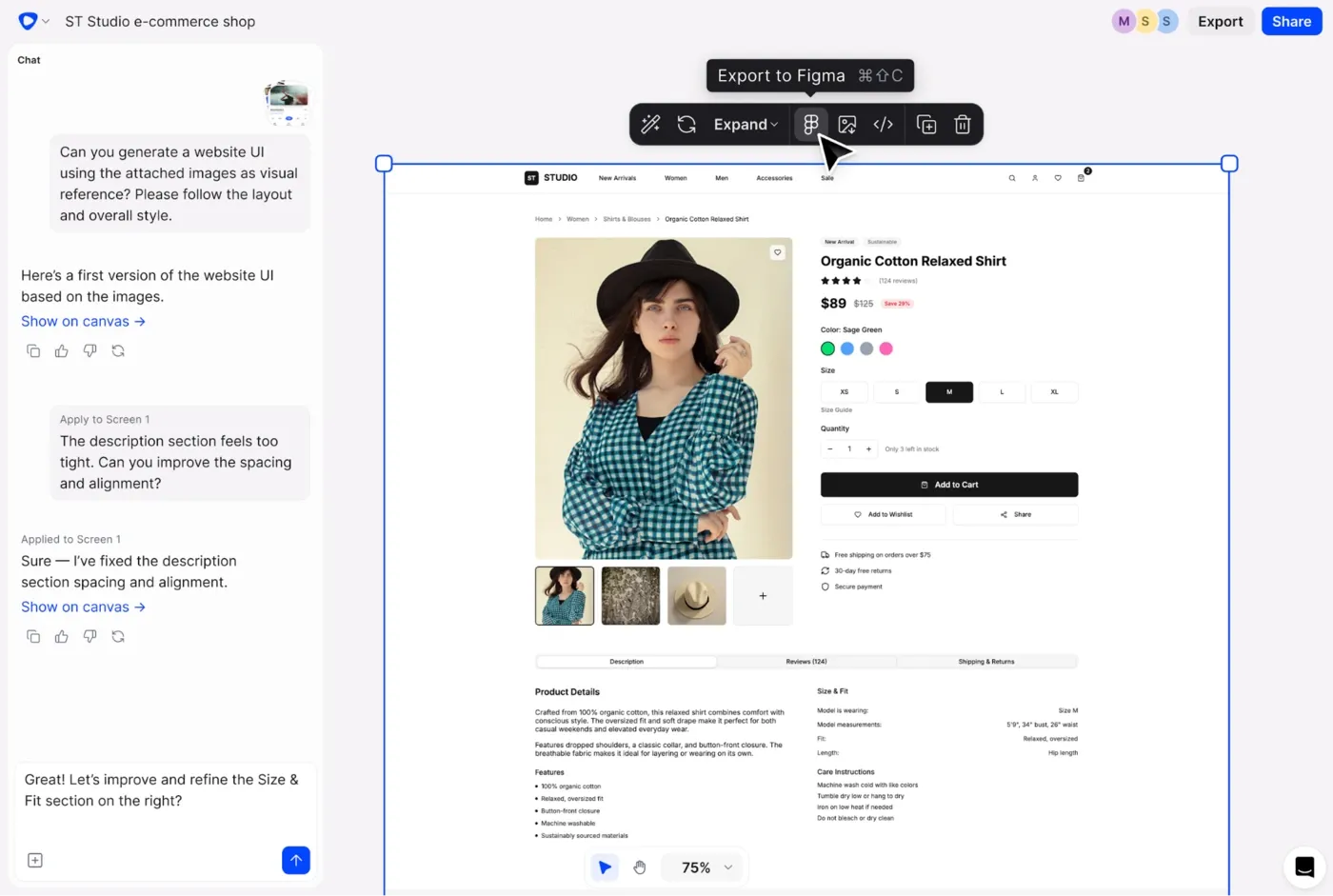
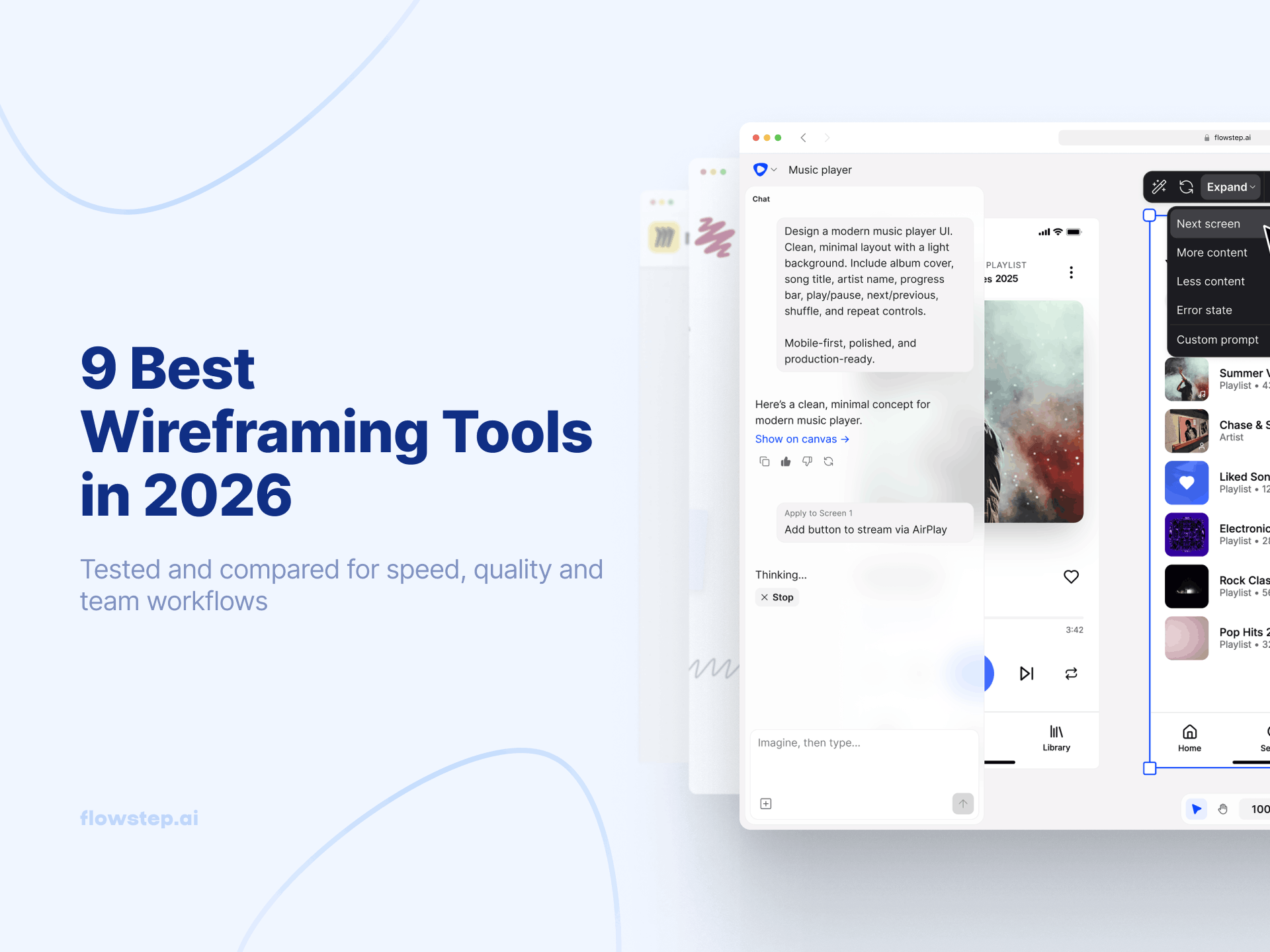
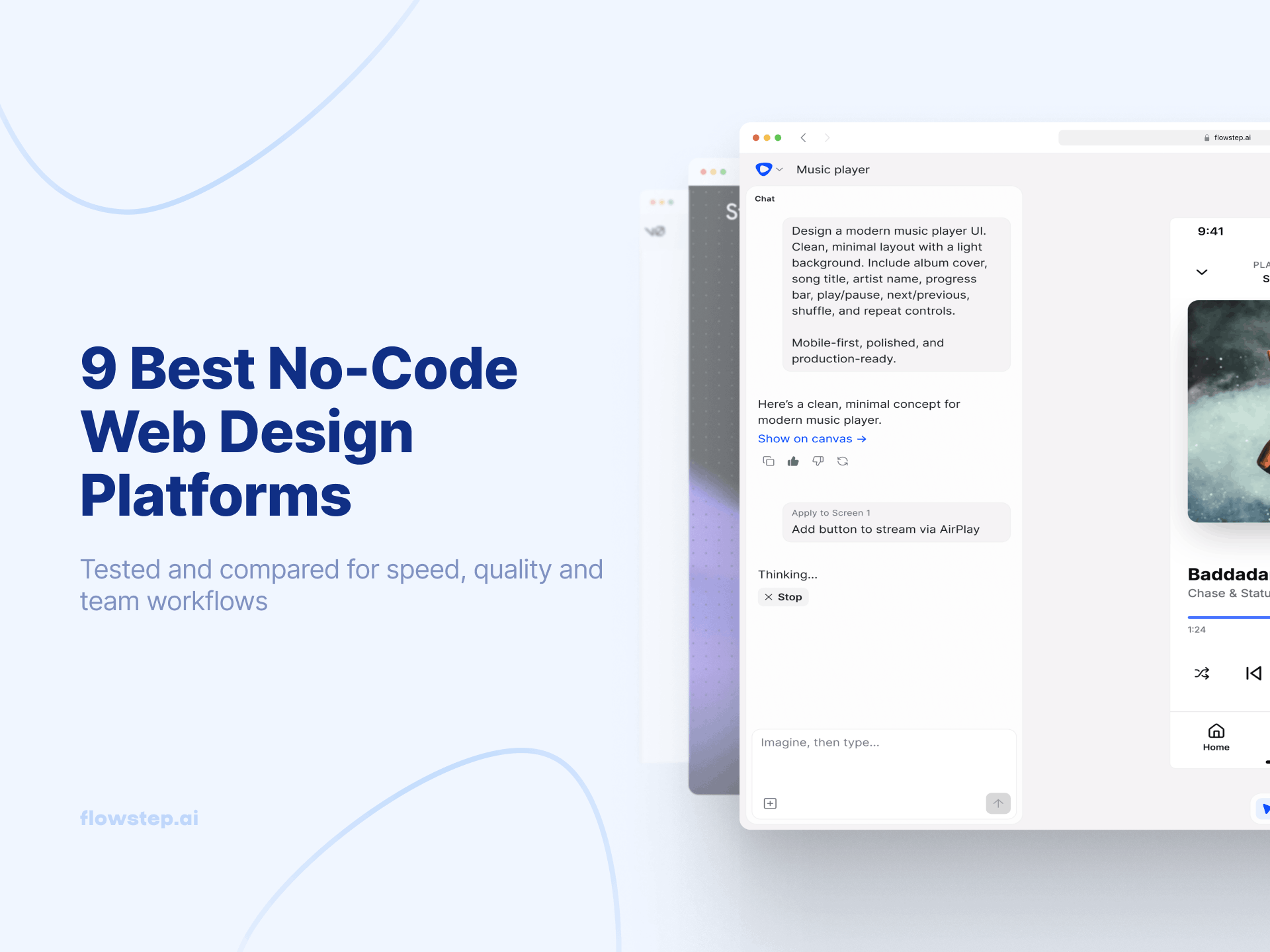
Flowstep is an AI-powered design tool made for rapid prototyping. It generates real UI from plain-text prompts on an infinite canvas, handling the entire design process and creative process from first concept to polished, editable screens.
For Sketch users, this is the shift. Sketch trained you to expect polish and precision when you create prototypes. Flowstep delivers that quality, but you get there from a prompt instead of an empty artboard. Describe a SaaS onboarding flow (login, verification, dashboard, settings) and get those screens as reusable components connected in one generation.
Flowstep runs in any browser, so Mac, Windows, and Linux users sit in the same file with real-time collaboration features and live cursors. Multiple team members can edit together using built-in collaboration tools and collaborative features—no per-seat pricing, no OS barriers. Attach a PRD, paste a URL, or upload a reference image to steer the output. When you need to move to Figma, press ⌘C in Flowstep, ⌘V in Figma—seamless integration, no plugin. If you need code, export as React + TypeScript + Tailwind. See our design prompts guide and the best AI tools for product managers.
Flowstep offers a free plan with core features and unlimited collaborators. Starter is $15/month (or $12/month billed annually). Growth is $29/month, Pro is $99/month. Pricing is based on AI messages, not per-seat, so costs do not multiply as your team grows.
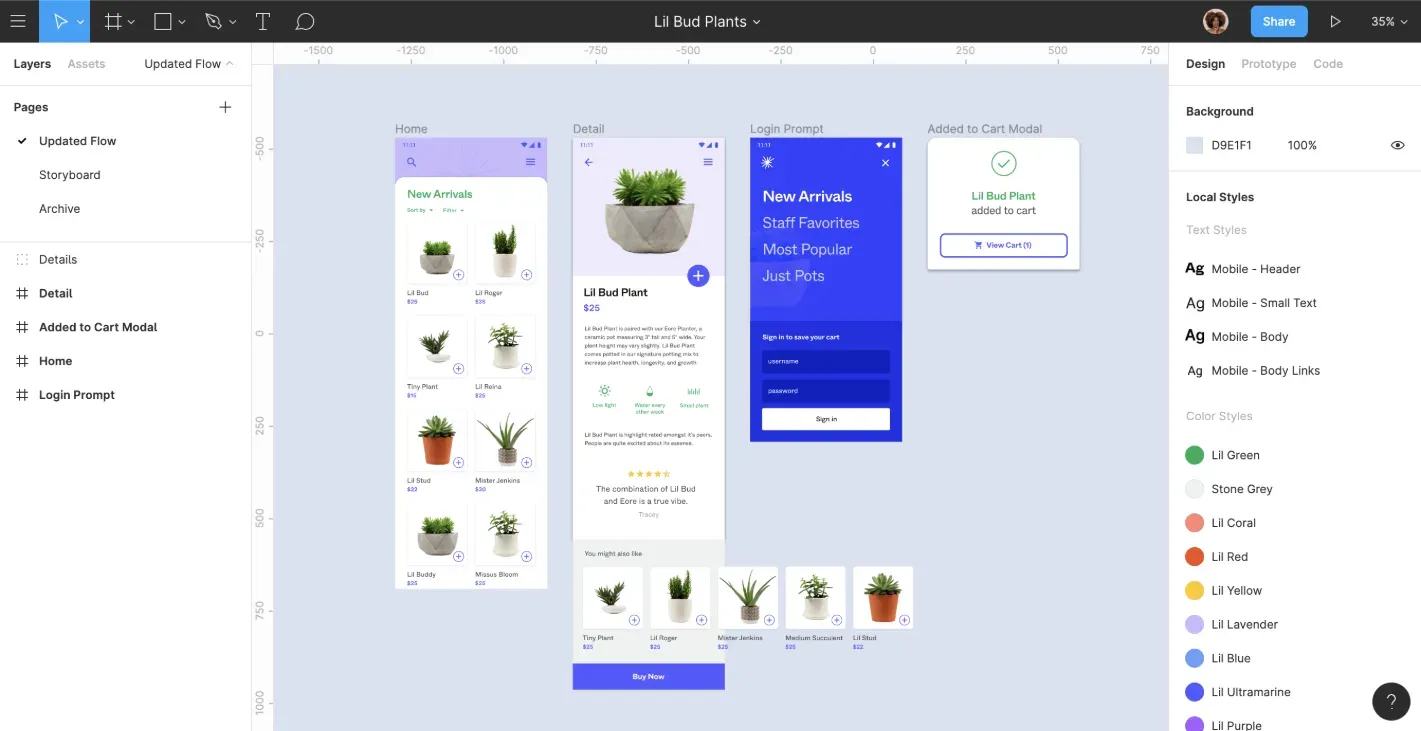
Figma is the Sketch alternative most of your team has already considered. A web-based design tool, in fact, running on any operating system, with robust features and real-time collaboration features that made Sketch's Mac-only model look dated overnight.
As a one-for-one Sketch swap, Figma is the closest. Auto-layout instead of Stacks, components instead of Symbols, variants, design tokens, full design system support, Dev Mode, and an extensive plugin ecosystem. Figma Make generates UI from prompts using your design systems, but credit limits are enforced as of March 2026, and the bill scales quickly.
Free Starter plan with 3 files per team and 500 AI credits/month. Professional is $15/seat/month (annual) for Full seats, $12 for Dev seats, and $3 for Collab seats. Organization is $55/Full seat/month, Enterprise is $90. More details in our Figma alternatives guide.
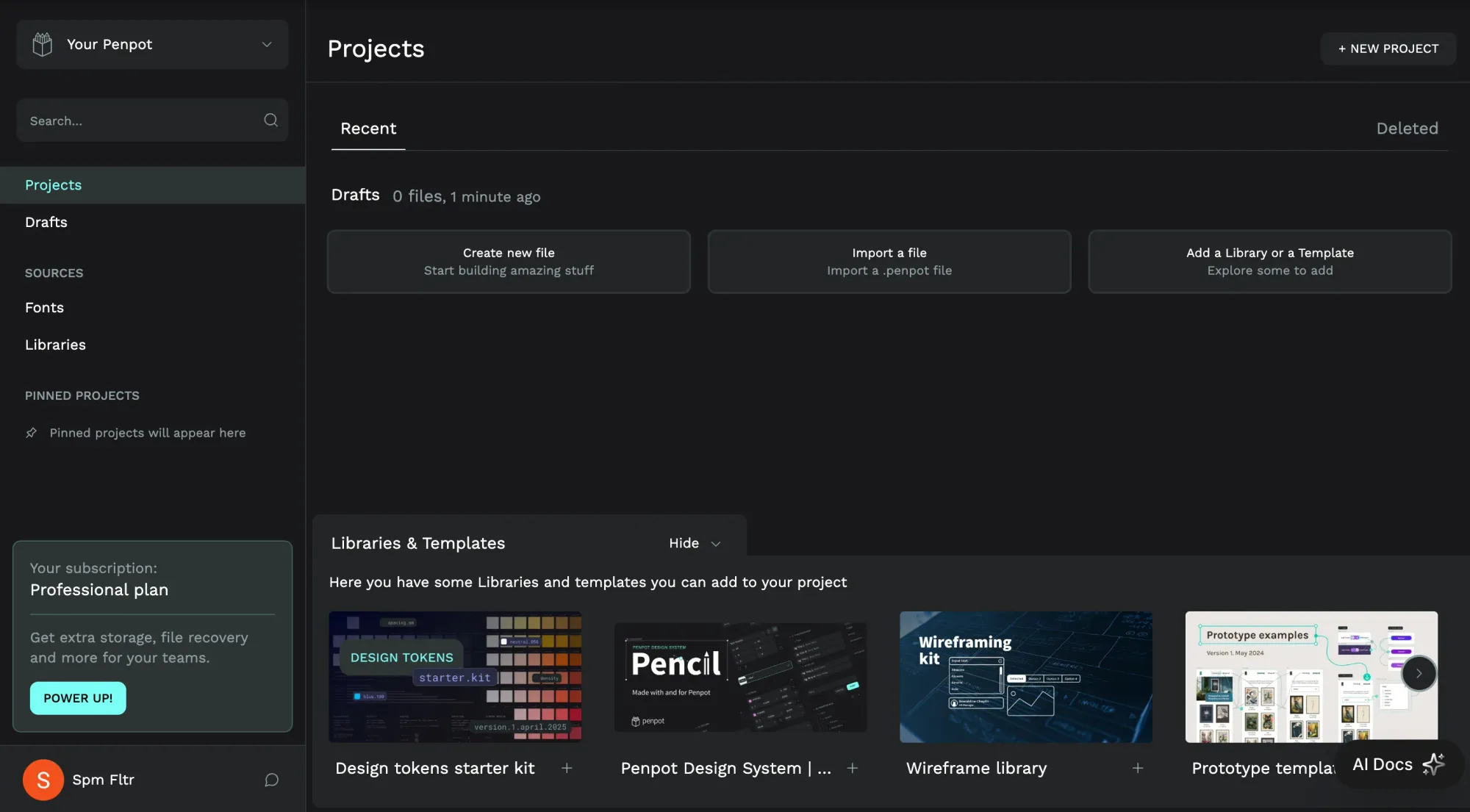
Penpot is the open-source design tool that took the Figma playbook (browser-based, real-time collaboration features, component-driven) and made it completely free. No vendor lock-in, no per-seat pricing, and you can self-host it.
What makes Penpot unusual: it runs on open web standards—SVG, CSS Flex, CSS Grid. Layouts behave the way they will in code. It is also the only mainstream design tool with native design tokens as a first-class feature. Trade-offs: less polished than Figma or Sketch, with performance issues on larger files. But if cost is driving your search, Penpot is the most serious free version of a Figma-style workflow you can get.
Free forever with no limits on editors or files. An Unlimited tier adds extra storage and history. Enterprise plans cap at $950/month regardless of team size.
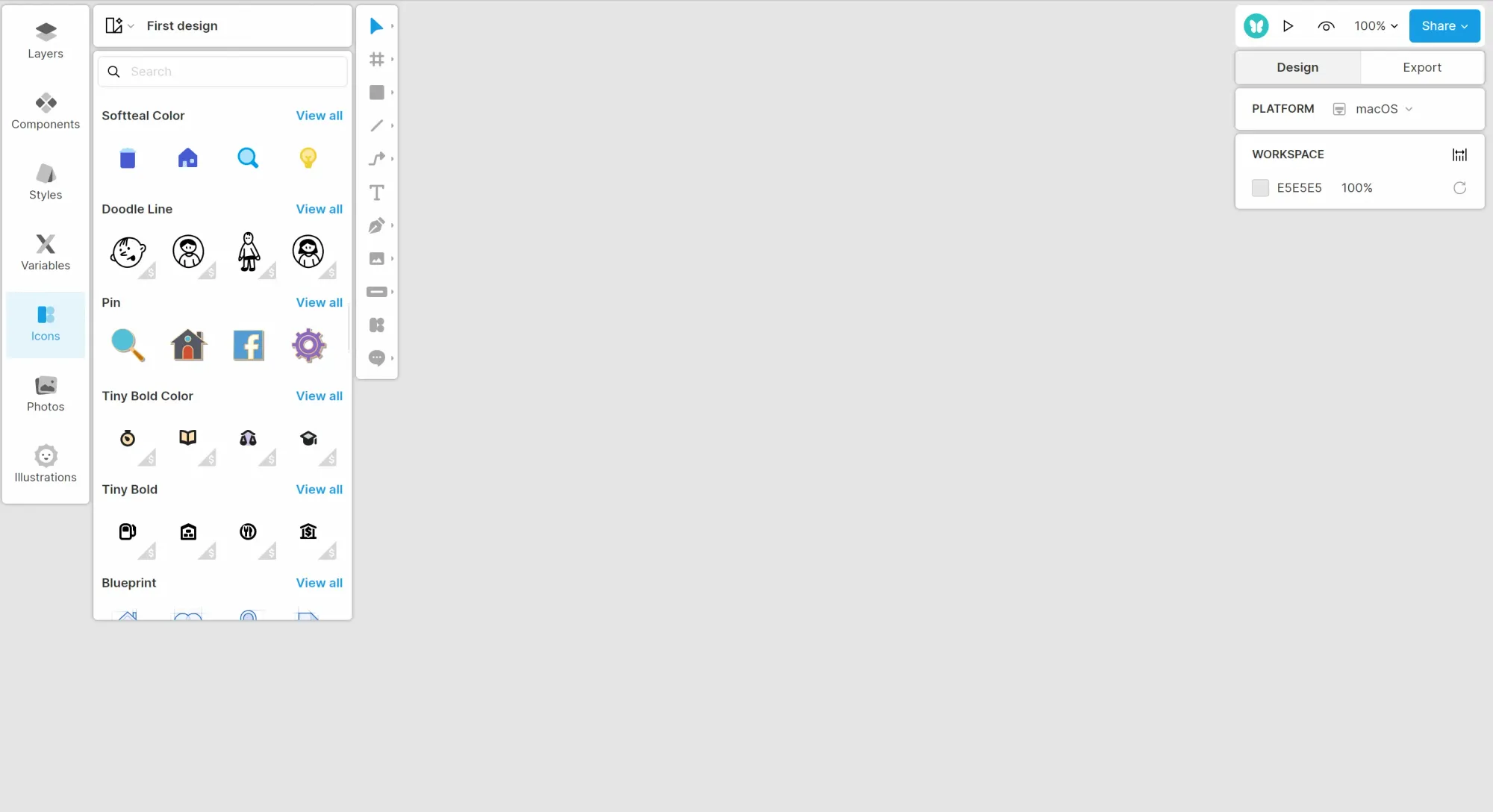
Lunacy by Icons8 is probably the most direct answer to the question, "is there a Sketch alternative for Windows?" It is a completely free, native desktop app for Windows, Mac, and Linux that opens and edits .sketch files natively. No conversion, no re-import—the file format just works.
Lunacy runs fast on modest hardware, works without an internet connection, and bundles a vast template library of icons, illustrations, and photos through Icons8. AI tools for background removal and image upscaling are built in. Real-time collaboration features run through Lunacy Cloud with up to 10 simultaneous editors. The ceiling: less polished than Figma, and Icons8 assets require attribution unless you pay.
Completely free for personal and commercial use. Paid Icons8 subscription removes attribution requirements and adds extra cloud storage.
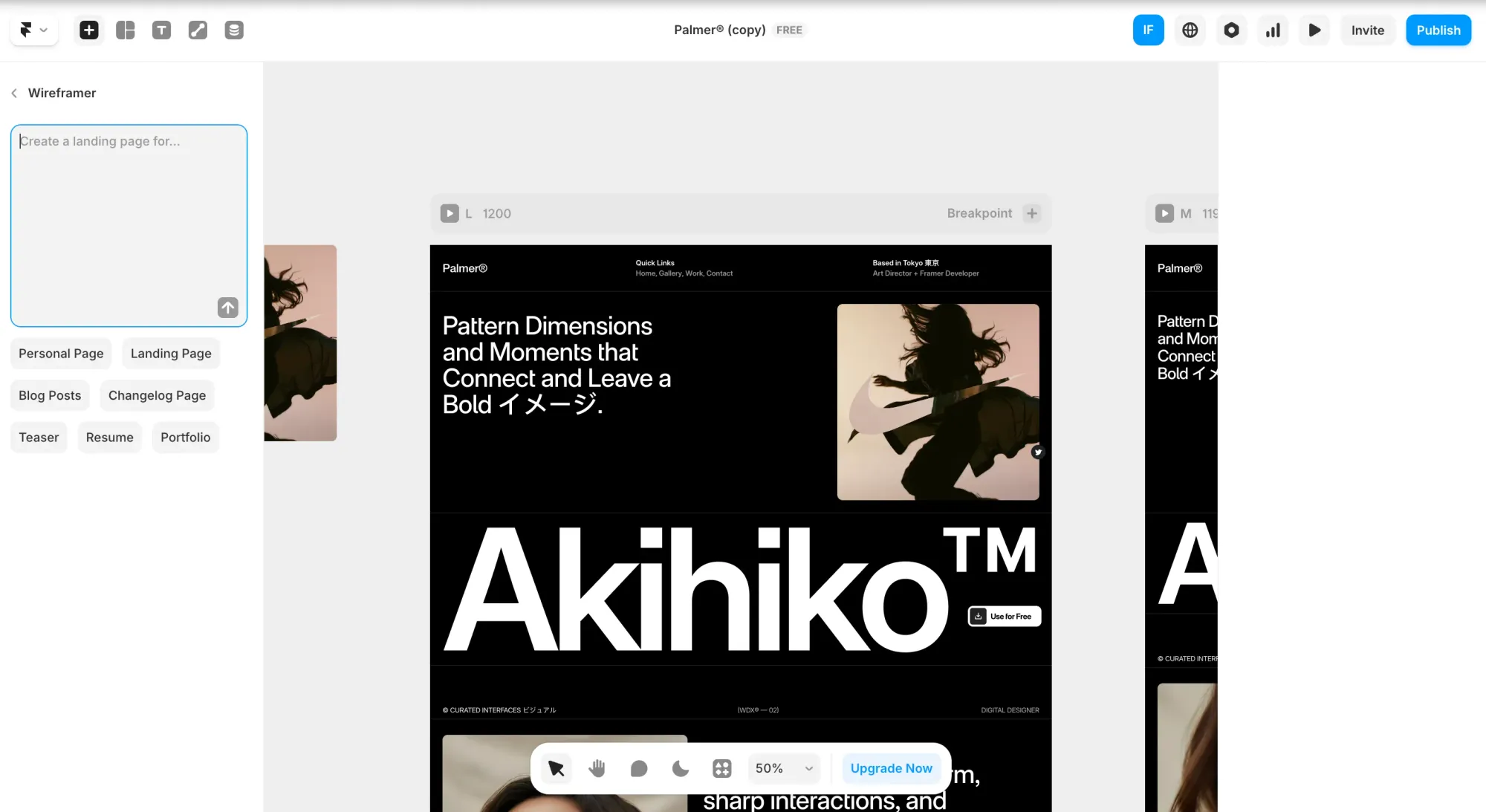
Framer started as a prototyping tool and evolved into a full website builder. Design in a visual canvas with drag and drop functionality, add advanced animations, and publish to a real domain without touching code.
For Sketch users, the use case is narrower—Framer is a marketing-site tool, not a SaaS app UI. But if your job includes the company website, marketing materials, or a portfolio, Framer replaces the Figma-and-Webflow handoff with a single workflow. Its AI layer generates responsive pages with custom animations, interactive elements, and CMS integrated from a single prompt.
Free plan (design-only, no custom domain). Basic is $10/month annually ($15 monthly). Pro is $30/month annually, Scale is $100/month. Editor seats add $20–$40/month each. See our Framer alternatives guide for the full comparison.
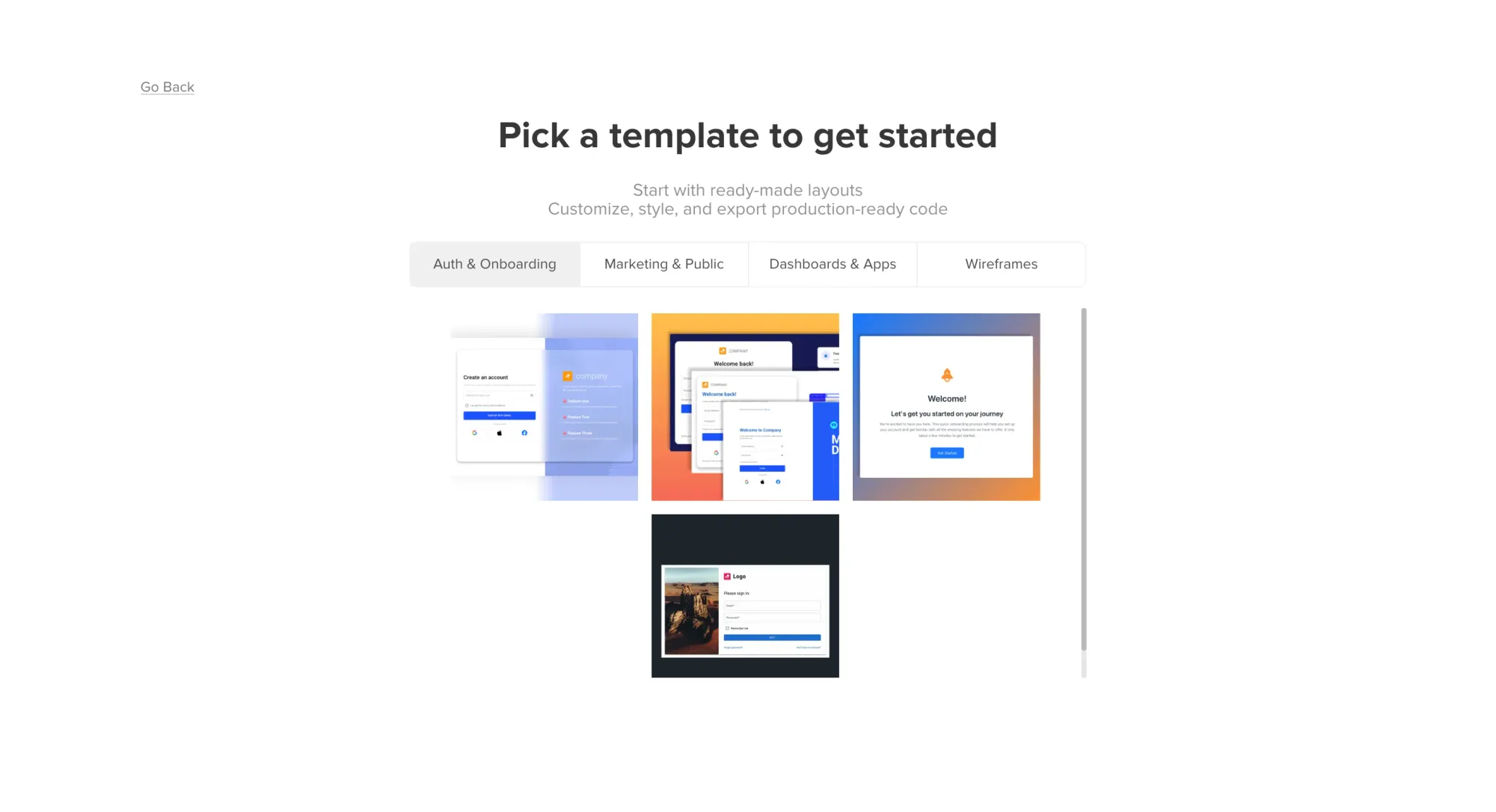
UXPin takes a different angle: it lets you design with live React components instead of static shapes. UXPin Merge pulls components from your Git repo or npm package, and you drag them onto the canvas with real props, variants, and behavior. It closes the gap between design and shipped code.
For teams where dev handoff is the main friction, the prototype becomes the spec. UXPin excels at advanced prototyping—functional prototypes and detailed prototypes that behave like the shipped product. The trade-off: a steep learning curve, and Merge only pays off if your team works in React with a mature component library.
14-day free trial, with a limited free plan after. Paid plans start at $29/month and include Merge. Growth and Enterprise tiers add custom libraries, more AI credits, and advanced governance.
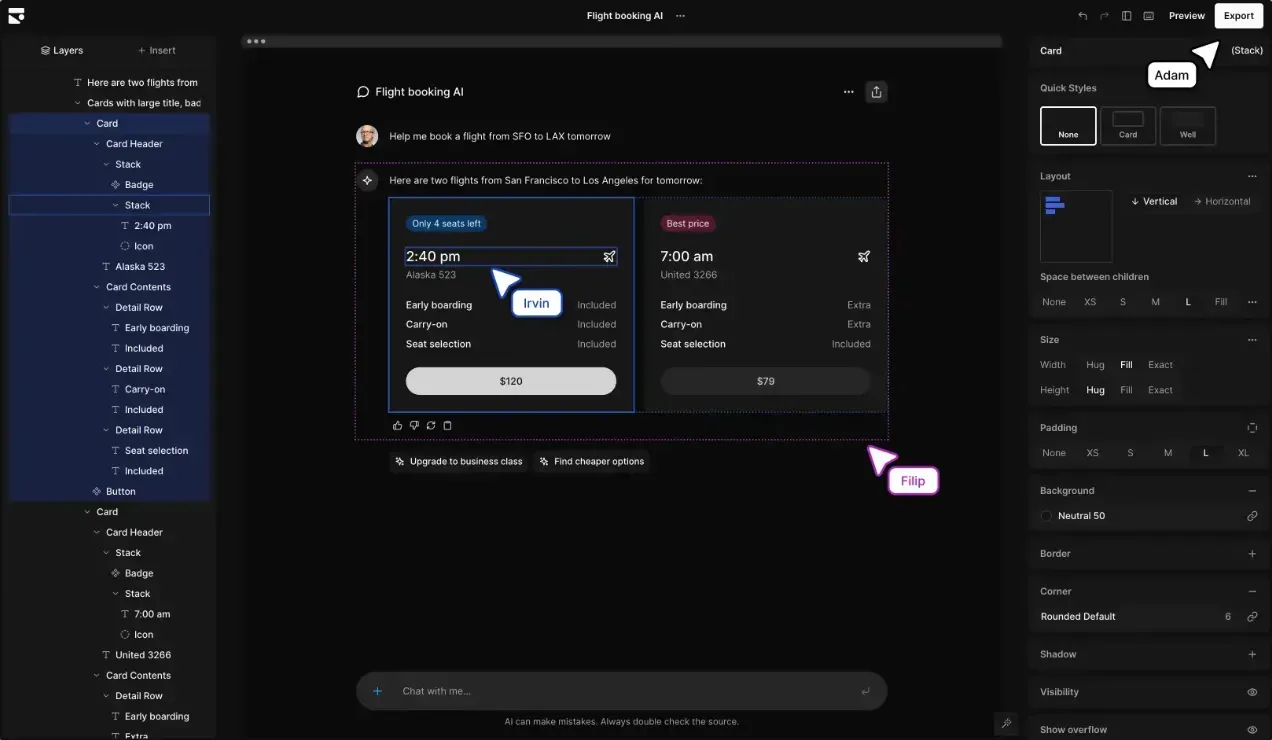
Subframe belongs to the newer generation of design tools aimed at teams shipping React and Tailwind. Every component on the canvas maps directly to clean production code—predictable, human-readable output you can own.
You get a visual editor with drag and drop functionality, AI generation, and a theme system that cascades across your project. Claude Code and Cursor MCP integrations let coding agents pull your design system context. The Pro plan offers unlimited AI generations. React and Tailwind only. For broader coverage, see our best AI tools for developers.
Free plan with 1 project, 3 page designs, and limited features. Pro is $29/editor/month with unlimited projects, pages, custom components, and full AI access.
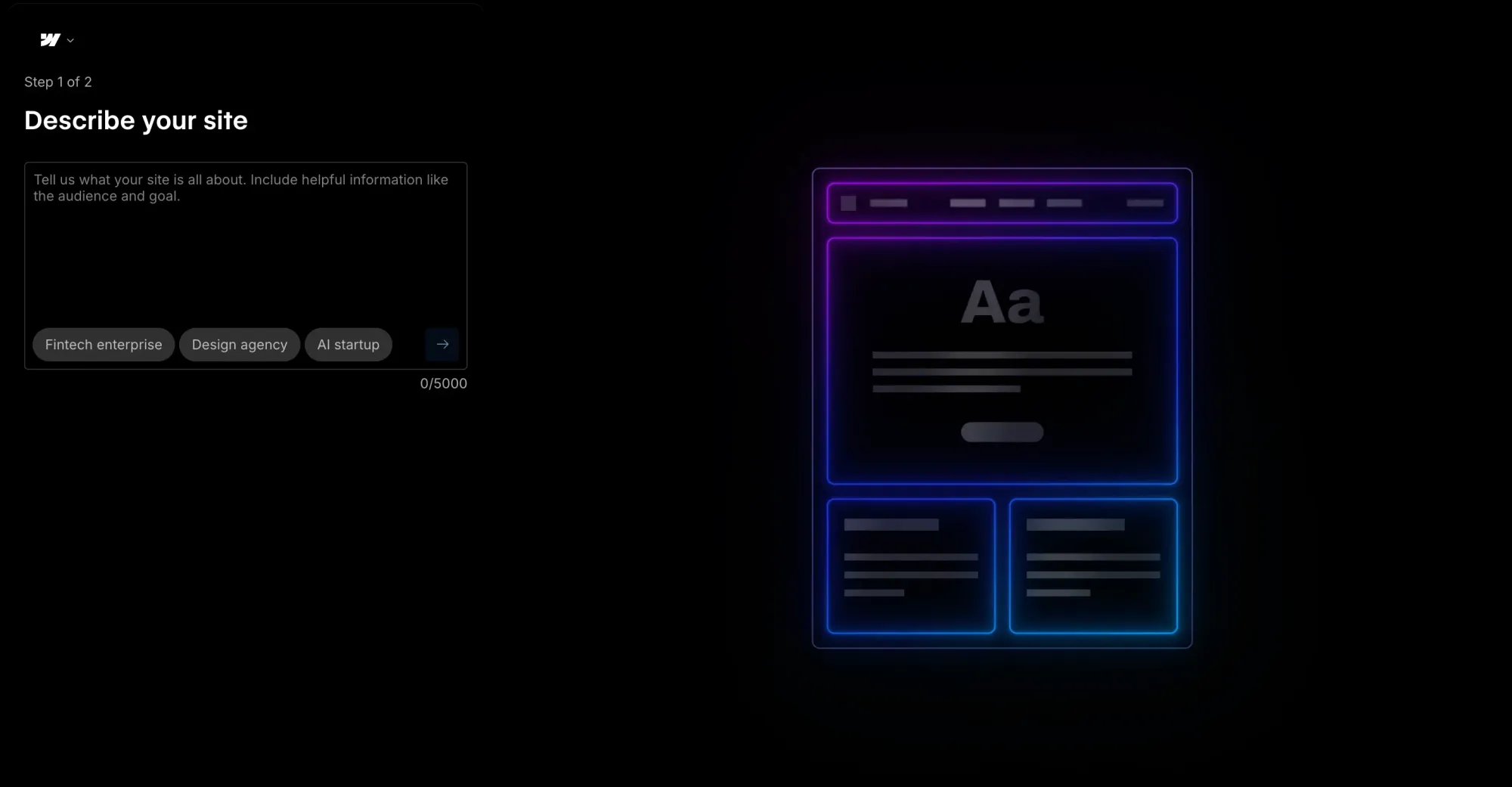
Webflow is the heavyweight in the visual-to-web category. It is not a direct Sketch replacement for SaaS UI work—it is a complete website platform covering the design canvas, a CMS, and hosting.
The design canvas is more developer-flavored than Sketch. You set CSS properties directly: flexbox, grid, padding and margins. Webflow Cloud added React component support in 2025. The caveat: a steep learning curve, and pricing split between Workspace and Site plans makes the final bill harder to predict.
Free Starter (webflow.io subdomain only). Basic Site plan starts at $14/month annually. The CMS plan is $23/month. Business is $39/month.
Sketch is still a capable Mac-first design tool, but your reason for looking around tells you where to land. Browser-based tools like Figma, Penpot, and Lunacy solve the Mac-only problem with intuitive tools designers already know. AI-powered tools solve the speed problem. Flowstep solves both—browser-based, so your whole team works in the same file regardless of operating system, and AI-powered, so you generate real multi-screen flows from prompts instead of drawing each artboard. Copy designs into Figma, share with stakeholders for gathering feedback, or export production-ready React, TypeScript, and Tailwind code. Start with Flowstep for free.
Yes, for the right team. Sketch is still actively developed, still fast on native macOS, and still competitive at $12/editor/month. If your whole team is Mac-based and you are happy drawing screens manually, Sketch remains solid. For most cross-platform teams, a Sketch app alternative like Flowstep or Figma is a better fit.
Lunacy is the closest Sketch-for-Windows experience: it opens and edits .sketch files natively as a free, cross-platform app with AI tools and a vast template library. For an AI-powered option in any browser, Flowstep's free plan generates real UI from prompts with unlimited collaborators. Penpot is another strong, completely free Sketch alternative with a Figma-like workflow.
Yes. Lunacy supports .sketch files natively on Windows and Linux, and Figma can import .sketch files. Sketch's free web viewer lets anyone on any operating system view and inspect designs in the browser, but editing still requires macOS.
Yes, and many teams do. Flowstep fits naturally into ideation—generate a full user flow from a prompt, share with stakeholders and refine. Then copy designs into Figma or polish the final version in Sketch. Flowstep also exports production-ready React + TypeScript + Tailwind code.