

16 Best AI Tools for Designers: 2026 Top Picks
Discover the best AI tools for designers [2026], including Flowstep, Figma Make and more top picks to speed up your UI/UX workflow and create better designs faster.
Discover the best no-code web design platform for your business in 2026. Compare 9 tools—from AI UI generators to website builders and app builders.
You have an idea: a landing page, a product concept, a marketing site, maybe even a working web app. But the moment you try to turn it into something real, the usual blockers show up: a blank canvas, a generic template, a long dev timeline, or a quote that makes the whole project feel too early to justify.
This is the moment no-code platforms were made for.
Basic drag-and-drop interfaces you may have seen are just the beginning. Some of these tools generate polished UI for complex projects from a prompt. Others help you publish full business websites without touching code. There are also ones that build functional web apps with front-end, backend, authentication, databases and deployment included, all code-free.
The hard part is choosing the right tool for the job.
This guide breaks down nine of the best no-code web design platforms across three categories: AI UI generators with code export, no-code website builders and AI app builders. You’ll find a comparison table, short tool breakdowns, key features, pricing notes and a decision guide to help you pick the right platform faster.
No-code builders for web design let you build and publish something on the web through a visual interface—no coding knowledge required, no traditional development process. But that definition covers a wide range of tools that do very different things.
Here's how to think about the three categories this article covers:
This article covers all three because the lines between them are blurring fast. If you're specifically looking for resources for product managers, we have a guide that goes deeper on that. There's also a solid overview of AI wireframe generators if early-stage ideation is where you're stuck. Otherwise, keep reading.
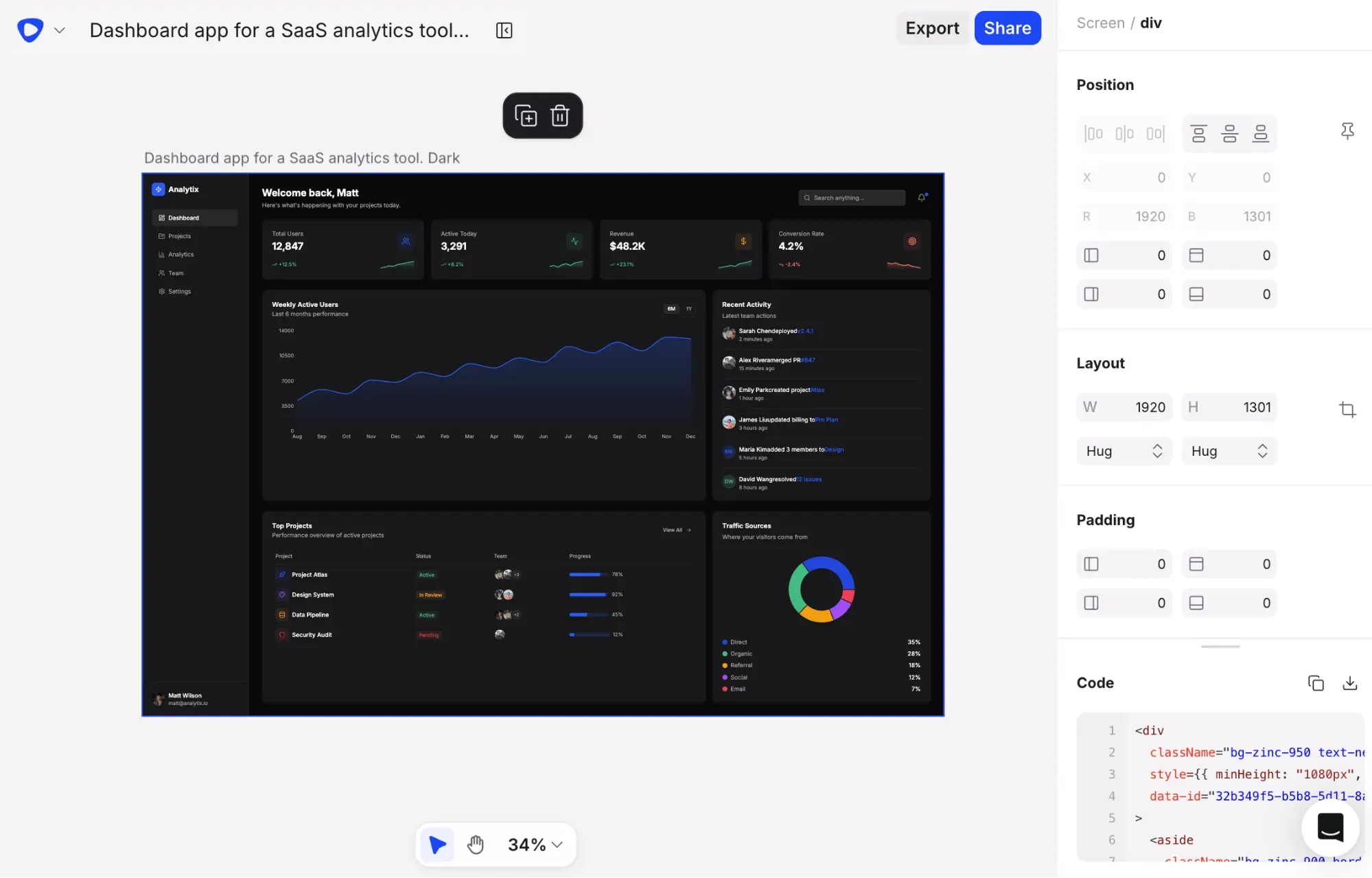
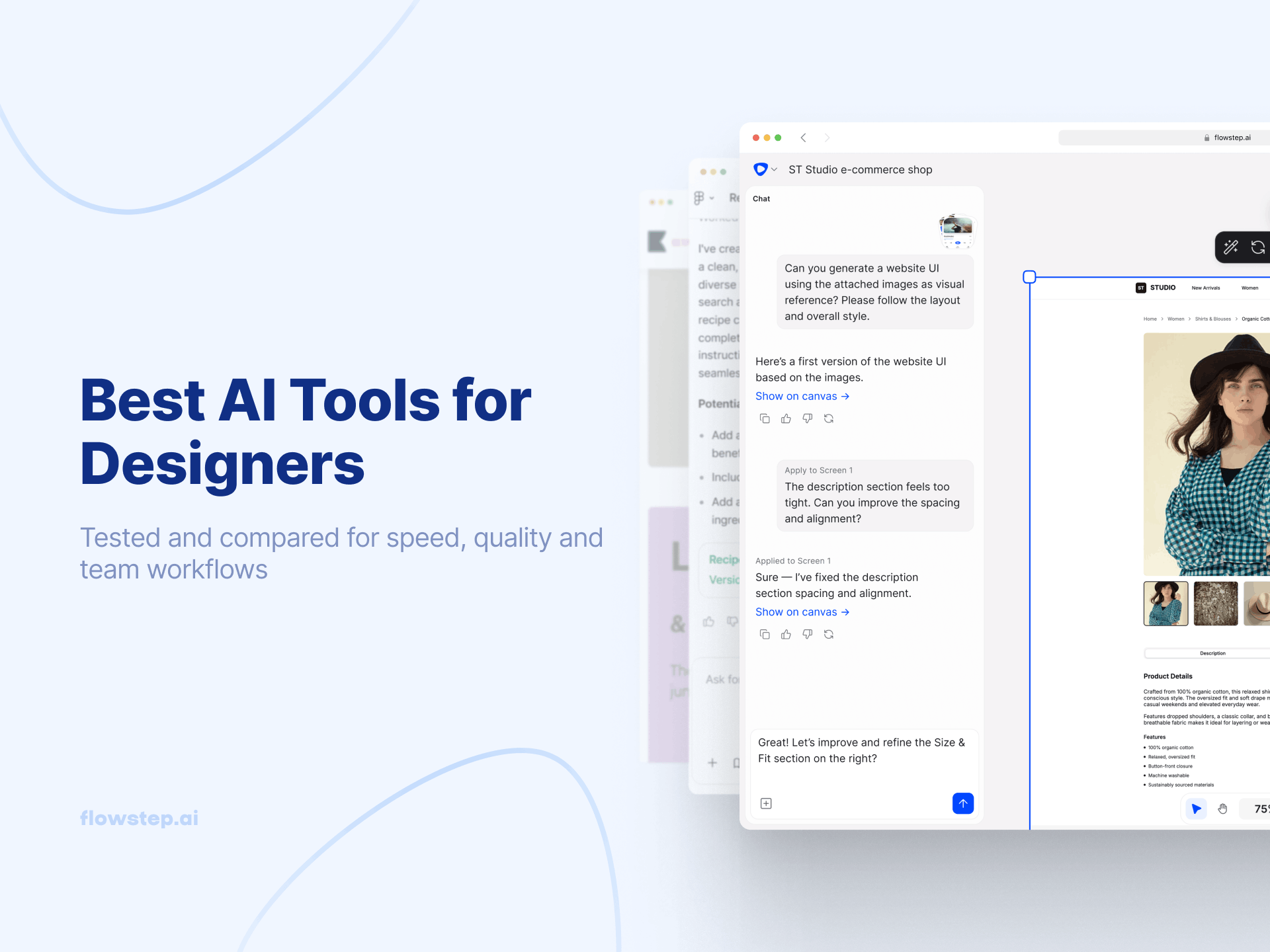
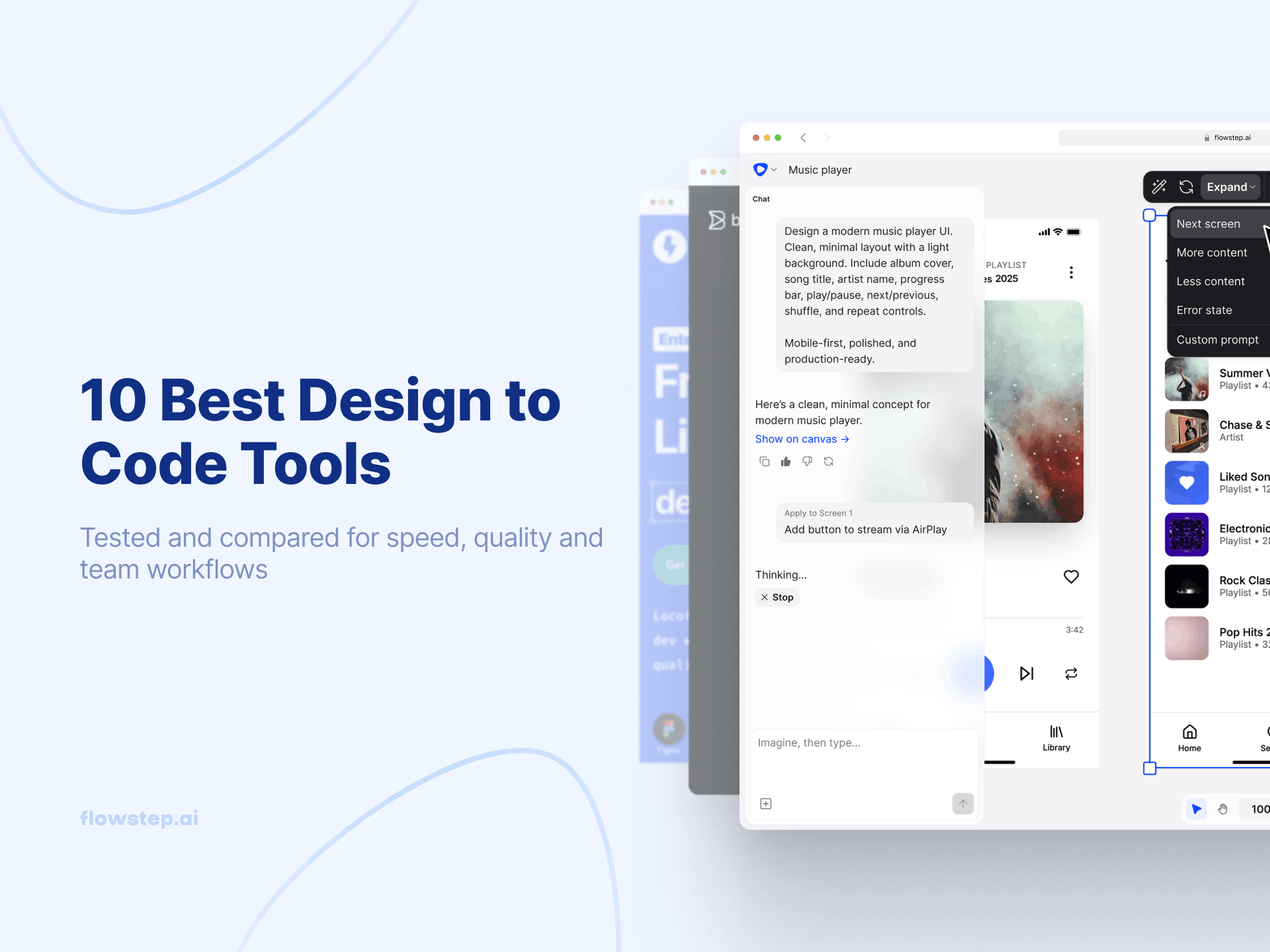
Flowstep is an AI website design platform for generating and iterating on UI from natural language prompts. Instead of starting with wireframes or mockups, teams can generate full, structured interfaces and multi-screen flows on an infinite canvas from simple voice or text input.
The platform combines AI generation with direct editing. Users can refine designs through prompts, manually edit layouts on the canvas, generate multiple variants from a single request, and collaborate with teammates in real time. Flowstep also supports contextual generation using PRDs, screenshots and reference links.
During design handoff, projects can be copied with two clicks directly into Figma with layers intact. Flowstep also exports React, TypeScript and Tailwind CSS code and integrates with tools like Cursor, Claude Code and Windsurf through MCP.
For teams evaluating the best no-code web design platform for early-stage product design, UI exploration, and design-to-code workflows, Flowstep is one of the more complete AI-native options.
See also: Best tools for UI design
Free plan available. Paid plans start at $15/month for 80 messages, with 20% off on annual billing.
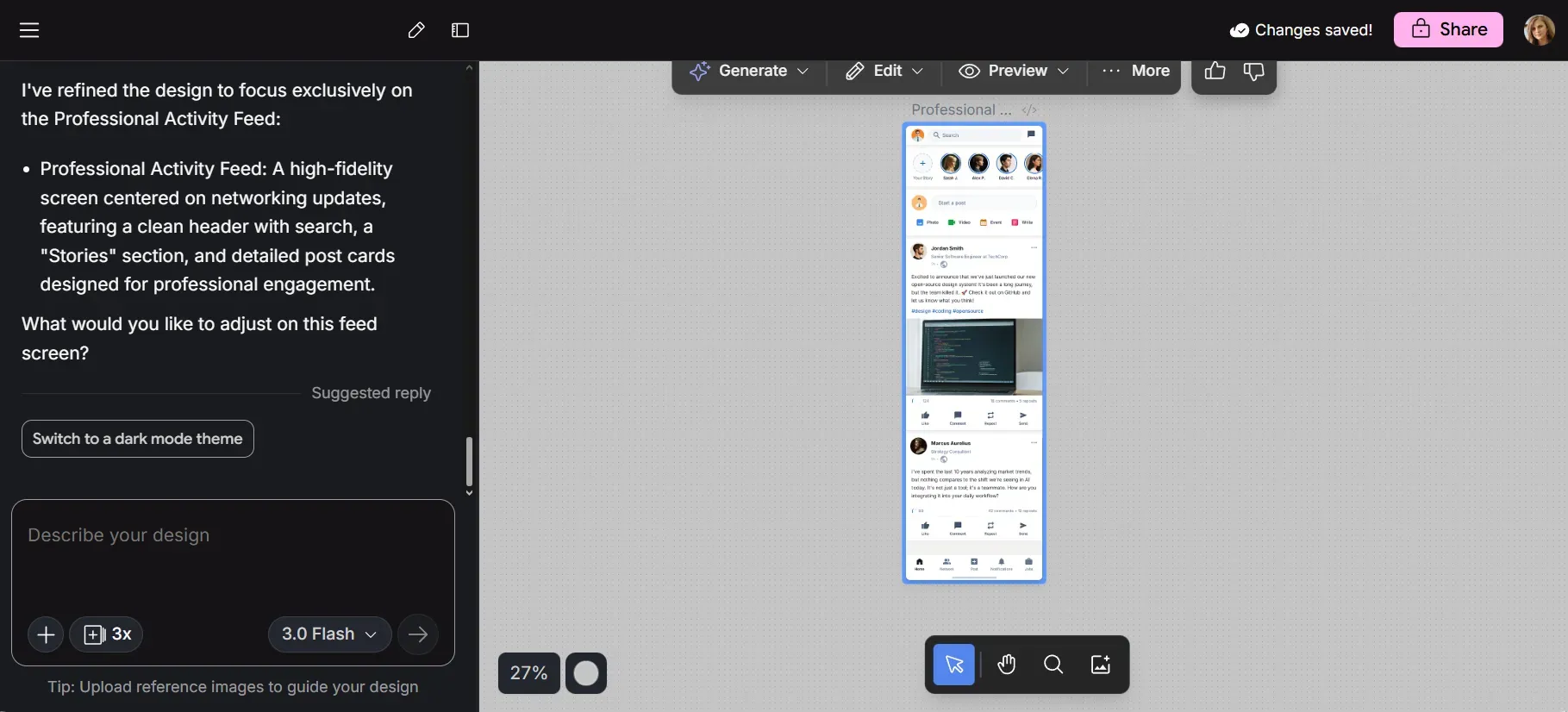
Google Stitch is an AI-powered UI design tool from Google Labs that helps users turn prompts, sketches, screenshots or wireframes into structured interface designs for websites and mobile apps without traditional coding. It’s best suited for fast prototyping, early-stage product ideas and creating visual drafts before moving into more detailed design or development work.
The tool uses Google Gemini models to generate usable layouts from natural language or image-based input. You can refine designs with follow-up prompts, generate multiple variations and create separate web and mobile screen versions within the same project.
Stitch can export designs to Figma for further editing and collaboration or provide HTML and CSS for developer handoff. However, it works better for simple screens and early ideation than for complex multi-step user flows or highly polished final designs.
See also: Google Stitch alternatives
Google Stitch is currently free to use, with generation limits based on mode.
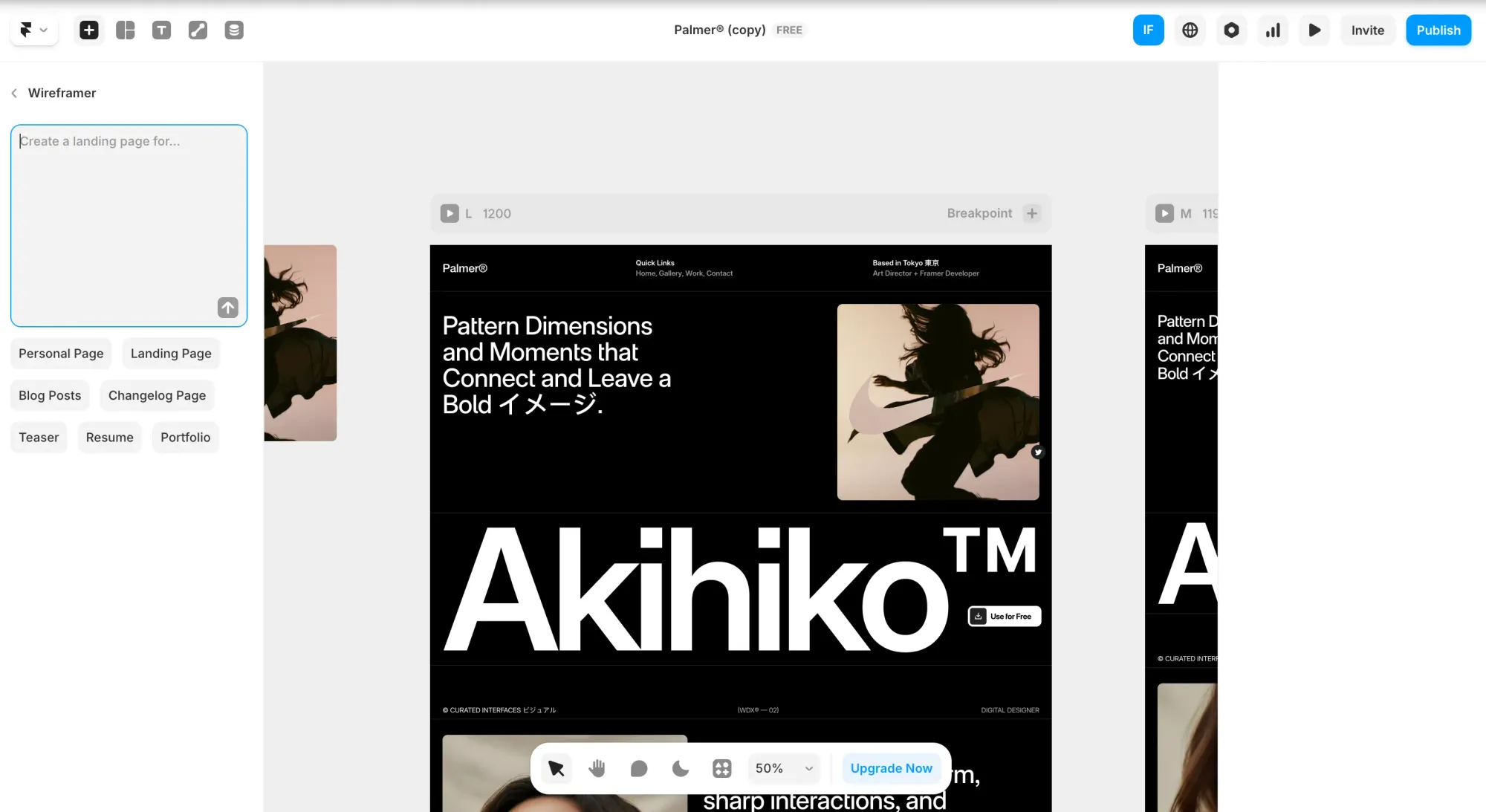
Framer is a no-code website builder for designers, agencies and creative teams that want to design and publish polished business websites without a separate development handoff. It's a full website creation platform with hosting, CMS, SEO, analytics and publishing.
Framer’s biggest strength is its visual canvas. The experience is similar to designing in Figma. You can control layouts, breakpoints, animations, hover effects, scroll interactions and reusable components.
The platform also includes AI features that speed up the design process. Wireframer can generate responsive page structures from prompts; Workshop creates custom interactive components without requiring coding knowledge. Framer supports Design Pages, reusable layout templates, a built-in CMS, SEO settings, version history, staging, collaboration and on-page content editing.
The main trade-off is that it's not the easiest no-code web design platform for complete beginners. It gives users creative control, but it also assumes some understanding of design concepts.
See also: Framer alternatives
Framer has a free plan for designing and testing, but you need a paid plan to publish on a custom domain. Those start from $15 for Basic or $45 for Pro.
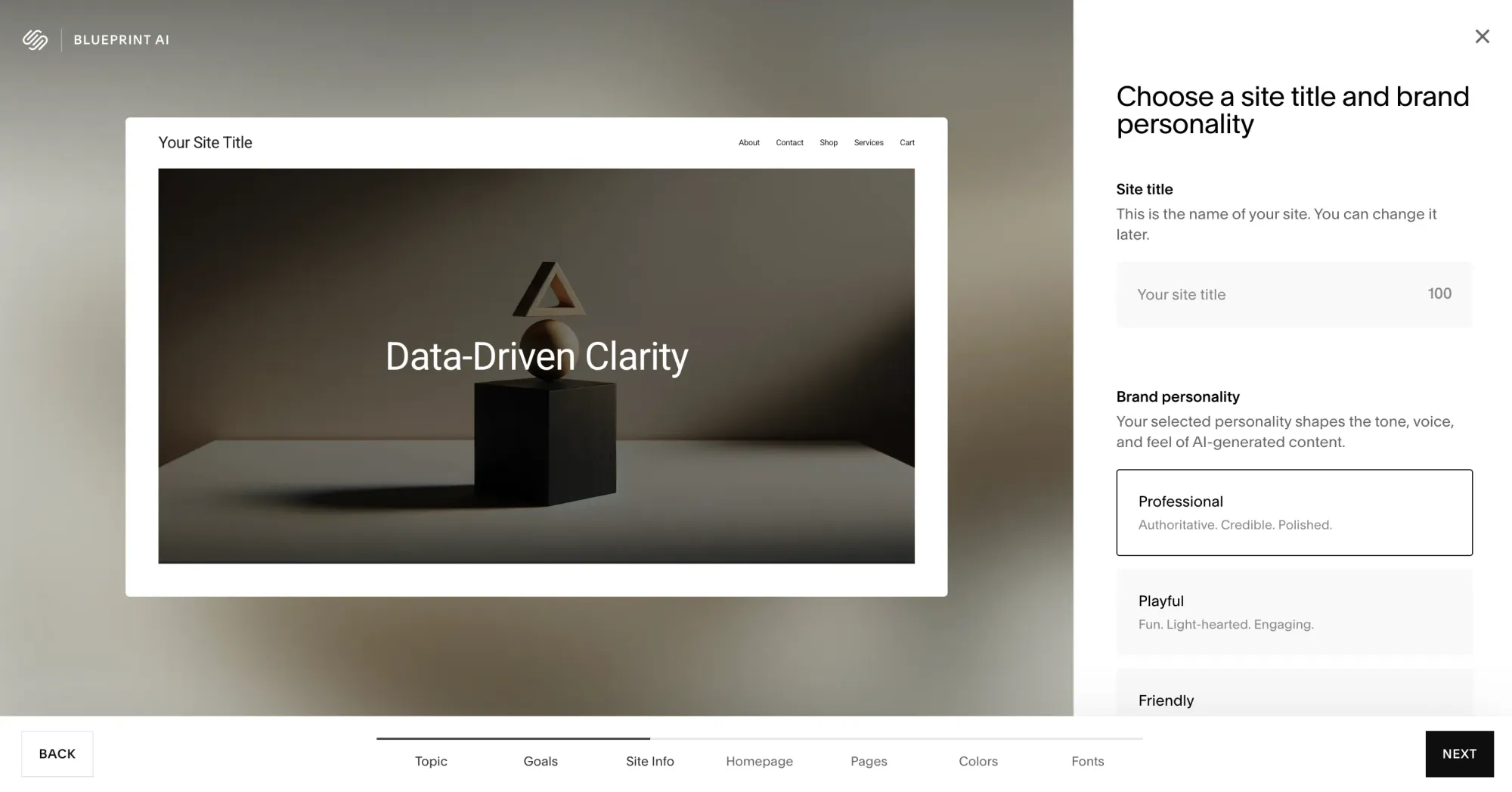
Squarespace is a no-code website builder for small businesses, portfolios, blogs and online stores. It includes templates, easy editing and built-in tools for selling, marketing, analytics, scheduling and content management.
It’s more structured than highly flexible builders, which helps users create clean, professional sites. Squarespace includes responsive templates, Fluid Engine drag-and-drop editing, AI website creation with Squarespace Blueprint AI, blogging tools, built-in SEO, commerce features, invoicing, memberships, donations and email campaigns.
The trade-off is limited extensibility compared with builders that offer larger app markets or deeper design control. Custom CSS is available, but Squarespace is best for users who want an all-in-one website platform rather than a highly customizable system.
Free trial, then from $25 monthly. Core is $45/month, and Advanced is $139.
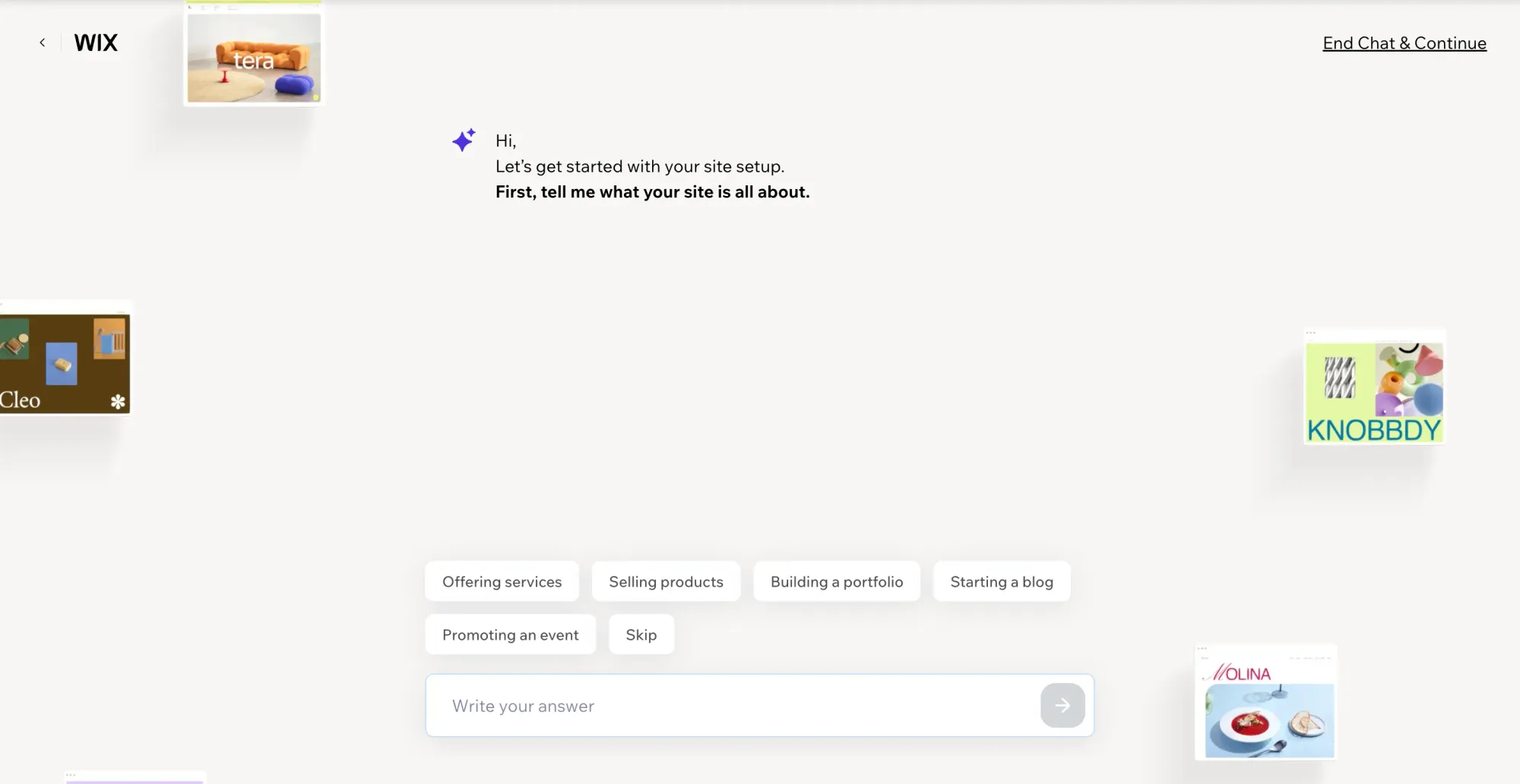
Wix is a no-code website builder for businesses, creators and individuals who want to build a professional site without coding. It combines AI site creation, drag-and-drop editing, templates, hosting, domains, SEO, marketing, analytics and business tools.
Start with Wix’s AI website builder or choose from customizable templates. The editor supports freeform drag-and-drop customization, so you can adjust layouts, content, visuals, fonts and colors. Wix also includes tools for eCommerce, scheduling, blogs, portfolios, online courses, events, payments, CRM, automations and email marketing.
Free plan available. Light: $17/month. Core: $29/month. Business: $36/month. Business Elite: $159/month.
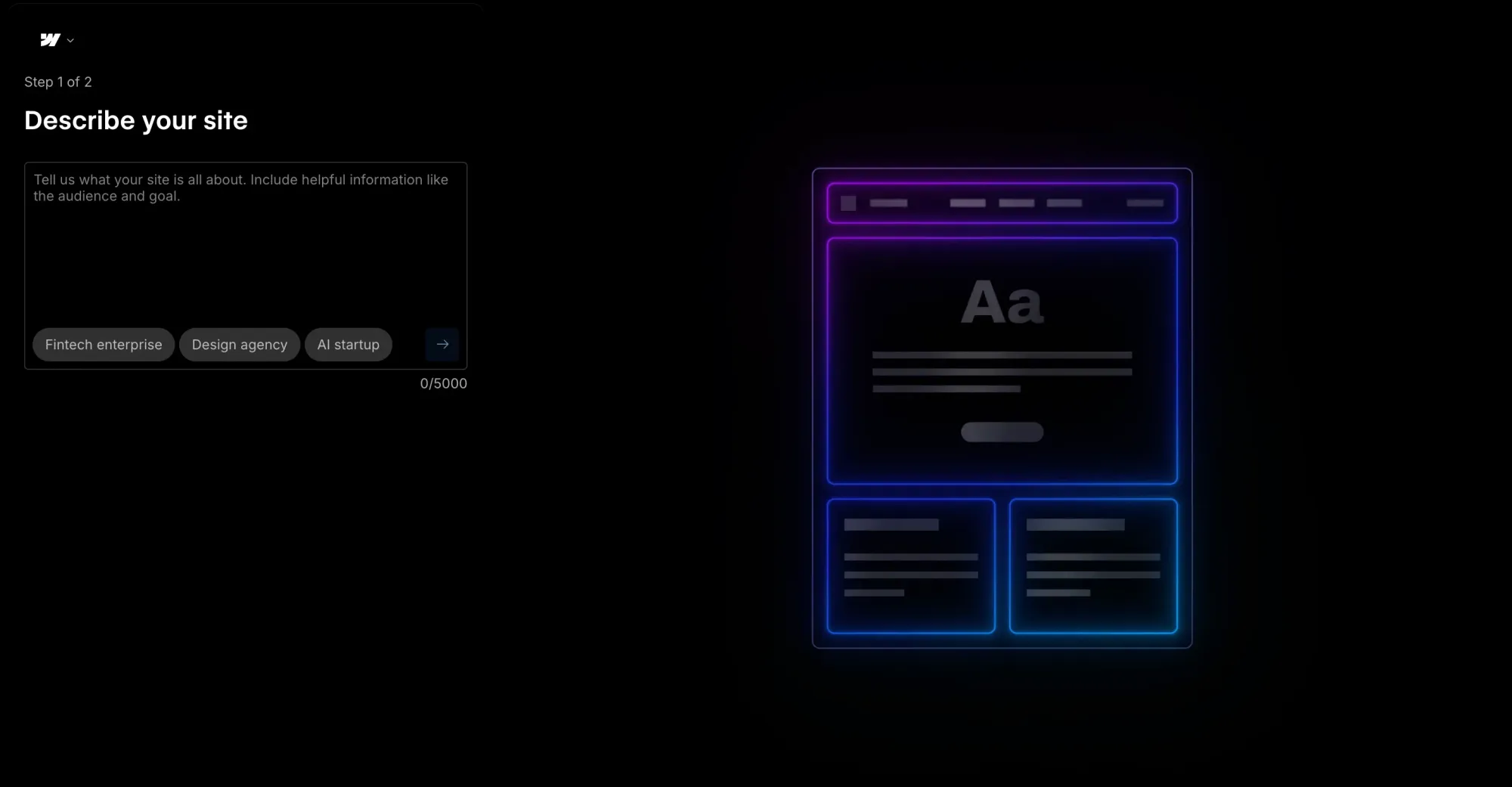
Webflow is a no-code website builder for teams that want strong design control, CMS tools, hosting and optimization in one. It lets you build responsive websites visually while working with real web layout concepts like HTML elements, flexbox, CSS grid, reusable classes and components.
It’s a good fit for design-led marketing sites, content-rich websites and teams that need more control than a basic template builder offers. Webflow also includes AI tools for site generation, copy, code components, CMS items, SEO, AEO and section design.
The main trade-off is complexity. Webflow is powerful, but users with no design or web layout experience may need more time to get over the learning curve.
Free Starter. Site plans start from $25/month, Platform plans for teams are from $2500/month, annual billing only. Paid add-ons and enterprise options are also available.
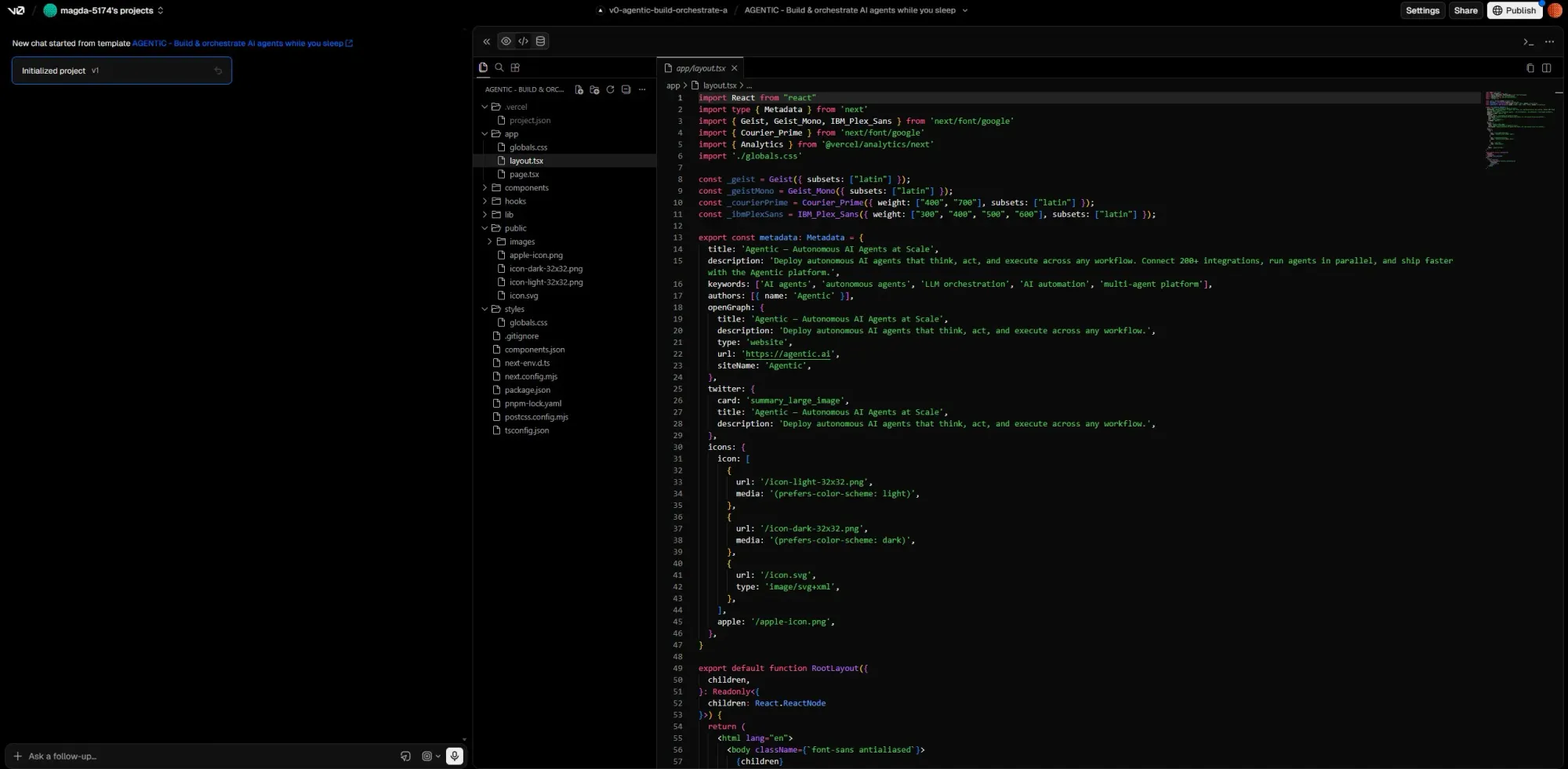
v0 by Vercel is an AI UI generation tool focused on React, Next.js, and Tailwind CSS workflows. Users describe interfaces in natural language, and v0 generates frontend code using shadcn/ui components.
One of its main features is image-to-code generation. Screenshots, mockups and Figma exports can be used as visual references for generating React components and layouts. For teams already working in the Vercel ecosystem, the generated output fits naturally into existing Next.js workflows.
See also: v0 alternative options
Free plan available. Paid plans from $30/month. Business plan at $100/seat/month.
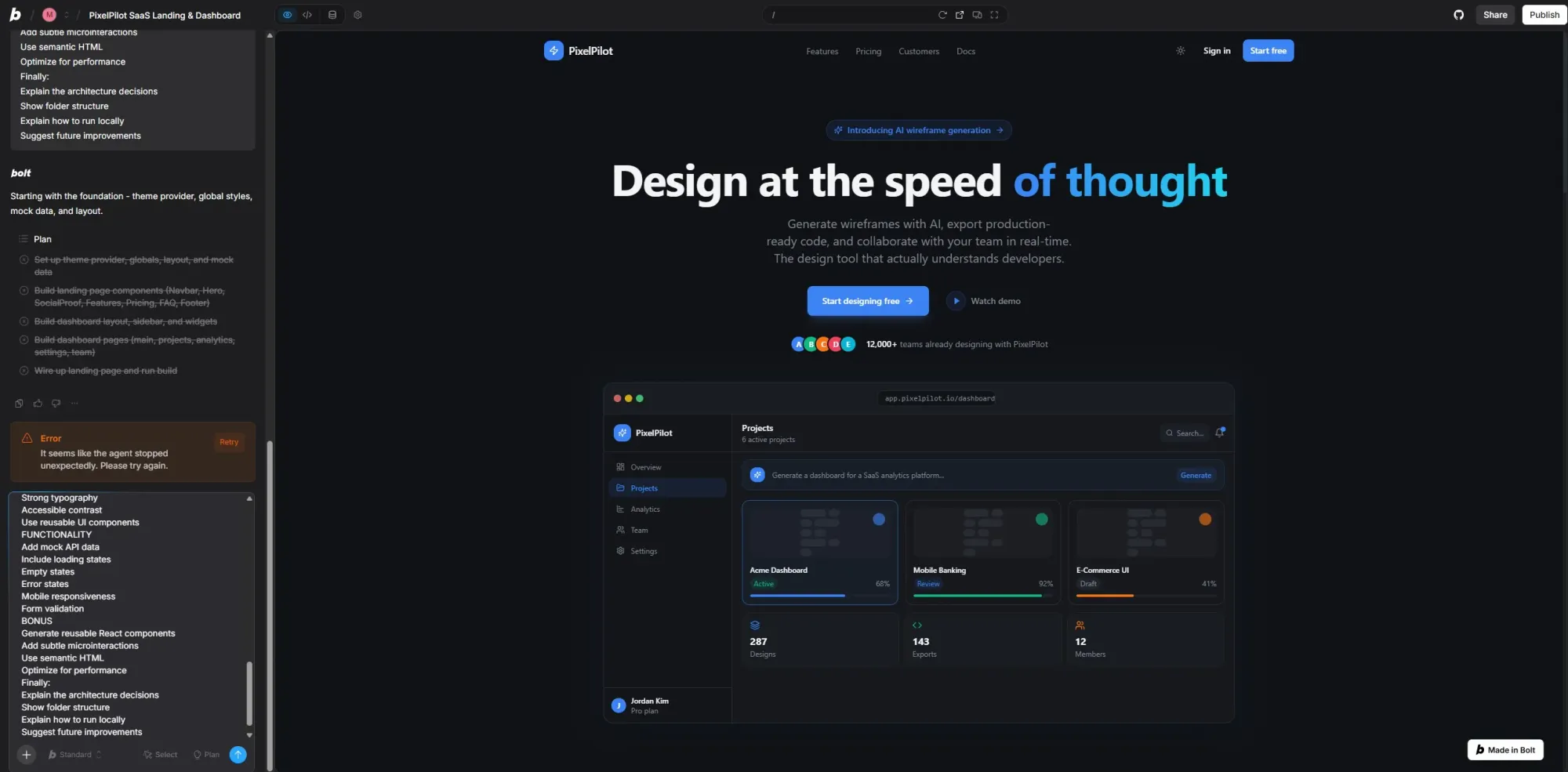
Bolt.new is a browser-based AI app builder that generates full-stack web applications from prompts. Describe an application in natural language and generate frontend, backend, routing and live previews.
Projects run entirely in-browser without requiring local setup or dependency installation. Bolt also supports inputs like GitHub repositories, images and Figma imports.
It's designed for rapid prototyping and fast iteration. The platform includes integrations with services like Supabase, Stripe, GitHub and Netlify, along with built-in hosting and database tooling through Bolt Cloud.
See also: Vibe design and vibe coding tools options.
Free plan available. Pro plans start at $25/month.
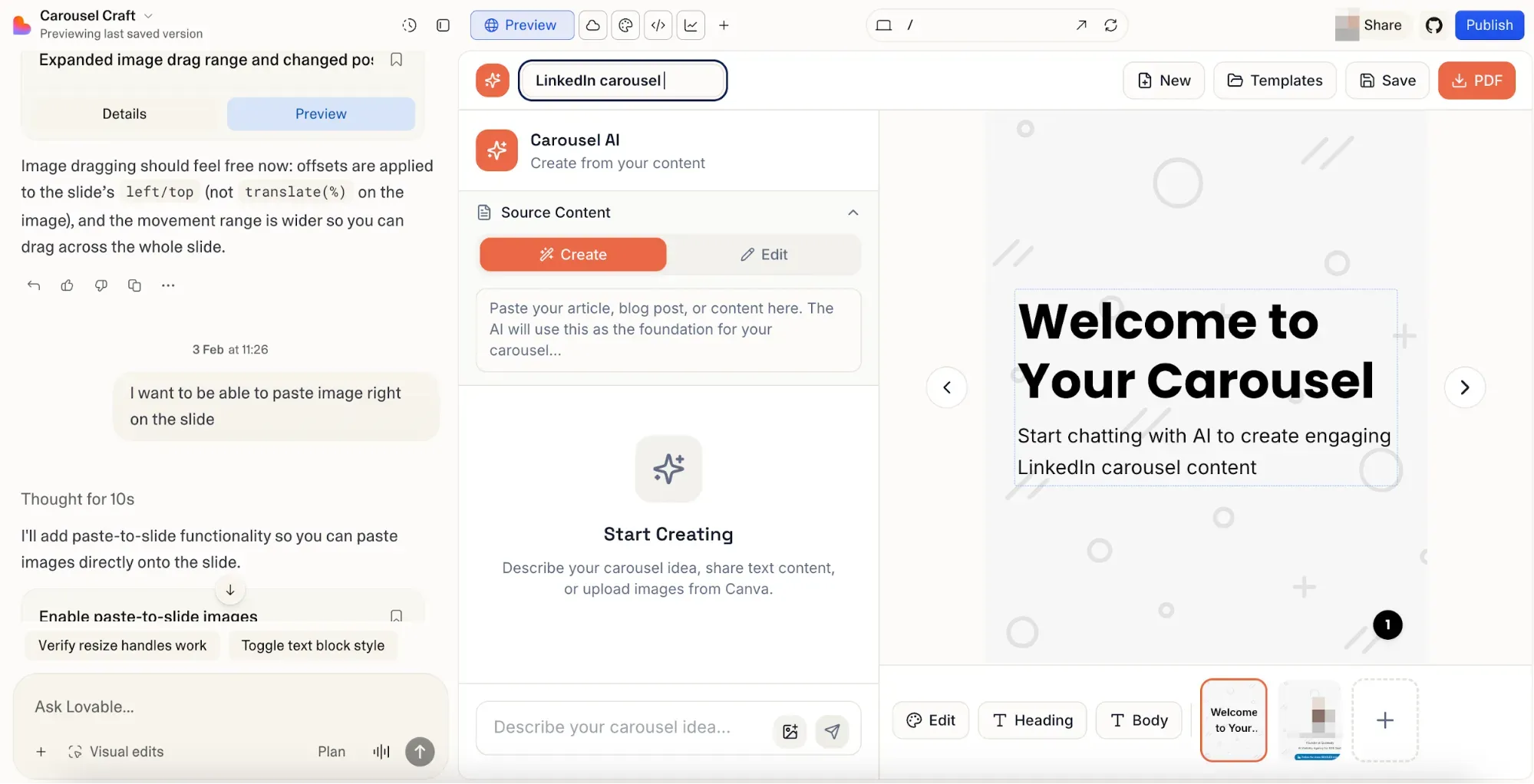
Lovable is a no-code, vibe coding AI app builder for creating functional web applications from text prompts. It generates React, TypeScript, Tailwind CSS and Supabase-based apps with front-end, backend, database, authentication, file storage and deployment included.
It’s useful for founders, product builders, and non-technical users who want to launch an MVP or test an app idea quickly. Users can build with prompts, make visual CSS-level edits, or use Code Mode for manual changes. GitHub sync is also available, so projects can be exported and owned outside the platform.
The main drawback is pricing predictability. Lovable uses credits for AI interactions, and complex builds or debugging loops can consume credits quickly. It works best for simple MVPs, CRUD apps and early validation, but larger production-grade apps may require developer support.
See also: Lovable alternatives
Free limited plan available. Pro: $25/month (100 credits). Business: $50/month. Additional credits are available to buy.
The right choice depends on what you're building, not which platform has the longest feature list.
For marketing sites, Framer gives the most design precision. Webflow allows the most complete control for teams that know what they're doing. Squarespace is the fastest path to a polished live site. Wix has the most flexibility and the lowest barrier to entry for non-technical users.
For web apps and building internal tools, Lovable is the fastest from idea to deployed product with real databases and user authentication. Bolt.new removes setup friction and produces functional prototypes. v0 is the choice for development teams who need high-quality React components for an existing codebase.
For product UI—Flowstep generates logically interconnected screens from a prompt, lets your team edit without re-generating, exports to Figma or code with a keyboard shortcut. If you care about speed from idea to visual, reducing the development costs and time lost to miscommunication, and high-quality, on-brand design, start with Flowstep.
A no-code website builder (Framer, Webflow, Squarespace) lets you design and publish a live website—marketing site, landing page or blog. No dynamic backend logic. A no-code app builder (Lovable, Bolt.new, v0) generates functional web applications with databases, user authentication and business logic. The output can be used by real users.
Yes. Several no-code web design platforms offer free plans or free tiers, including Wix, Framer, Webflow, Google Stitch, v0, Bolt.new, Lovable and Flowstep. These are usually best for testing, prototyping or learning the platform. To publish on a custom domain, remove platform branding, increase usage limits or access advanced features, you’ll usually need a paid plan.
They can. Webflow, Framer and Squarespace produce clean, semantic HTML and include comprehensive SEO tools. The main variable is content quality and site structure—a well-structured site on any of these platforms can rank competitively.
For a basic marketing site: Squarespace or Wix—you can have something live in under an hour using their AI site generators. For a product interface or UI prototype to share with your team: Flowstep—describe what you want, get real screens in seconds, and export to Figma immediately. For a functional app with user accounts and a database: Lovable or Bolt.new—from prompt to deployed product in under twenty minutes for straightforward builds.