8 Best Framer Alternatives for Web Design and UI in 2026
Looking for a Framer alternative? Compare 8 website builders and design tools for 2026: Flowstep, Webflow, Figma, and more.
Looking for a Replit alternative? Compare 8 tools for building apps in 2026—from AI app builders and cloud IDEs to design-first platforms with code export.
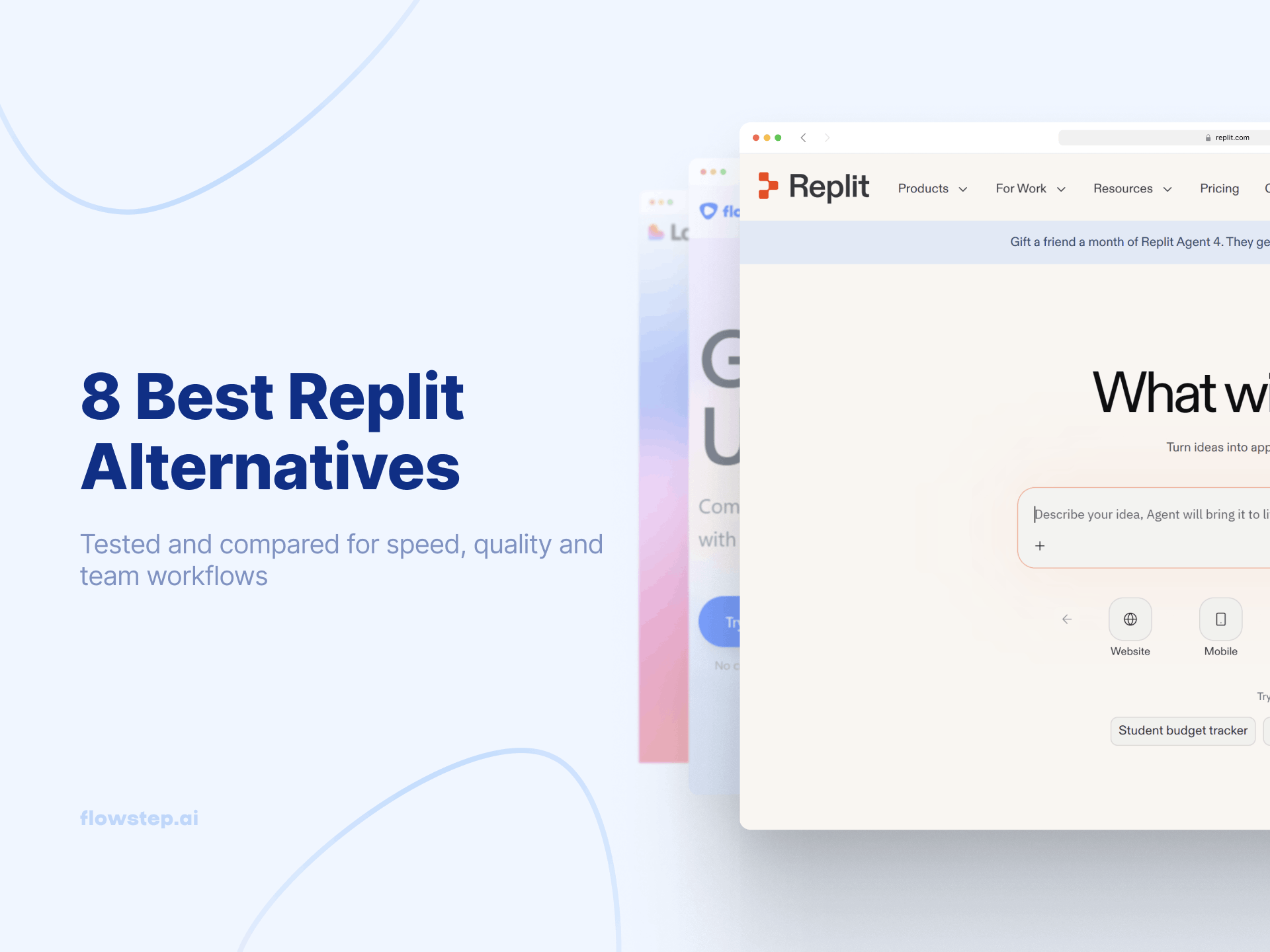
Replit promised the dream: open your browser, start coding instantly, deploy code to production, all without local setup. And it worked perfectly fine for quick prototypes. But once your project gets serious, you start seeing the first constraints. AI agents unpredictably burn through credits. The cloud IDE stutters on complex development tasks. And pricing that started at $20/month can spike to $200+ when Agent 3 decides your app needs a full rewrite.
If you’re looking for Replit alternatives, you’re not alone. Today’s best alternatives range from AI-powered app builders that generate full-stack web applications from natural language prompts, to agentic coding tools with deep codebase understanding and enterprise-grade security, to design-first AI tools that help you nail the UI before writing code.
As teams scale, Replit’s limitations become clear. Here’s why many Replit alternatives are gaining traction:
Replit alternatives fall into three categories: agentic coding tools (Claude Code) with deep codebase understanding, AI-powered app builders (Bolt, Lovable, Base44) that generate full-stack web applications from natural language, and design-first tools (Flowstep) that solve the “skipped design phase” problem. For more on the landscape, see our vibe-coding tools roundup.
Here’s a quick comparison to help you find the right alternative to Replit for your development workflow.
If role-based comparisons make more sense for you, we’ve covered AI tools for product managers and the best AI UI design tools.
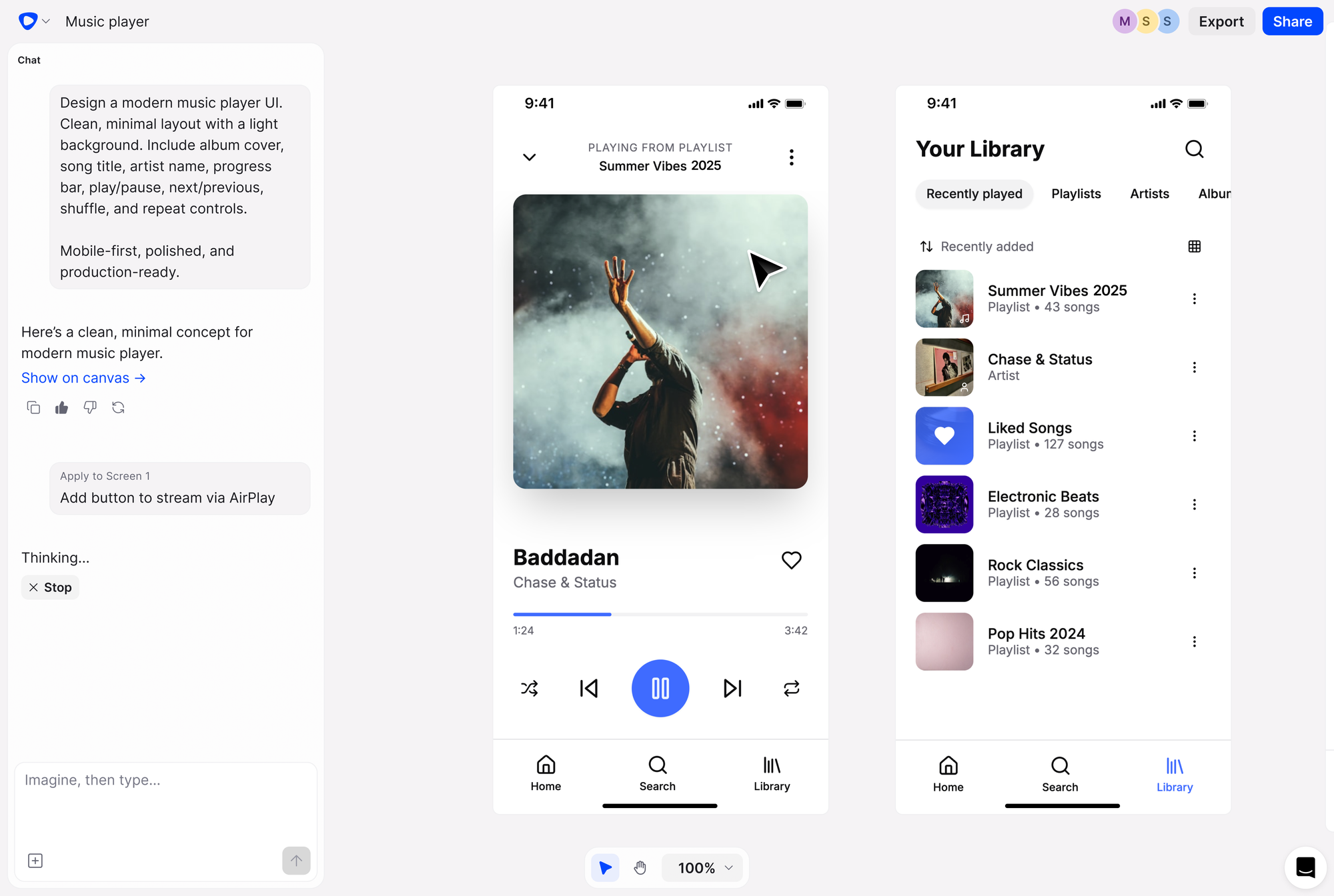
Flowstep is the best Replit alternative for teams that want to nail their design direction before writing code. Replit and similar AI coding tools jump straight to code generation, which is fast but risky. You end up building business logic for screens that haven’t been validated and burning AI credits on rework.
Flowstep solves this by handling the design phase first. Describe your product idea in natural language prompts, and Flowstep generates complete flows on an infinite canvas: login screens, dashboards, settings pages, the entire user interface. Visual editing lets you refine with AI or manually edit components without re-prompting. Copy any design straight into Figma with ⌘C/⌘V—no plugin, no local setup, or export production-ready code in React, TypeScript and Tailwind CSS. Among many Replit alternatives, Flowstep is unique because it complements your development environment rather than replacing it: design in Flowstep, then build in Cursor, Bolt or your existing dev environments. For teams also evaluating Figma Make alternatives or Google Stitch alternatives, Flowstep covers both AI generation and team collaboration.
Start designing with Flowstep—Sign up free.
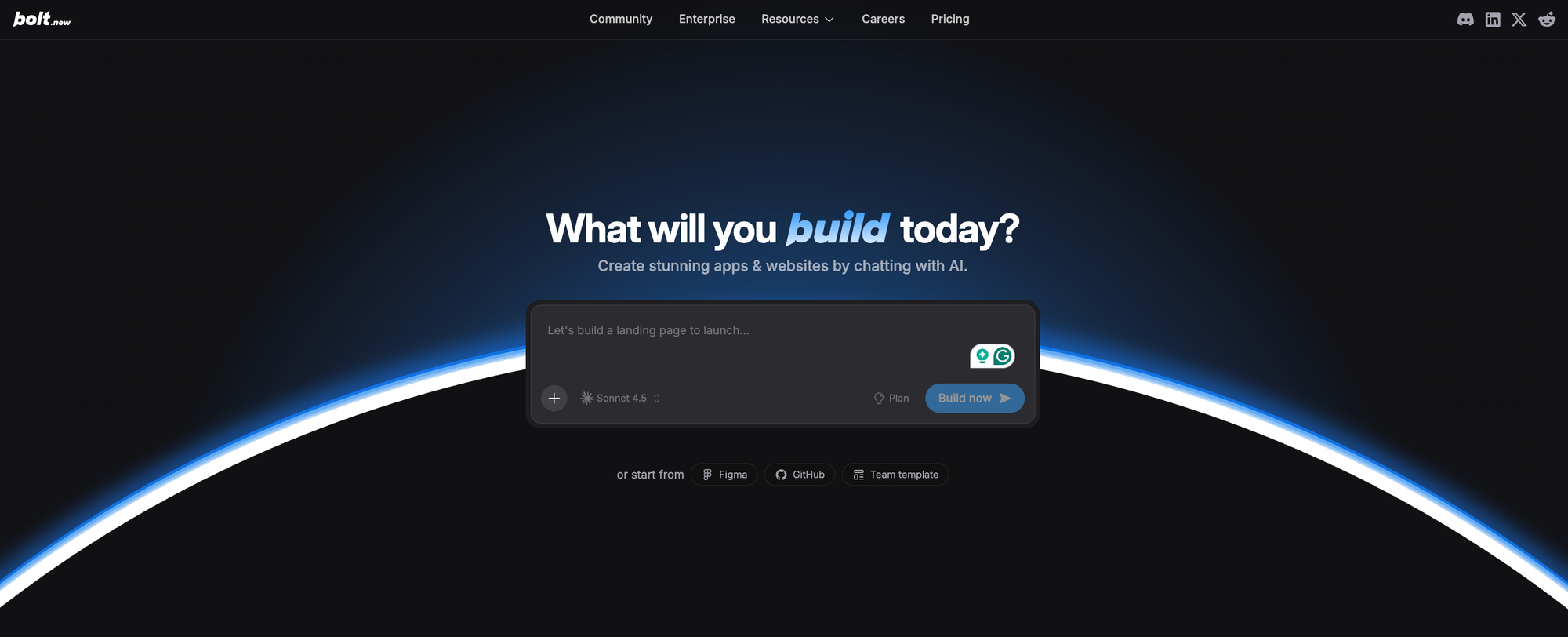
Bolt.new is the closest 1:1 Replit alternative for AI-powered development. Built on StackBlitz’s WebContainers, it generates full-stack web applications from natural language prompts. It supports React, Vue, Svelte and Astro, and you can deploy code to Netlify with one click. The tradeoff: token consumption is unpredictable, and like Replit, you skip the design phase—pairing Bolt with Flowstep gives better results.
Pricing: Free tier | Pro $20/mo | Pro50 $50/mo | Pro100 $100/mo | Enterprise custom
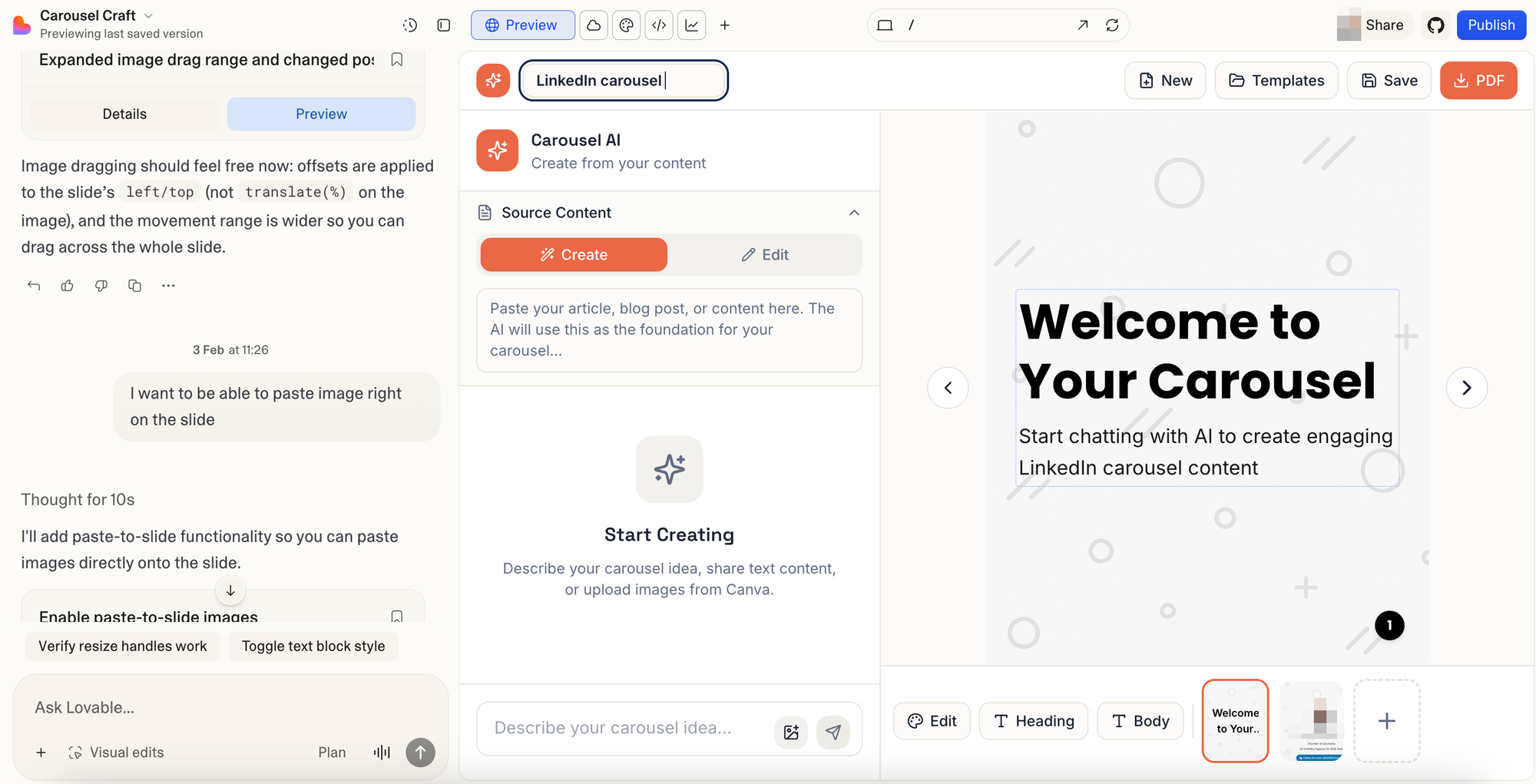
Lovable is an AI-powered app builder that generates full-stack web applications from a single prompt: UI, business logic, database, auth and deployment. Describe your app in natural language, and it generates a React frontend with Supabase backend. Deploy code with one click and sync to GitHub repositories. The tradeoff: credit-based pricing spirals fast, and fix-break loops can cost $100+ per session. For a deeper comparison, see our full list of Lovable alternatives.
Pricing: Free plan | Starter $25/mo | Launch $50/mo | Scale $100/mo | Enterprise custom
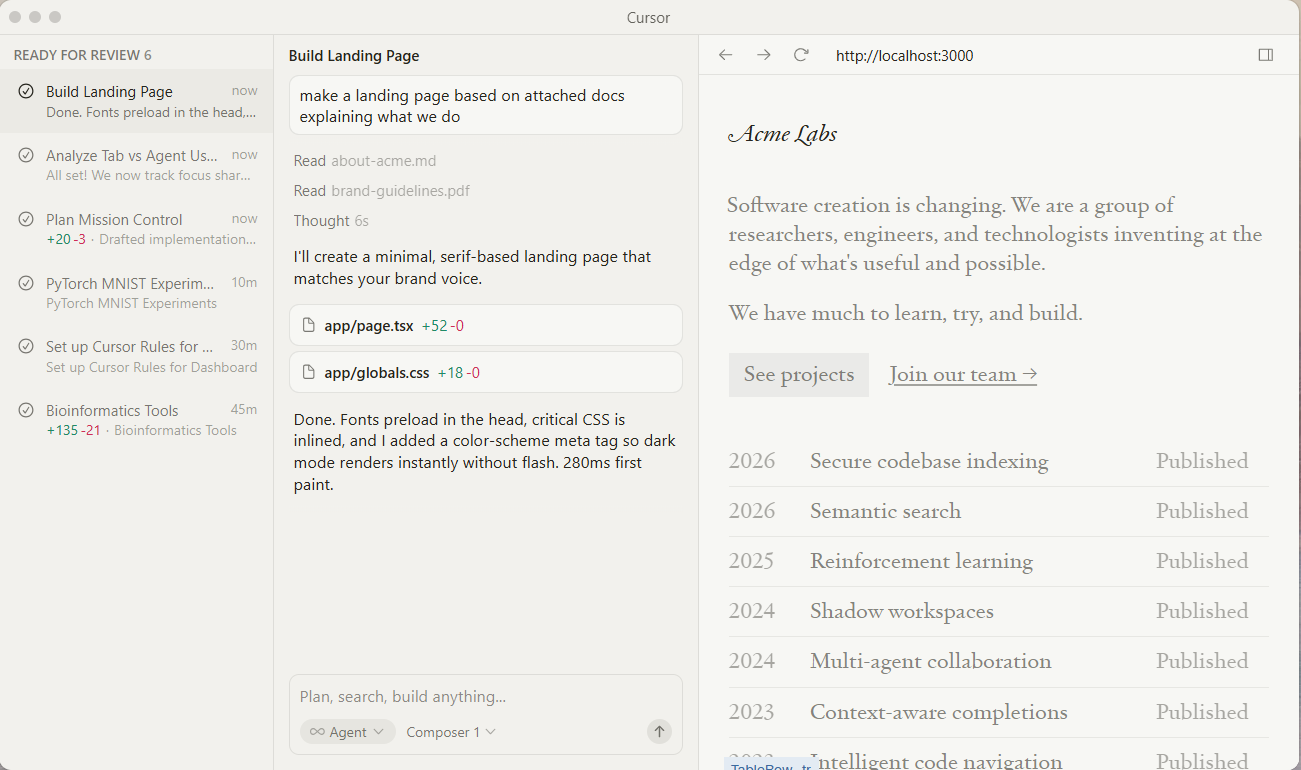
Cursor is an AI code editor, not a cloud IDE like Replit, but the most popular Replit alternative for experienced developers who prefer a local development environment. Built as a VS Code fork, Cursor understands your entire codebase and provides context-aware code completion, inline editing and pair programming with AI across multiple files simultaneously. It supports multiple programming languages and deep git integration with built-in Git support for version control. Agent and Composer modes handle complex development tasks from refactoring to multi-file edits. The tradeoff: it requires local setup and technical expertise. Non-technical users will find it far more complex than Replit.
Pricing: Free tier | Pro $20/mo | Pro+ $60/mo | Ultra $200/mo | Teams $40/user/mo | Enterprise custom
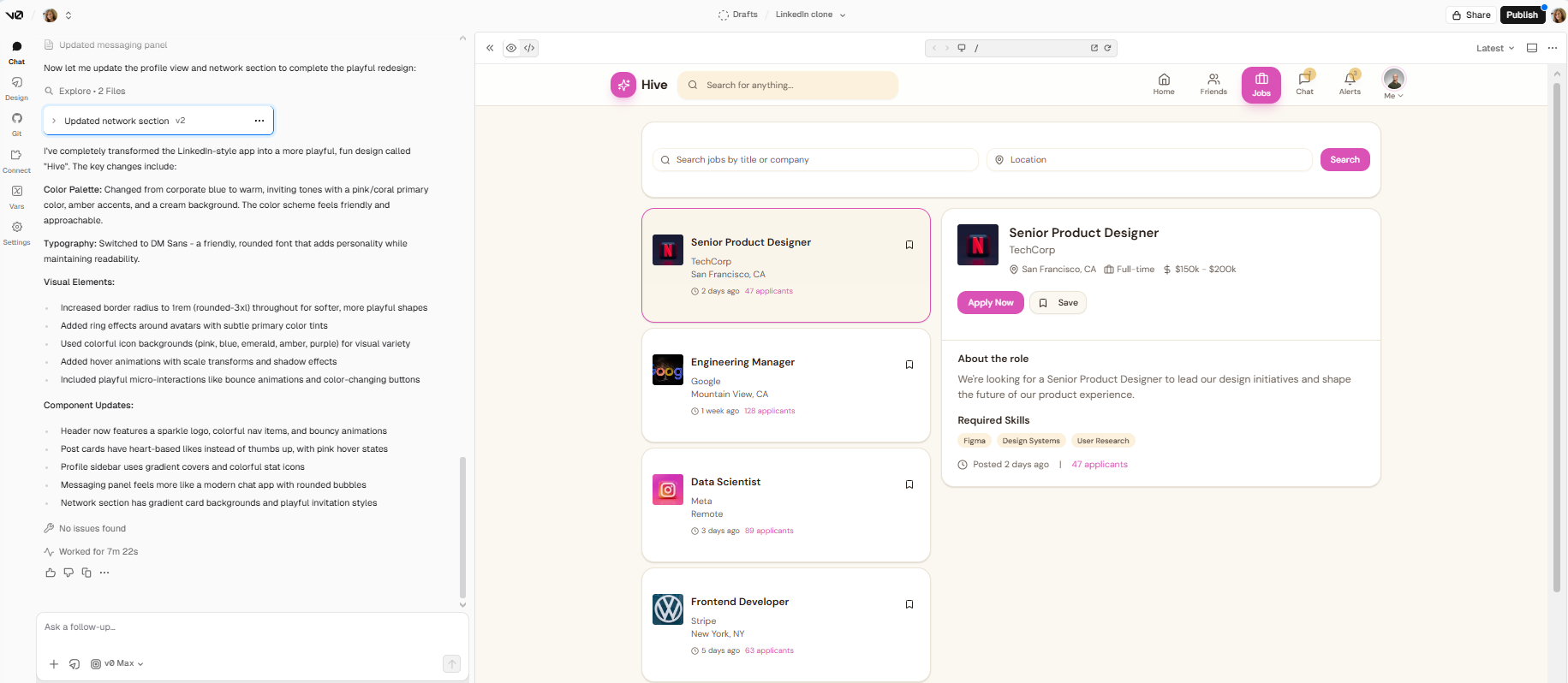
V0 is Vercel’s AI-powered app builder for frontend development. It generates production-ready React and Next.js components from natural language prompts with a live visual preview. AI agents analyze code, detect runtime issues and suggest fixes. Deploy code to Vercel with one click. But V0 doesn’t handle backend development: no database, no business logic, no full-stack development.
Pricing: Free plan ($5 credits) | Premium $20/mo | Team $30/user/mo | Enterprise custom
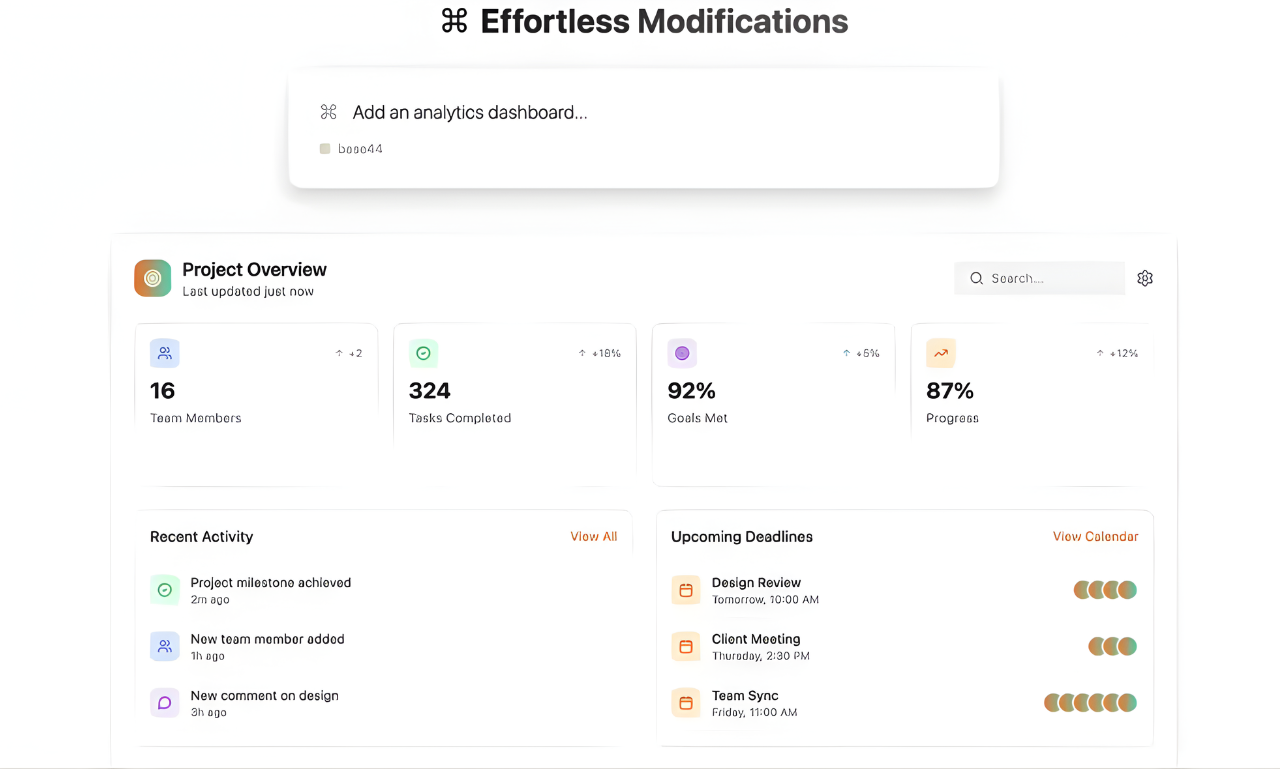
Base44 is an AI-powered app builder for non-technical users who want to build internal tools, CRMs and dashboards without writing code. Acquired by Wix for $80M in June 2025, Base44 has over 2,000,000 users. Its Builder Chat turns natural language into working applications with business logic, access controls and custom domains: frontend, backend, database, auth and hosting from a single prompt. For teams exploring Base44 alternatives, it’s the simplest way to build internal apps.
Pricing: Free plan | Builder $20/mo | Pro $40/mo | Enterprise custom
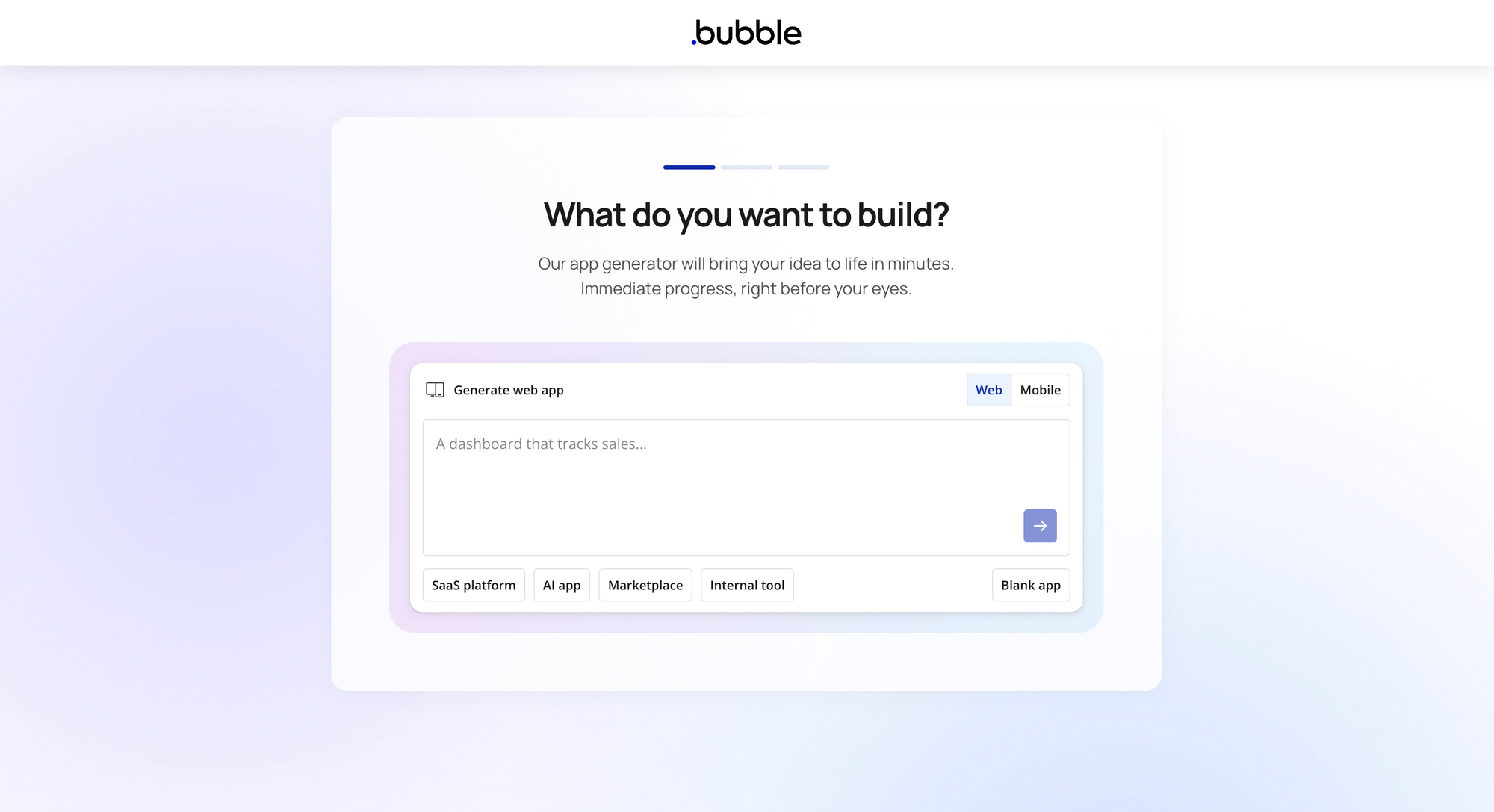
Bubble is a no-code cloud development platform that takes the opposite approach from Replit. Instead of writing code, you build full-stack web applications visually—dragging elements, configuring business logic through visual workflows, and managing databases with point-and-click. With 4.6 million+ apps built, SOC 2 compliance, 1,000+ plugins and enterprise-grade security, Bubble is the most mature no-code platform among Replit alternatives. The tradeoff: steep learning curve (2–3 months) and no code export. Learn more about how to use AI in design.
Pricing: Free plan | Starter $69/mo | Growth $249/mo | Team $649/mo | Enterprise custom
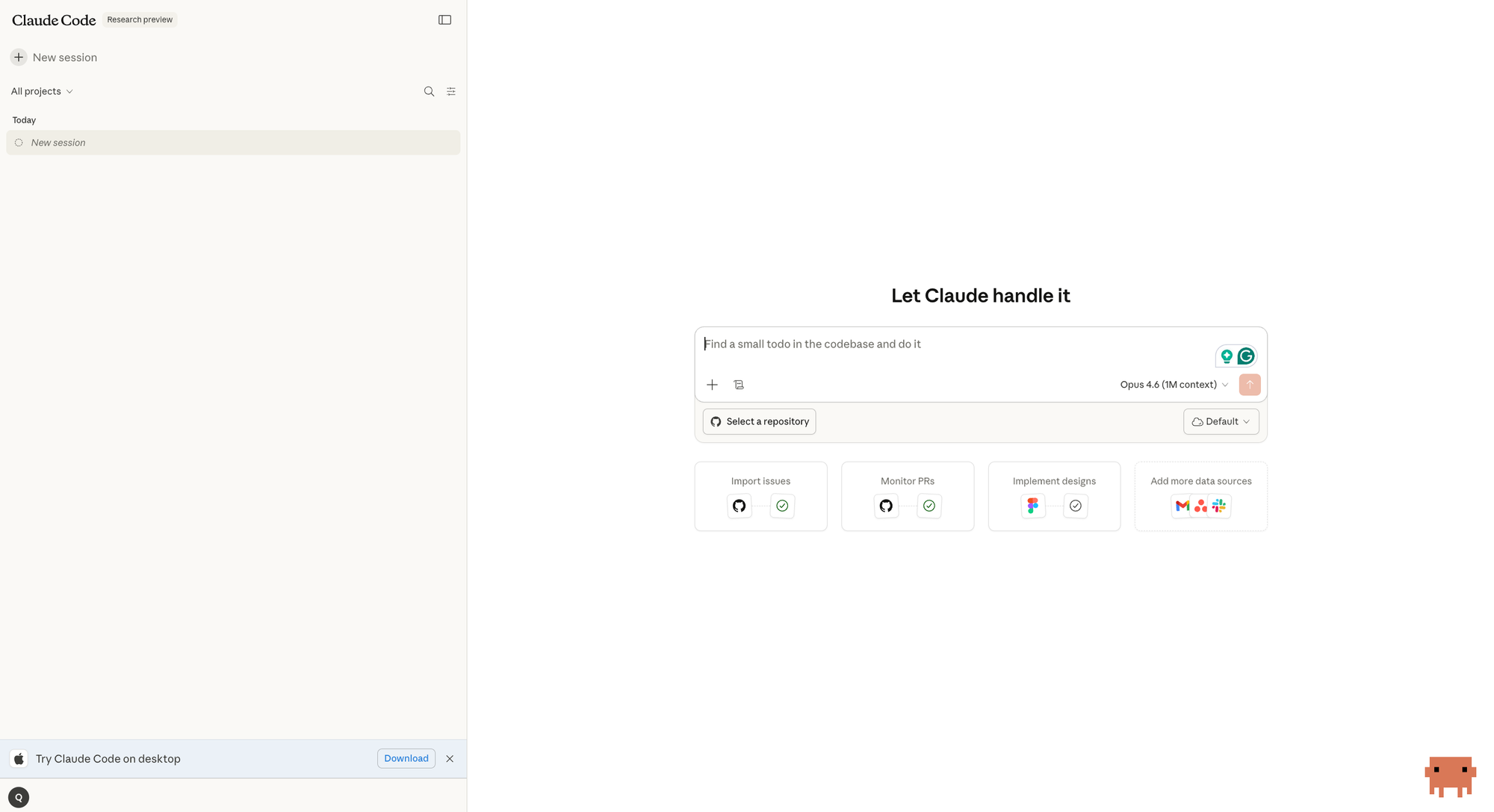
Claude Code is Anthropic’s agentic coding tool, and the strongest Replit alternative for developers who want AI that truly understands their entire codebase. Unlike Replit’s cloud IDE, Claude Code runs across terminal, VS Code, JetBrains, desktop and web (claude.ai/code), fitting into the development environment you already use. It executes multi-step tasks autonomously: refactoring across files, writing tests, fixing bugs, managing git workflows and deploying code, all with deep codebase context.
The key advantage over Replit: Claude Code doesn’t just generate code from prompts, it understands your project’s architecture, dependencies and patterns. Through MCP (Model Context Protocol), it connects to external tools, databases, APIs and services. Independent testing found Claude Code uses 5.5x fewer tokens than competing tools for identical tasks, which means less credit burn and more predictable costs. Anthropic’s Opus 4.6 model (February 2026) achieved state-of-the-art performance on Terminal-Bench 2.0 with a 1M token context window in beta. Claude Code Security scans codebases for vulnerabilities and surfaces actionable patches that require human approval. The tradeoff: Claude Code is terminal-native at its core with no inline autocomplete. It sits alongside your IDE rather than inside it. Among Replit alternatives, Claude Code trades the all-in-one cloud IDE for unmatched AI coding depth and enterprise security.
Pricing: Pro $20/mo | Max 5x $100/mo | Max 20x $200/mo | Teams from $25/user/mo | Enterprise custom
The best Replit alternative depends on what’s slowing you down. Claude Code for agentic AI coding with deep codebase understanding. Bolt, Lovable or Base44 for generating full-stack web applications from natural language. Cursor for AI coding in a local development environment with pair programming and deep git integration. But if your real bottleneck is building the wrong thing because you skipped the design phase, start with Flowstep—generate high-fidelity UI from natural language prompts, collaborate on an infinite canvas, and export production-ready code before your development environment even opens.
Sign up here to try Flowstep for free.
Cursor’s free tier offers AI code completion and pair programming in a local development environment. Bolt.new’s free tier gives you browser-based AI app building. Flowstep’s free plan provides an AI-powered design with code export. Claude Code is included with Claude Pro ($20/month) and offers agentic coding with deep codebase understanding. Each serves a different part of the development workflow.
Base44 and Lovable are the most accessible for non-technical users; both generate working apps from natural language prompts without writing code. Bubble offers more visual control but has a steeper learning curve. Flowstep is ideal for non-technical users who want to create and validate UI designs before development starts.
Yes. Jumping straight into AI coding without a clear design direction is why teams burn through credits and end up reworking screens. A design-first tool like Flowstep helps you validate the user interface and align your team before development begins. This applies whether you’re using Replit, Cursor, Bolt or any other AI coding tool.