

16 Best AI Tools for Designers: 2026 Top Picks
Discover the best AI tools for designers [2026], including Flowstep, Figma Make and more top picks to speed up your UI/UX workflow and create better designs faster.
The best UX research tools for 2026, organized by research method. Find the right tool for interviews, testing, surveys, and analytics.
You ran 12 user interviews. You have 8 hours of recordings, 47 sticky notes, and a spreadsheet of quotes that nobody's read. Sound familiar? The hardest part of UX research isn't collecting data—it's turning research data into something your team can act on before the sprint ends.
The right UX research tools don't just help you gather valuable feedback. They help you analyze qualitative data faster, share findings across research teams, and get from "we learned X" to "let's test Y" without a three-week lag. Good UX research software closes the loop between insight and action. It also makes it easier to involve non-researchers (PMs, designers, engineers) in the research process without overwhelming them.
This guide covers the best UX research tools for 2026, organized by the research methods you're using, not just an alphabetical dump of everything on the market. If you're running user interviews, usability testing, targeted surveys, or analyzing live user behavior, you'll find the right UX research tools for your specific workflow. For the broader toolkit covering wireframing, prototyping, and design, see our best tools for UI design guide.
Scan the table below, then jump to the section that matches your current research project. Each section covers what the method is for, which tools lead the category, and when to reach for each one.
The richest user insights come from talking to your own users. The bottleneck is turning 10 hours of recordings into something your team can act on. These user research tools handle transcription, tagging, and research synthesis, so you spend time on patterns instead of playback. They also help research teams build institutional memory—a repository where last quarter's findings are still searchable six months from now.
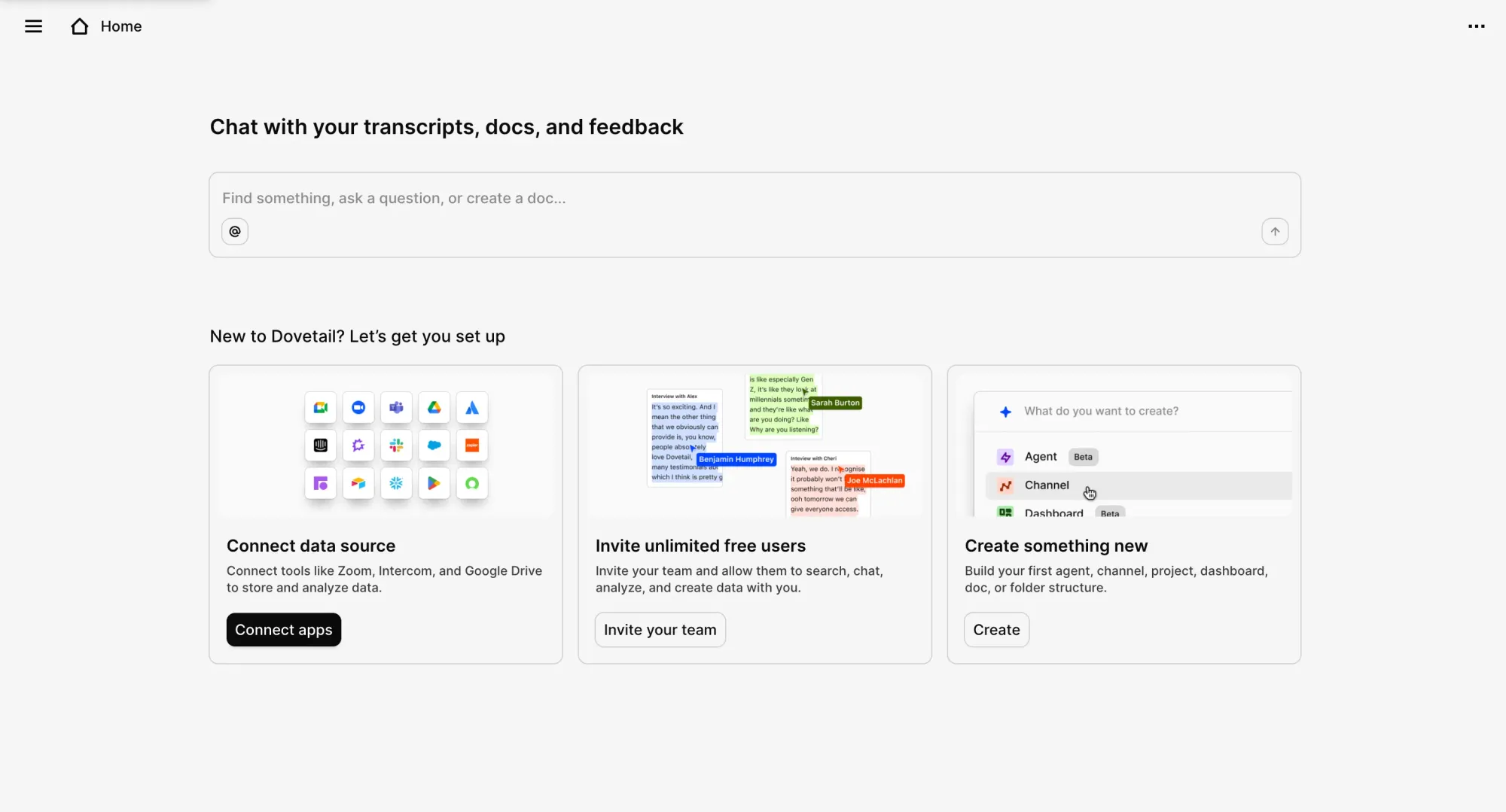
AI-powered research repository and user experience research tool for teams running research studies at volume. Centralizes interview transcripts, survey responses, support tickets, and session recordings in one research platform. AI surfaces themes, tags, and key moments automatically. Collaborative highlights and clips help teams manage operational tasks around research synthesis without spreadsheets. Integrates with Zoom, Gong, Slack, and major survey tools. A UX researcher can build a searchable research repository that stakeholders across the org can query.
Use this when: you have hours of interview data and need to analyze user feedback without watching every recording manually. Pricing: Free plan; Professional plan with custom per-seat pricing; Enterprise custom.
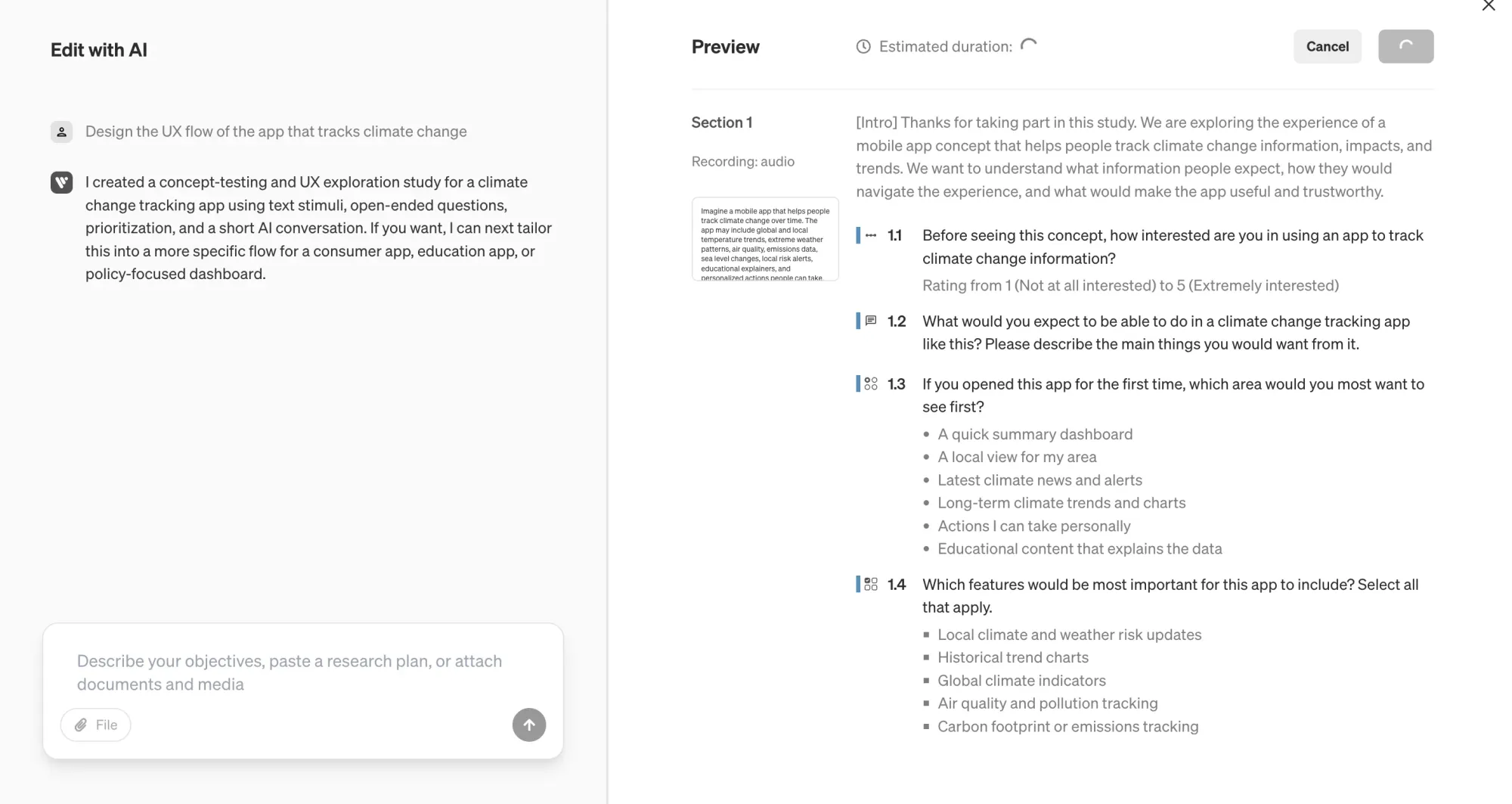
AI-moderated voice interview tool for recruiting participants and running interviews at scale. Define your research questions; Voicepanel handles research recruitment, conducts AI-moderated voice user interviews, and delivers synthesized, valuable insights. Compresses weeks of qualitative research into hours. No dedicated moderator needed, which makes it a fit for teams without a full-time researcher.
Use this when: you need user interviews at volume but don't have a UX researcher to run them, or you want to screen candidates before deeper conversations. Pricing: Contact for pricing.
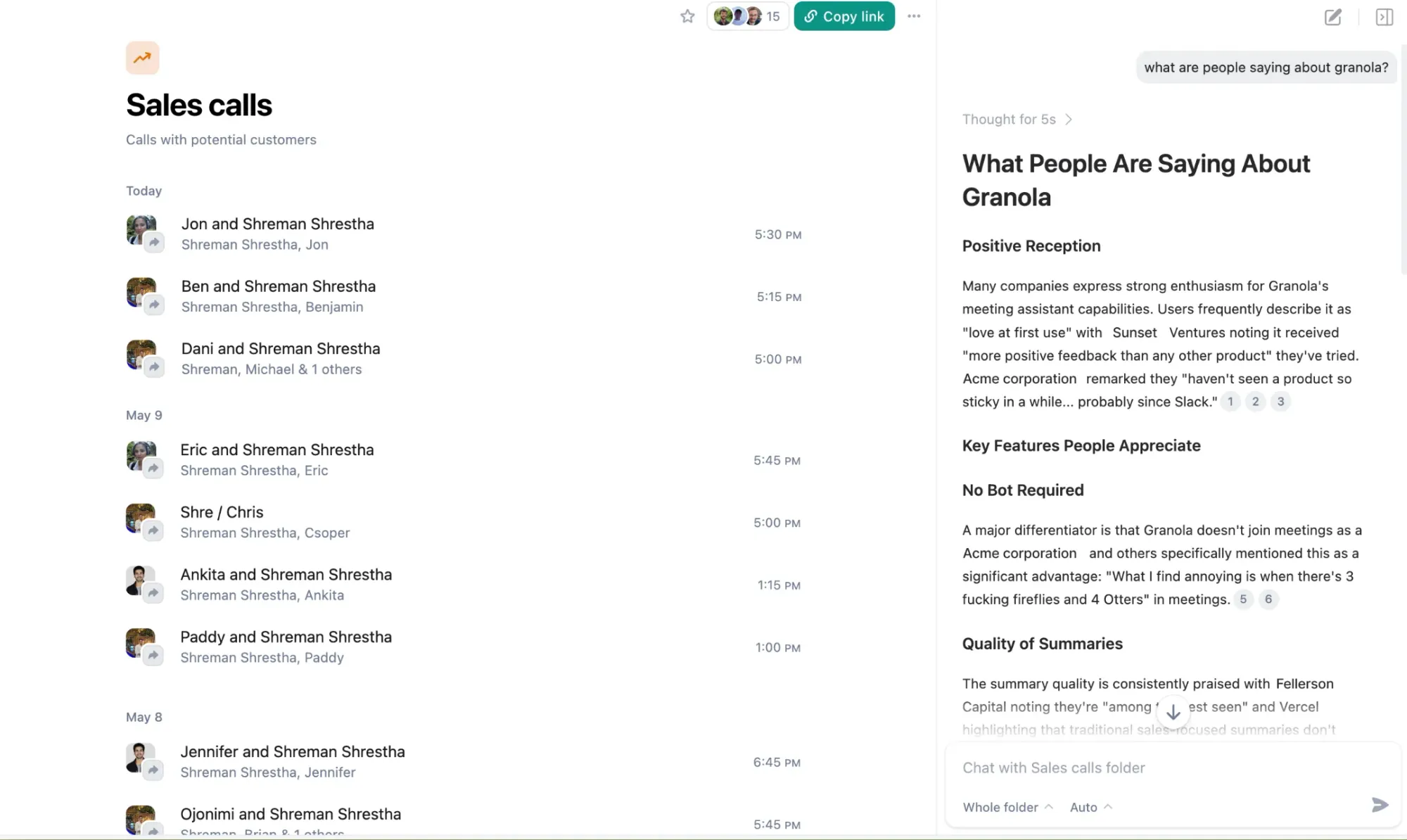
An AI meeting notepad that sits on your computer rather than joining calls as a bot. Captures device audio from Zoom, Google Meet, Teams, or in-person meetings, then generates structured notes alongside whatever you typed during the meeting. AI chat lets you query notes across research sessions. Spaces (team workspaces) and Notion/Slack/HubSpot integrations landed in 2026. Simpler than Dovetail—a good fit for teams that do occasional interviews rather than full research operations.
Use this when: your team runs user interviews on video calls and wants an easy way to capture, query, and share research findings without a visible bot in the meeting. Pricing: Free plan (30-day meeting history); Business $14/user/mo; Enterprise $35/user/mo.
The most expensive bug is the one you find after launch. Usability testing catches it before a single line of production code is written. These user testing platforms handle moderated and unmoderated testing, participant panels, and data analysis of task-level behavior. Unmoderated usability testing in particular has changed how fast teams can validate work—run a study in the morning, review results in the afternoon.
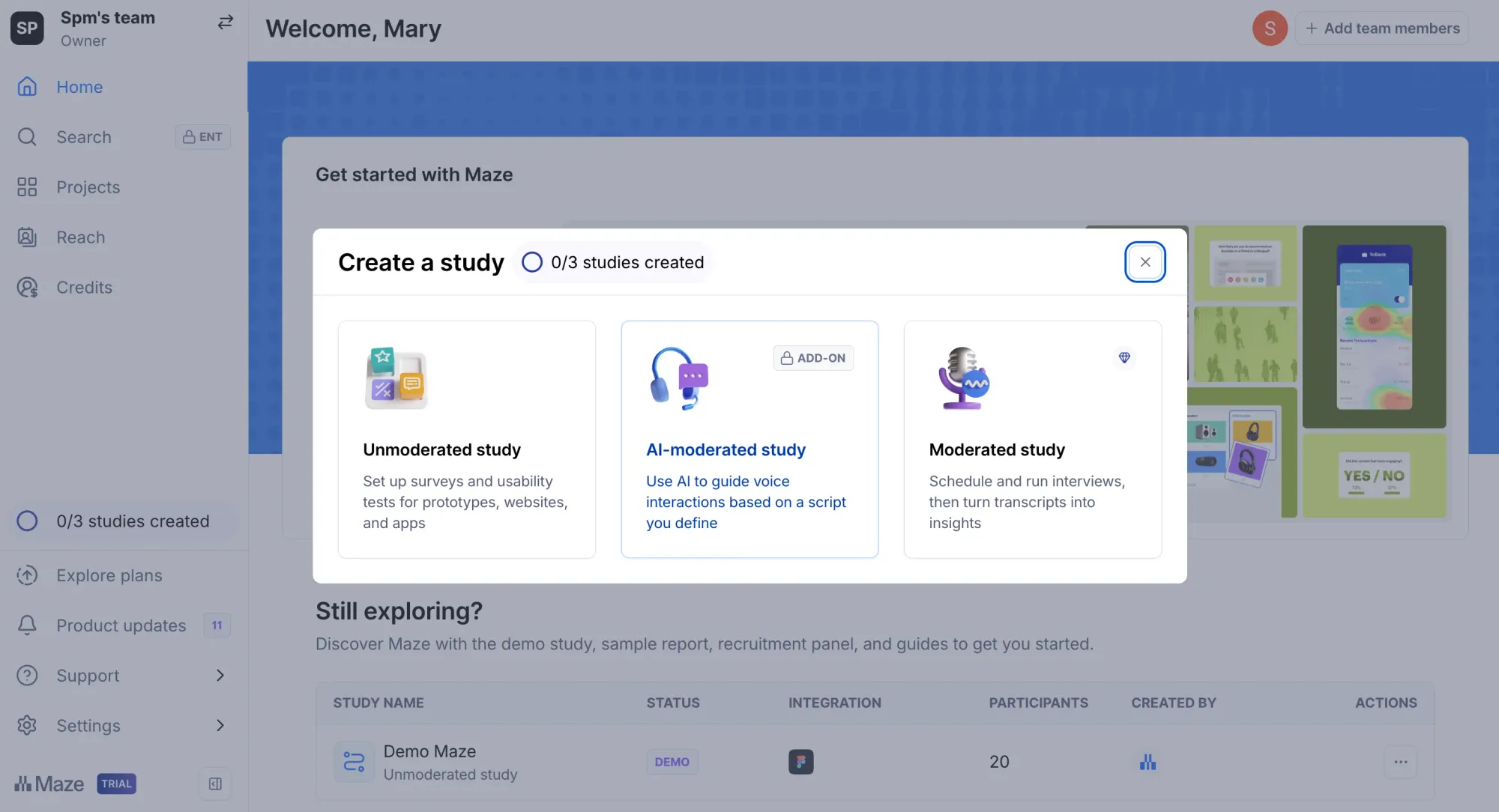
Complete user research platform for unmoderated usability testing. Import prototypes from Figma or any live URL, define tasks, and run usability tests with real users. AI-powered analysis surfaces misclick patterns, drop-off points, and task completion rates when users complete tasks. Supports prototype testing, preference tests, surveys, card sorting, and tree testing. Integrations with Notion, FigJam, and Figma keep findings close to your existing workflow.
Use this when: you need to conduct usability testing at scale without moderating every session. Pricing: Free plan (1 project, limited); Enterprise custom.
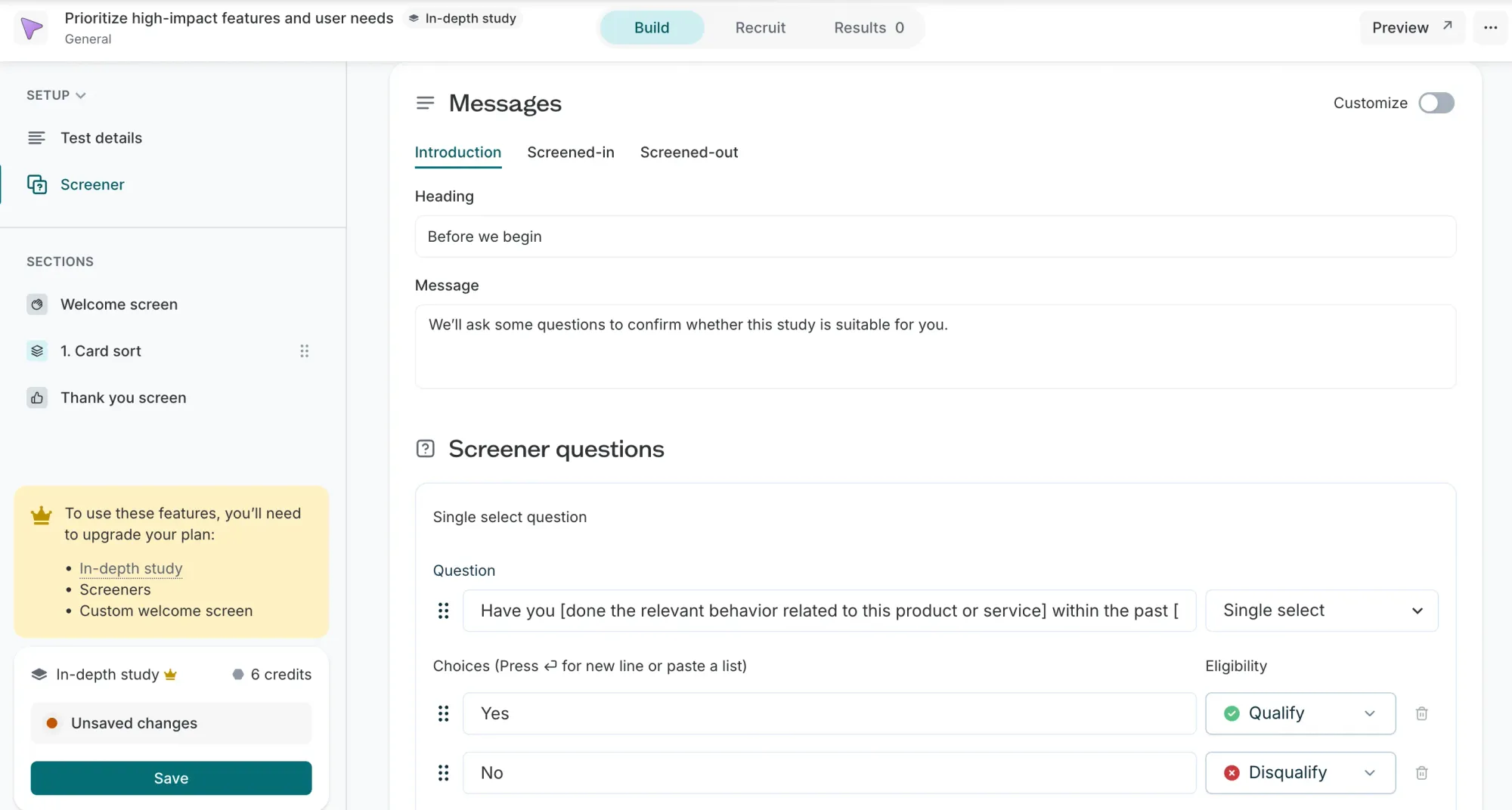
Remote user testing platform (formerly UsabilityHub) for quantitative UX validation. Five-second tests, click tests, preference tests, first impression tests and prototype testing. Built-in panel of 690,000+ participants for fast research recruitment—useful when you need high-quality participants quickly. Panel management and demographic filters help you target audience segments precisely. Best for answering specific design questions: Does the CTA stand out, which layout feels more trustworthy.
Use this when: you need fast quantitative answers to specific design questions, or remote user testing on a tight deadline. Pricing: Free plan; Growth from $165/mo annual; Enterprise custom. Panel responses billed separately (1 credit = $1).
The fastest way to validate a concept isn't a meeting; it's putting something visual in front of users and watching what happens. The bottleneck used to be creating the thing to test. AI tools eliminated that bottleneck.
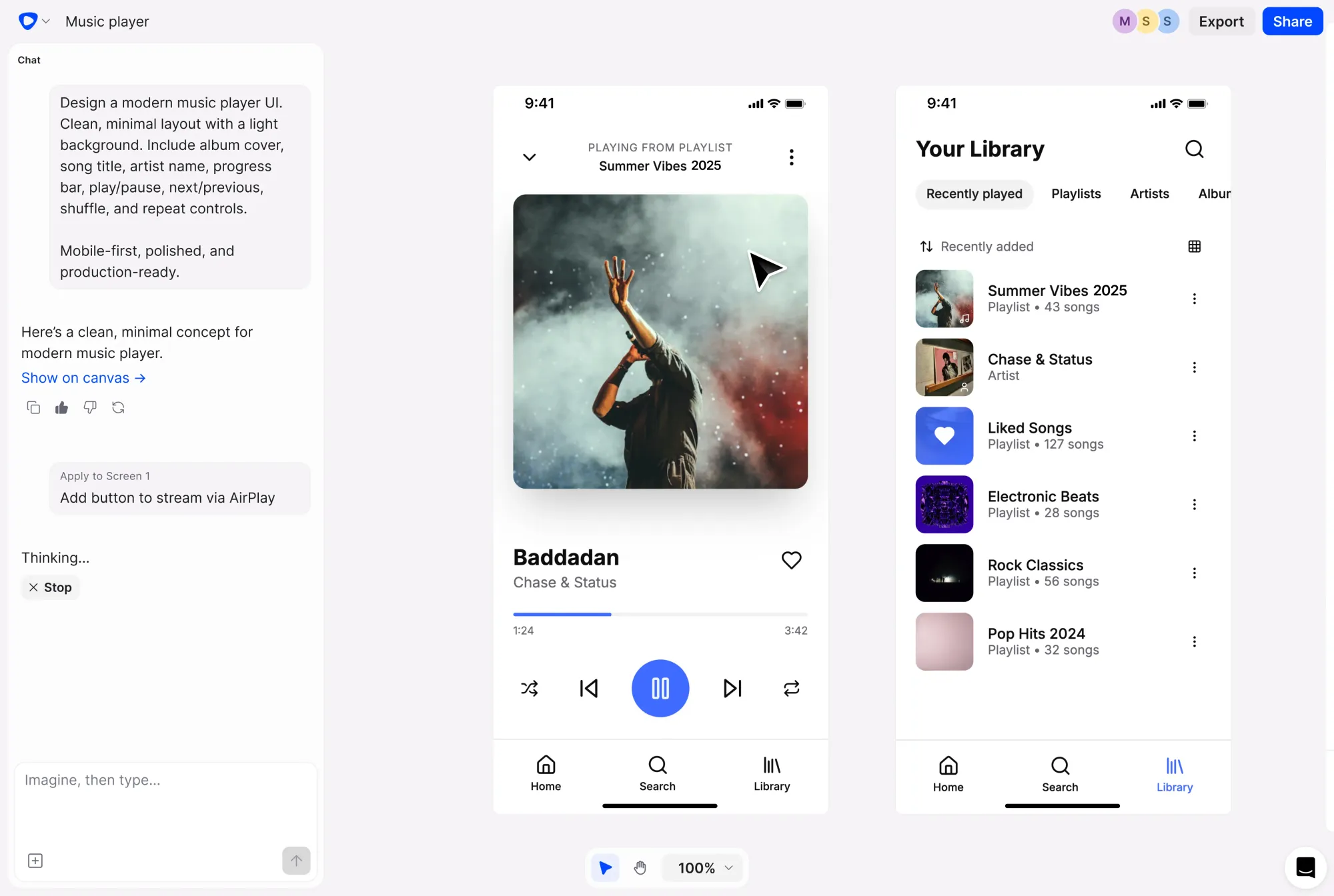
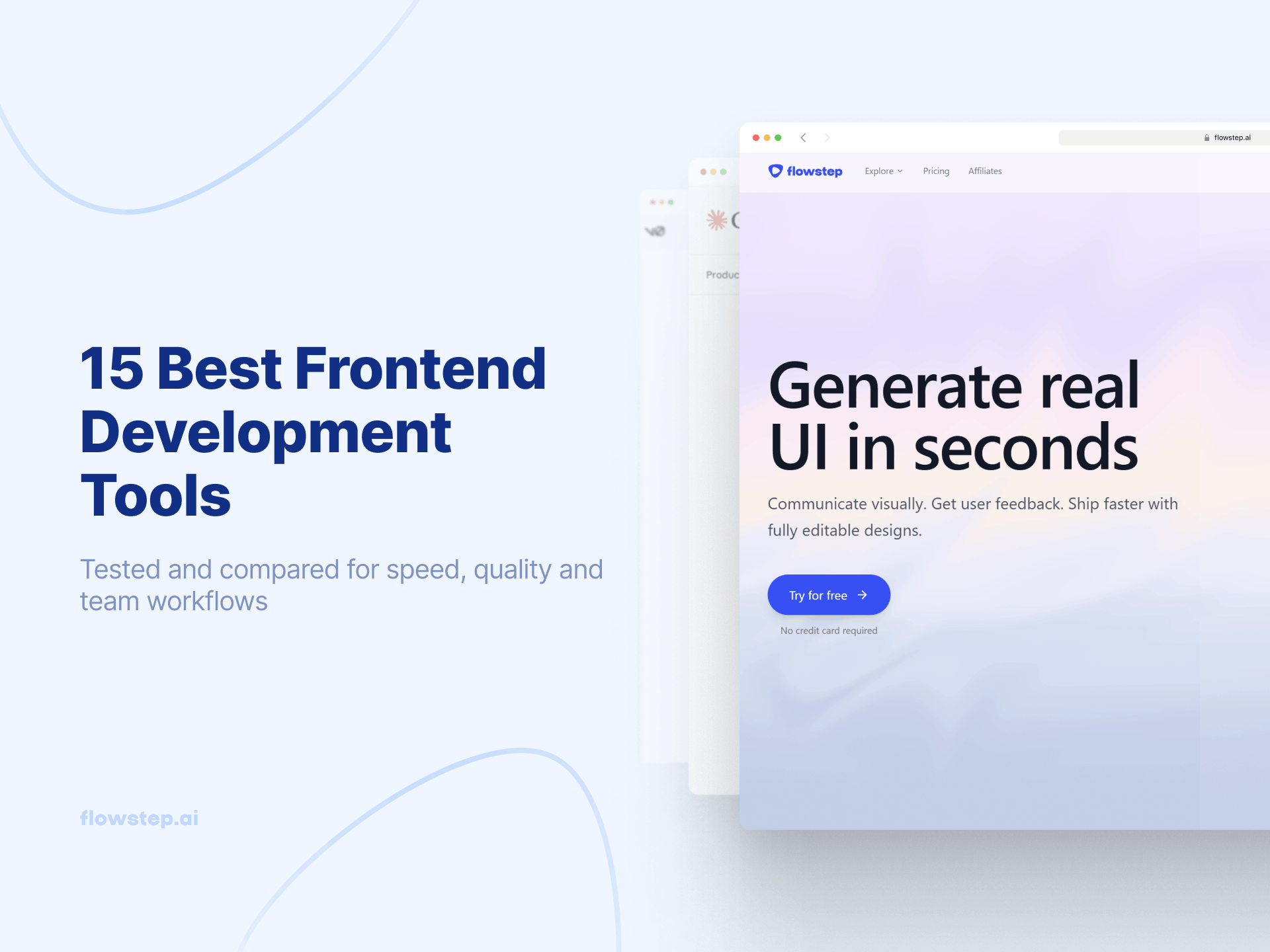
Flowstep is the bridge between research insight and a testable concept. When your user interviews tell you users need a better onboarding flow, Flowstep generates that flow (multiple connected screens, polished UI, ready to test) in seconds from a text description. Attach your PRD, research findings, or reference screenshots for context. Flowstep isn't a traditional UX research tool; it's the tool that makes research findings actionable faster.
The UX research process gets stuck between "we know what users need" and "we have something to test." Flowstep compresses that gap to minutes. A UX researcher or PM can generate multi-screen concepts from prompts, get stakeholder alignment, and push the result to any user testing platform the same day. Test, learn, regenerate, re-test, all before the sprint ends. This is especially useful for teams running multiple research studies in parallel where each hypothesis needs a quick visual to put in front of users.
Use this when: your research surfaced a clear hypothesis, and you need testable screens in minutes. Pricing: Free plan; paid plans from $15/mo. See our design prompts guide for how teams brief Flowstep from research findings, and the best AI tools for product managers for the wider PM stack.
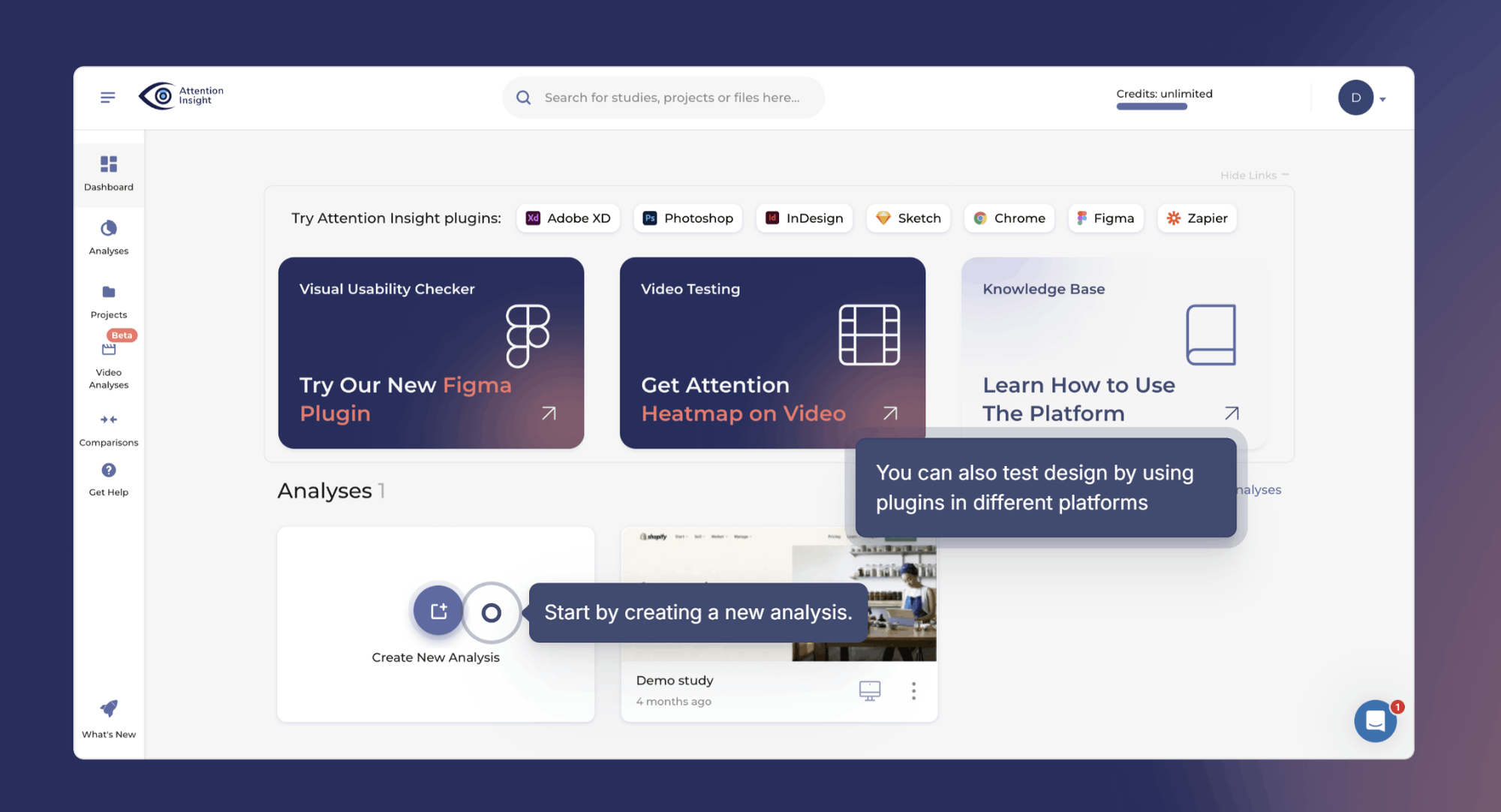
AI-powered visual attention analytics tool for validating concepts, prototypes, landing pages, ads, and product screens before they go live. Upload a design and Attention Insight predicts where users are likely to look using AI-generated attention heatmaps, focus maps, clarity scores, and Areas of Interest analysis.
For concept testing, this helps teams answer a critical early question: will users notice the right thing? Before running a full usability test or launching a campaign, UX researchers, designers, PMs, and marketers can check whether the CTA, headline, product image, form, pricing block, or key message gets enough attention.
Attention Insight is especially useful when a team has multiple design directions and needs a fast, objective way to compare which concept communicates most clearly. It does not replace user interviews or usability testing, but it helps teams improve concepts before putting them in front of participants.
Use this when: you have a visual concept, prototype, landing page, or campaign creative and need to know whether the most important elements will be noticed before user testing or launch. Try Attention Insight for 14 days for free; paid plans available.
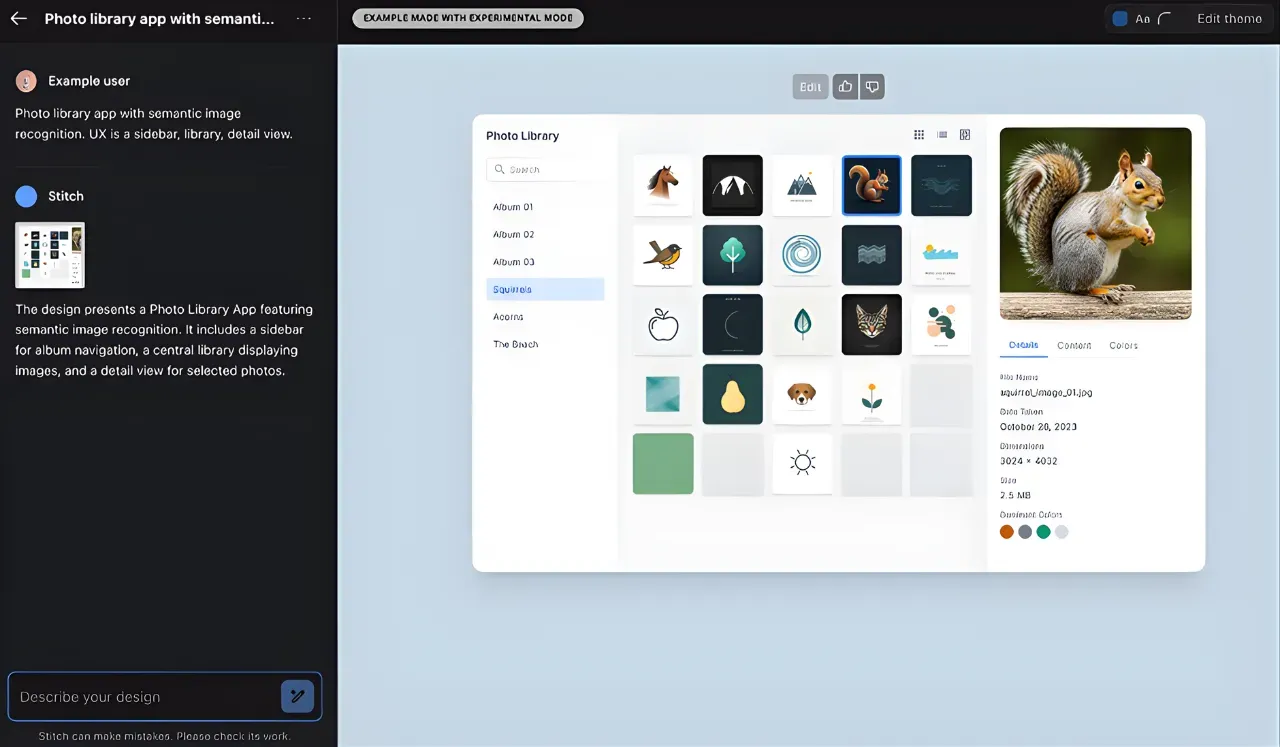
Free AI design tool from Google Labs. Fast single-screen generation for quick concept exploration when you need visual feedback on an idea before investing in detailed design. Good for rough concepts; limited to around 5 connected screens, no real-time collaboration, and positioned as a Google Labs experiment without long-term commitment. Pricing: Free (Google Labs beta). See our Google Stitch review and Google Stitch alternative guide.
Interviews tell you why. Surveys tell you how many. These tools enable quantitative data collection at the scale qualitative methods can't reach. They're also where most market research and user sentiment tracking happens.
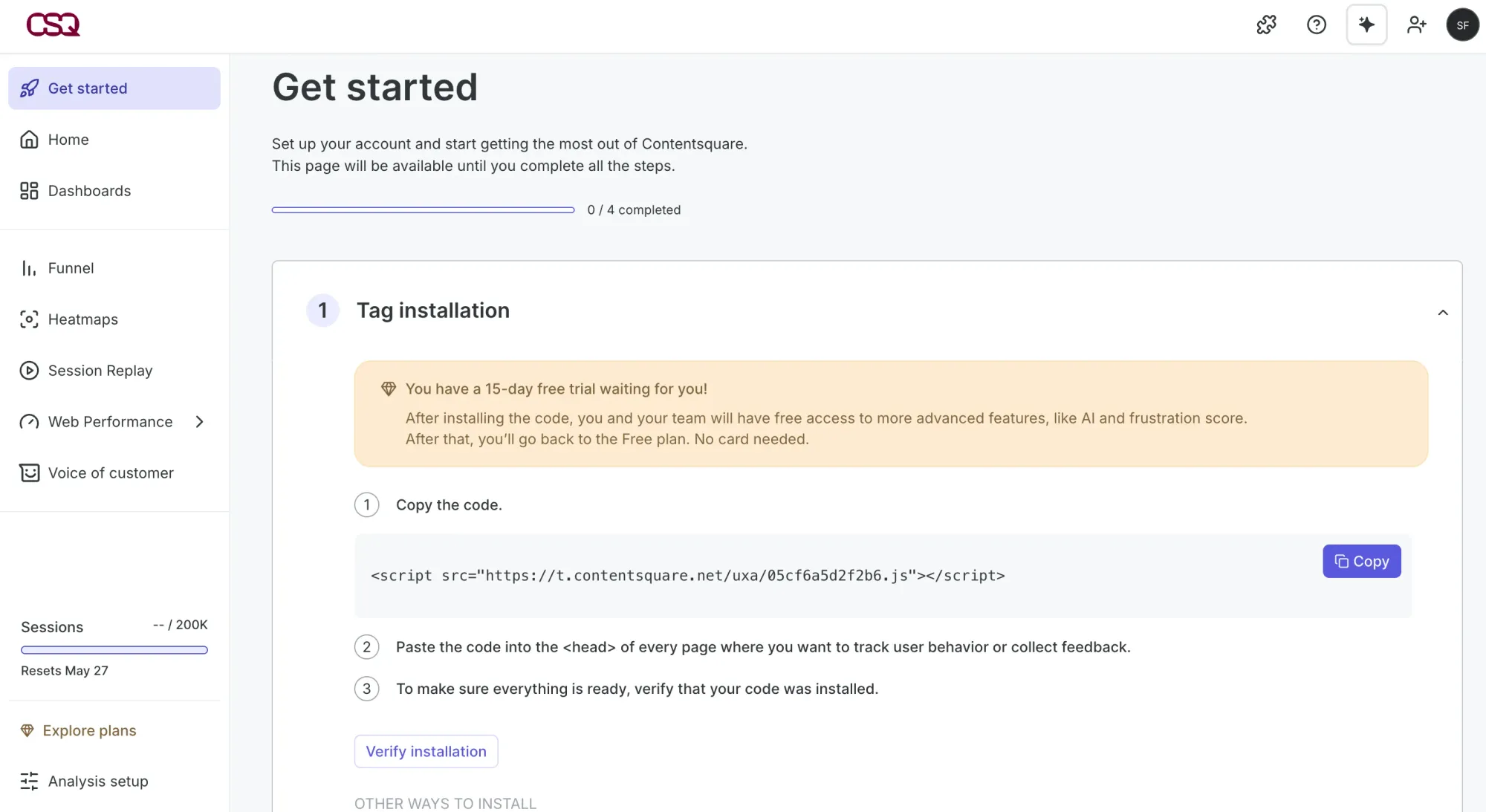
In-product user feedback combined with behavioral analytics tools. On-site surveys, feedback widgets, heatmaps, and session recordings in one platform. Best for teams that want to combine what users say (surveys) with how users interact (heatmaps and replays) using integrated tools instead of managing several products. Generous free plan with unlimited heatmaps. Low learning curve compared to enterprise UX research platforms. Pairs well with Google Analytics for a full picture of user behavior.
Use this when: you want quick in-product user feedback combined with behavioral data from one integrated tool. Pricing: Free plan; Growth $49/mo annual (unified Observe + Ask since the Contentsquare acquisition); Pro and Enterprise custom.
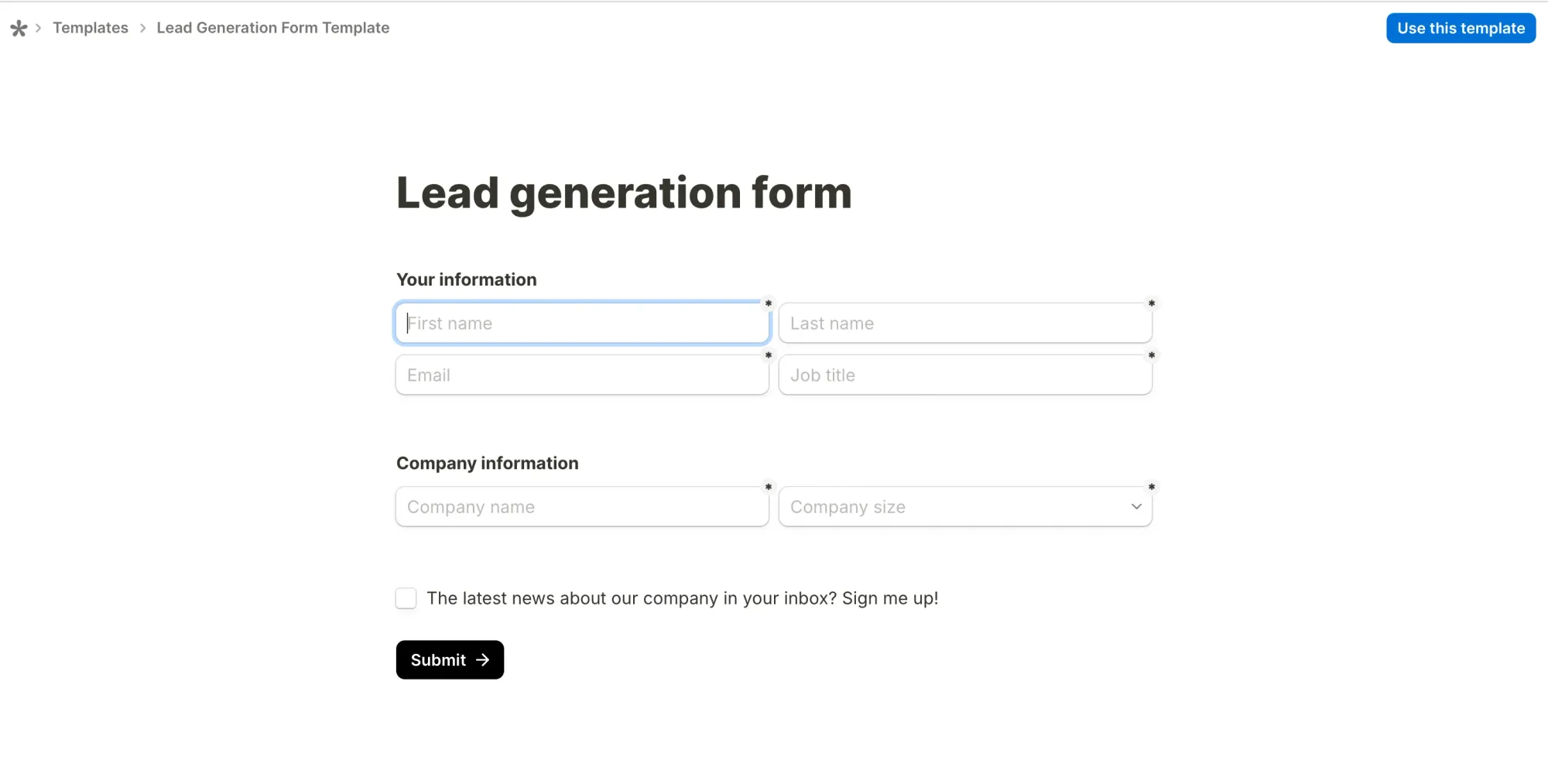
Notion-style form builder with unlimited forms and unlimited submissions on the free plan—a genuine outlier in a category full of paywalls. Conditional logic, calculations, e-signatures, file uploads, and native Stripe payments all work on the free tier. Widely used by UX research teams for screener surveys, post-task questionnaires, NPS and CSAT, especially when budgets are tight.
Pricing: Pro ($24/mo or $29/mo when you pay monthly) adds custom branding and team collaboration; Business ($74/mo or $89/mo when you pay monthly) adds data retention controls.
Usability testing tells you what might happen. Analytics tell you what happened at scale. These data collection tools surface pain points in live products that interviews or moderated usability testing can miss. They show where real users get stuck, not just where test participants think they'd get stuck.
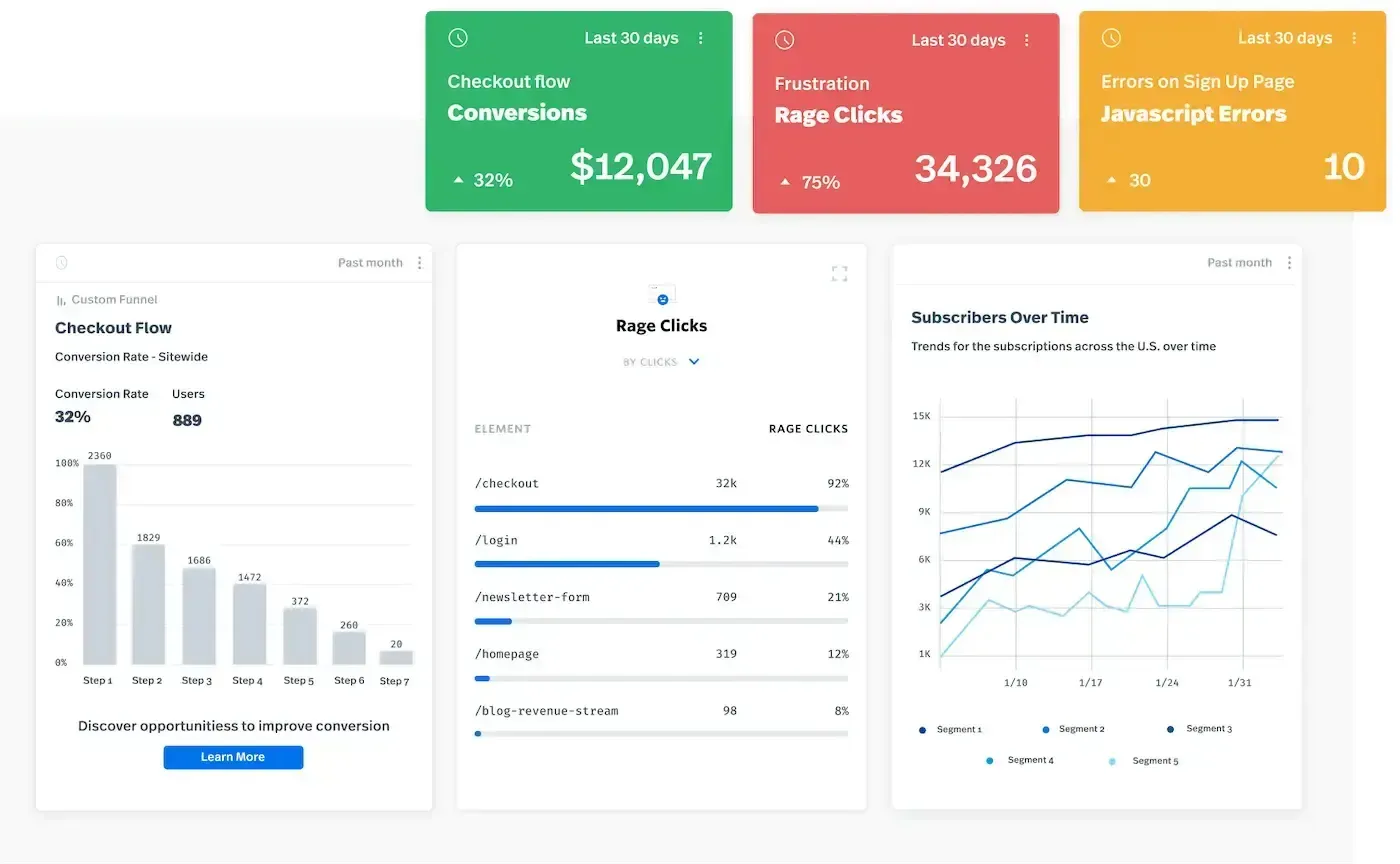
Session replay plus product analytics. Watch actual sessions to see where people get confused, rage-click, or abandon tasks. Frustration scoring detects problems automatically and surfaces them without you having to hunt. Combines qualitative observation (session replay) with quantitative signals (funnel analysis, error tracking). Powerful for diagnosing specific UX problems in live products and turning them into actionable insights for the next sprint.
Use this when: you need to see exactly where and why users struggle, not just aggregate numbers. Pricing: Free plan; paid plans are custom.
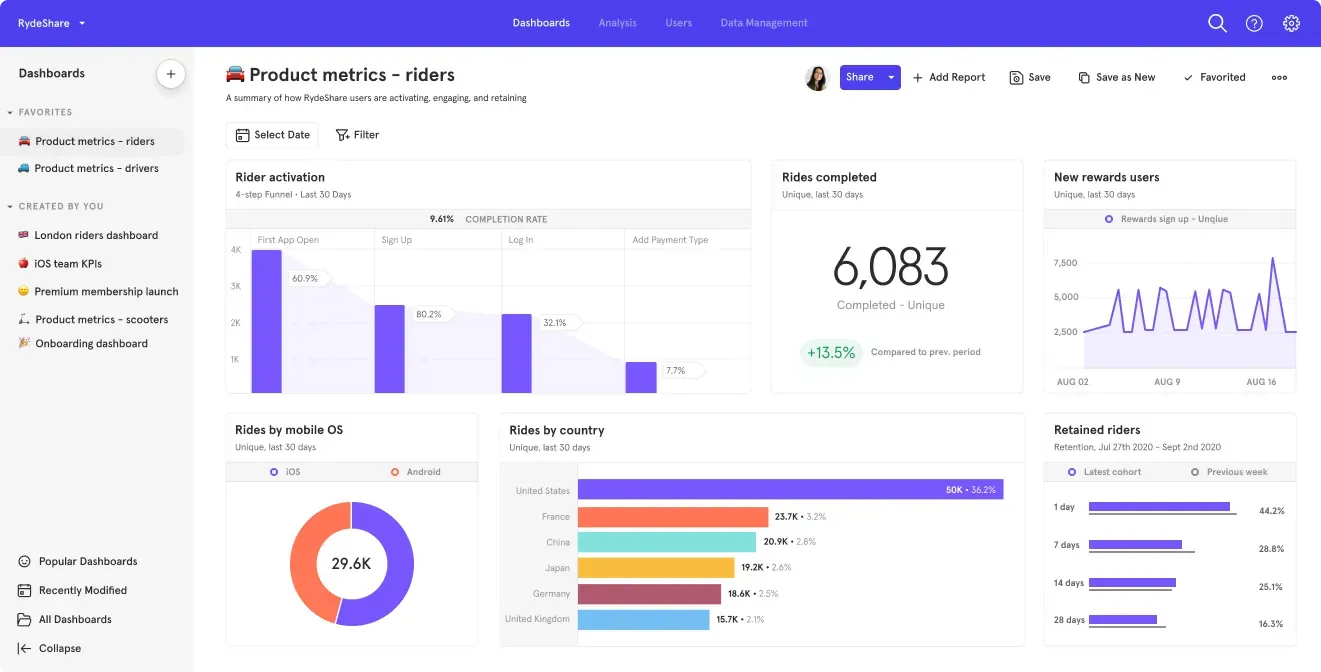
Product analytics for tracking user behavior—funnels, retention, cohort analysis, feature adoption. Shows aggregate patterns: where users drop off, which features get used and how conversion rates shift across segments. The quantitative complement to qualitative UX research methods. Free plan is generous (1M monthly events, unlimited data history, 10K session replays).
Use this when: your product is live and you need behavioral data to inform the next design iteration. Pricing: Free (1M events/mo); Growth at $0.28 per 1,000 events beyond the free tier; Enterprise custom.
Don't try to use all of these tools. Build a stack that matches your team size and research maturity. The right UX research tools for a solo founder look nothing like what a mature user research function needs. Start with the research method you do most, and add tools only when a bottleneck appears. Overbuying research software is one of the most common ways teams waste budget without getting better insights.
The biggest research bottleneck isn't collecting research data—it's acting on it fast enough. Tools like Flowstep compress the gap between "we learned X" and "here's a testable concept" from days to minutes. The faster that loop runs, the better your product gets.
Start turning research into testable designs with Flowstep.
UX research tools are software that help product teams plan, run, and analyze research with real users—from user interviews and usability tests to surveys and behavioral analytics. Teams need them because opinions are cheap and user behavior is complicated. Without dedicated UX research tools, qualitative data gets lost in Slack threads, and behavioral signals never connect to the interview findings behind them.
Qualitative tools (Dovetail, Granola, Voicepanel) capture the why—what users think, feel and say in their own words. Quantitative tools (Maze, Lyssna, Mixpanel, Hotjar) measure the what—completion rates, drop-off points, click patterns at scale. Most mature stacks use both: qualitative for depth, quantitative for breadth. Analyze user feedback from both sides and patterns emerge faster.
It depends on the research method. For user interviews, Granola has a strong free plan. For unmoderated usability testing, Maze's free plan covers small-scale studies. For in-product feedback, Hotjar's free plan includes heatmaps and session recordings. For surveys, Tally offers unlimited forms and submissions at no cost. For concept generation, Flowstep has a free plan that lets you test prototypes quickly. Most teams combine 2-3 free plans before committing to paid plans.
Match tools to your research maturity. Solo founders or teams without a researcher should start with 2-3 tools that cover interviews, concept testing, and in-product feedback. Small product teams can add a research repository and a dedicated usability testing tool. Mature research teams benefit from specialized tools for information architecture testing and session replay. Add tools when a clear bottleneck appears, not before.
Ready to close the gap between research insight and testable design? Sign up for Flowstep free.