10 Best Design to Code Tools for 2026 (Prompt-to-Code, Figma Export & Handoff)
Compare the 10 best design to code tools of 2026: AI design engineers, Figma-to-code converters, app builders and handoff tools.
Looking for a v0 alternative? Compare 8 AI tools, including Flowstep, Lovable, Bolt.new and Cursor, to ship UI and full-stack apps in 2026.
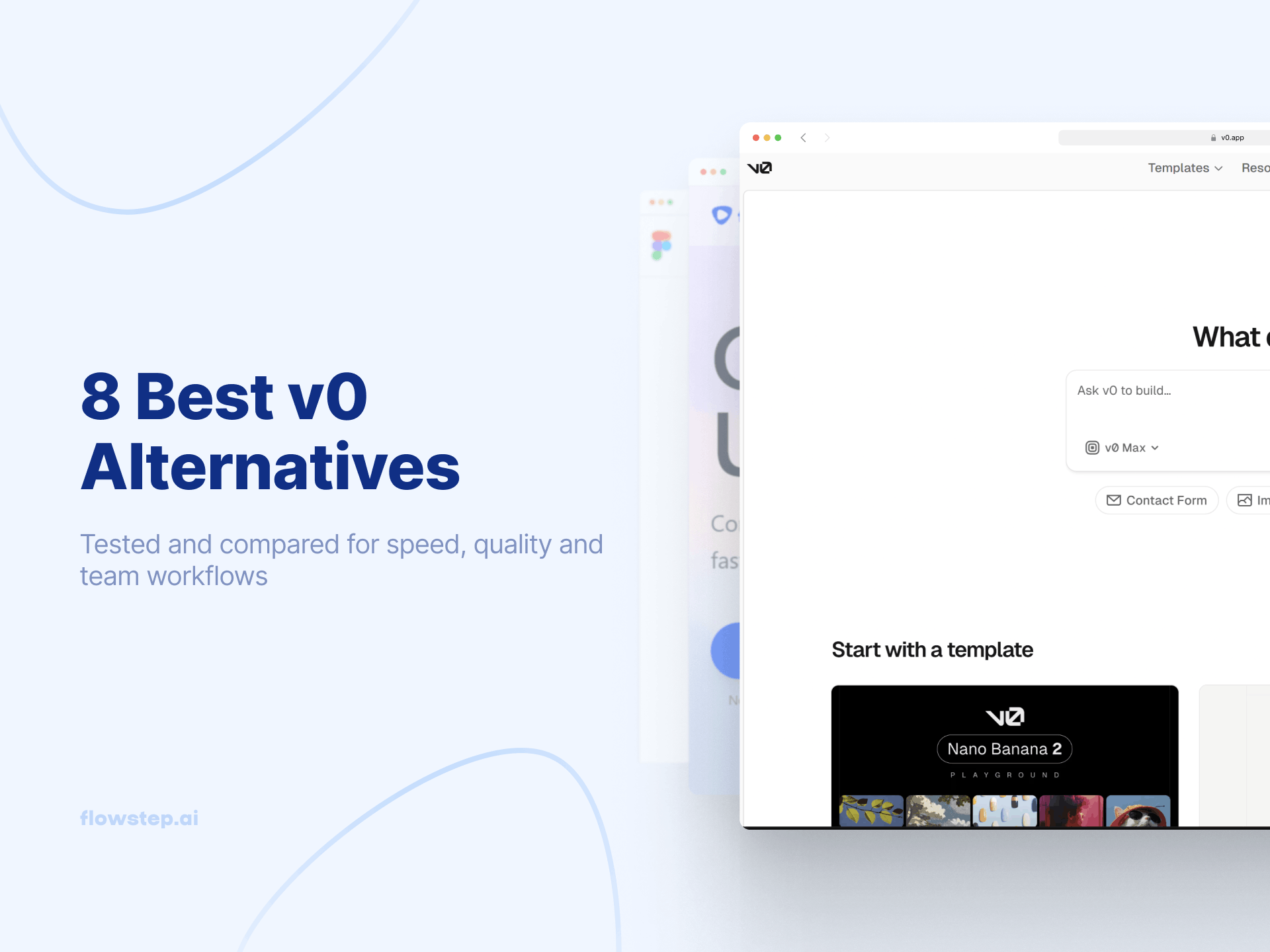
v0 generates clean React components in seconds. Type a prompt, get a polished pricing card, nav bar, or dashboard layout. Impressive.
Then you zoom out and realize you have isolated UI components, not a web app. No connected flows, no multi-screen journey, no way to show your team what the full product looks like before committing to code. That is why teams looking for a v0 alternative are not chasing better code quality - v0's React code is already clean. They need a tool that solves product-level design before the code phase.
The best v0 alternatives split into two categories: vibe coding tools focused on full app building and implementation (Lovable, Bolt.new, Base44, Replit, Cursor), and AI UI generators focused on fast interface exploration, flows, and product alignment before development (Flowstep, Claude Design). Many tools in the second category also generate production-ready code, but their core value is accelerating UI ideation and iteration rather than acting as full-stack app builders. Here is the breakdown, starting with Flowstep as an AI UI generator and code-capable alternative to Vercel v0.
v0 (or v0.app) is an AI-powered frontend development tool by Vercel. It generates production-ready React and Next.js components from natural language prompts using shadcn/ui and Tailwind CSS. It runs entirely in the browser with AI-powered code generation and one-click deployment to Vercel. Our v0 pricing breakdown covers the full plan structure.
Pricing: free tier with $5/month credits, Team $30/user/month, Business $100/user/month, Enterprise custom. Paid plans start at $30/month for any real work. Users praise the high-quality code, clean React components, and tight Vercel ecosystem. But v0 alternatives exist because teams hit real limits:
The v0.dev alternative market splits into two camps. One is vibe-coding app builders - tools focused on generating and shipping working products fast, like Lovable, Bolt.new, Cursor, Replit, and Base44. The other is AI UI generators - tools focused on creating interfaces, flows, and product experiences before development. Many of them generate code too, but UI and interaction design remain the core layer. Claude Design falls into this category. See the best AI tools for developers for more context.
Quick comparison:
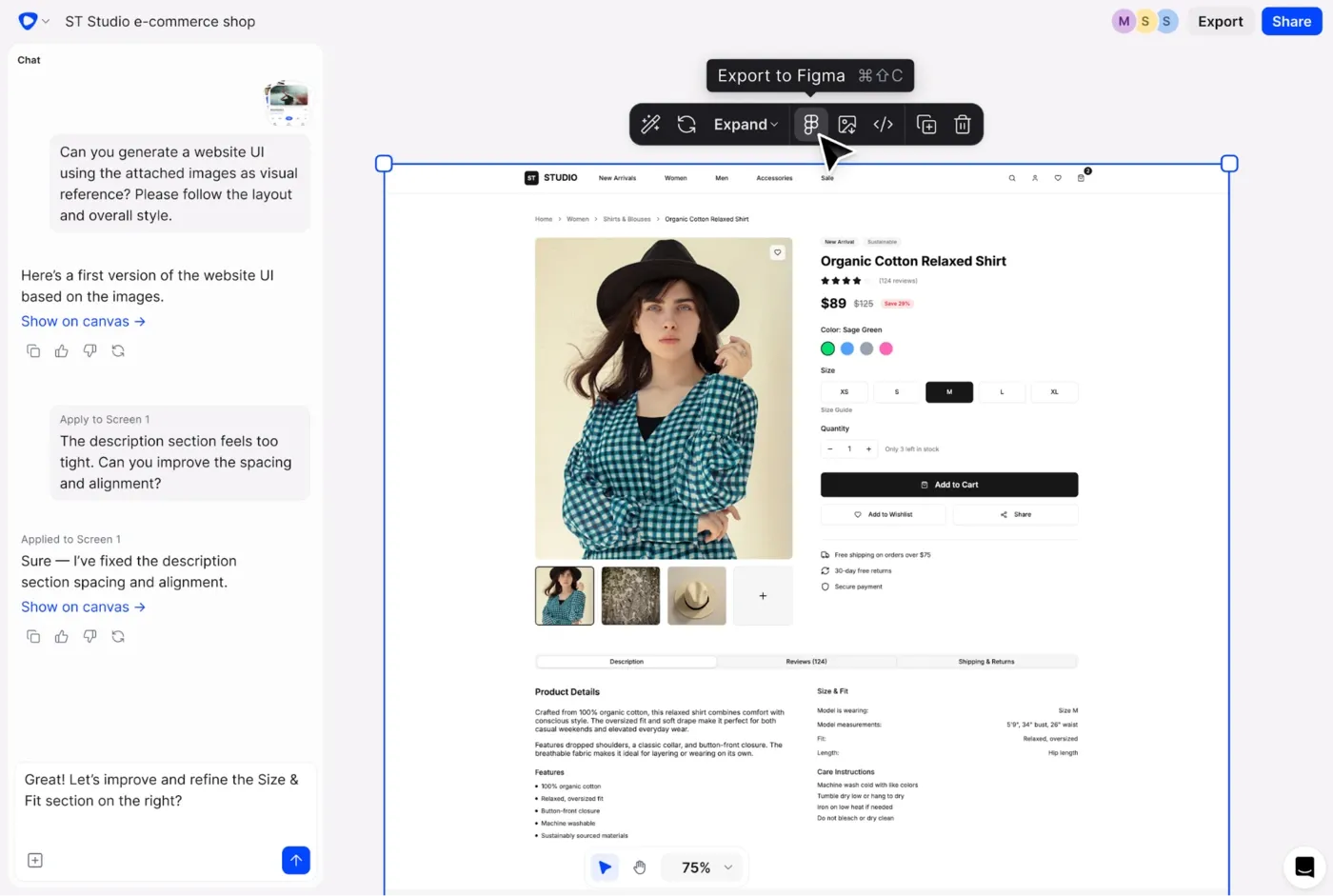
Flowstep is the design-first v0 alternative. Where v0 generates individual UI components, Flowstep generates complete multi-screen UI flows on an infinite canvas that you can export as code. v0 solves code generation. Flowstep solves the problem upstream—product-level design alignment.
Describe a user journey: onboarding → dashboard → settings → profile, and get those screens as reusable components in one generation. Each screen stays editable, with AI or manually, without burning credits on every pixel change. Attach PRDs, paste URLs, or upload images. See our design prompts guide.
Flowstep has voice mode, live cursors, and unlimited team members. Press ⌘C in Flowstep and ⌘V in Figma—designs land in your existing design systems with no plugin. Or use code export for production-ready React, TypeScript, and Tailwind CSS with clean code access and full visual control. The workflow most teams settle into: align on the full experience in Flowstep, pipe code into Cursor, Claude Code or Windsurf via MCP.
Free plan with core features, multi-screen generation, and unlimited collaborators. Paid plans start at $15/month, Starter ($12/month annually) with 80 AI messages. Growth at $29/month with 240 messages. Pro at $99/month with 1,000 messages. Pricing is message-based, not seat-based.
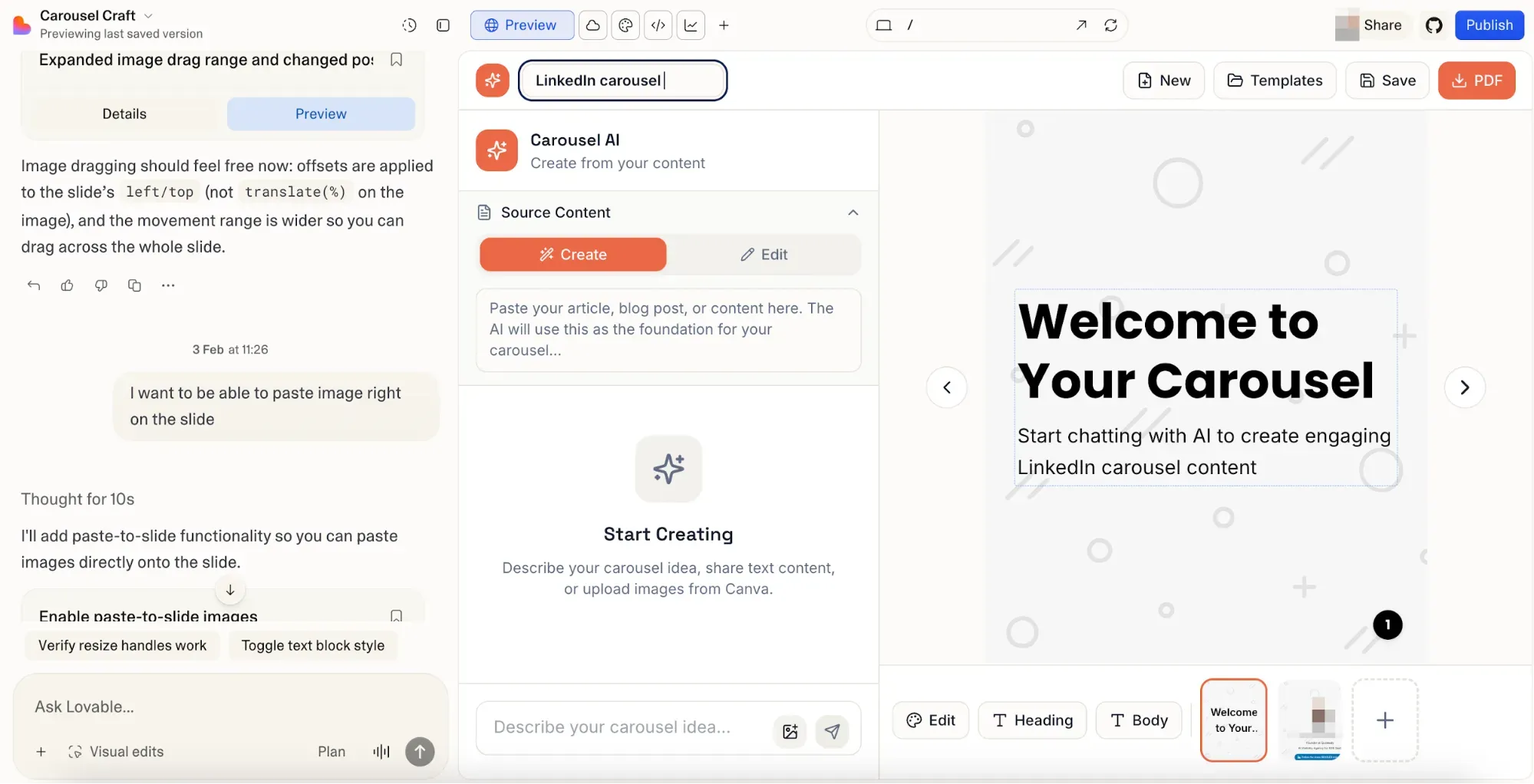
Lovable is the most polished full-stack AI builder among v0 alternatives. While v0 generates frontend components, Lovable generates complete full-stack applications from plain language prompts: React frontend, Supabase backend, authentication, database integration, and one-click deployment. For non-technical founders shipping MVPs fast, Lovable removes the most friction. GitHub sync for version control, visual editing, Stripe integration and custom domains. Trade-off: credits burn fast—a single MVP can use 150-300 credits. See our Lovable reviews.
Free plan with 5 daily credits (30/month max). Pro starts at $25/month for 100 credits monthly + 5 daily, up to 150/month. Business at $50/month with SSO and design templates. Enterprise custom. Credit-based model—not all prompts cost the same, and complex features consume more.
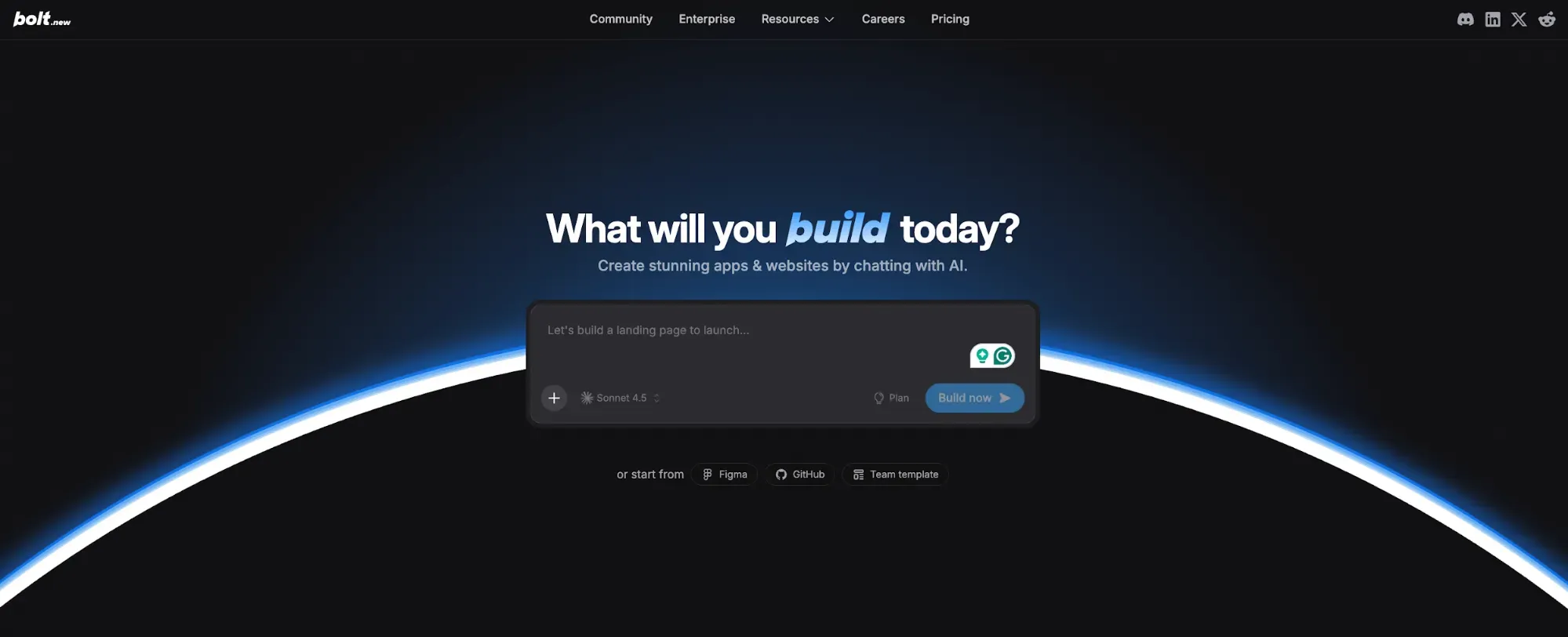
Bolt.new is the browser-based full-stack development tool on StackBlitz—more code visibility than v0, in-browser editing, and instant cloud deployment. The standout: multi-framework support. Bolt handles React, Vue, Svelte, Astro, Next.js, Remix. Full code access to edit in-browser before deploying. Deployable apps go live in one click. Trade-off: polished UI output doesn't match v0's shadcn-trained quality. Bolt wins for rapid prototyping across multiple frameworks; v0 wins for clean React components.
Free tier with 1M tokens/month. Pro at $20/month, with token upgrades available as usage scales. Teams pricing is also available for collaboration features.
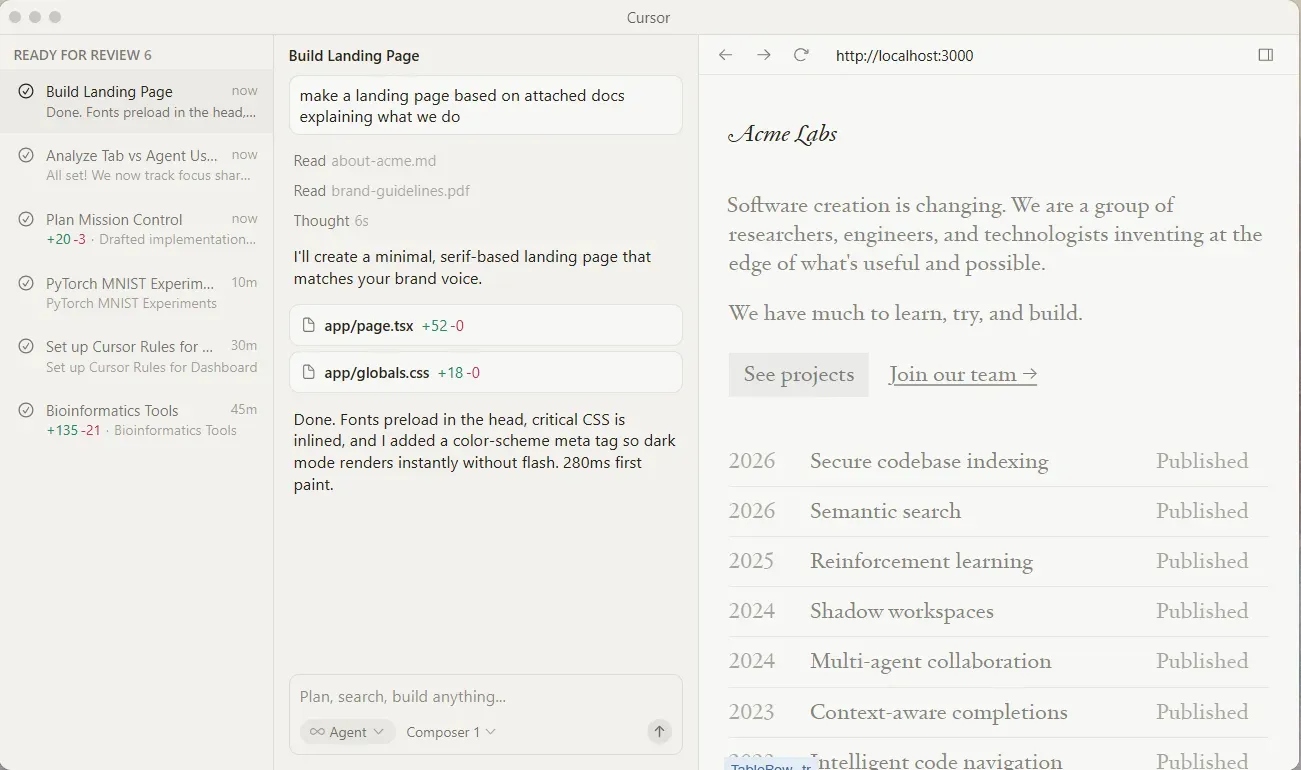
Cursor is an AI developer tool and code editor (VS Code fork), not a web builder. It shows up in v0 dev alternatives lists because teams often choose between "generate a component in v0" and "write code with AI assistance in Cursor." For professional developers inside an existing project, Cursor is the answer. It runs Claude, GPT and Gemini from a single interface with Tab completion, Agent mode for multi-file edits and MCP integrations with Figma, Linear and Stripe. Cursor handles repetitive tasks. v0 does not—refactors, test generation, debugging. Trade-off: Cursor requires technical knowledge.
Key features
Hobby plan is free with limited Tab completions. Pro at $20/month ($16 annual) with a $20 credit pool. Pro+ at $60/month. Ultra at $200/month for heavy users. Teams at $40/seat/month.
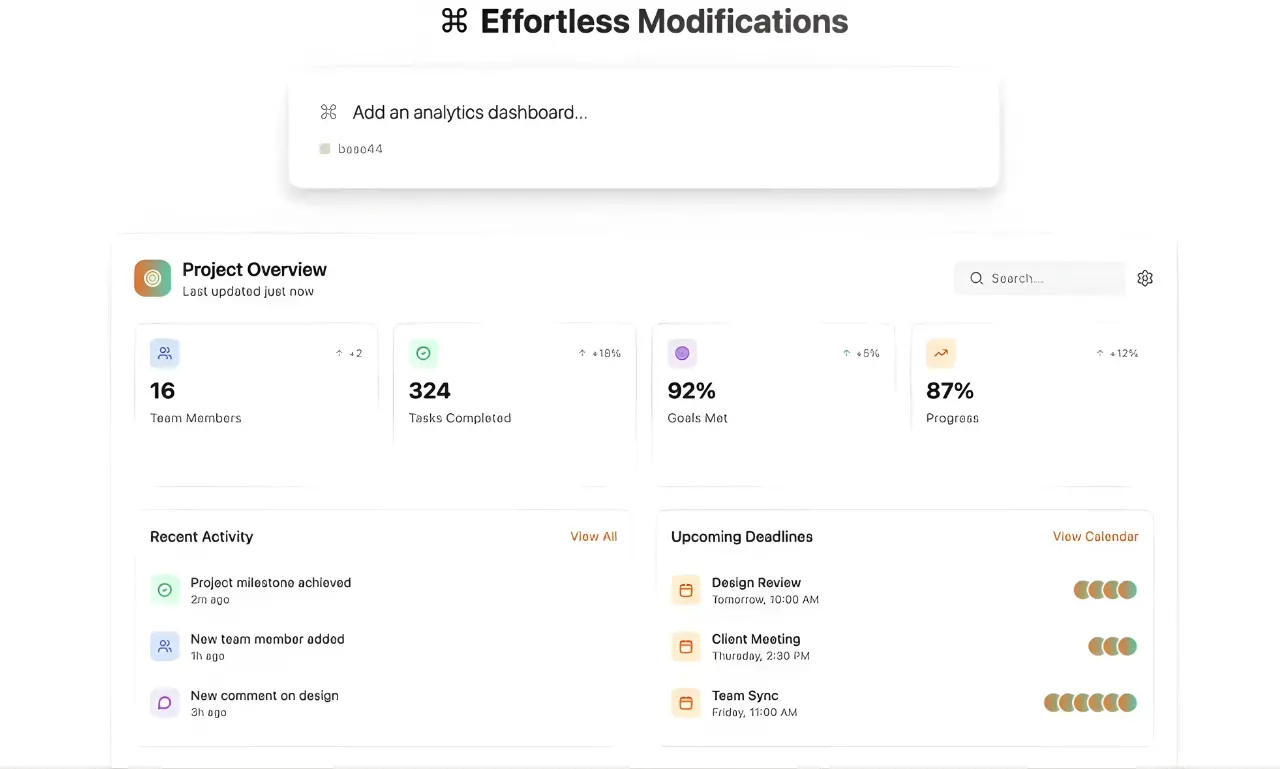
Base44 is a no-code AI builder for full-stack development, simpler than v0. Everything is integrated: database, auth, email, SMS and hosting. Non-technical users describe what they want in natural language, and Base44 generates a fully functional working app with minimal setup. The answer for internal tools, customer portals, and CRUD apps is where you want to avoid developer tool complexity. Unlimited databases on paid plans. Trade-off: less polished UI output than v0's shadcn/ui work, and project complexity has a ceiling.
Free plan with 500 credits. Starter at $20/month, Builder at $40/month, Pro at $80/month, Elite at $160/month. Annual billing drops the Starter to about $16/month.
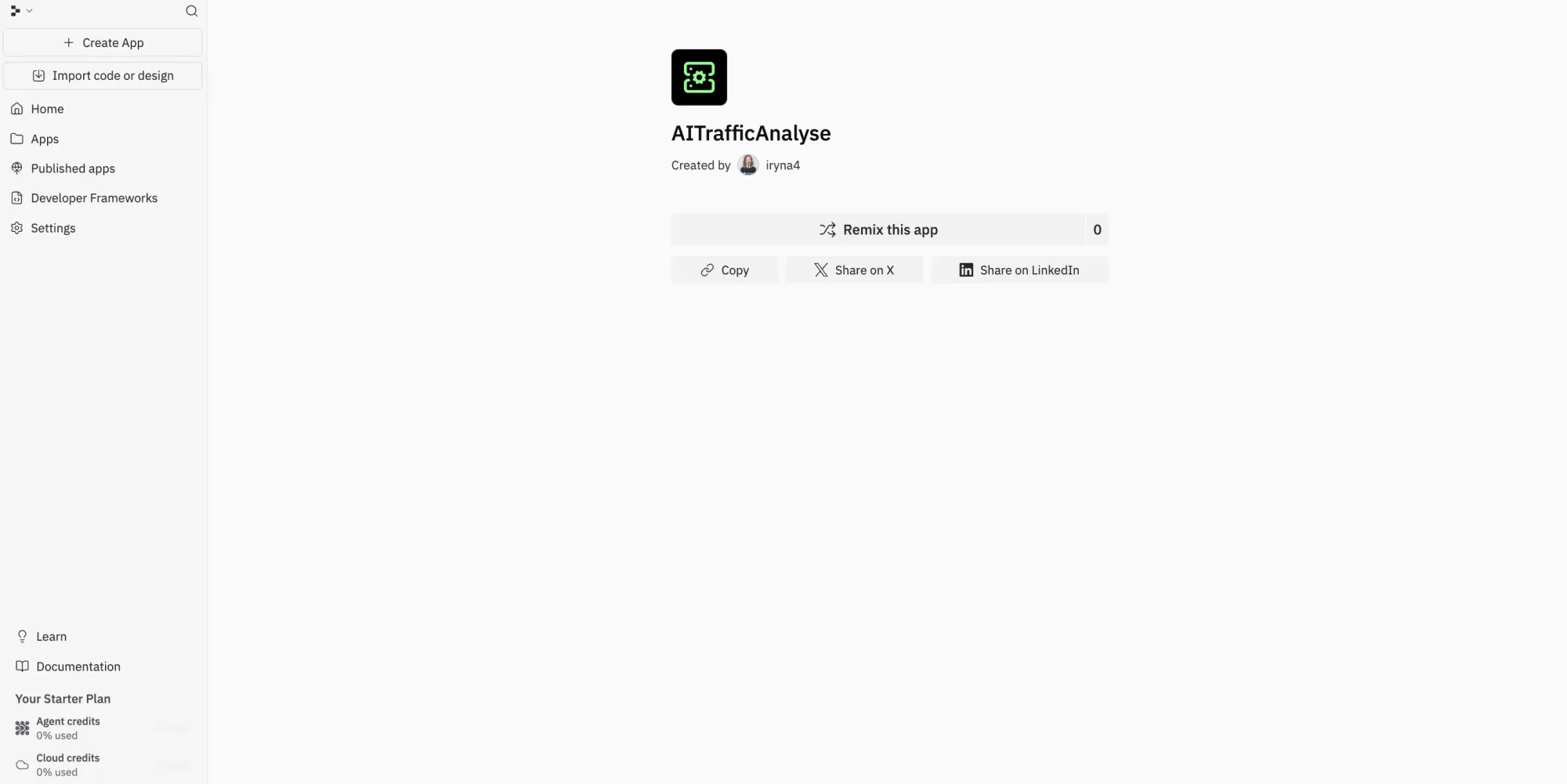
Replit is the cloud IDE with an AI Agent for building and deploying full applications. More flexible than v0—supports any language and framework. Python, Go, Rust, TypeScript. Best for professional developers wanting an all-in-one cloud development environment, from educational projects to production apps. The Replit Agent deploys to Replit's hosting with minimal setup. Real-time collaboration is built in. GitHub integration is available. Replit's effort-based pricing scales with compute time, not a fixed credit-based model. See Replit alternatives.
Free plan for educational projects and exploration. Core at $20/month. Teams at $35/user/month. Enterprise custom.
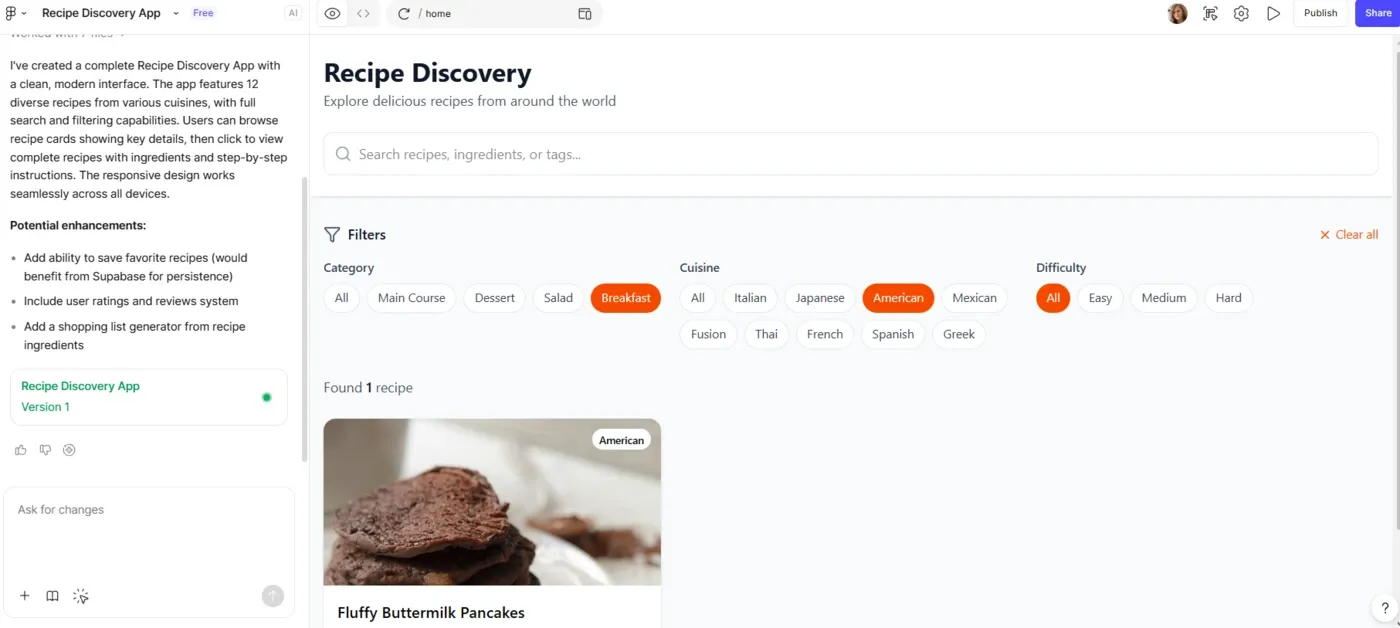
Figma Make is Figma's prompt-to-prototype feature—type a prompt, get a clickable UI inside your Figma workflow. A natural v0 alternative if your team already lives in Figma. Reads your existing design system and generates matching screens. Trade-off: credits deplete fast. A single prompt can use 30-75 credits; heavy users need add-on packs at $120-240/month. See our Figma Make alternative guide and pricing breakdown.
Free Starter plan (500 credits/month). Professional at $20/seat/month with 3,000 Full-seat credits. Credit add-ons from $120/month for heavy users. Add-ons and per-seat costs add up quickly as teams scale.
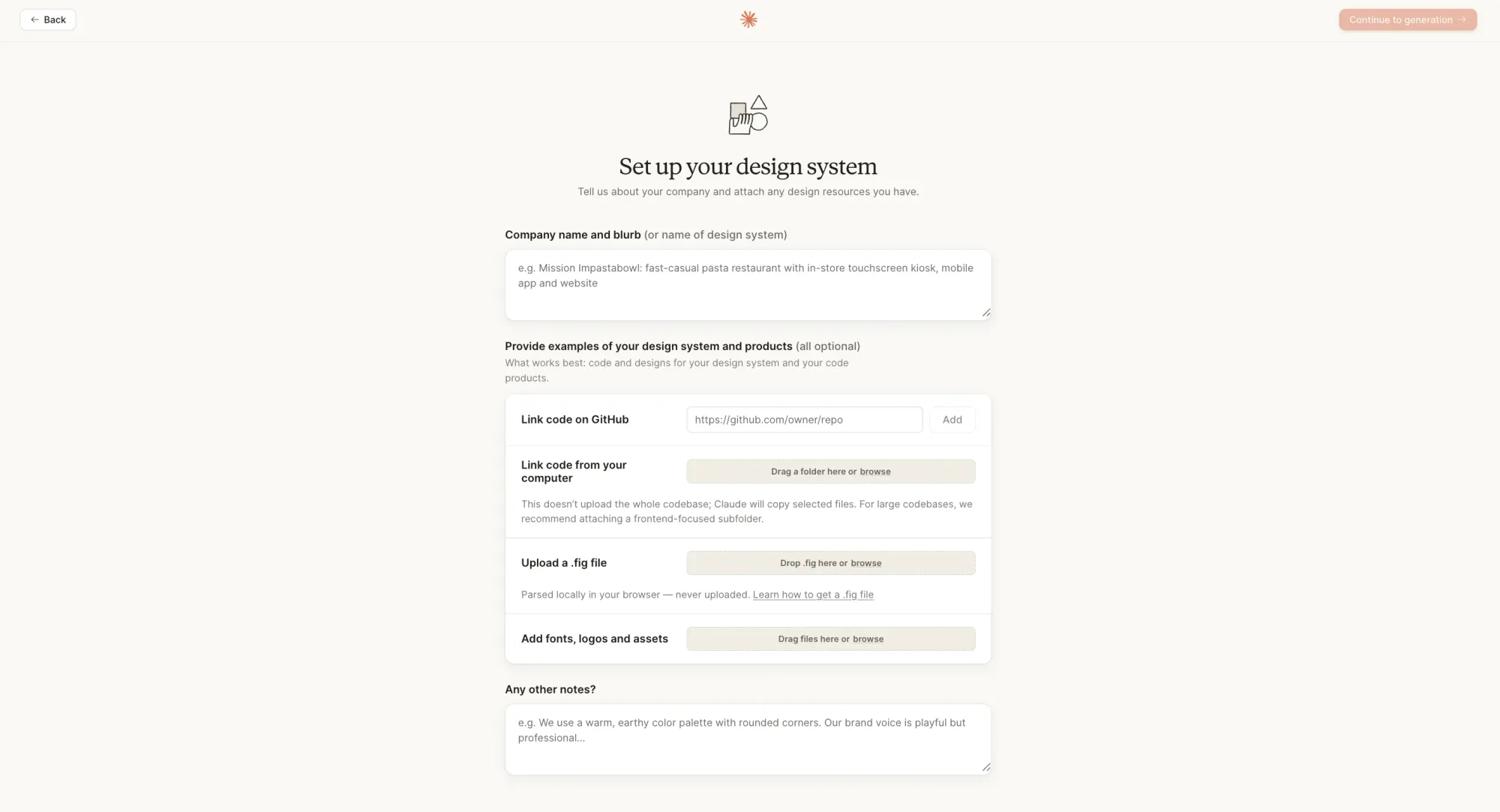
Claude Design launched in April 2026 as Anthropic's research preview—Opus 4.7-powered AI features generate interactive prototypes from text, screenshots, or your codebase, and hand off directly to Claude Code to ship production-ready apps. The standout: the handoff bundle. When a design is ready to build, Claude packages design intent, components, and visual details into one instruction for Claude Code. Trade-off: still in research preview, basic collaboration and design system import requires clean source code.
Included in Claude Pro ($20/month), Max, Team, and Enterprise subscriptions. Enterprise usage-based users get a one-time credit covering roughly 20 prompts. No standalone plan yet—access requires an existing Claude subscription.
The best v0 alternative depends on whether your challenge is generating better code or designing better products. v0 and other tools in the code-first camp excel at turning prompts into clean React components, but if your team is misaligned on what the product should look like, faster code won't fix that. The missing step is visual design and stakeholder alignment.
Flowstep fills that gap. Generate multi-screen UI flows from natural language prompts, align your team in real-time, then hand a clear visual blueprint to v0, Cursor, or Claude Code for implementation. No vendor lock-in, unlimited users, usage-based pricing that doesn't scale punishingly with team size.
v0 is Vercel's AI-powered frontend development tool. It generates production-ready React and Next.js components using shadcn/ui and Tailwind from natural language prompts. Best for frontend engineers on the Next.js stack who want polished UI components fast. Frontend-only—no backend, no databases, no multi-framework support.
Three limitations show up repeatedly. Component-level thinking—v0 generates great screens but doesn't help you design full user flows. Credits drain fast on iteration. And React/Next.js + Vercel-only deployment creates friction for teams on other stacks.
Bolt.new has the strongest multi-framework support: React, Vue, Svelte, Astro. Replit supports any language with instant cloud deployment. Cursor works inside any existing codebase regardless of stack. For design-first workflows, Flowstep exports clean code you can port anywhere. See our best AI design tools for more options.
Yes—this is the workflow many teams land on. Generate multi-screen flows in Flowstep, align stakeholders on the full experience, and collect feedback. Then hand that visual blueprint to v0, Cursor, Claude Code, or Lovable for production components. Flowstep's ⌘C/⌘V Figma copy-paste and React/TypeScript/Tailwind code export make the handoff clean.
Ready to design better before you code? Sign up for Flowstep free